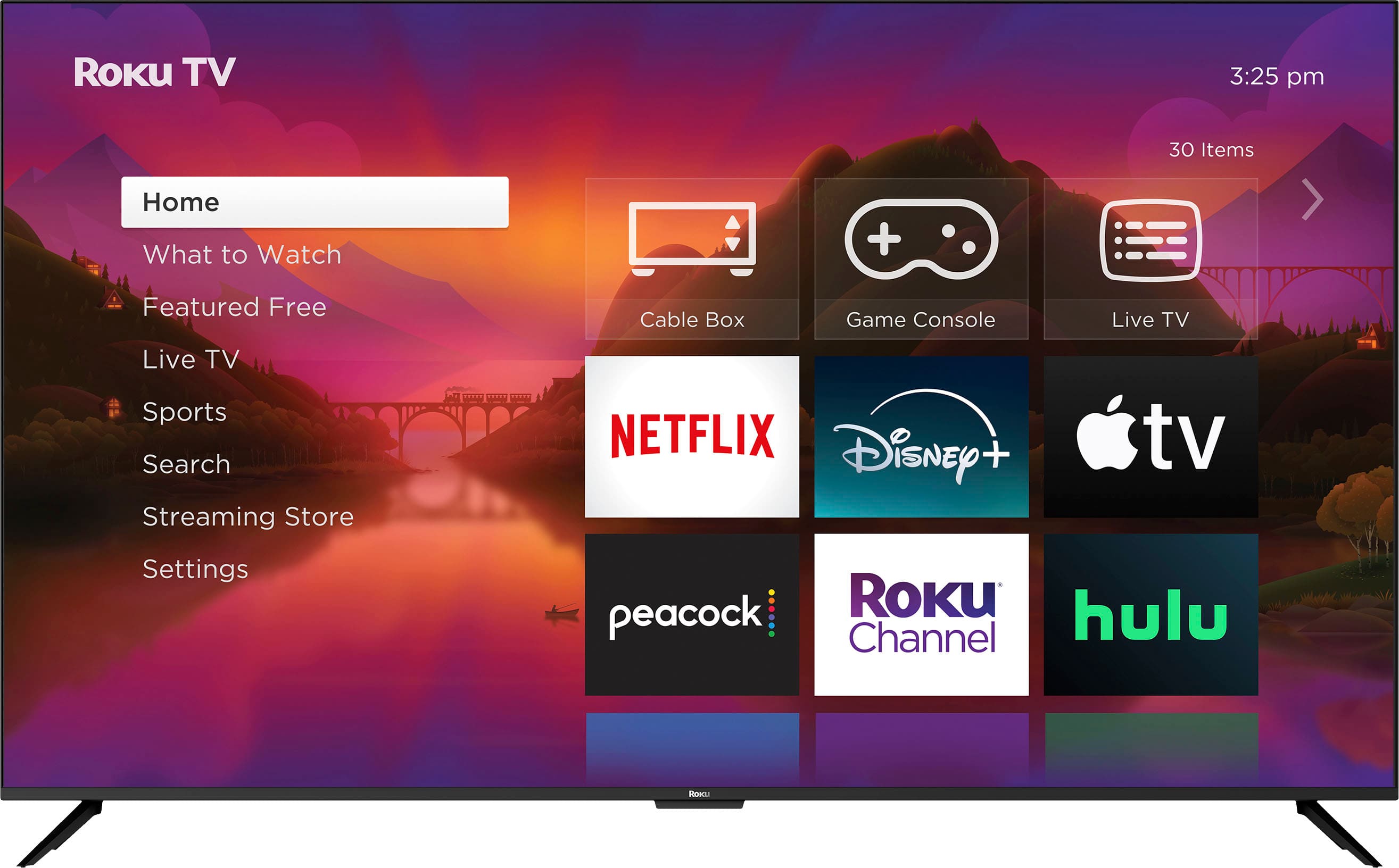
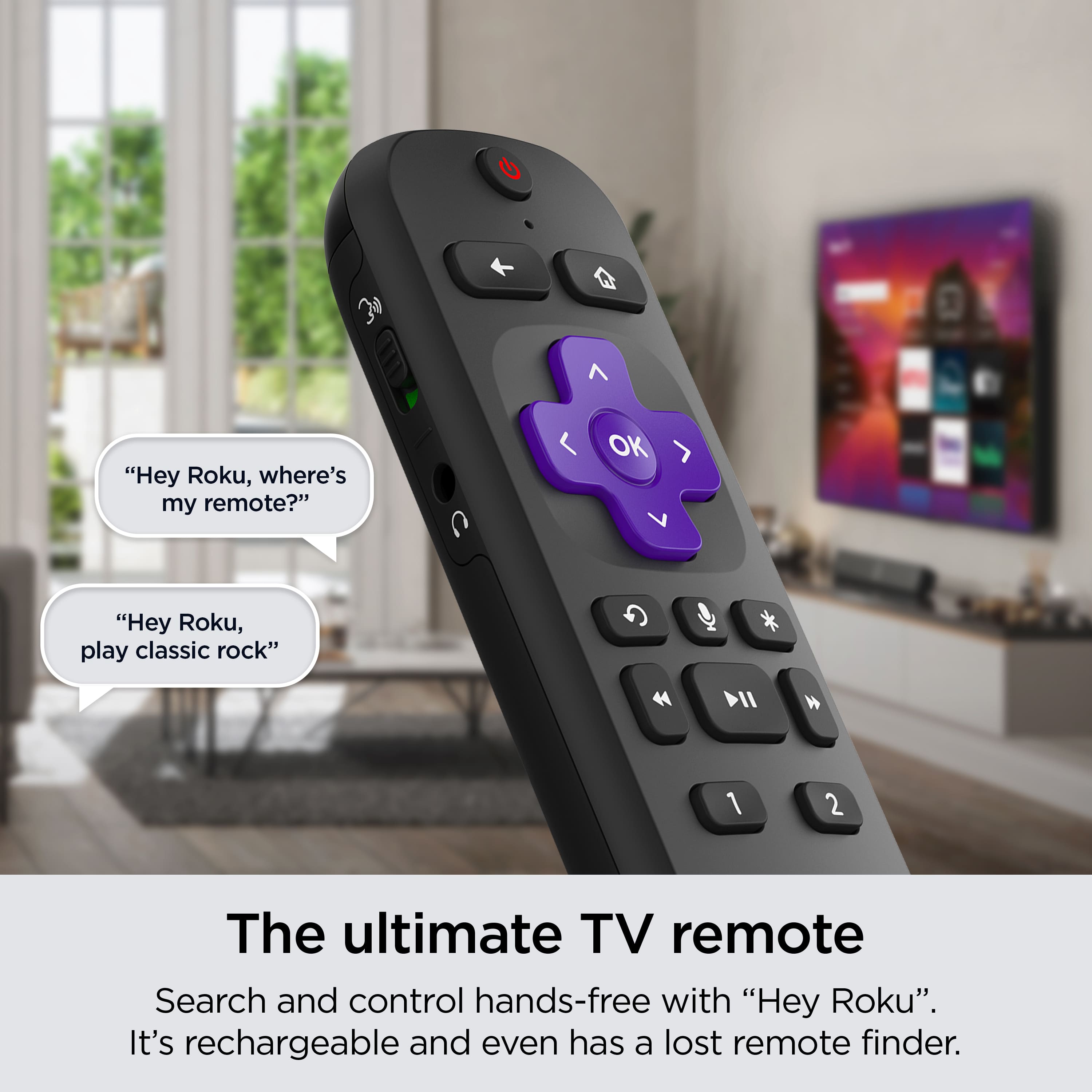
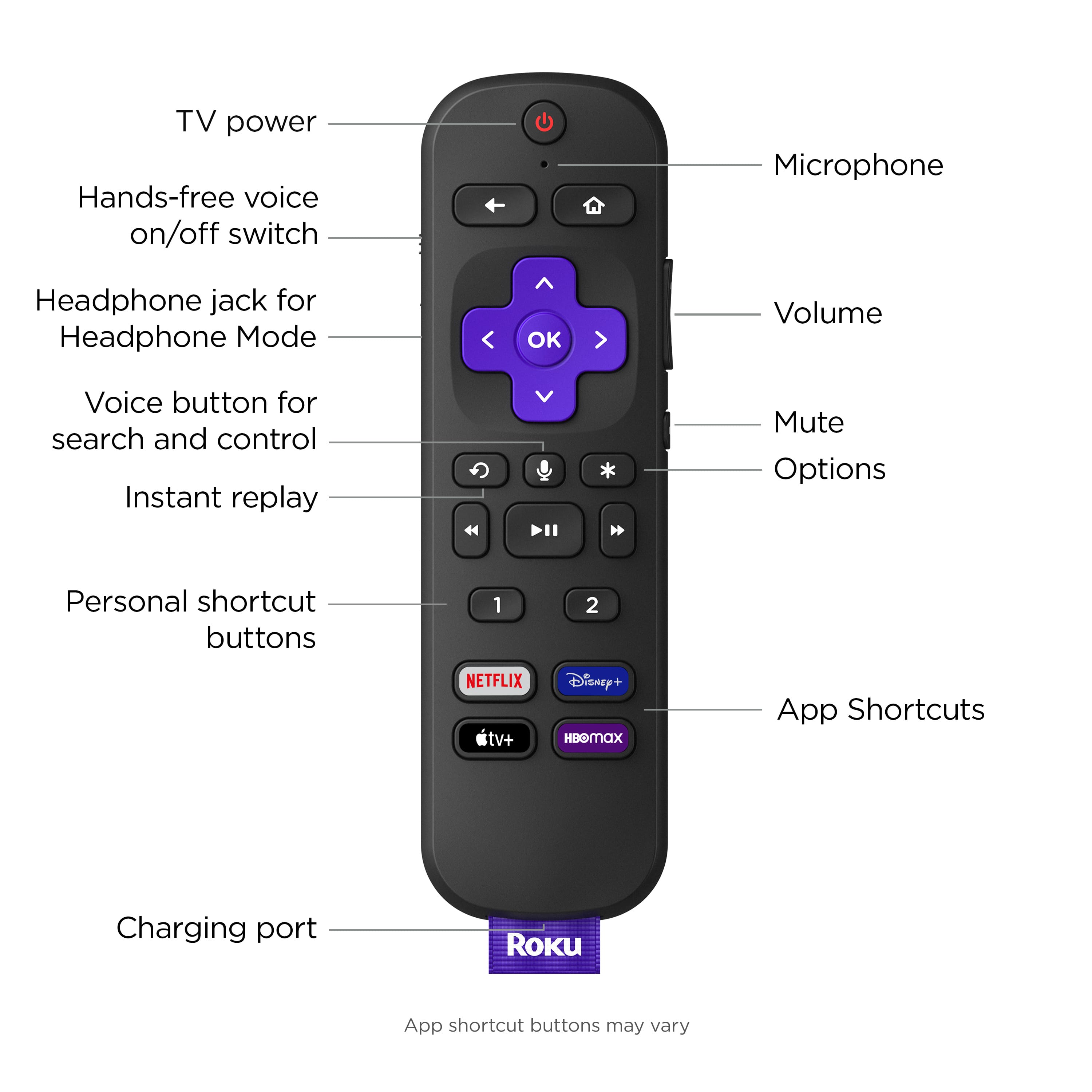
A:Answer Hi Denny, please know that you can fine-tune your listening experience in two different ways. First, visit your Roku home screen and navigate to Settings, then Audio. Next, begin streaming a show or movie and while it's playing, press the star * button on your remote. Select Sound settings and navigate through the options to adjust your sound modes, speech clarity, and volume modes. This should help to tailor the audio settings to your liking!