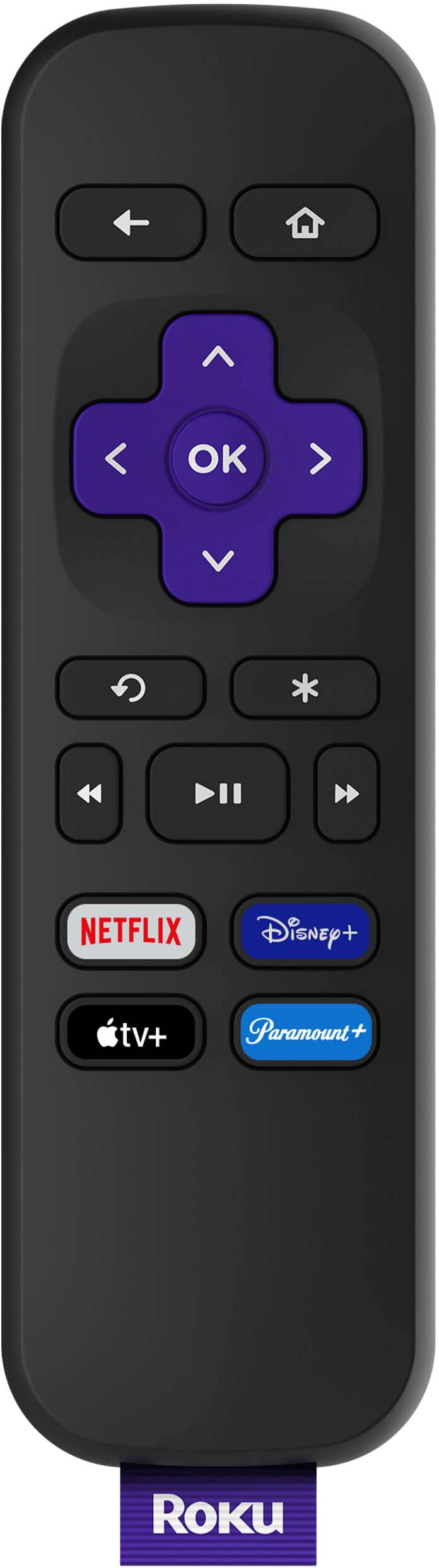
A:AnswerSome Roku devices can be operated via voice commands. After reading the information on this one, it doesn't seem to do that. I don't know why they say that this one is "voice compatible".
A:AnswerThe more expensive usually have more options such as voice remote, higher definition, ethernet connection, faster loading.
I use the express and it works fine for my purposes.
A:AnswerMy experience is it will allow any profile to login to netflix. It does not associate a primary netflix account (with a specific DEVICE) as the default it as it may with some of the apps. So you can login with your email address and password for the account of choice and it will bring you to that Netflix account and the User profiles for that Netflix account. It also defaults to the last user profile that was watching when last logged in on that account. You can then just arrow over to whatever profile you wish to use to access your history for speedy viewing or current episode you are on. If you leave it logged into Netflix it will auto start the next time you run the app as well which may save you time.
A:AnswerIf your local internet provider does not have a streaming app that goes on the roku you would need an HD antenna for the TV. If you are fine with subscription based Streaming apps from Amazon, Hulu, Netflix, Disney, ESPN and others you are good to go. There are several free TV apps but you are limited in the shows and the times at which to view many of them. So depending on your requirements it will determine if you need an antenna. If you want to ensure you have local channels even if your internet or WIFI is down then you can augment the Roku with an HD antenna on the TV.
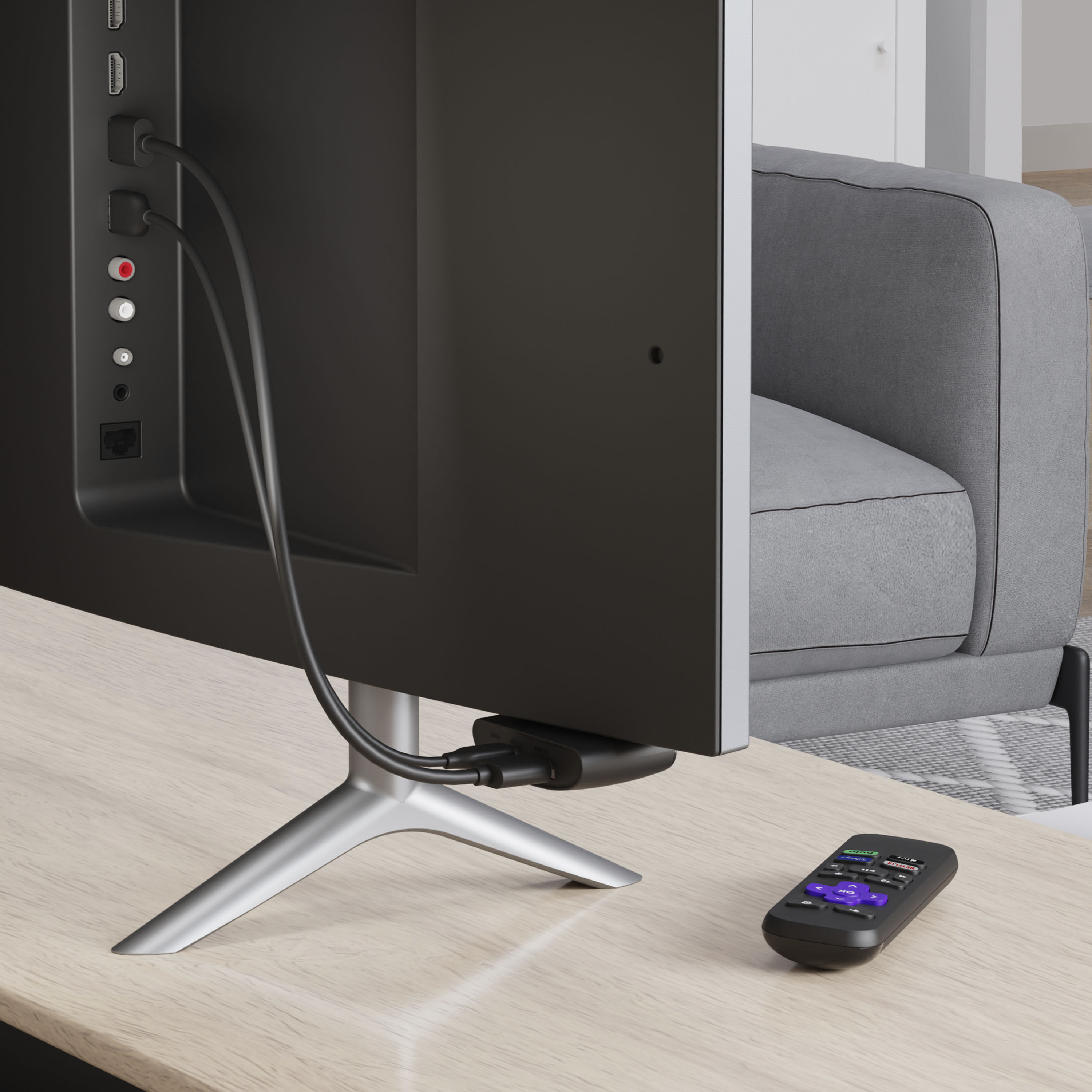
A:AnswerDon't know about Vizio per say but we have a VERY old Semi smart Sony and it works for Disney+. As long as you have HDMI ports to plug it into it will probably work. Use your computer to sign in.....watch for scammers....Roku itself does not charge for use...
A:AnswerNo, not this Roku, but you can use the mobile app, and plug headphones into your phone for private listening. You would have to get the Streaming Stick+ HE or Ultra, if you want to plug into the headphone port on their remotes,
A:AnswerNo. Dish also discontinued their Slingplayer app on Roku. But, you should be able to use Screen Imaging on Roku from your phone to your Smart TV (Roku or fire stick)
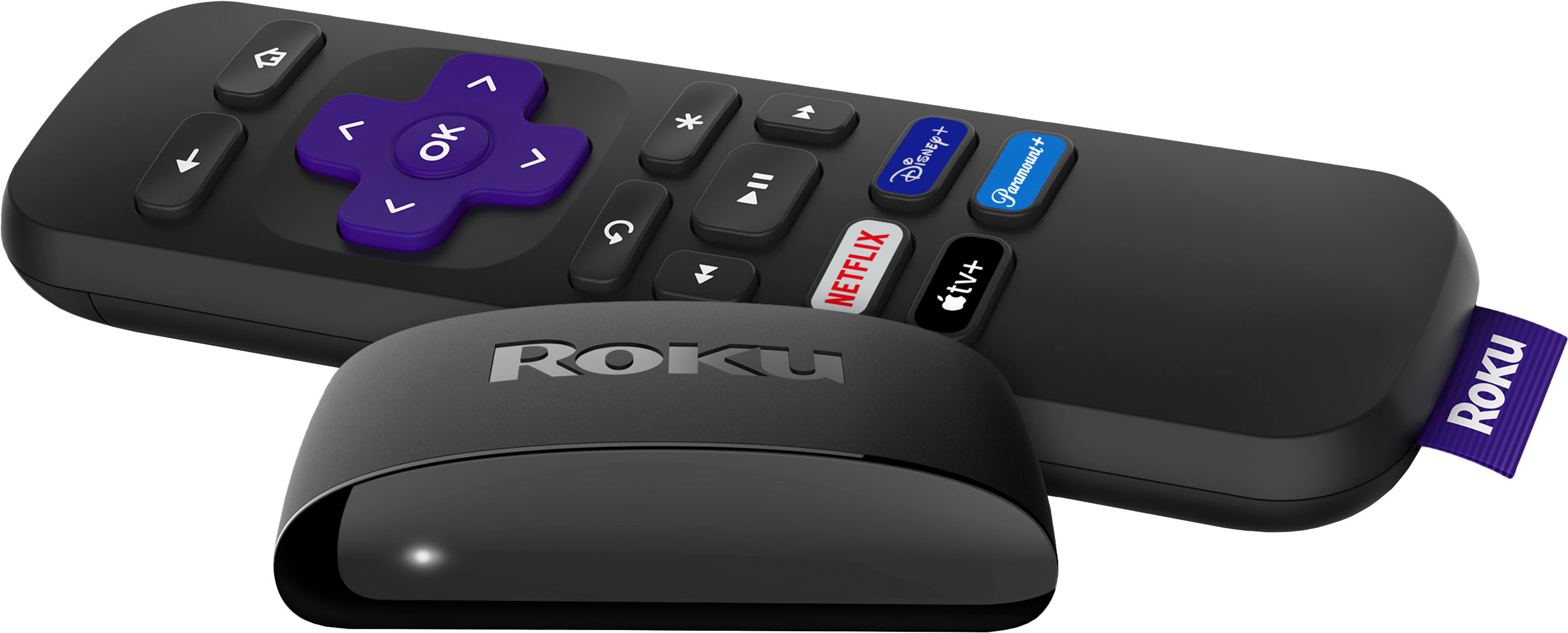
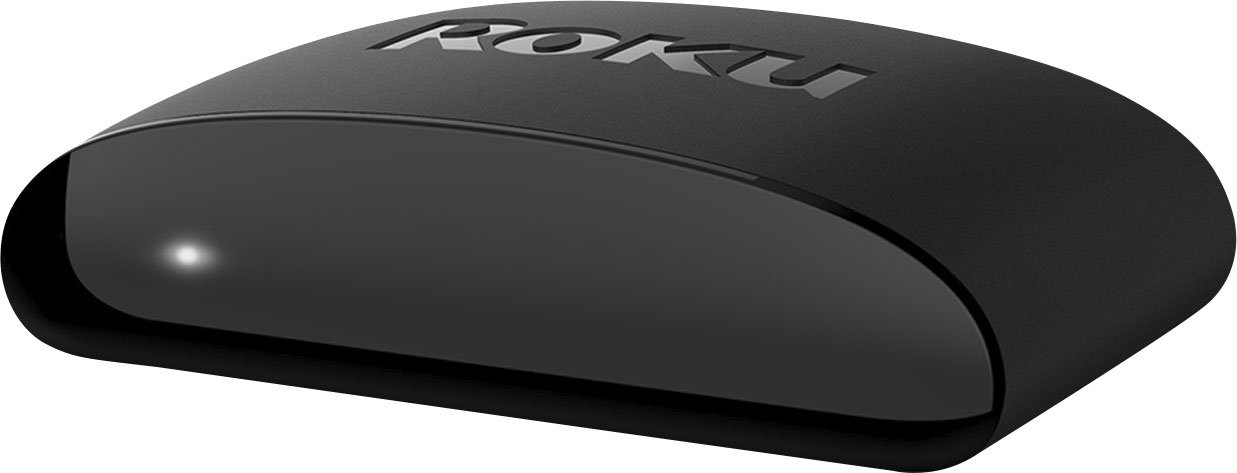
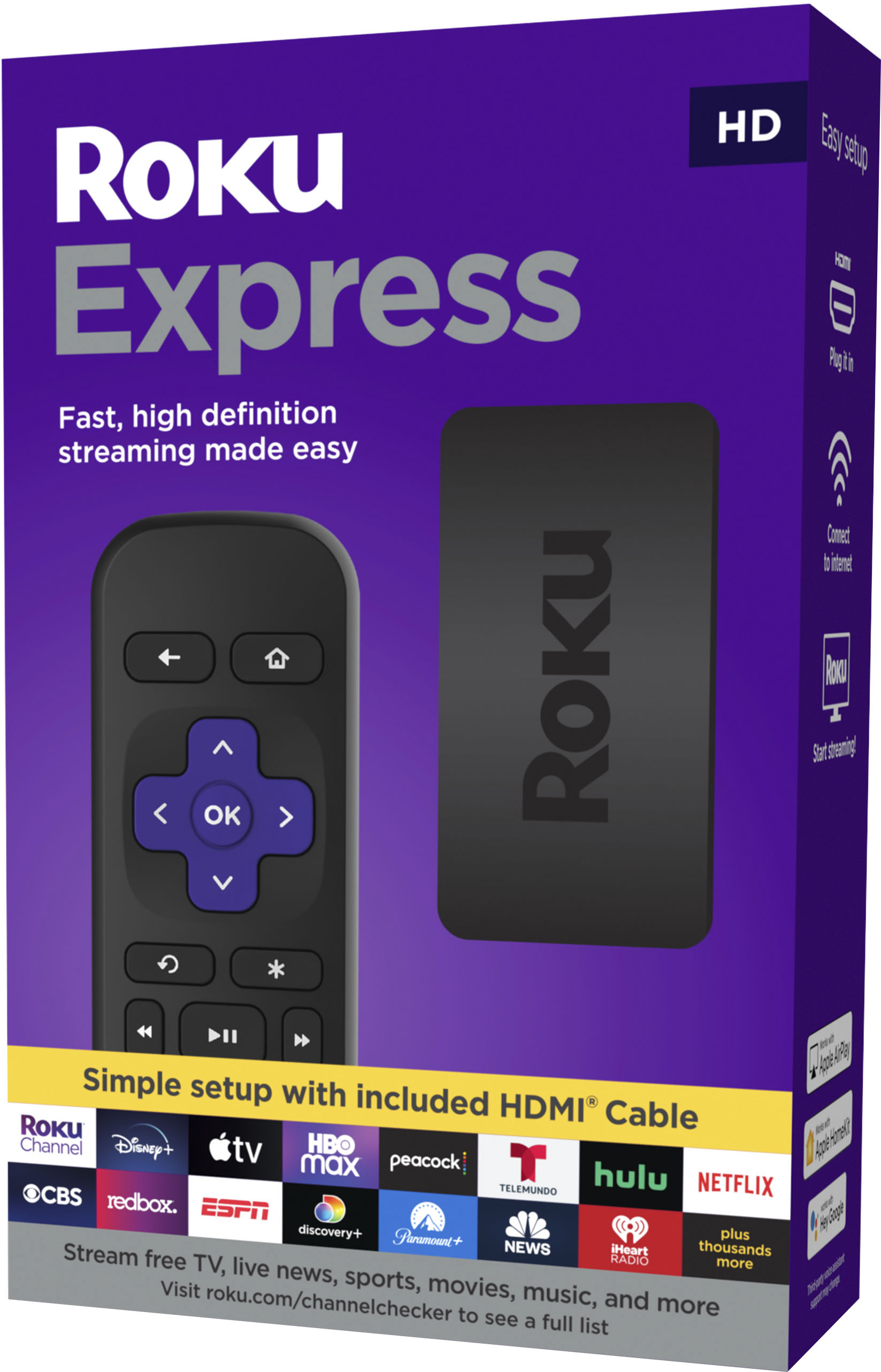
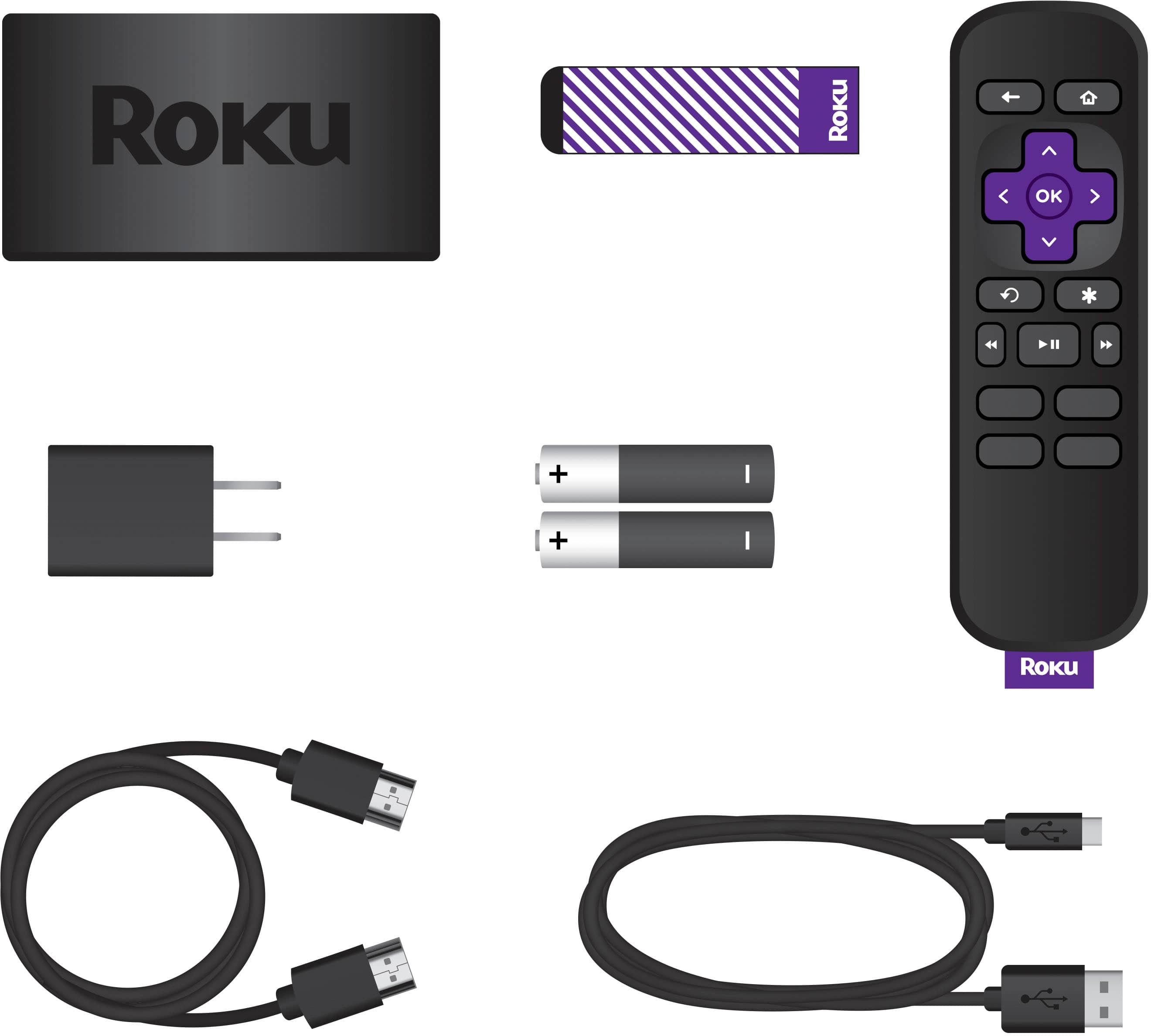
A:AnswerJust the size of the box. 4K Ultra is regular sized box and express is very small. There's also the Roku Stick that goes into TV directly with no box.
A:AnswerIf you have an Xfinity account, you can activate the app. Just enter your user name and password. You will then need to enter a code obtained from your phone or computer. We find an occasional glitch but it works fine with Roku Express.
A:AnswerNo, you’ll not be able to browse to any websites for access to your industry footage. The interface on-screen is very simple but everything that you can access is essentially a streaming service that provides an app. That isn’t to say that using a password for your own accounts isn’t possible — it’s necessary, but this more or less permits you to access services such as Netflix, Hulu, Showtime, Prime, etc. via streaming device.