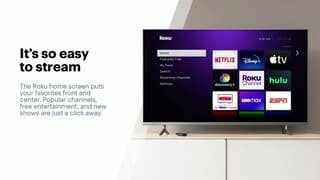
A:AnswerThe easiest way is with Youtube TV, you will get all your local stations plus a ton of cable channels, but there is no "Basic" Service so its not cheap. Hulu TV will give you local TV as well, but also not cheap. The cheapest way is to get the NBC,ABC, CBS, and FOX apps. Most of them are on demand not live but if you pay $6 a month for CBS you will get your local CBS station, I think some of the other networks let you stream your local as well.
A:AnswerThe Roku device needs to connect to the internet to provide content. You can use your phone to make that connection if you are able to set up your phone as a Mobile Hot Spot. If you don't know if you can do that, I would ask your cellular provider. More and more plans include the option at no cost, but some still charge extra.
A:AnswerI was able to add Paramount to my roku and can stream on an older tv. Roku gives me all of my premium channels that I am able to get in my newer TV on my older tv. Works great. I just had to add the app and download onto my roku.
A:AnswerSomewhat, depending on which apps you use you may need to login with your tv provider. For example, lets say you downloaded the HGTV app. A key will appear on the episodes showing that it is locked. In order to unlock the episodes to watch them you have to log in with a tv provider. Paid to watch apps like Hulu and Netflix require a separate paid subscription. Hulu does offer a live tv plan that you could buy that could replace your current cable provider. There are also a bunch of free to watch apps such as Pluto Tv and Roku Tv, that have a selection of tv shows and movies. So really it all depends on what you are going to watching.
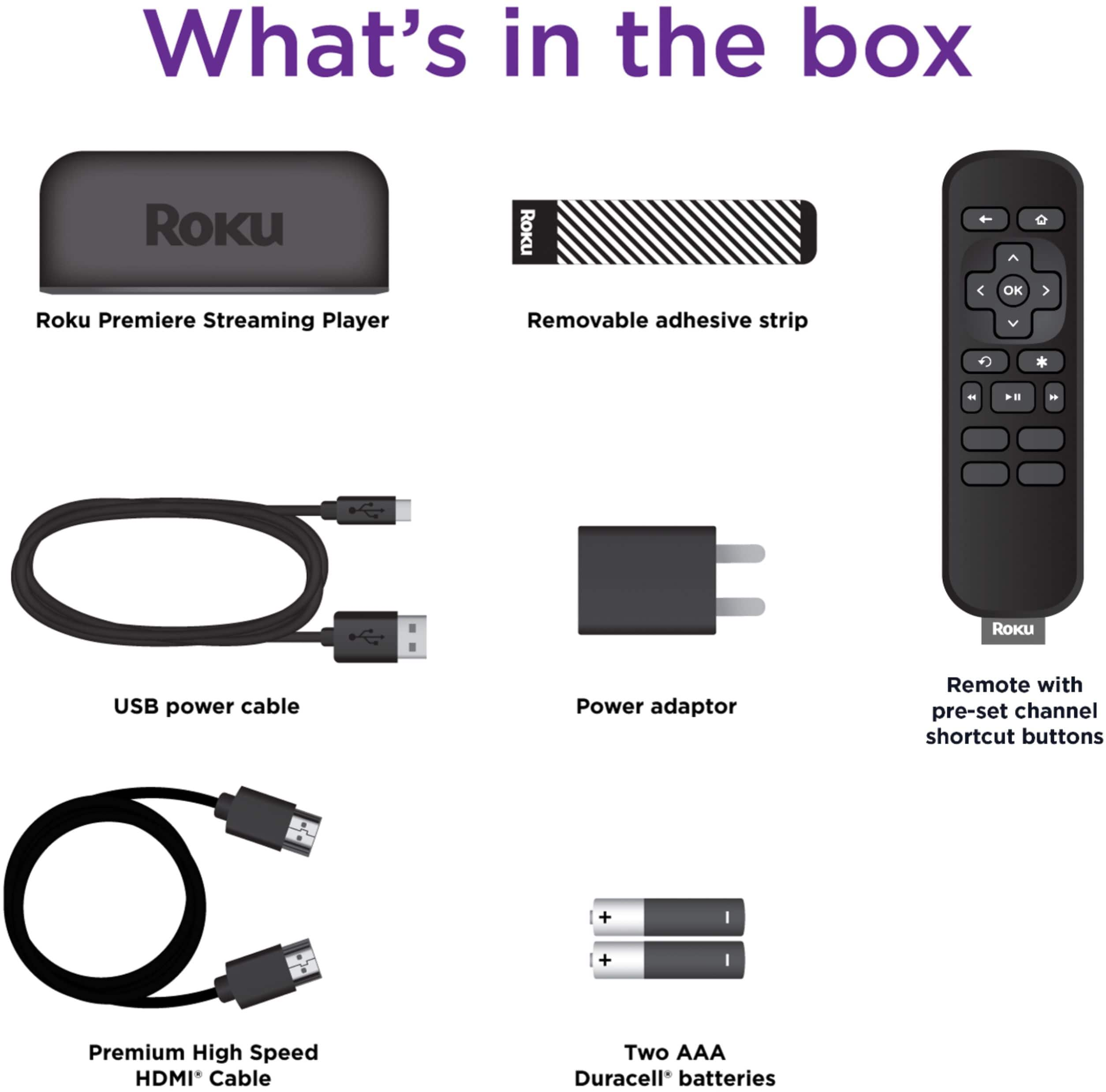
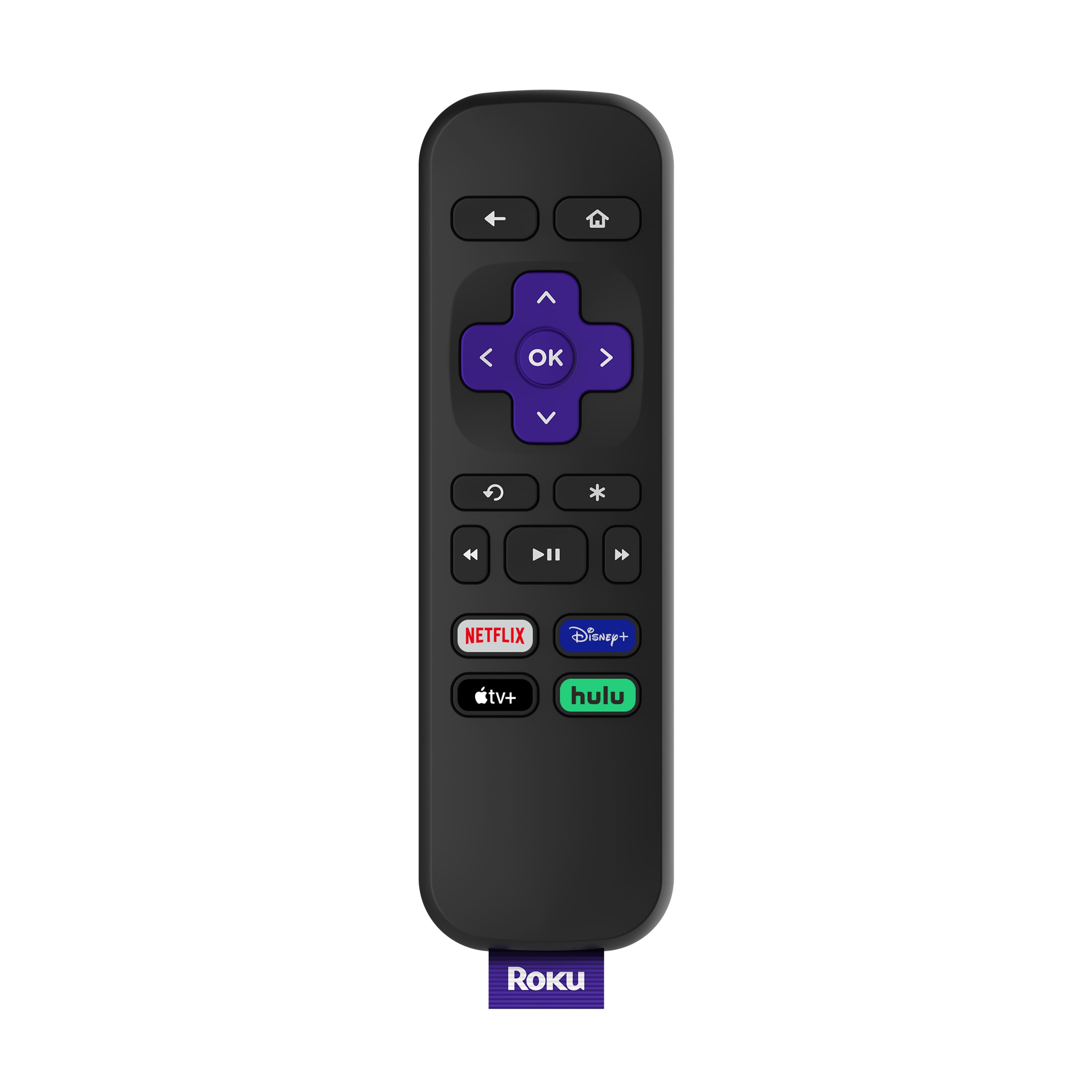
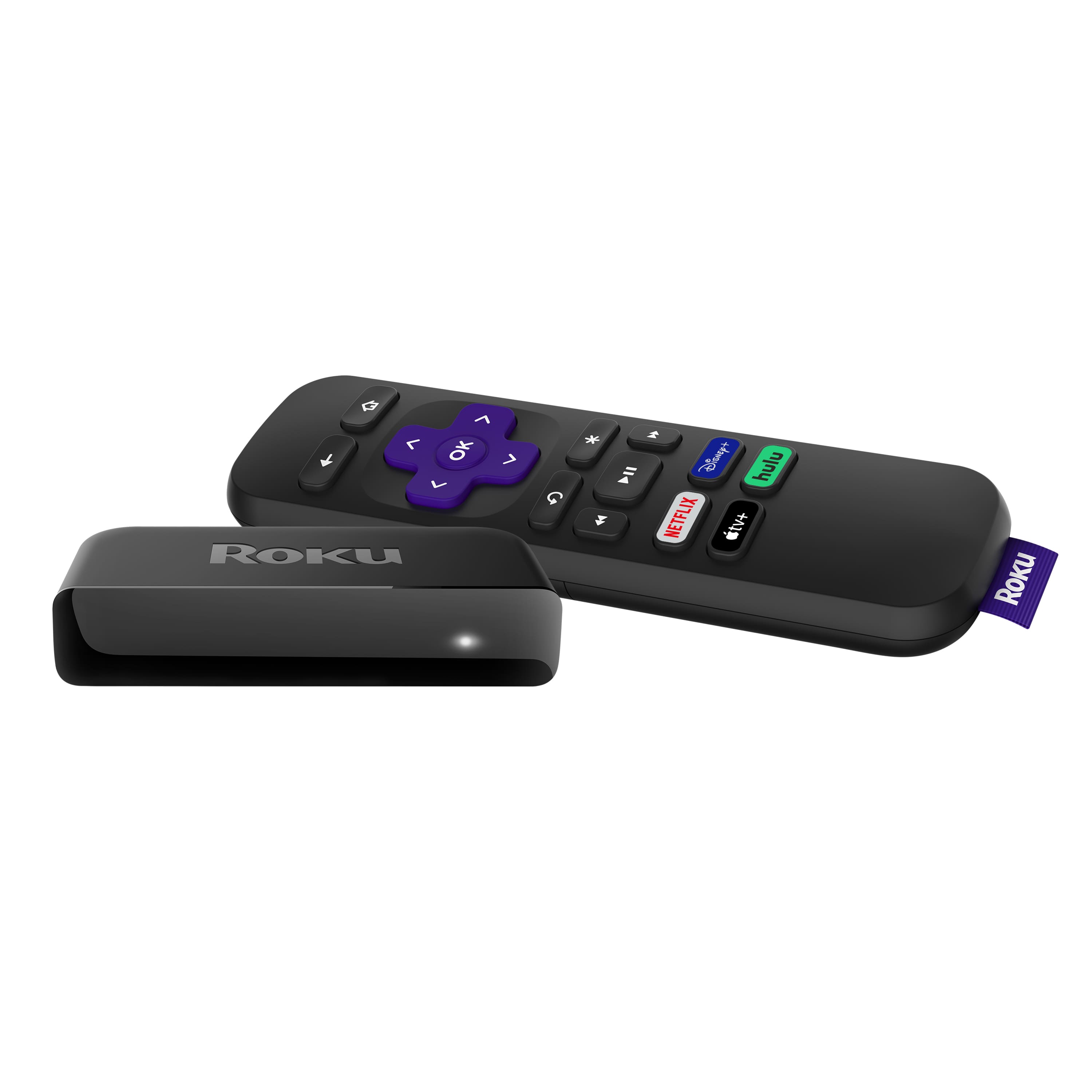
A:AnswerHi Nick! Yes, the remote that comes with the Roku Premiere requires direct line of sight in order to control your Roku player. To get the features our enhanced remotes offer, you can download the free Roku Mobile App, upgrade your current remote by purchasing the Roku Voice Remote or upgrade your device to any of our other Roku players that come with the enhanced remote. For an easy comparison of devices to see which one best fits your specific needs, check out https://www.roku.com/products/compare
A:AnswerHi Connie, No. Rest assured you will have access to over10,000 apps with your Roku Player. The buttons you are referring to are shortcut buttons to give you easy access to those specific apps at the push of a button.
A:AnswerYes it would be separate from tv apps. It will be on its own HDMI connection. So, you’d end up having two remotes. One to control the tv (i.e. turn the tv off and on, and raise or lower volume). With the second being used to control the Roku.
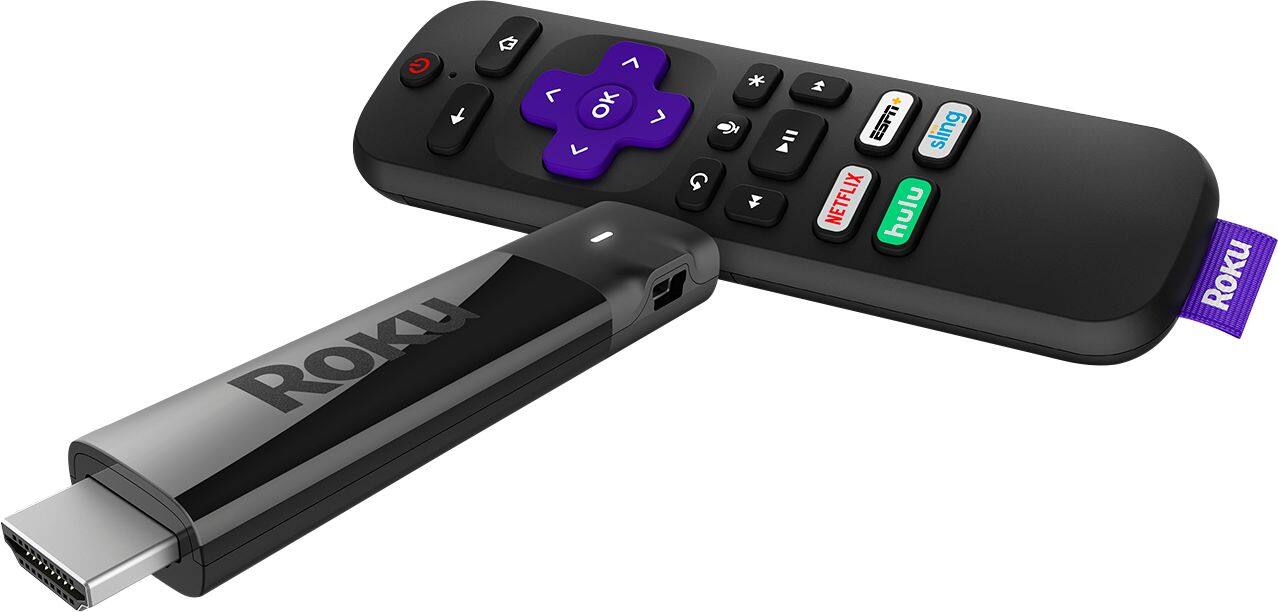
A:AnswerThe Roku Streaming Stick+ adds an RF remote (point anywhere), stick design, which offers a cleaner install and more portability. As you mentioned the SS+ has a voice remote, but also offers TV controls (power and volume). The biggest difference might be the Advanced Wireless Receiver, which boosts the WiFi reception up to 4 times.
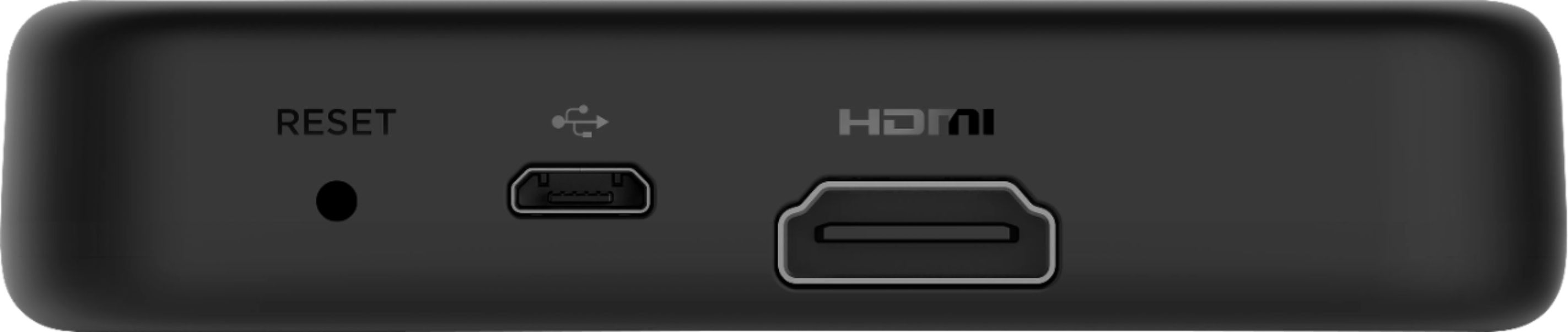
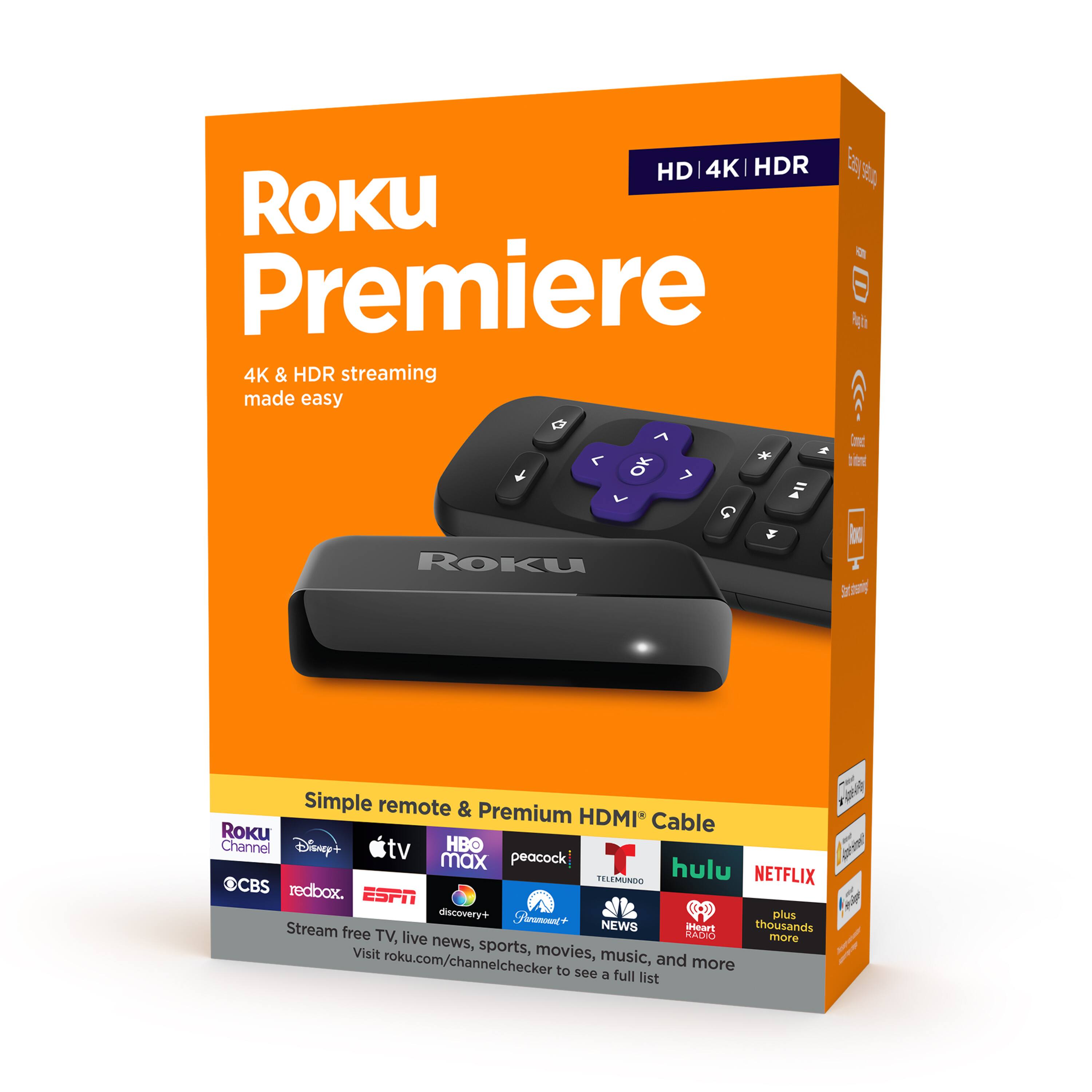
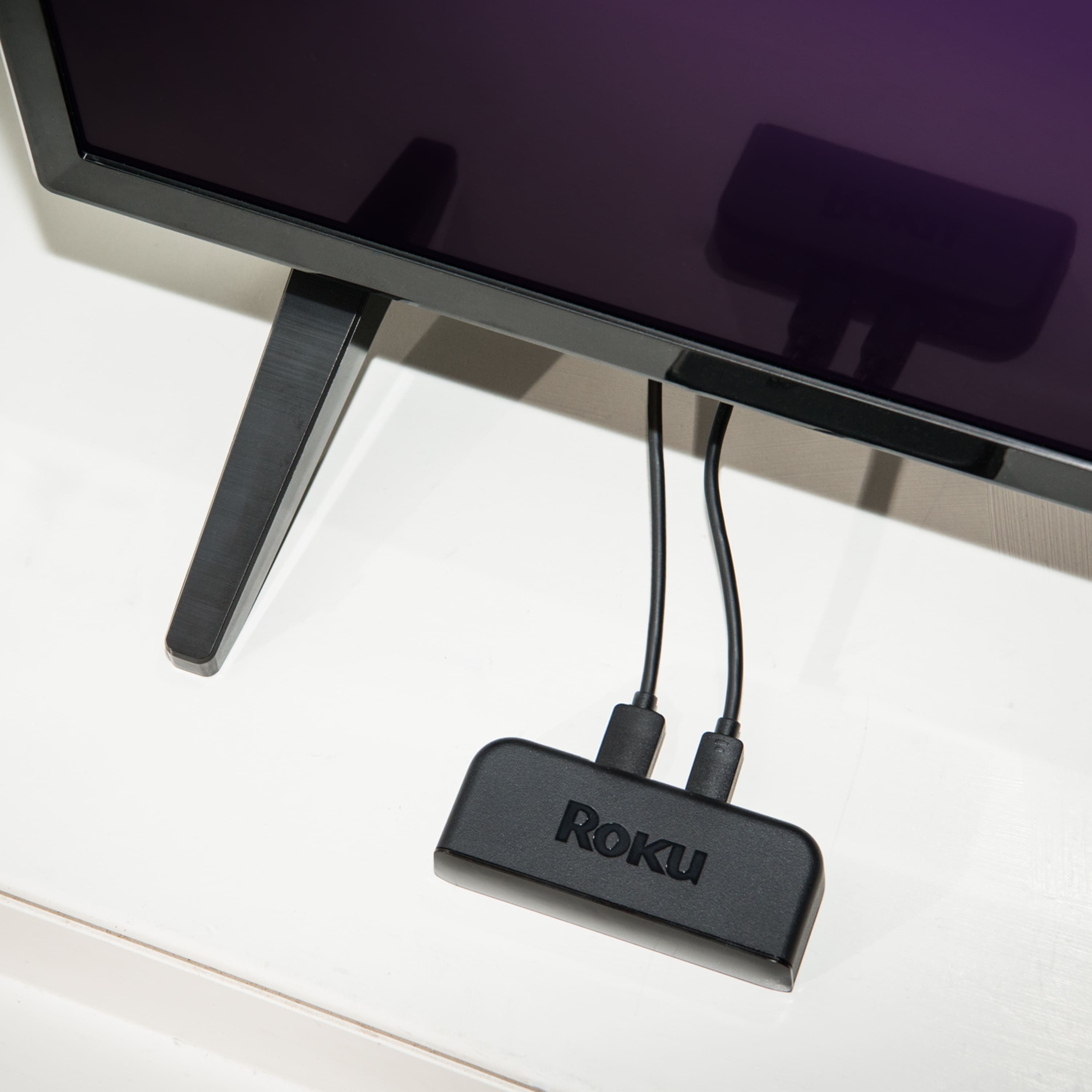
A:AnswerRoku is really easy to setup, takes about 5 minutes. Plug the Roku Premiere into power and connect the HDMI cable to your TV. After that just follow the instructions on your TV. You can find some additional information here https://www.roku.com/how-it-works