A:AnswerLikely it does.
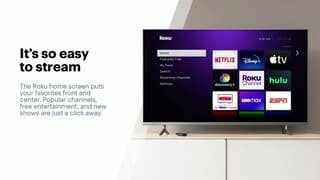
I have not found a channel it can not get yet and we have found some obscure ones.
Otherwise if it is online, most tvs can be connected to a computer with an HDMI cable and display the screen and sound on the tv.
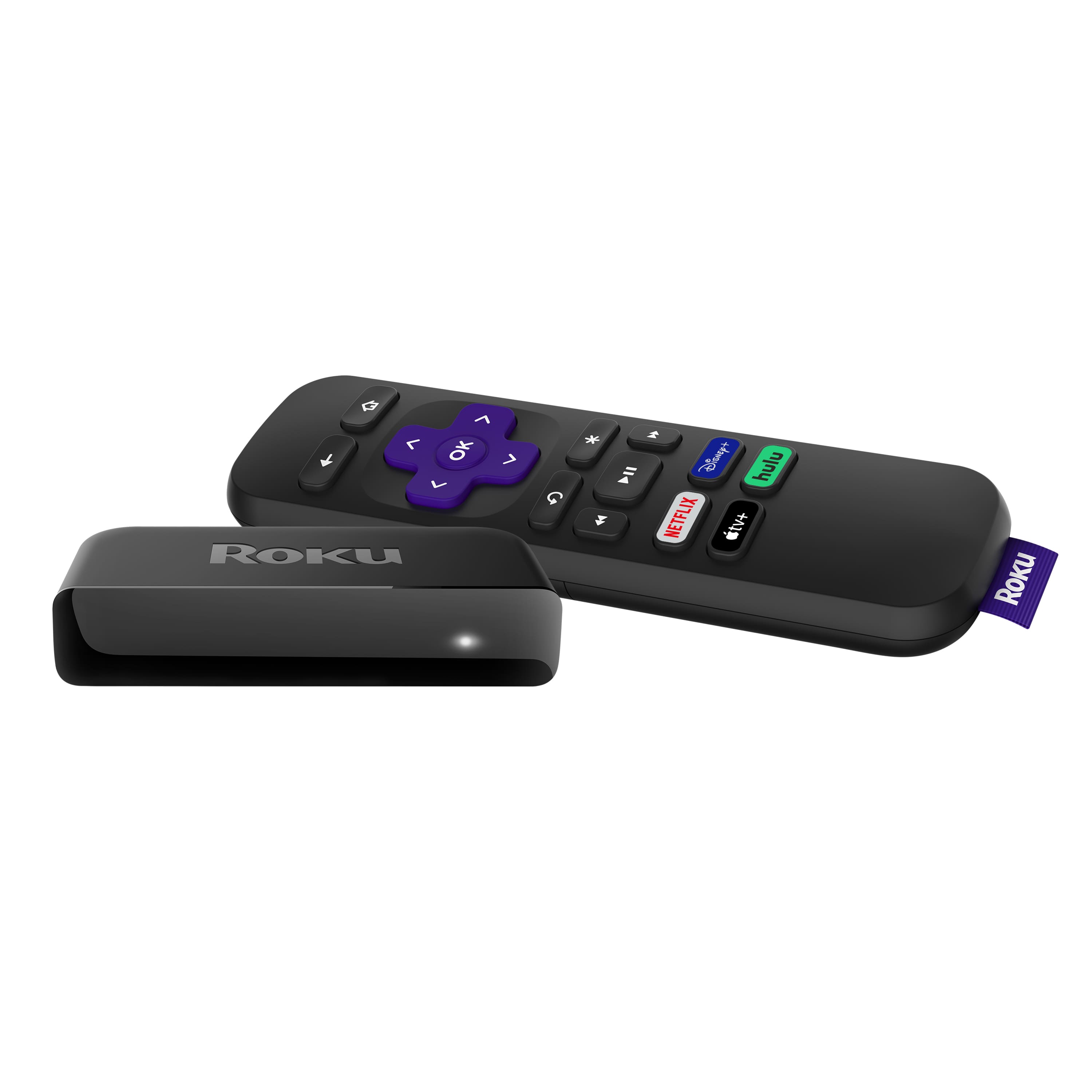
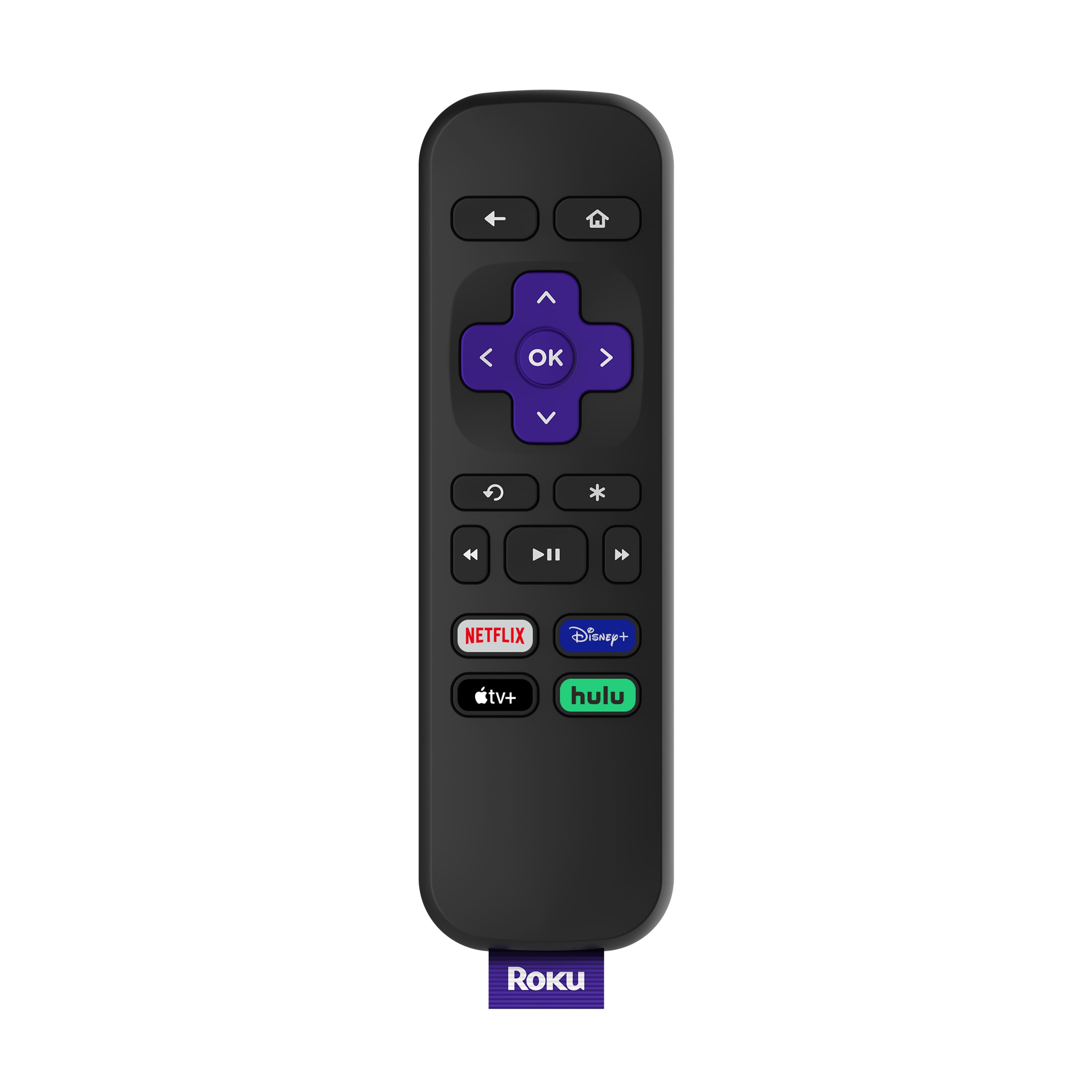
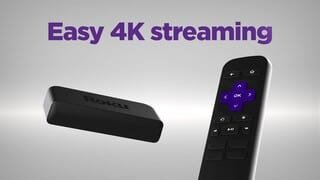
A:AnswerElizabeth are you talking about the symbols on the remote? The Premiere has standard Rewind/Fastforward buttons plus a play/pause button. All Roku remotes have 4 shortcut keys at the bottom that are usually include Hulu and Netflix
A:AnswerYes, you will need WiFi, you don’t need a cable subscription but you do need to have access to a streaming service (Netflix Hulu Amazon Pluto etc)
A:AnswerWill, OS 9.4 is available on all Roku devices now. I am not sure what the version this product shipped with, but the software will be updated when you set it up.
A:AnswerJack, there is a Fast Forward and Rewind buttons on the Roku Remote. I cannot share images here but his link should help https://www.roku.com/products/accessories/roku-tv#Remotes
A:AnswerBingo Roku and Xfinity are partners and Roku offers the Xfinity App (Channel) that allows you to log into your account and get all your TV channels without having to use the Comcast box. This link will give your some more information https://channelstore.roku.com/details/86ee0b6bbd22c617aadd88216f2381d7/xfinity-stream-beta
A:AnswerRoku itself doesn't offer a DVR solution. However several of our channel partners like Hulu, SlingTV, Philo offer Cloud based DVR services to record your favorite programs. This link will give you some more information https://support.roku.com/article/208756068
A:AnswerYes all of those are currently available through Roku. You can find the over 10,000 Roku channels available here: https://channelstore.roku.com/browse
A:AnswerYes, as long as the content is available in 4k, you will be able to stream it that way. Roku has a feature while searching for channels or movies that will show only 4K content if you want.
A:AnswerThe Roku Voice Control changes a little depending on the Channel/App. For the most part the Voice Remote just controls navigation like opening channels, searching for movies etc... You can find more information here https://support.roku.com/article/208756908
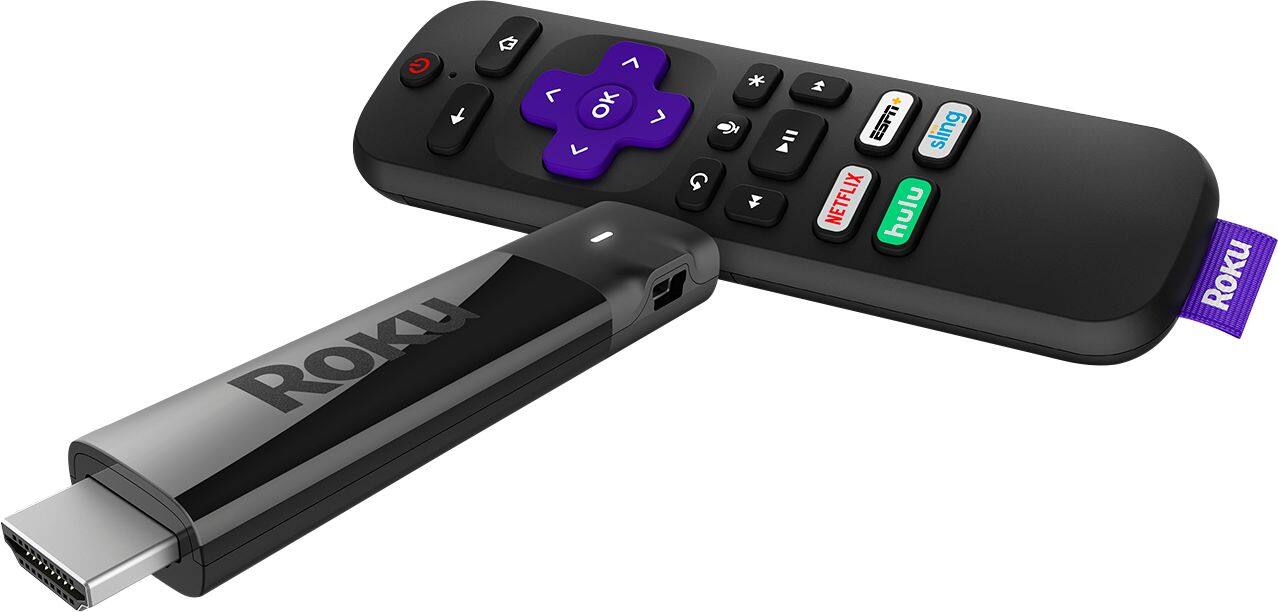
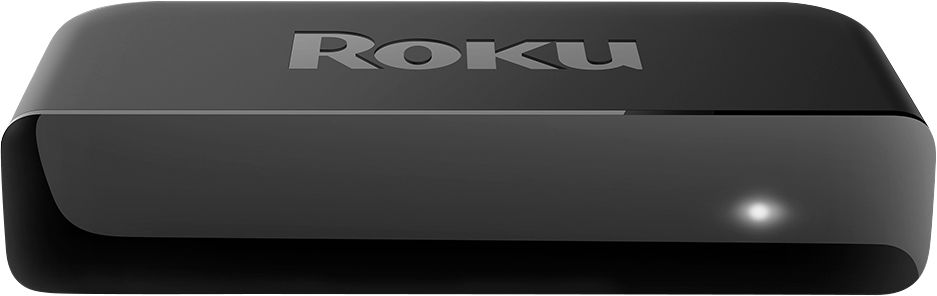
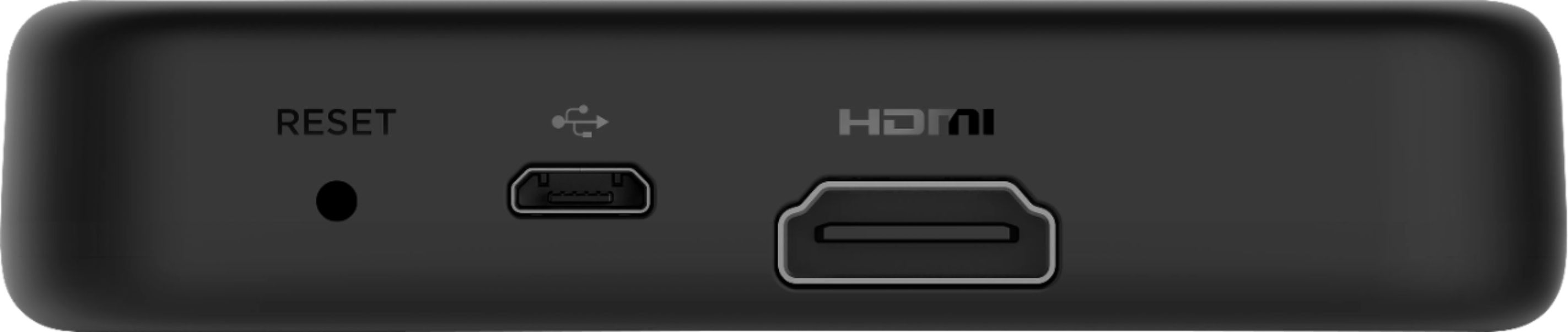
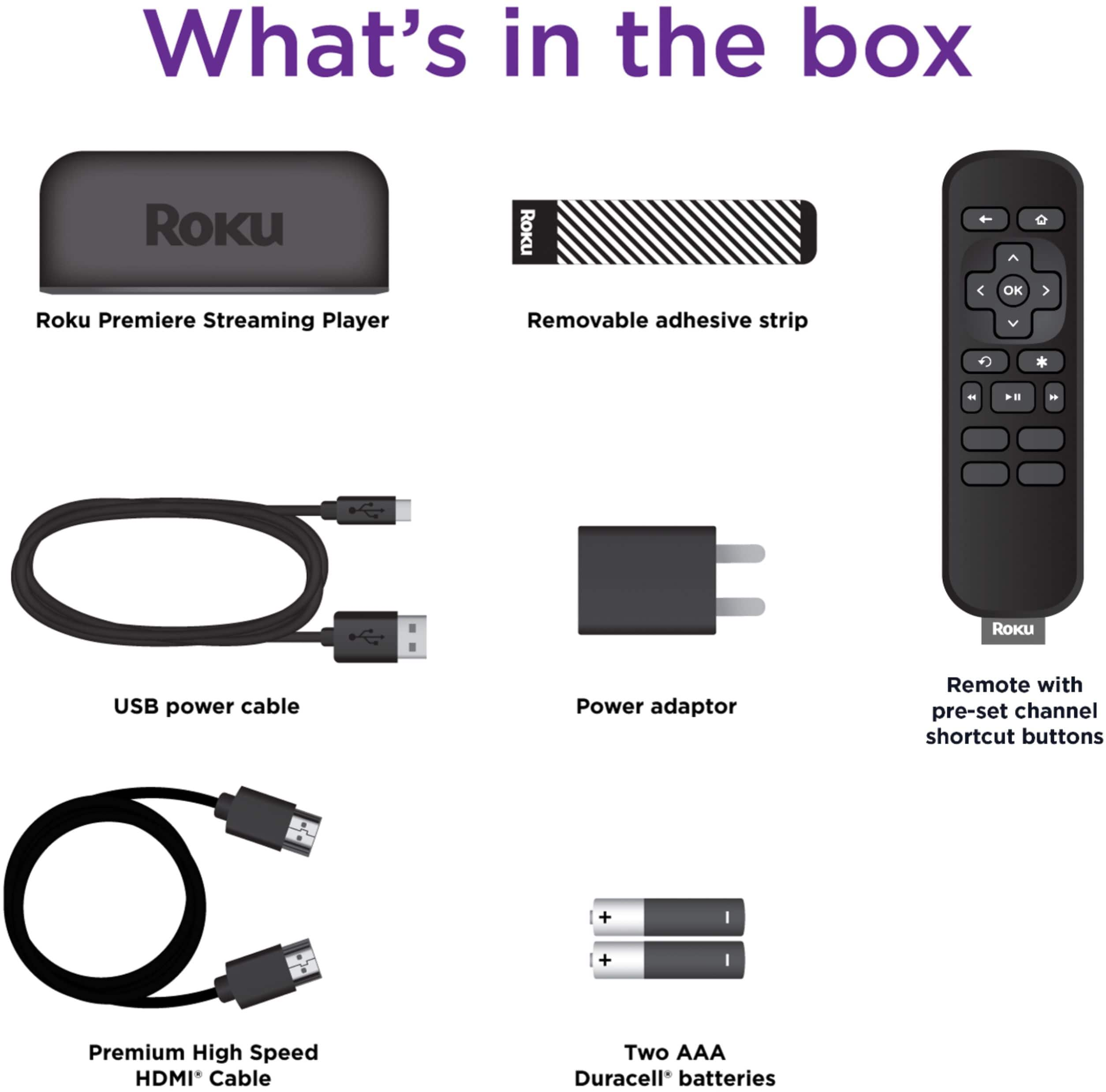
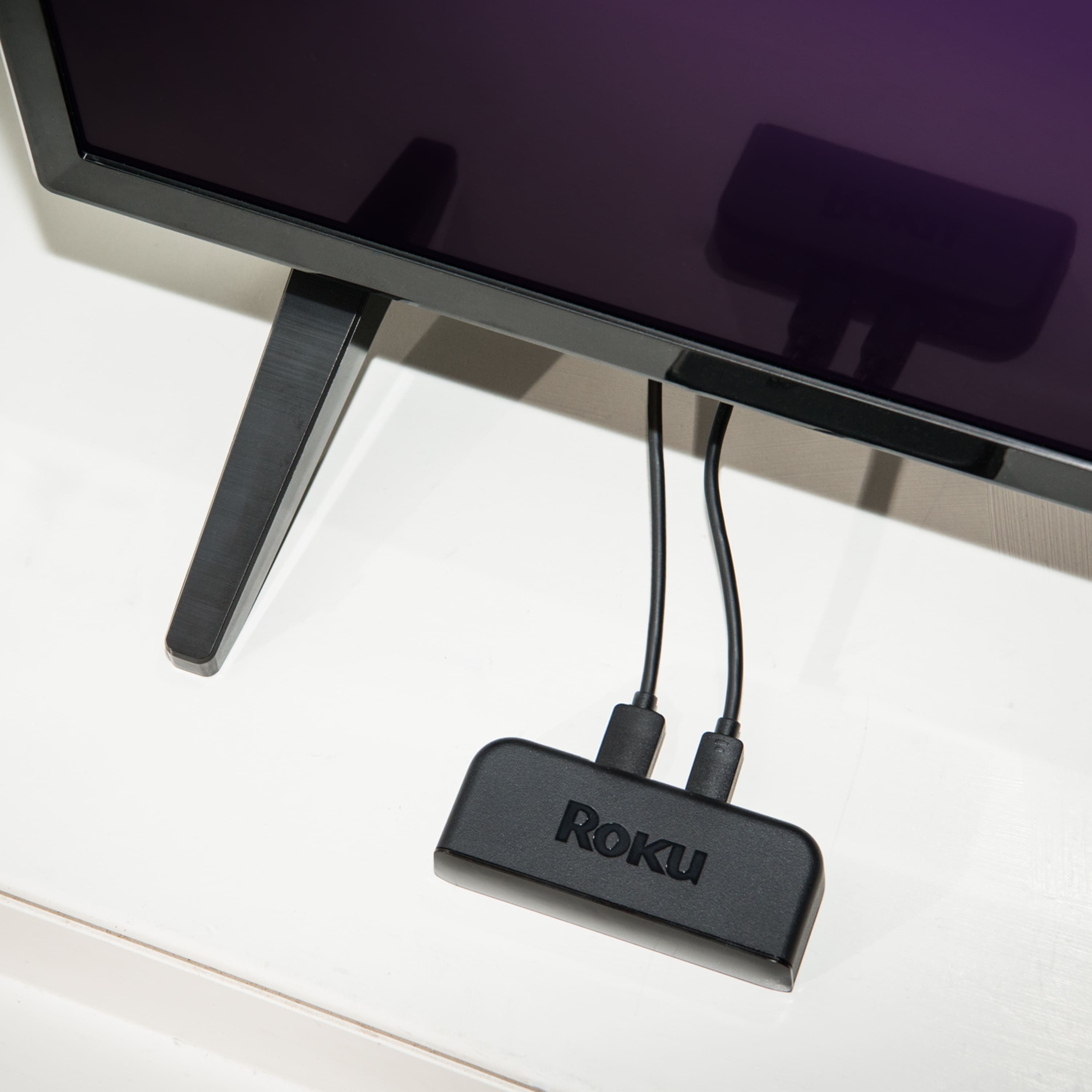
A:AnswerJill the Premiere is a box that connects to the back of your TV via HDMI cable. The Streaming Stick model is the one that plugs directly into the back of your TV via HDMI port.