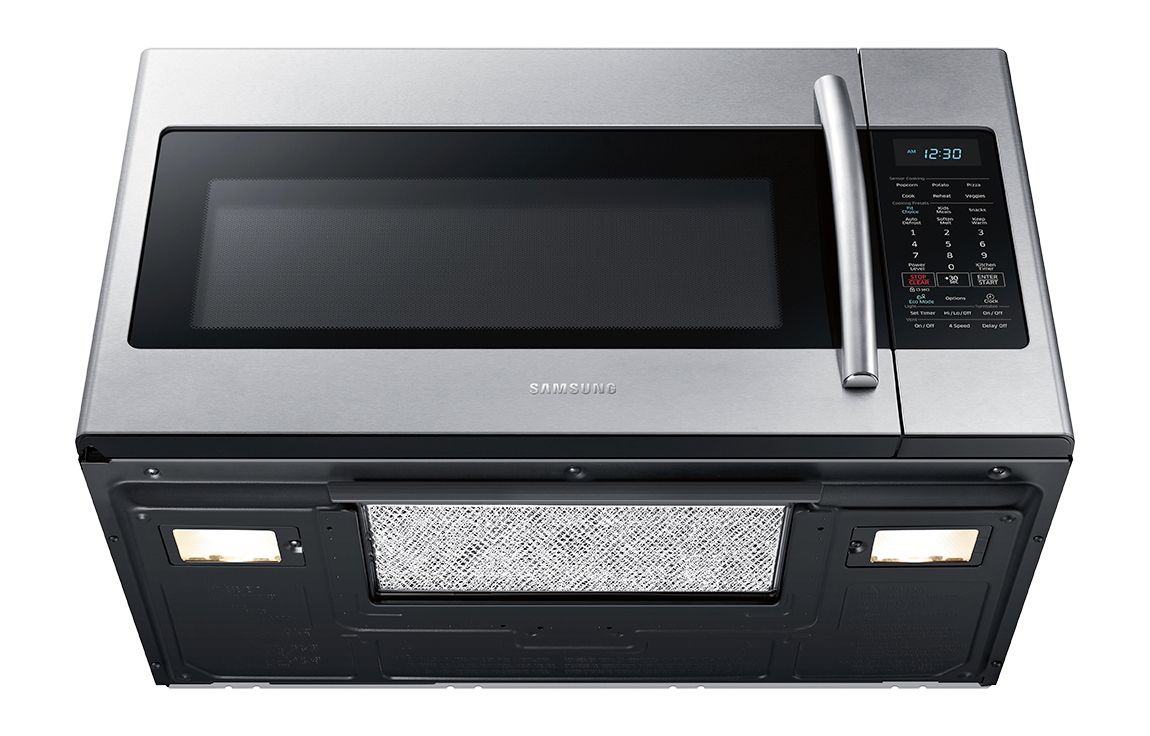
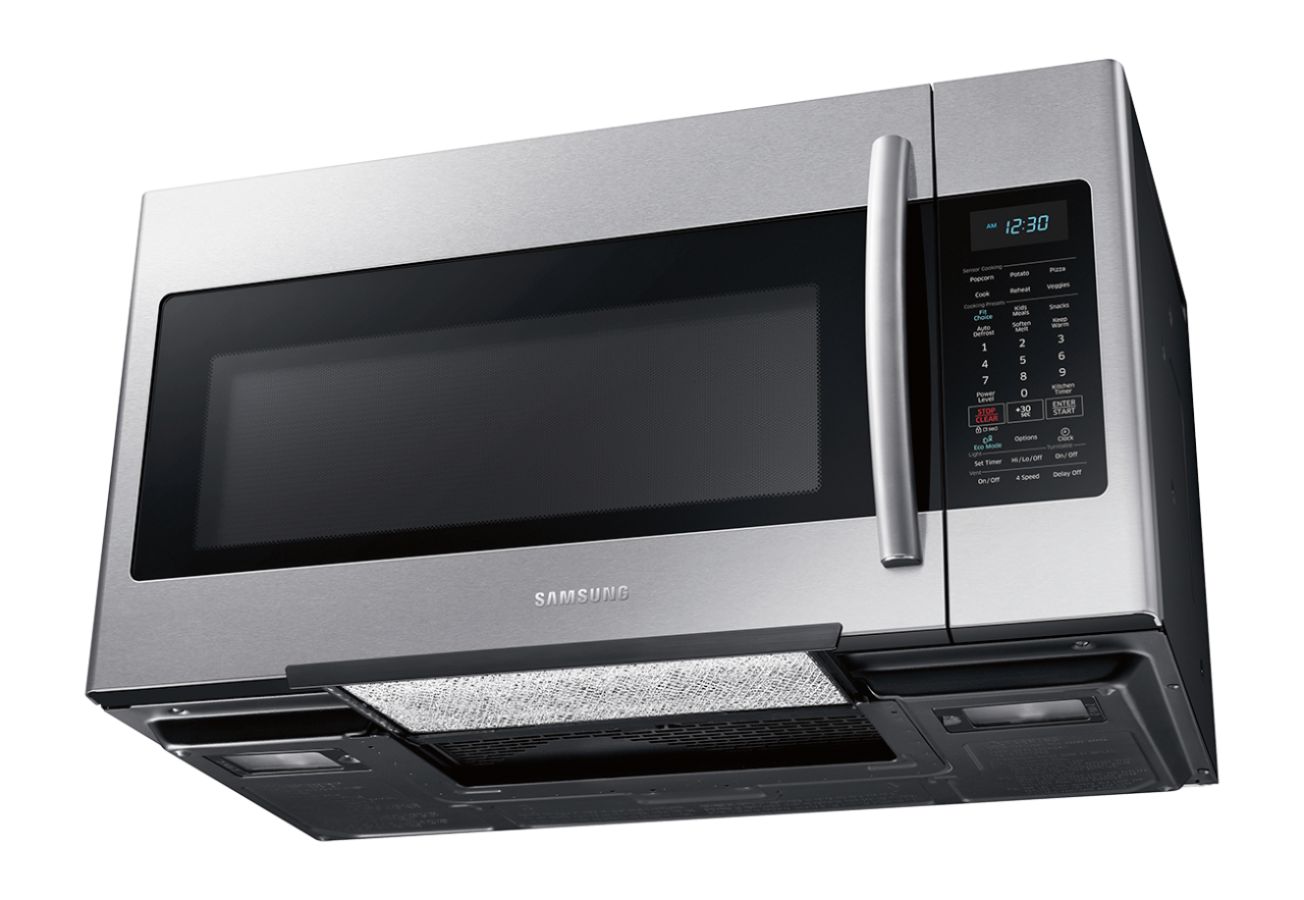
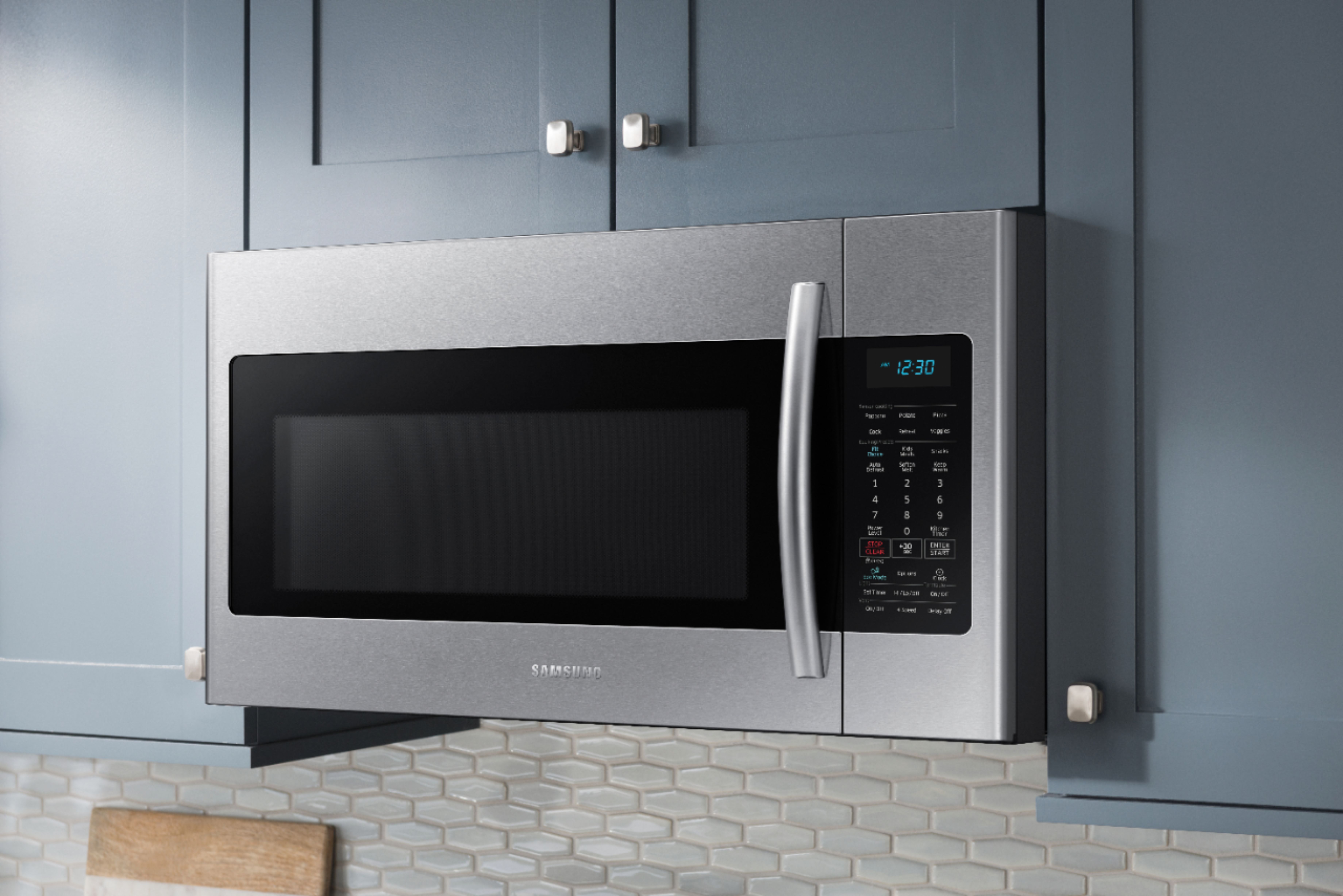
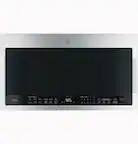
A:AnswerI think that LED bulbs don't work in microwaves yet. There is electrical or microwave interference and the LED bulb that I tried just burned out. On the other hand an LED might work below the microwave to light up the cook top if it can be plugged in...
A:AnswerHello Lulus! I invite you to read the user manual of the unit, especially from pages 8 to 17 which explain the features of this microwave. <https://bit.ly/2GX0uAB> You can also find some more information regards the product. For further assistance, please contact us via:
LiveChat or Email: https://www.samsung.com/us/support/#contact_us_for_support
Facebook Messenger: http://m.me/samsungsupport
Twitter: https://twitter.com/messages/compose?recipient_id=18768513
Toll-free calling: 1-800-SAMSUNG
^Rafael
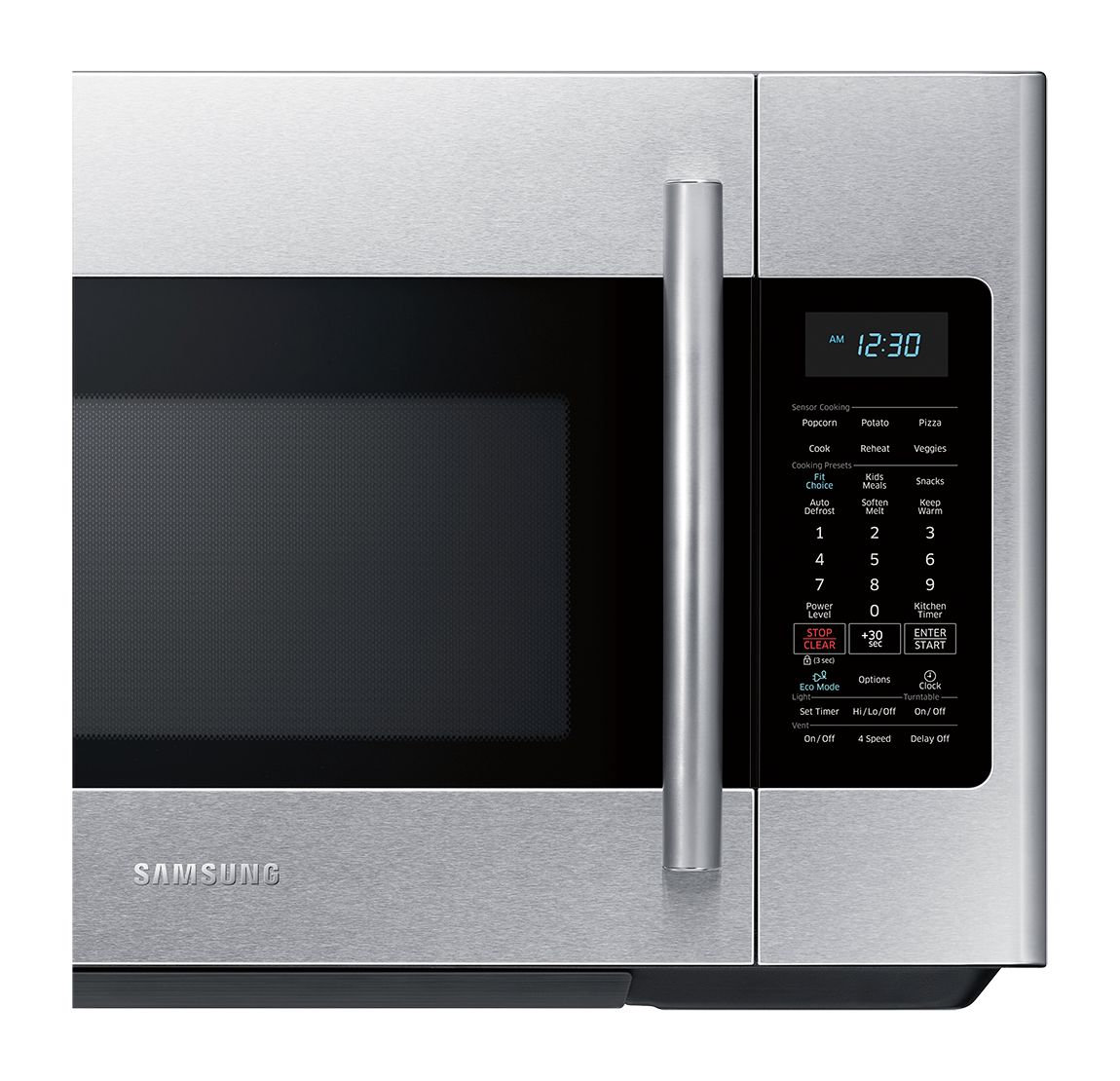
A:AnswerYes if you press the Option button until the display reads OP-4 ,(remind end signal option) then press 1 to turn it on or 2 to turn it off, the display will prompt you to press start, pressing start will save your settings change.
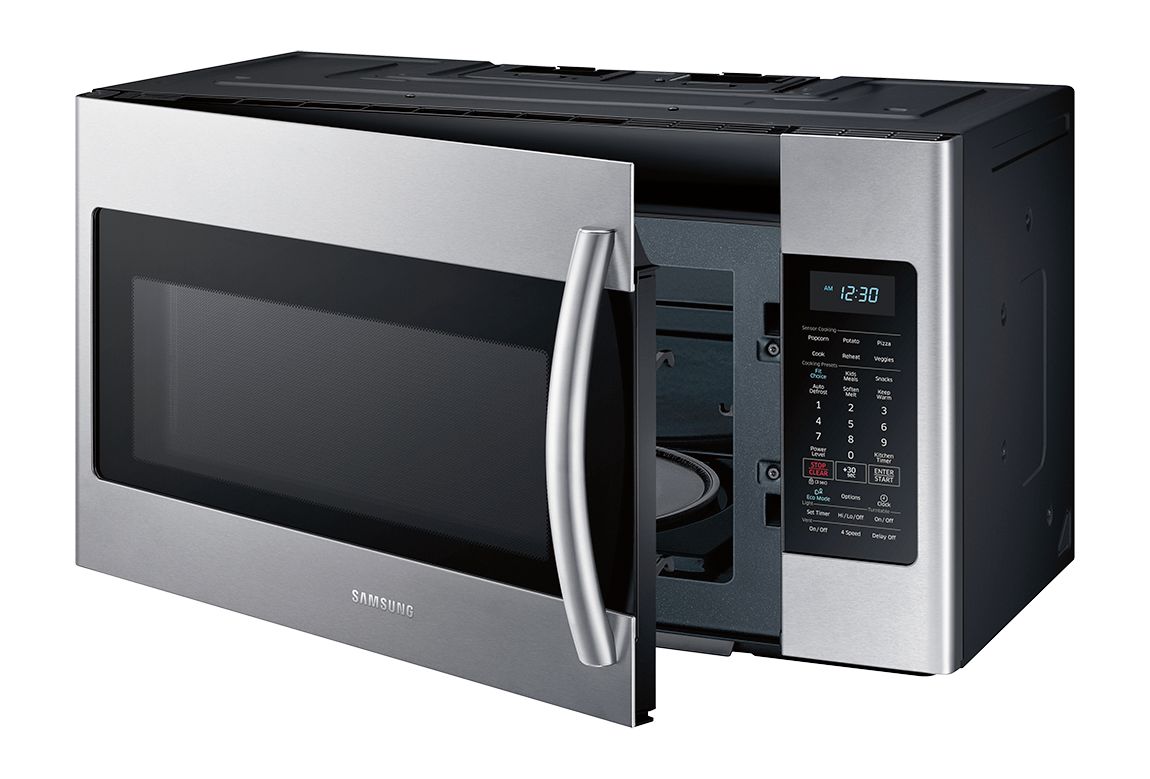
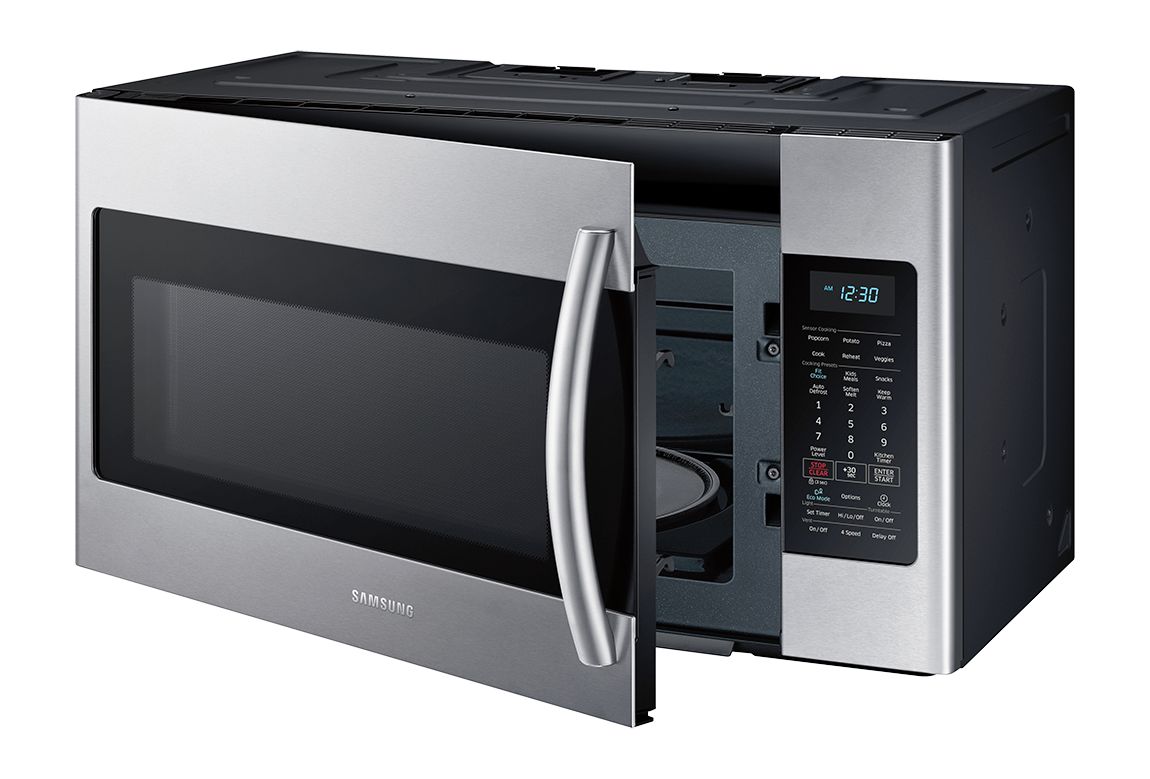
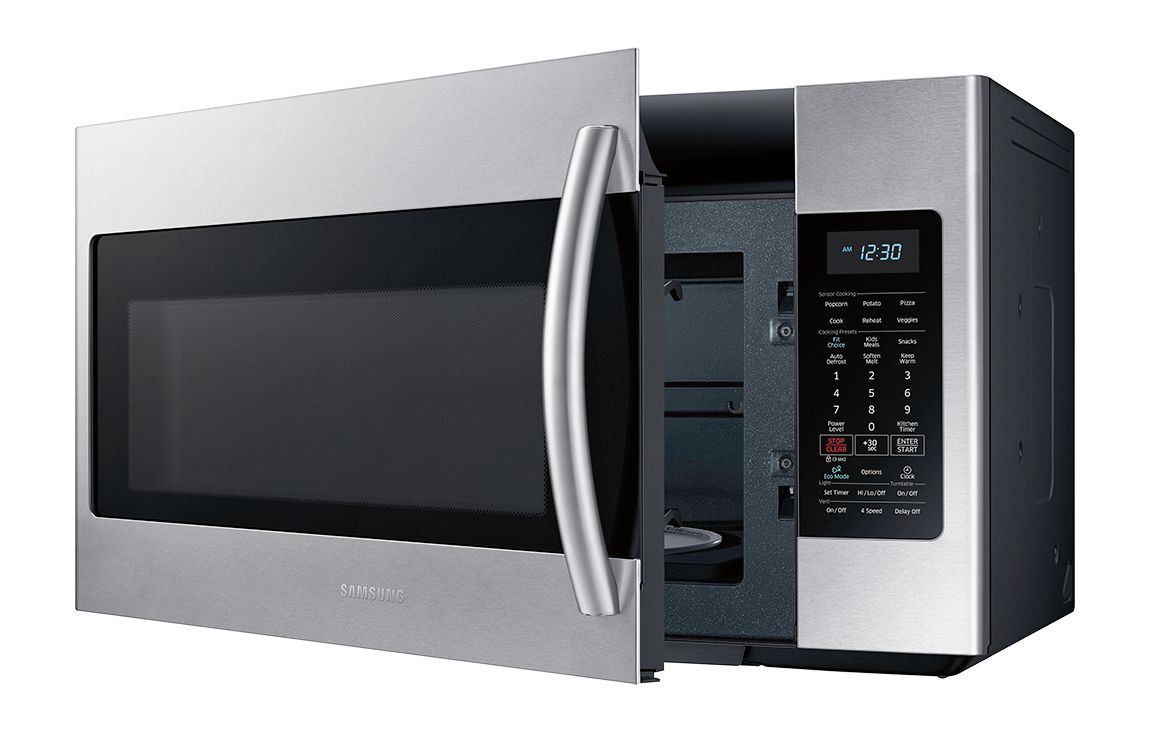
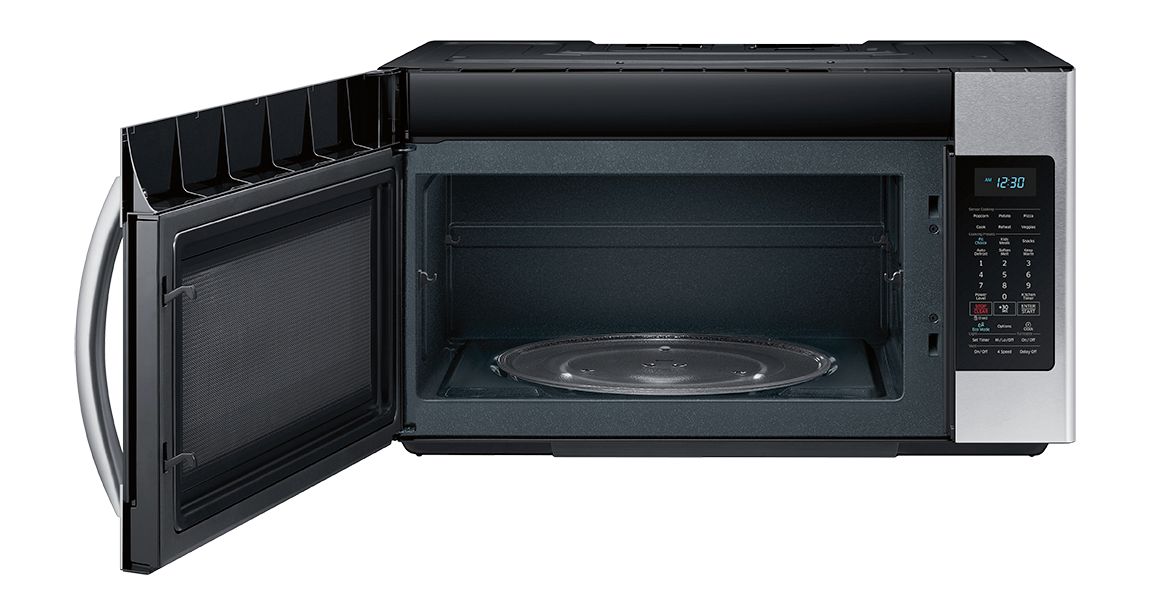
A:AnswerNo, do not remove either of the inserts. The cardboard looking material is called Mica and both inserts should be left inside the microwave.
The rectangular one on the right is the Wave Guide Cover.
The circular one on the top is the Stirrer Cover.
If either are too dirty, it should be replaced.
A:AnswerHi there! I found a really great outline and diagram of all the features you can adjust with the options button, and how to set it up, on page 10 of the User's Manual. ^Jecca
A:AnswerYes! On my Samsung, if I want to cook something at 50% (half power), I enter the amount of time. Press OK. Then enter the power amount- 5 (for 50 percent). Then START.