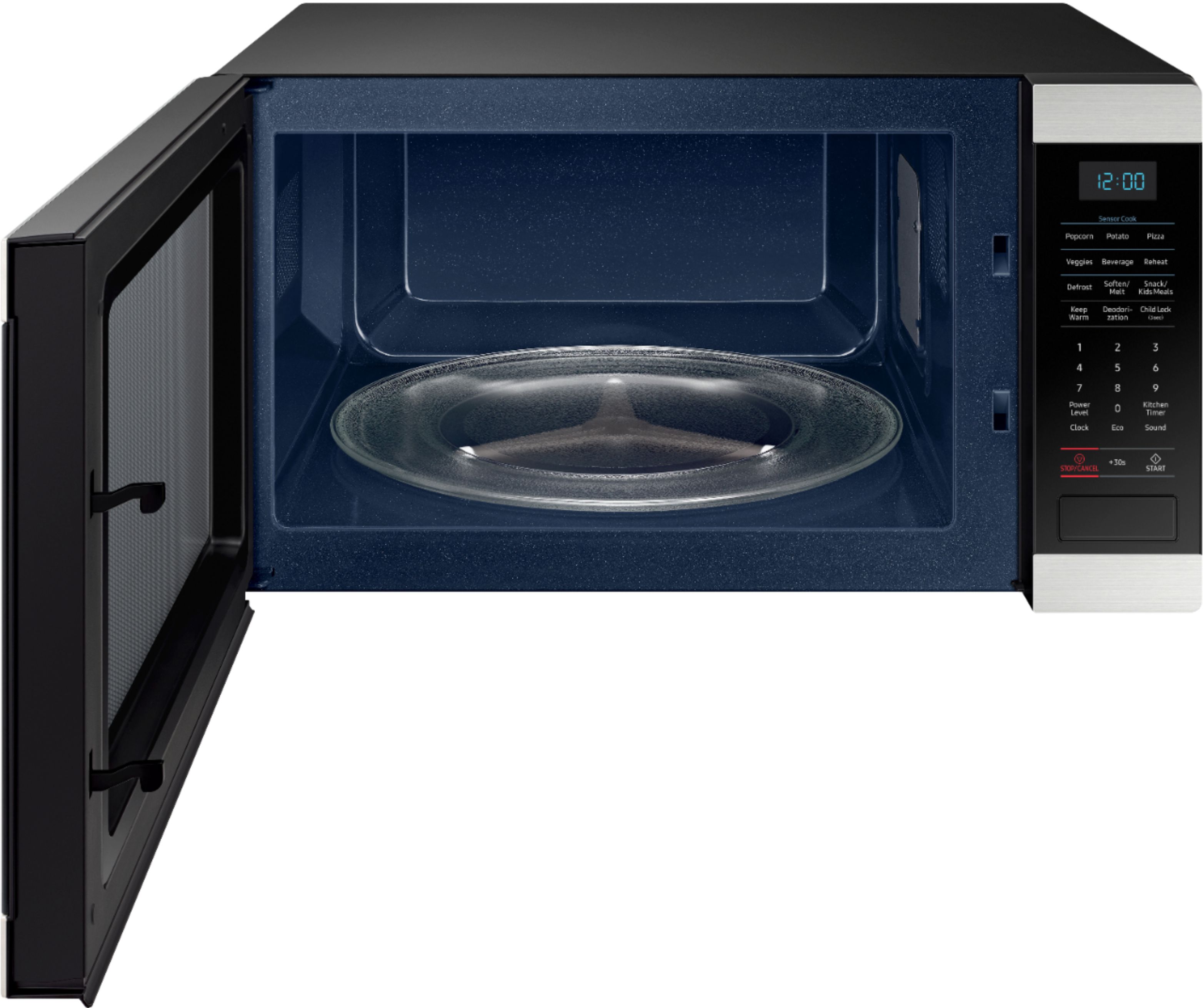
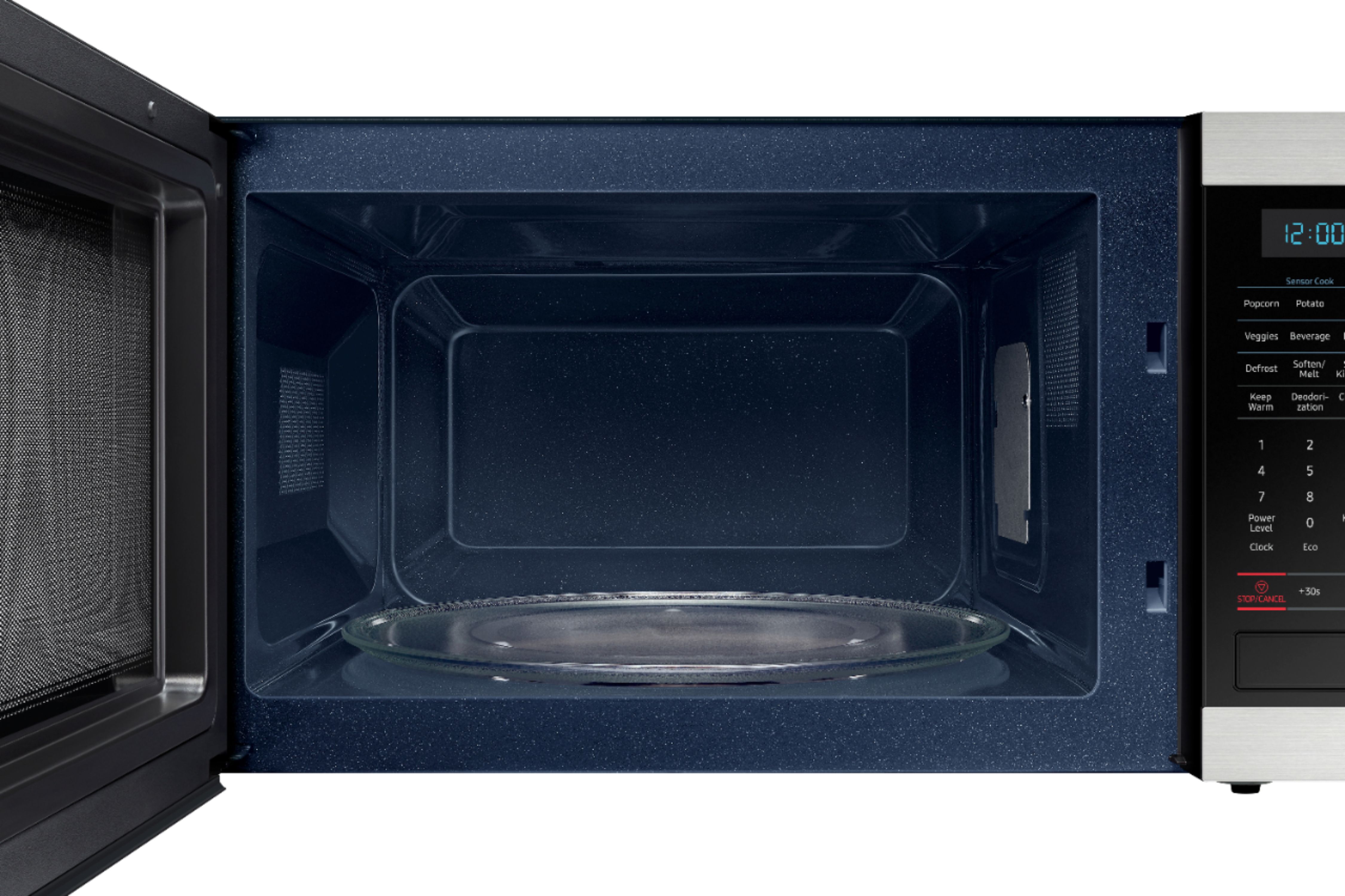
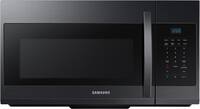
A:AnswerMine works the same. Read reviews before buying and several mentioned the noise from the rotating turntable. Seems then that this microwave is just loud because the turntable wobbles a little when rotating. I have noticed that when I put a heavy bowl or plate on the table, it makes less noise. Worse is when I am heating up a cup of coffee.
A:AnswerHello Julie,
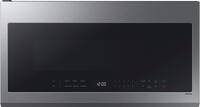
Thank you for reaching out. We appreciate you letting us know your inquiry if the plastic inside this Samsung microwave's door is supposed to be peeled off. We understand that this information may be essential for you to know, and we're here to help.
As per checking, the clear, thick sheet that covers the inside of the microwave door should NOT be removed. It has been attached securely and is meant to remain on the inside of the door.
Attached is a link to a guide you can check for information about plastic film or cardboard inside Samsung microwaves.
https://www.samsung.com/us/support/troubleshooting/TSG01110342/
Do not hesitate to reach out via our Support Channels below should you wish to speak with a live representative or for other concerns.
1. Facebook Messenger: http://m.me/samsungsupport
2. Twitter: https://twitter.com/messages/compose?recipient_id=18768513
3. Samsung Community: https://us.commuity.samsung.com/t5/Samsung-Community/ct-p/us
Thank you, and stay safe!
Your Reference Ticket Number: 1144404725
-Angelica
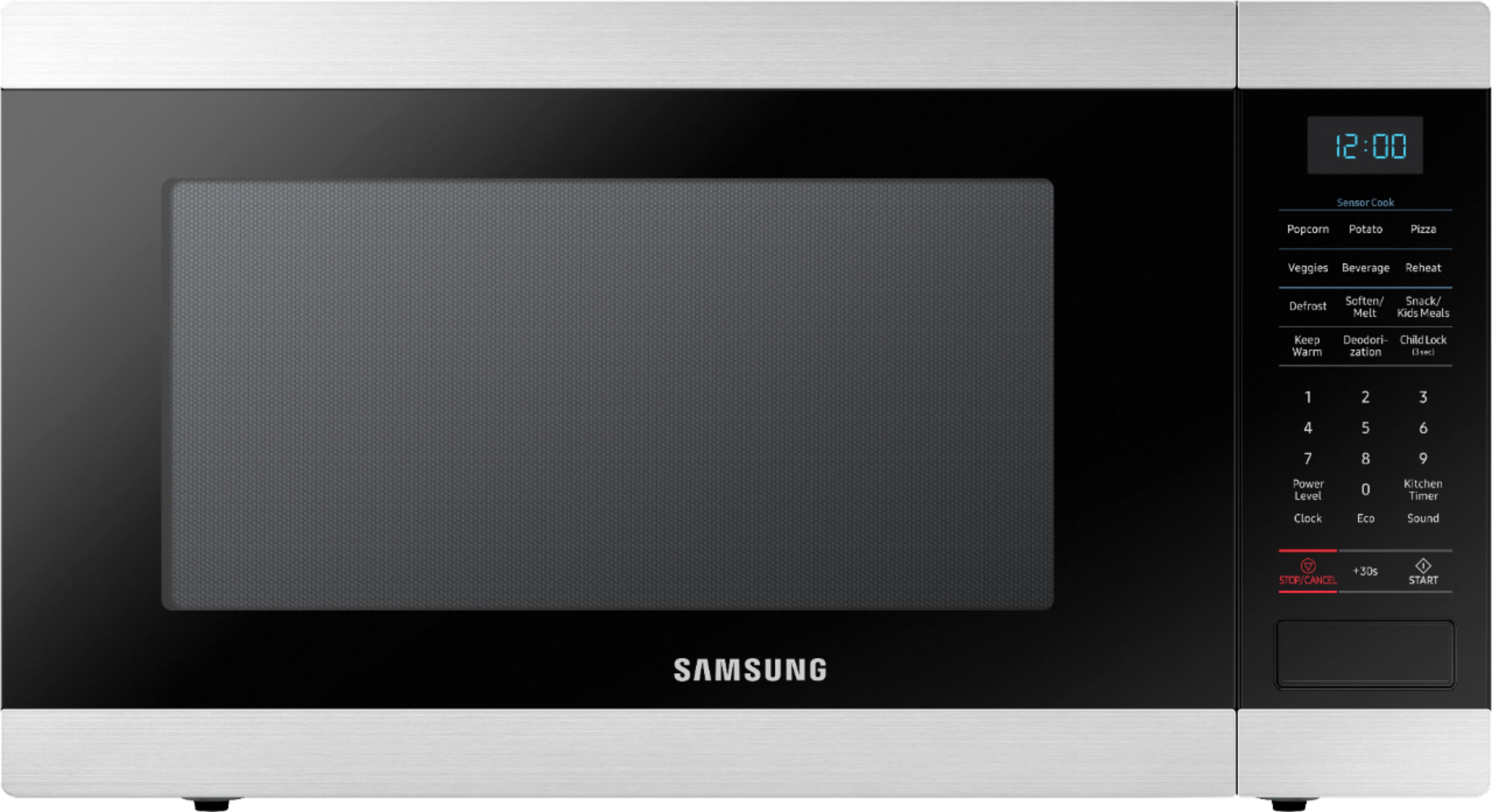
A:AnswerHello Stephen, to clean your microwave, use mix baking soda and water (1:3 ratio) wipe along the grain of the stainless. Also, to clean inside/outside of the glass its advised to use soap and water. For additional guidance please call us at 1800-Samsung.
^Lizzette
A:AnswerHi KP, we understand your concerns with the Microwave. Please fill out the form below and one of our social media specialists would be happy to assist you. http://smsn.us/SamsungSupportUSA and we will respond accordingly. ^Britt
A:AnswerI'm happy to help with this, Kat! Page 10 of the user manual (https://bit.ly/3u6mvWN) has all the location requirements for proper installation and function. ^Jecca
A:AnswerHi Jojocil! I can provide this link (https://bit.ly/3kmJbye) to the user manual for this model. Page 10 has a diagram and details about the location requirements for this model.^Jecca
A:AnswerI’m gonna say no as it tells you it needs a certain amount of clearance around it so sticking inside a wall opening or mounting it isn’t going to provide that....
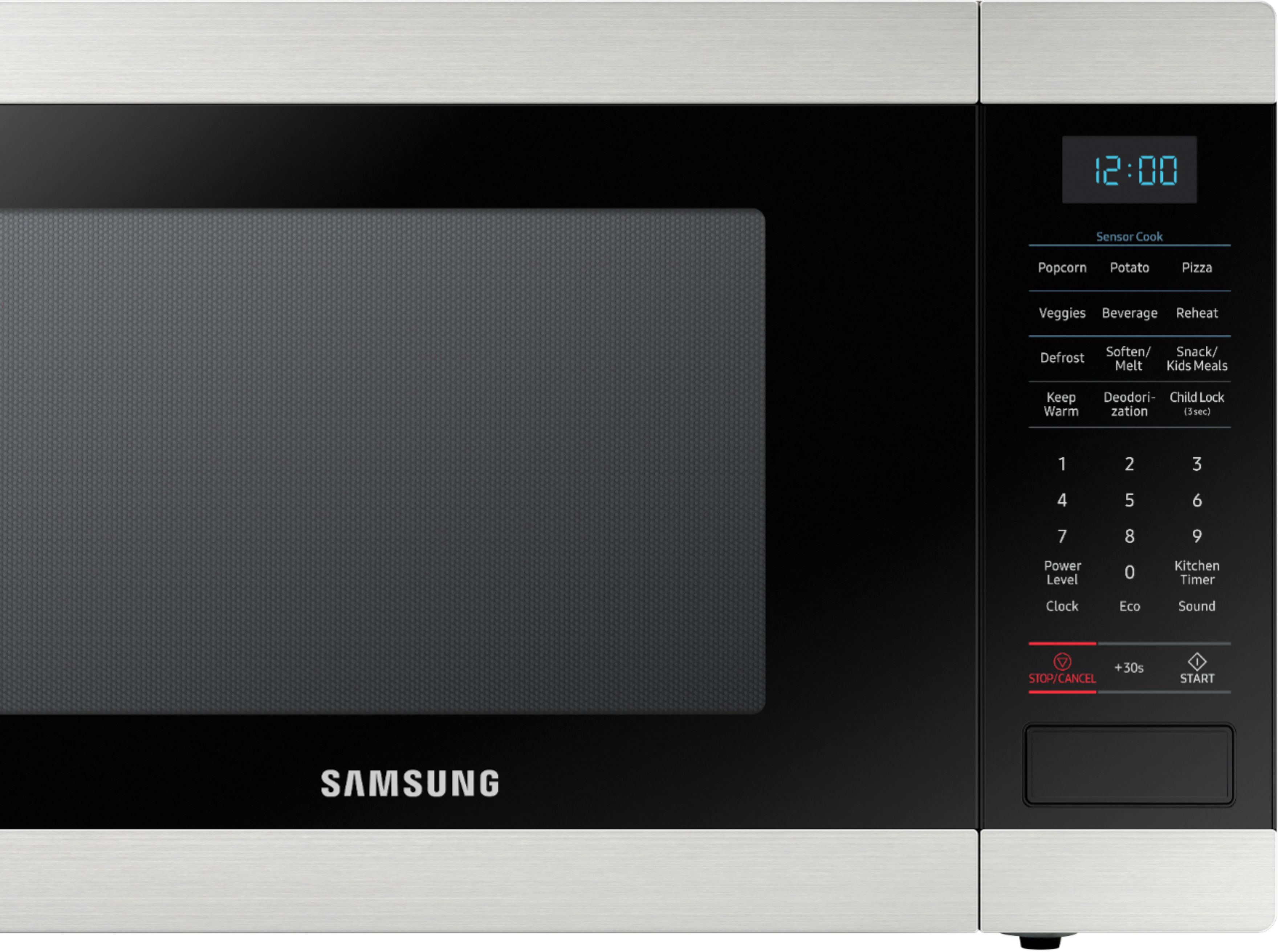
A:Answer1) To set the clock press the clock button once.
2) Then enter current time. You must enter 3 or 4 numbers or the clock will not set. 1200 or 500 e.g.
3) Then press the start button. the colon ":" will blink between the hour and minutes showing the time is now set.