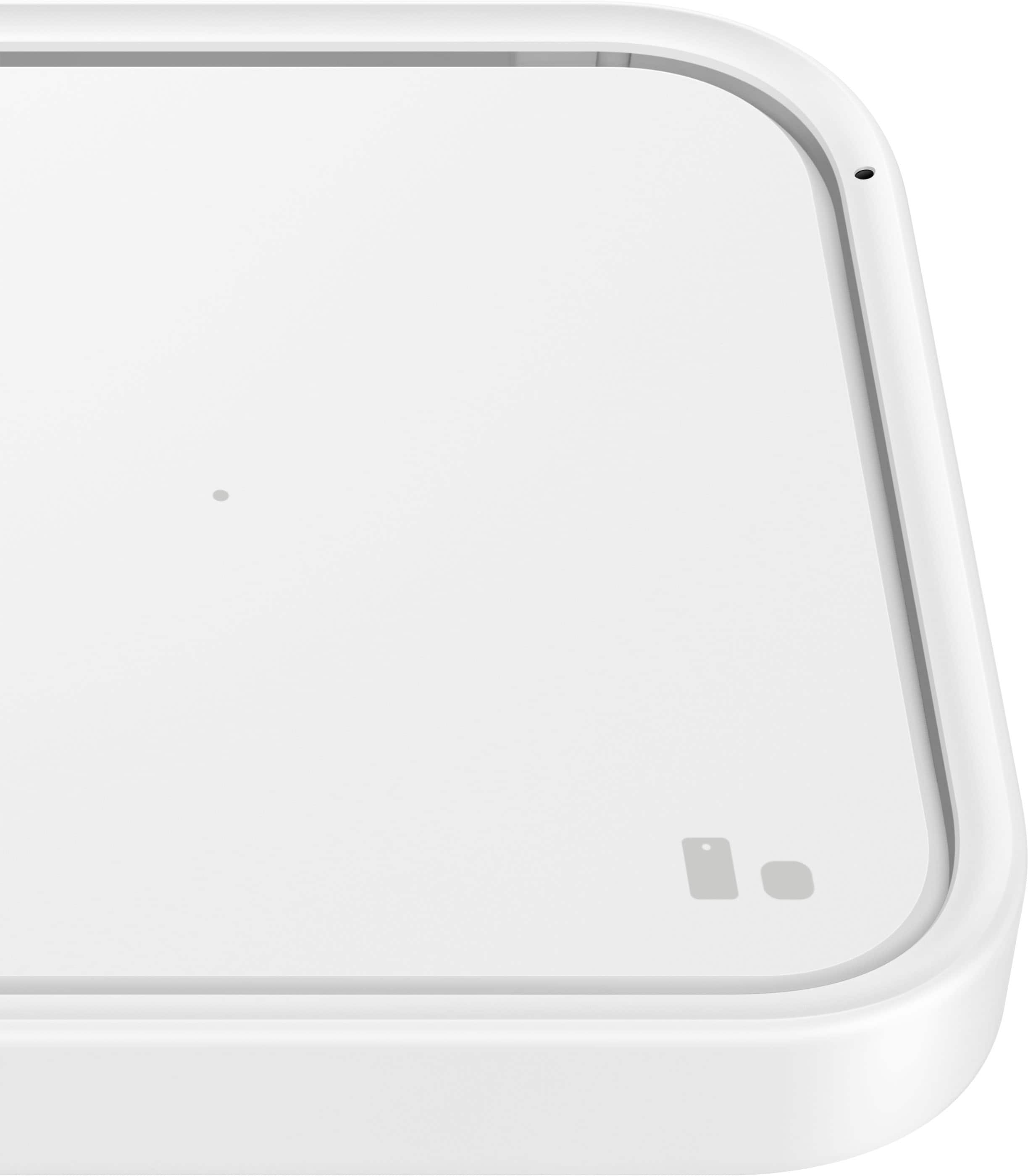
A:AnswerYes. Go to settings alide down to battery and device care. Open more battery settings. Scroll to bottom and enable your fast wireless charging. This is actually on Samsung galaxy s20, s20fe, s10, s20 note and s20 ultra. To my knowledge.
A:AnswerIf your Samsung tablet support QI Wireless Charging yes it would but u gotta look up ur exactly tablet model y name to find out if it supports this.
A:AnswerSadly, no. The Samsung Galaxy A53 5G does not support wireless charging. However, I would suggest a fast wired 15w or 30w if you really wish to spend less time charging and more time doing what you enjoy.
A:AnswerHere is a list of common causes of why your Samsung Wireless charger might show the Yellow blinking.
Damages: You might face issues if there are any external damages to your devices or accessories.
Obstruction: Your phone case or other objects might be interrupting when charging your device.
Incompatible device: An incompatible charging cable, power brick, or pad might not let you charge your device.
Wall Adapter: A weak or a low-performing power adapter might result in the charger blinking yellow.
A:AnswerThe charger box is a 25watt the pad is a 15watt witch means no superfast wireless charging only fast wireless charging. U only get super fast charging wen plugd in directly in to the c port of phone