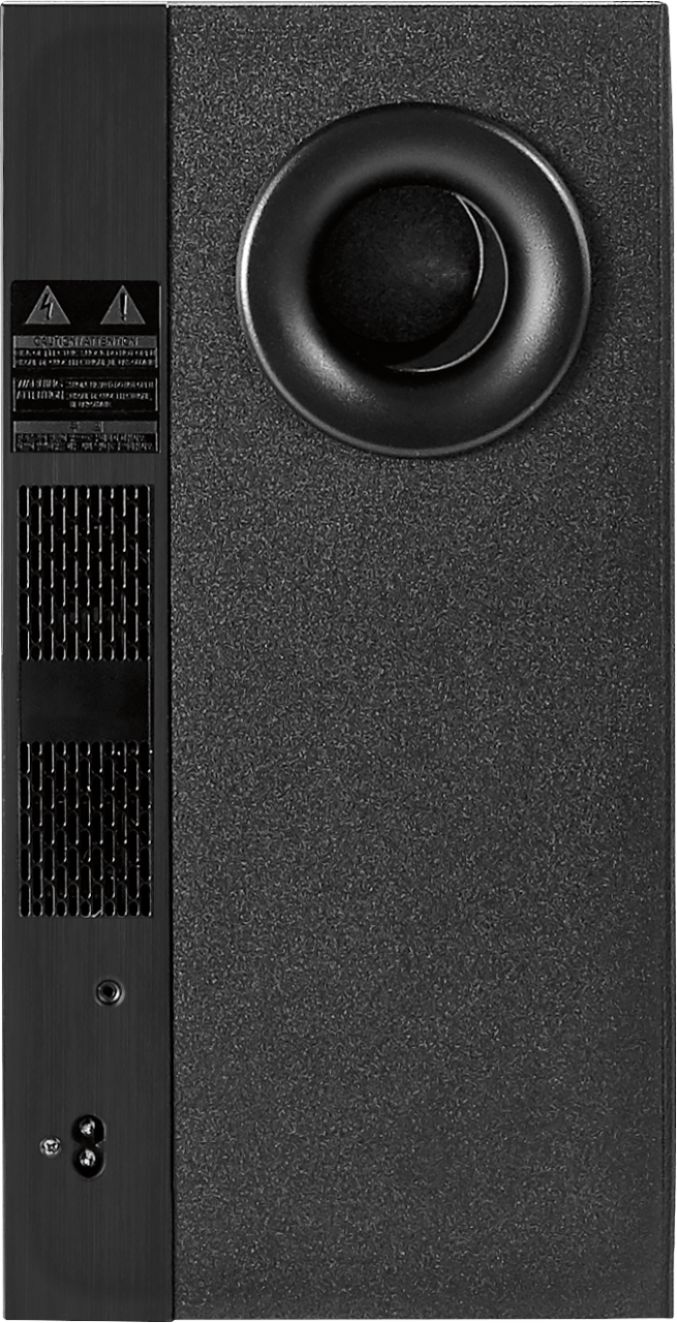
A:AnswerNo a system is designed to work with what has, upgrading to a more powerful sub wont change anything because the power to the sub doesn't change.
A:AnswerUnfortunately I have not tested that. I don't have Google home. This sound bar does have bluetooth connectivity for your cellphone, so I don't see why not. I would test it in a store before you buy it though to be sure.
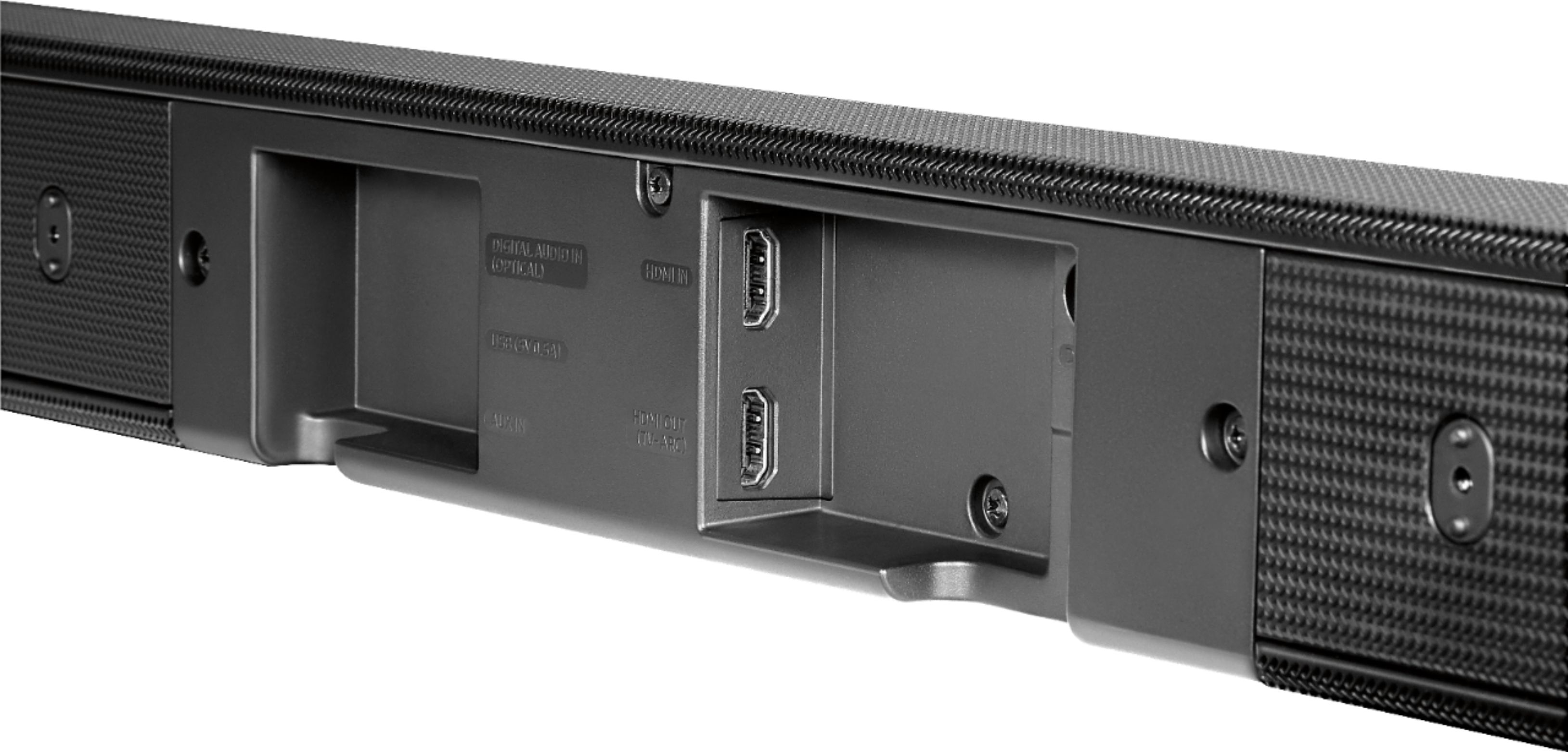
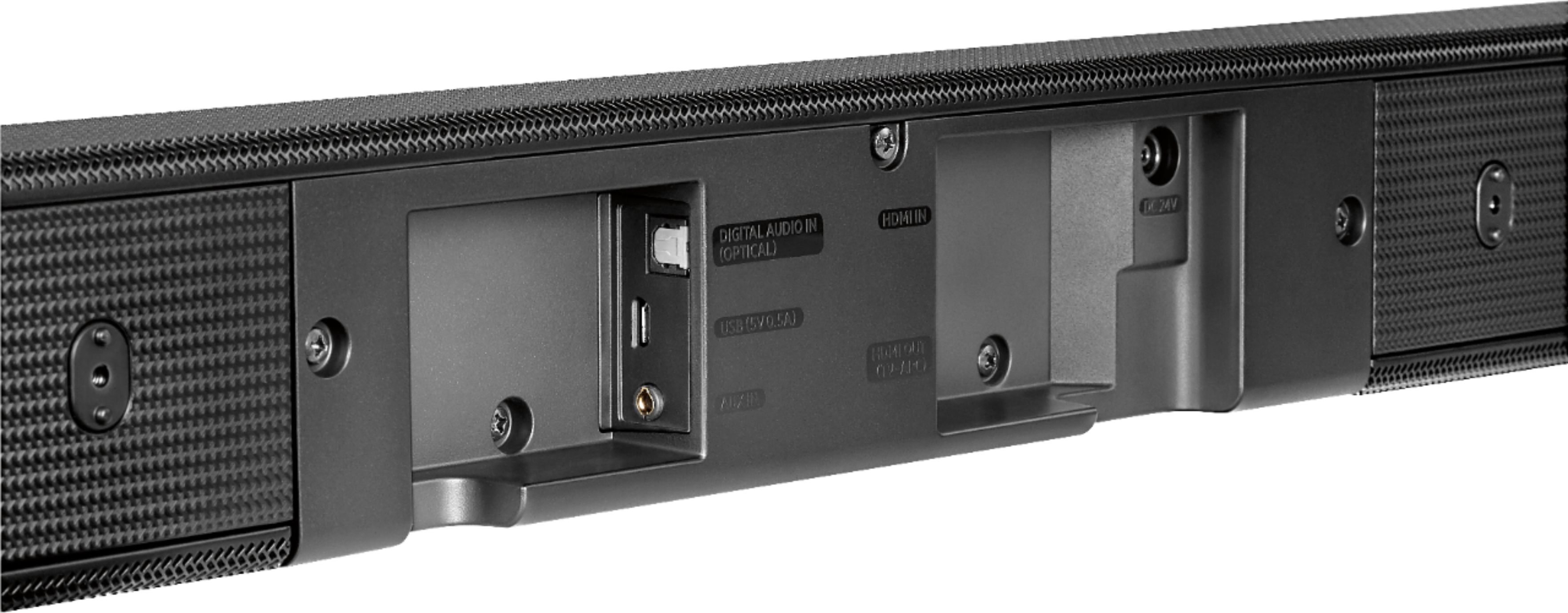
A:AnswerSince my tv was a samsung I purchased a samsung soundbar, it connects with an optical cable, tv to soundbar, very easy. One optical cable should be all you need.
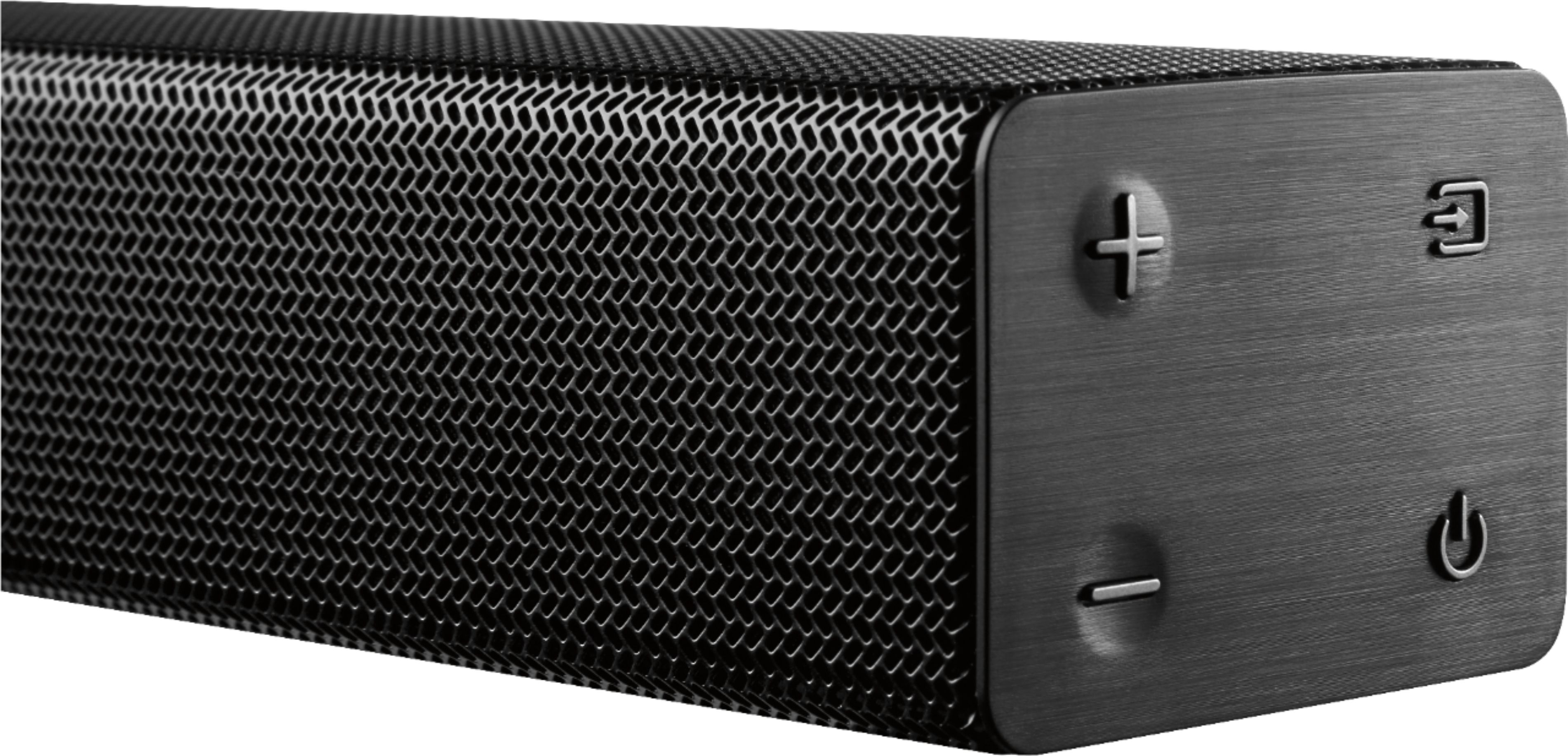
A:AnswerYes, this unit turns off and you will notice the blue light on top of the sub turn red indicating the bar's bluetooth connection is gone. Once I hit the power button on the tv, the bar and sub pop right up. Easy.. Hope this helps!
A:AnswerYes according to another review these only work with these rear speakers https://www.samsung.com/us/televisions-home-theater/television-home-theater-accessories/home-theater/wireless-rear-speaker-accessory-kit-swa-8000s-swa-8000s-za/ which arent sold anymore it seems.
A:AnswerIf by voice enhance you mean Music/Sports/Movie... yes. It also has a surround button, night mode & of course treble/bass adjustments. Also has an option if the voices & the mouths dont match you can adjust for delays.
Hope that helps. There are also a few other options.
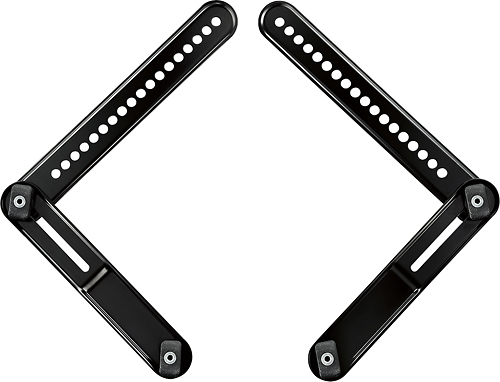
A:AnswerYes you can. I currently have mine mounted below my Samsung TV. Just use the included mounting brackets and use a soundbar mount to the TV mount. I am using the Rocketfish Soundbar mount and so far it holds great.
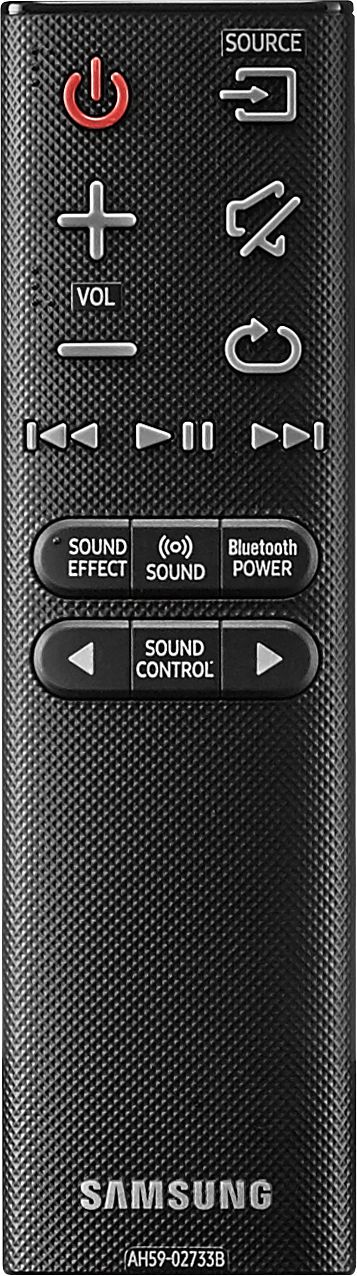
A:Answerhey there, for that to work you would actually need to go on your direct TV settings under audio and look for remote set up and just follow the simple instructions, its very easy to set up. Hope this helps.