A:AnswerHi Sophie,
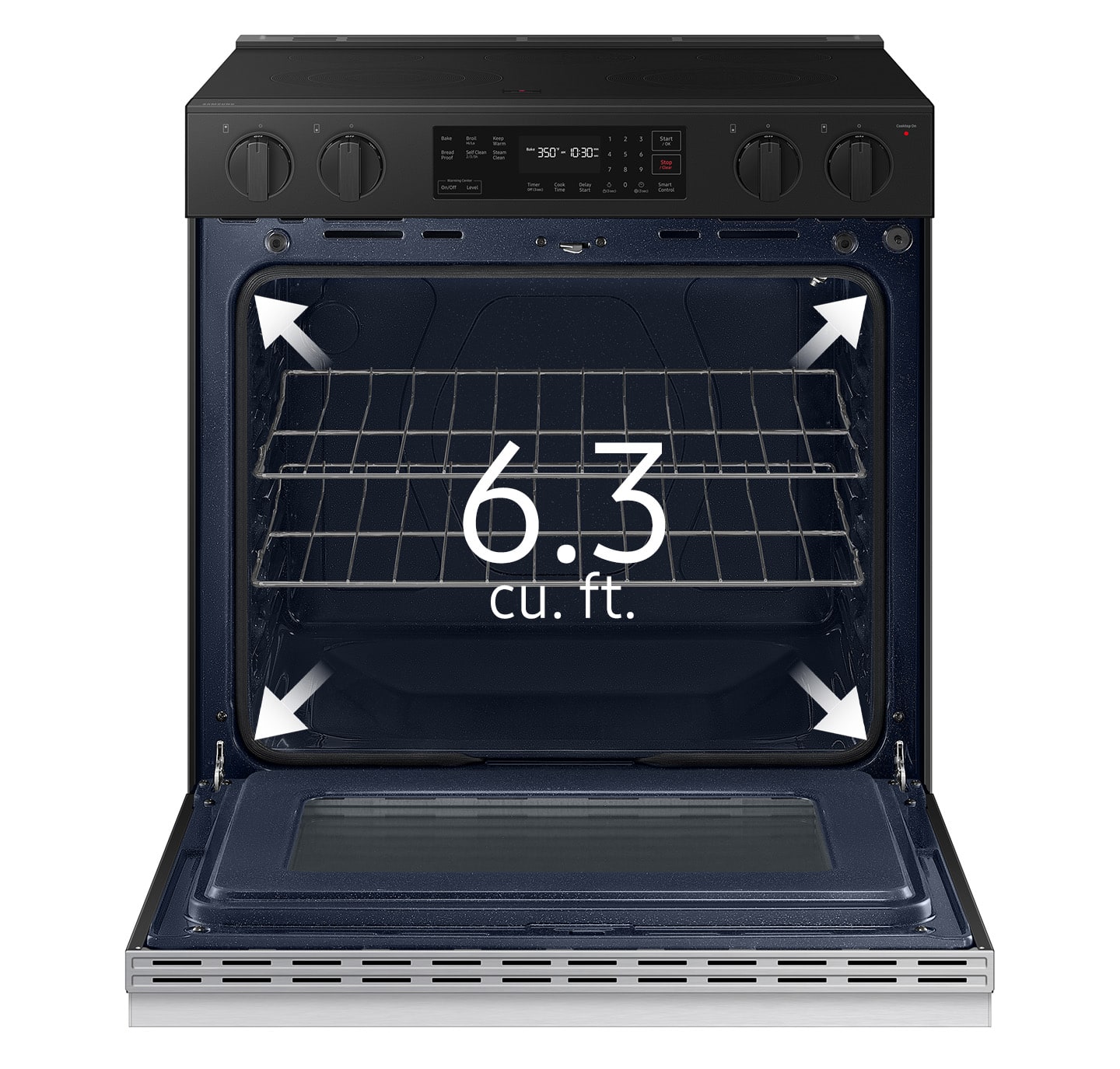
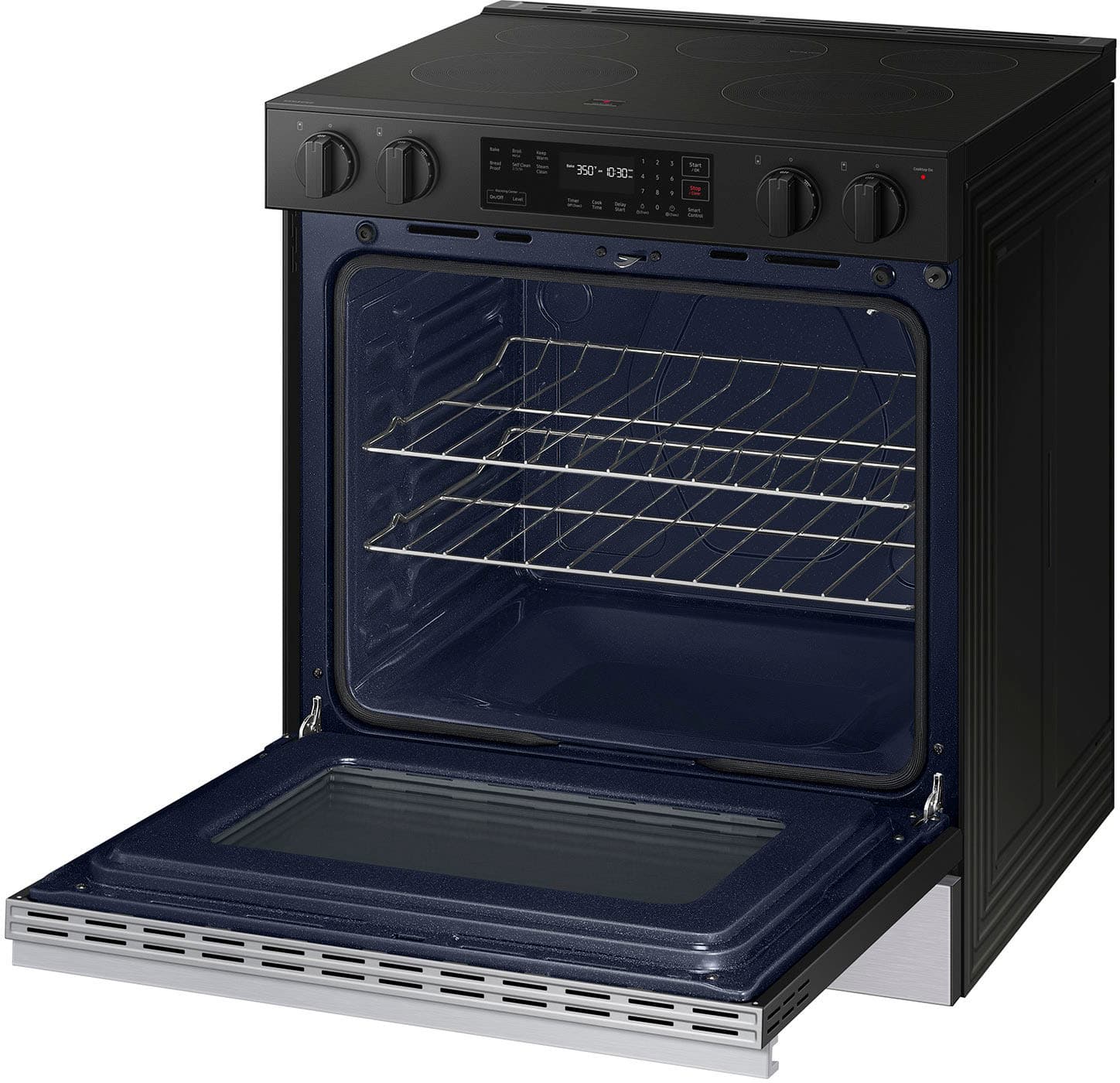
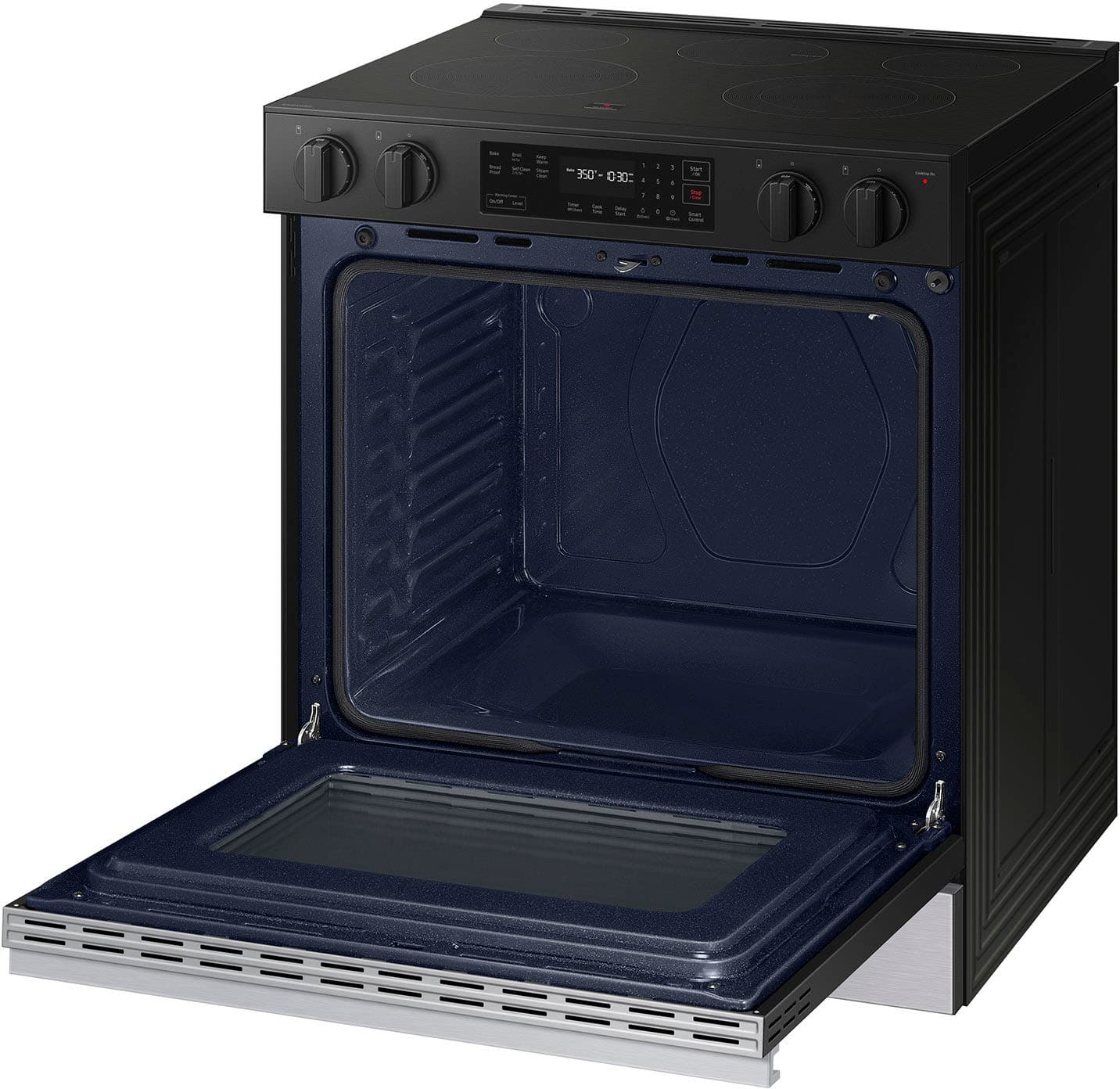
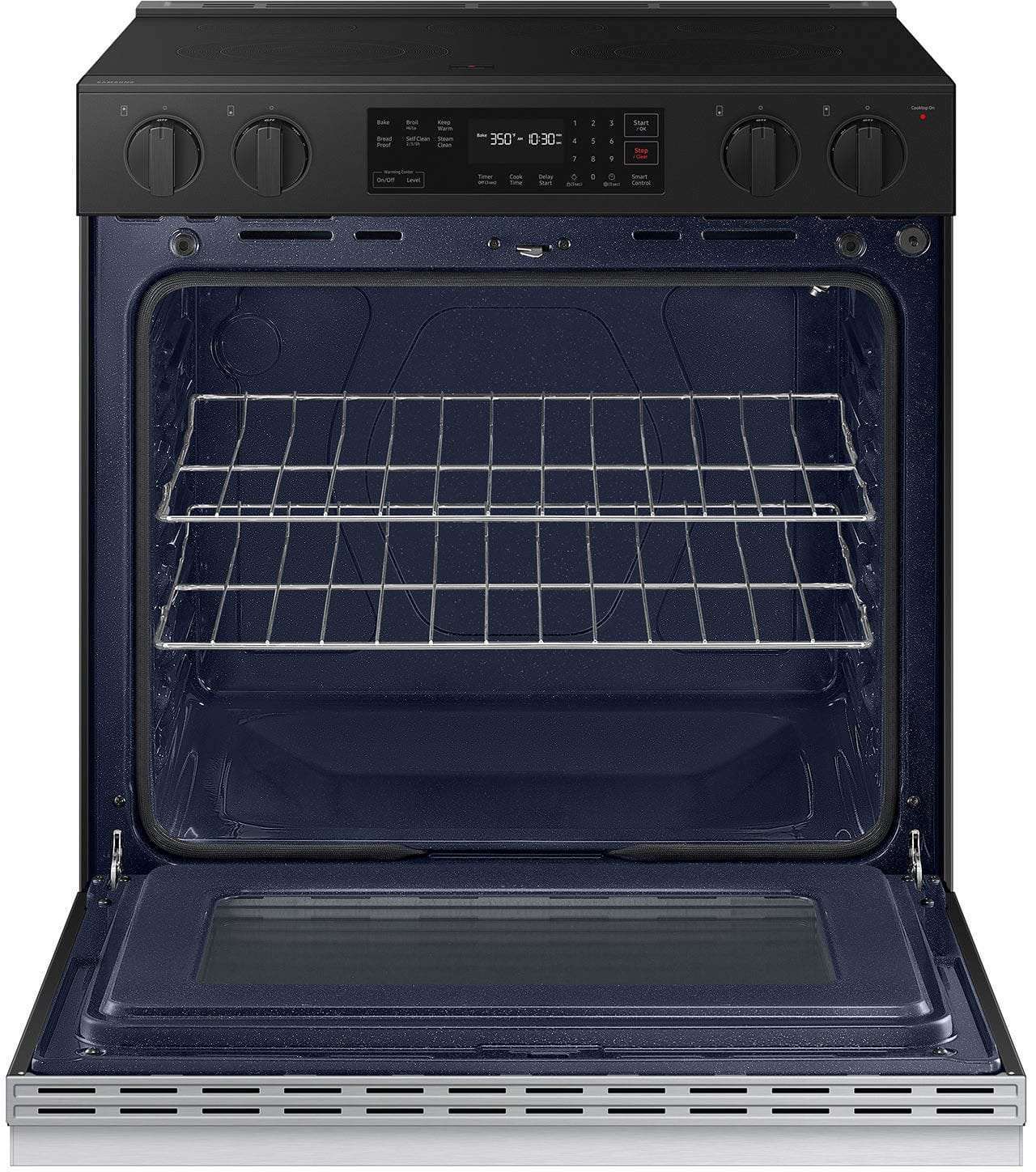
This range model has a self-clean feature that burns off leftover grease and residue completely or reduces them to finely powdered ash that you can wipe away with a damp cloth. The bottom tray of this range model cannot be removed and can be used for Steam Cleaning.
You can explore the link below and check out our electric ranges with Self-cleaning features.
Samsung ranges:
https://www.samsung.com/us/home-appliances/ranges/all-ranges/?shop=Buy+Online&fuel_type=Electric&key_category_features=Self+Clean
Please feel free to get back to us via the following options:
1. Facebook Messenger: http://m.me/Samsungsupport
2. Twitter: https://twitter.com/messages/compose?recipient_id=18768513
3. Samsung Community: https://us.community.Samsung.com/t5/Samsung-Community/ct-p/us
Please provide us with this reference number (1148345027) to help our team pull up your information when you message us.
Have a great day,
-Ernest-
A:AnswerHello,
We'll gladly provide the details you need.
Any range/cooktop with Bluetooth is compatible with a range hood with Bluetooth for syncing as most Samsung over-the-range microwaves only have Wi-Fi capabilities.
Thank you.
-Angelica
A:AnswerGreetings,
To determine which ranges are compatible with your smart microwave, the model and the brand of the range are needed.
Please feel free to reach us via the options below, as we look forward to assisting you in the best possible way.
1. Facebook Messenger: http://m.me/samsungsupport
2. Twitter: https://twitter.com/messages/compose?recipient_id=18768513
3. Samsung Community: https://us.commuity.samsung.com/t5/Samsung-Community/ct-p/us
Please provide us with this reference number (1147944448) to help our team pull up your information when you message us.
Thank you.
-Ricardo
A:AnswerHello Patricia,
Thank you for reaching out regarding your Samsung NSE6DG8100SRAA range. Knowing how long it takes to preheat your cooktop and oven is essential for planning your cooking routine, and I’m happy to assist!
Pre heating the oven should occur within 20 minutes. Do not open the door during this time.
Please see the link for more details.
Samsung oven temperature issues
https://www.samsung.com/us/support/troubleshoot/TSG10001298/#oven-takes-a-long-time-to-reach-set-temperature
Should you need more assistance, please feel free to get back to us via the following options:
1. Facebook Messenger: http://m.me/Samsungsupport
2. Twitter: https://twitter.com/messages/compose?recipient_id=18768513
3. Samsung Community: https://us.community.Samsung.com/t5/Samsung-Community/ct-p/us
When you message us, please provide us with this reference number (1147732937) to help our team gather your information.
Have a great day.
^Charles
A:AnswerHi there,
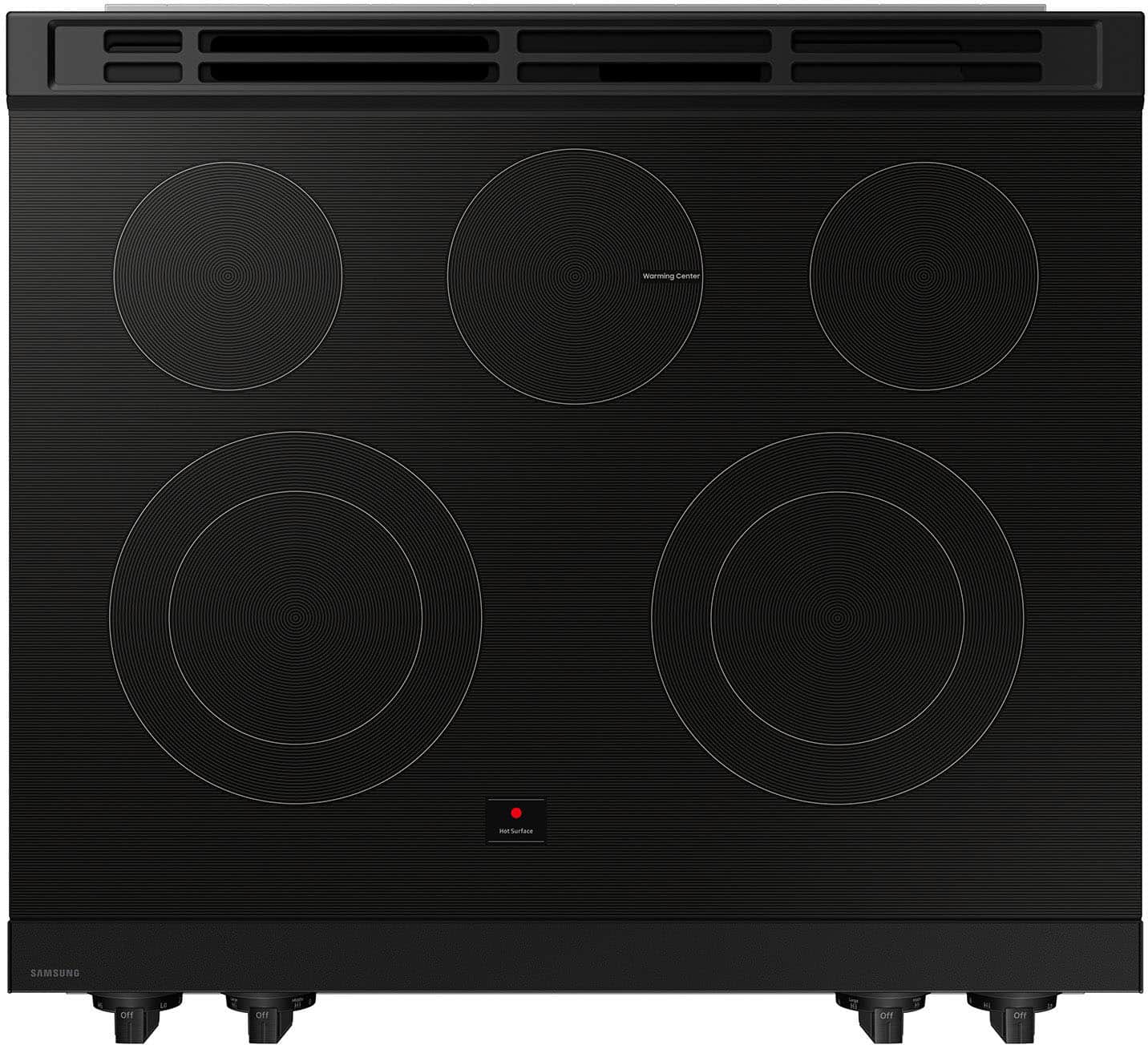
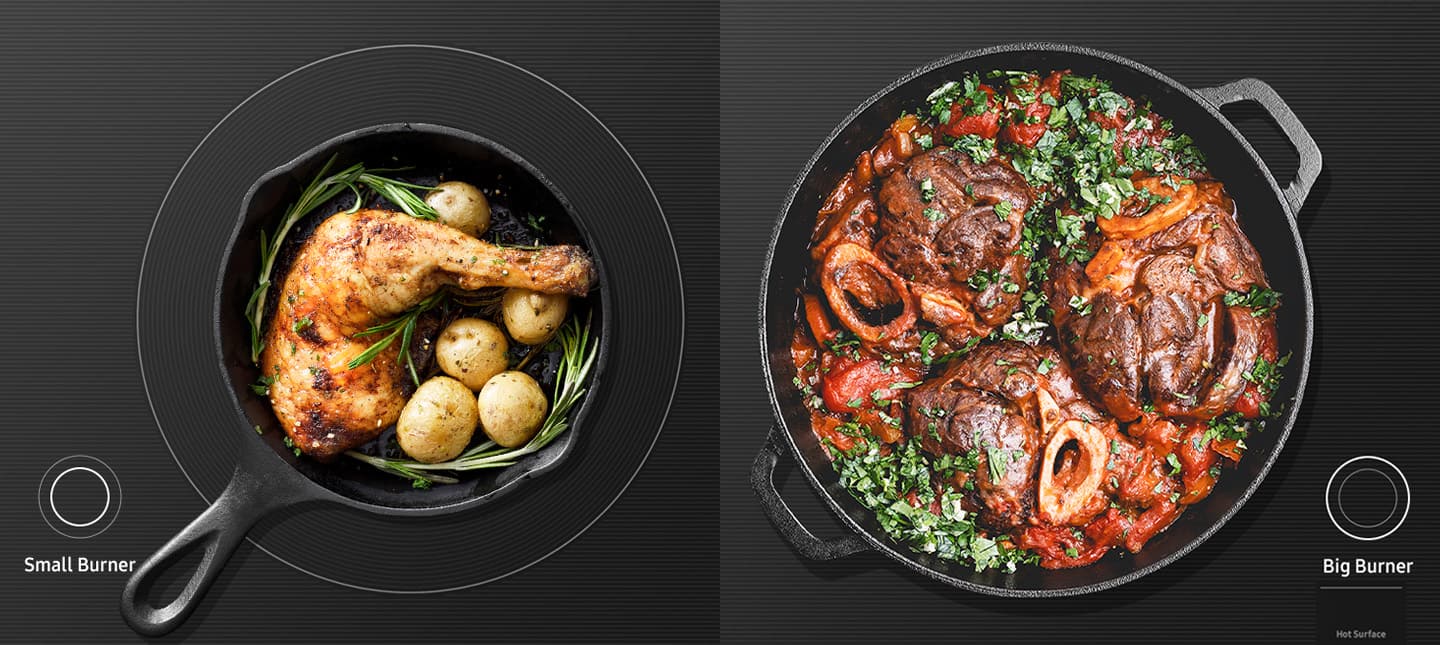
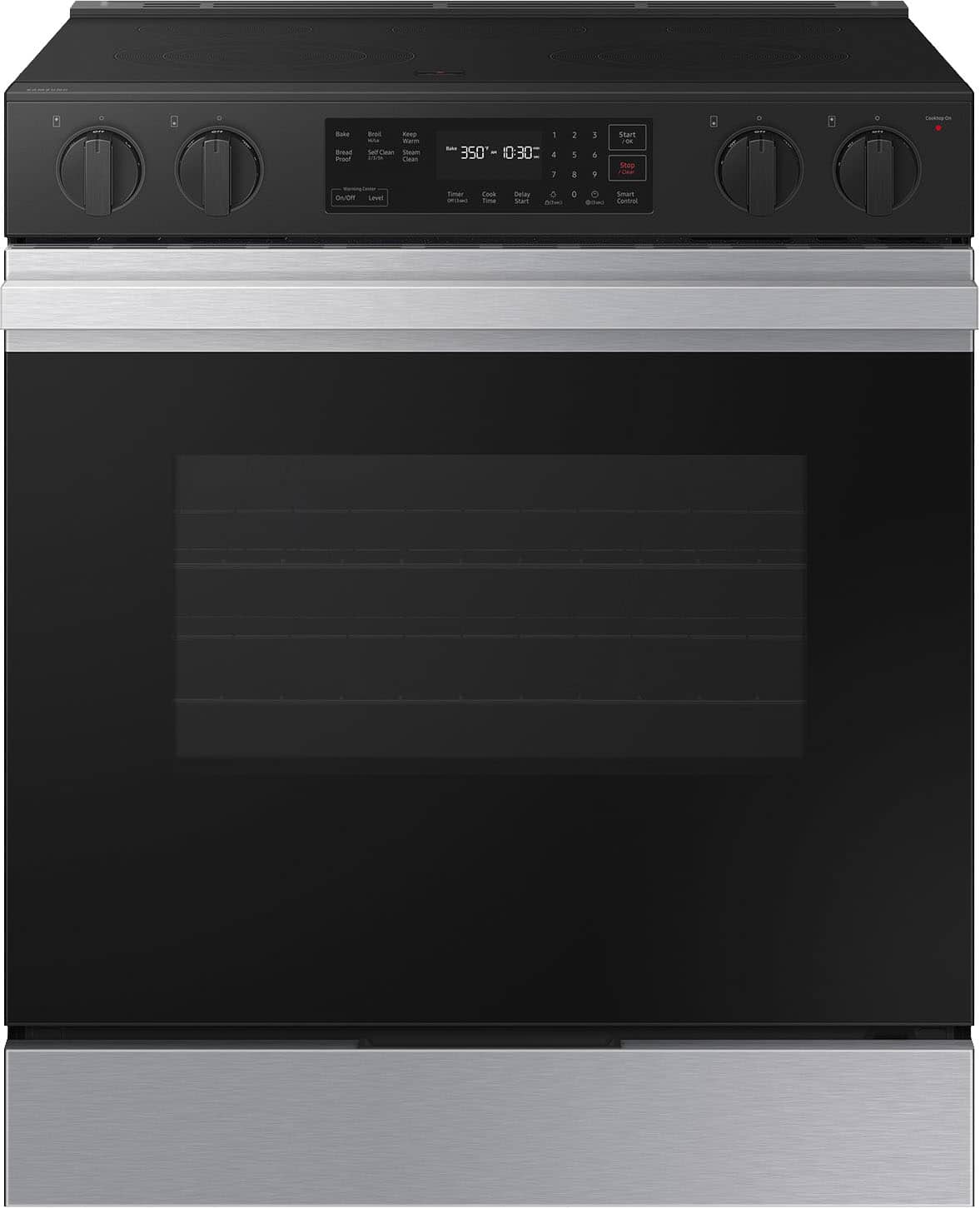
No, the biggest burners are the left and front burners, 6"/9" in size.
Please reference the 8th picture of the range and the Specs section on the product page.
Product page
https://www.samsung.com/us/home-appliances/ranges/electric/bespoke-6-3-cu-ft-smart-slide-in-electric-range-with-precision-knobs-in-stainless-steel-nse6dg8100sraa/#specs
Have a great day.
^Aloe
A:AnswerHi MichaelF,
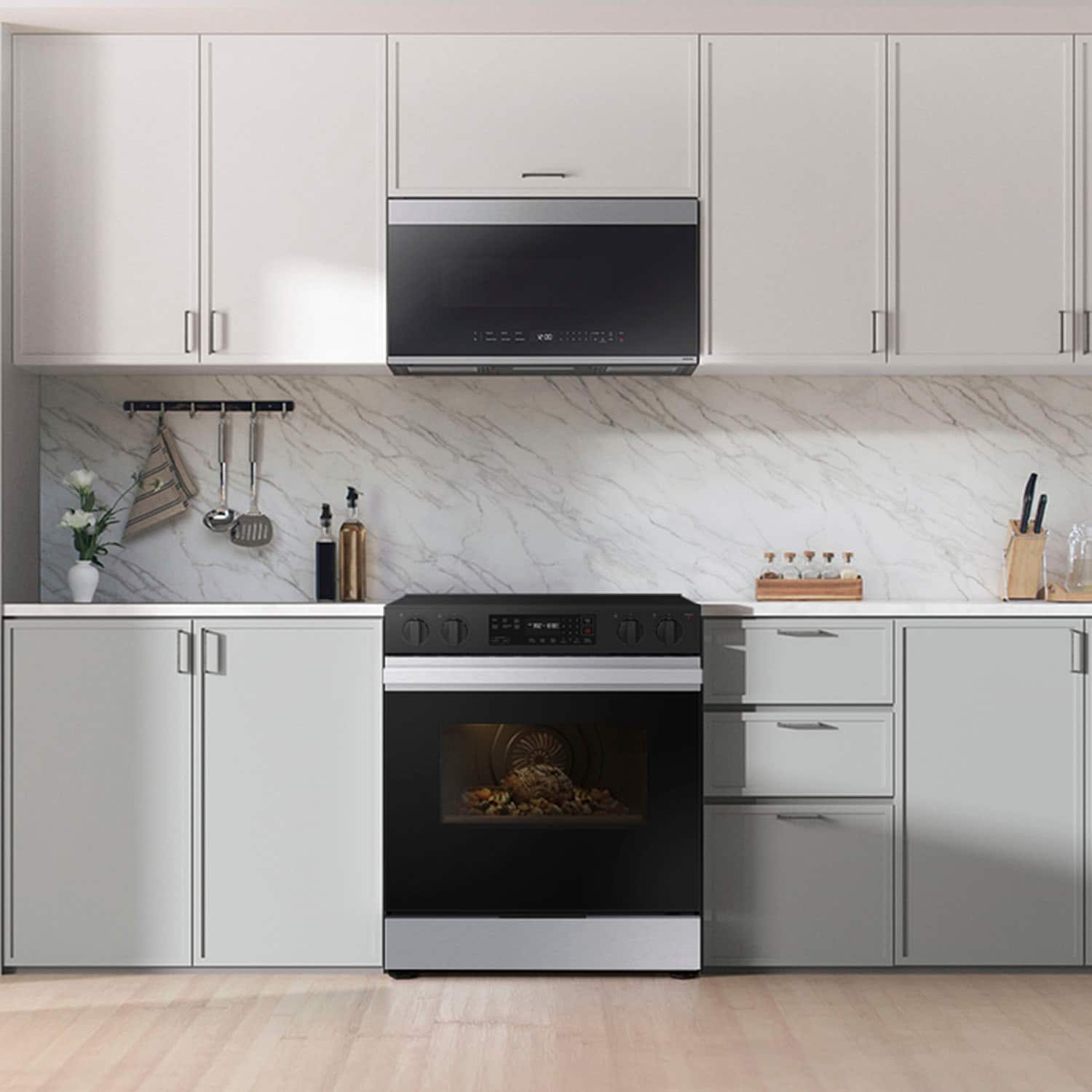
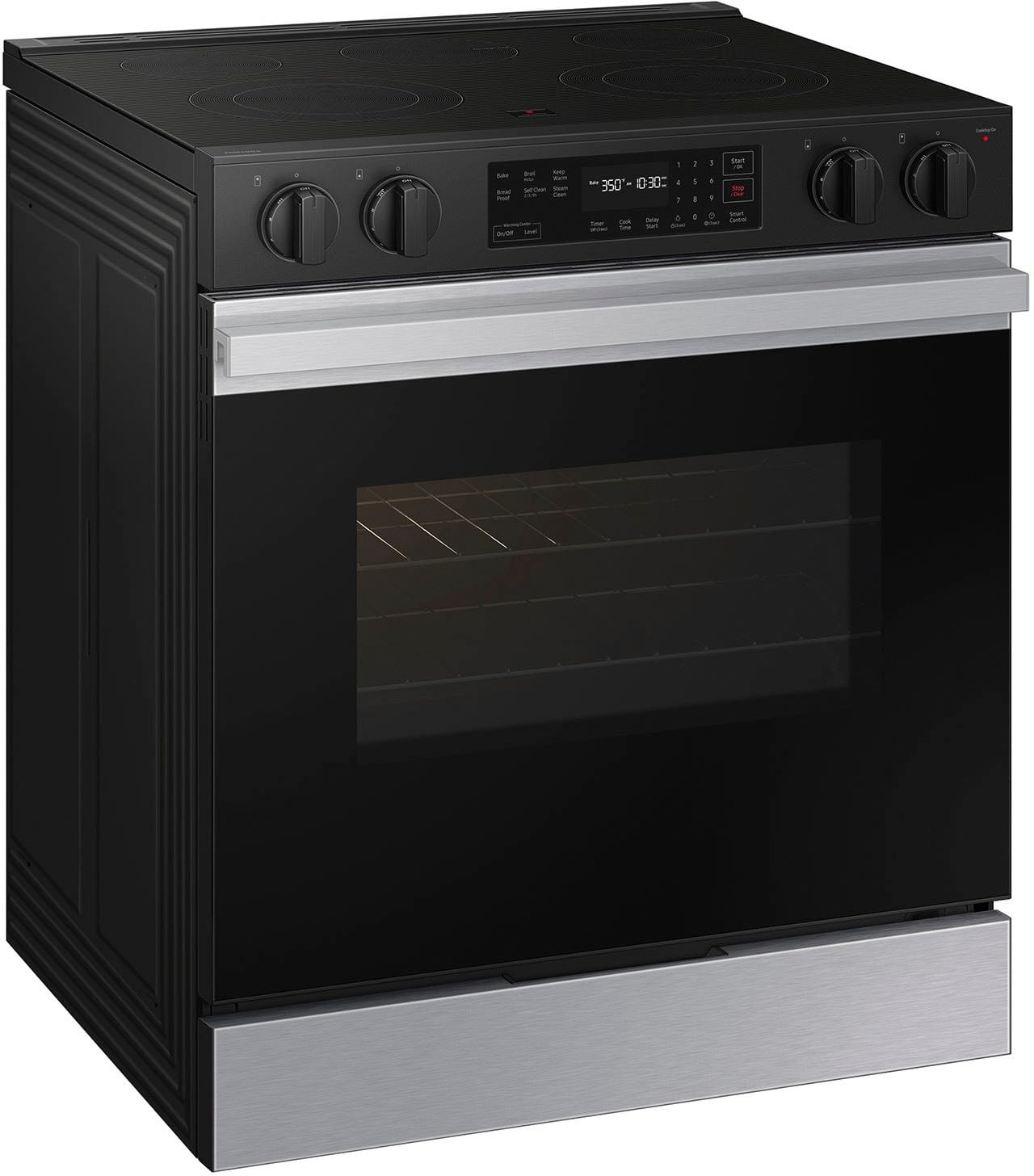
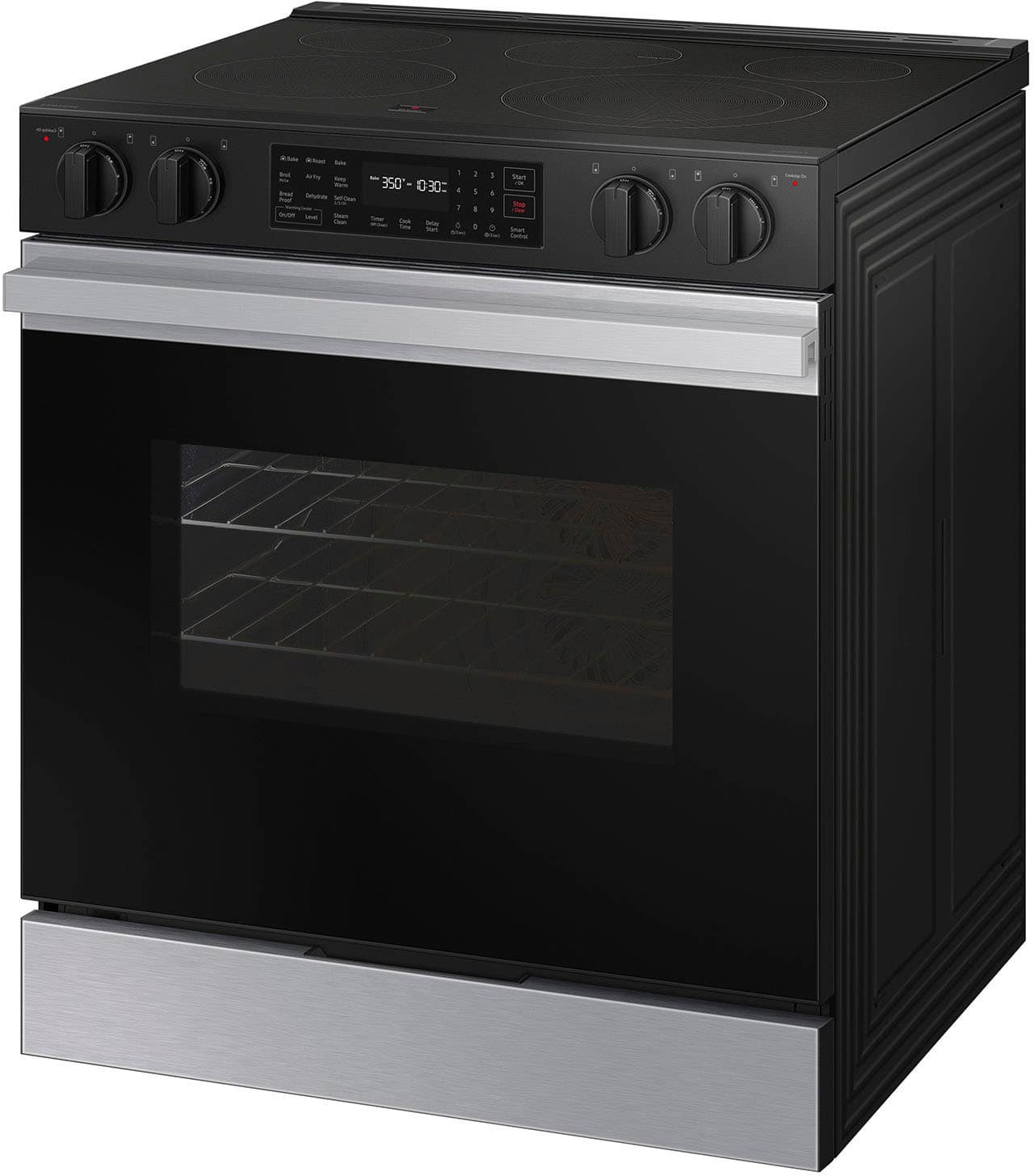
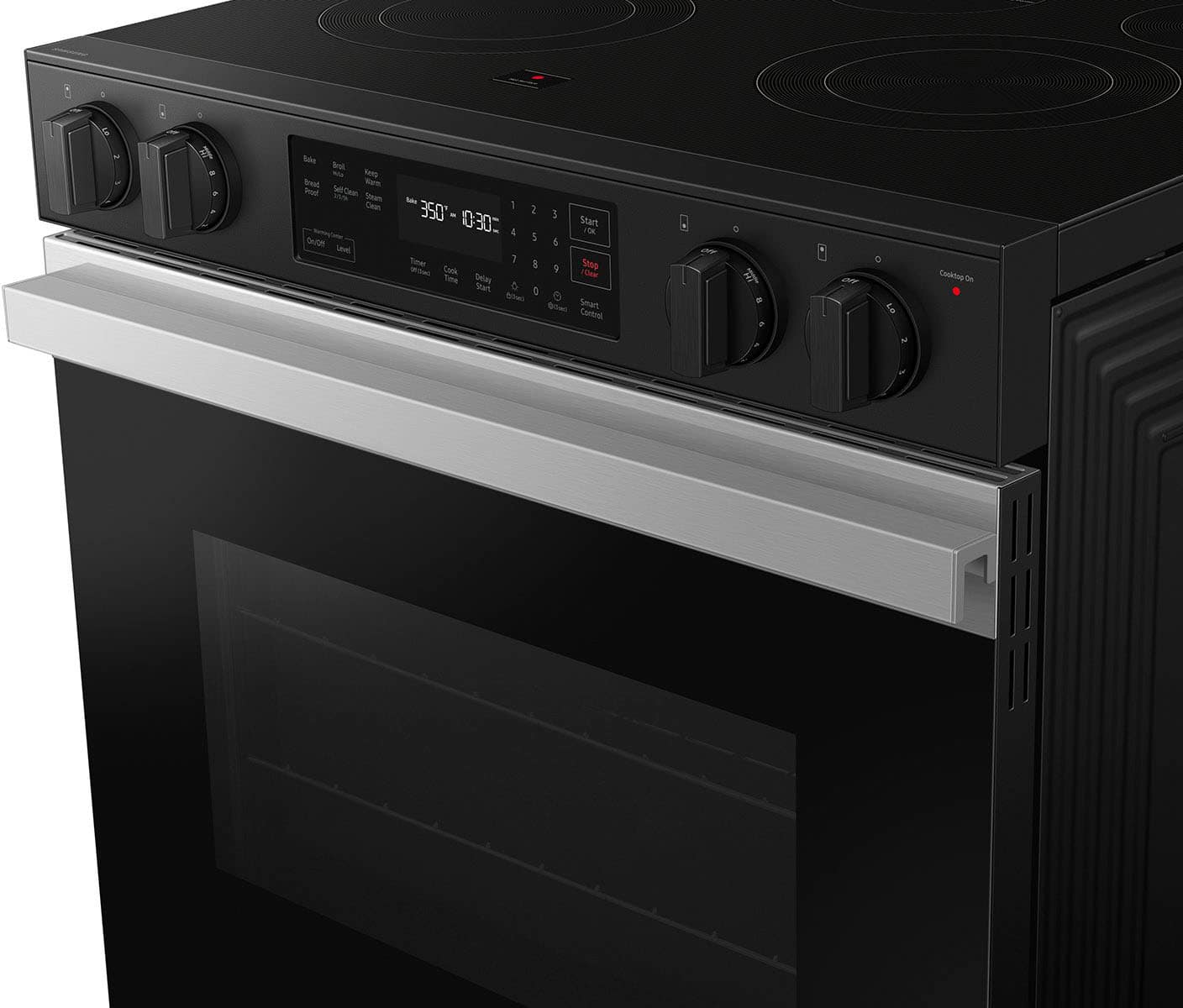
This range model's Bespoke design gives your kitchen a premium look with a contemporary Bespoke design and a recessed handle that suits your style and elevates your home. You can check the link below to learn more about the model's features.
Specification sheets:
https://image-us.samsung.com/SamsungUS/home/home-appliances/ranges/electric/nse6dg8100sraa/pdf/NSE6DG8100_Electric_V6.pdf
Have a great day,
-Ernest-
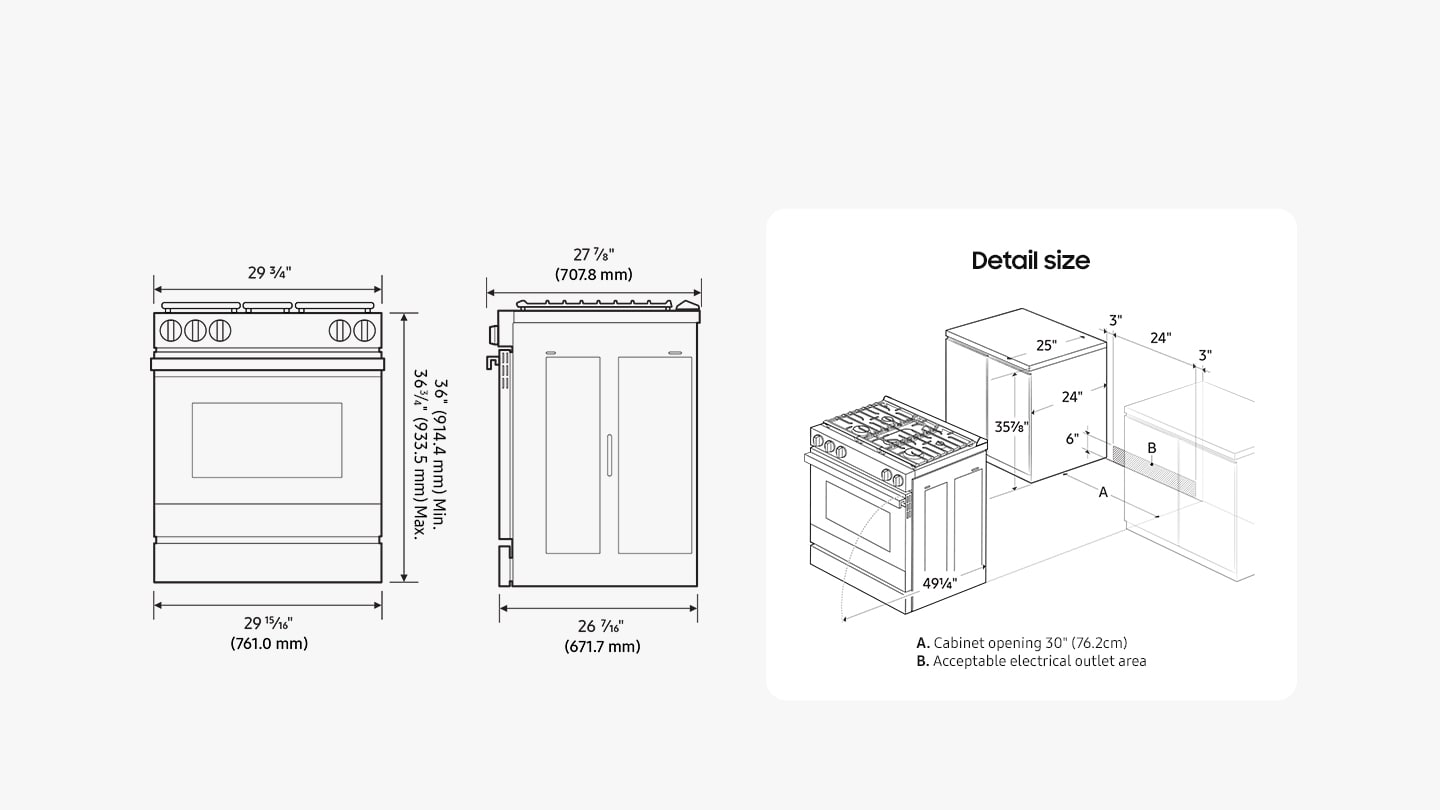
A:AnswerYes, Ann, this range model's legs can be adjusted. The range height can be adjusted from 36 1/4 inches to 37 inches. You can check the link below and see "Dimensions" for reference.
Specification sheets:
https://image-us.samsung.com/SamsungUS/home/home-appliances/ranges/electric/nse6dg8100mtaa/pdf/NSE6DG8100_Electric_V6.pdf
Have a great day,
-Ernest-
A:AnswerYes but i wouldn't store things in there. It is perfect for keeping food warm. Especially when you have to cook different things at different temps and times. Never dried out my food yet.
A:AnswerHi there,
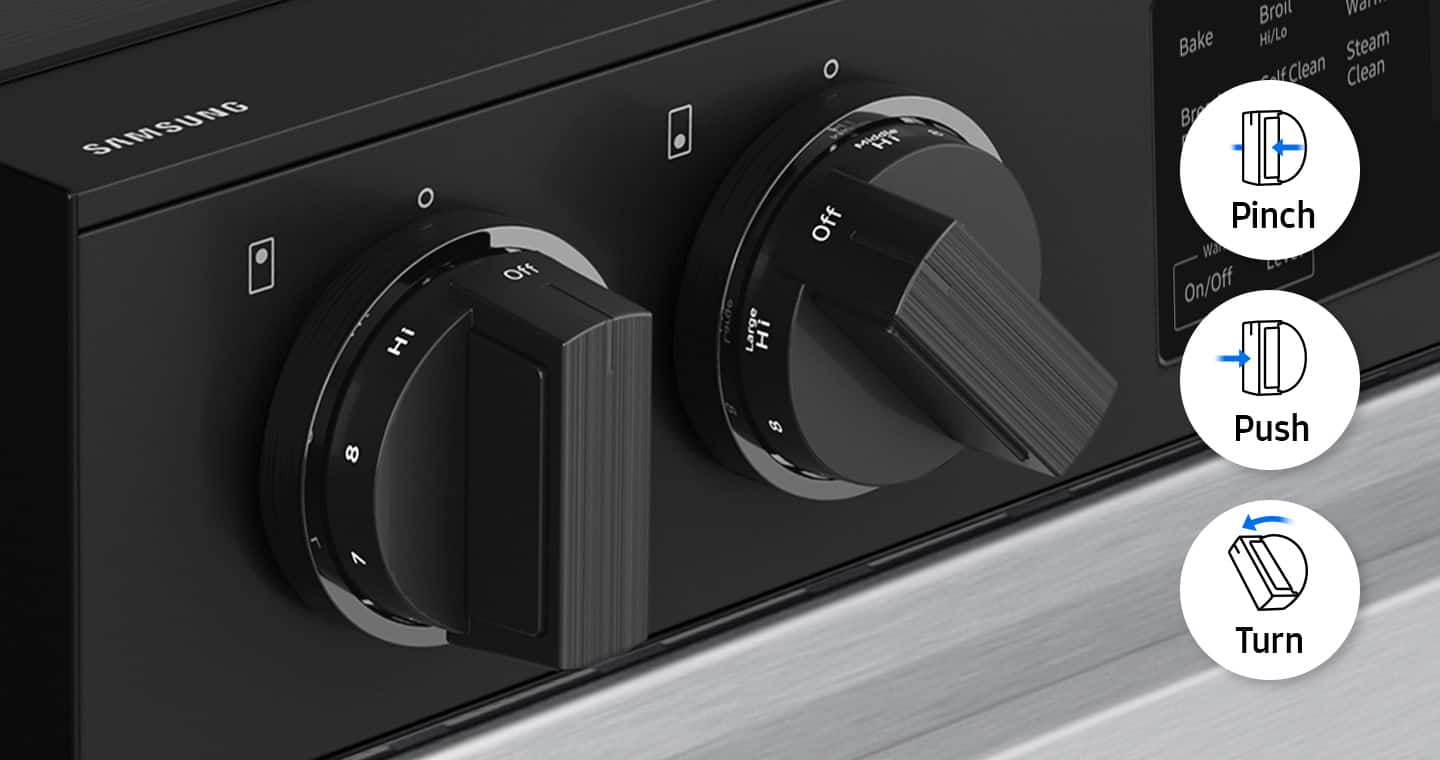
To turn on the oven light on your Samsung NSE6DG8100MTAA, you can do so easily from the control panel. Simply press the button designated for the oven light to switch it on or off. This function is included in the "Operating the oven" section of the manual, specifically on page 32. You can check for more details in the full manual linked .
Manual
https://downloadcenter.samsung.com/content/UM/202405/20240503155440978/01._IB_FULL_NE9100D_NSE6DG8100_EN.pdf
Have a great day.
^Charles
A:AnswerDear Valued BestBuy Client,
To better assist you with this don't hesitate to get in touch with our BestBuy Customer Service department at (888) 237-8289, available 24 hours a day. They can answer your question or transfer you to your local store to answer your specific inquiry about the a power cord missing in the package.
Have a great day.
^Charles
A:AnswerHi there,
We are more than happy to help you with this.
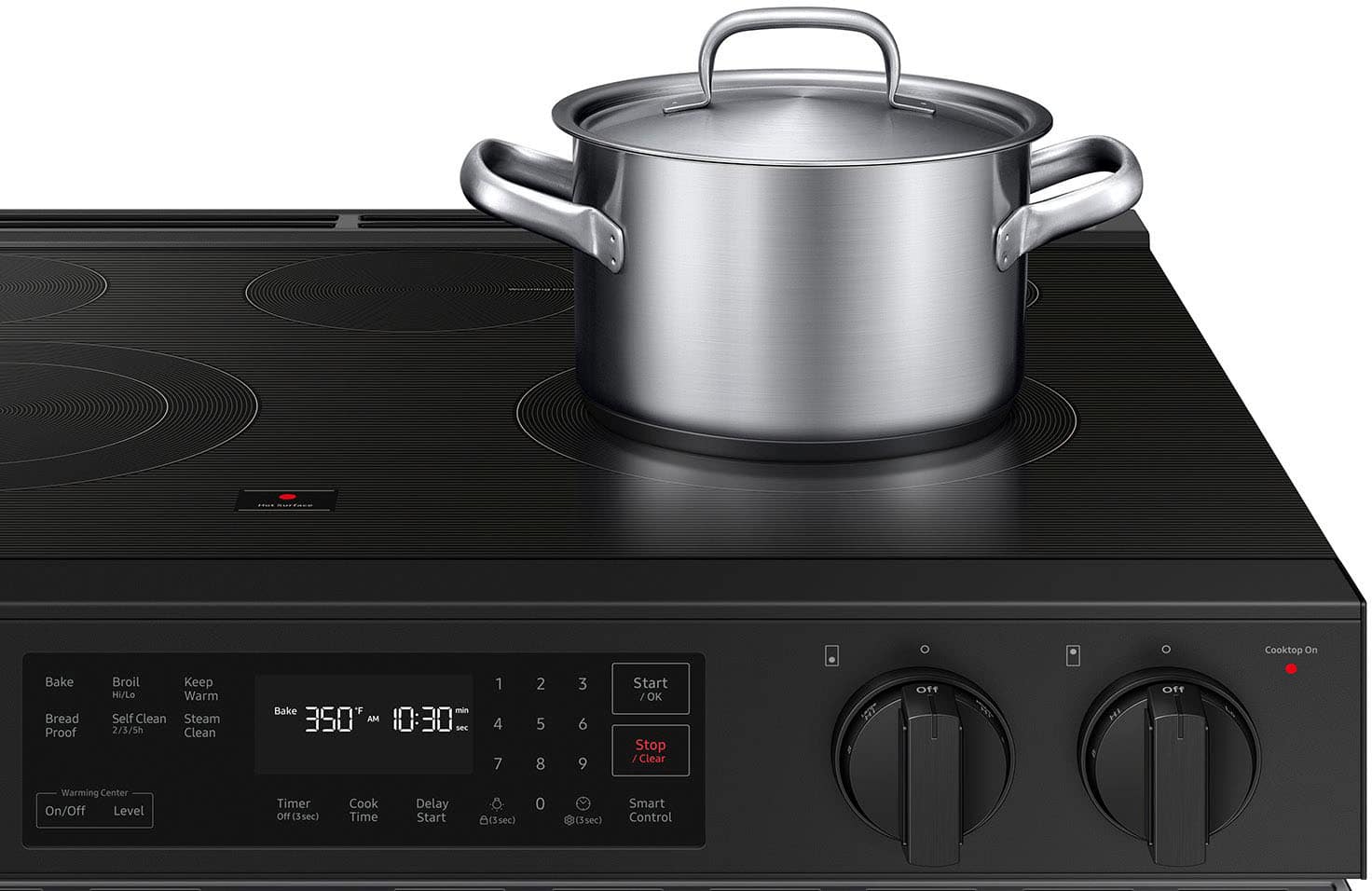
Please see pages 28 to 29 of the user manual to see what type of cookware is recommended for your range.
https://downloadcenter.samsung.com/content/UM/202405/20240503155440978/01._IB_FULL_NE9100D_NSE6DG8100_EN.pdf
Should you still need support, please don’t hesitate to reach out to us through the channels below.
1. Facebook Messenger: http://m.me/samsungsupport
2. Twitter: https://twitter.com/messages/compose?recipient_id=18768513
3. Samsung Community: https://us.community.samsung.com/t5/Samsung-Community/ct-p/us
When you message us, provide us with this reference number (1147870631), and it will help our team pull up your information.
^Rodel