Questions & Answers
- Model:
- UN32H5000FFXZA
- |
- SKU:
- 6617416
Highly rated by customers for: Picture Quality, Setup Ease, Size
$149.99
Page Showing 41-60 of 114 questions
Q: Questionwhat is the difference between the 32 inch 500f and the newer 600f?
Asked by bobby.
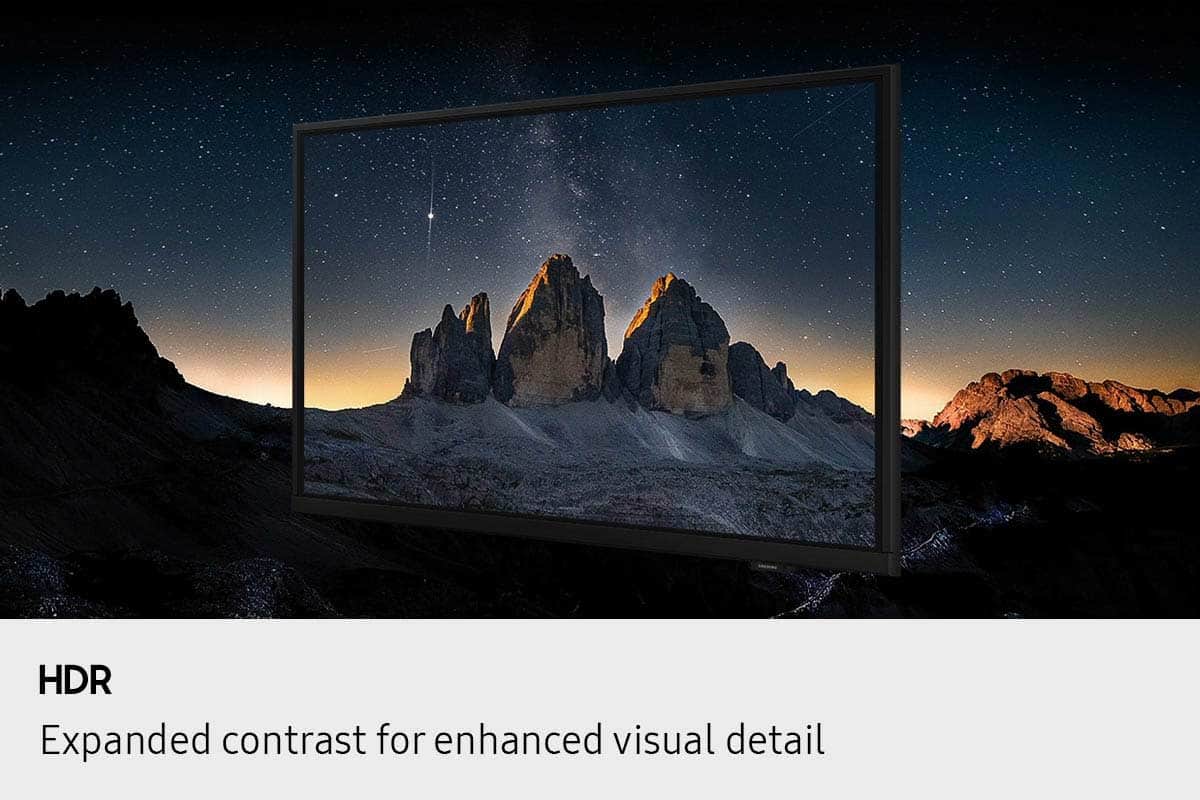
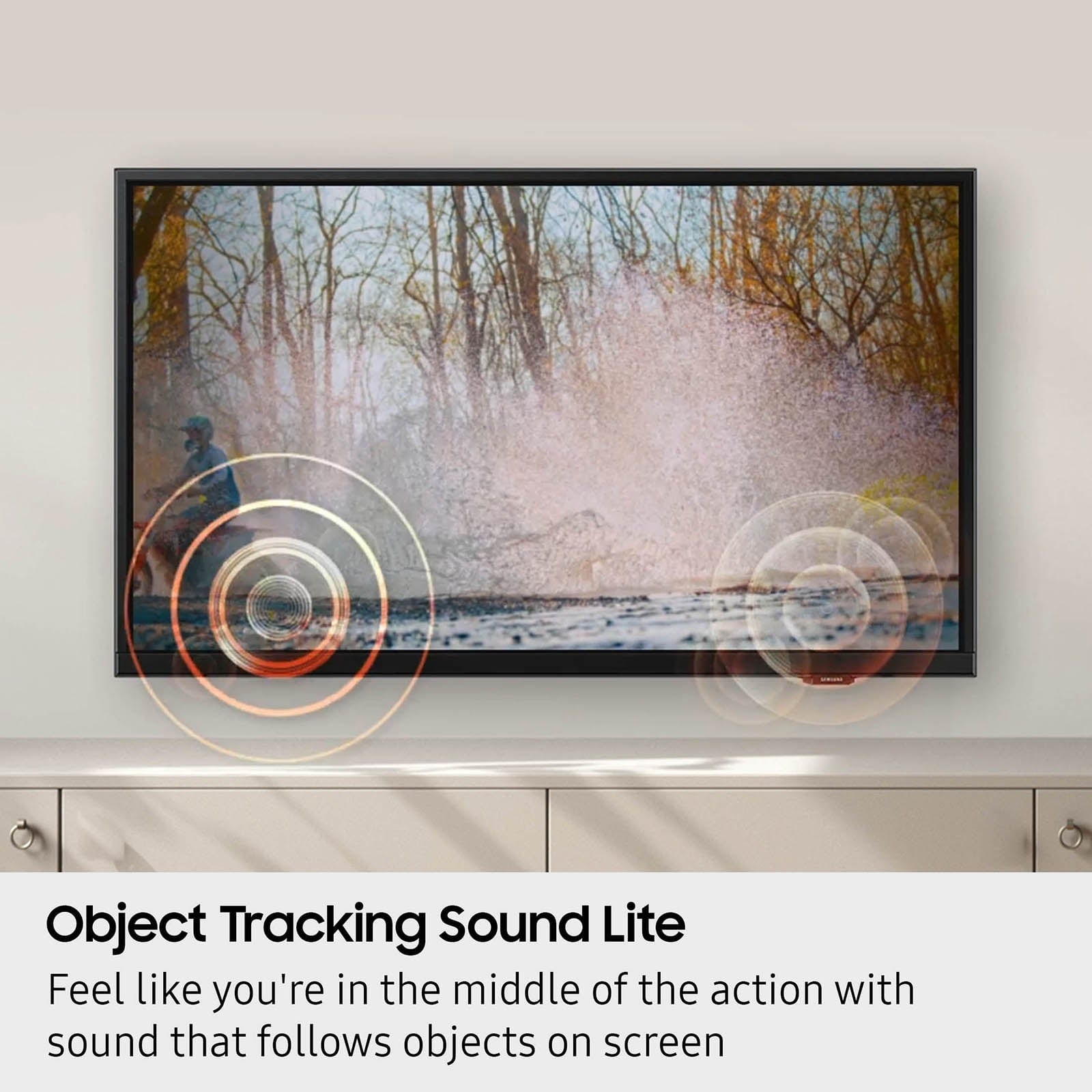
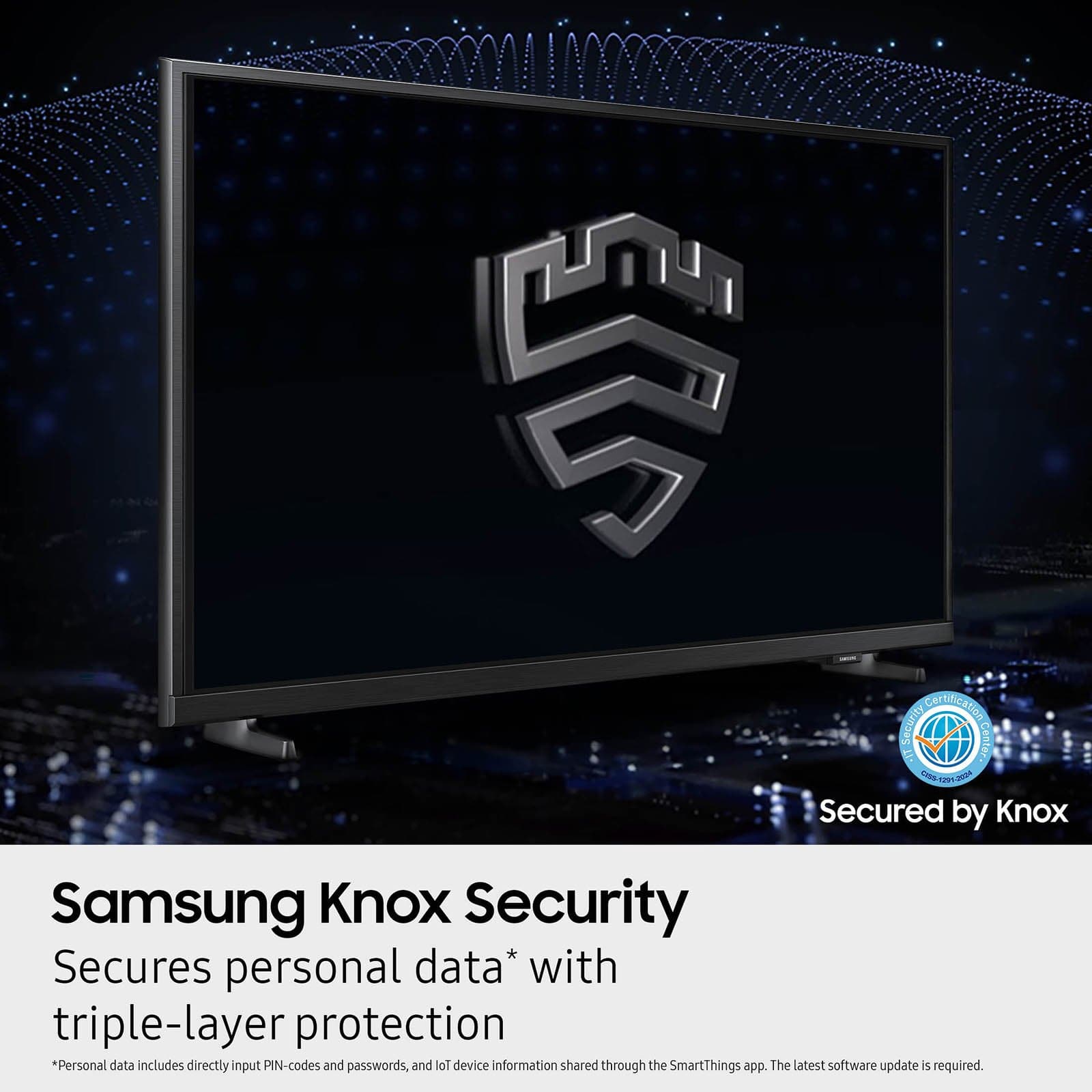
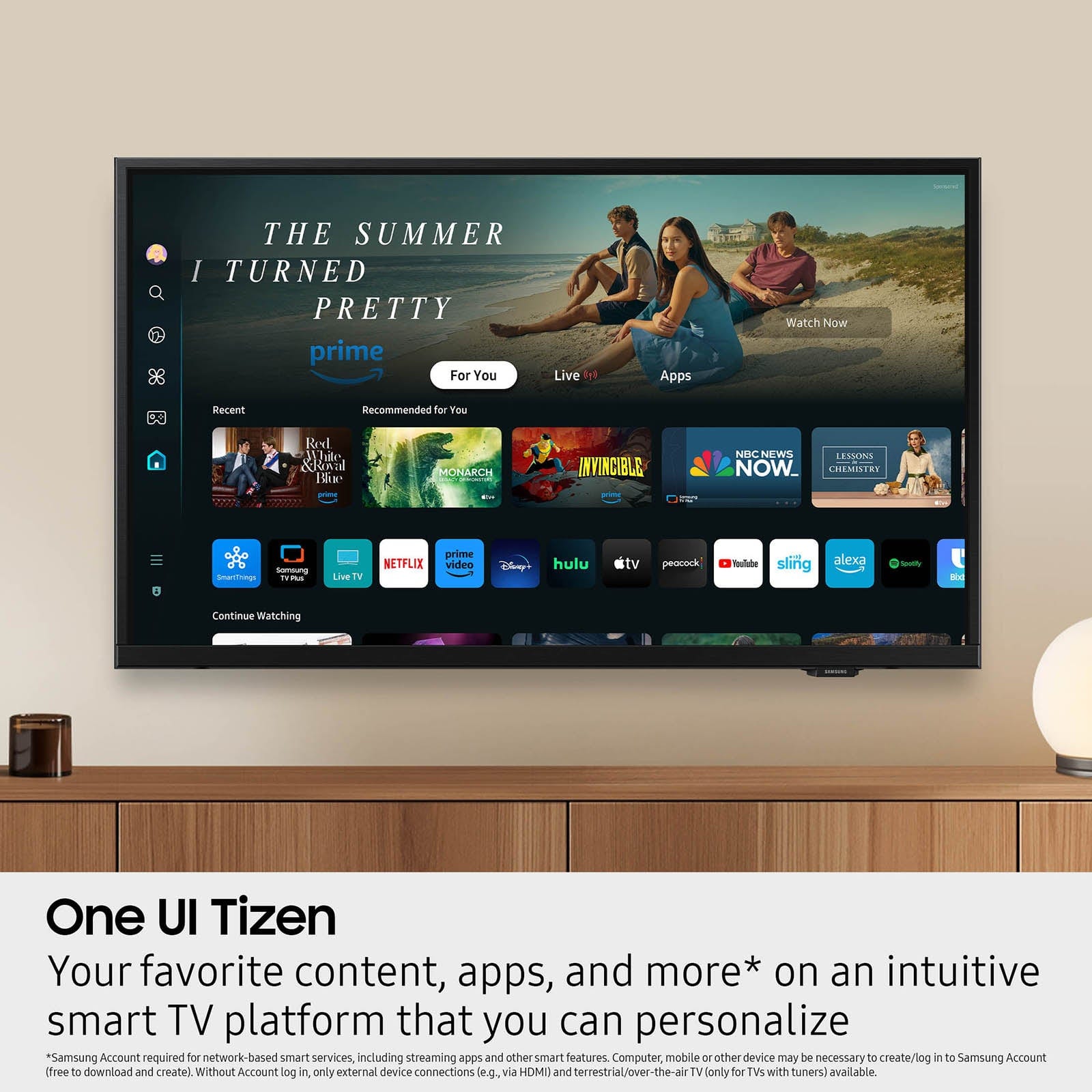
- A:Answer Hi Bobby, Stepping up from the Samsung H5000F to the Samsung F6000F gives you a sharper Full HD picture, richer sound, and more smart features. Both TVs include Samsung’s One UI Tizen smart platform with popular apps and Samsung TV Plus, but the F6000F adds Bluetooth connectivity, Sound Mirroring, and Samsung Knox Security for extra convenience and peace of mind. Picture quality also gets a boost with Full HD resolution and HDR10+ support for clearer images with better contrast. Audio steps up with more powerful speakers and Q-Symphony compatibility to pair seamlessly with Samsung soundbars. Plus, the F6000F’s sleek 3 Bezel-less Design gives it a more premium, modern appearance. ~ Samsung Advisor

Answered by Samsung
Q: Questioncan this be wall mounted?
Asked by Elmo.
- A:Answer Will universal wall mount work on this tv
Answered by Anonymous
Q: QuestionWe’re to buy the brackets for wall mounted?
Asked by Magaly.
- A:Answer Hi Magaly, You can find wall mounts at your local Best Buy. ~Samsung Advisor
Answered by Samsung
Q: QuestionDOES THIS SASMSUNG H5000F HAVE A COAX CONNECTION SO I MAY CONNECT A RABBIT EARS AND WATCH LOCAL CHANNELS?
Asked by FRANKLYB.
- A:Answer Hi FRANKLYB, Yes, you can connect an external antenna to the H5000F TV. ~Samsung Advisor
Answered by Samsung
Q: QuestionCan I add apps that are not built in
Asked by Barb.
- A:Answer Hi Barb, Yes, the H5000F has a built-in app store with hundreds of apps available for download. ~Samsung Advisor
Answered by Samsung
Q: QuestionDoes the TV I have pulled up Samsung for $99.95 have a slot for an SD card
Asked by Cff.
- A:Answer Hi Cff, No, the H5000F TV does not offer an SD Card slot. ~Samsung Advisor
Answered by Samsung
Q: QuestionWill this tv connect to spectrum app. How do you get spectrum app onto tv?
Asked by 12pak.
- A:Answer Hi 12pak, The Spectrum app is available for download via the built-in app store. To find and install apps please use the below instructions. 1. From the Home screen, press left on the remote’s directional pad. 2. Navigate to and select Search. 3. Using the search bar, enter the content or app you’d like to find. 4. Navigate to and select the app you’d like to install, then select Install. ~Samsung Advisor
Answered by Samsung
Q: QuestionIs this TV wall mountable?
Asked by Anonymous.
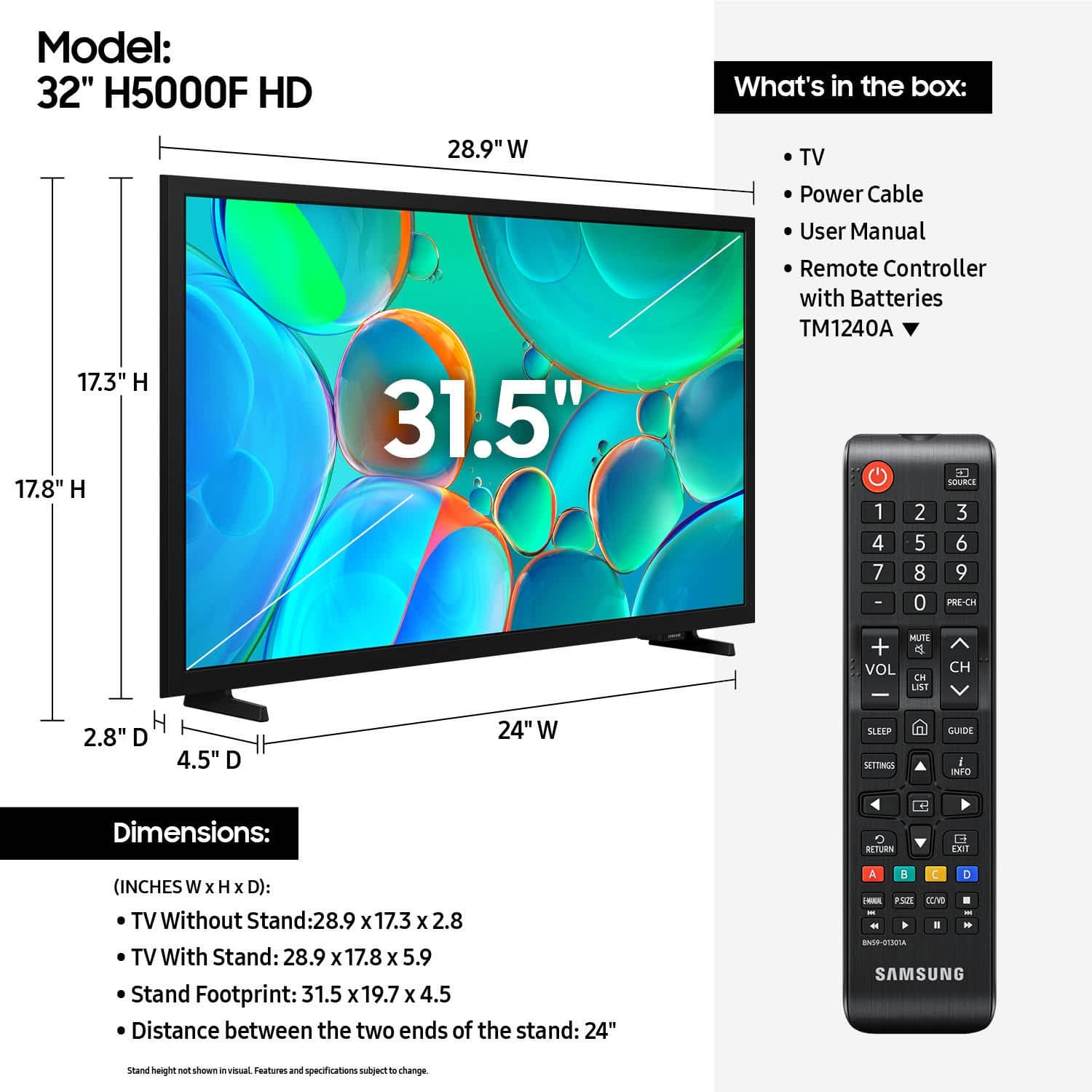
- A:Answer Hi, Yes, you can mount the 32" H5000F with a mount compatible with a VESA Map of 200x200mm. ~Samsung Advisor
Answered by Samsung
Q: QuestionDoes this have audio only feature?
Asked by Lori.
- A:Answer Hi Lori, Yes, you can turn the screen off and hear only audio on the H5000F TV. ~Samsung Advisor
Answered by Samsung
Q: QuestionCan I cast from my pc laptop to the tv wireless?
Asked by Anonymous.
- A:Answer Hi, Yes, you can screen mirror or use Apple AirPlay. ~Samsung Advisor
Answered by Samsung
Q: QuestionDoes this TV work with Remote Control
Asked by Sammi.
- A:Answer Hi Sammi, Yes, you can control the H5000F with a Samsung remote control or with a universal IR remote control. ~Samsung Advisor
Answered by Samsung
Q: QuestionWhat does the Remote look like? Why don't they ever show the Remote for online purchases? Joey24
Asked by Joey24.
- A:Answer Hi Joey24, You can find a picture of the remote at the top of this page with the other included pictures: https://www.bestbuy.com/product/samsung-32-class-h5000f-series-led-hd-smart-tizen-tv-2025/J3ZYG2FYCL. The remote model is the TM1204A. ~Samsung Advisor
Answered by Samsung
Q: QuestionDoes this TV have samsung TV Plus?
Asked by sir.
- A:Answer Hi Sir, Yes, the H5000F includes Samsung TV Plus. ~Samsung Advisor
Answered by Samsung
Q: Questiondoes the tv start up quickly?
Asked by RGCCI.
- A:Answer Yes, but you need a Samsung account, or create one, to access all the features. The Samsung account is free.
Answered by NomoreInsignias
Q: QuestionCan this tv be used with Apple Tv and Direct tv plus apps?
Asked by Craig.
- A:Answer Hi Craig, Yes, the Apple TV and DIRECTV apps are available on the H5000F TV. ~Samsung Advisor
Answered by Samsung
Q: Questiondoes this tv have 2 hdmi ports plus 1 hdmi arc port
Asked by poncho.
- A:Answer Hi poncho, Yes, the H5000F TV has 2 HDMI ports, and 1 is an eARC HDMI port. ~Samsung Advisor
Answered by Samsung
Q: Questionis this TV bluetooth
Asked by Anonymous.
- A:Answer Hi, The H5000F is not Bluetooth-enabled. ~Samsung Advisor
Answered by Samsung
Q: Questionthe legs do not snug up on the base. Tightened screws are hard to turn and do not seat on base?
Asked by Jim.
- A:Answer Hi Jim, Please know the H5000F TV’s stand is solidly designed and tested for stability, but here are a few things to double-check: 1. Ensure the stand is properly installed—all screws aligned and secure. The “R” leg should go on the right, “L” on the left. You should hear a light “click” when the legs lock into place. 2. For setup guidance, refer to the Installation Guide: [INSERT QSG] 3. Check the stand for any cracks, damage, or missing hardware. If the stand is correctly installed and still appears uneven or unstable, please contact Samsung Support at 1-800-SAMSUNG. Our team is available daily from 8AM to 12AM EST. You can also contact us via live chat at https://www.samsung.com/us/support/contact/ ~ Samsung Advisor
Answered by Samsung
Q: QuestionWhat version software does this TV have? I need Version 3. Thank you
Asked by Anonymous.
- A:Answer Hi, The H5000F TV has Software Version 1395.9. ~Samsung Advisor

Answered by Samsung
Q: QuestionThe holes to screw in the wall mount has no threads. What do I need to buy?
Asked by Anonymous.
- A:Answer I had the same problem. I added super glue to the holes, and it stabilized the tiny stands.
Answered by Carole