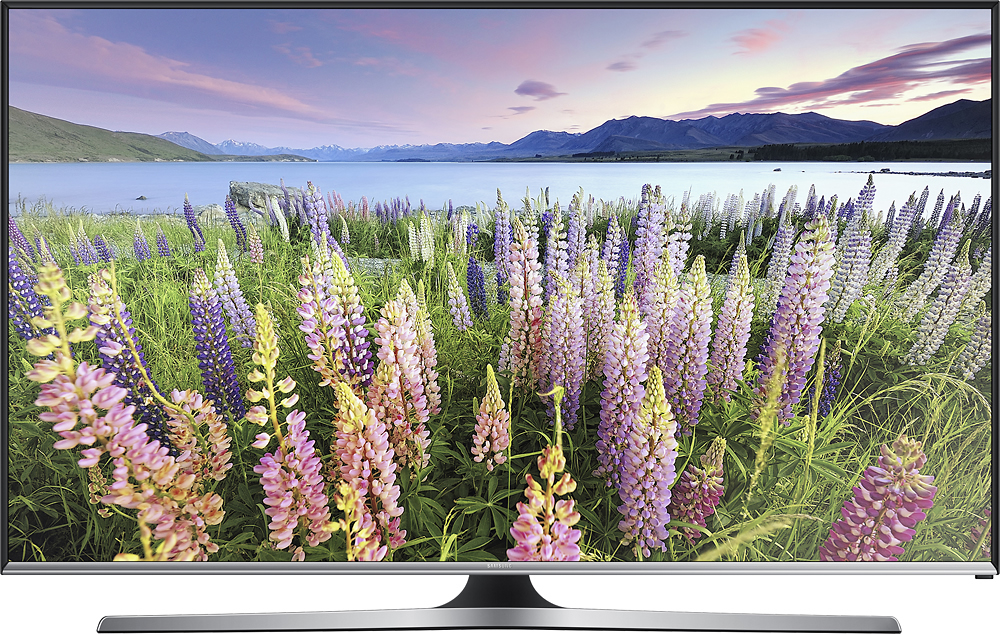
A:AnswerIf the Eco Sensor is set to "on" it will adjust the picture to the ambient light in the room and could darken the picture. To check, click "menu" on the remote, then click "system." Scroll down to "Eco solutions" and click on that. Check to see if "Eco sensor' is set to "on." That may be the default setting. Turn it off and see if that makes a difference.
A:AnswerHi Rose, we understand your concerns. Please visit http://smsn.us/SamsungSupportUSA and fill out the form. Our Social Media team will be happy to look into this. ^Rosi
A:AnswerIt does have closed captioning for enabled broadcasts, that you can control with the remote through the menus, If you watch something on an external device, like a DVD player, then that device will be in control of the subtitles. The tv will show any subtitles you have enabled. We did not have any issues with subtitles through blueray player and a movie I played from a connected hard drive.
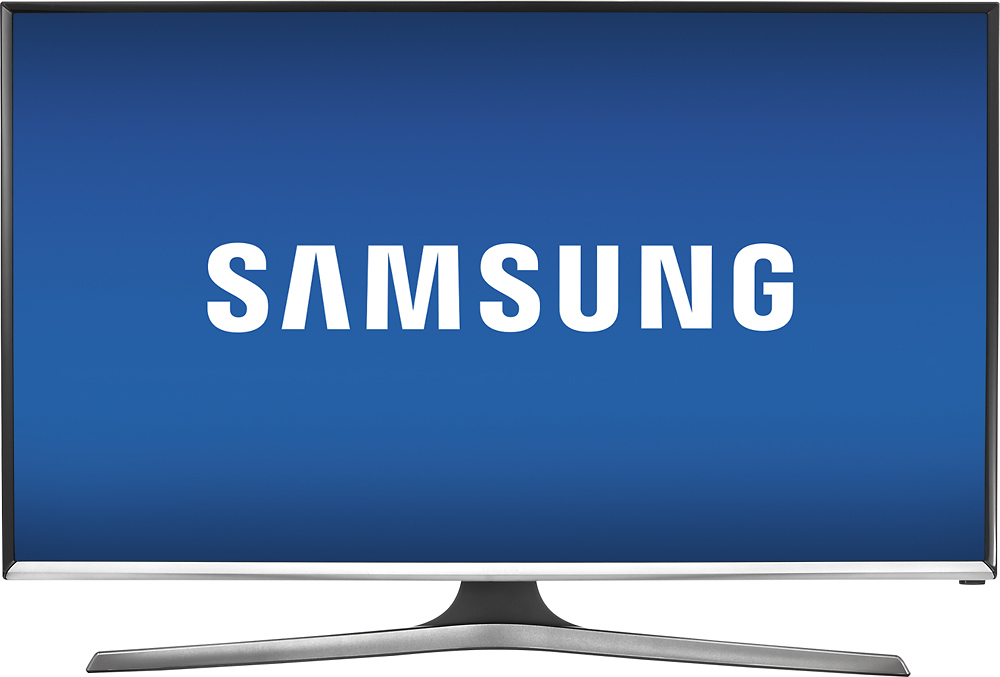
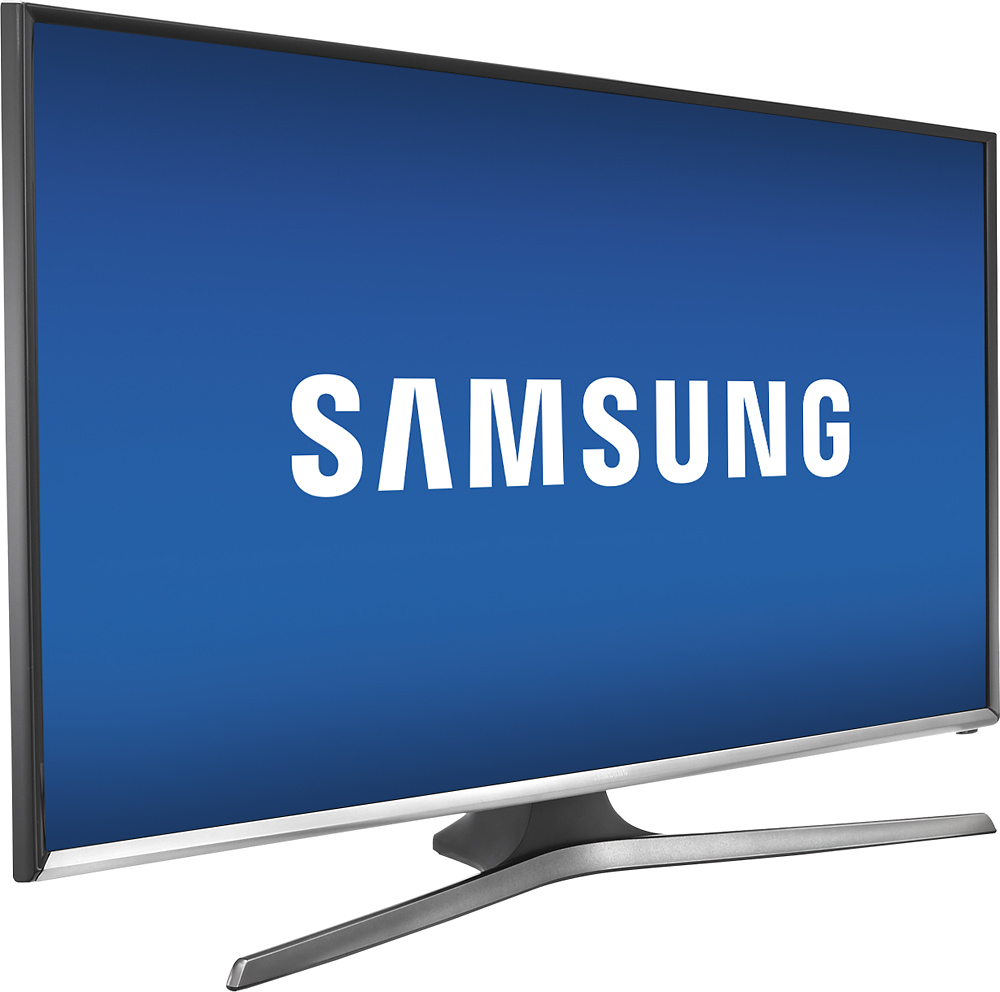
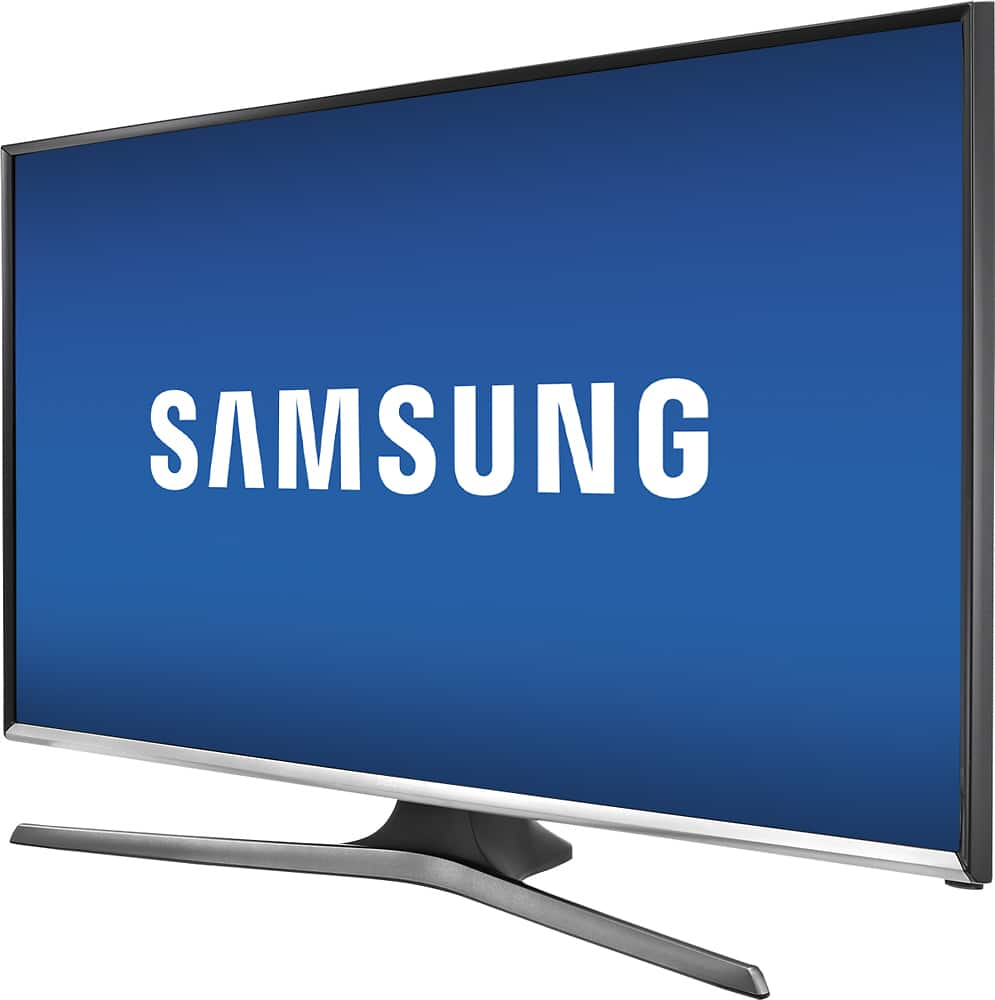
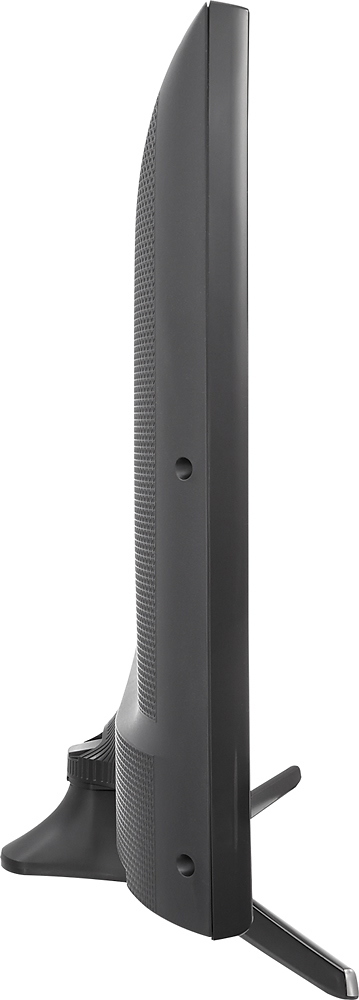
A:AnswerThe TV with the stand measures 18.5 inches in height, 28.4 inches in width and 8.2 inches in depth. Without the stand it measures 15.7 inches in height, 2.6 inches in depth and 28.4 inches in width.
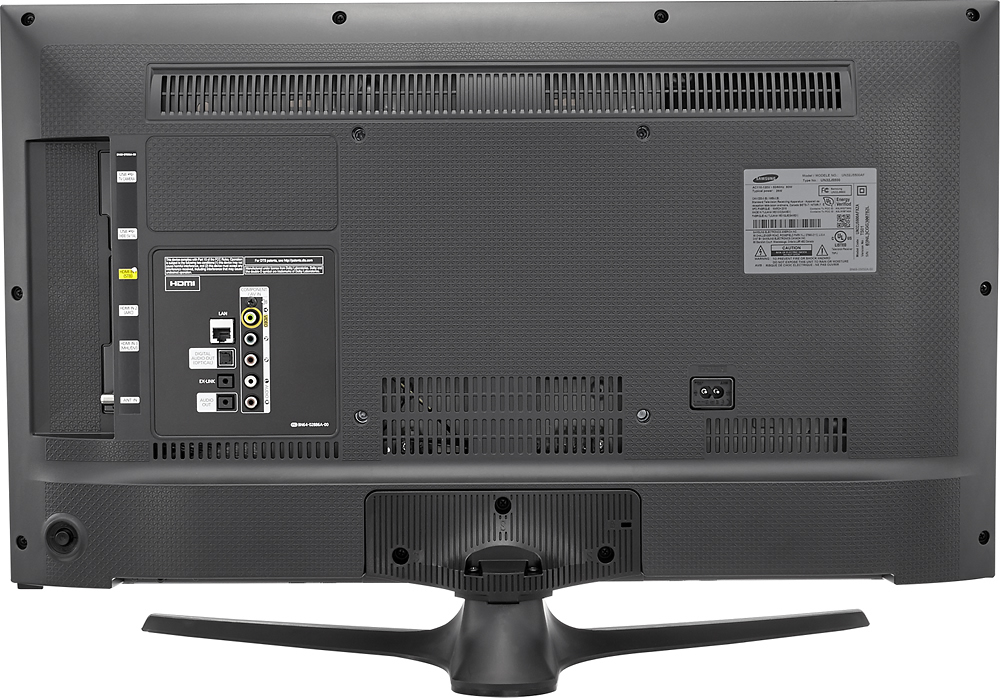
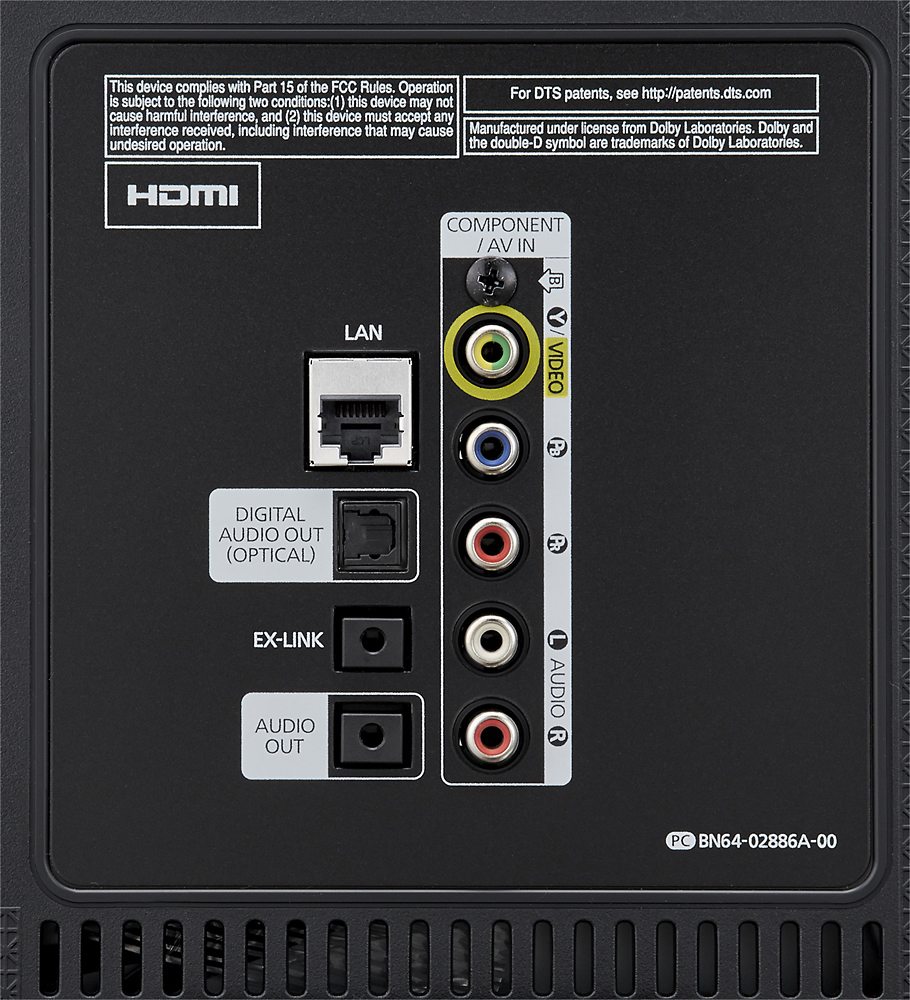
A:AnswerThere seems to be some confusion. This TV has an optical out connection and bluetooth capability, so that's at least 2 ways to attach speakers.
A:Answerthis TV will handle audio/video componentry from the VCR via the RCA jacks thru the Full HD Blu-Ray thru the HDMI ports the RCA jacks handle either the conventional video(via the yellow jack) as well as the RGB.
A:AnswerI don't believe there is a set answer to your question because you can alter/turn off the eco feature. I turned it off because the picture can get brighter or darker with perceived room brightness. I found the feature inconsistent and a nuisance.
A:AnswerI have used several different Bluetooth headsets, as well as a Bluetooth adapter that I could plug a non-Blue headset in to accept the TV's Bluetooth. At first it seemed that only Samsung headsets, which I don't have, would be accepted, but after a few attempts it accepted all of the others and they all work fine.
A:AnswerI believe we were told a year for the manufacturers warranty. You may want to contact BestBuy to double check. We bought the extended warranty because we had a problem with one TV that was just over a year old. We have had numerous Samsung TV's and not had any problems with them, but you never know (Our main TV is a Samsung that is 10 years old and never had any problems)
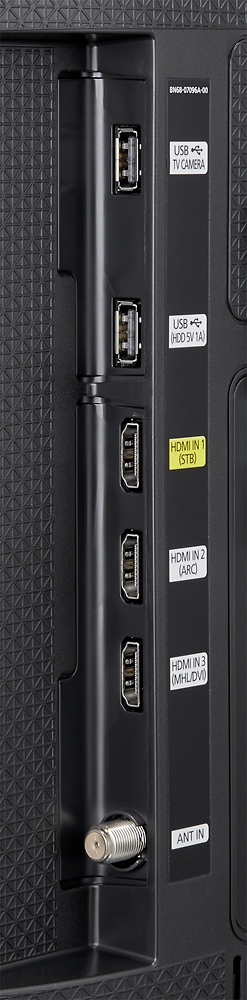
A:AnswerShouldn't. I have mine connected to my cable system (Midcontinent or Midco) through a Motorola Digital Tuning Adapter, which connects to the Antenna input, and everything works fine. Connect the cable box to the set according to the schematic and the instructions for your cable box and you'll be golden.