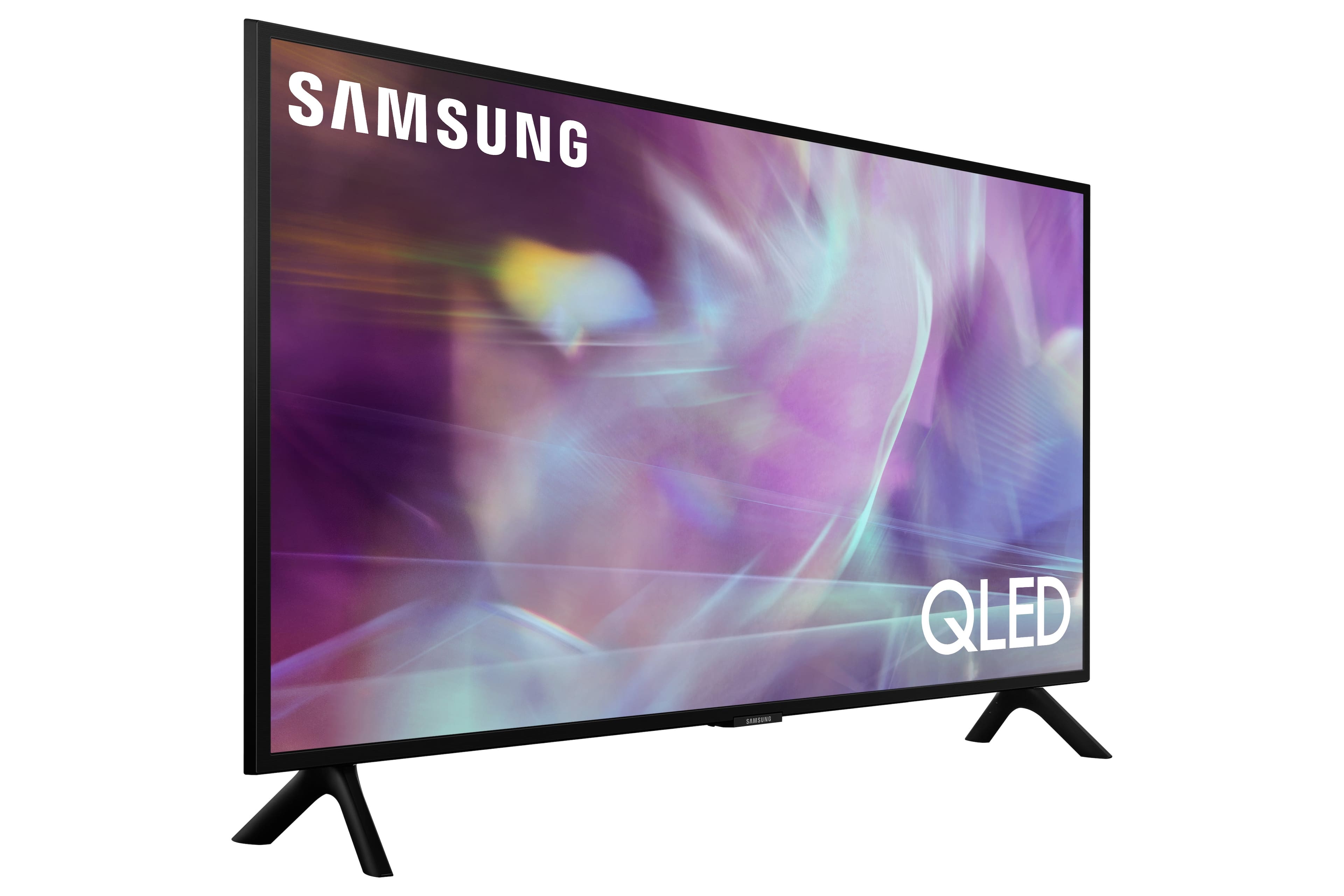
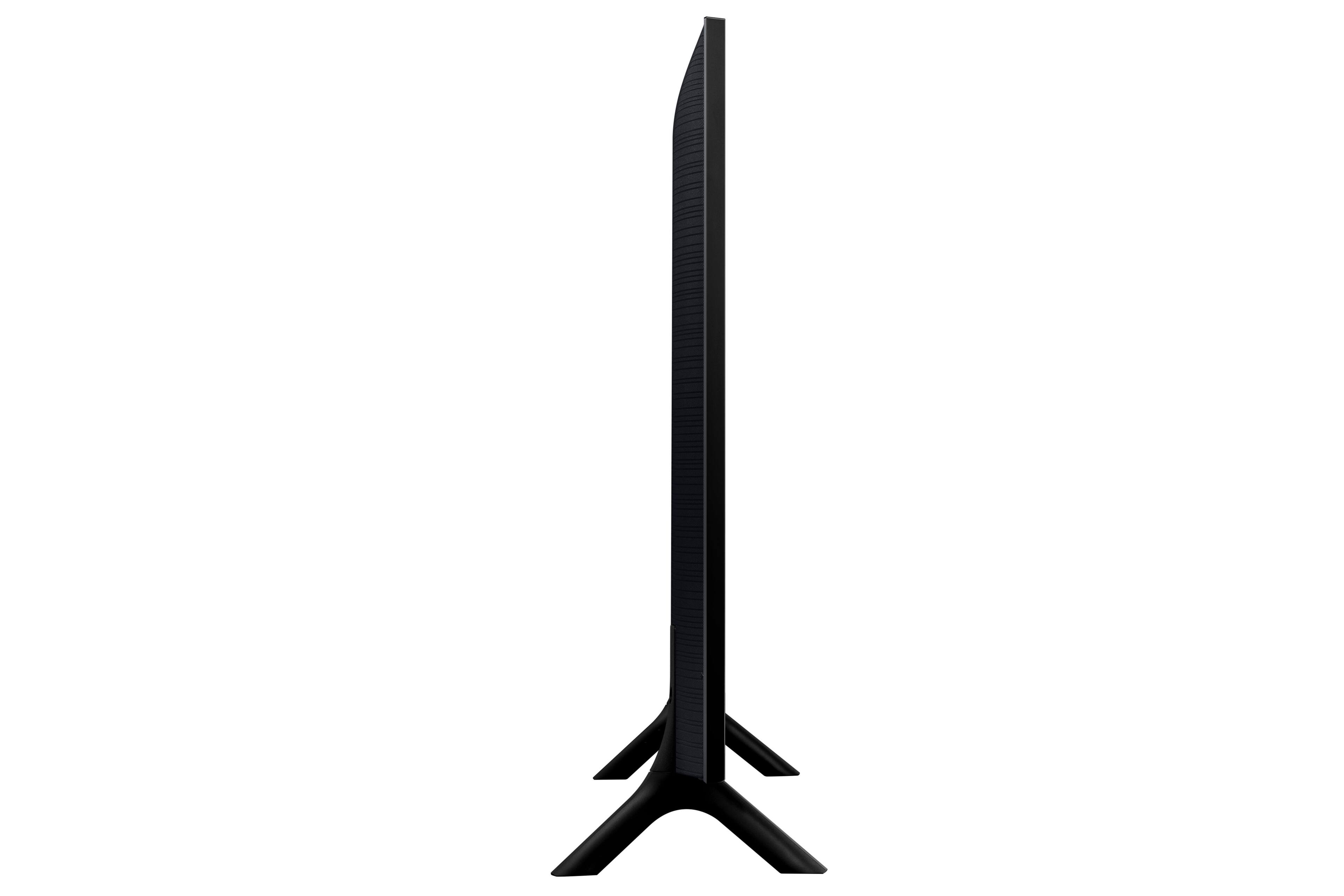
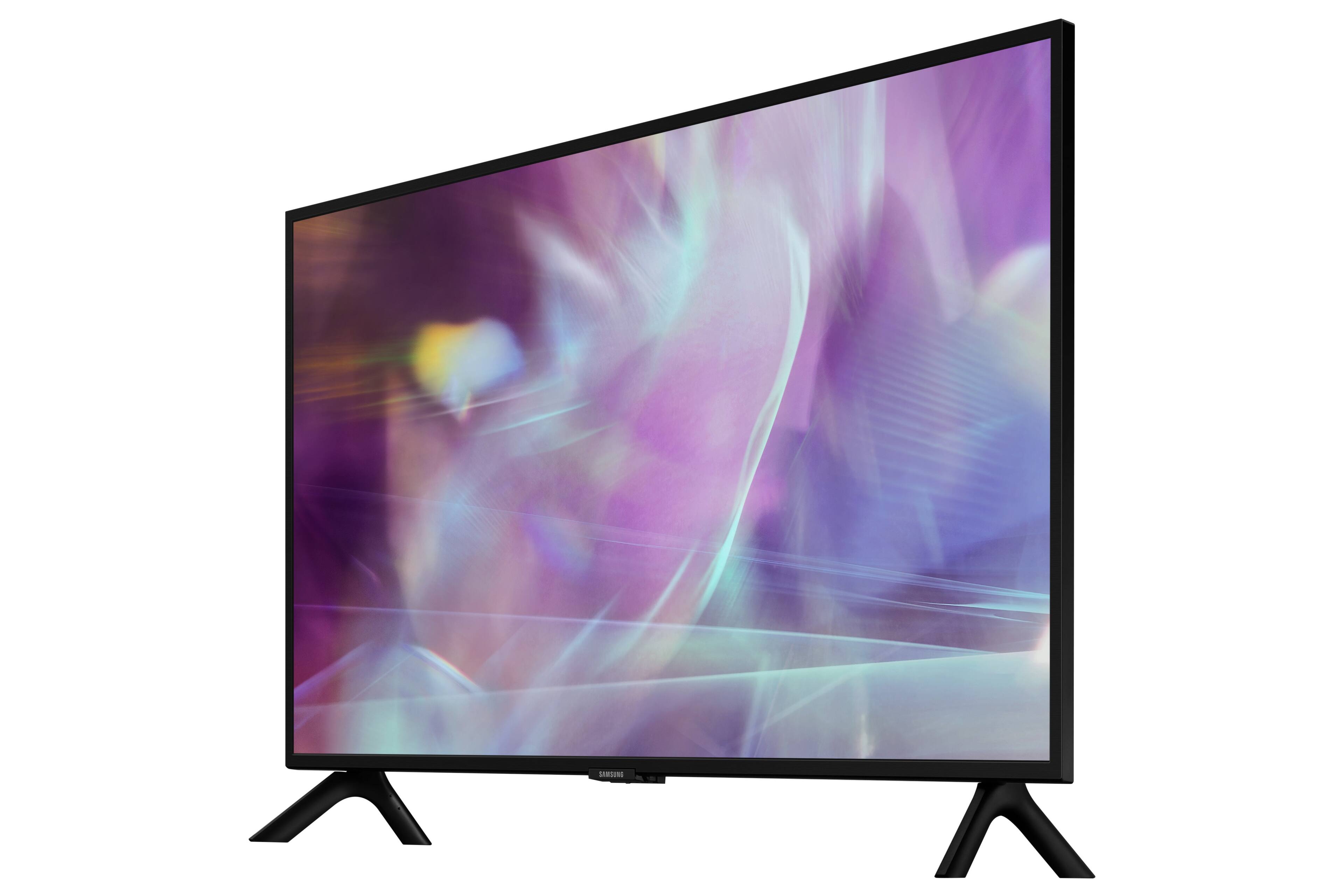
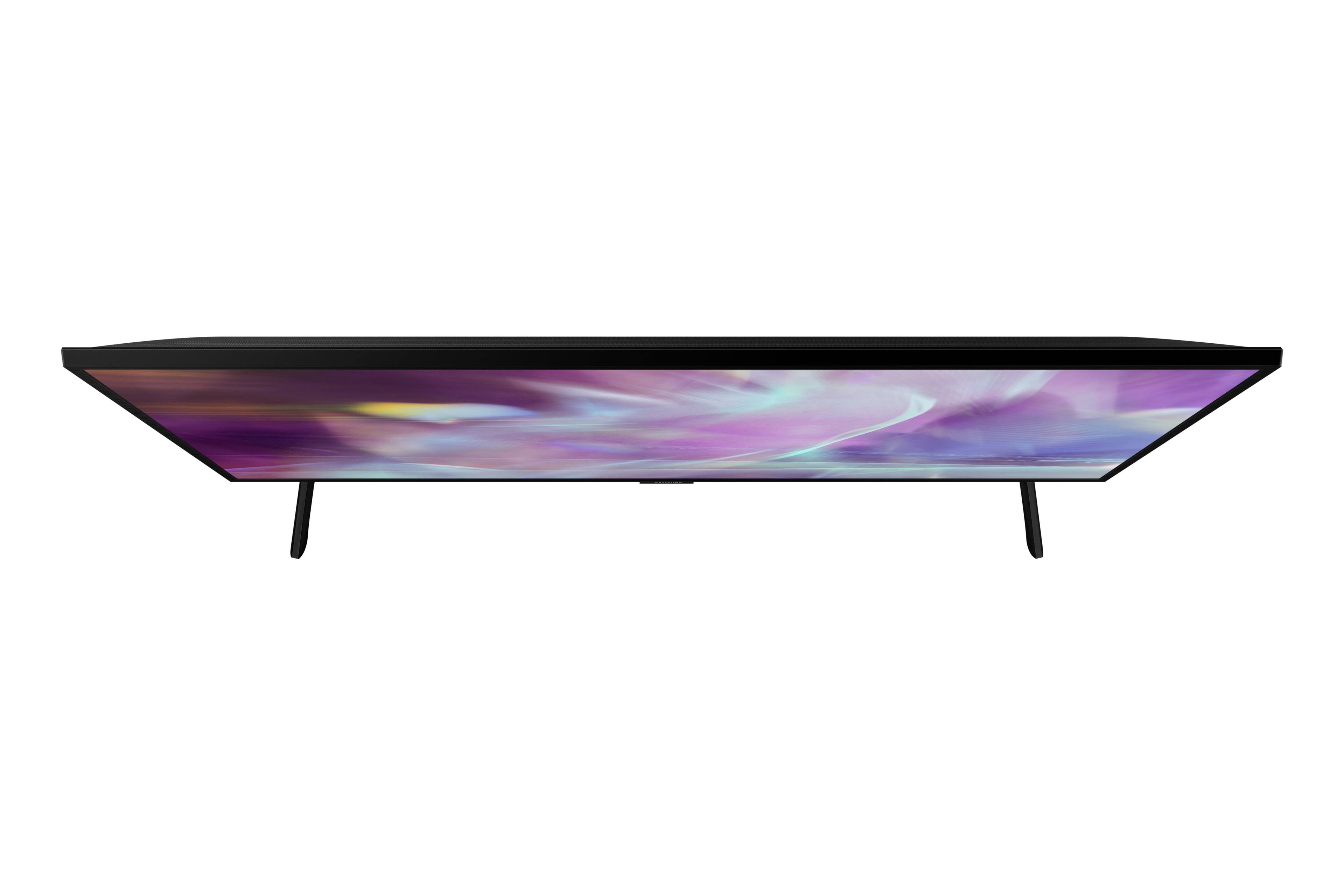
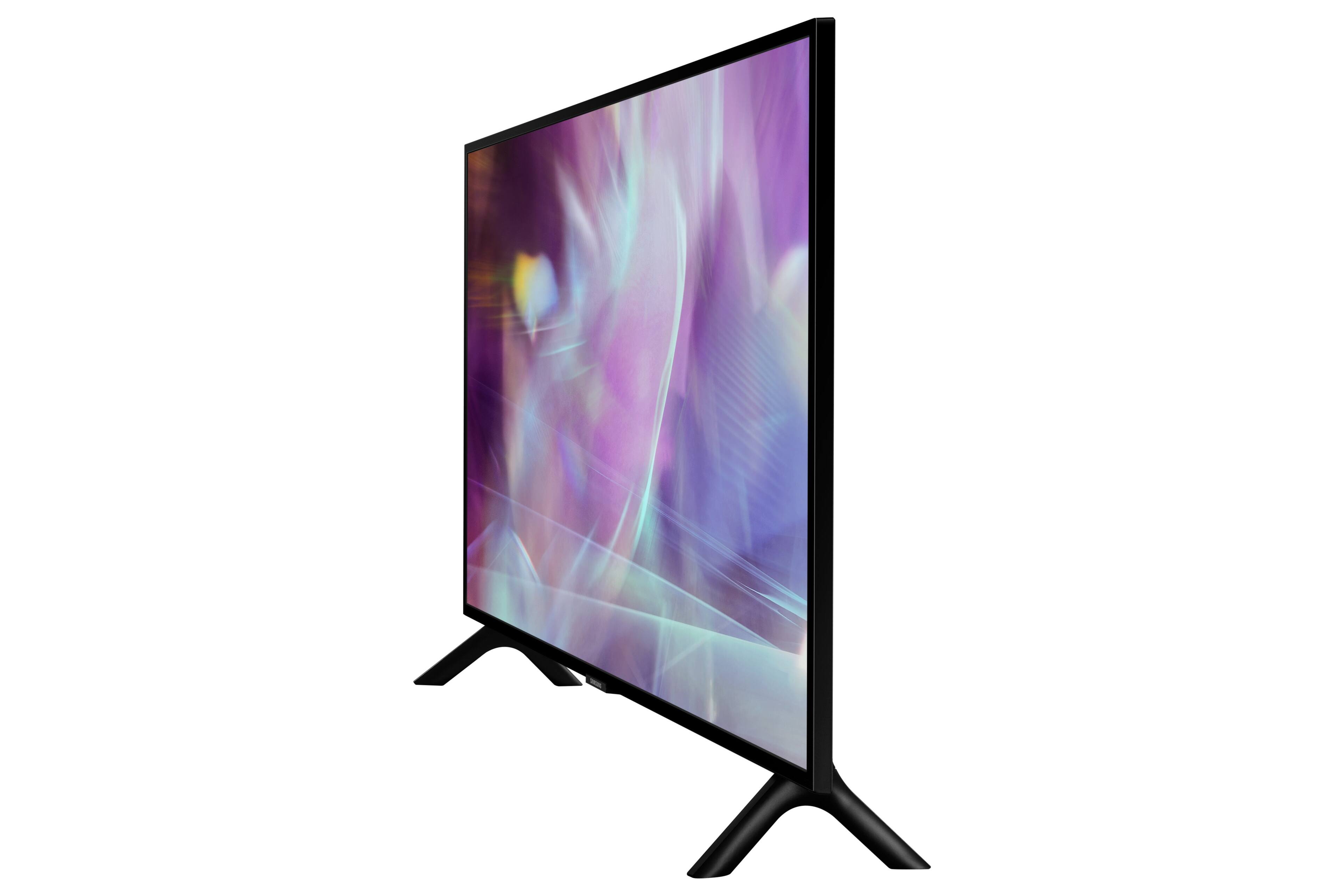
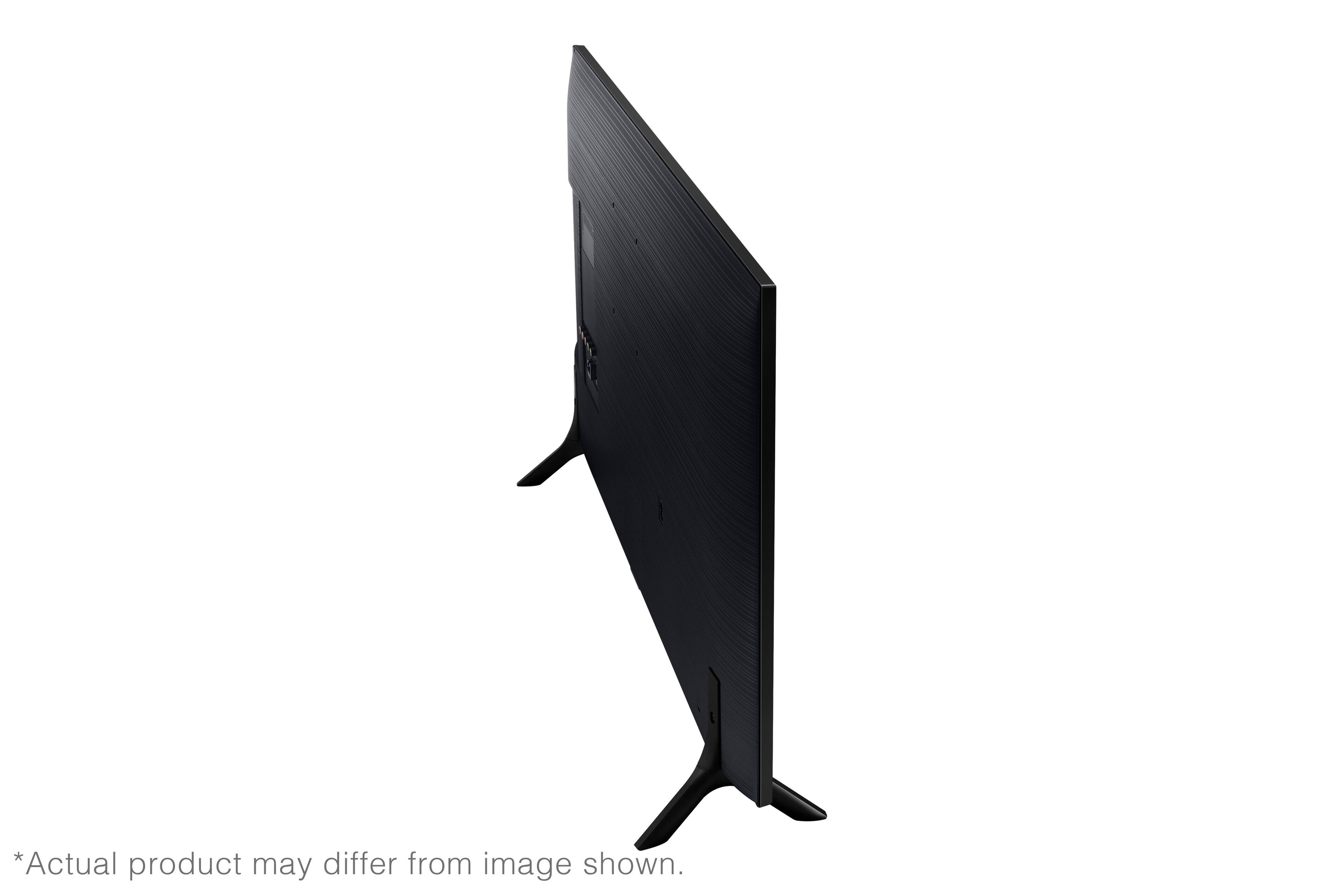
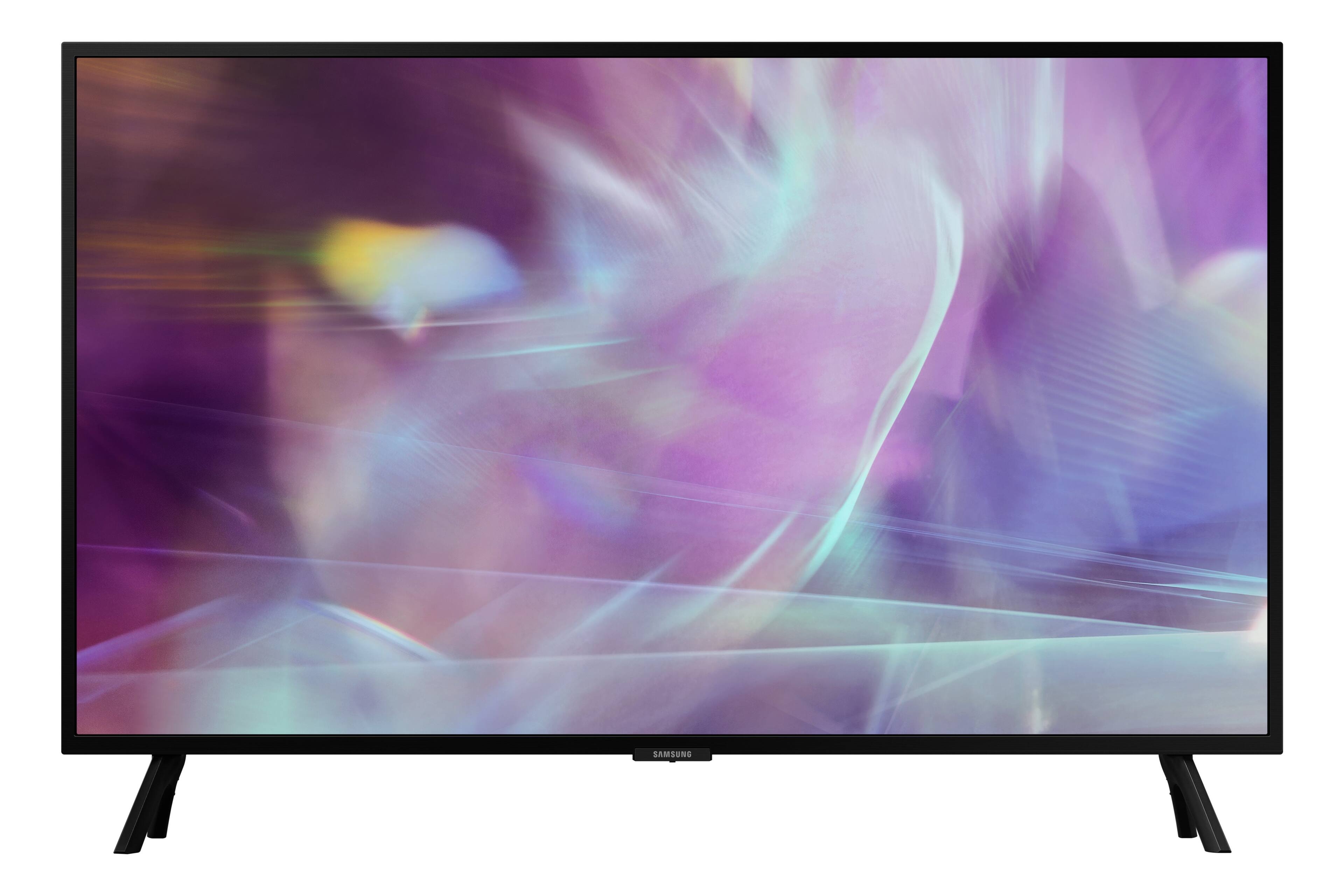
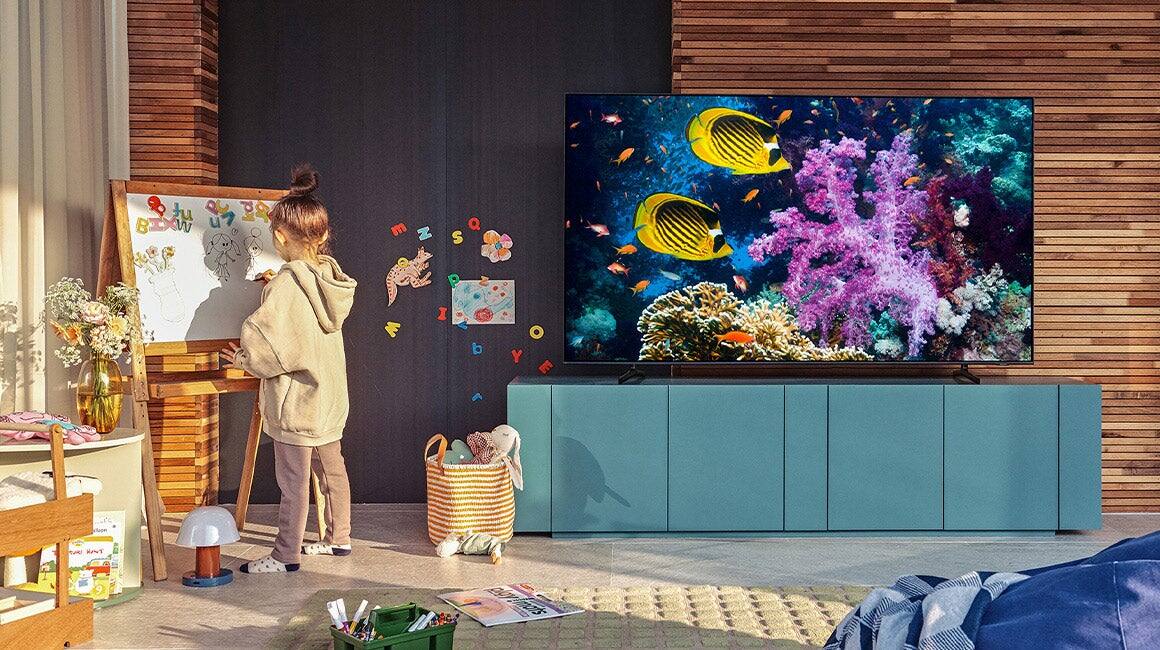
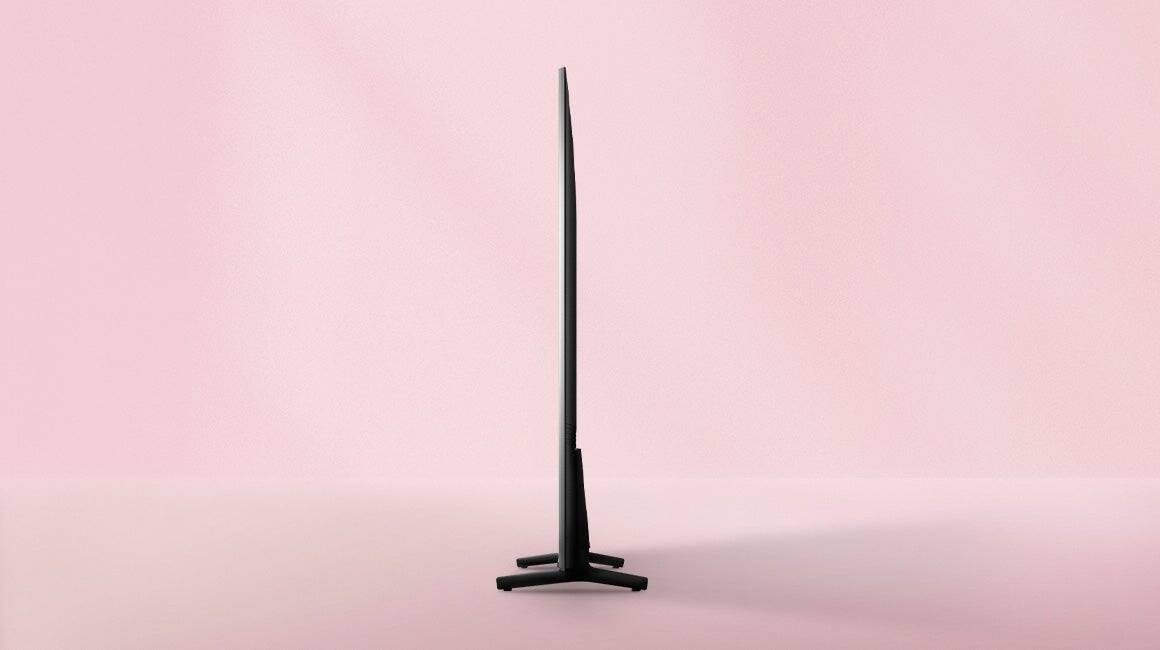
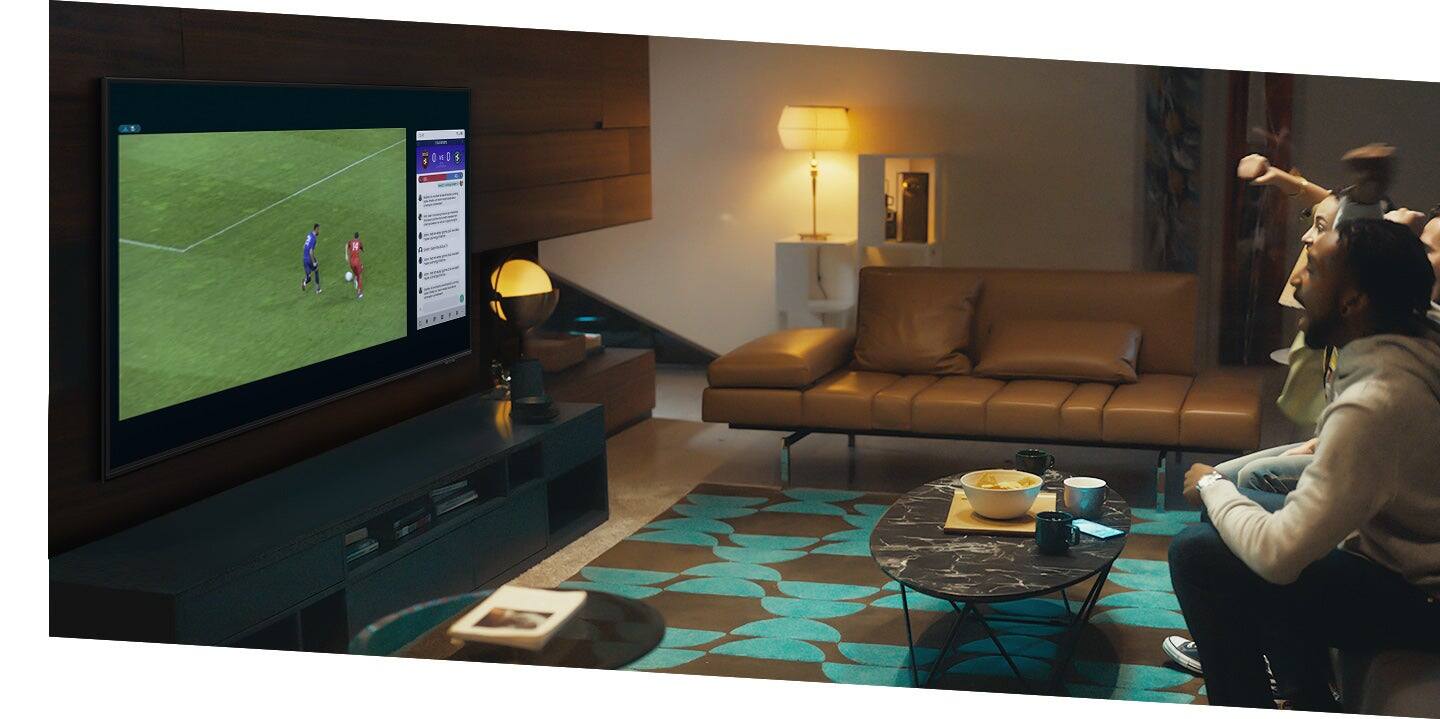
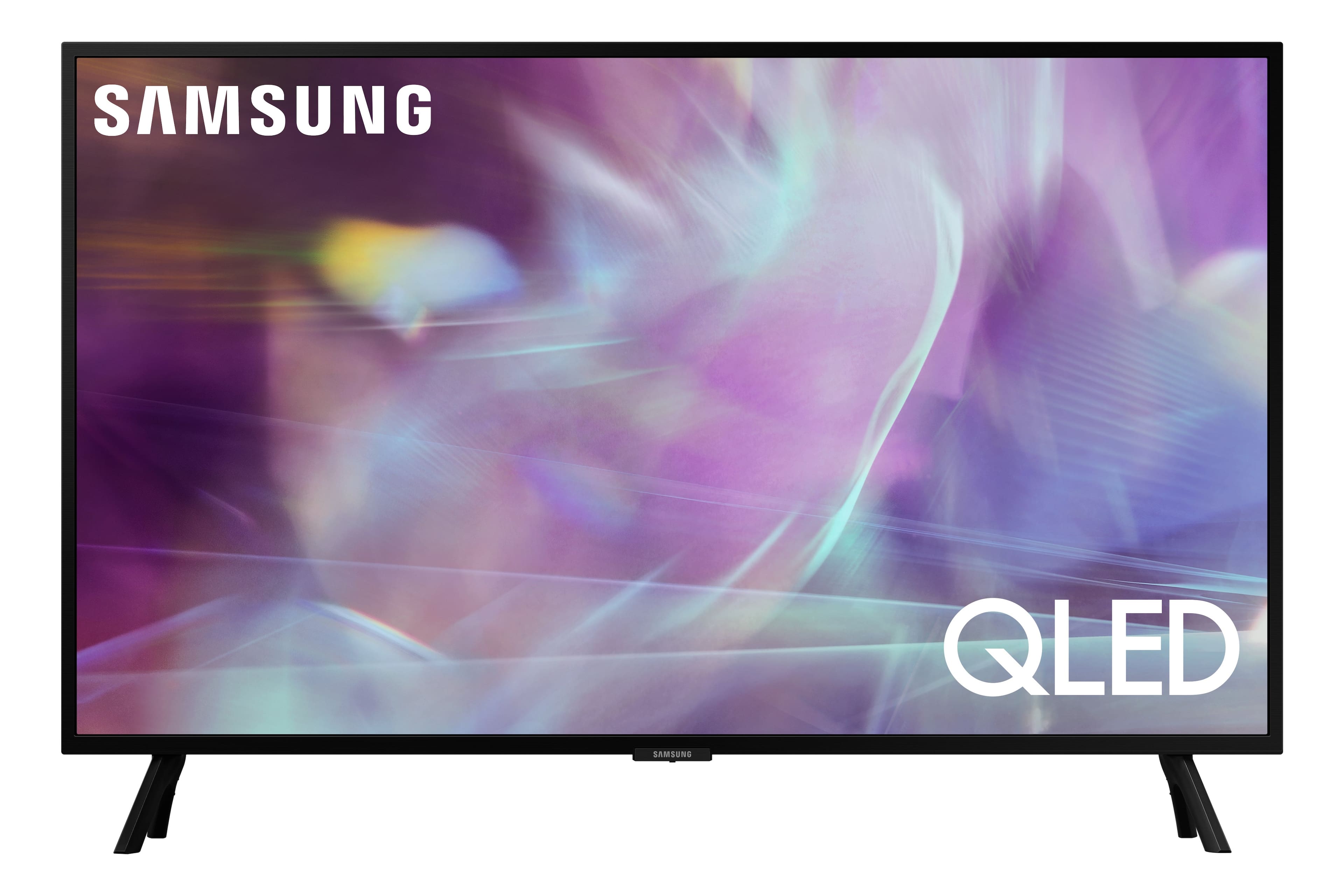
A:AnswerHi ann - While we are unable to post photos in this thread, you can view images on Best Buy's product page for this model. The Q60A features 3 HDMI inputs, 2 USB, 1 Optical, and 1 LAN port. ^Gina
A:AnswerChris - The Q60A has a built-in digital tuner (ATSC/ClearQAM) for receiving digital broadcasts. When stepping up to our QN90A, you will gain a built-in ATSC 3.0/ClearQAM tuner. ^Gina
A:AnswerLJPurchaser - So we can better understand and assist with your questions, please reach out to Samsung Support at: 1-800-SAMSUNG (ask for TVs), available 8AM - 12AM EST, 7 days a week, or Chat with us on Samsung.com: https://www.samsung.com/us/support/contact/ ^Gina
A:Answernhom - First, please check the volume control of the cable box connected to your TV. If it is still too low, please reach out to Samsung Support at: 1-800-SAMSUNG (ask for TVs), available 8AM - 12AM EST, 7 days a week, or Chat with us on Samsung.com: https://www.samsung.com/us/support/contact/ ^Gina
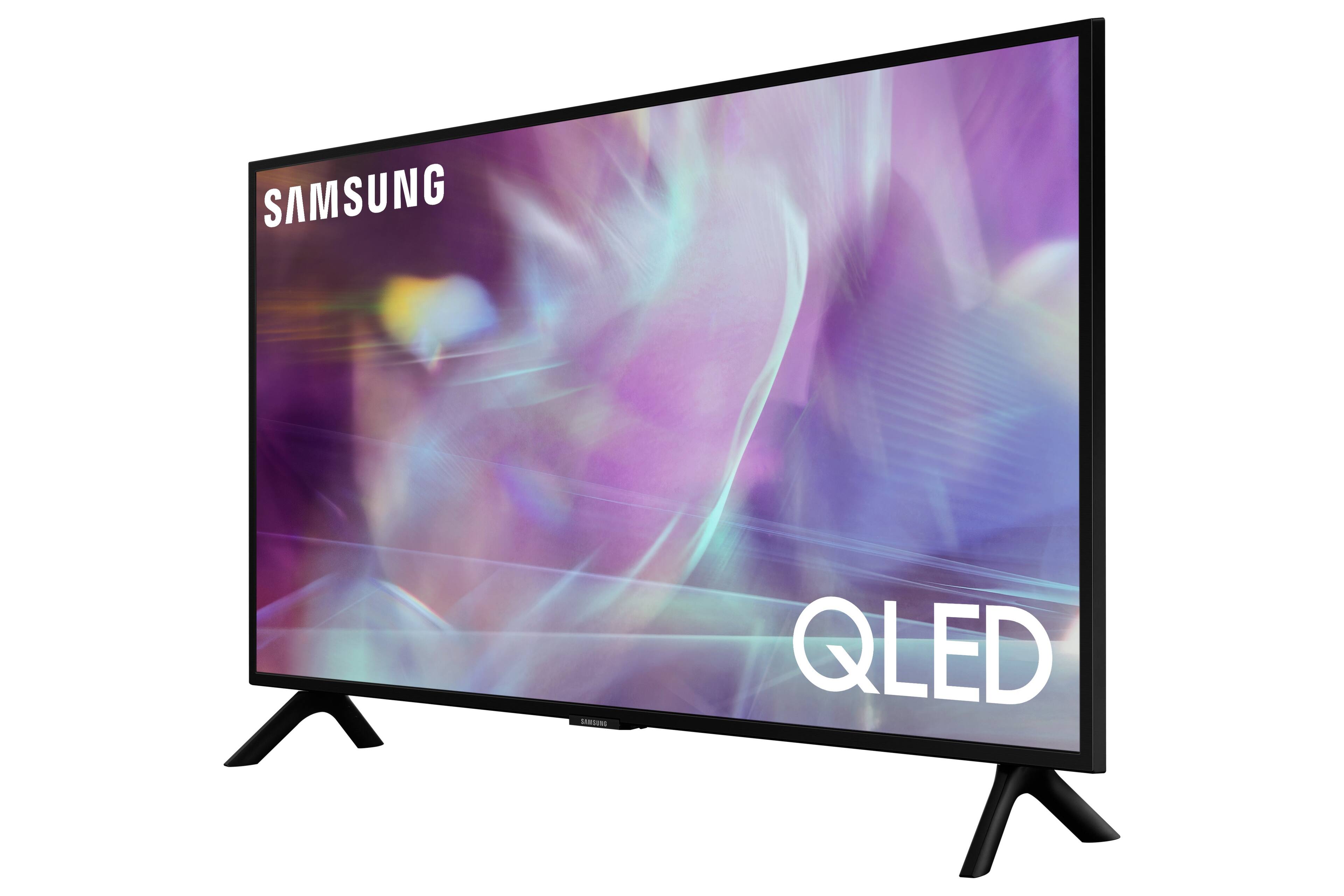
A:AnswerWhile I don't have Spectrum, the cable box is what decodes the Spectrum programming. While the Samsung does have a coaxial input, the one where you screw the cable on it, that is for the antenna input. To connect the Spectrum box, as with most cable boxes, you would need it connected to the coaxial cable from the wall and then use an HDMI cable to connect to the Samsung.
A:AnswerSean - so that we can better assist with this concern, please contact Samsung Support on Facebook or Chat with us on the Samsung website. You can also reach us at 1-800-SAMSUNG / Available 8AM - 12AM EST, 7 days a week.
A:AnswerLisa - You can connect a soundbar via HDMI or Optical cable, or wirelessly via Bluetooth or Wi-Fi. You can connect a separate streaming device, but it is not necessary as the Q60A is a Smart TV which features a built-in App Store to download from hundreds of apps. ^Gina

A:AnswerHi Jacki! To add apps to your Q60A TV's Smart Hub launcher, go to: Apps > Settings. From there, find the discovery+ app. Below the app, you will see several options; click "Add to Home". This will allow you to place the app within your Smart Hub launcher. Hope this helps! ^Gina