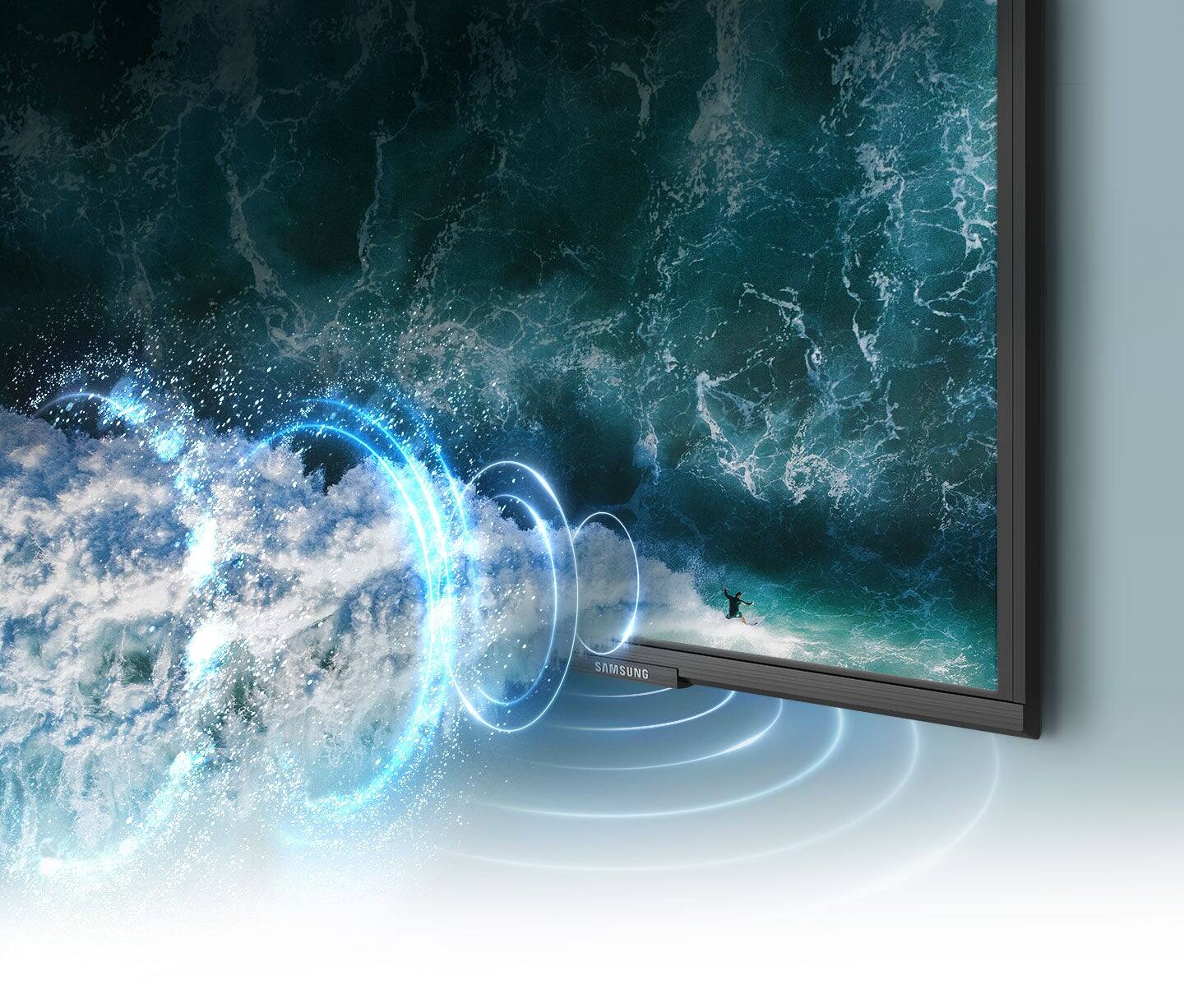
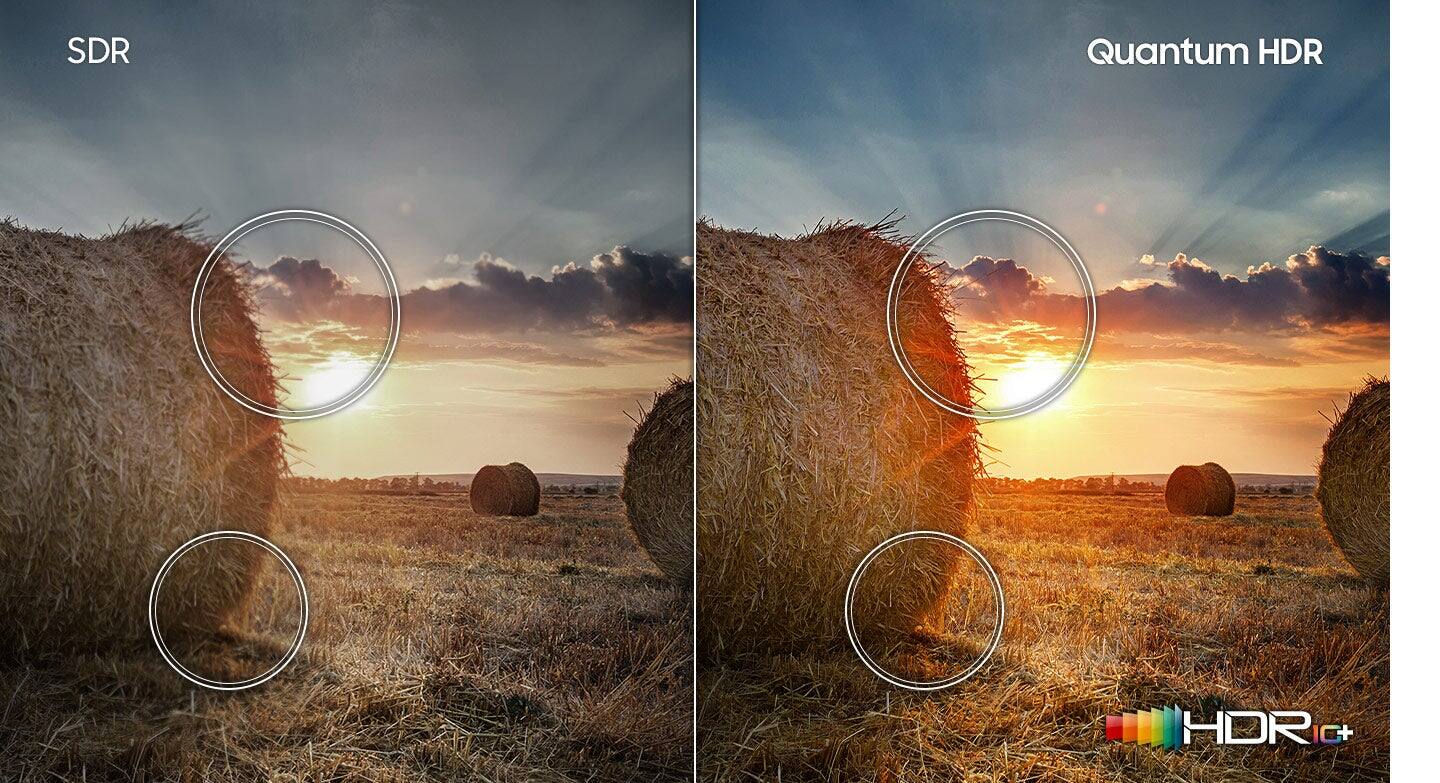
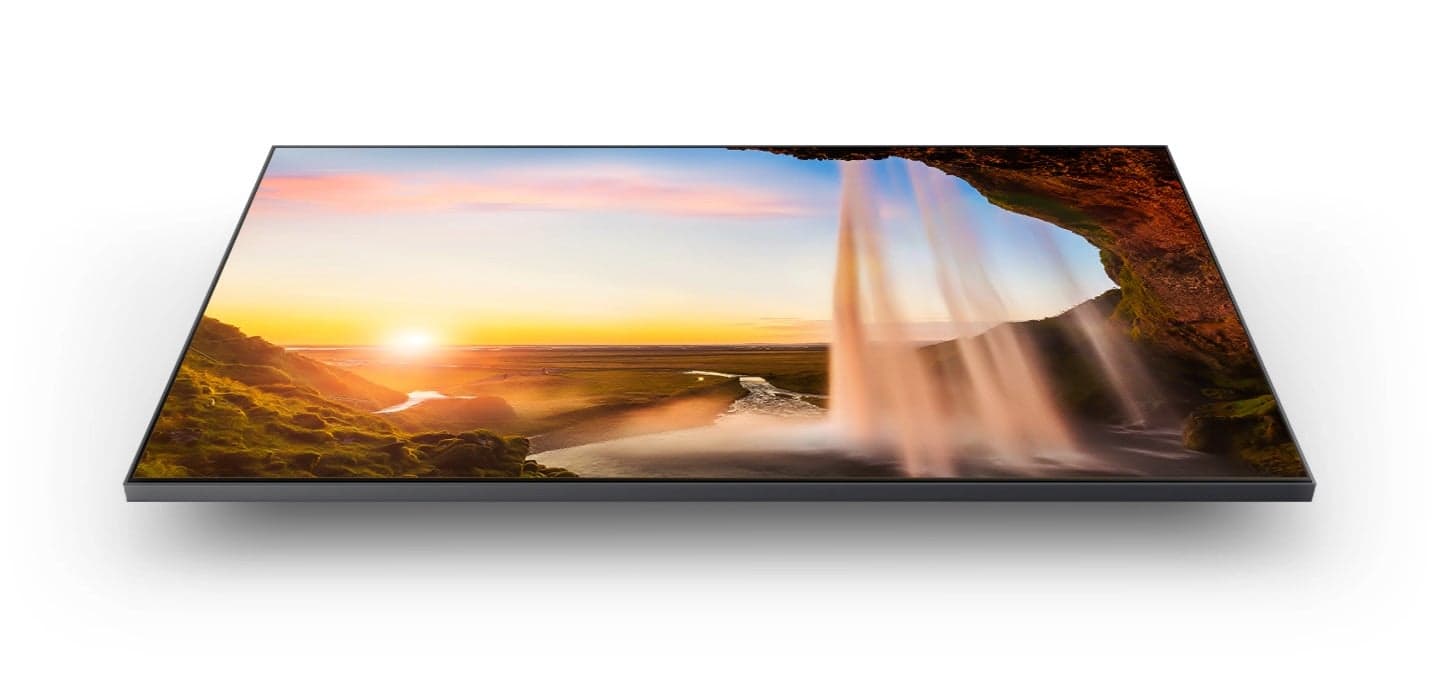
A:AnswerThe best thing you can do is read your E-Guide and go to the sound section and it describes in detail what your options are for this TV. The best option to me is this TV has bluetooth and should be able to get and pair some type of headset or ear buds. other options are for Apple and an HDMI option as well. Seems to be fairly detailed for each option.
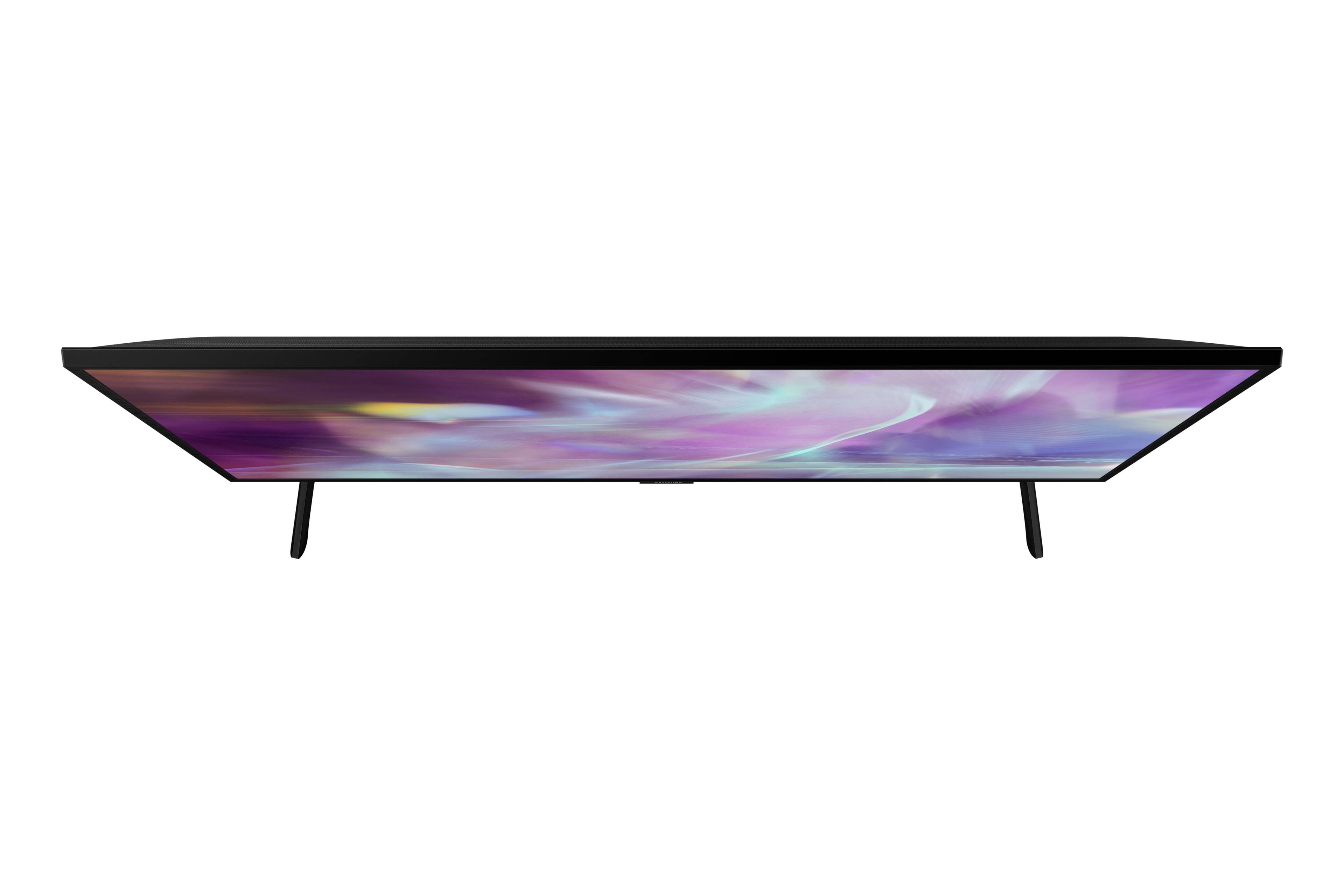
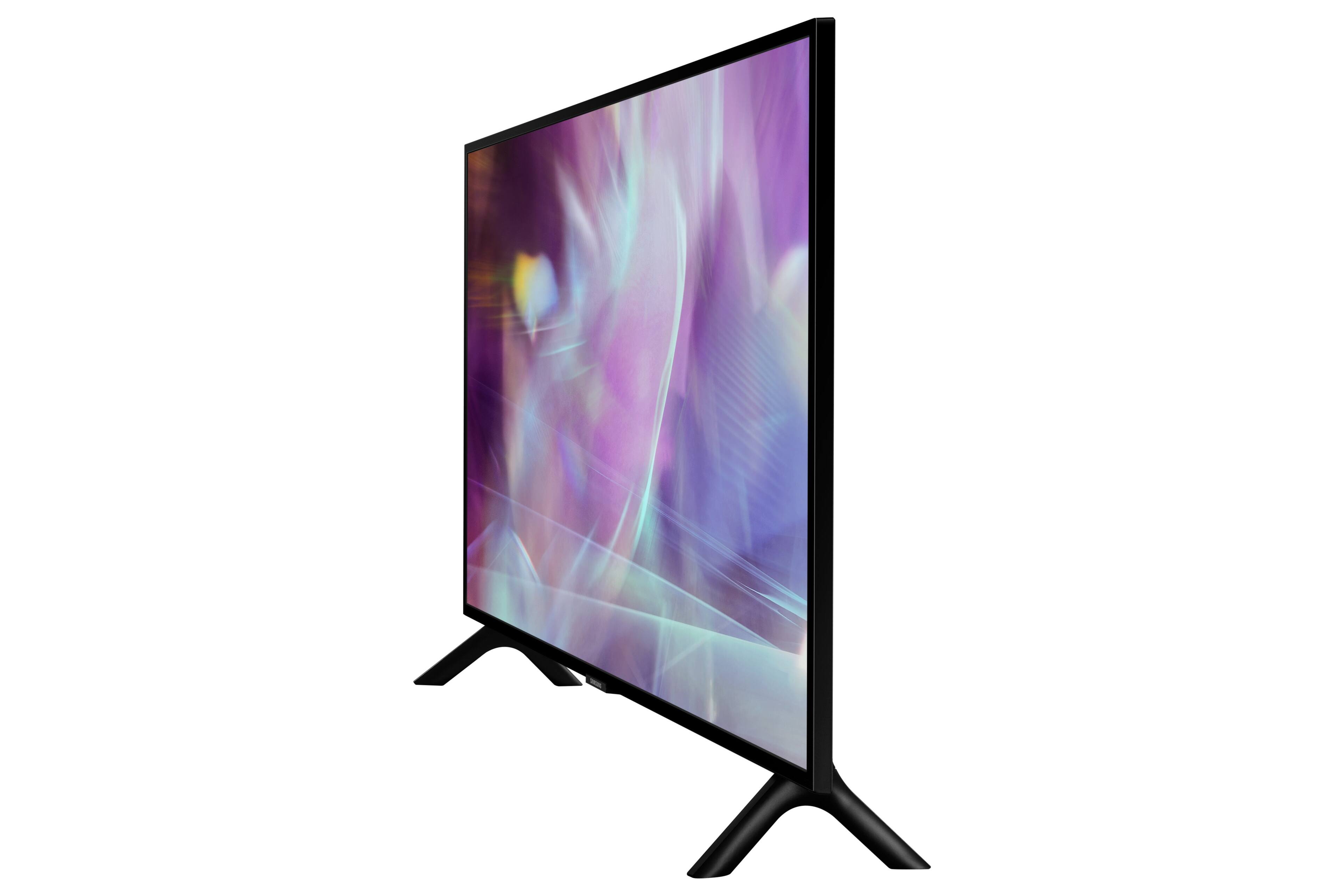
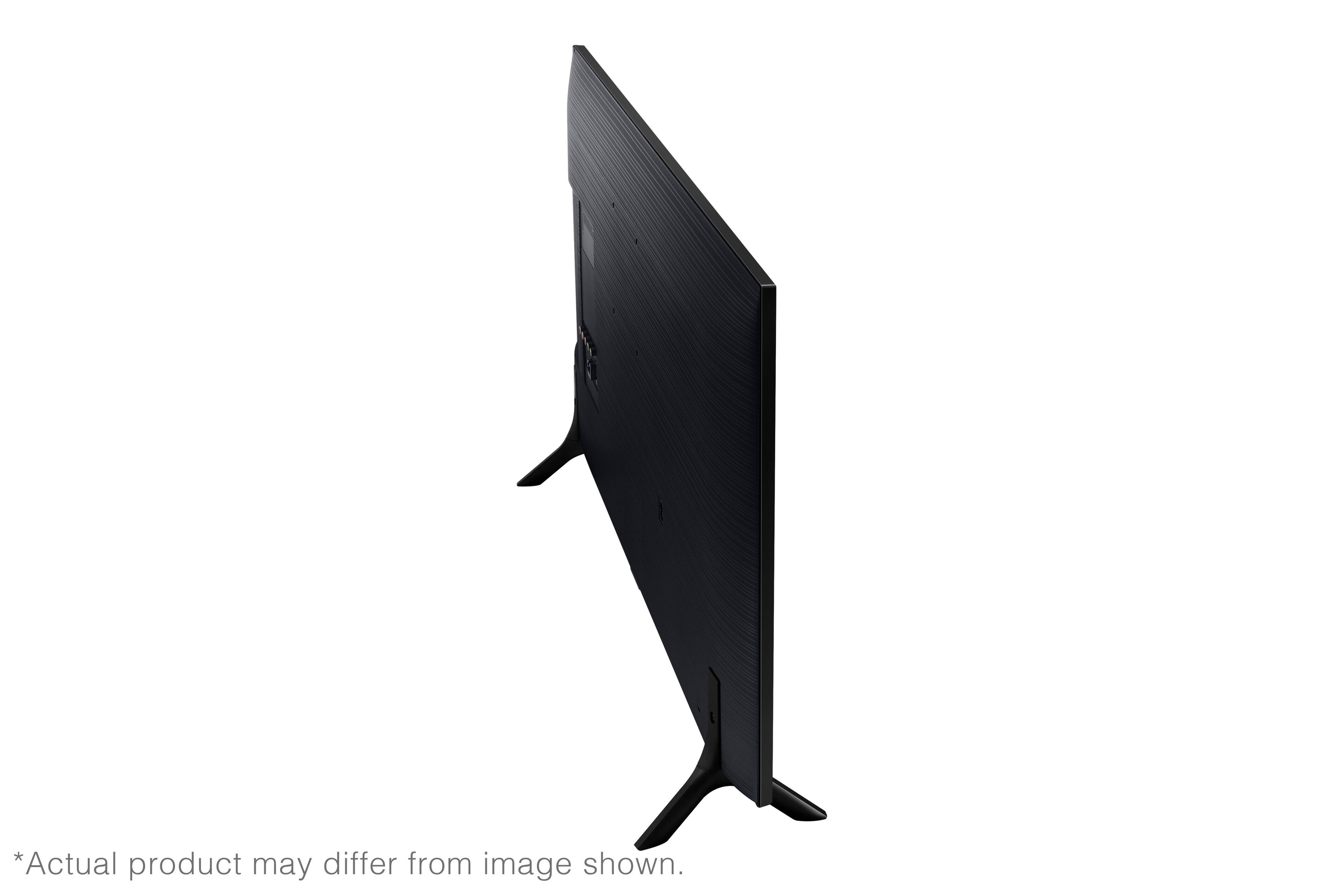
A:AnswerPhil - the leg width of the 32" Q60A TV is 22.8", which will allow for a soundbar 22.8" in width or smaller. Adding a soundbar to any TV will normally enhance volume, as well as clarity. ^Gina
A:AnswerHello
I am not sure if this TV has that feature. I connected a Samsung sound bar to the TV but I used an optical connection. I think if you connect an HDMI cable to the TV and sound bar you should have a connection that will work because an HDMI connection is for both sound and video. I would use a high quality HDMI cable for the connection I hope this information has been helpful.
A:AnswerHi Soupstone - So that we can best assist you with your question, please reach out to Samsung Support at: 1-800-SAMSUNG (ask for TVs), available 8AM - 12AM EST, 7 days a week, or Chat with us on Samsung.com: https://www.samsung.com/us/support/contact/ ^Gina
A:AnswerThechaz - Thank you for your question. With HDMI 2.1 being such a complex topic, we feel it is clearer to highlight the specific features supported by each TV model. This model has 3 HDMI ports, all of which support HDR10+ and Auto Low Latency Mode (Auto Game Mode). The “HDMI In 2” port further supports eARC. If you are looking for a TV capable of 4K@120fps (FRL), please consider a step up to Q70A Series, which supports “FRL on HDMI In 4”. ^Gina
A:AnswerDave - The Q60A features HDMI and Optical inputs, as well as Bluetooth connectivity; you can connect your soundbar using any of those connection types. If you would like to use the Q-Symphony feature (both TV speakers and soundbar audio simultaneously), this TV will need to be connected with a compatible Samsung Q-Series Soundbar via HDMI or Optical cable. ^Gina
A:Answerjayk - The Fox News app is not available at this time, but the built-in App Store allows you to choose from and download hundreds of apps such as CBS News, Fox NOW, Fox Sports, and many more. We are continuously adding more premium content and new services to our Smart TV platform. It also comes with Samsung TV Plus which offers hundreds of free channels of news, sports, movies, and much more. ^Gina
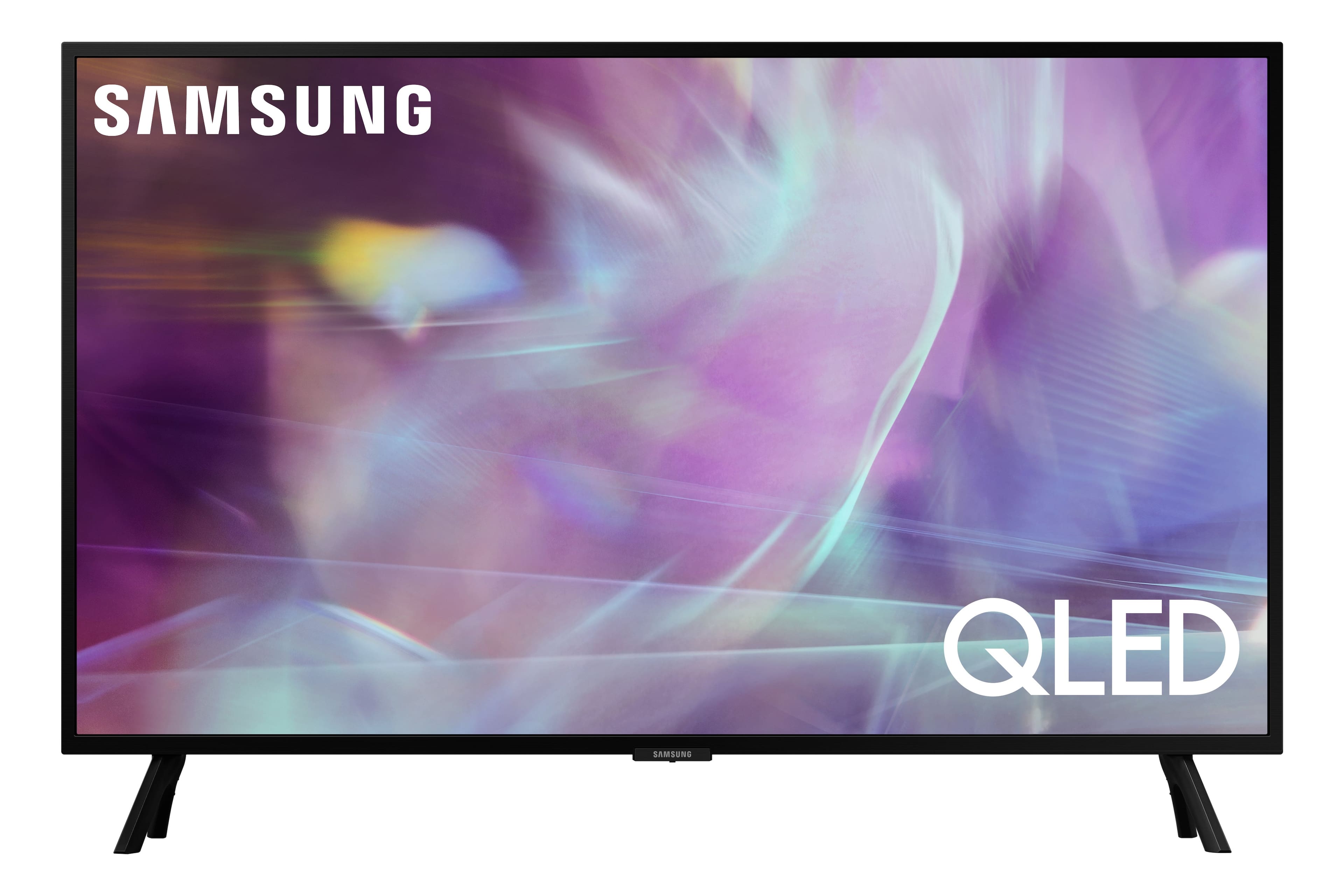
A:AnswerJoyce - The Q60A features several picture modes such as Movie, Filmmaker and more. You can also adjust motion under picture clarity settings, which can be found by going to: Settings > Picture > Expert Settings > Picture Clarity Settings. ^Gina
A:AnswerVernon - So that we can better troubleshoot towards a solution, please reach out to Samsung Support at: 1-800-SAMSUNG (ask for TVs), available 8AM - 12AM EST, 7 days a week, Chat with us on Samsung.com, or Email: https://www.samsung.com/us/support/#contact_us_for_support ^Gina

A:AnswerHi Scott - If you are referring to motion image settings on Samsung's Q60A TV, you can adjust the picture clarity setting by going to: Settings > Picture > Expert Settings > Picture Clarity Settings.
- Off: Picture Clarity Settings will always be off
- Auto: Picture Clarity Settings will automatically activate and deactivate based on the type of program being watched
- Custom: Allows custom adjustments and settings to be used. By selecting the Custom option, you can access these advanced settings for Judder Reduction, LED Clear Motion, and Noise Reduction.
^Gina

A:AnswerHi - The Samsung TV Plus app is available on the Q60A, built directly into your TV’s app guide. In the Samsung TV Plus channel guide, you can find Circle TV on channel 1087. ^Gina