A:AnswerGreetings!
We’re happy to provide information regarding your question about this Samsung refrigerator model.
At this time, Samsung lists the electrical requirements for our refrigerators as 115V with a current draw of 3.5 amps. We do not publish or specify an extended safe operating voltage range beyond this rating.
For any additional protection—such as using surge protectors or voltage monitors—we recommend consulting a licensed electrician or the manufacturer of the protective device to ensure compatibility with your home’s electrical system and the refrigerator model.
Leo
A:AnswerAbby, thank you for asking. Let's get the details you need.
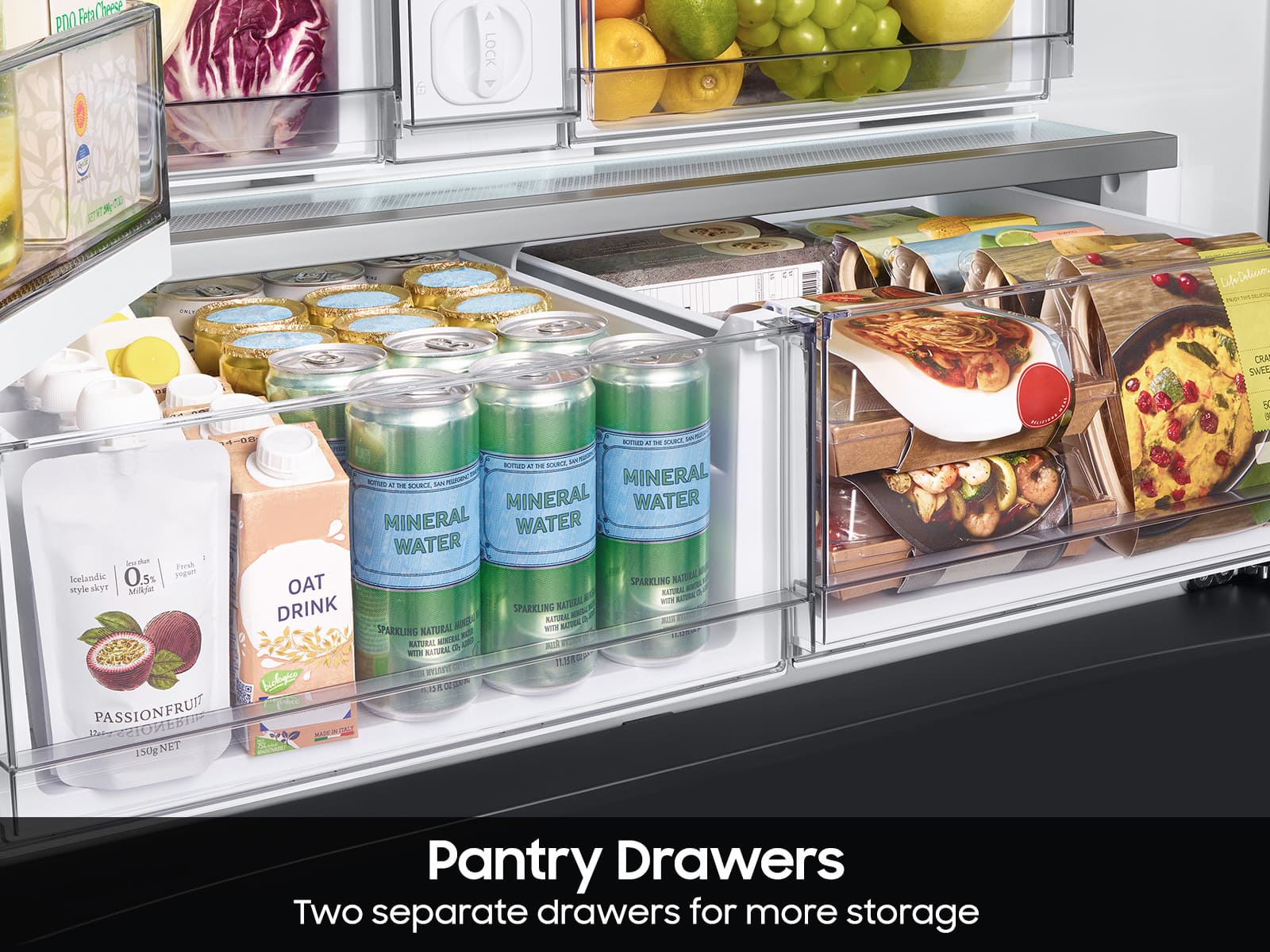
No, we recommend you use the manufacturer's produce panel.
Here is a link to the list of colors available for the panel. Turn to page 1.
Spec sheet
https://image-us.samsung.com/SamsungUS/home/home-appliances/pdf/RF30BB6600_V8.pdf?_ga=2.229004636.1310275692.1756144300-419372044.1755534368
Have a great day.
^Camille
A:AnswerHi Paulno,
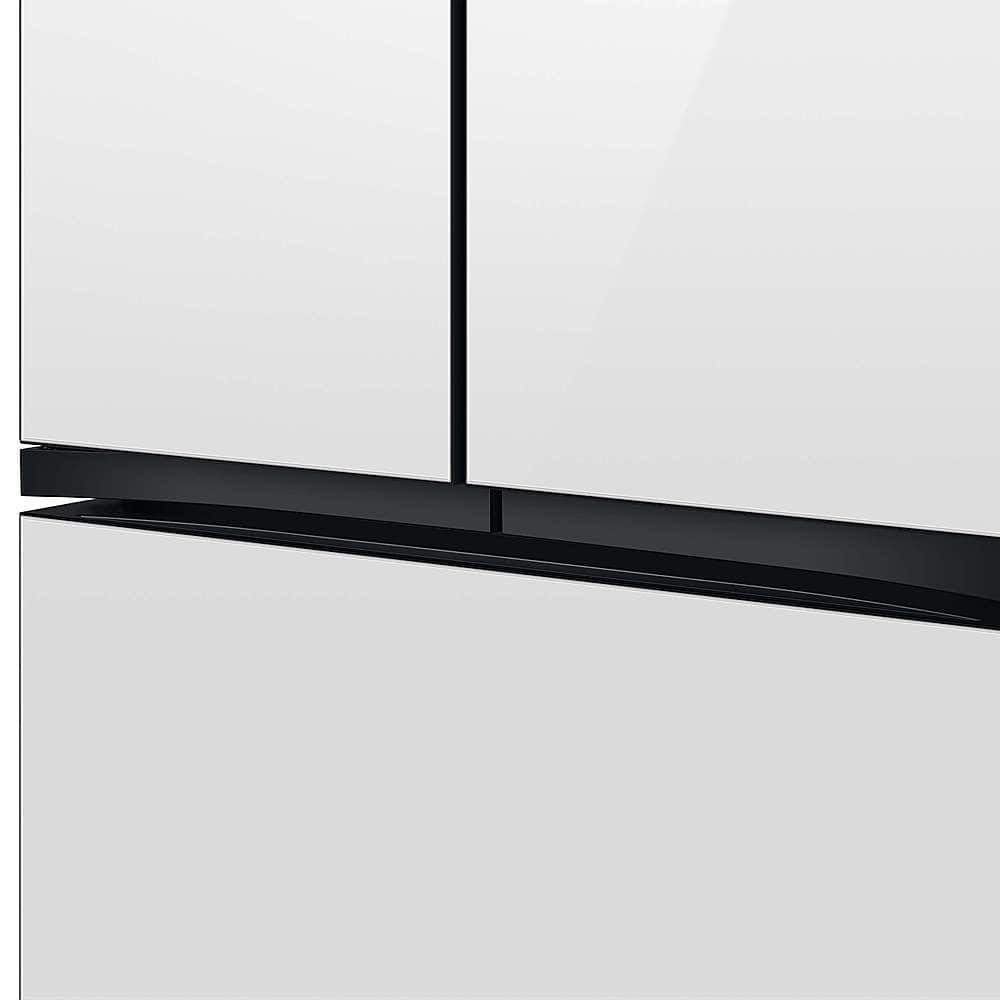
Yes, this Samsung refrigerator model is equipped with adjustable feet, more commonly referred to as leveling legs. These provide only a small amount of height adjustment, as their primary purpose is to level the unit, not to significantly raise or lower it.
Leo
A:AnswerHi Coco,
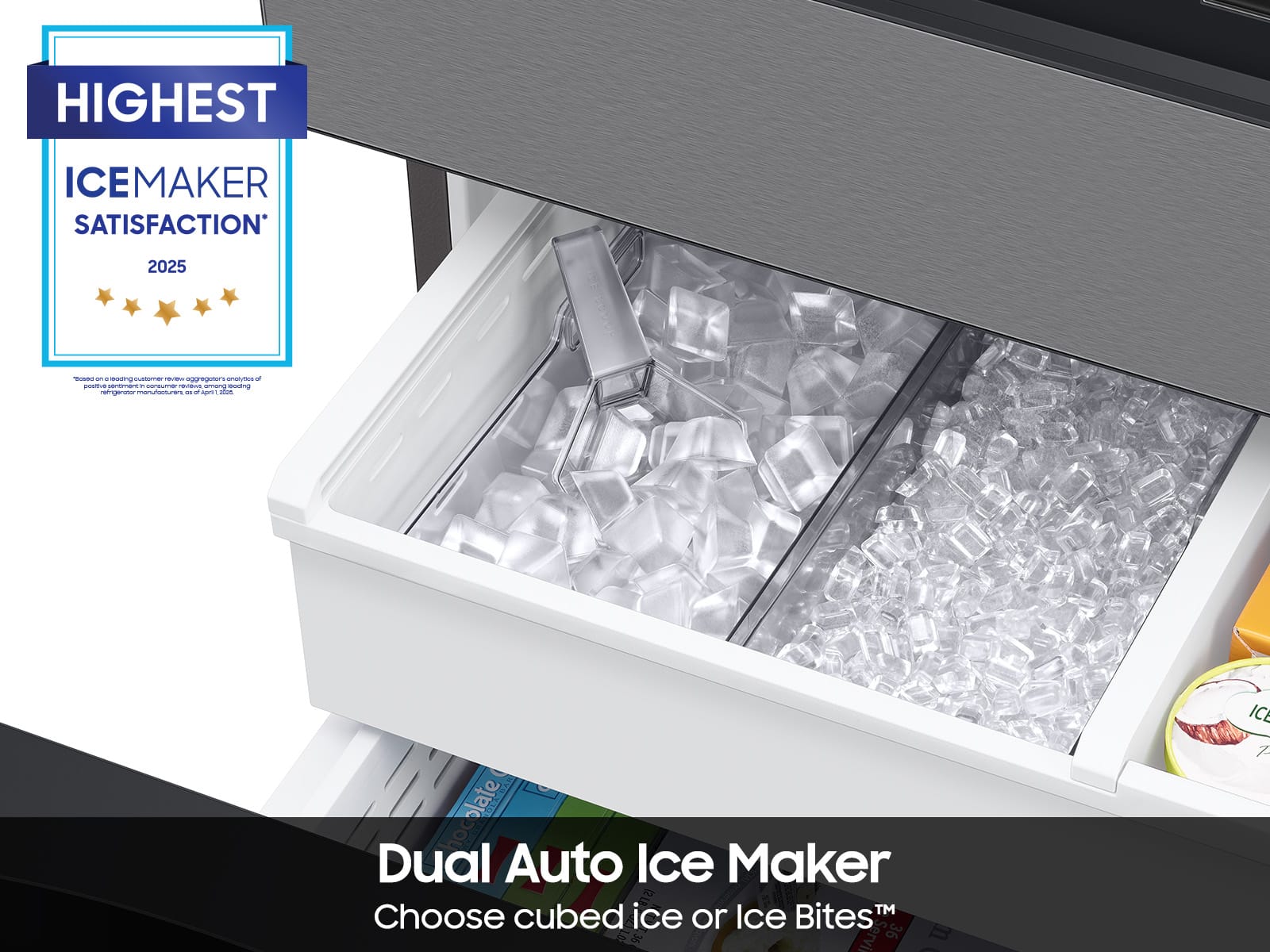
Yes, however, if you do not dispense ice for an extended period, ice may form clumps inside the bucket. Remove and empty the ice bucket if this occurs.
Thank you and have great day!
-Ricardo
A:AnswerDear Valued BestBuy Client,
To better assist you with this concern, don't hesitate to get in touch with our BestBuy Customer Service department at (888) 237-8289. Call any day between available 24 hours a day. They can answer your question or transfer you to your local store to answer your specific inquiry.
Have a great day.
^Aloe
A:AnswerHi there,
Yes, the fridge has Sabbath mode.
Please see the "Activating or deactivating the Sabbath mode" section on page 38 of the user's manual to know how to operate the sabbath mode function.
Manual
https://downloadcenter.samsung.com/content/UM/202311/20231114133649358/FDR_RF8000B_DA68-04402K-01_EN_MES__CFR.pdf
Have a great day.
^Aloe
A:AnswerHi Zoee,
Yes, if what you mean is the ice maker.
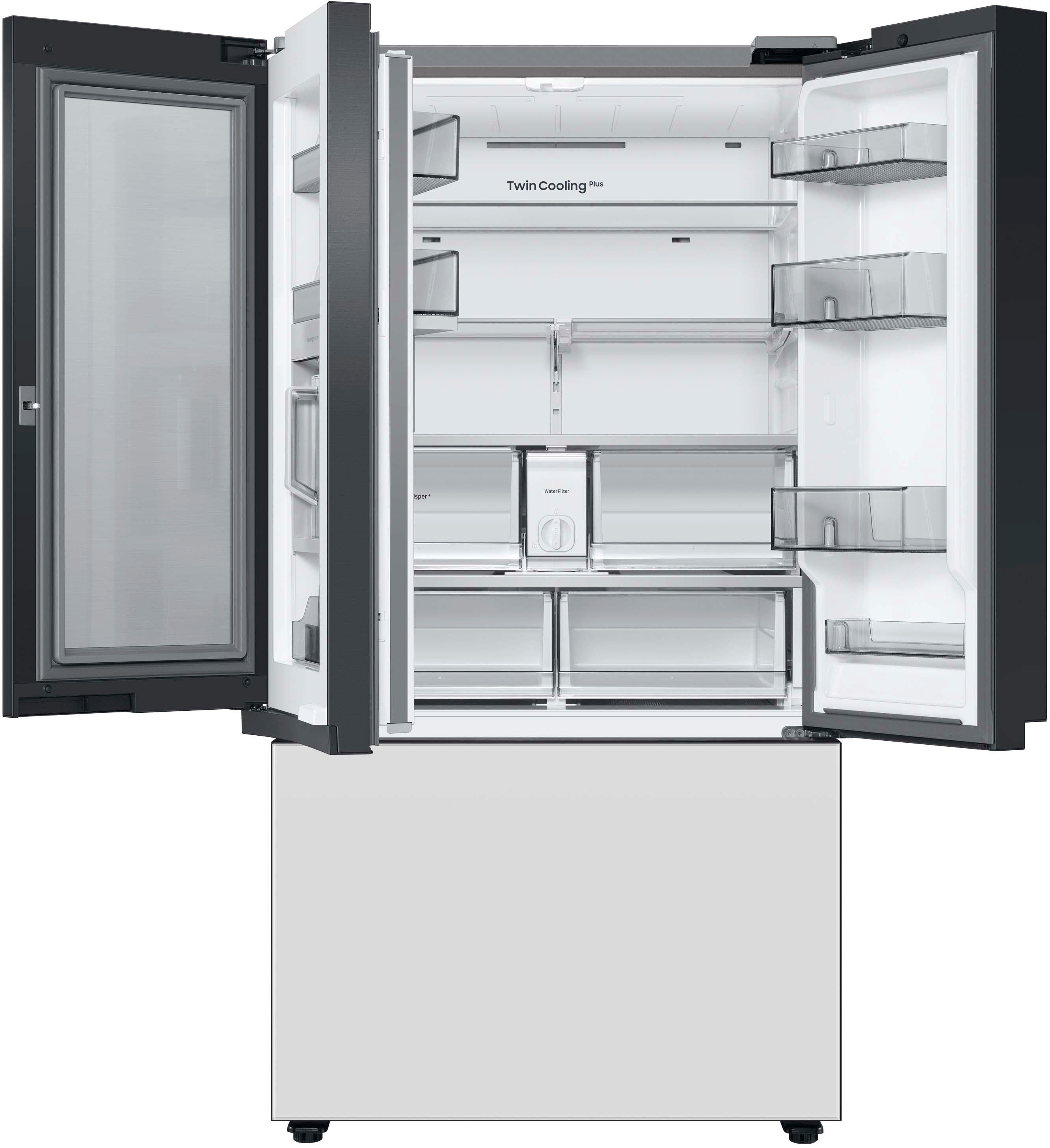
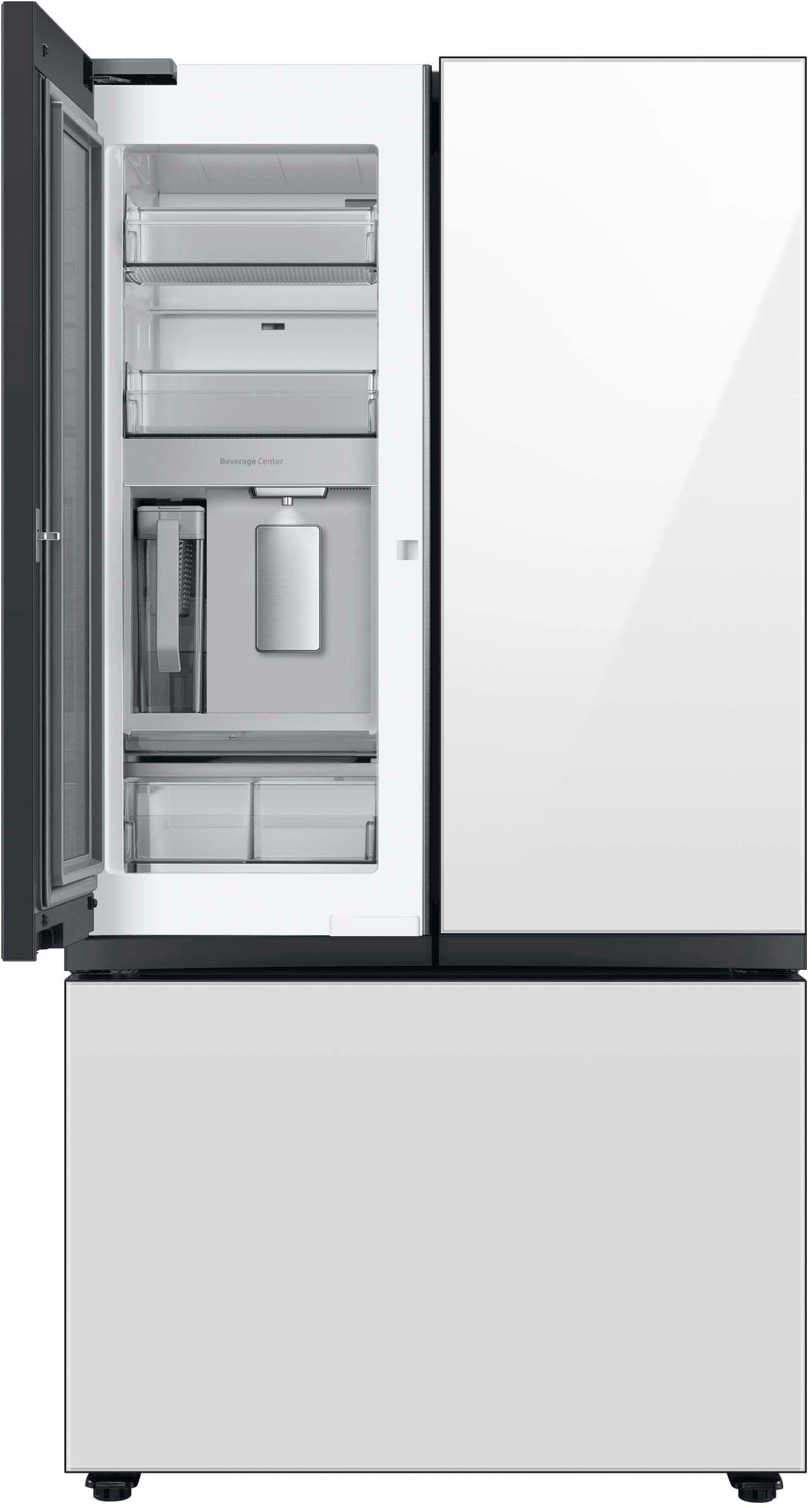
Please reference the "Refrigerator at a glance" section on pages 16 -17 of the user's manual.
Manual
https://downloadcenter.samsung.com/content/UM/202311/20231114133649358/FDR_RF8000B_DA68-04402K-01_EN_MES__CFR.pdf
Have a great day.
^Aloe
A:AnswerHi cmac,
The ice maker in this refrigerator's freezer is built-in and the covers cannot be removed. Placing food in the ice bucket space is also not recommended because doing so could damage the ice maker.
If you intend not to use the ice maker, you may turn it off and follow the steps under "Turning on or off the ice maker" on page 37 of the manual link below.
User manual
https://downloadcenter.samsung.com/content/UM/202311/20231114133649358/FDR_RF8000B_DA68-04402K-01_EN_MES__CFR.pdf
Should you need more assistance, please feel free to get back to us via the following options:
1. Facebook Messenger: http://m.me/samsungsupport
2. Twitter: https://twitter.com/messages/compose?recipient_id=18768513
3. Samsung Community: https://us.commuity.samsung.com/t5/Samsung-Community/ct-p/us
4. Samsung Customer Care: 1-800-7267864 (1800-SAMSUNG)
Please provide us with this reference number (1147594882) to help our team pull up your information when you message us.
Have a lovely day.
-Kimberly
A:AnswerHi there,
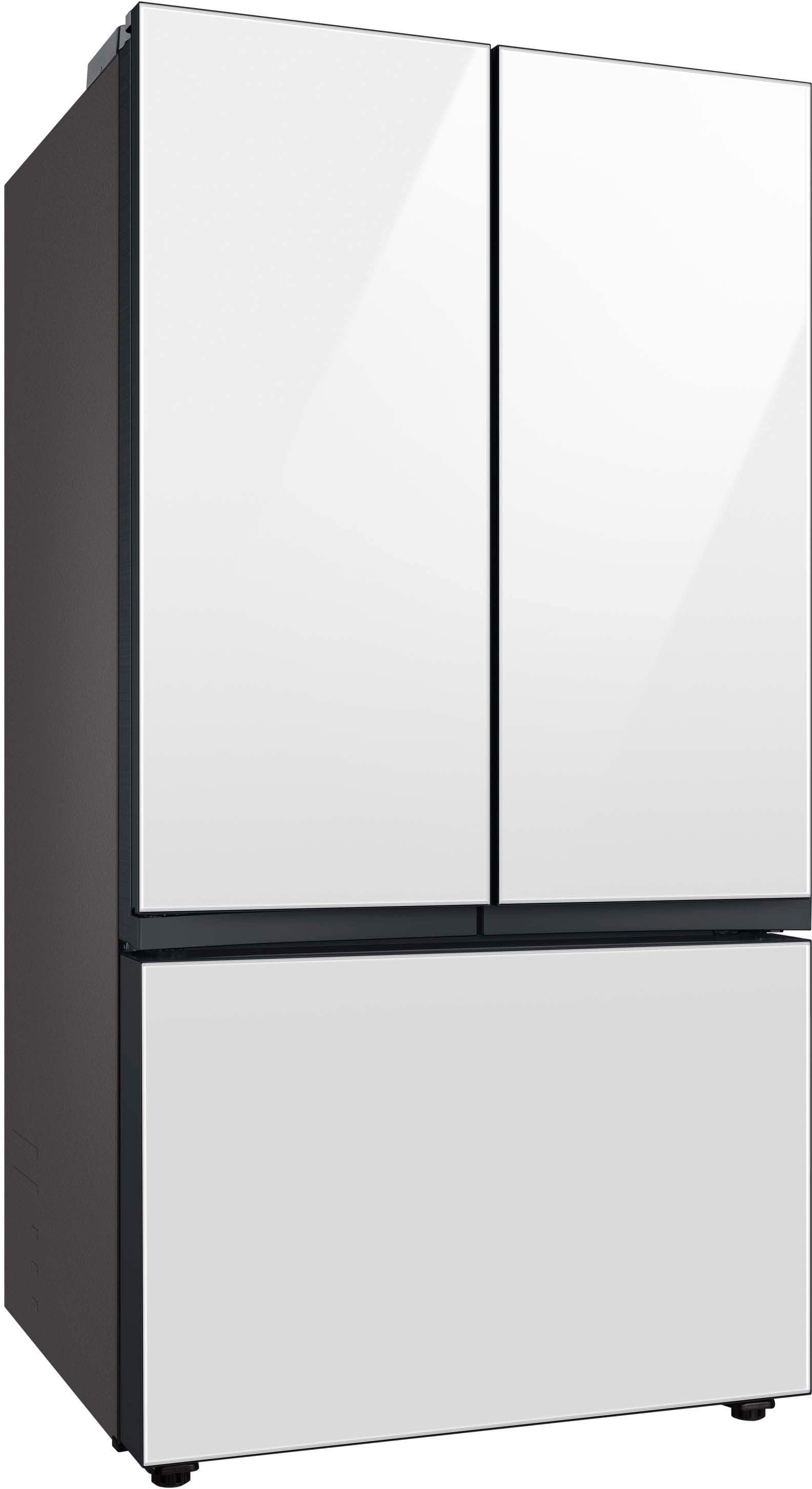
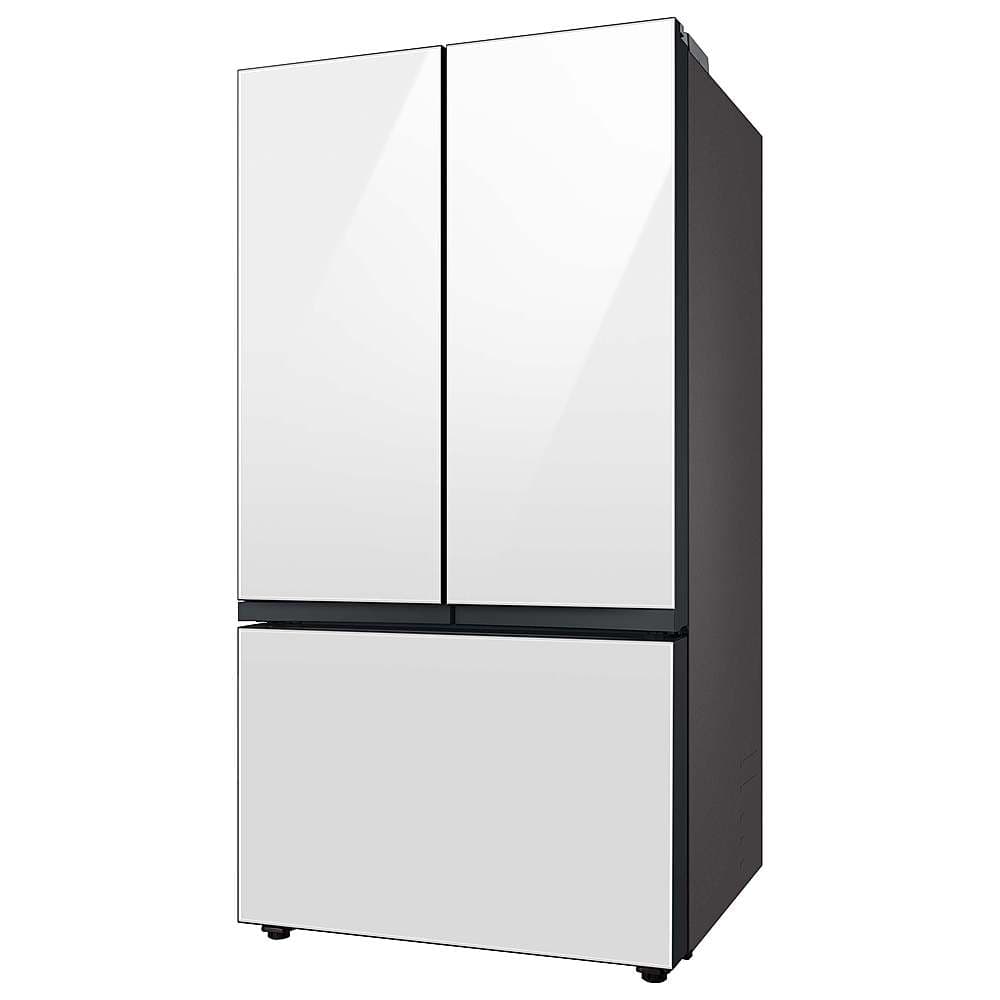
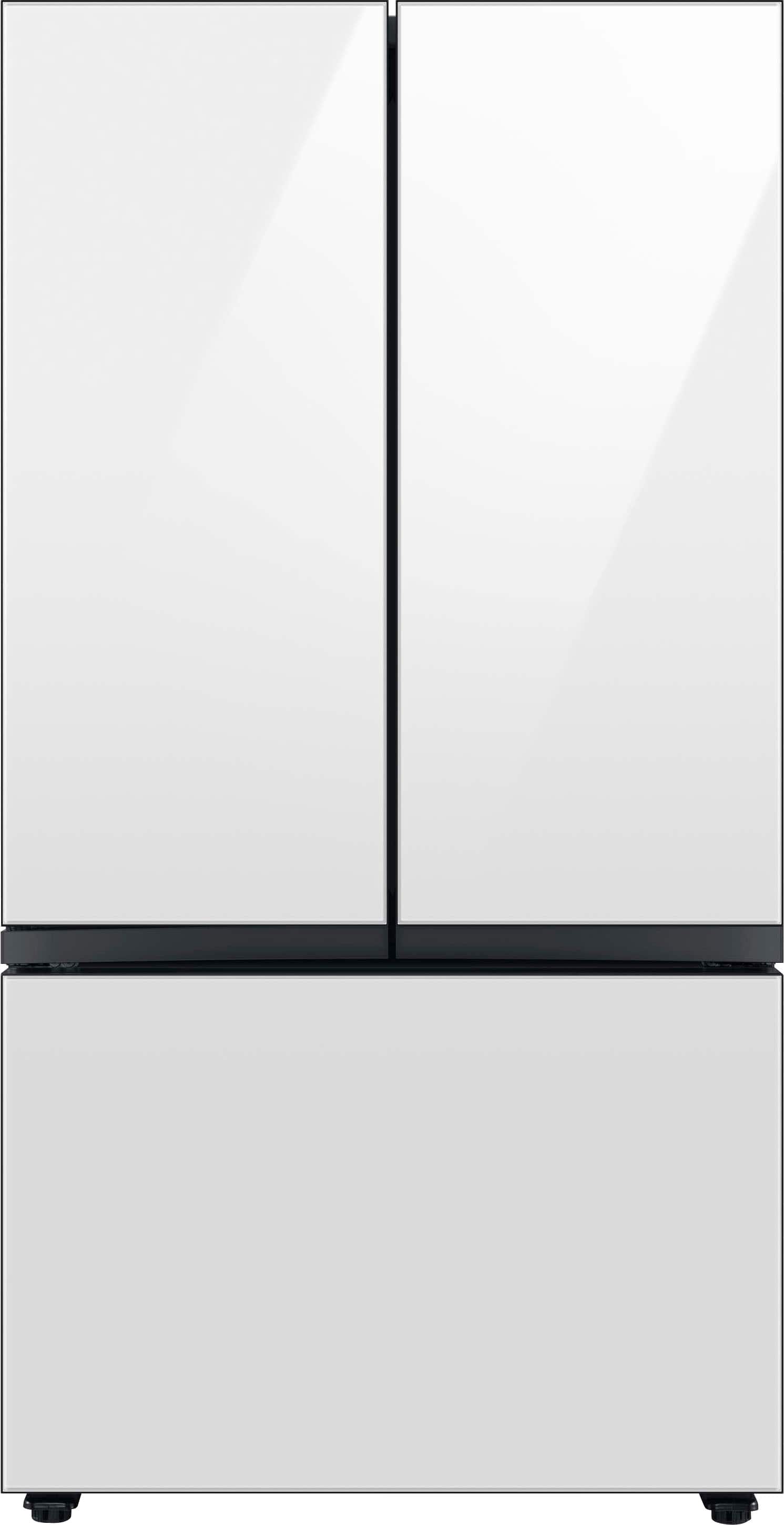
No, this refrigerator model's panel cannot be customized; however, customizable door colors are available. Please check the link below to learn more about the refrigerator's specifications.
Specification sheets:
https://image-us.samsung.com/SamsungUS/home/home-appliances/ranges/pdf/09272023/RF30BB6600_2023.pdf
To better assist you with this, don't hesitate to get in touch with our BestBuy Customer Service department at (888) 237-8289. They are available 24 hours a day. They can answer your question or transfer you to your local store to check the available panels and see if they can be ordered separately.
Have a great day.
-Ernest-