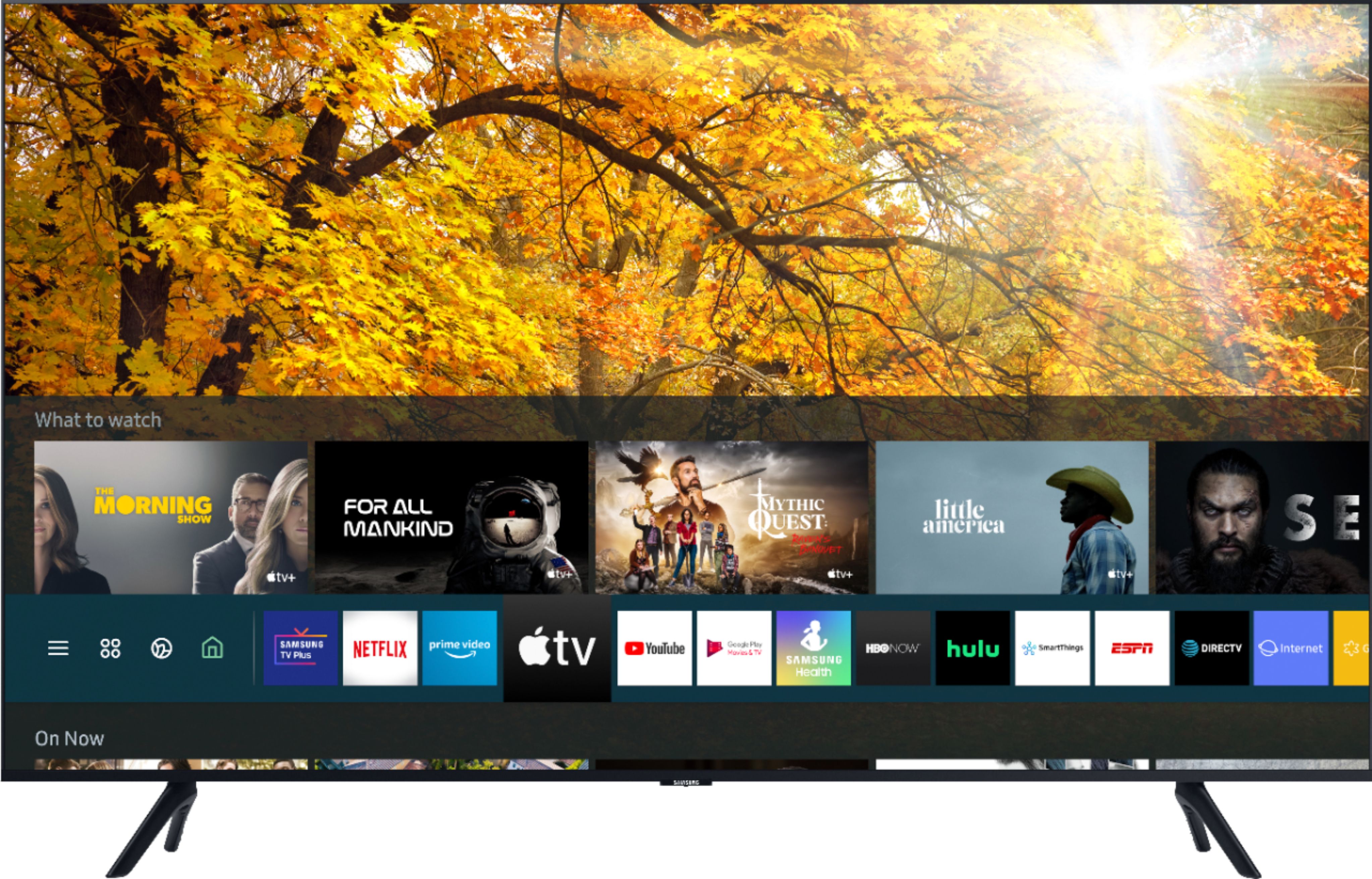
A:AnswerYes, Just say "Britbox" into your voice remote. You will then be guided to download the app. There is a free short trial period. A price will also be shown.
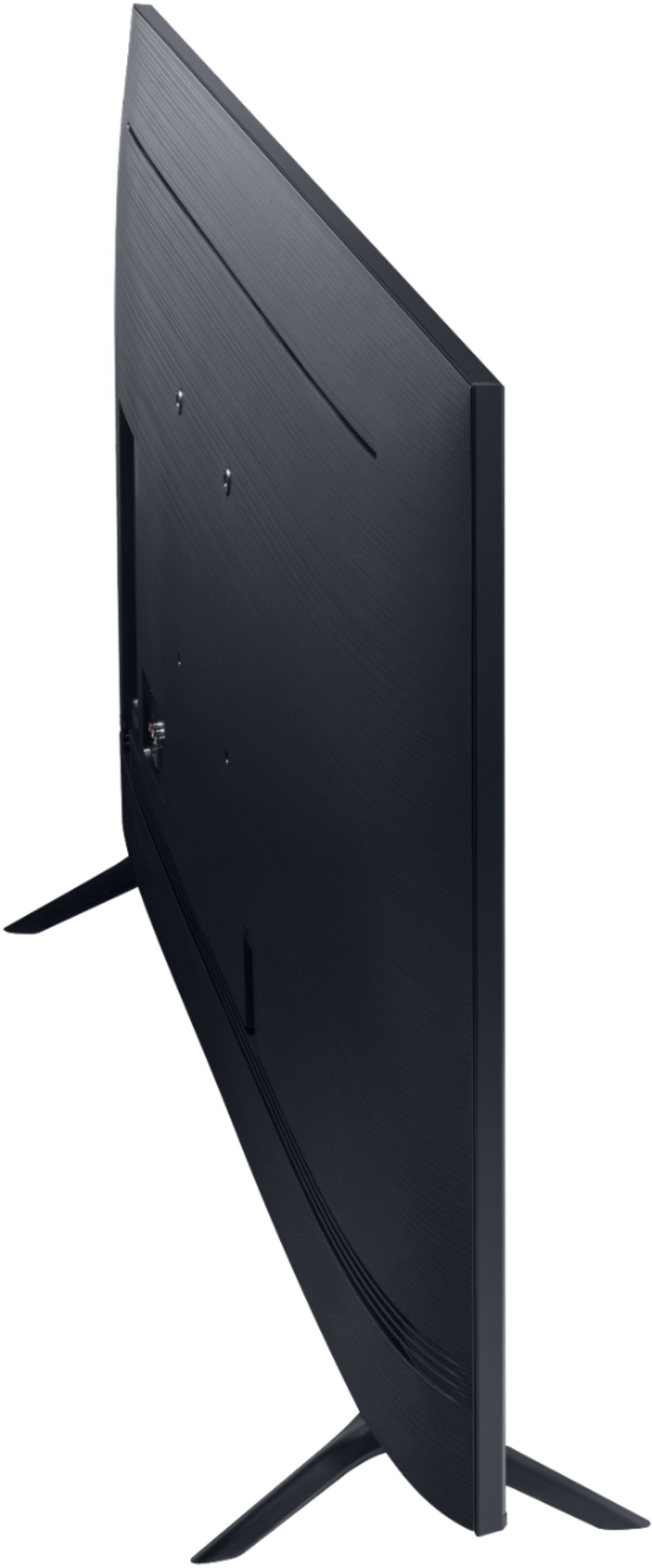
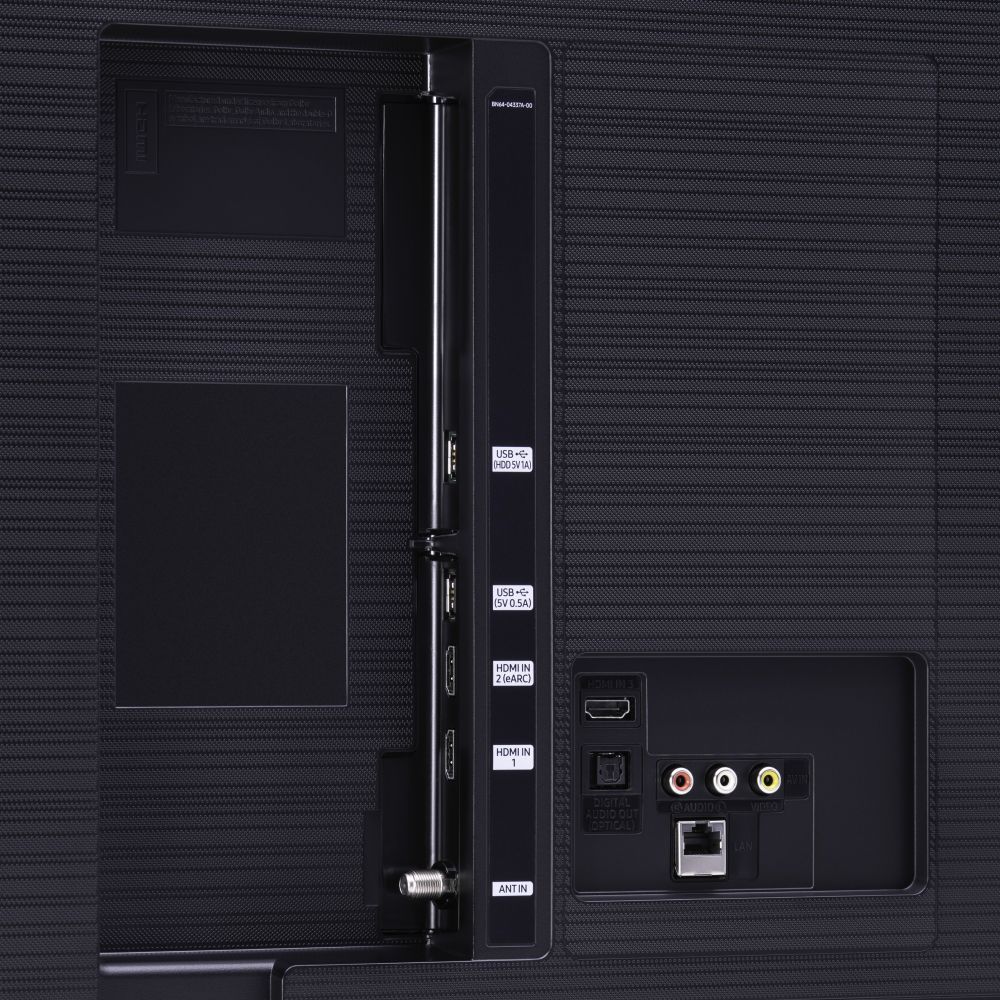
A:AnswerHi tbirds - The 43" TU8000 has 3 HDMI ports, 2 USB ports, 1 Composite In (AV), 1 digital optical audio input, 1 ethernet port, 1 RF antenna input, and is both Wi-Fi and Bluetooth enabled. ^Val
A:AnswerHi - The TU8000 TV does not have a camera or microphone. You can mirror Zoom from your smartphone or connect your computer, but you will still have to use the camera and microphone from your smartphone or other device. ^Val
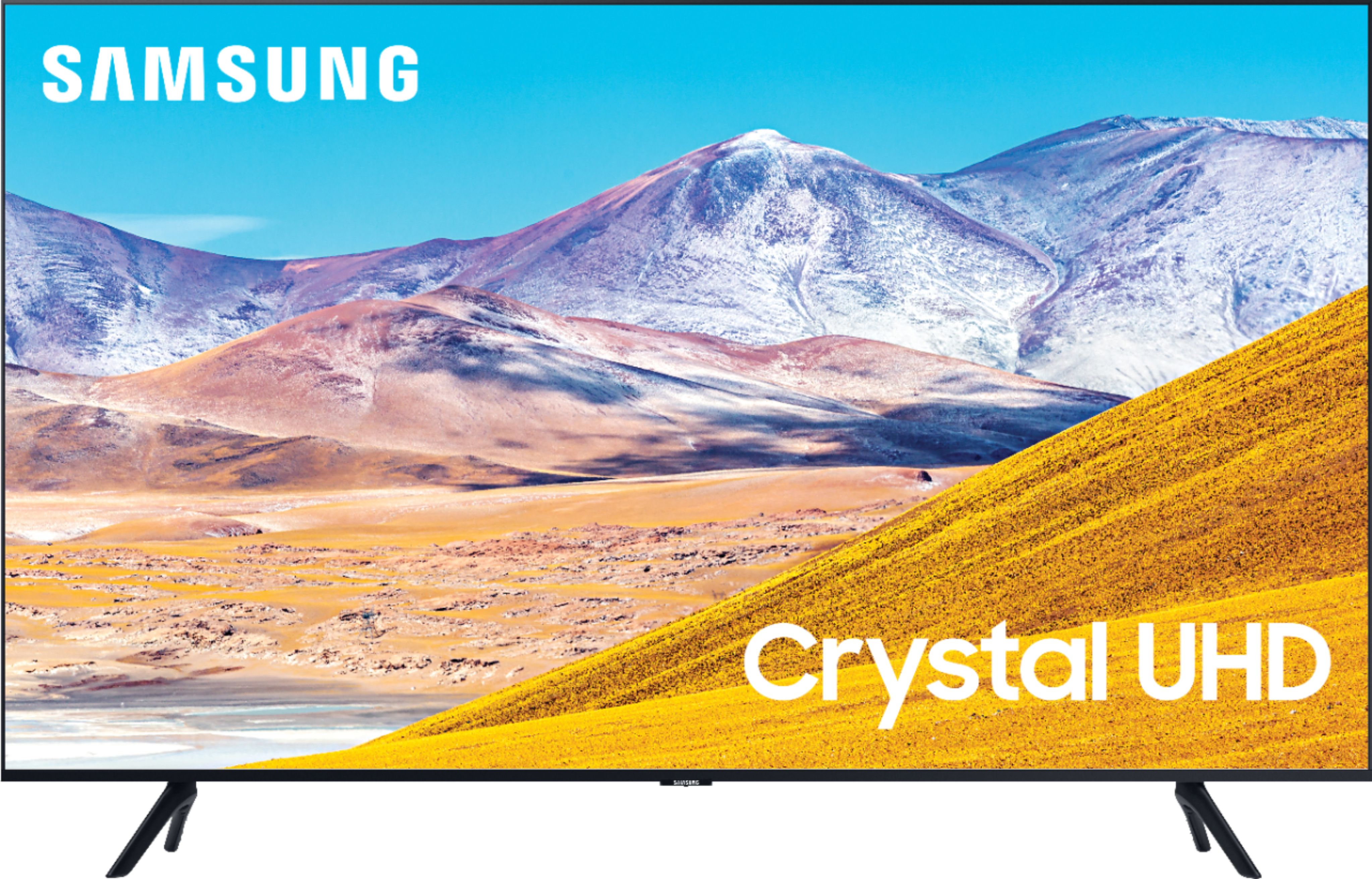
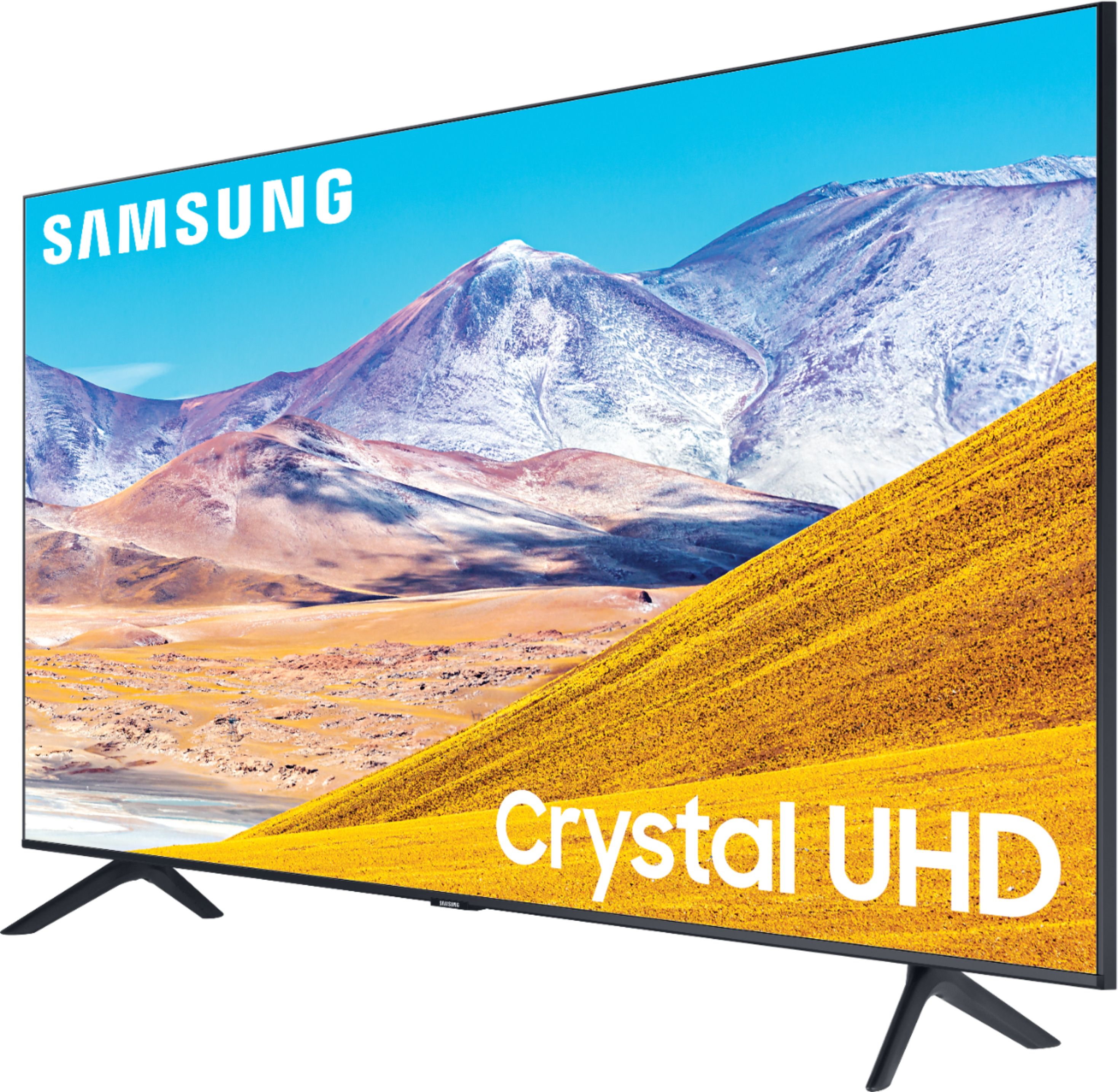
A:AnswerHi ava - The TU7000 introduces our Crystal Display for brilliant colors and exceptionally crisp, vivid images. Its Crystal 4K Processor further brings impressive clarity to all your content while upscaling everything you watch to stunning 4K definition, no matter the source. When stepping up to the TU8000, you will have all the benefits of Crystal UHD, while gaining Ambient Mode and built-in Voice Assistants (Amazon Alexa, Bixby, Google Assistant) with a voice button on your OneRemote. The TU8000 also offers one Composite (AV) input and an additional HDMI and USB port. ^Val
A:AnswerHi Doug - This function is primarily used for someone who needs to use Bluetooth headphones at a higher volume from the TV speakers. It is not recommended to use Multi-Output Audio with external speakers. If you are using Bluetooth speakers, please turn off the TV speakers. ^Val
A:AnswerHi Saint1, Samsung TVs are VESA Compliant and work with any wall mount or stand that is also VESA Compliant and designed for the TV's size. For your 43” TV, you would need a VESA bolt pattern of 200 mm x 200 mm. Screws and adapters are not included with your TV. ^Val
A:AnswerHi AlGator - Most cable boxes can be connected with HDMI. If your cable box has component connections, the first thing you may want to do is contact your cable company and see if there is an upgraded box available. If not, you can still get up to a 1080p (Full HD) picture with component connections, but you will need a component to HDMI adapter. The remote is a universal remote that can be programmed to control external devices. ^Val
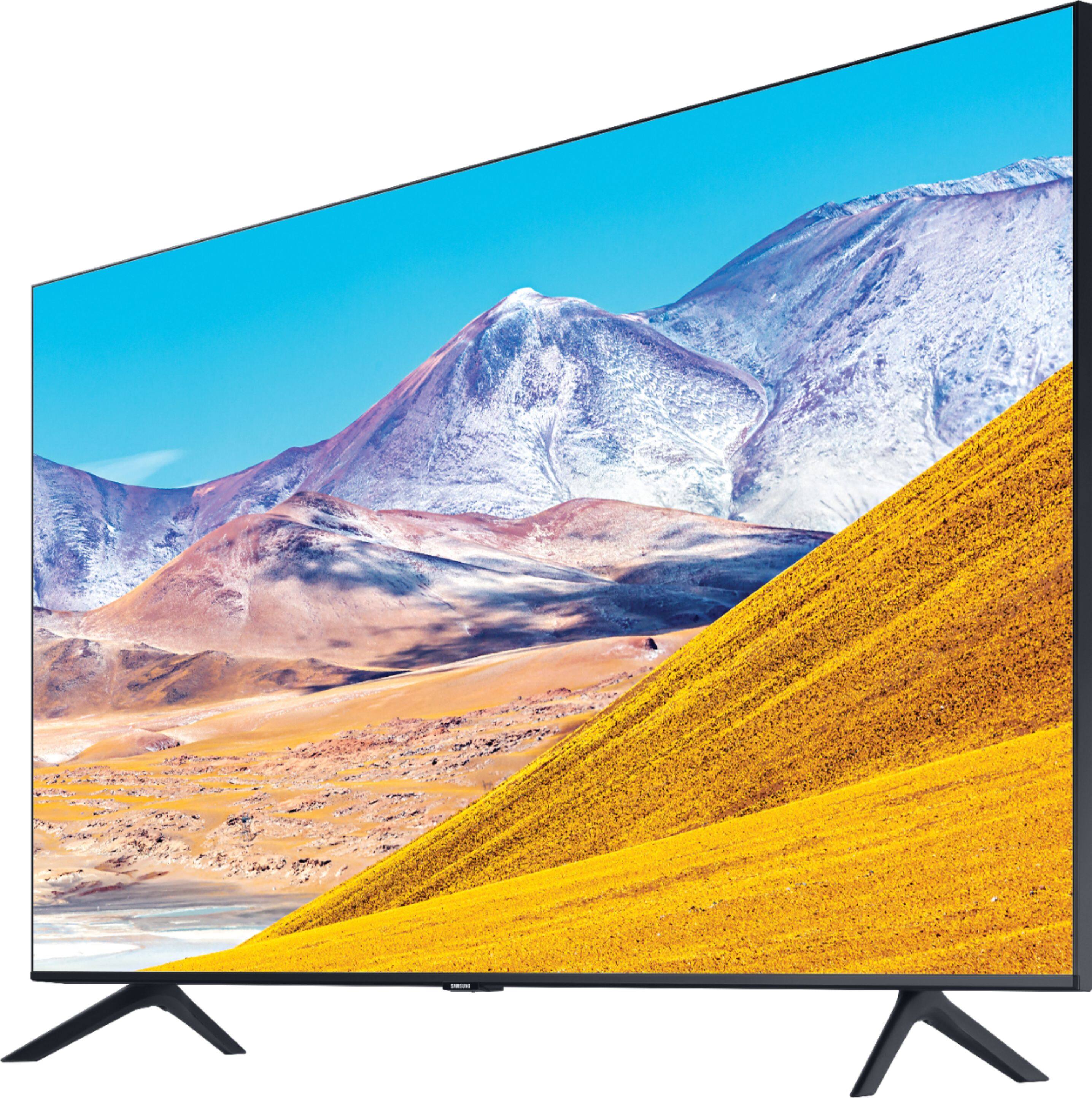
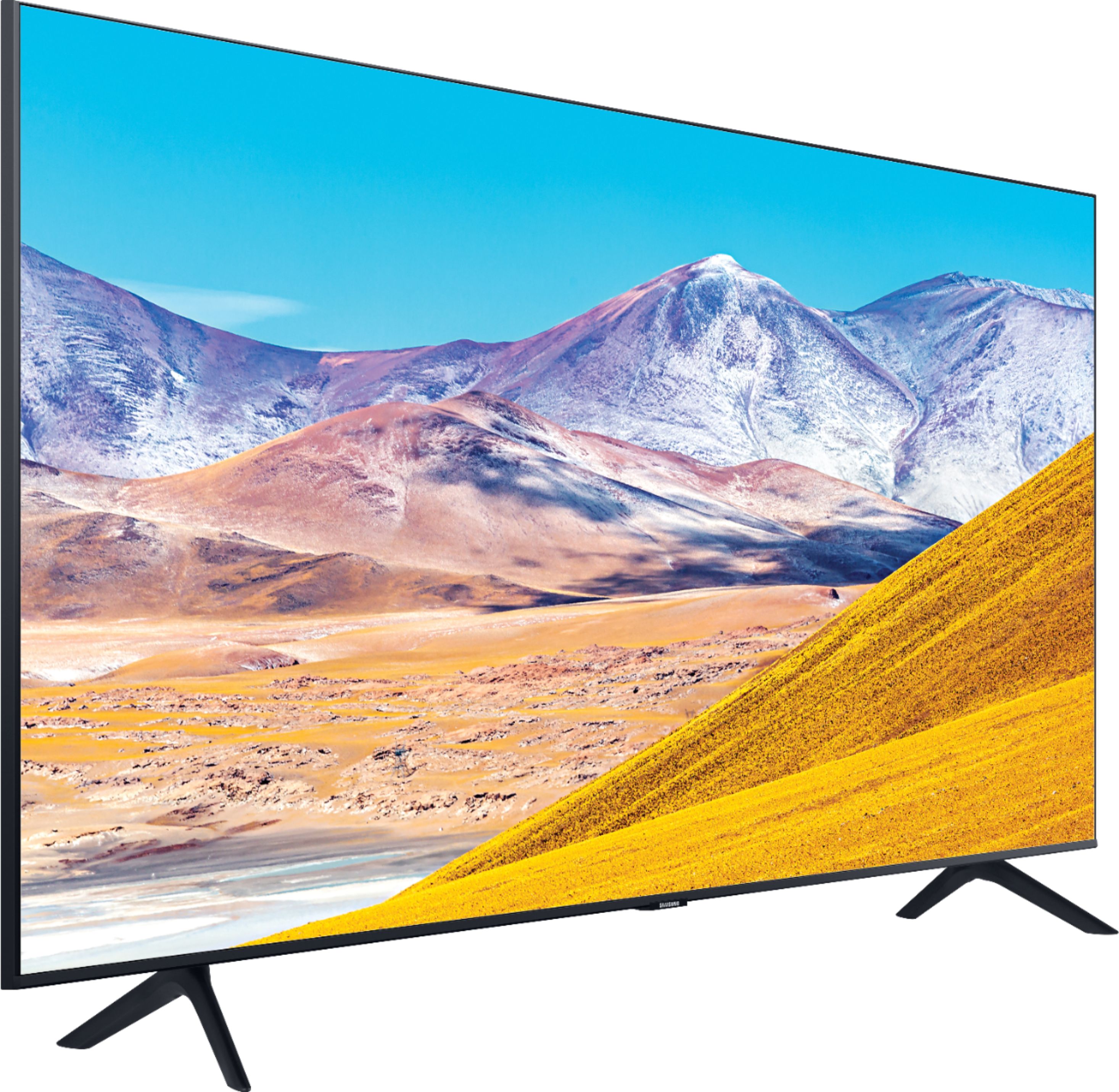
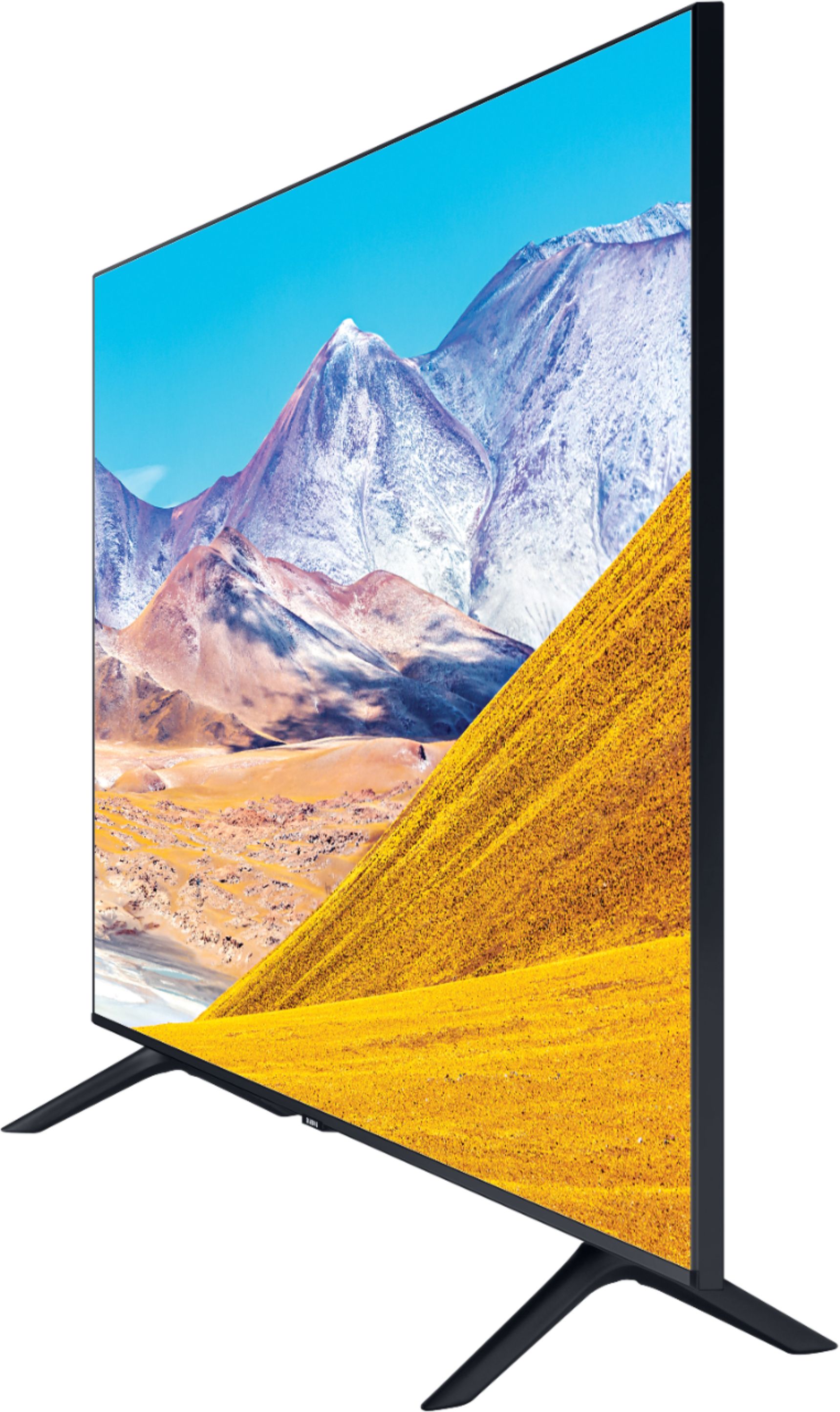
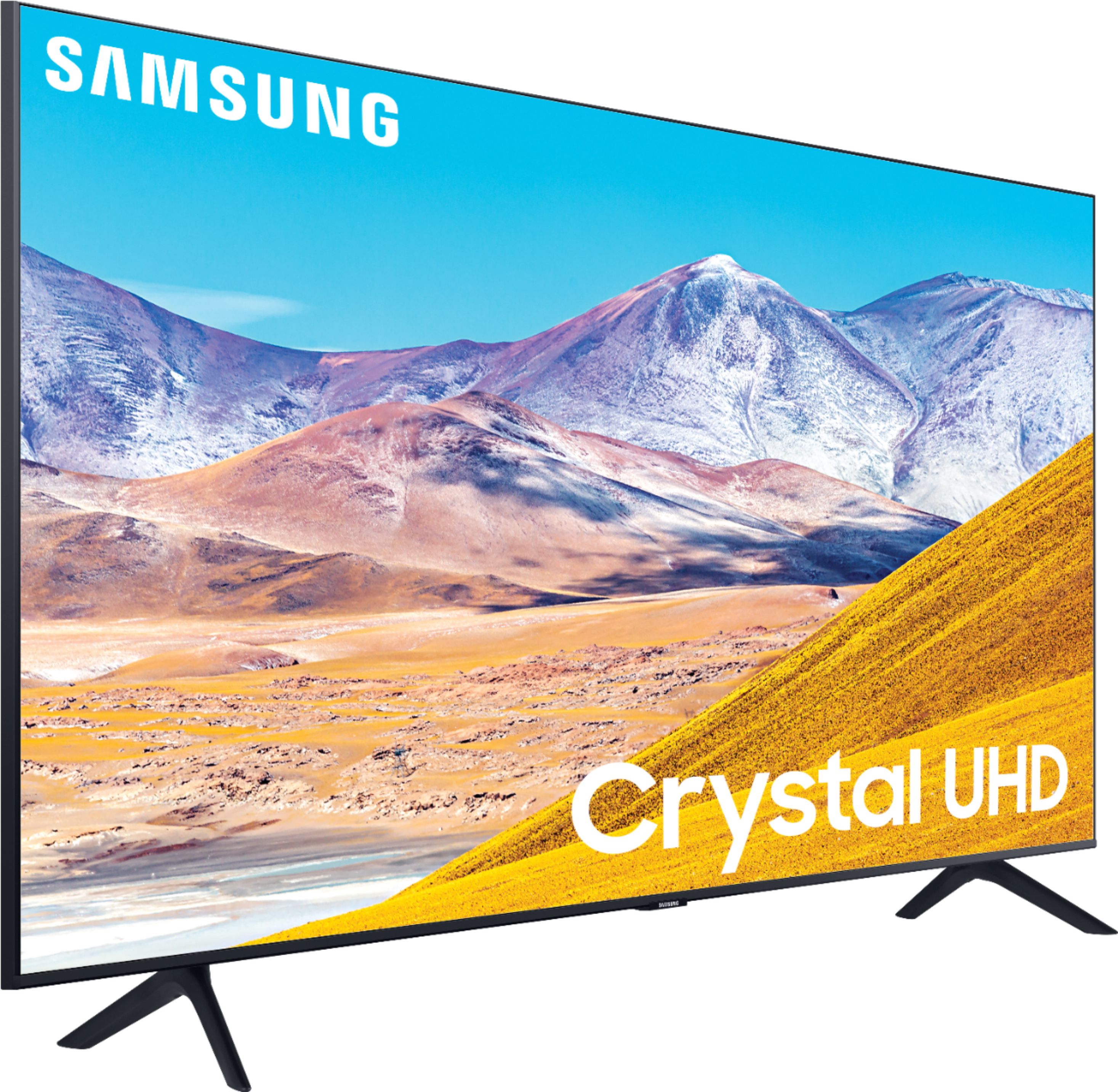
A:AnswerHi amar - Yes, you can mirror your iPad using Apple AirPlay. There are 2 legs that come included with this TV for standing on a flat surface. ^Val
A:AnswerHi stevearino, you can output audio from both your TV speakers and Bluetooth devices simultaneously with Multi-Output Audio. Go to Settings > General > Accessibility > Multi-output Audio. ^Val
A:AnswerHi Tito, you can definitely play the new Xbox on this TV. HDR10+ and Auto Low Latency Mode (ALLM/Auto Game Mode) are available on all 3 HDMI ports for this series. The “HDMI In 2” port additionally supports eARC.
However, if you are looking to game at 4K@120fps (FRL), take a look at the Samsung QLED Q70T Series and up. These series in 55" and larger offer 4K@120fps on HDMI 4, as well as have Variable Refresh Rate (VRR) and FreeSync. If we can further help, please call us at 1-800-SAMSUNG. ^Val
A:AnswerThank you for your interest in theTU8000. With HDMI 2.1 being such a complex topic, we feel it is clearer to highlight the specific features supported by each TV model. This model has 3 HDMI ports, all of which support HDR10+ and Auto Low Latency Mode (Auto Game Mode). The “HDMI In 2” port further supports eARC. If you are looking for a TV capable of 4K@120fps (FRL), please consider a step up to the 55" Q70T, which supports FRL on HDMI 4. All Samsung 2020 model year QLED TVs 55” and larger starting from the Q70T Series are capable of 4K@120fps, as well as FreeSync, and VRR. If we can help answer any other questions, please call us at 1-800-SAMSUNG. ^Val