A:AnswerHi Mike1988! The TU8000 features a native 60hz refresh rate with a 120 motion rate. For native 120hz support check out the 4K QLED models Q70T or above. ^Tim
A:AnswerHi cares! The TU8000 does indeed support Multi-output Audio, allowing you to use both TV and Bluetooth device audio simultaneously on the TU8000. When this function is active, you can set the volume of the Bluetooth headphones higher than the volume of the TV speaker. First, make sure your Bluetooth headphones are paired. Press HOME on your TU8000 remote. Then go to Settings > General > Accessibility > Multi-output Audio. Find the device you'd like to pair. ^Gina
A:AnswerHi there! We recommend utilizing wireless Bluetooth headphones with your TU8000, as this TV is Bluetooth enabled and does not include a headphone input. This will be the easiest way to connect your headphones to the TV for seamless listening. Samsung TVs also have a feature allowing you to use both TV and Bluetooth device audio simultaneously on the TU8000. When this function is active, you can set the volume of the Bluetooth headphones higher than the volume of the TV speaker. First, make sure your Bluetooth headphones are paired. Press HOME on your TU8000 remote. Then go to Settings > General > Accessibility > Multi-output Audio. Find the device you'd like to pair. Check out some Bluetooth compatible headphones here: https://www.bestbuy.com/site/searchpage.jsp?_dyncharset=UTF-8&id=pcat17071&iht=y&keys=keys&ks=960&list=n&qp=features_facet%3DFeatures~Bluetooth%20Built-In&sc=Global&st=bluetooth%20headphones&type=page&usc=All%20Categories ^Scott
A:AnswerHi Joe! Yes, the 43TU8000 can be used as a PC monitor via HDMI connection. You can also utilize Remote Access to connect to your computer through the network and utilize a wireless connection from your computer to your TV. ^Tim
A:AnswerI don’t think so. I don’t see any information for that in the menu. Speakers in these TVs aren’t typically super great sound quality. Although this speaker seems to be reasonable quality. If I was using it in a larger space, I’d have it hooked up to a surround sound system.
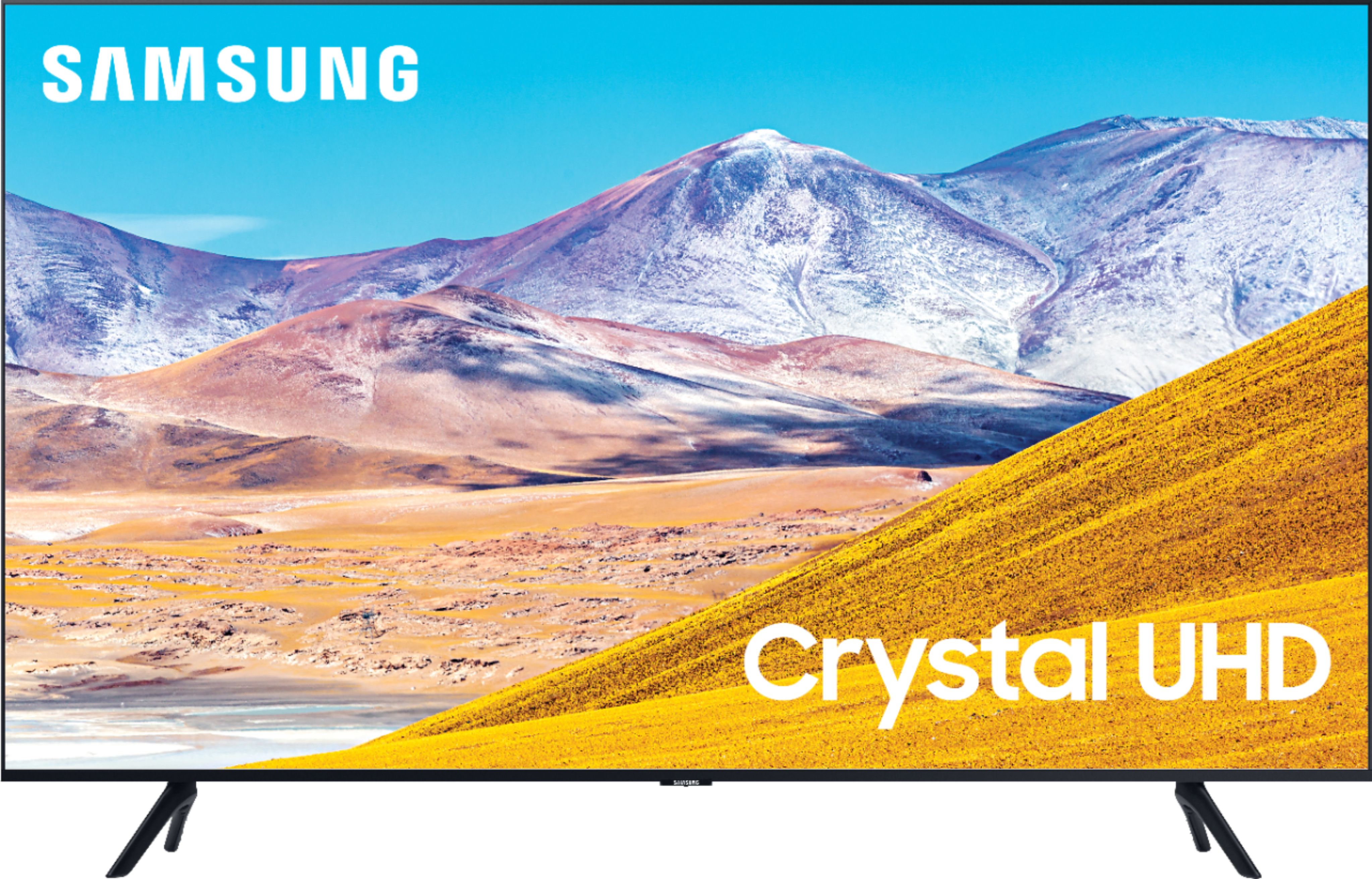
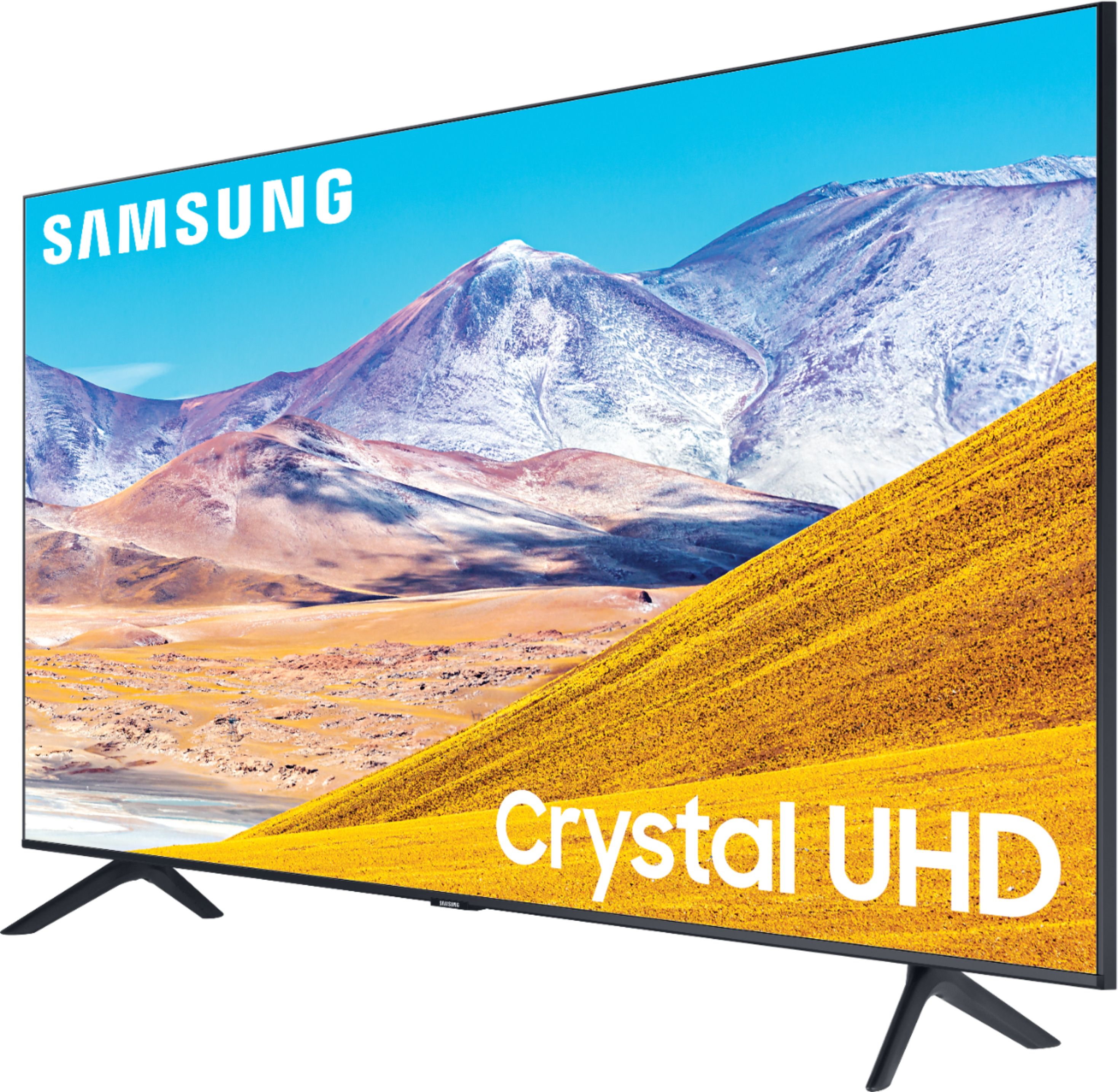
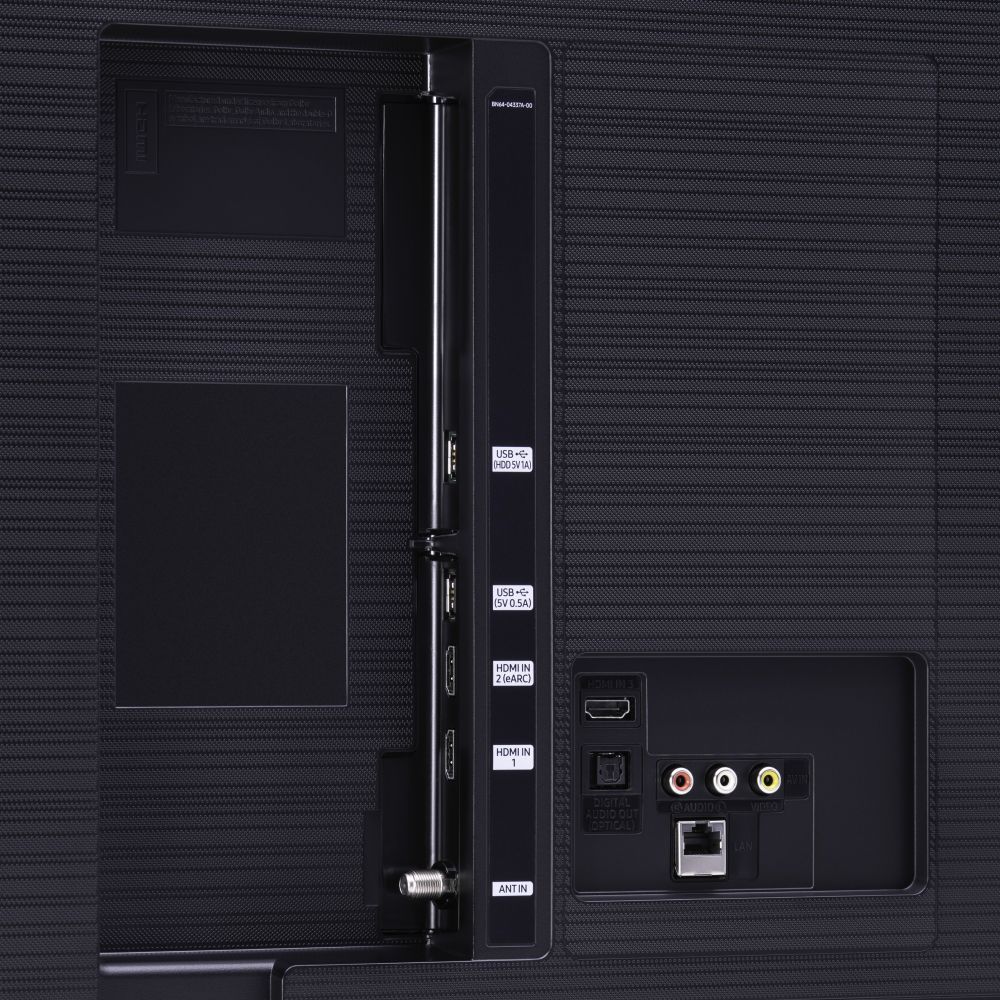
A:AnswerFowler, the TU7000 introduces our Crystal Display which gives you crystal-clear colors that are fine-tuned to deliver a naturally crisp and vivid picture, and our Crystal UHD Processor, which brings stunning clarity to everything you already watch and powerfully upscales 4K to ensure that you always get life-like 4K resolution no matter the source. When stepping up to the TU8000, you will have all the benefits of Crystal UHD, and will also gain Ambient Mode and built-in Voice Assistants (Amazon Alexa, Bixby, Google Assistant) with a Voice button on your OneRemote. The TU8000 also offers one Composive (AV) input, and an additional HDMI and USB port. ^Gina
A:AnswerDatJet - you should be able to connect your receiver via Optical or HDMI cable, depending on your receiver's inputs. You can change the input (Optical, HDMI, etc) for your receiver in the Sound Settings in your TV's menu. If you are still having issues, please reach out to Samsung Support at:
― Phone: 1-800-SAMSUNG / Available 8 AM - 9 PM EST, Mon - Fri
― LiveChat or Email: https://www.samsung.com/us/support/#contact_us_for_support
We look forward to hearing from you. ^Gina
A:AnswerTori - If you are asking about a regular HDMI cable, it would depend on what you are connecting it to. If you are mounting this TV and want to hide your wires in the wall for a cleaner look, most HDMI cables are considered in-wall rated. However, it really depends on what devices you are connecting your TV to. ^Cris
A:AnswerThis does not answer the question. Tuner sensitivity, signal to noise ratio, station lock, eetc,. All these are important for those of us who live in the boonies
A:AnswerHi there! You can download the YouTube TV app from your TV's built-in App Store. The Hallmark Movies app is currently not available on 2020 Samsung models. ^Gina
A:AnswerHi there! Roku is a separate streaming device you can purchase for streaming apps such at Netflix, Hulu, etc; however, Samsung TVs have a built-in Smart Platform, allowing you to choose and download from hundreds of apps in the App Store. ^Gina
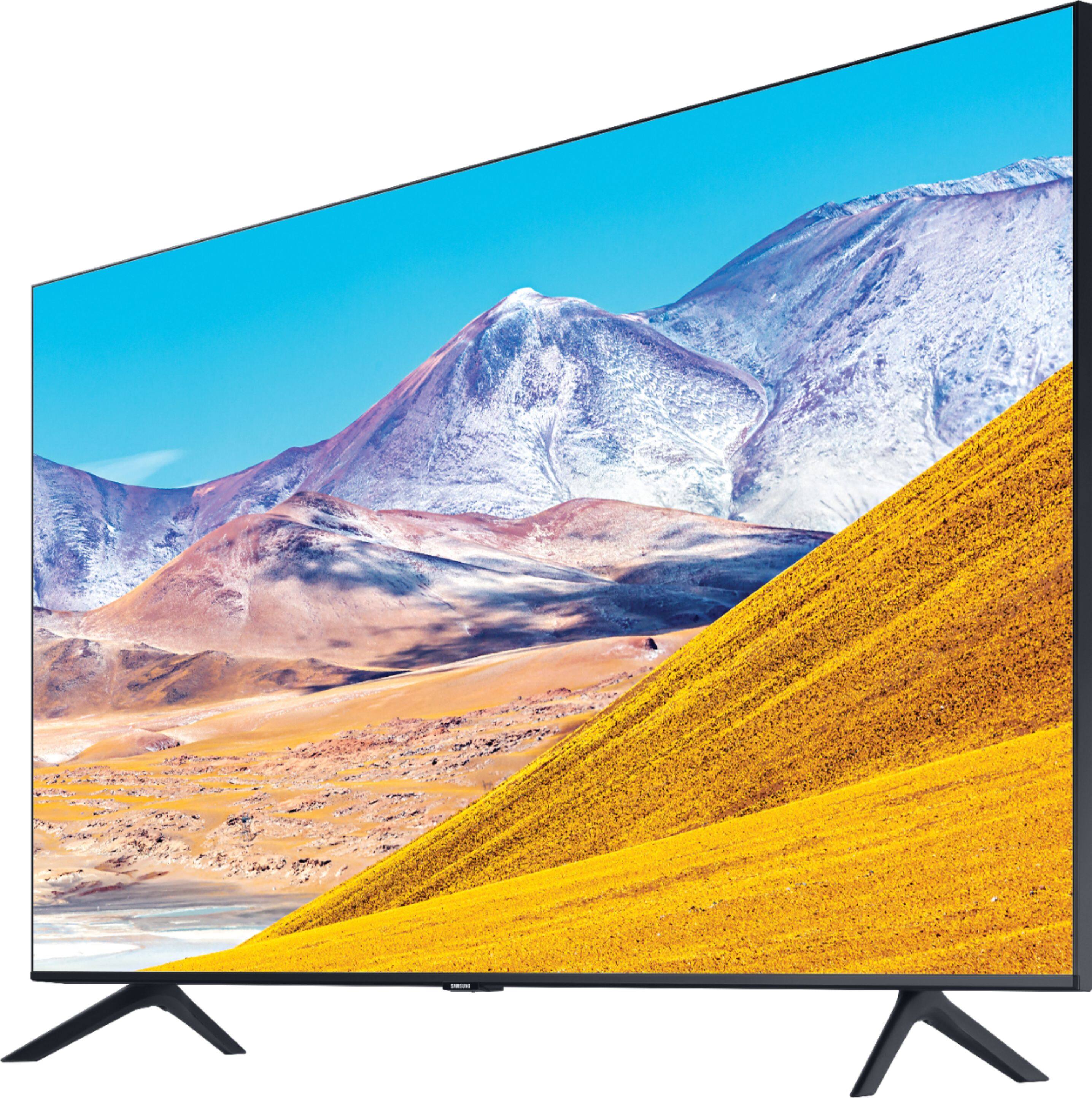
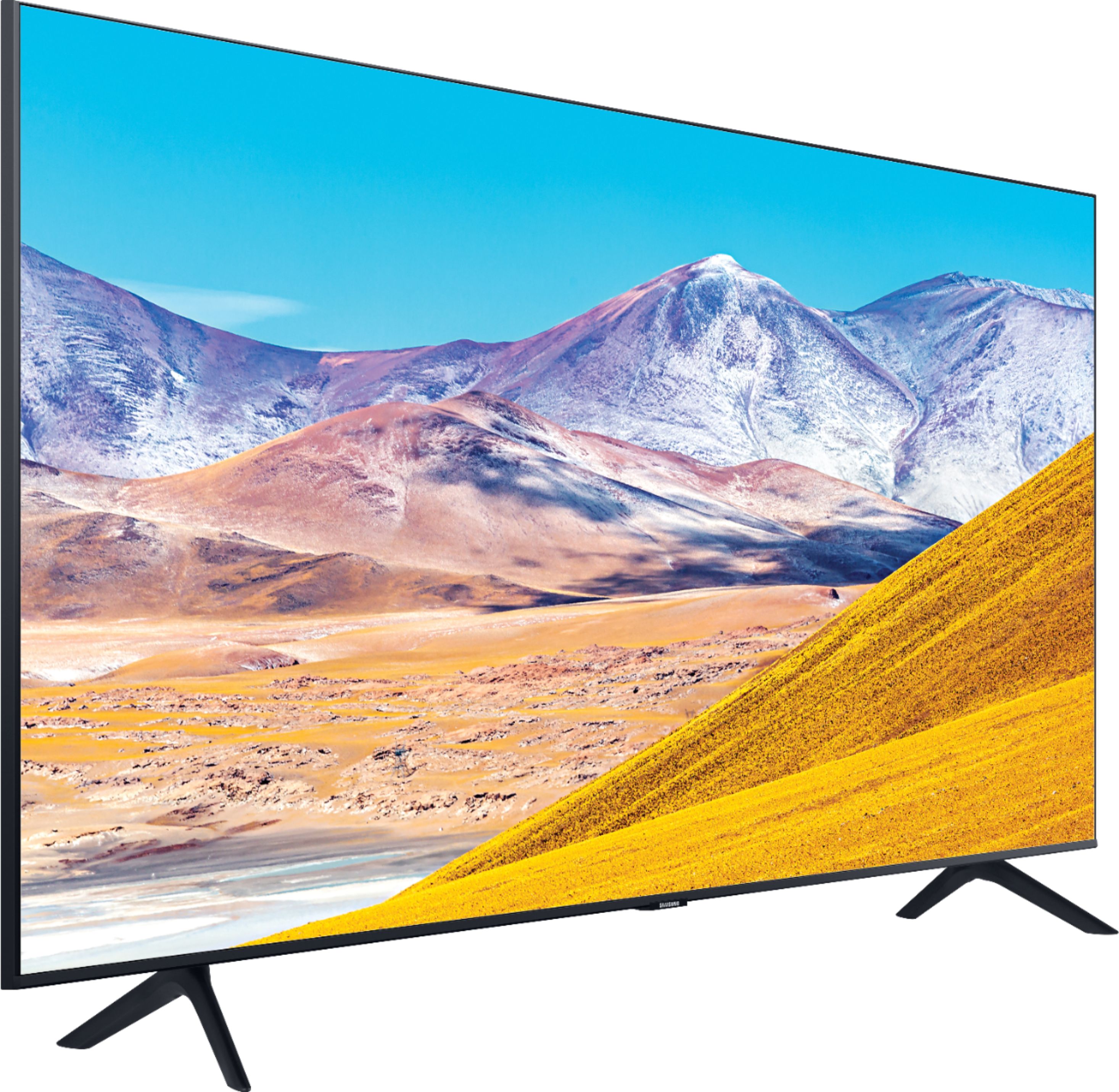
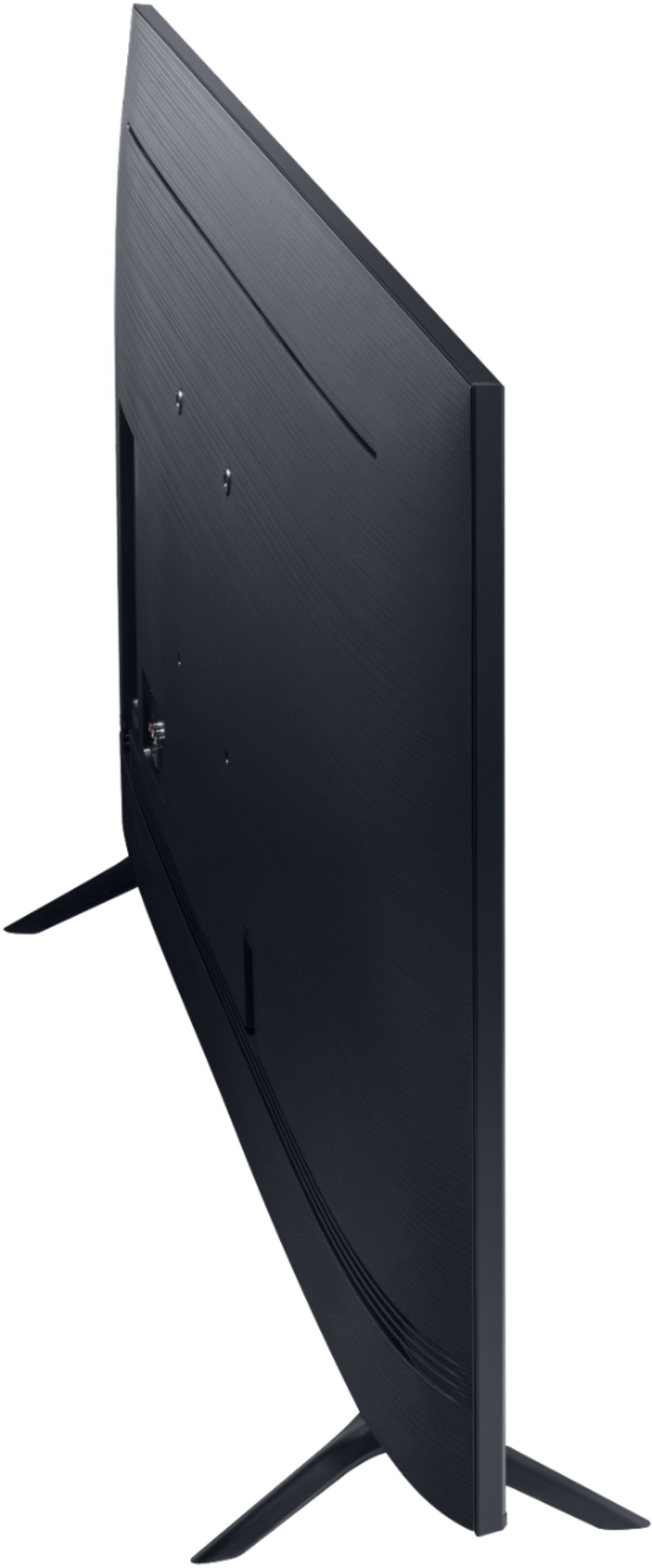
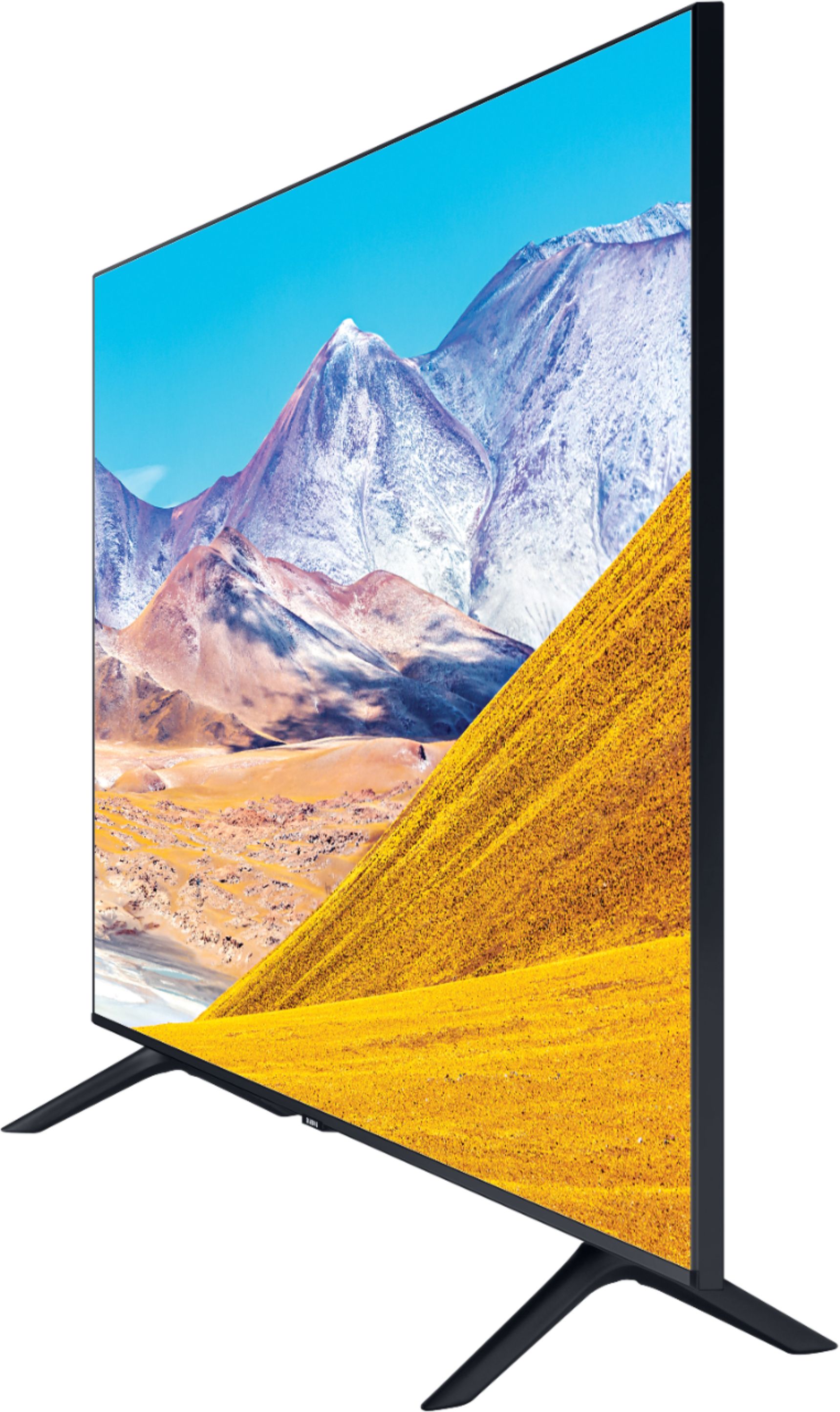
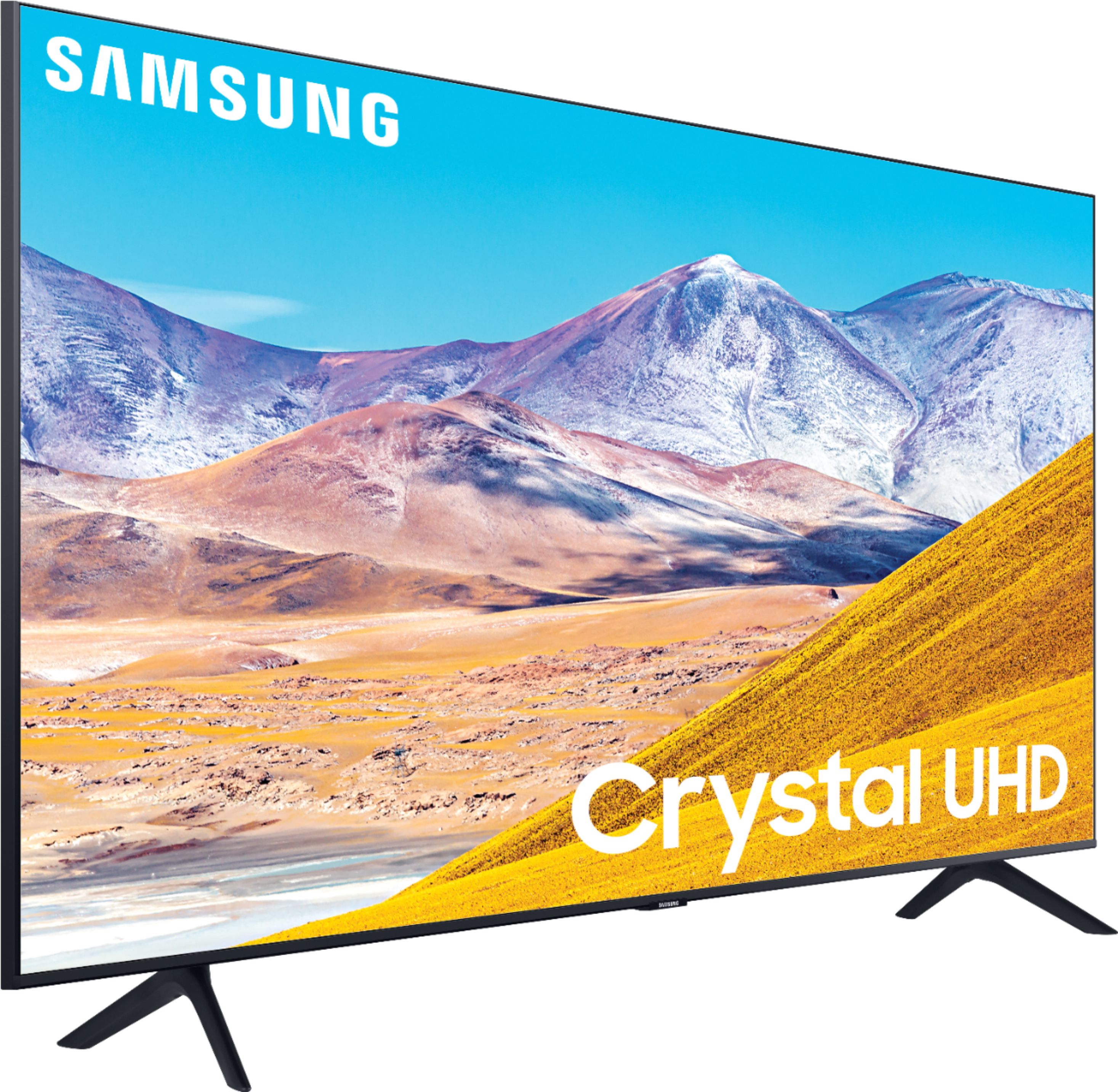
A:AnswerHi there, the 43TU8000 comes with legs with a width of 33.1". Here are the full dimensions of the 43TU8000: DIMENSIONS (INCHES W x H x D): • TV WITHOUT STAND: 37.9 x 22 x 2.4 • TV WITH STAND: 37.9 x 24.7 x 7.6 ^Gina
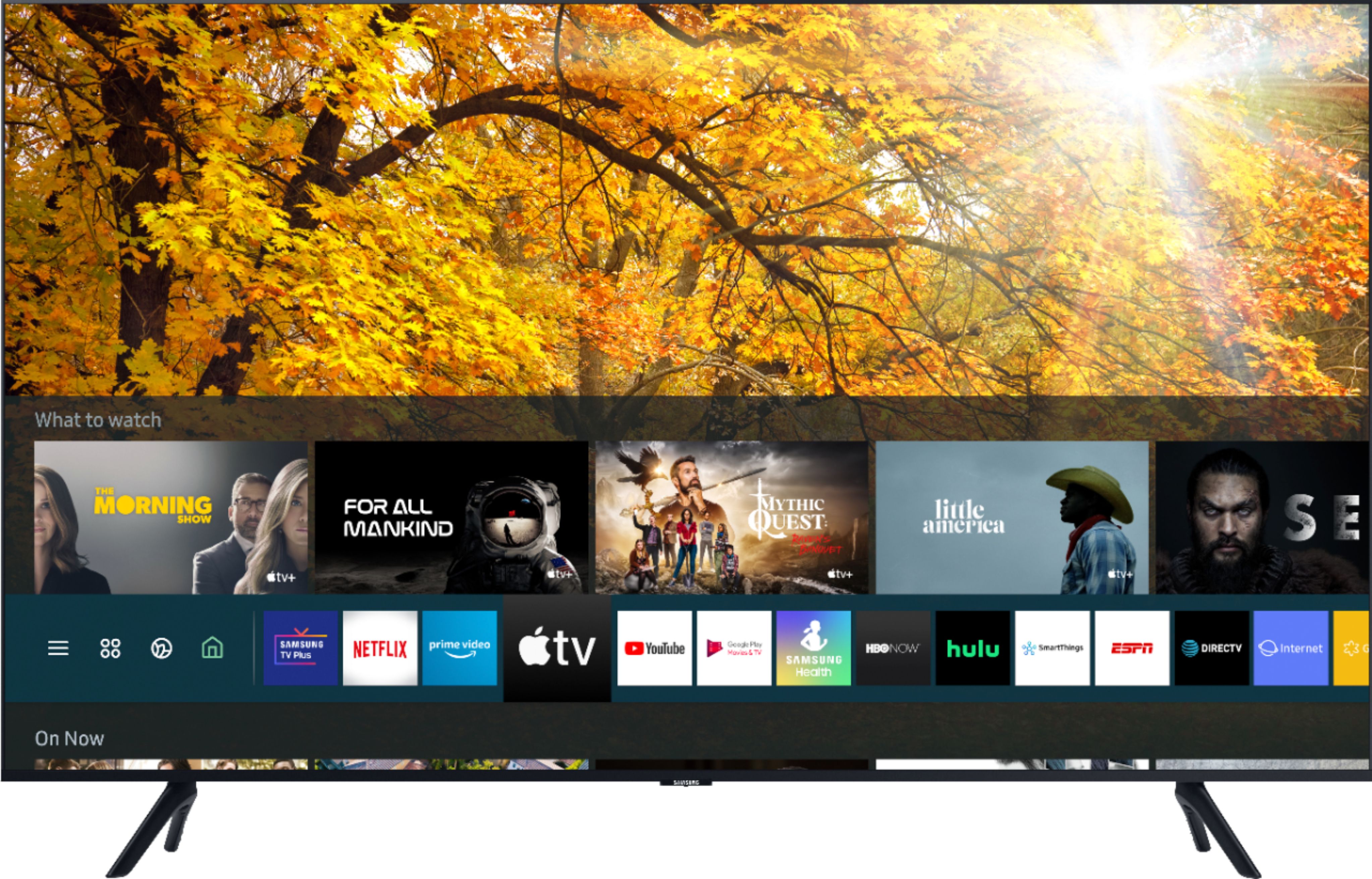
A:AnswerHey STARRY12 , The Samsung Smart Platform Tizen has hundreds of apps avalible ie: Apple TV+, Disney+, Google Play Movies & TV, HBO GO, Hulu, Netflix, Prime Video, SHOWTIME, Sling TV, YouTube. ^Jason
A:AnswerHi Orlando - Our Q80T models and higher feature Ultra Viewing Angle engineered to reduce glare and enhance color for a vibrant picture no matter where you sit. ^Val