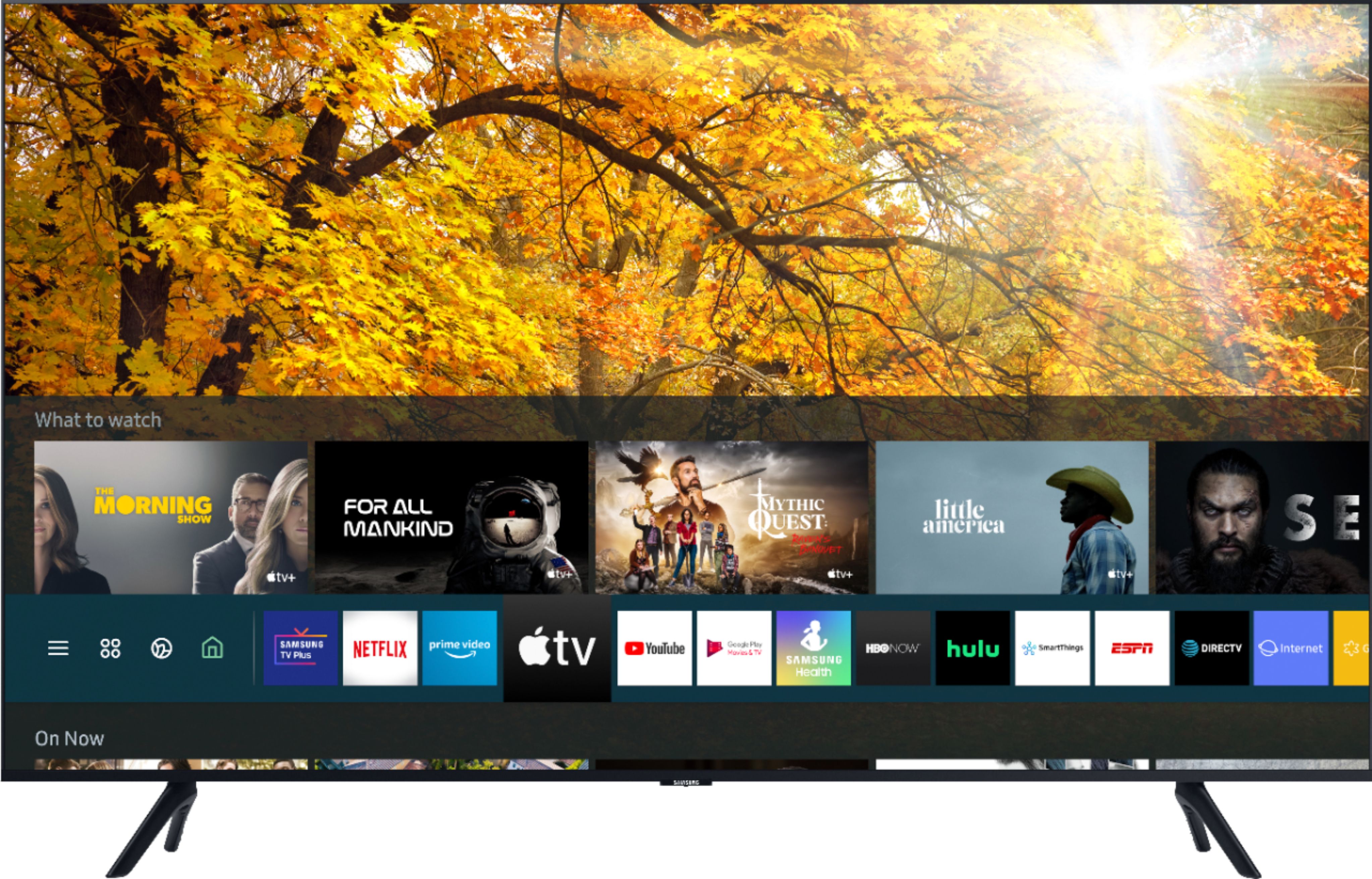
A:AnswerHi missvan - the TU8000 comes with Samsung TV Plus which offers hundreds of free channels of news, sports, movies, and much more. If you do use a Firestick, the included universal remote can be set-up to control all your connected devices, included a Firestick. ^Val
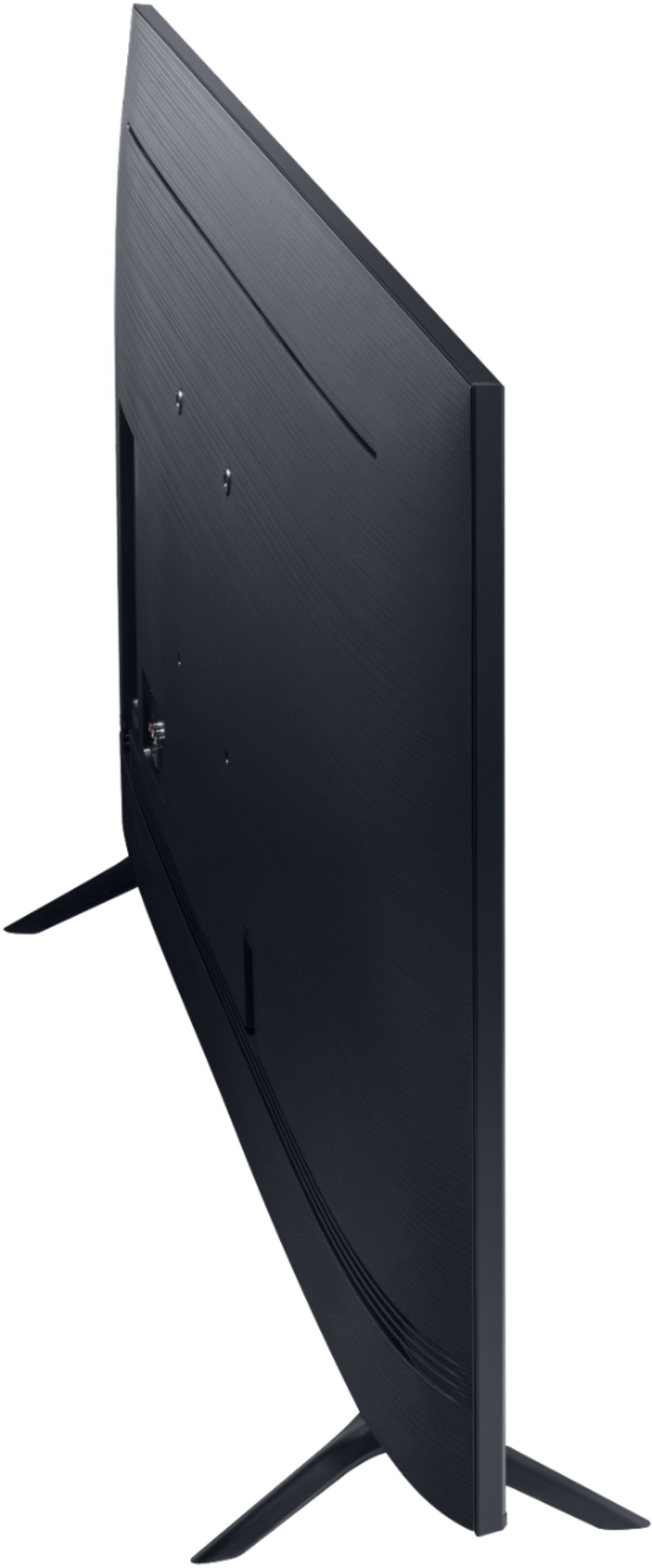
A:AnswerHi Saint1, Samsung TVs are VESA Compliant and work with any wall mount or stand that is also VESA Compliant and designed for the TV's size. For your 43” TV, you would need a VESA bolt pattern of 200 mm x 200 mm. Screws and adapters are not included with your TV. ^Val
A:AnswerHi Steve, with Multi-Output Audio, you can turn on the TV speakers and Bluetooth headphones at the same time. When this function is active, you can set the volume of the Bluetooth headphone higher than the volume of the TV speaker. Go to: Settings > General > Accessibility > Multi-Output Audio. ^Val
A:AnswerHi Nett, I’m sorry to see that you are having difficulties with adjusting your picture clarity even after making adjustments in expert settings and are experiencing an issue with lip sync. So that we can better troubleshoot towards a solution, please reach out to Samsung Support at:
― Phone: 1-800-SAMSUNG / Available 8AM - 12AM EST, 7 days a week
― LiveChat or Email: https://www.samsung.com/us/support/#contact_us_for_support
We look forward to hearing from you. ^Val
A:AnswerYes. You can connect via hdmi or wireless if your PC accepts. I use the Q series in my living room on occasion as well. Set the tv to PC and the color balance helps eye strain. If you do excel or spreadsheets it’s great.
A:AnswerHi MNBrrrrrrs! The 43TU8000 features a motion rate of 120, with a native refresh rate of 60hz. The motion rate refers to additional processing done by the TV to help with motion handling. ^Tim
A:AnswerHi lisa! Philo is not an app currently in Samsung's App Store. You can, however, stream the Philo app by screen mirroring from a tablet or mobile device using AirPlay on iOS devices, or SmartThings on Android devices. ^Gina
A:AnswerHi ThatGirl! Yes, the HW-Q60T will work great with the 43TU8000. Utilize HDMI ARC for optimal performance, allowing your Samsung TV remote to control both devices. ^Tim
A:AnswerHi! The TU8000 features Alexa built in allowing you to control the TV with your voice. Simply press the voice button on your remote and ask a question or give Alexa a command such as "Change the volume", "Change the Channel", or "Turn off the TV". ^Tim
A:AnswerHi Tlc1999! Press the Home button on your Samsung remote control to bring up the Smart Hub. Navigate to the App you want to move. Using the directional pad on your remote, press down and then select Move. Use the directional pad left and right on your remote to position the application where you would like. ^Tim
A:AnswerHi Fatherj81! Yes, the TU8000 is compatible with existing voice assistant speakers such as the Google Home. The TV also includes the One Remote with Voice allowing you to access Google Assistant features by pressing the voice button on your remote. ^Tim
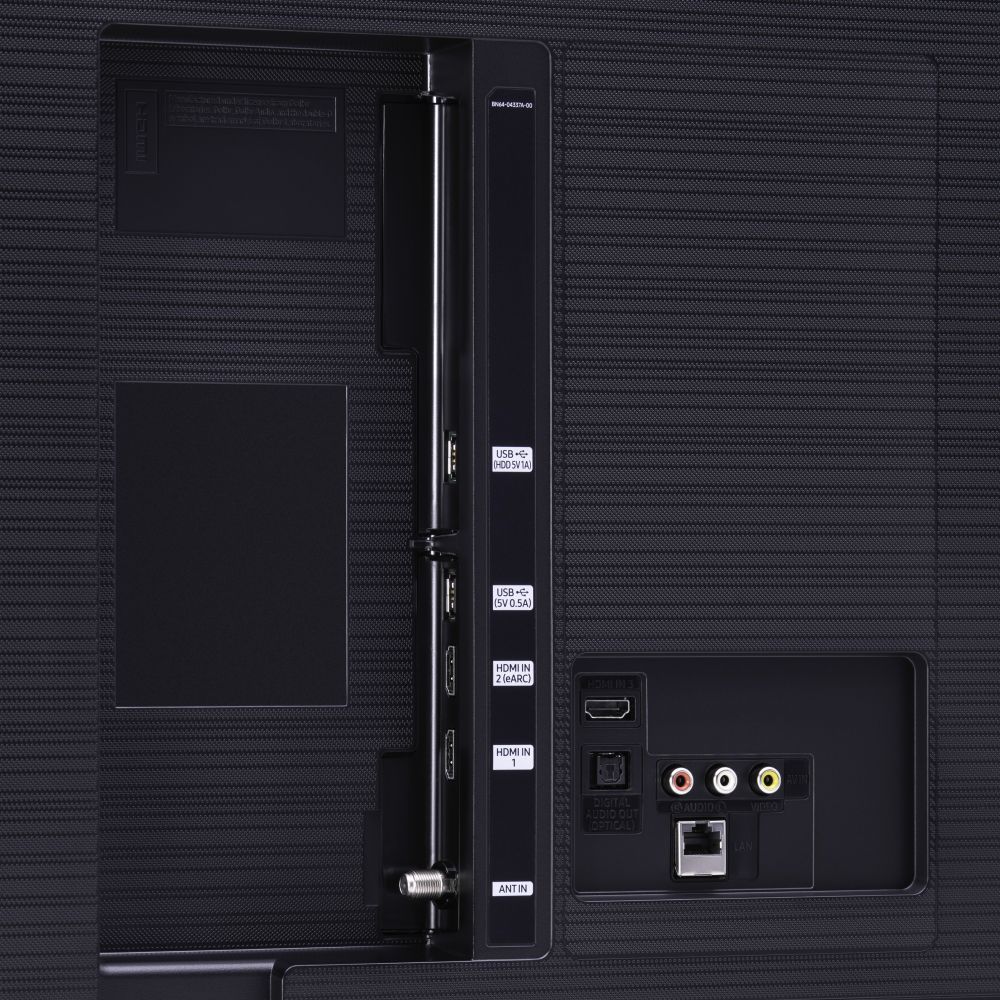
A:AnswerHi, you can definitely play PS5 on the TU8000. Auto Low Latency Mode (ALLM/Auto Game Mode) is available on all 3 HDMI ports for this series. The “HDMI In 2” port additionally supports eARC.
However, if you are looking to game at 4K@120fps (FRL), take a look at the Samsung QLED Q70T Series and up. These series in 55" and larger offer 4K@120fps on HDMI 4, as well as have Variable Refresh Rate (VRR) and FreeSync. If we can further help, please call us at 1-800-SAMSUNG. ^Gina
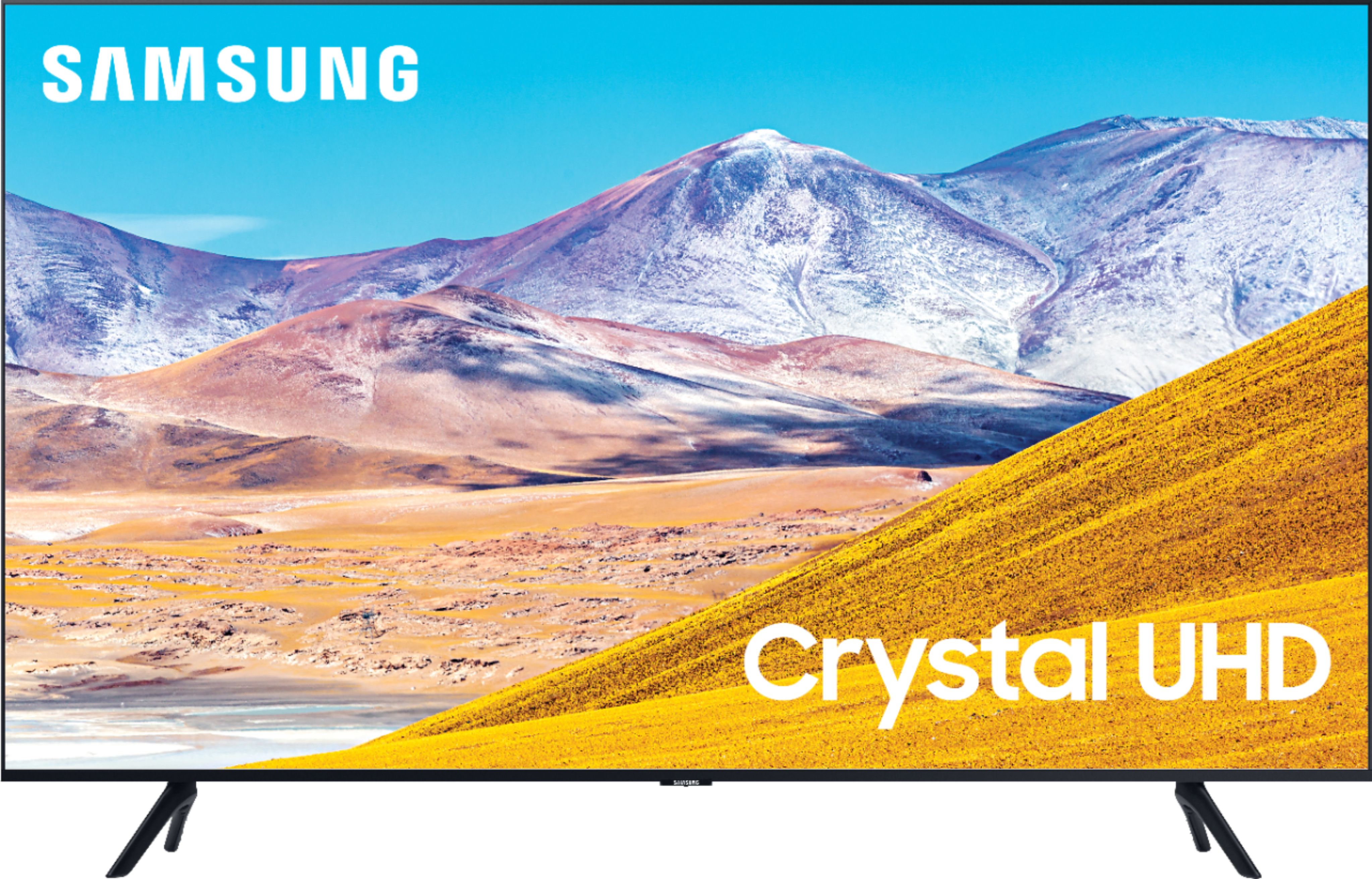
A:AnswerHi there! There is no headphone jack on the TU8000. We recommend utilizing Bluetooth headphones, as the TU8000 is Bluetooth enabled and this will provide you with a seamless, wireless experience. ^Gina

A:AnswerHi Linda! The TU8000 features 3 HDMI ports allowing you to connect external devices such as the Amazon Fire Stick. You will be able to use all of the features from the external device. If the app you are looking for is supported on the Fire Stick, than you would have no issues viewing the content through the Fire Stick on the Samsung TU8000. ^Tim
A:AnswerHi Marty! The 43" TU8000 features three ways to connect external audio; HDMI ARC, Digital Optical Audio, or Bluetooth wireless audio connection. You can continue to connect your device to the Digital Optical Audio output on the TV for compatibility. ^Tim