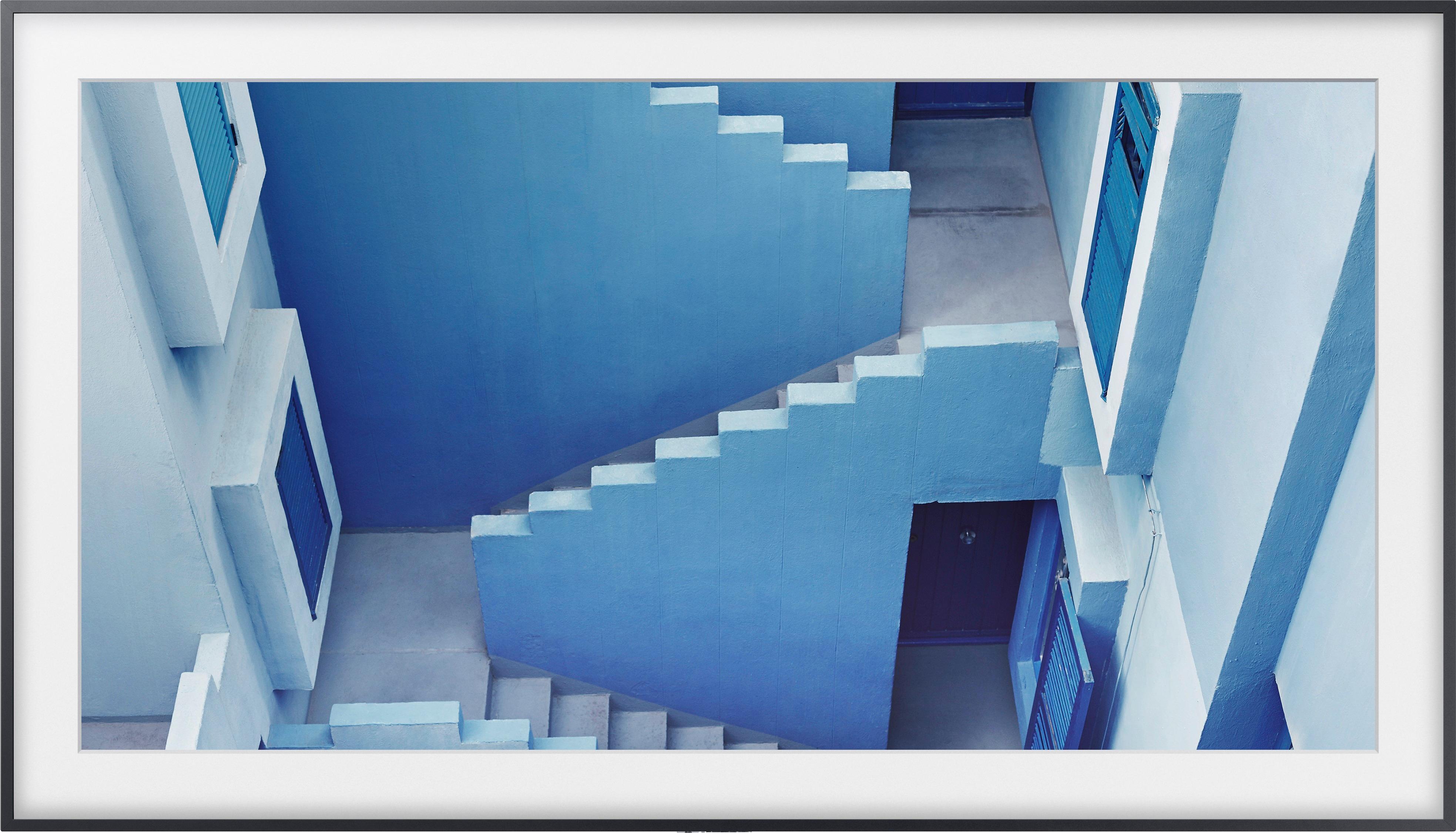
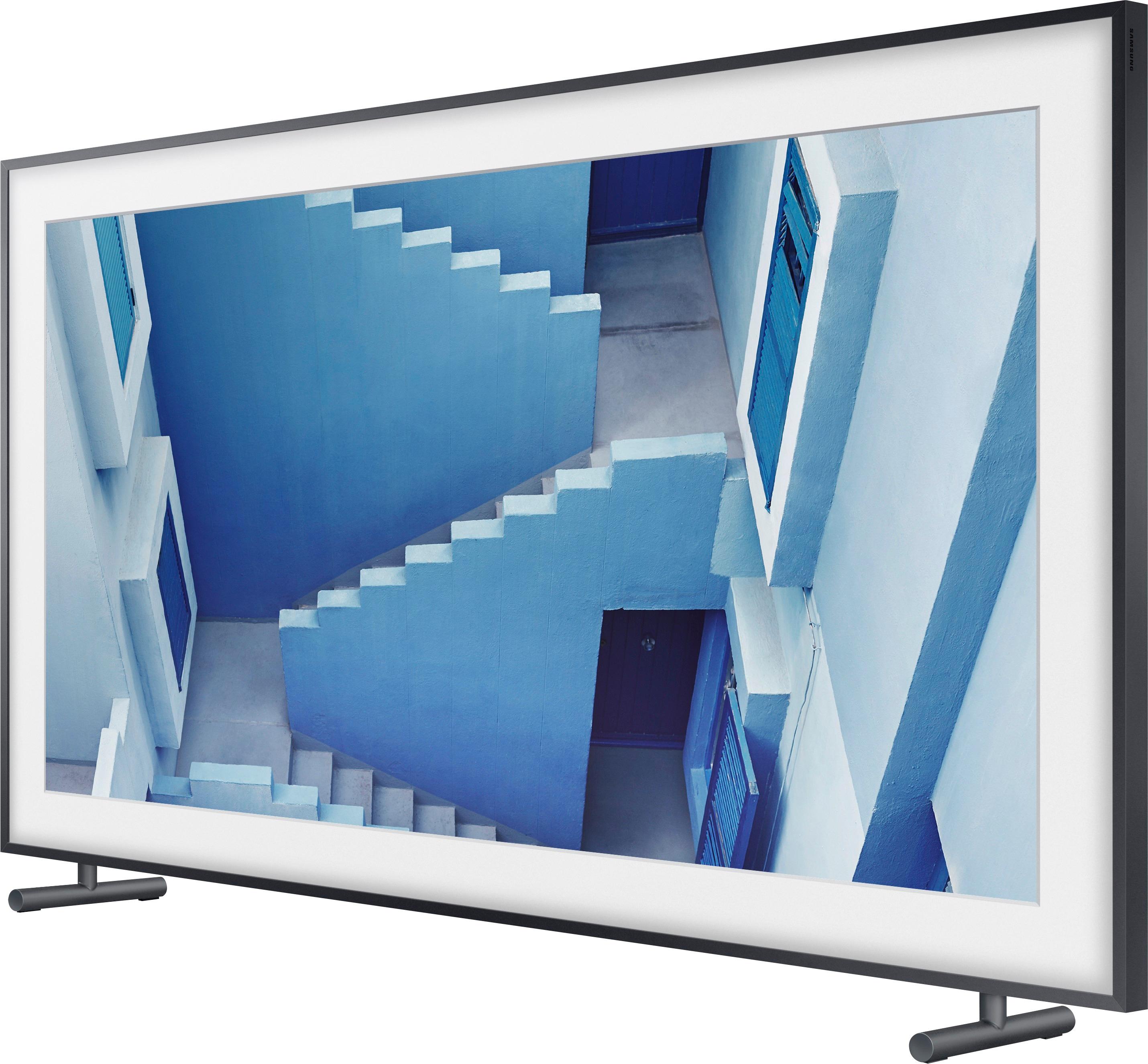
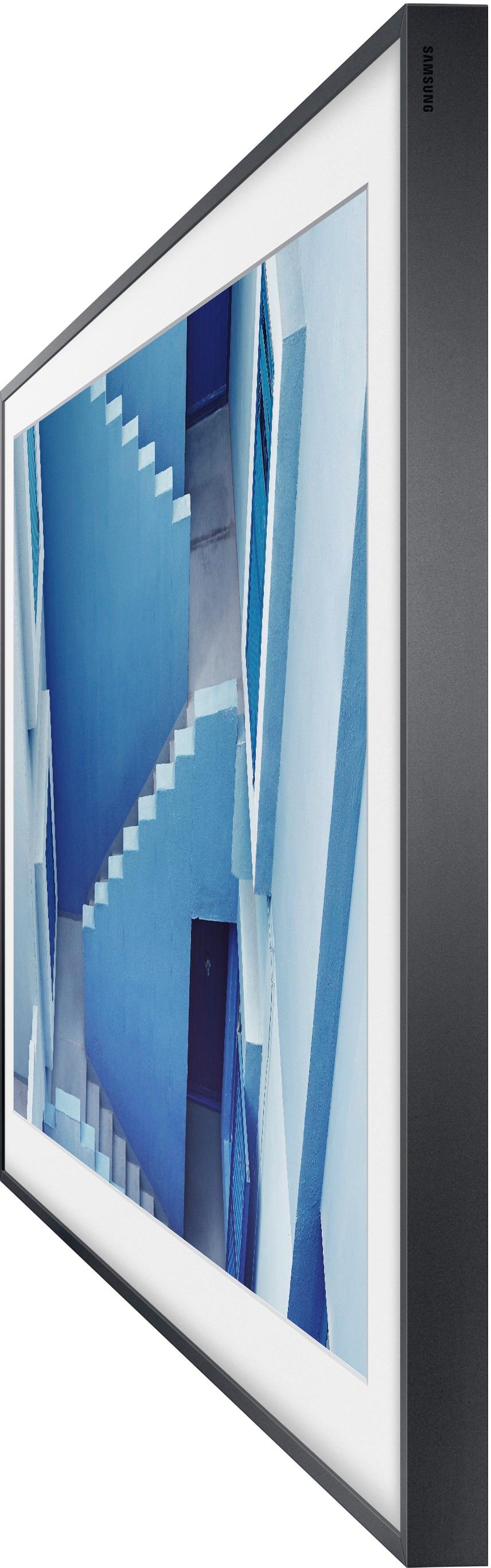
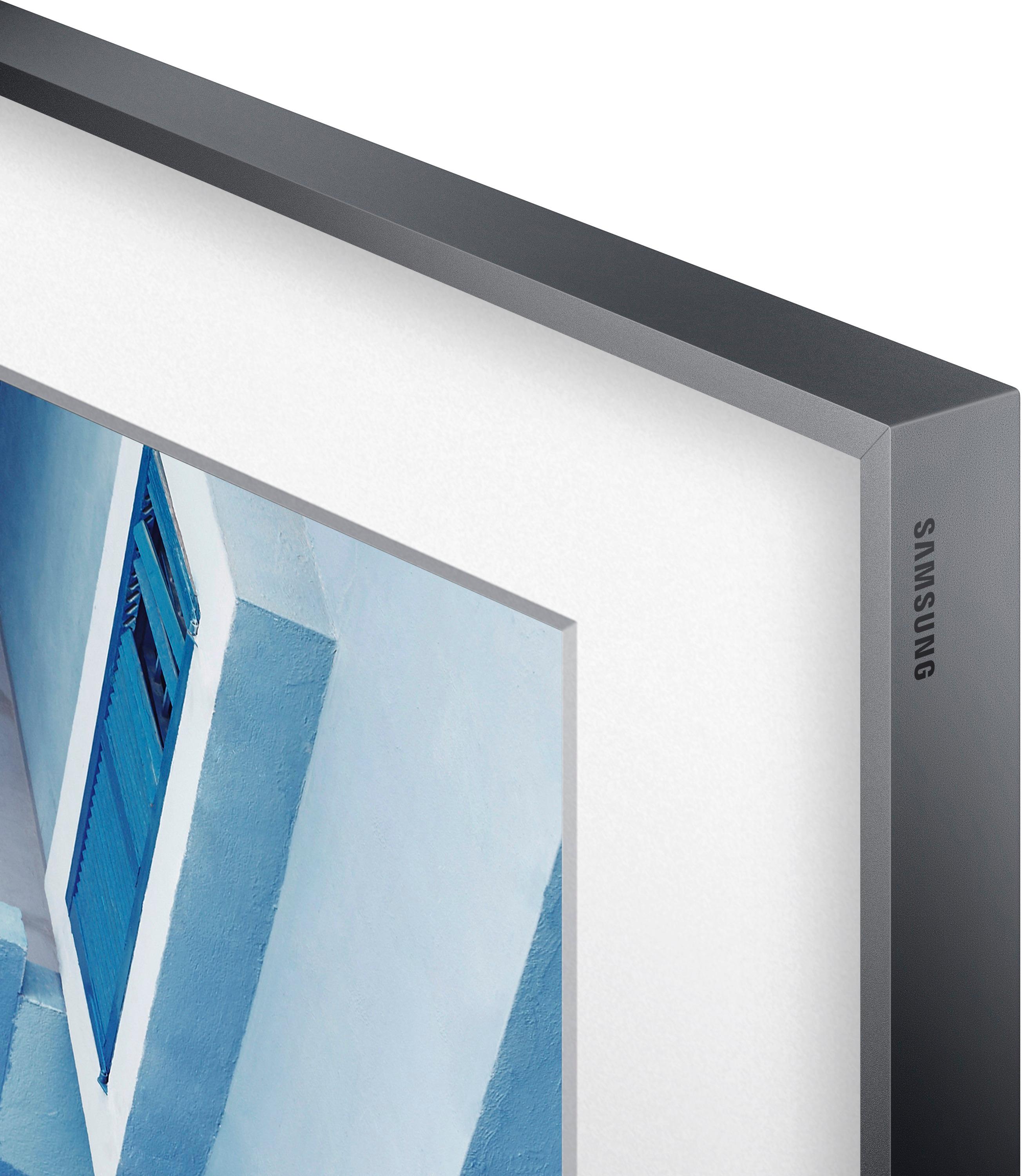
A:AnswerTo my knowledge these don't tilt. They come with their own mount to mount flat to the wall. Very slim. Looks just like a framed painting on hanging on the wall. I am not sure if you can put it on a tilt mount sold separately or not. To me it would kind of defeat the purpose to put this frame tv on a tilt mount.
A:AnswerHello oldschoool, I have attached a link below to the specifications of this unit, you will find all available Inputs/Outputs.
https://www.samsung.com/us/televisions-home-theater/tvs/the-frame/43-inch-class-the-frame-4k-uhd-tv-un43ls003afxza/?redir=UN43LS003AFXZA#specs
^Britt
A:AnswerHello Angie, In general, you should not put your Samsung TV in extremely hot, cold, humid or dusty places. Consequently, we recommend that you do not install your Samsung TV outside or any other room with high humidity. ^Britt
A:AnswerYes, the Frame is equipped with the Connect One Box. The box is tethered to the TV through a very small fiber optic cable (about 1/16" in diameter). The cable is 15' long. So with the cable that comes with the TV, it could be as far as 15' away. Somewhat less depending on the routing you choose between the two.
A:AnswerThis TV is meant to be hung directly on a wall like a picture in a frame
There is no stand for this TV that I am aware of.
Yes, you can lean it against a wall. ... but why , just hang it
A:AnswerYou can mount a frame on it when its is in its provided legs. Yet if you are good with the black frame base then no need unless you are trying to match something.