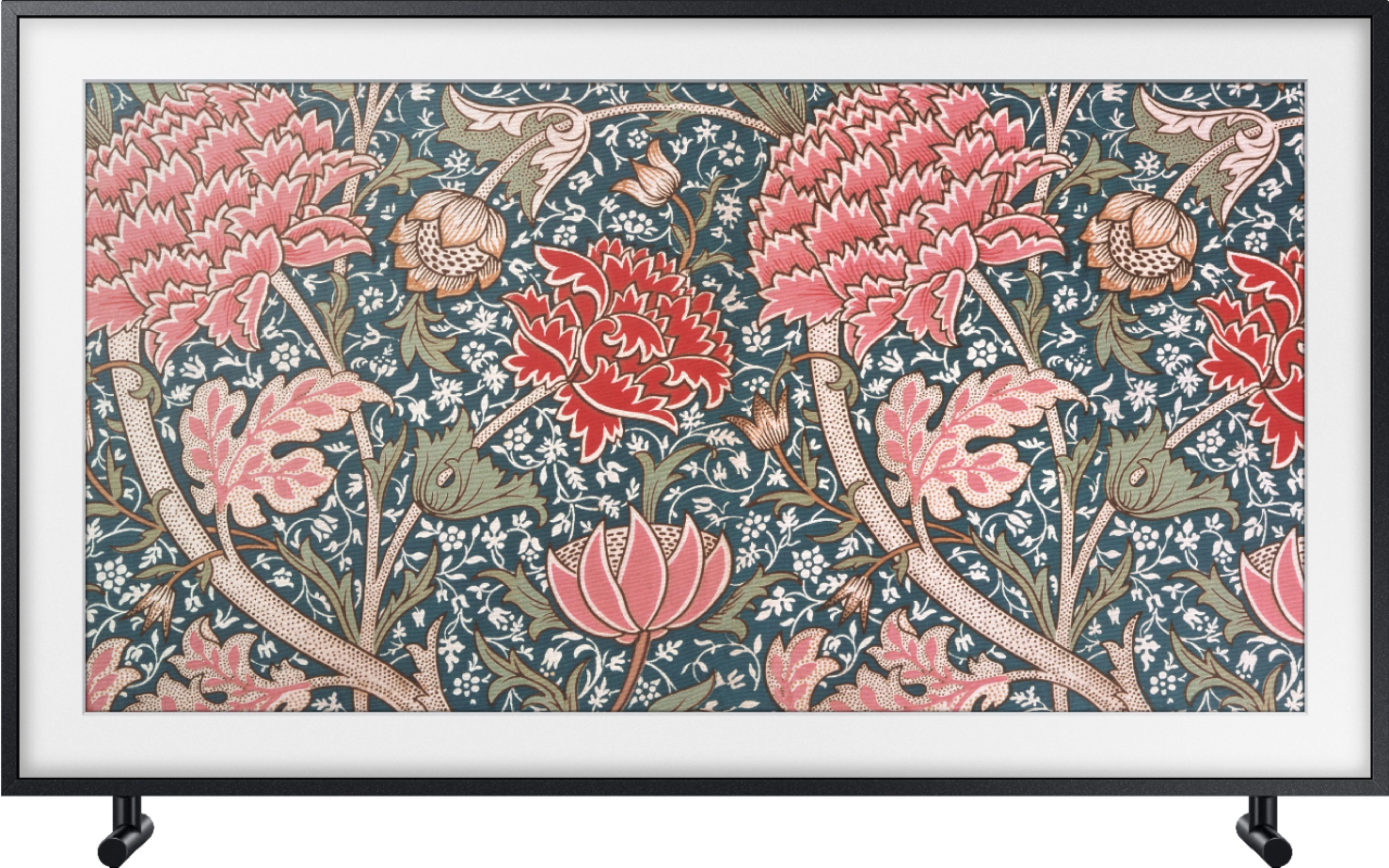
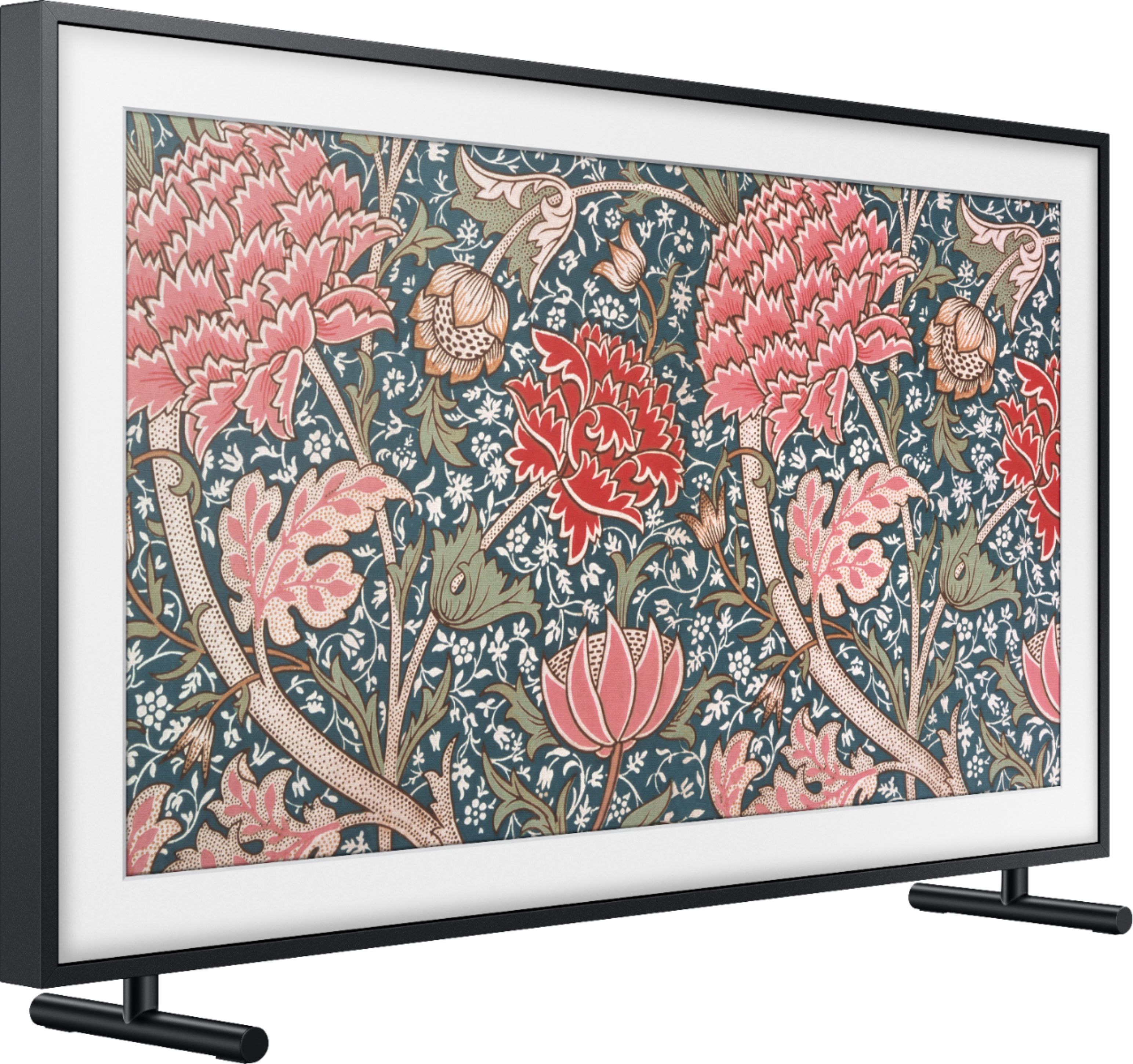
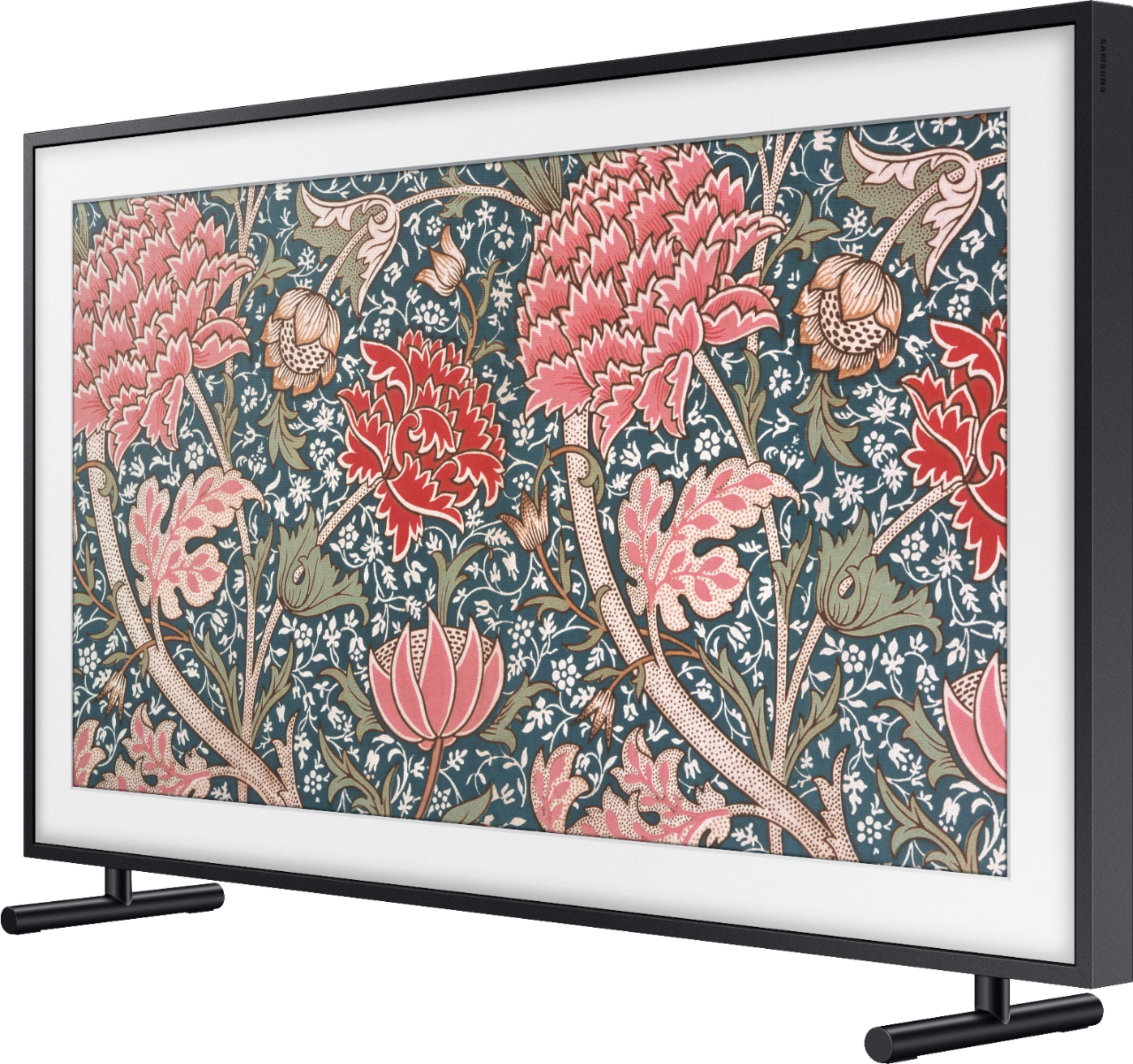
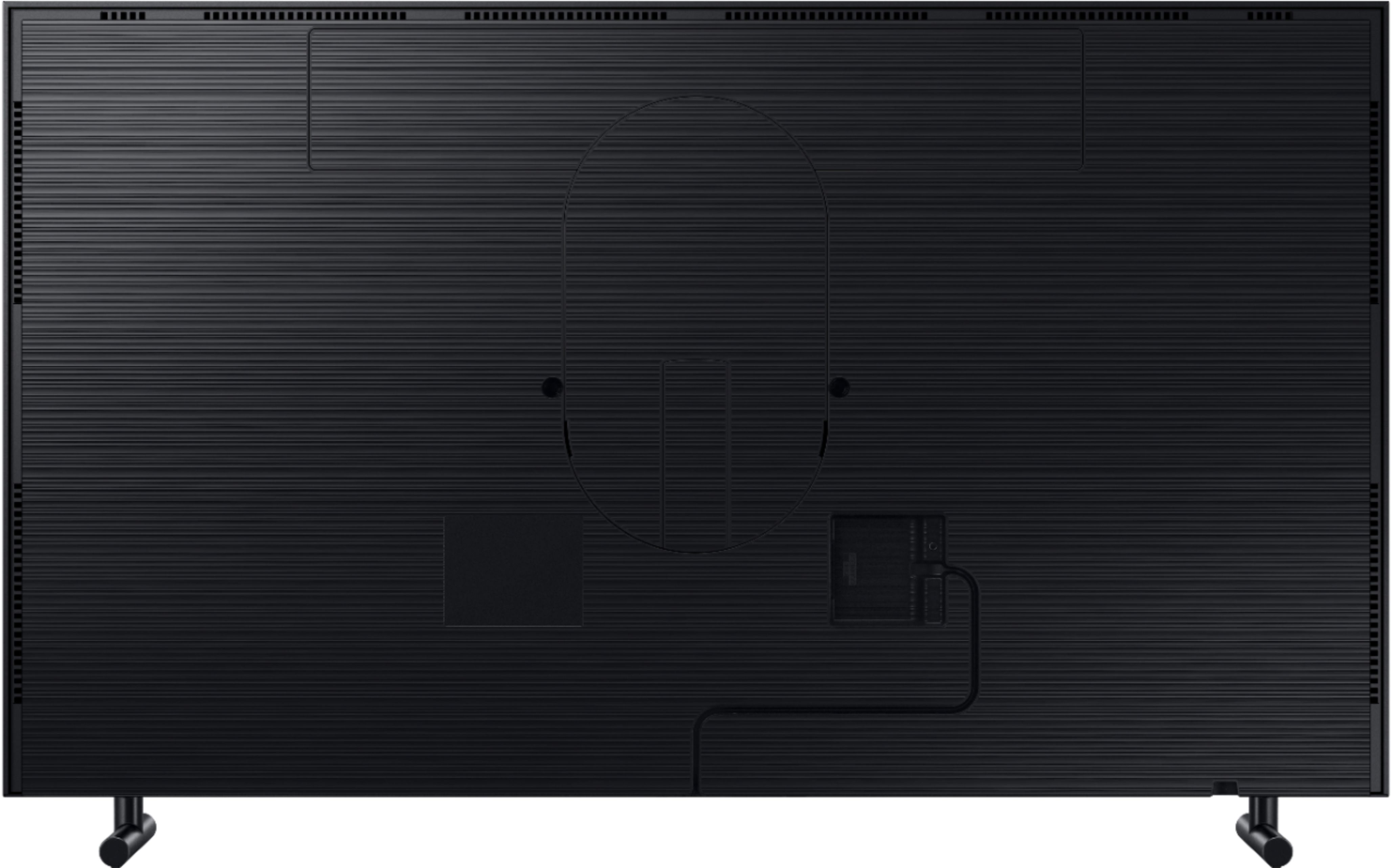
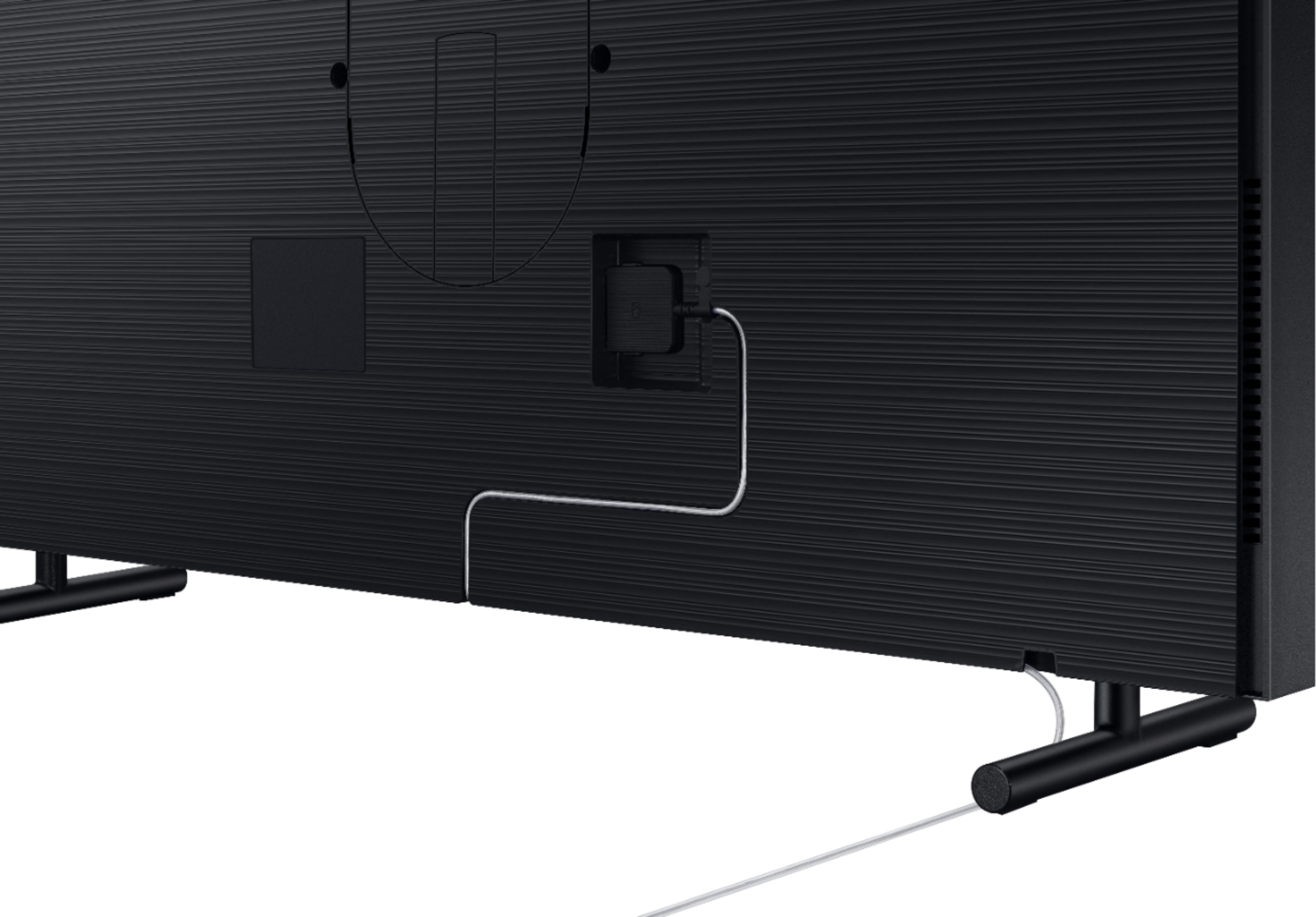
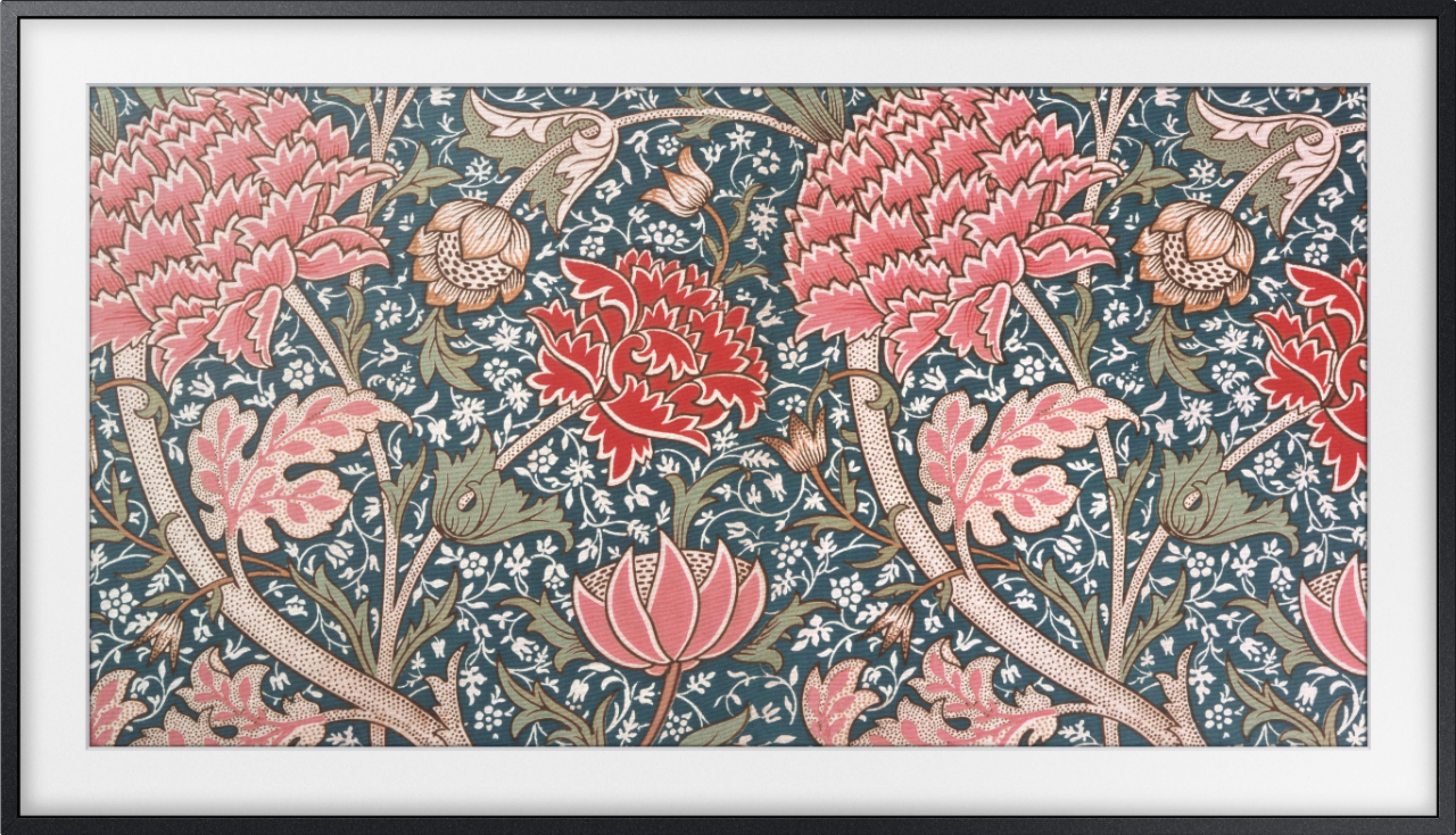
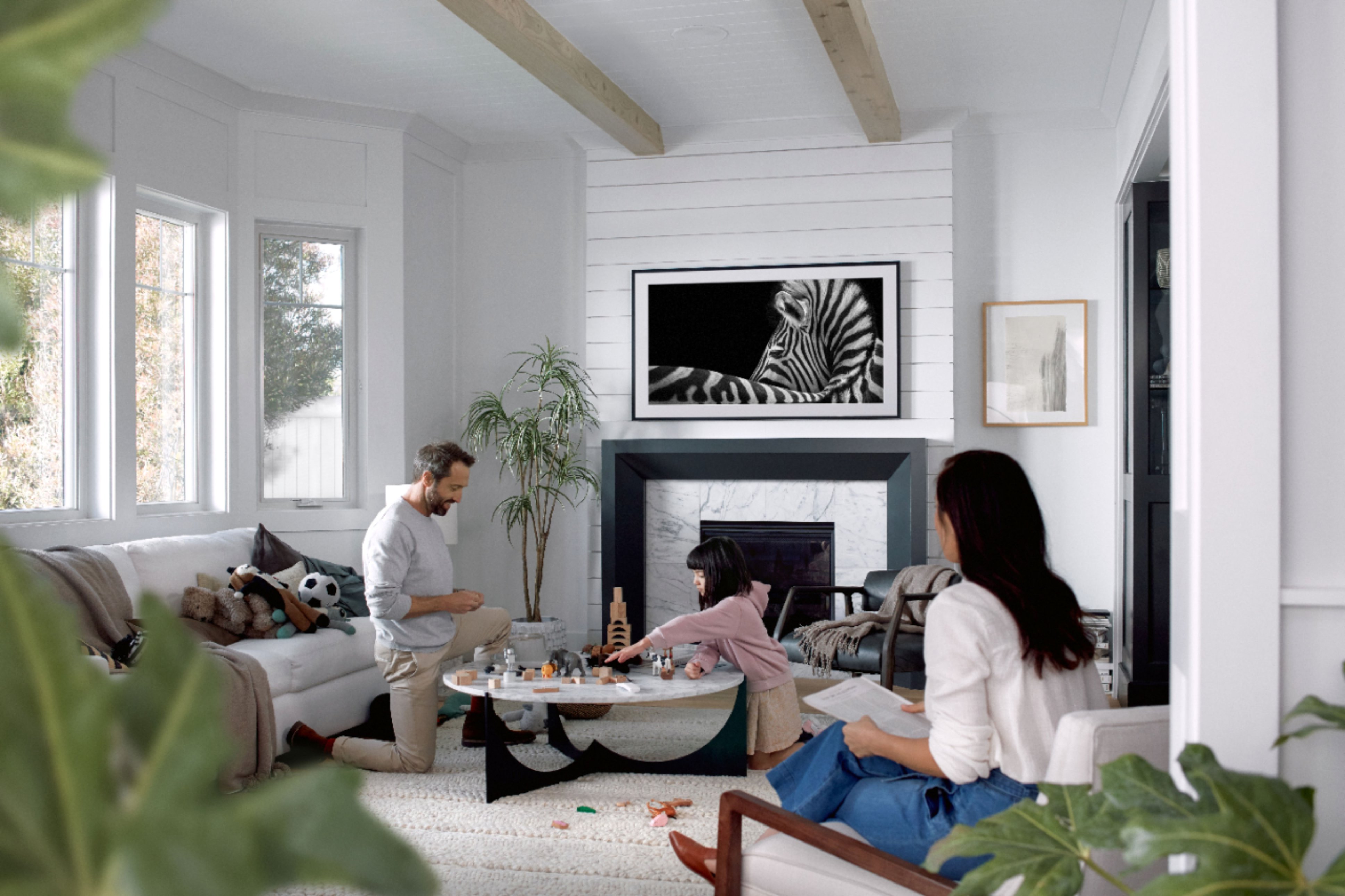
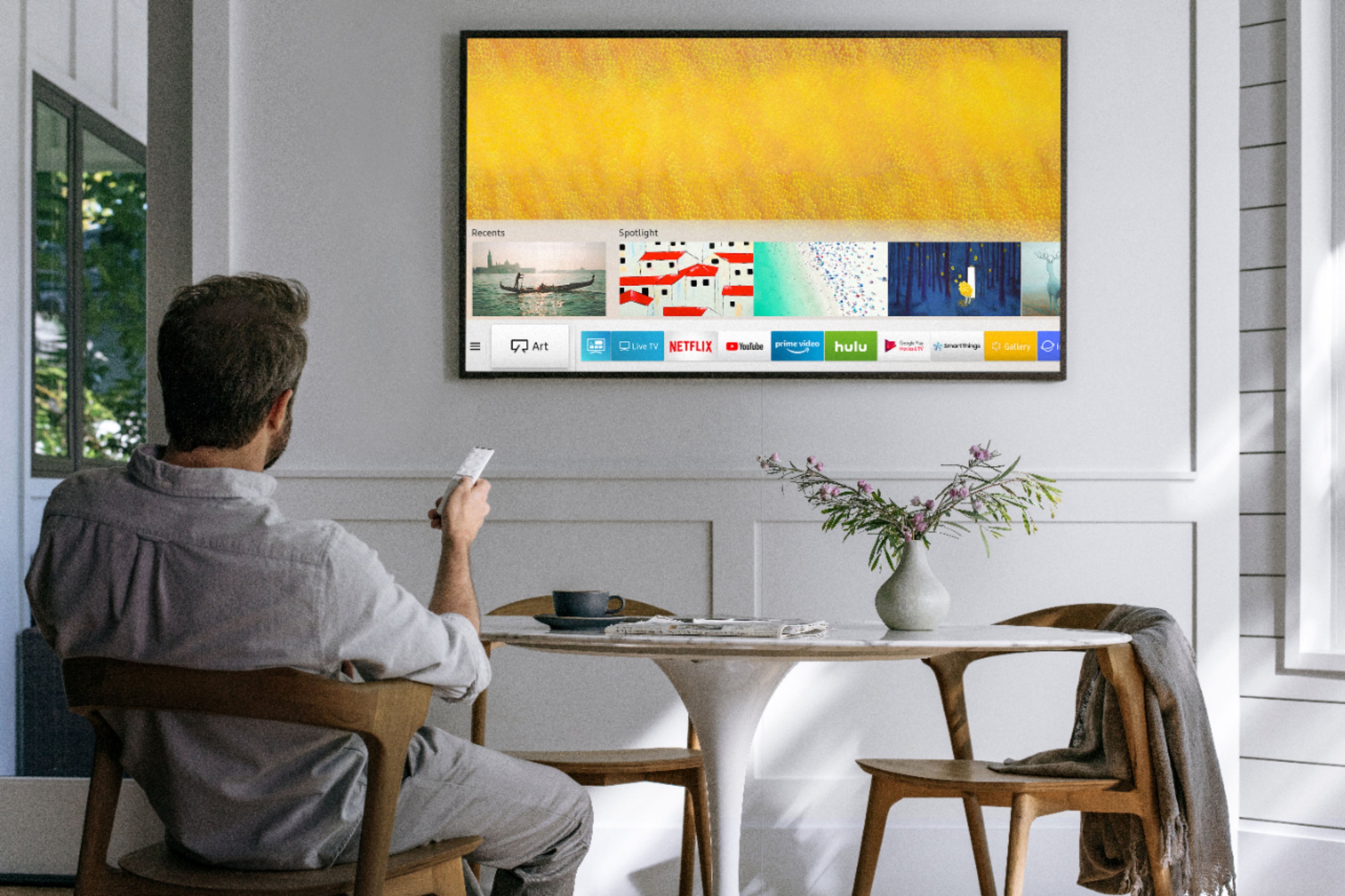

A:AnswerThe connectors are actually located on a box that is separate from the tv and has a thin clear wire that attaches to the tv so that way it can mount to resemble art and have minimal wires going to it. It does have a vesa mount but comes with its own wall mount that helps it mount flat on the wall, but won’t all for turning side to side but just a fish mount with the ability to tilt up and down.
A:AnswerYes you can. Download the SmartThings App and link your phone to the tv through the app. Then you can go to the Art Mode option for the tv. From there you can browse and add pictures from your phone to the tv. Hope this helps.
A:AnswerUse the smart things app to control TV if your remote doesn't work. If not connected to internet unplug power for 1hr or so then plug up. That should reset remote feature.