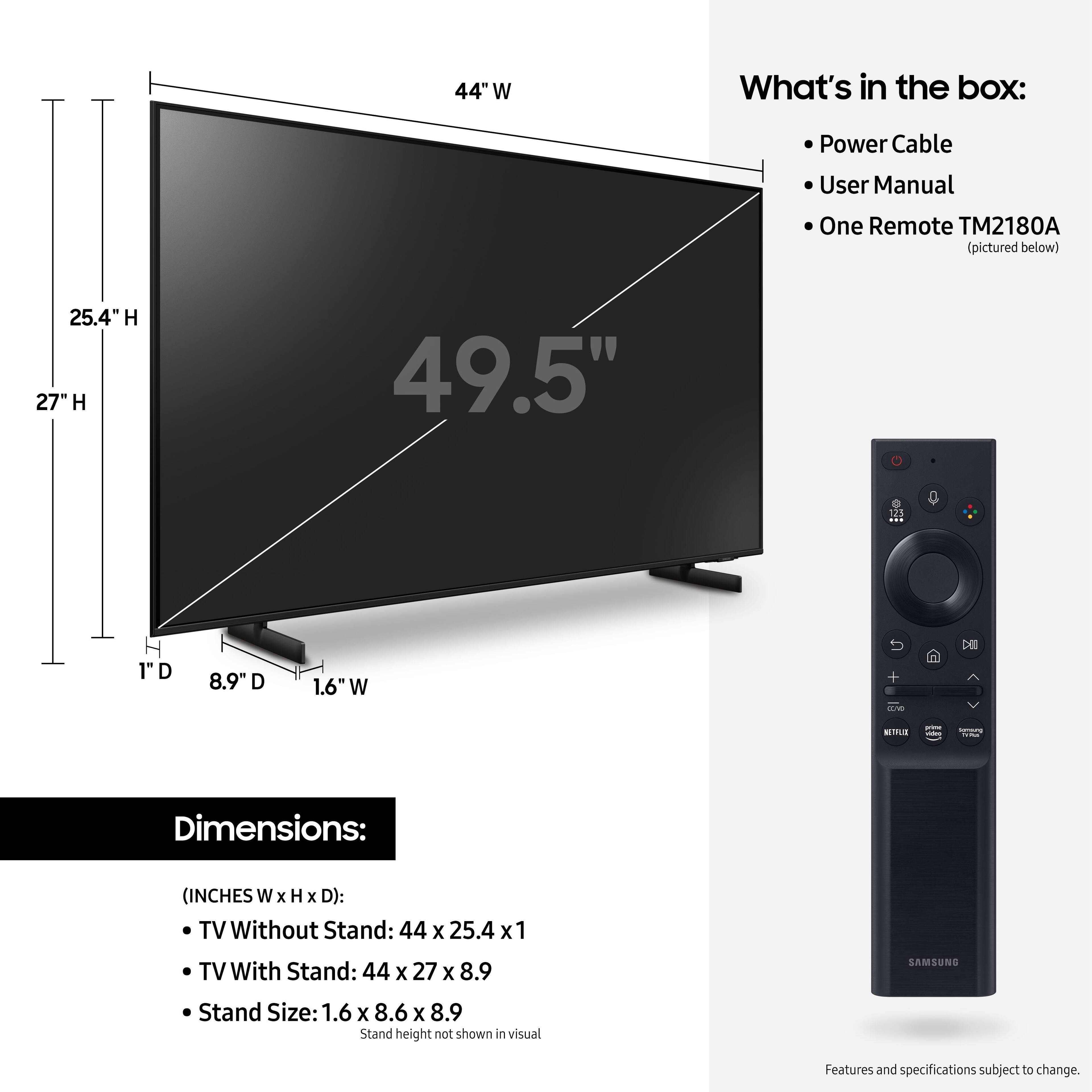
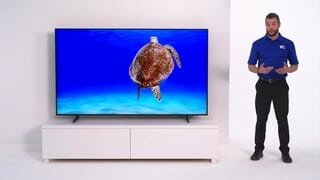
A:AnswerHi kitty2say! This model includes Samsung's Smart Remote with Voice allowing you use Bixby, Alexa, or Google Assistant to navigate your TV, ask some questions, give commands, or search for new apps to download. You can also use the included TV remote to control a wide range of external devices connected to the TV through HDMI, eliminating the need for multiple remotes.
^Tim
A:AnswerHi Sonny! eARC allows uncompressed Dolby Atmos signals to pass through to compatible eARC devices. If the TV is receiving a Dolby Atmos signal through either HDMI or Streaming App, the signal will pass through uncompressed to the compatible Dolby Atmos audio device.
^Tim
A:AnswerHi Wondering! The AU8000 has Bixby, Alexa, and Google Assistant. Control your TV with just your voice. Use built-in voice assistants to easily change the channel, play music, control smart home devices, and more. You will need to utilize the remote for the TV to navigate within streaming applications. ^Tim

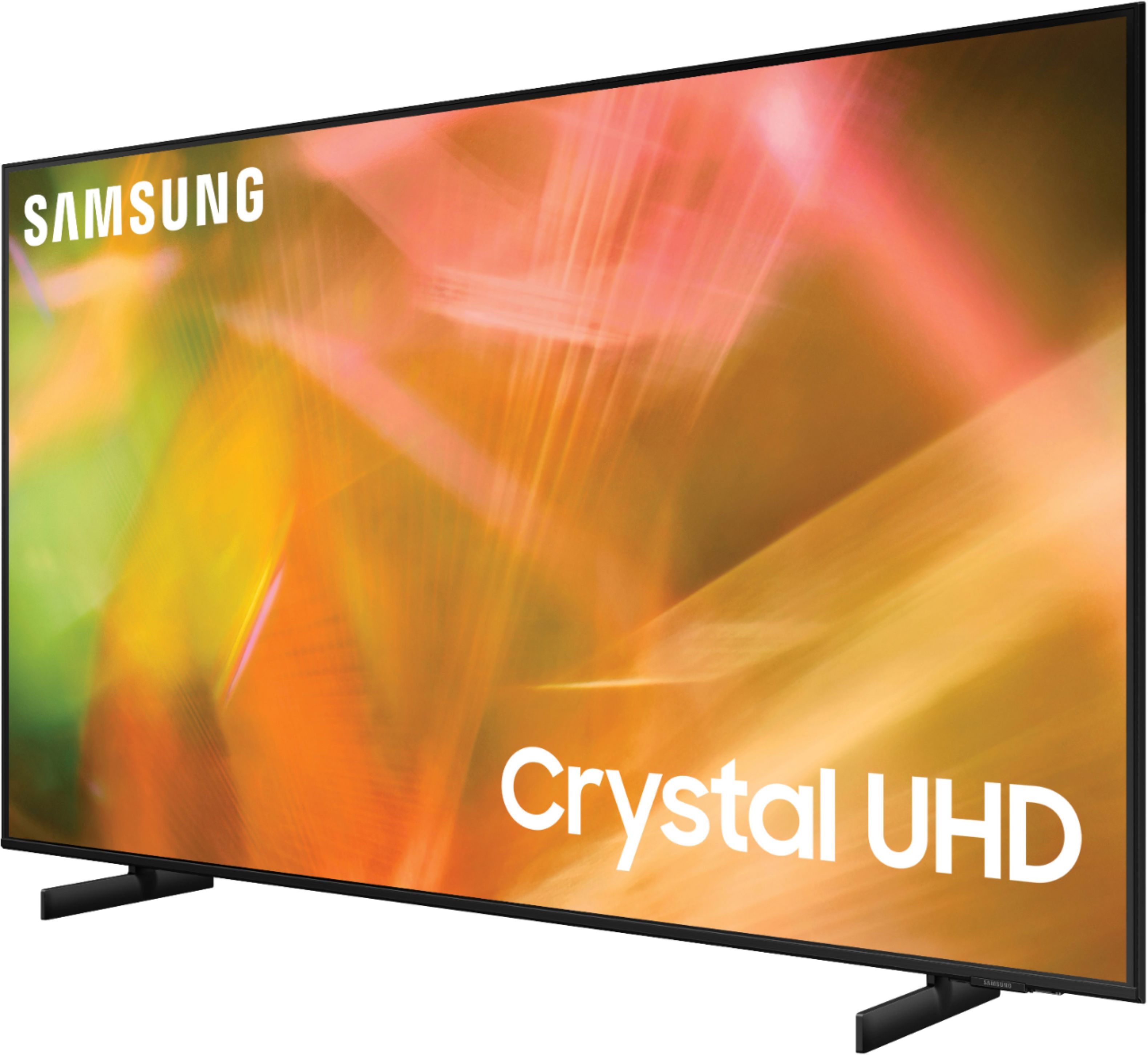
A:AnswerHi! Tizen refers to the Samsung TV’s operating system, this is what powers the smart features within the TV. The Samsung 50" AU8000 is compatible with external video devices that support HDMI. Check the back of your VCR DVD/combo player, or consult the manual if needed, to determine if your device supports HDMI. If your device only supports a composite connection (yellow, white, red cables) you will not be able to connect it to the Samsung TV.
^Tim

A:AnswerHi JT! Several Sound Modes are available to meet your personal preferences: Home > Settings > Sound > Sound Mode
Also, some sources have their own volume control which might be set too low. Please check the volume control of the external device (cable box or satellite box, DVD, Blu-ray, etc.) connected to your TV. Also, check the cable connection between an external device and the TV and then try cable connection again. ^Tim
A:AnswerYou’ll most likely need an adapter. Not sure if your VCR has HDMI as very very few do. Most likely you’ll have either Composite (Yellow/White/Red) or Component (Red/Blue/Green with separate [White/Red]) in either case, you’ll have to find an adapter that is composite to HDMI or component to HDMI.
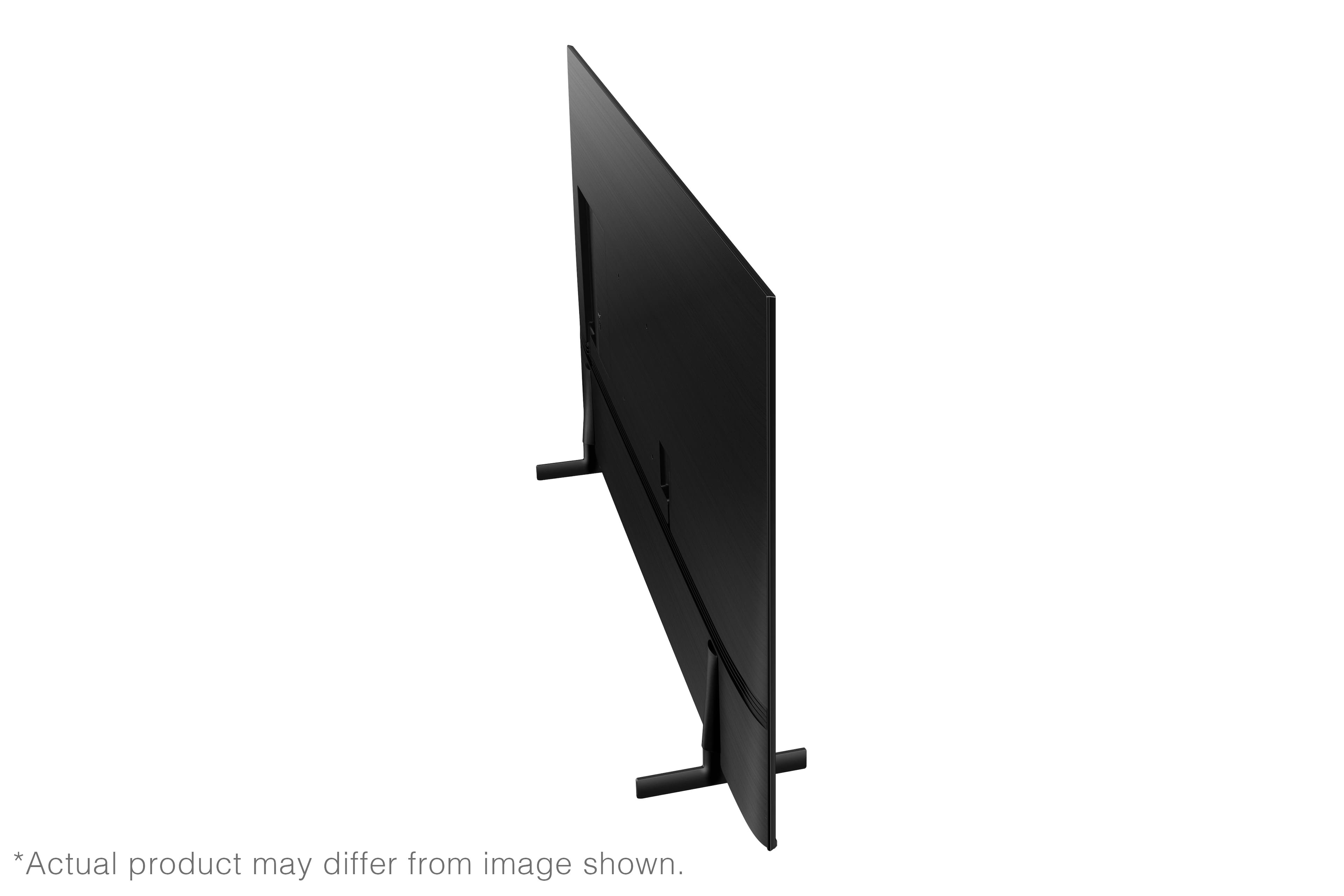
A:AnswerHi Glove! To add further clarification and hopefully avoid any confusion, the 50" AU8000 features a VESA mounting pattern of 200 x 200. There are universal pedestal solutions that utilize the mounting pattern on the back of the TV to add the center base, such as the one at the following link from Best Buy: https://www.bestbuy.com/site/sanus-premium-swivel-tv-base-for-most-32-60-tvs-black/5463304.p?skuId=5463304
The AU8000 will not be compatible with any other type of center stand that does not utilize the mounting pattern on the back of the TV, such as a stand from an older TV. If you need any further clarification please reach out to Samsung Customer Support at: 1-800-SAMSUNG (ask for TVs), available 8AM -12AM EST (Mon-Fri), 9AM – 6PM EST (Sat). Or text HELP to 62913. ^Tim
A:AnswerHi! The AU8000 features a built-in App Store allowing you to choose from and download hundreds of apps such as discovery+, HBO Max, Disney+ and many more. We are continuously adding more premium content and new services to our Smart TV platform. It also comes with Samsung TV Plus which offers hundreds of free channels of news, sports, movies, and much more. ^Tim
A:AnswerHi Jbull!
The ESPN+ app is not available at this time on the AU8000, but the built-in App Store allows you to choose from and download hundreds of apps such as discovery+, HBO Max, Disney+ and many more. We are continuously adding more premium content and new services to our Smart TV platform. It also comes with Samsung TV Plus which offers hundreds of free channels of news, sports, movies, and much more.
^Tim