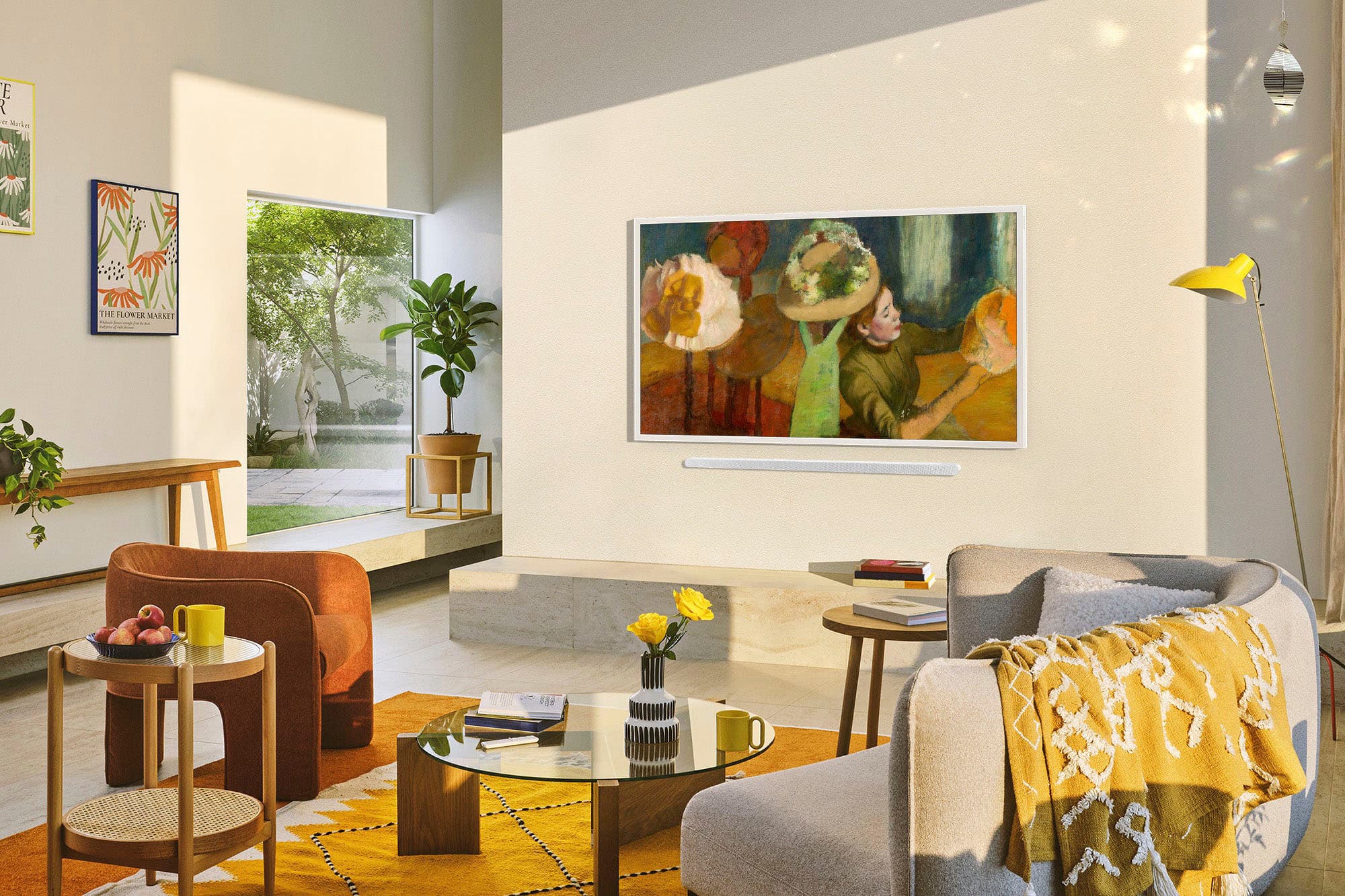
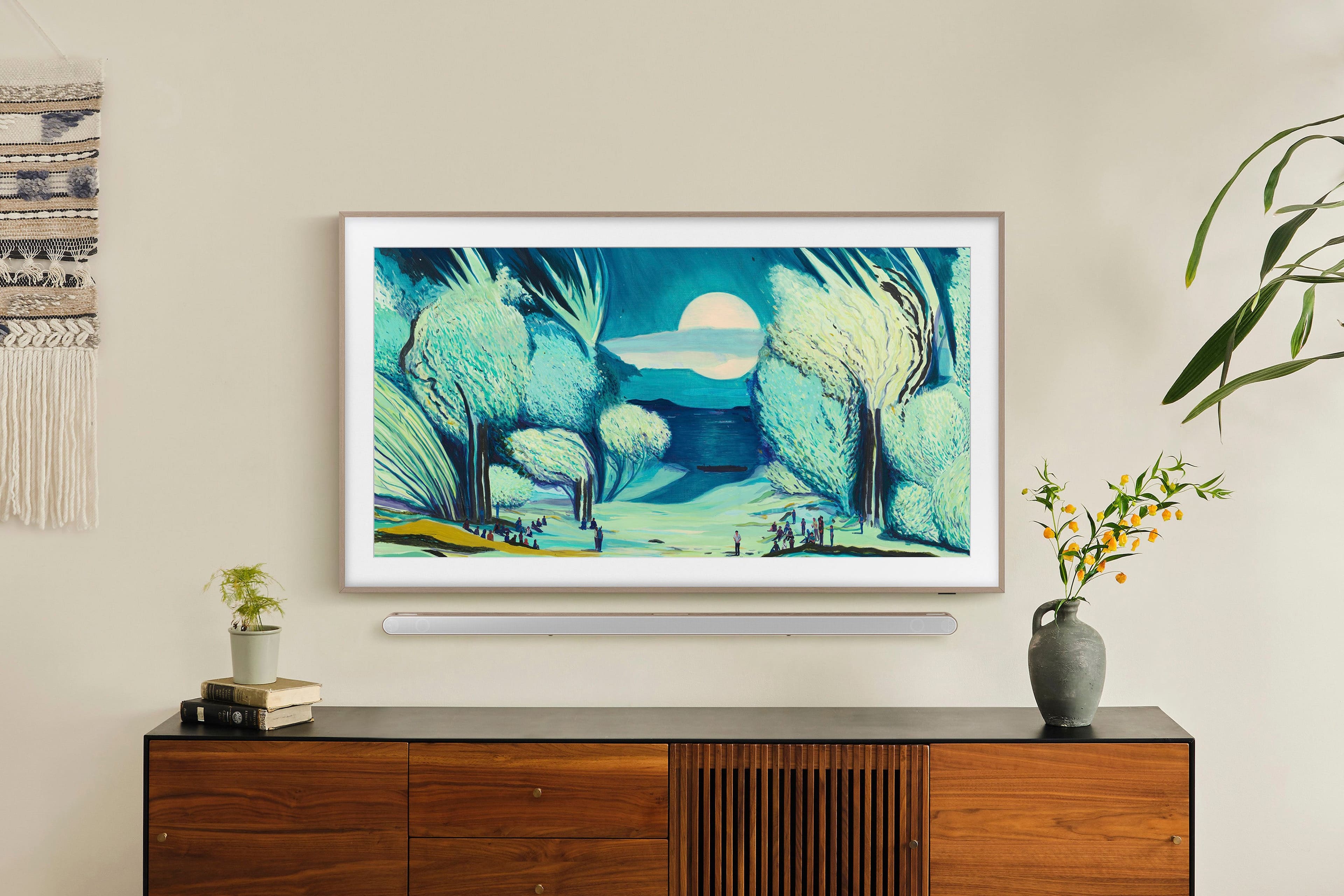
A:Answer Ayydee - If the room is too dark or too bright, or if the TV is installed at an unusual height or tilt, the motion sensor may not function properly. It may also have difficulty detecting motion if clothing or skin tones blend into the background.
Additionally, the sensor responds to all visual movement, including pets, lights, window activity, or shadows. You can fine-tune its behavior by adjusting the Motion Detector Sensitivity: Home > Left Directional Button > Art > Art Mode Options > Sleep Options > Motion Detector.
If you need more help, please contact Samsung Support at 1-800-SAMSUNG from 8AM - 12AM EST, seven days a week, or connect with a LiveChat agent anytime by selecting ‘Support’ on our website.
~ Samsung Specialist