Questions & Answers
- Model:
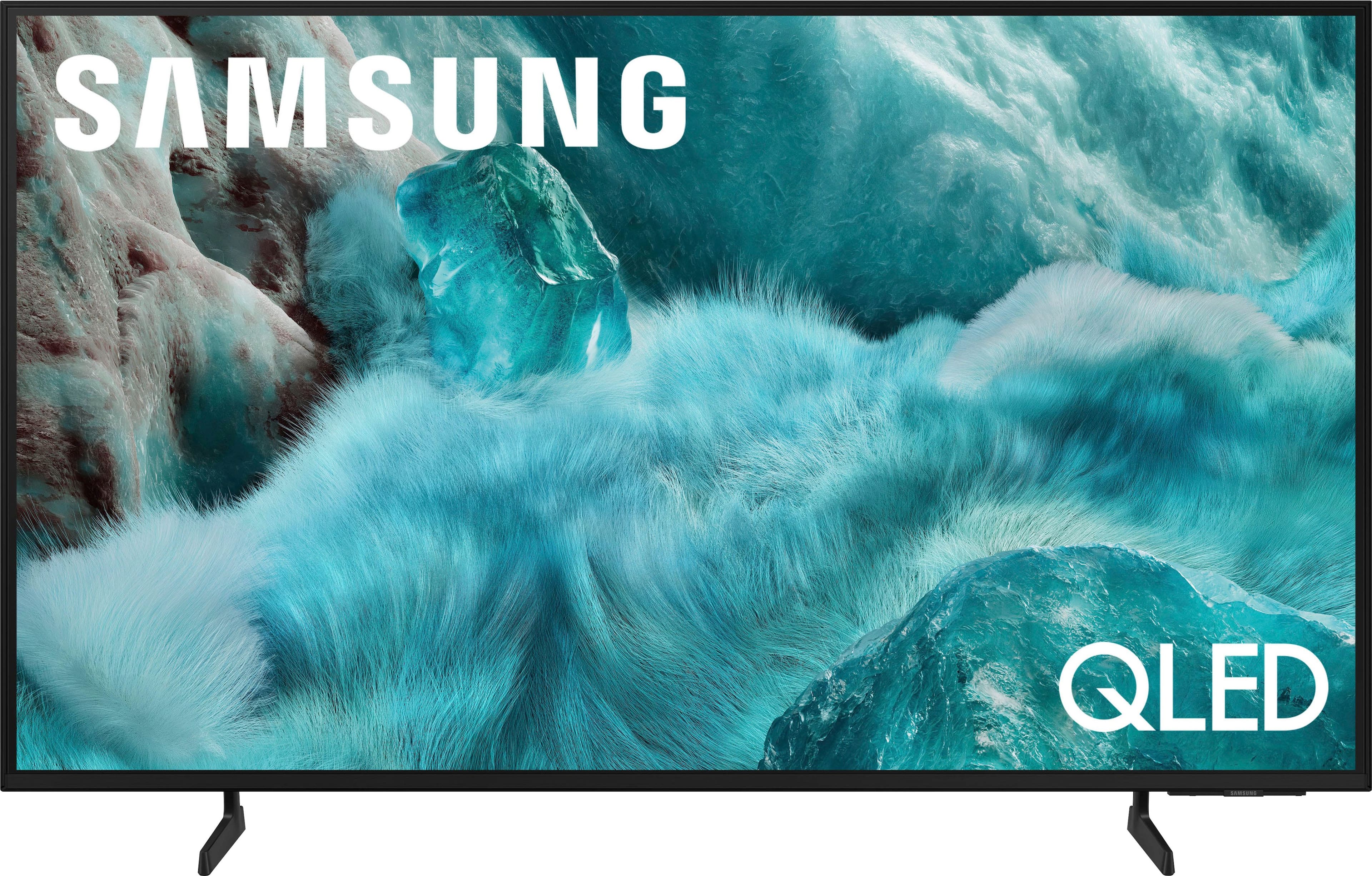
- QN50Q7FAAFXZA
- |
- SKU:
- 6619441
Highly rated by customers for: Picture Quality, Setup Ease, Size
Page Showing 61-74 of 74 questions
Q: QuestionDoes Samsung make a headphone that will connect to this tv? If yes - which ones exactly?
Asked by WilliamN.
- A:Answer Hi W - The Q7F offers seamless compatibility with Bluetooth and Wi-Fi enabled headphones. For help finding the right pair for your preferences and needs, we recommend reaching out to your local Best Buy or visiting them in-store for personalized recommendations. ~ Samsung Specialist
Answered by Samsung

Q: QuestionDoes this TV have a digital optical audio out port?
Asked by joaniepoo60.
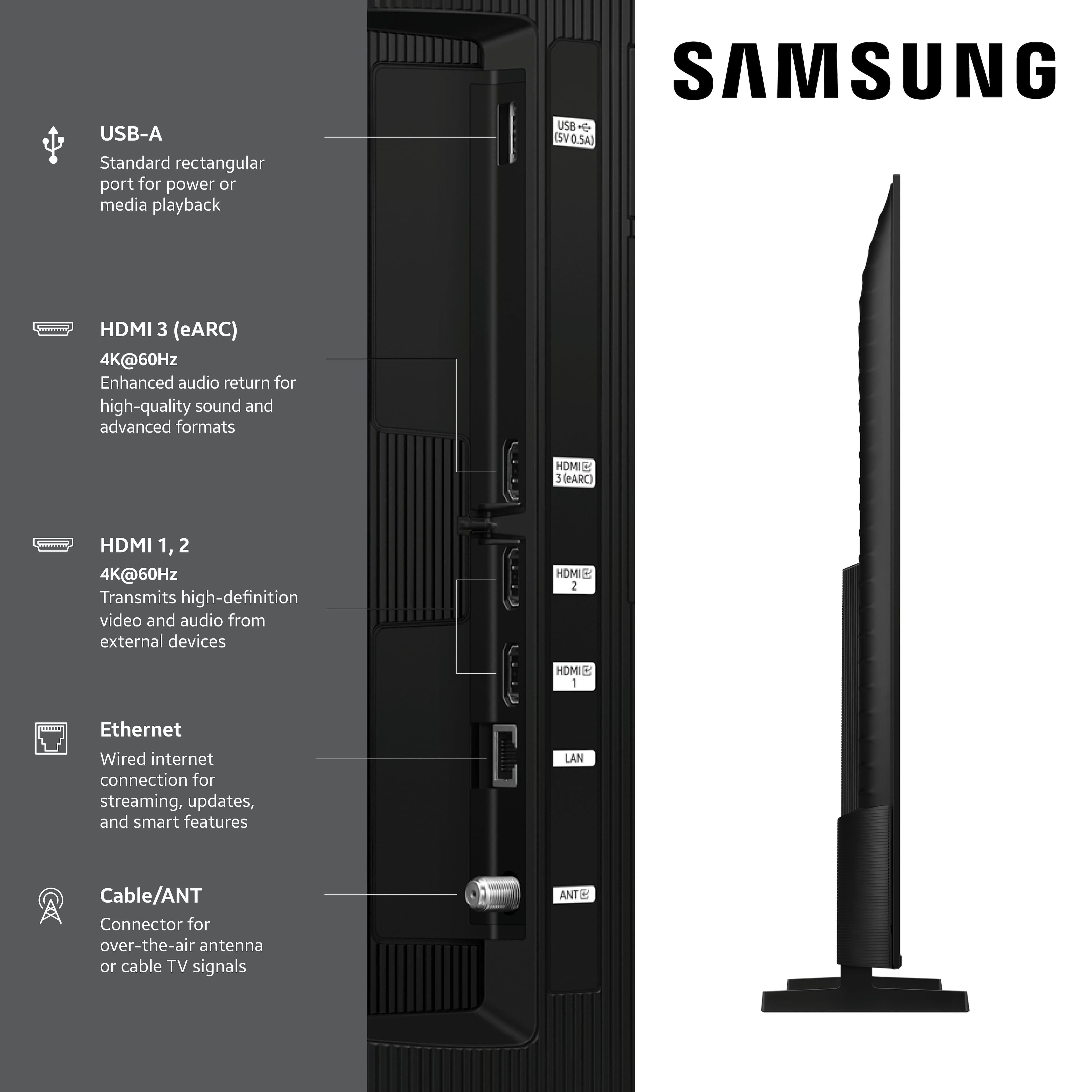
- A:Answer joaniepoo60 - No, the 2025 Q7F does not feature an Optical port. An Optical port is featured on our Q8F series and higher. ~ Samsung Specialist
Answered by Samsung

Q: QuestionIs this compatible with Comcast xfinity?
Asked by Joe.
- A:Answer Joe - Please give us the opportunity to better assist with this by reaching Samsung Support at: 1-800-SAMSUNG, 8AM - 12AM EST, 7 days a week, or Chat with us on Samsung.com: https://www.samsung.com/us/support/contact/ ~ Samsung Specialist
Answered by Samsung
Q: QuestionCan the AI feature be turned off?
Asked by Anonymous.
- A:Answer Hi there - Please give us the opportunity to better assist with this by reaching Samsung Support at: 1-800-SAMSUNG, 8AM - 12AM EST, 7 days a week, or Chat with us on Samsung.com: https://www.samsung.com/us/support/contact/ ~ Samsung Specialist
Answered by Samsung
Q: QuestionIs the Samsung Roku available? Roku stick purchased. Plugged in but not reading. Maybe not Roku accessible?
Asked by Bren.
- A:Answer Hi Bren, The Q7F TV is compatible with a Roku device. If the Roku device is not immediately recognized, we recommend unplugging your Roku device and power cycling the Samsung TV by holding the remote’s power button for 5+ seconds. If you continue to have issues, please don't hesitate to reach out to us at 1-800-SAMSUNG, available daily from 8AM - 12AM EST. You can also chat with a LiveChat agent by clicking the ‘Support’ link on our website for: • Live Chat • Manuals, Software, & Warranty Info ~ Samsung Advisor
Answered by Samsung
Q: QuestionDoes this tv have multi-output audio so you can simultaneously listen to tv speaker and headphone, controlled independently?
Asked by sweep.
- A:Answer Yes
Answered by user713230
Q: QuestionI just purchased this, and I am having issues with the frame art coming on when I turn the TV off. I have to go back into it click on it for it to come on. What do I need to do to have it come on every time I turn off the tv?
Asked by Niki.
- A:Answer Hi Niki - We’d like the chance to assist you further. Please contact Samsung Support at 1-800-SAMSUNG (available daily from 8 AM to 12 AM EST) or connect with us via live chat at Samsung Support: https://www.samsung.com/us/support/contact/ ~ Samsung Specialist
Answered by Samsung
Q: QuestionDOES THIS TV HAVE GAME HUB ON IT?
Asked by Anonymous.
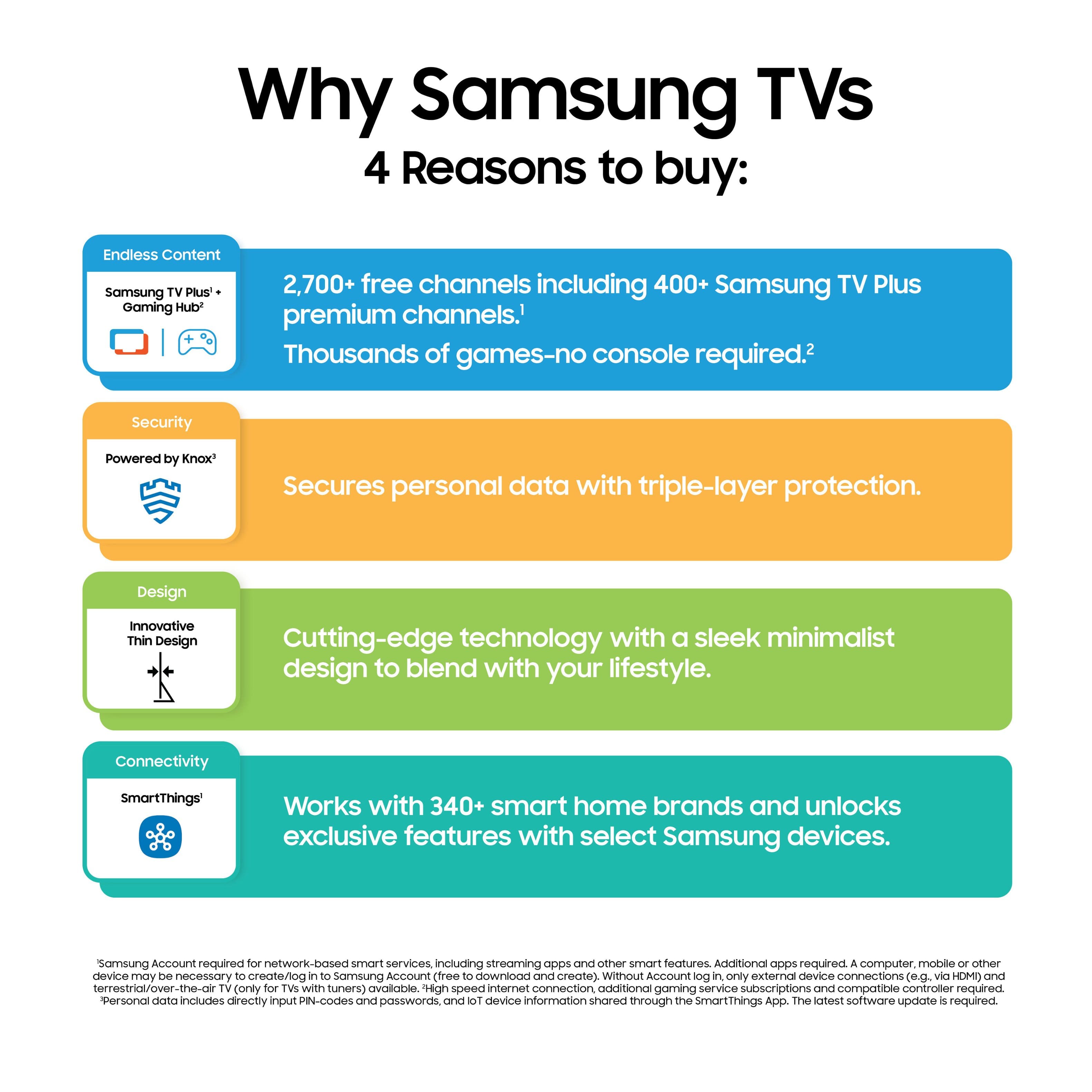
- A:Answer Yes, the Samsung Gaming Hub is available on the Q7F TV. ~ Samsung Specialist
Answered by Samsung

Q: QuestionManufacturer says screen is edge lit ?
Asked by Anonymous.
- A:Answer Hi there - The Q7F is a Direct Lit screen. You can find this info under Specifications on this model's product page: https://www.bestbuy.com/site/samsung-50-class-q7f-series-qled-4k-uhd-samsungvision-ai-smart-tizen-tv-2025/6619441.p?skuId=6619441 ~ Samsung Specialist
Answered by Samsung

Q: QuestionIs th tv wireless
Asked by Anonymous.
- A:Answer The Q7F is a Wi-Fi enabled Smart TV. ~ Samsung Specialist
Answered by Samsung
Q: QuestionI need to use headphones - Is it possible to find headphones that will work with this tv?
Asked by WilliamN.
- A:Answer Hi W - The Q7F TV does not feature a 3.5mm headphone jack. However, it supports wired (HDMI) and wireless (Bluetooth and Wi-Fi) audio connections, allowing you to connect compatible headphones or sound systems. If a headphone jack is important to your setup, this input is found exclusively on our S90F OLED series. ~ Samsung Specialist
Answered by Samsung

Q: QuestionDoes this tv have the Autorun last app. feature?
Asked by steve.
- A:Answer steve - You can customize what happens when the TV powers on. Go to: Settings > All Settings > Advanced Features > Start Screen Option, then enable or disable: • Start with Smart Hub Home • Autorun Multi View Casting • Autorun Multi View Mirroring ~ Samsung Specialist
Answered by Samsung
Q: QuestionWhat size screws are needed on the back of the tv to mount on a wall?
Asked by Nick.
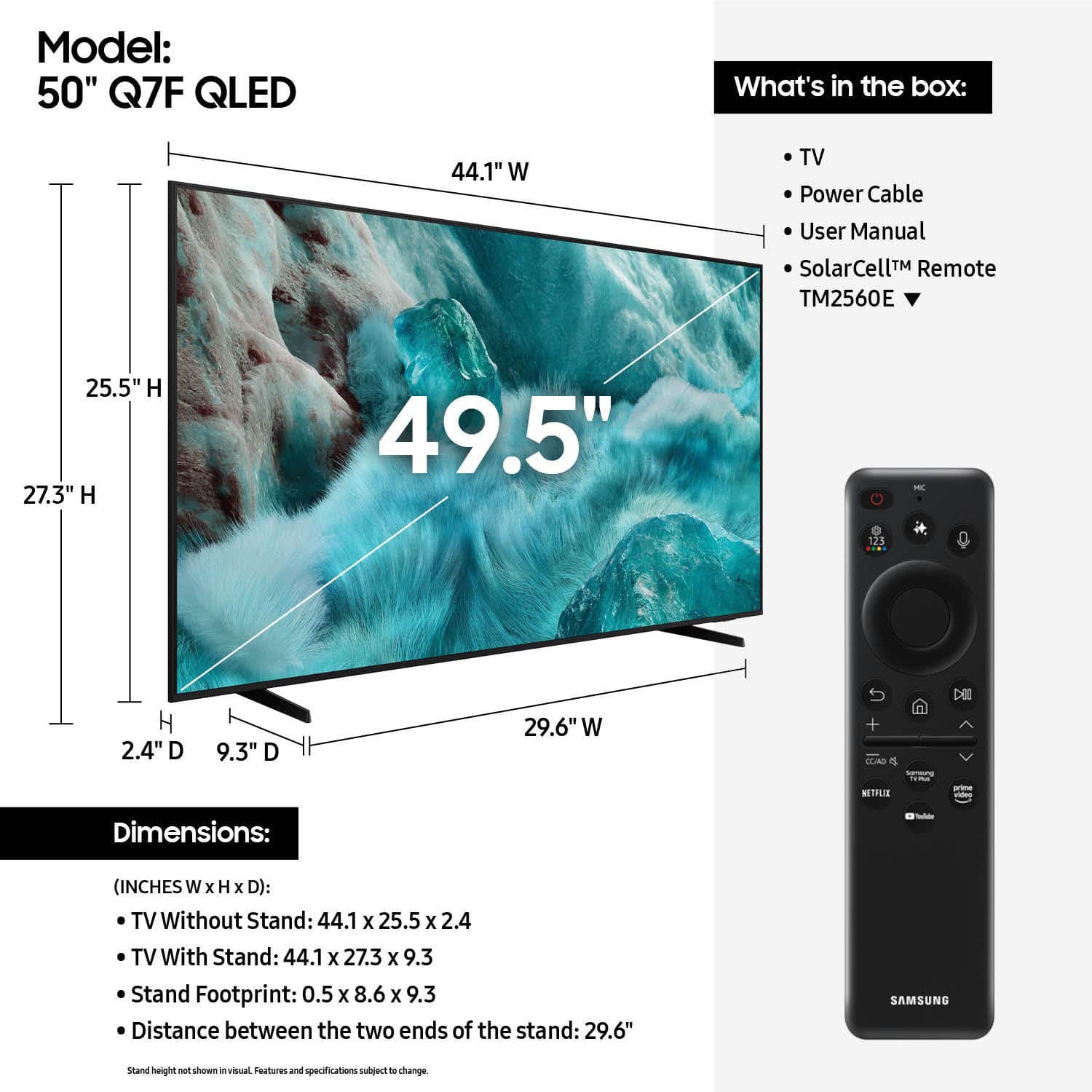
- A:Answer Don't get M8-1.0 screws it has to be M8-1.25
Answered by Anonymous