A:AnswerI do not think so but I am not a tech. Hope my info helps.
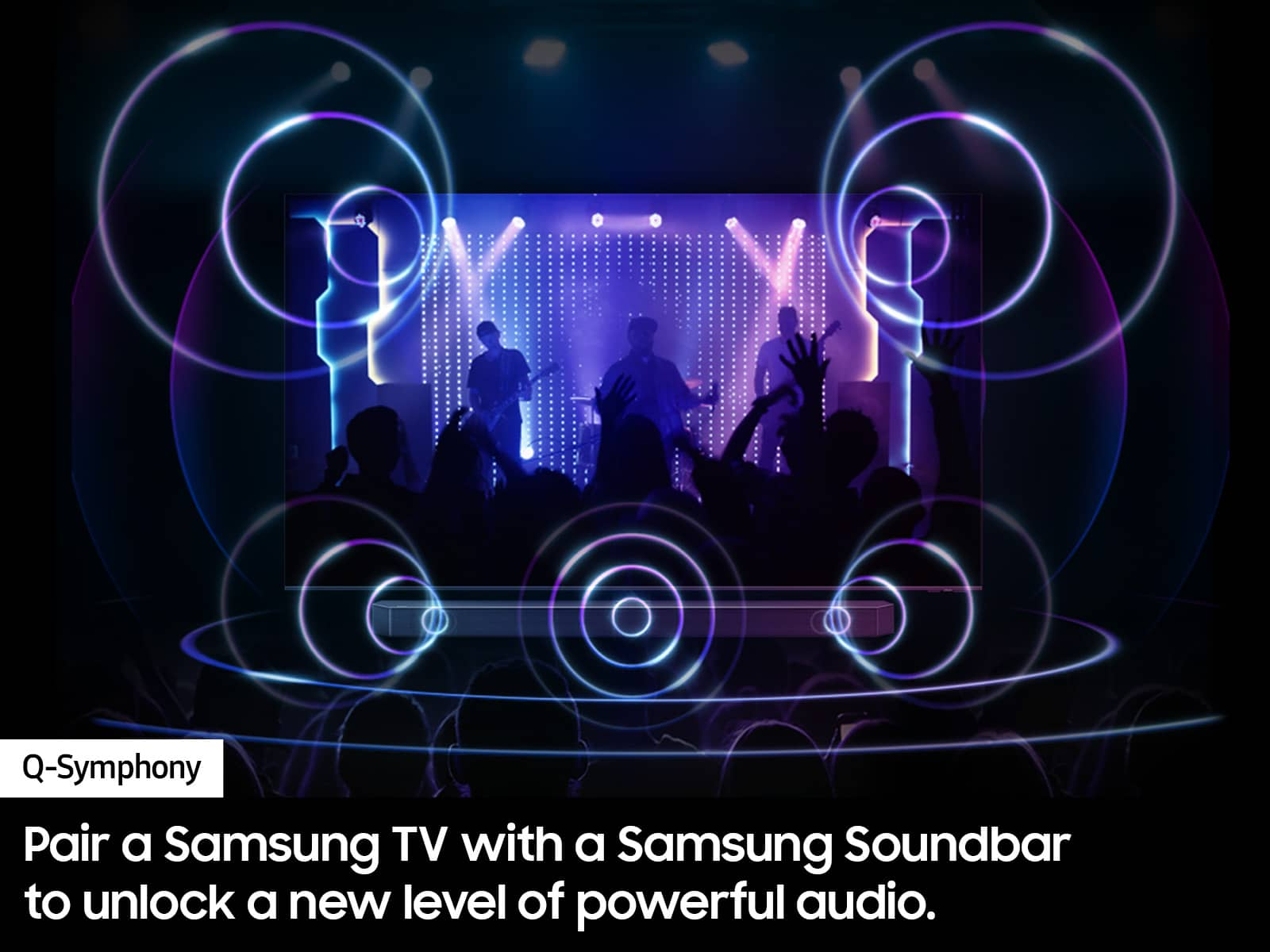
No optical cable outlet. I have Dish so tech had to plug cable directly into the the Hopper so I could use my current great sound system which is not a sound bar. My speakers cannot be used for my DVD player with Samsung. Have to turn up the TV to use its sound for DVD's.
A:AnswerHi Debbiearl,
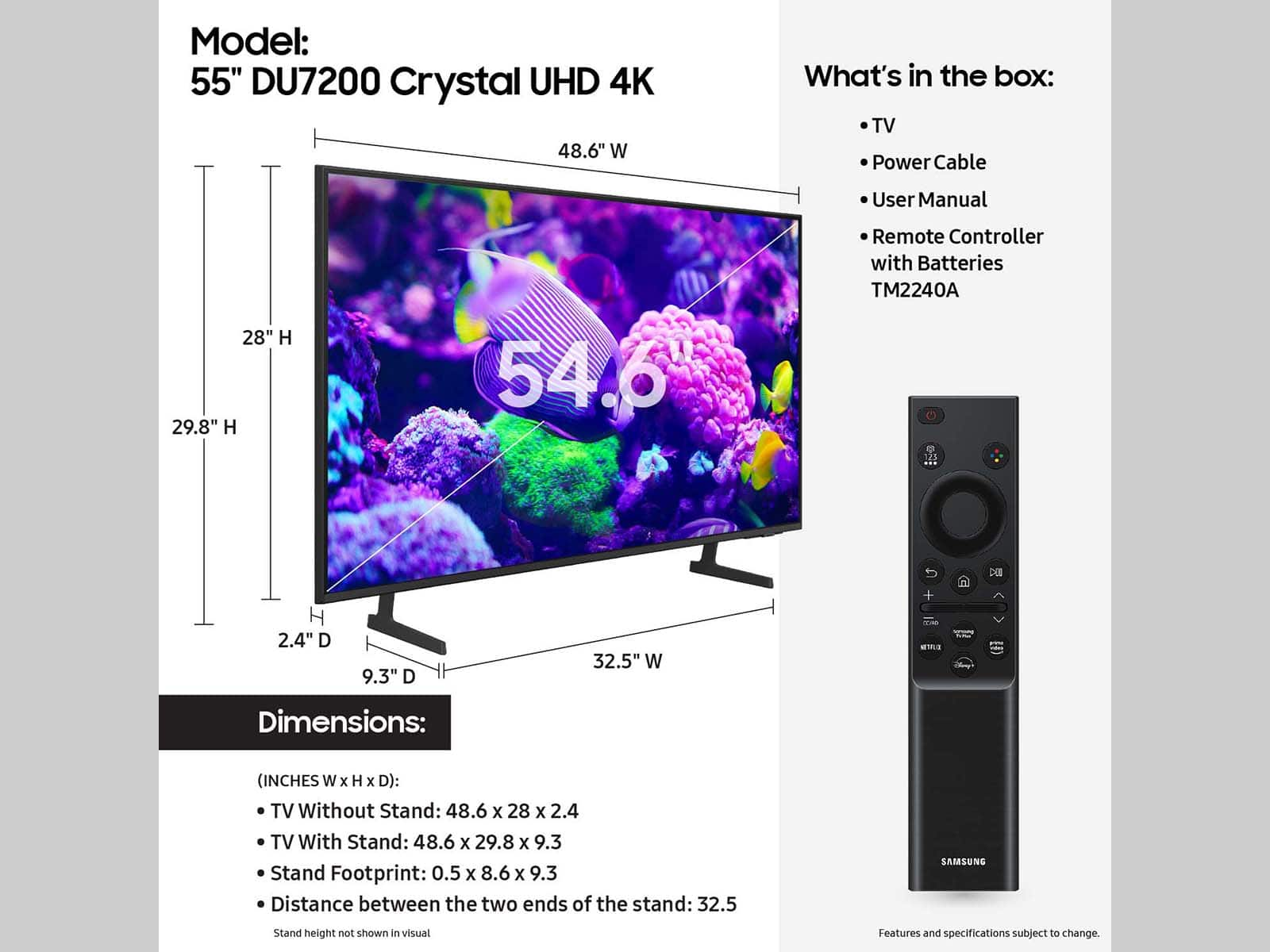
The 55" DU7200 TV stand can be place at either 32.5" or 10" apart, so your 43" stand should be just fine. For more information on installation services, please contact your local Best Buy or visit
https://www.bestbuy.com/site/tv-home-theater-services/tv-mounting-packages/pcmcat748300648009.c?id=pcmcat748300648009#1
~Samsung Advisor
A:AnswerHi Anna,
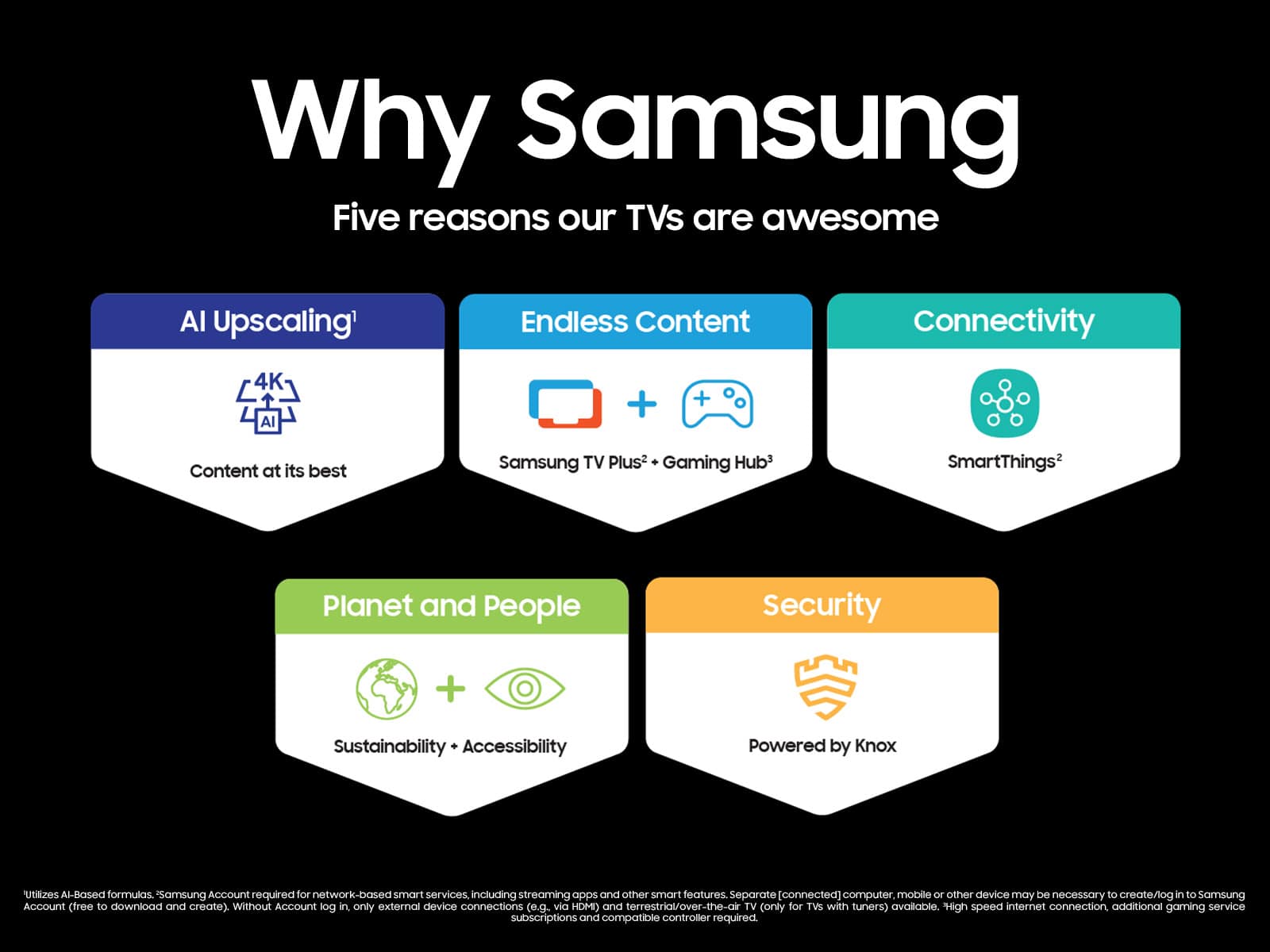
The DU7200 offers a built-in tuner allowing you to connect to an external antenna where you can scan for local channels. We also offer Samsung TV Plus which has hundreds of channels to choose from.
~Samsung Advisor

A:AnswerHi Johncer13,
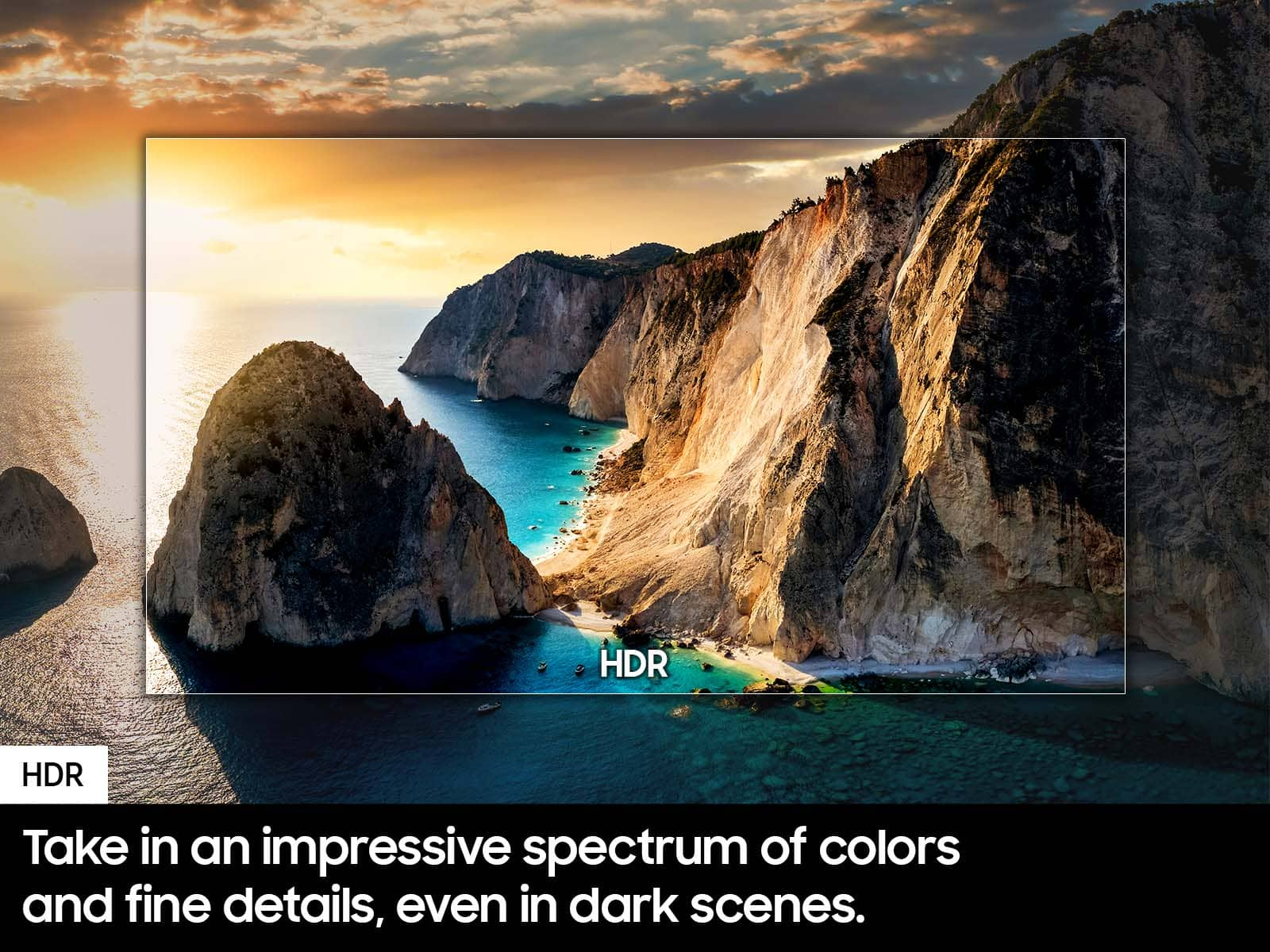
Thank you for considering this TV for your gaming! The DU7200 has 3 HDMI ports that each support HDR10+ and Auto Low Latency Mode (ALLM/Auto Game Mode).
However, if you want to game at 4K@120fps (FRL), consider our 85” DU8000 Series and above.
I hope this helps!
~Samsung Advisor
A:AnswerHi Dan,
You'll need to utilize an RCA to HDMI converter like this item found at Best Buy: https://www.bestbuy.com/site/insignia-rca-to-hdmi-converter-black/6134312.p?skuId=6134312
~Samsung Advisor

A:AnswerOmar - Samsung offers hundreds of apps in our App Store that you can download, and we are continuously working with our partners to make apps available in our 2023 lineup. Keep an eye on the App Store of your TV to see the latest apps available.
~ Samsung Specialist
A:AnswerHi Bee,
If you’re looking for a TV with FreeSync Premium Pro, as well as other Next Gen gaming enhancements such as Variable Refresh Rate (VRR) and 4K@120Hz, check out our 85” DU8000 TV and above at Best Buy: https://www.bestbuy.com/site/reviews/samsung-85-class-du8000-series-crystal-uhd-smart-tizen-tv-2024/6575096?variant=A&sort=MOST_RECENT
~Samsung Advisor

A:AnswerHi,
It is important to have a Samsung account to save your warranty information and make it easier to connect devices via the SmartThings app.
~Samsung Advisor
A:AnswerHi,
For more information on delivery services, please contact your local Best Buy or visit https://www.bestbuy.com/site/help-topics/home-and-business-delivery/pcmcat204400050032.c?id=pcmcat204400050032
~Samsung Advisor