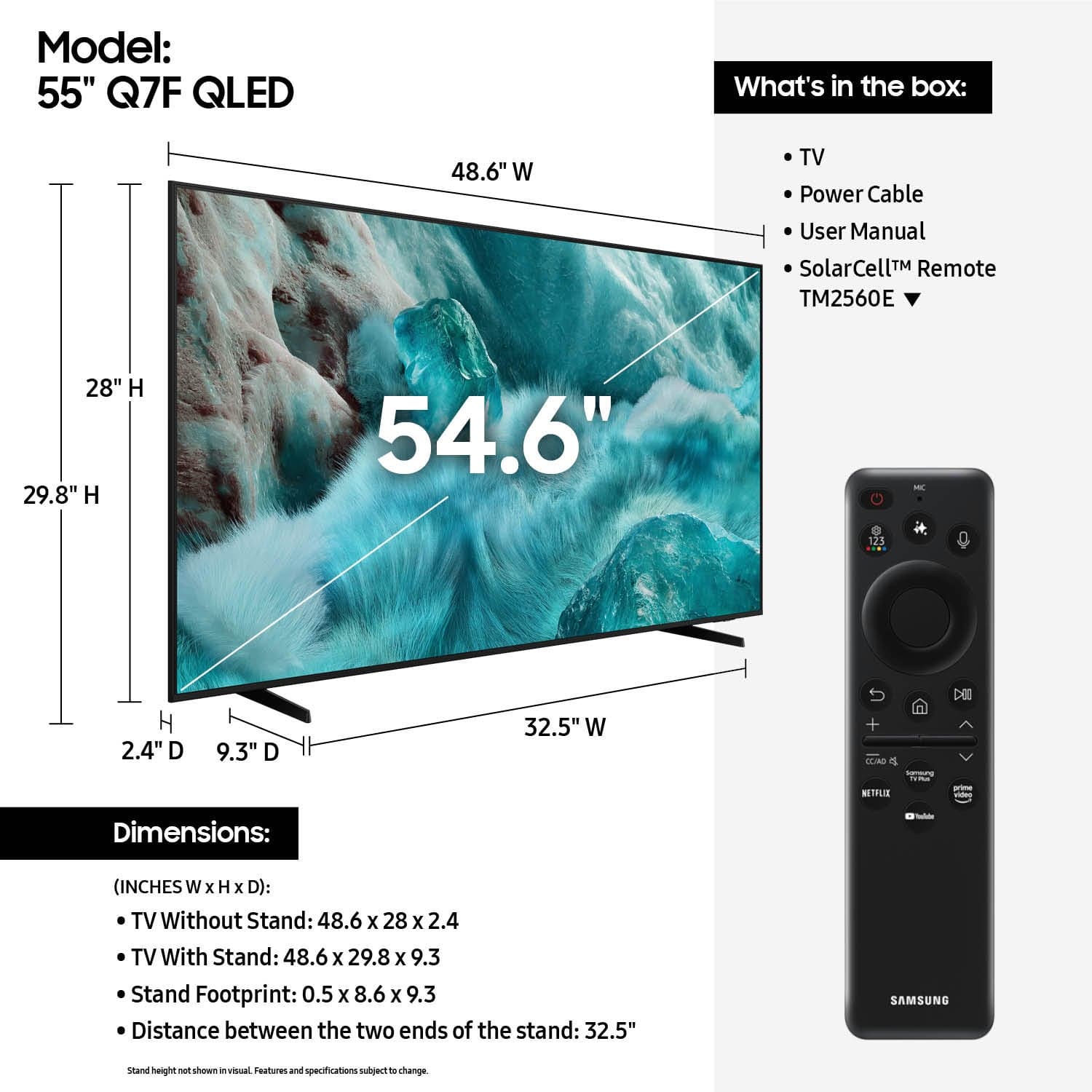
A:AnswerHi Damikco - The Q7F features several AI Mode features such as Generative Wallpaper and Click to Search, as well as 4K AI Upscaling that enhances resolution for breathtaking sharpness and detail. AI Sound also fine-tunes the audio delivering crystal-dialogue and immersive sound.
~ Samsung Specialist
A:AnswerWhile the Q7F TV does not include an Optical port, it does support audio over HDMI, Bluetooth, and Wi-Fi. If an Optical port is important to your setup, this input is available starting with our Q8F Series.
~ Samsung Specialist
A:AnswerHi ncu45 - Samsung TVs do not have built-in cameras. Some options for compatibly would be the following: -Logitech Webcam C930e -Logitech C922 Pro Stream Webcam -Logitech Webcam C925E -Samsung Slim Fit Camera. Should you have additional questions, please contact Samsung Support at 1-800-SAMSUNG (available daily from 8 AM to 12 AM EST) or connect with us via live chat at Samsung Support: https://www.samsung.com/us/support/contact/
~ Samsung Specialist
A:AnswerYou can install the DirecTV app (as well as hundreds of others) by navigating to the search (magnifying glass) icon and typing in the app you're looking for. If you need more help, please contact Samsung Support at 1-800-SAMSUNG (available daily from 8 AM to 12 AM EST) or connect with us via live chat at Samsung Support: https://www.samsung.com/us/support/contact/
~ Samsung Specialist
A:AnswerDH - While the Q7F TV does not include a 3.5mm headphone jack, it does support audio over HDMI, Bluetooth, and Wi-Fi. If an Optical port is important to your setup, this input is available starting with our Q8F Series.
~ Samsung Specialist
A:AnswerJoJo - The Q7F features 3x HDMI ports, 1x USB, 1x LAN, 1x RF/Antenna. If an Optical port is important to your setup, this input is available starting with our Q8F Series.
~ Samsung Specialist
A:AnswerHi Rod - The Q7F features Mega Contrast which automatically adjusts brightness and contrast, enhancing the difference between light and dark areas on the screen, so you can enjoy stunning picture quality. When stepping up, our Q8F adds Dual LED backlighting to deliver vivid images with improved contrast, off-axis viewing, and color accuracy. And starting with our QN90F, you’ll gain Wide Viewing Angle and Glare Free technology to provide you with wider viewing angles, enhanced color, and minimized glare to help you enjoy shows without distractions.
~ Samsung Specialist
A:AnswerHi Caaey - The Q7F has a built-in ATSC 1.0/ClearQAM tuner; when stepping up to our Neo QLED 8K Series, you’ll gain a built-in ATSC 3.0 tuner for receiving digital broadcasts.
~ Samsung Specialist
A:AnswerWayne - You can connect a streaming device via HDMI; you can also take advantage of the hundreds of built-in apps available to install - no streaming device needed.
~ Samsung Specialist
A:AnswerHi Larry - Tizen OS is Samsung’s own smart platform, while Google TV is made by Google. Both let you stream your favorite apps, but Tizen is designed to work seamlessly with Samsung features like Multi View, Game Bar, and Samsung TV Plus (free live TV). It also gives you a clean, customizable interface with fast app switching and SmartThings built right in.
~ Samsung Specialist