A:AnswerHi Vince,
The U7900 TV is a new TV. If it is an open-box TV, the website will state that it is what you are specifically buying.
~Samsung Advisor

A:AnswerHi Aj,
To best understand your question, please call us at 1-800-SAMSUNG (available daily from 8 AM to 12 AM EST) or connect with us via live chat at Samsung Support: https://www.samsung.com/us/support/contact/
~ Samsung Advisor
A:AnswerHi Chela,
This TV does not support direct recording. To record over-the-air content, you'll need to use an OTA DVR. You can explore available options here: https://www.bestbuy.com/site/searchpage.jsp?id=pcat17071&st=over+the+air+dvr
~ Samsung Advisor
A:AnswerI feel this is more dependent on your wifi itself over your tv. The signal wifi itself is probably going to effect how the tv is more so than the other way around. Its like anything, if you have poor wifi you are going to have probably more buffering if you are streaming
A:AnswerHi Keepusecure,
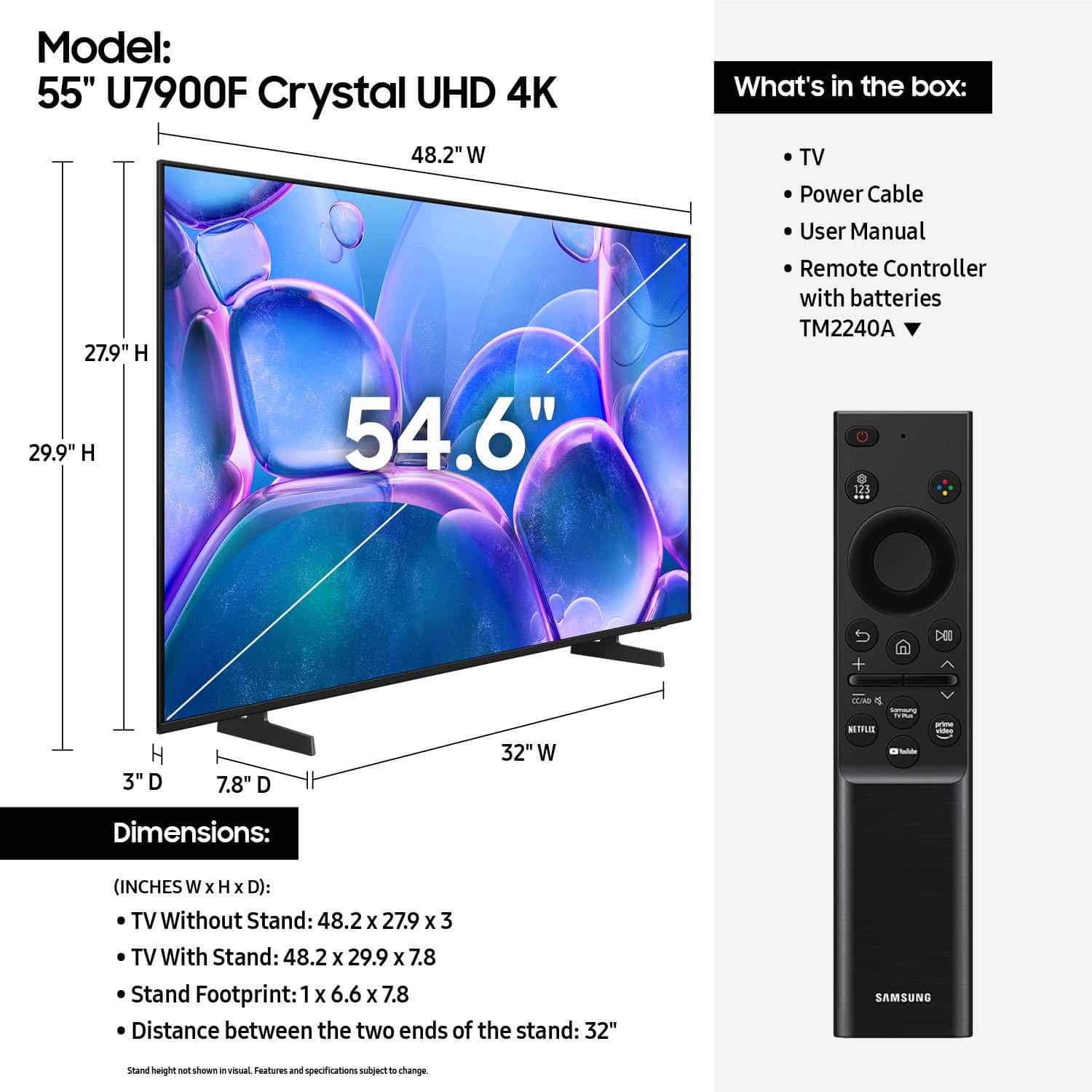
The U7900 TV cannot be used vertically. If you are looking for a TV that supports vertical/portrait out of the box, we recommend the Samsung Frame TV Series: https://www.bestbuy.com/product/samsung-55-class-ls03fa-the-frame-series-qled-4k-uhd-art-mode-samsungvision-ai-smart-tv-w-wall-mount-2025/J3ZYG2VSSS
~Samsung Advisor

A:AnswerWhen you first turn on it prompts you to set up wifi. If you skipped this try in settings. It definitely works wireless just needs to get connected.
A:AnswerHi gulfmiss,
It will likely depend on the version of the ReSound Hearing aids you have purchased. If they are Bluetooth-enabled, you can connect wirelessly to the U7900 TV. To do so, refer to your headphone's user manual for how to pair. Once paired to the TV, go to: Home > left directional key Settings > All Settings > Sound > Sound Output > Bluetooth Speaker List.
You can also call us at 1-800-SAMSUNG, 8AM - 12AM EST, 7 days a week.
~Samsung Advisor