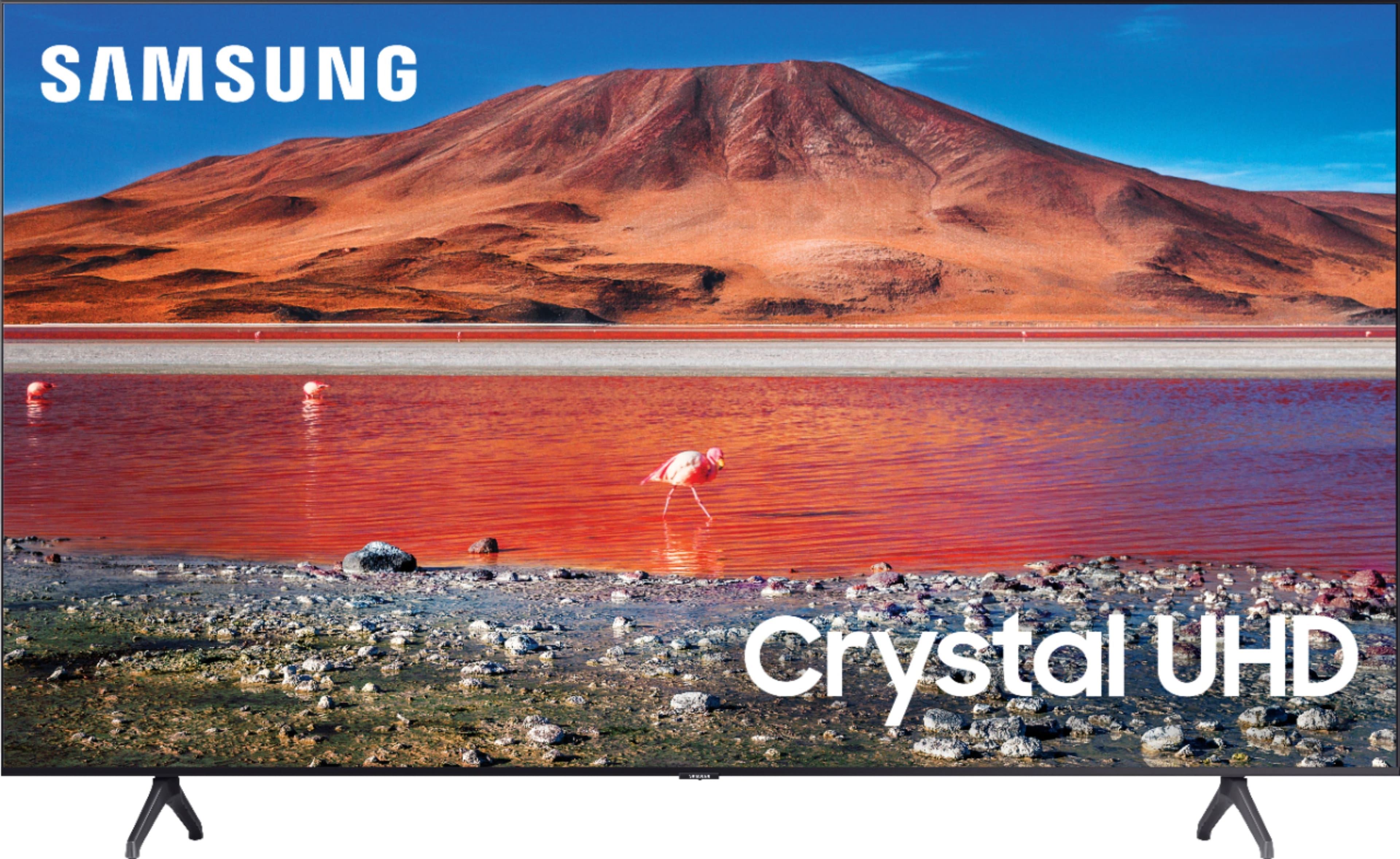
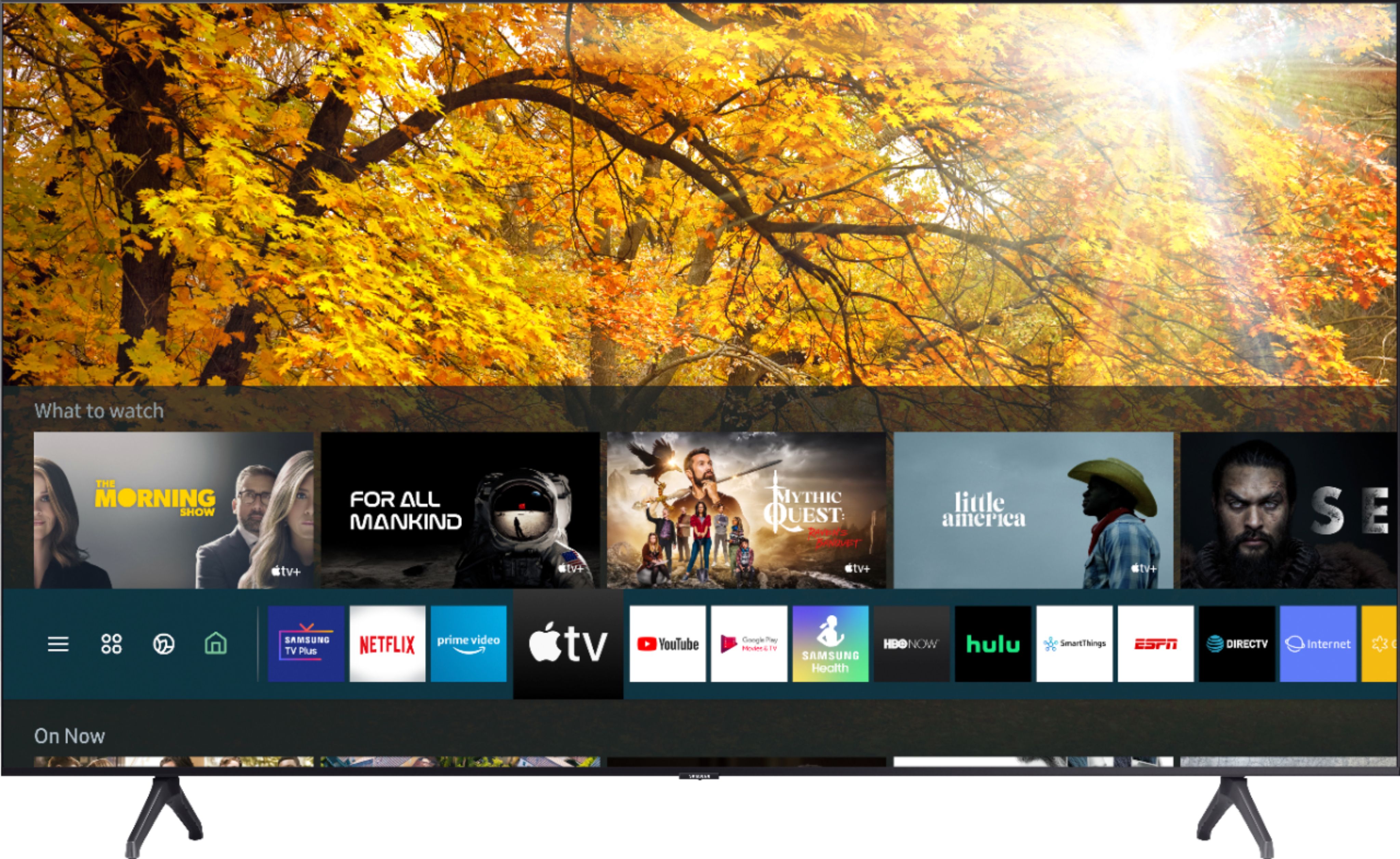
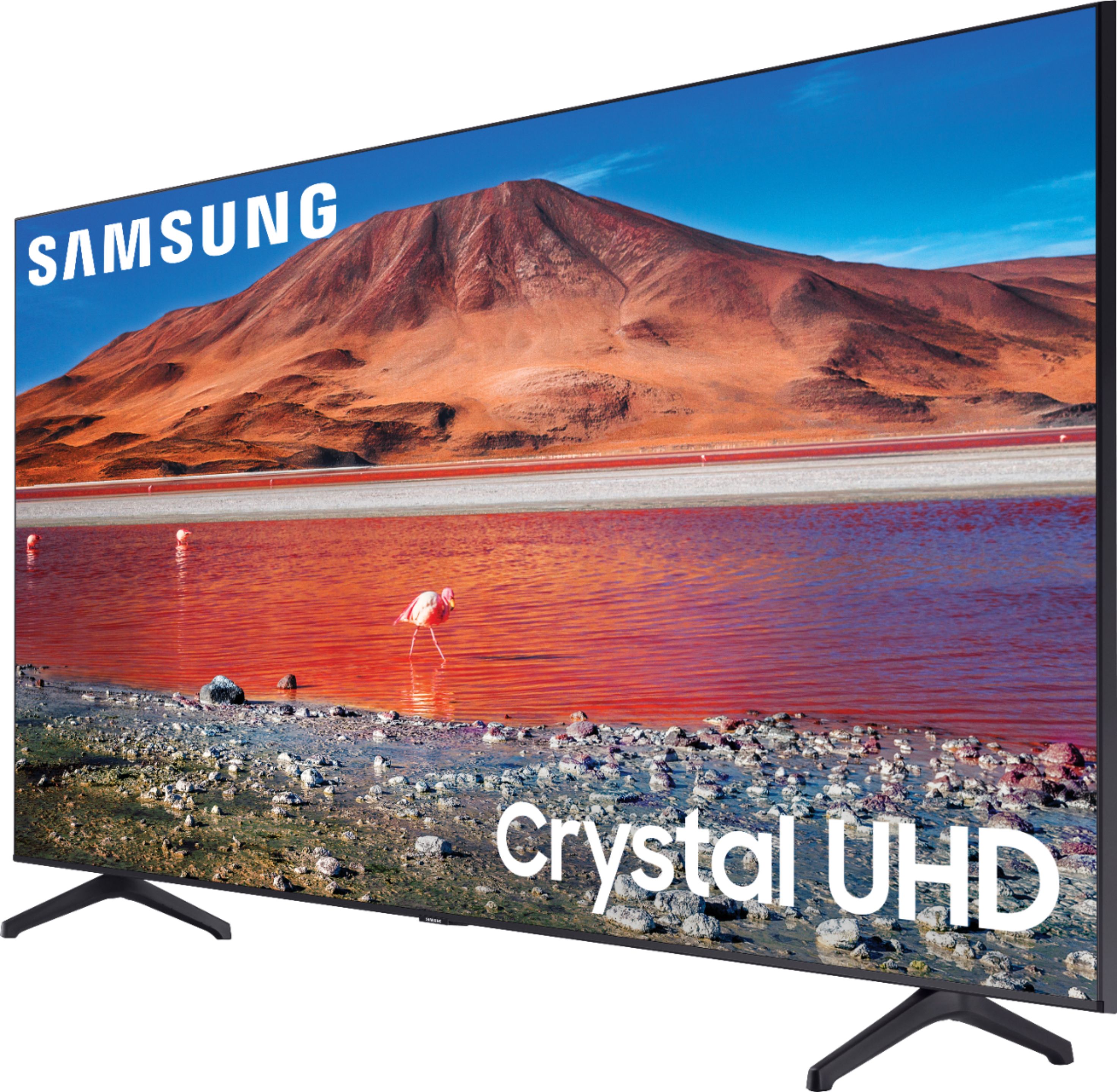
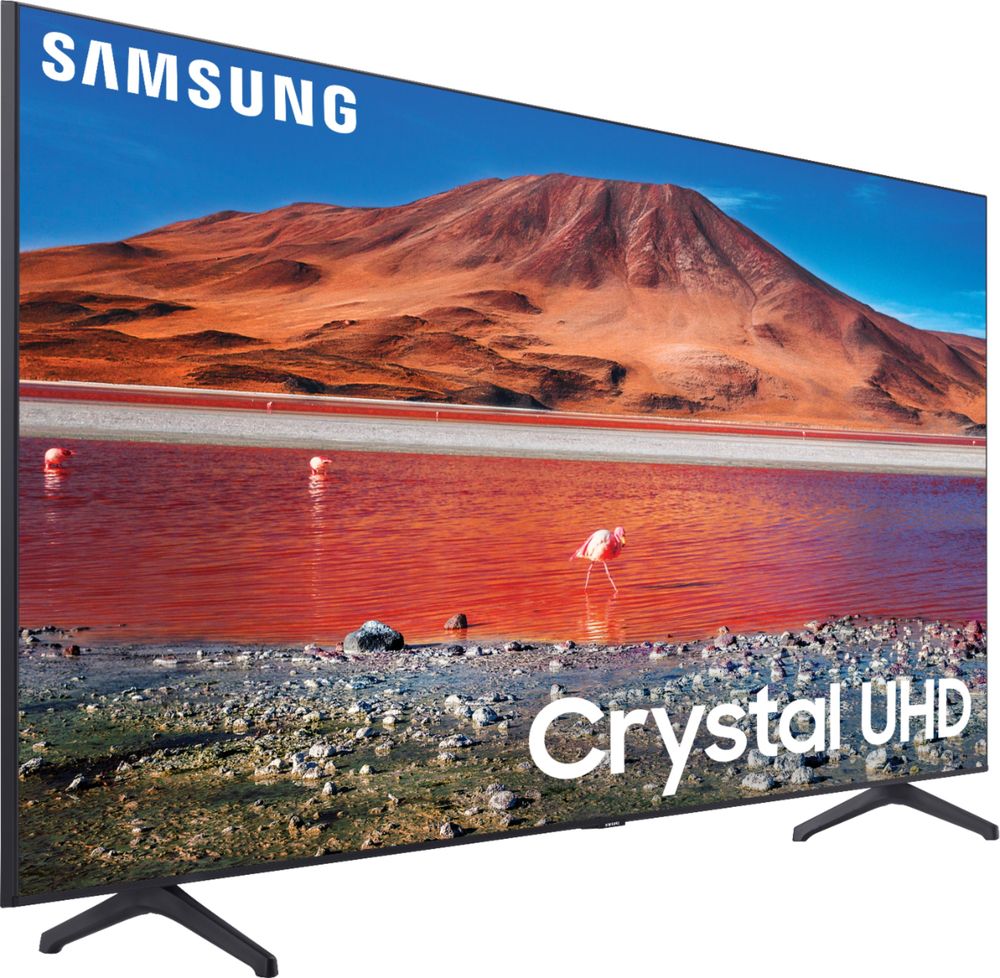
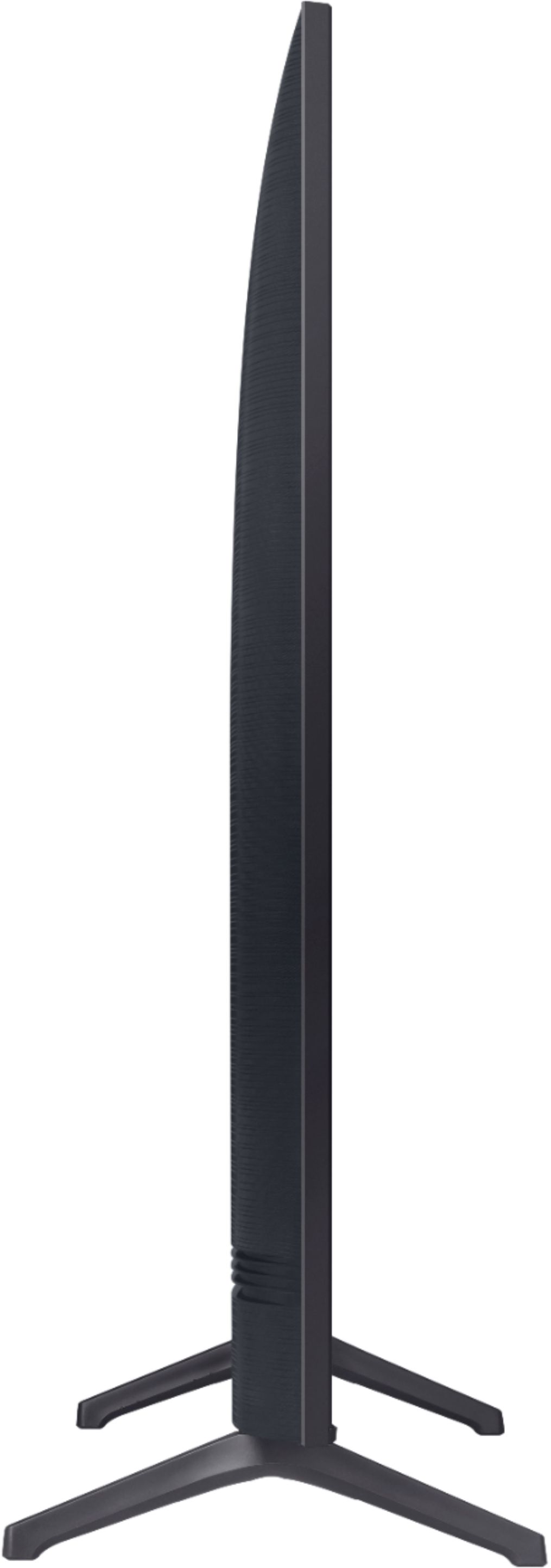
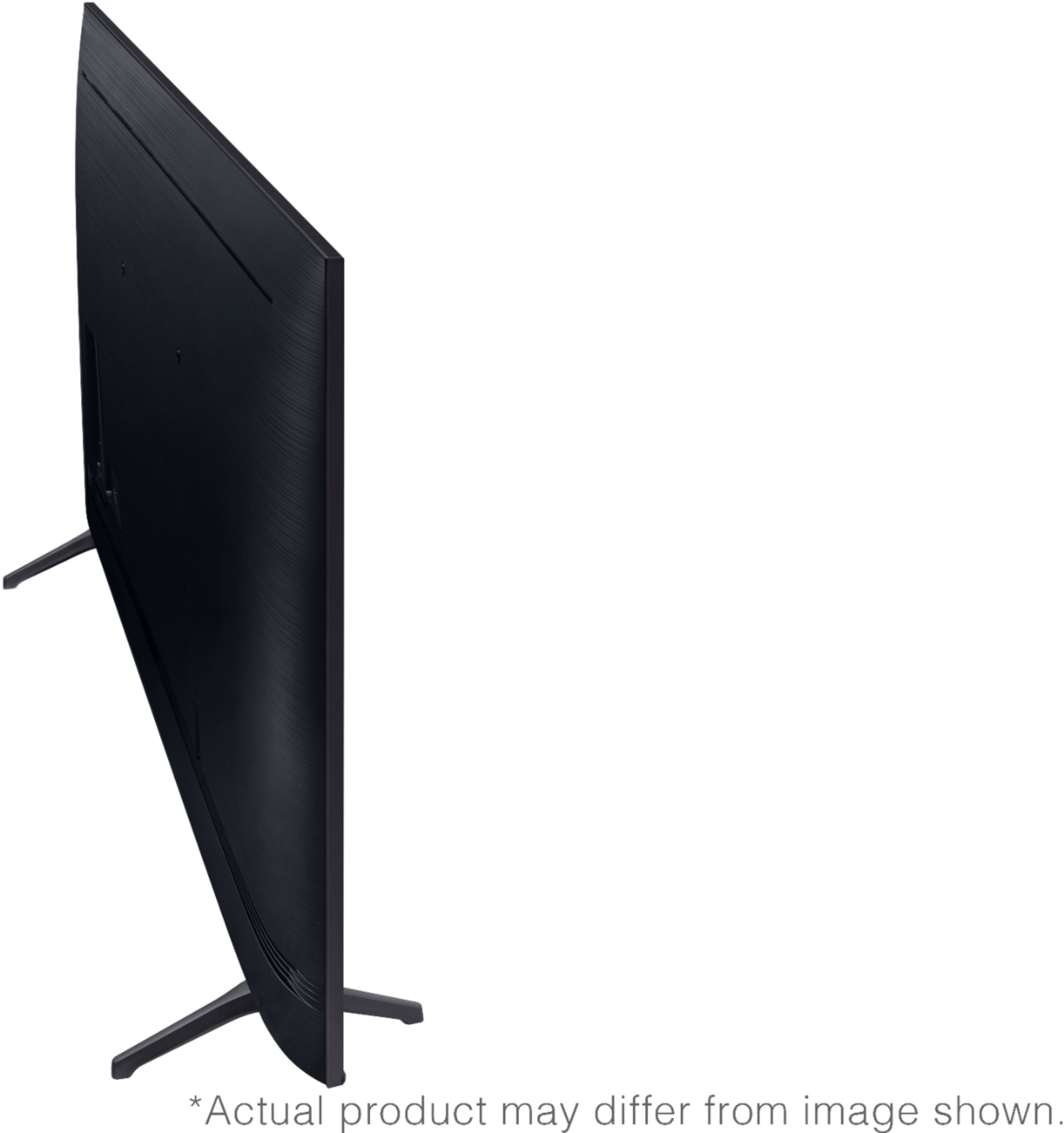
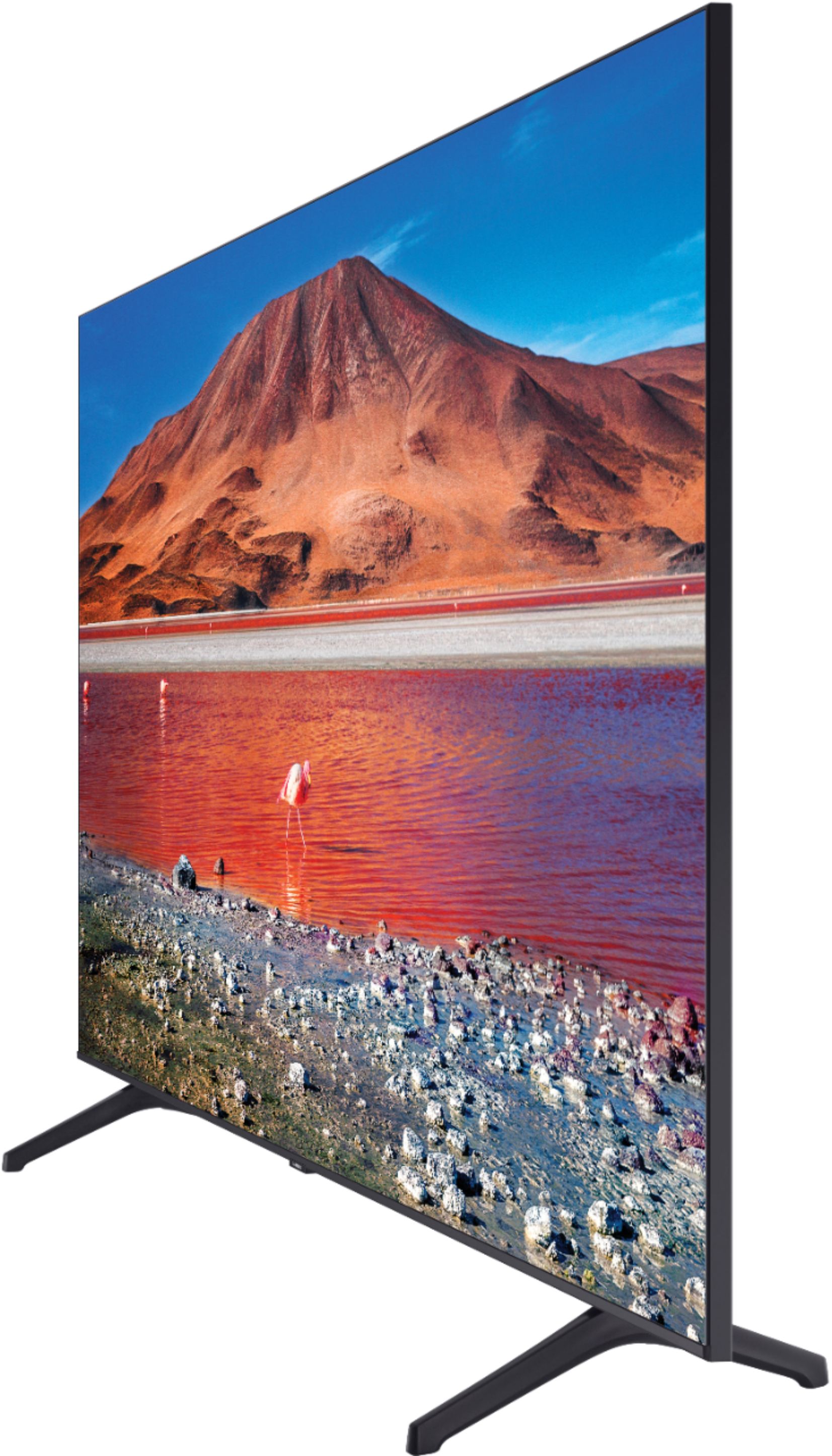
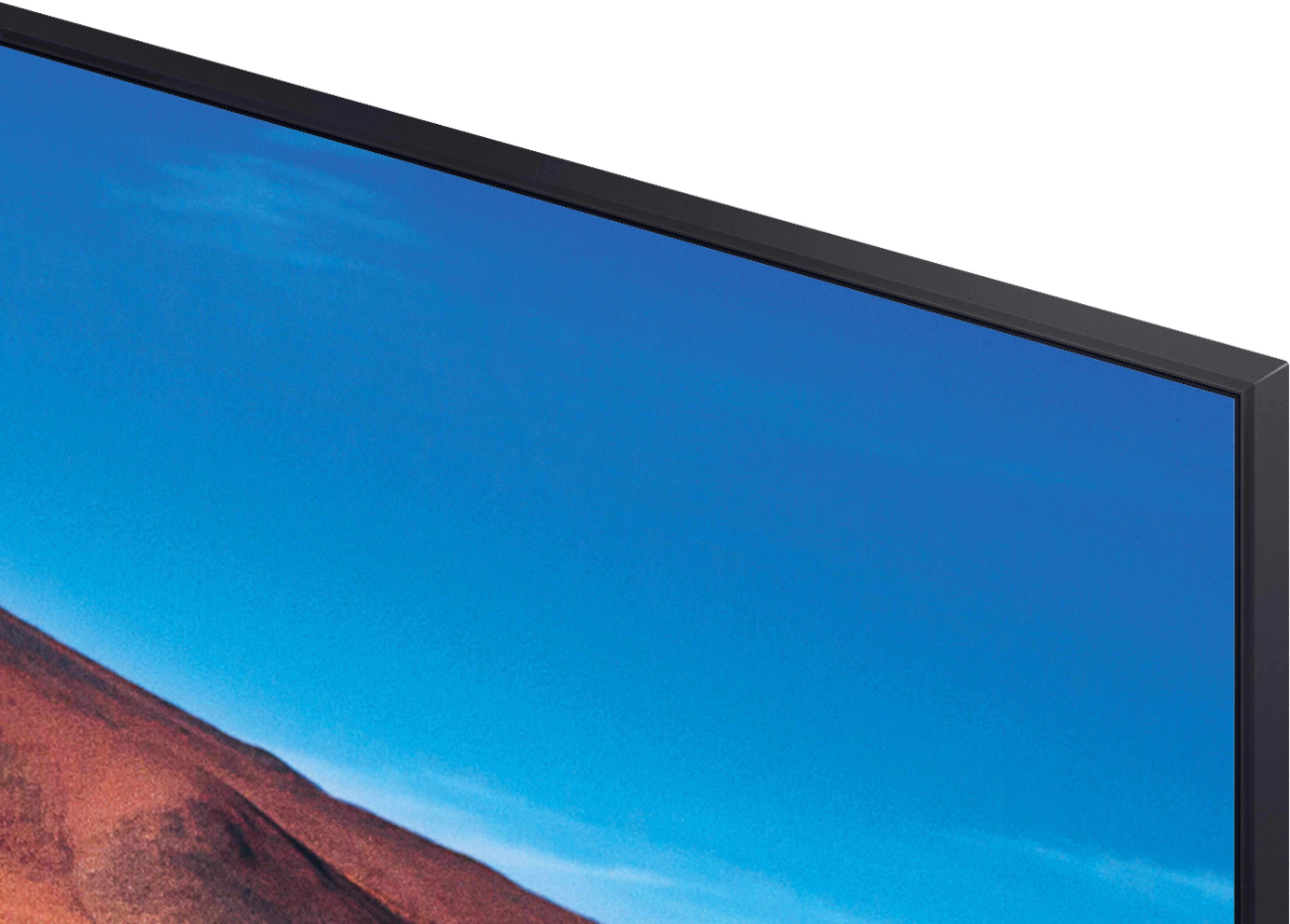
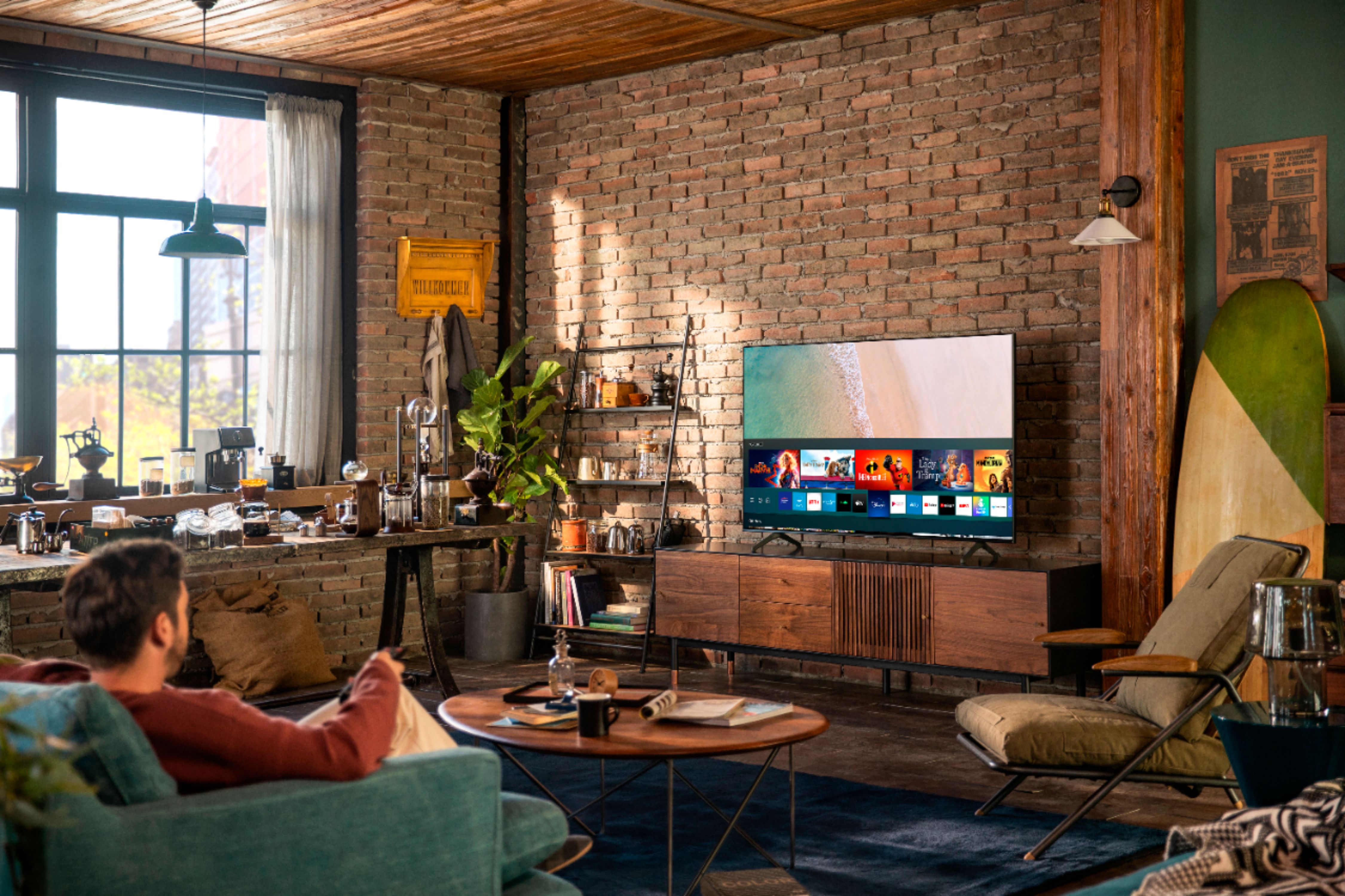
A:AnswerHi Abe! The TU7000 Works With Alexa with limited functionality (IE changing volume, channels, or inputs on your TV). When stepping up to the TU8000, you will gain built-in voice assistants (Amazon Alexa, Bixby, Google Assistant) and a dedicated voice assistant button on your remote for a much wider list of commands such as weather, music, and getting questions answered with your voice. Check out the TU8000 at Best Buy: https://www.bestbuy.com/site/samsung-65-class-8-series-4k-uhd-tv-smart-led-with-hdr/6401718.p?skuId=6401718 ^Gina
A:AnswerHello nuckelhead,
I recommend you check out the HW-T650 it is a perfect pair for the 58TU7000. Also please check out Samsung soundbars at Best Buy for the perfect companion to your TV.
https://www.bestbuy.com/site/samsung-3-1-channel-340w-soundbar-with-6-5-wireless-subwoofer-black/6400685.p?skuId=6400685
https://www.bestbuy.com/site/searchpage.jsp?st=samsung+soundbars&_dyncharset=UTF-8&_dynSessConf=&id=pcat17071&type=page&sc=Global&cp=1&nrp=&sp=&qp=&list=n&af=true&iht=y&usc=All+Categories&ks=960&keys=keys
^Cristian
A:AnswerHello CasterDL,
No, you connect your VR headset to a gaming-compatible computer with an Oculus Link cable (sold separately) to access hundreds of PC VR games and experiences.https://www.bestbuy.com/site/oculus-link-virtual-reality-headset-cable-for-quest-2-and-quest-16ft-5m-pc-vr-black/6391780.p?skuId=6391780. ^Cristian
A:AnswerHi Bird! The TU7000 is a 2020 Samsung model - you can download the Starz app from your TV's built-in App Store. If you are having issues with Starz not working on your TU7000, we recommend trying a cold boot. This can solve issues you may be having with apps, glitches in the menu, picture issues, etc.
There are two ways to cold boot your TV.
With the Remote: For most people, the easiest way is to hold down the Power button on the Samsung TV remote until the TV turns off and on again. This should only take about 5 seconds.
With the Plug: If you do not have the remote, unplug your TV from the wall outlet or surge protector, leave it unplugged for 30 seconds, and then plug it back in. ^Gina
A:AnswerProbably; it will work mechanically & electrically, but it might weaken the signal slightly from the 2 devices using it, so try different pairings if you see any problems with the 1st way you plug things in.
A:AnswerHi Crazylinda! While the TU7000 features great picture quality, if you are looking for improved off angle viewing, check out the Q60T from Samsung featuring Dual LED technology providing you better contrast and improved accuracy when viewing from the side. You can find the 58" Q60T at the following link from Best Buy: https://www.bestbuy.com/site/samsung-58-class-q60t-series-qled-4k-uhd-smart-tizen-tv/6401751.p?skuId=6401751
^Tim
A:AnswerHi! We recommend using 4K HDMI cables with 4K UHD TVs for the best possible picture quality. These cables will be required to get the full resolution when watching 4K content. Check out some 4K HDMI cables at Best Buy: https://www.bestbuy.com/site/searchpage.jsp?st=4k+hdmi&_dyncharset=UTF-8&_dynSessConf=&id=pcat17071&type=page&sc=Global&cp=1&nrp=&sp=&qp=&list=n&af=true&iht=y&usc=All+Categories&ks=960&keys=keys
^Tim
A:Answer"Aug 6, 2020 — The official Viki app on the Samsung App Store is no longer available." I don't think you can watch Viki content directly in a browser; you might try the Google Chromecast, it's a very affordable casting device.
A:AnswerHi Turk! I'm sorry to see you're having issues accessing your apps. So that we can better troubleshoot towards a solution, please reach out to Samsung Support at:
― Phone: 1-800-SAMSUNG / Available 8AM - 12AM EST, 7 days a week
― LiveChat or Email: https://www.samsung.com/us/support/#contact_us_for_support
We look forward to hearing from you.
^Gina
A:AnswerHDMI port # 2 is eARK. it will not work in HDMI 1. Then after connecting enter the menu settings to detect your stereo receiver, cable box, Blu-ray player, ect.
A:AnswerIf I remember what the best buy guy told us. the 7 series gives more options like bluetooth and also a better picture. Then if you go up to series 8 it also have stuff for alexa or the google AI helper. We have a series 6 as well as a 7 and it works just fine for us and I hardly notice a difference in picture for the stuff we watch.
A:AnswerHi Andrea! In lieu of TV legs, you can utilize a universal center stand for your TV such as this one found at Best Buy: https://www.bestbuy.com/site/sanus-premium-swivel-tv-base-for-most-32-60-tvs-black/5463304.p?skuId=5463304 ^Gina