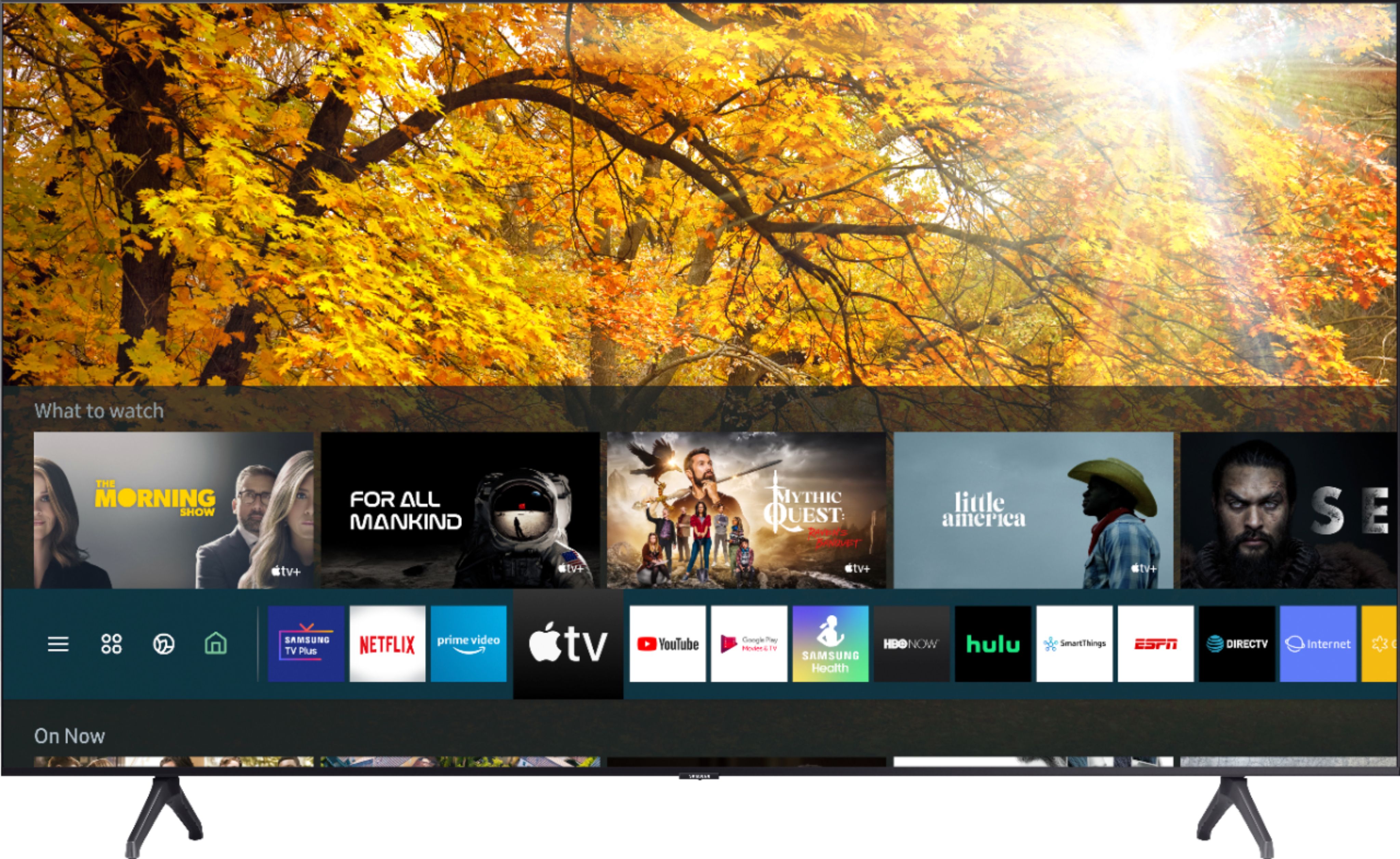
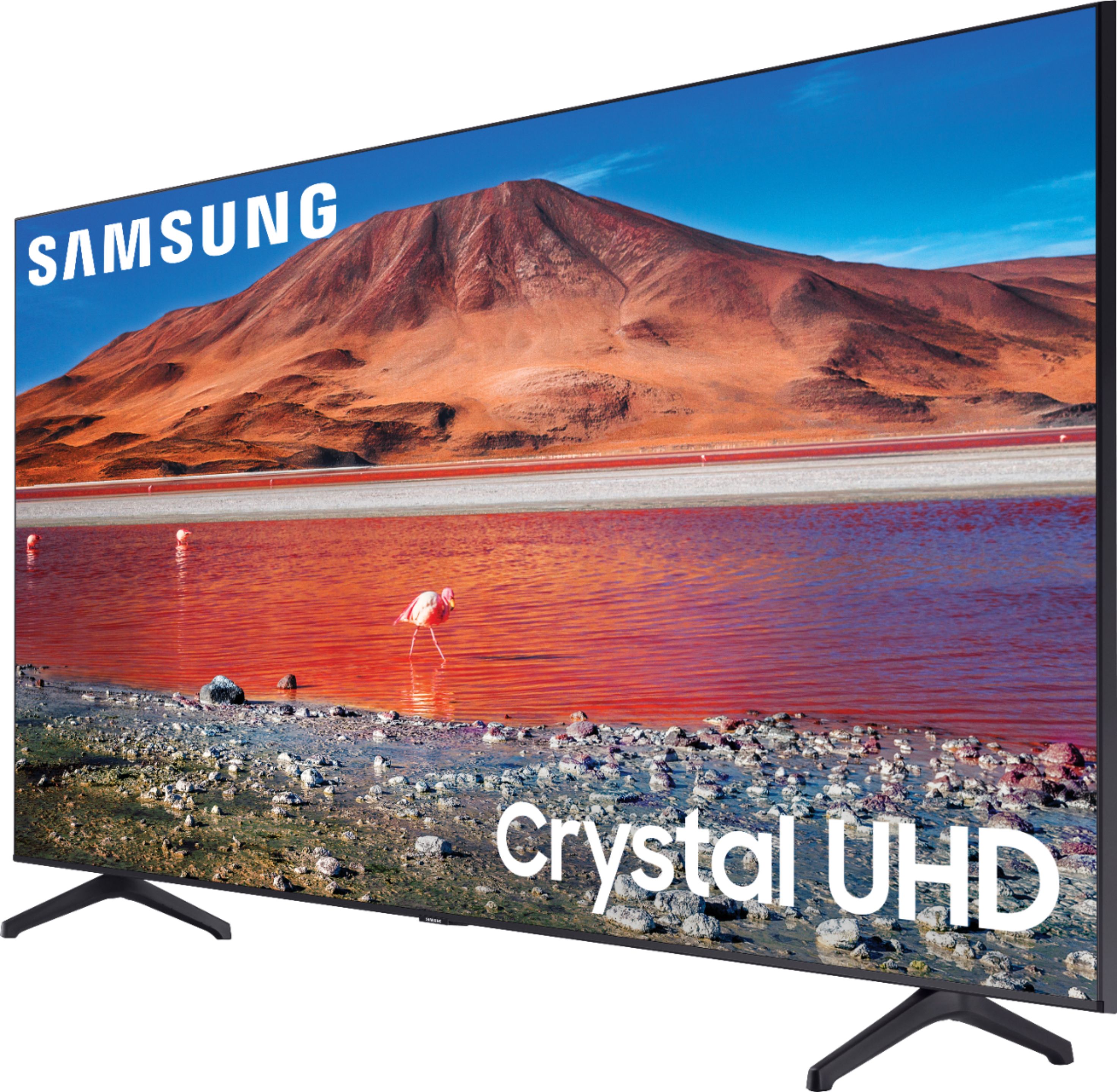
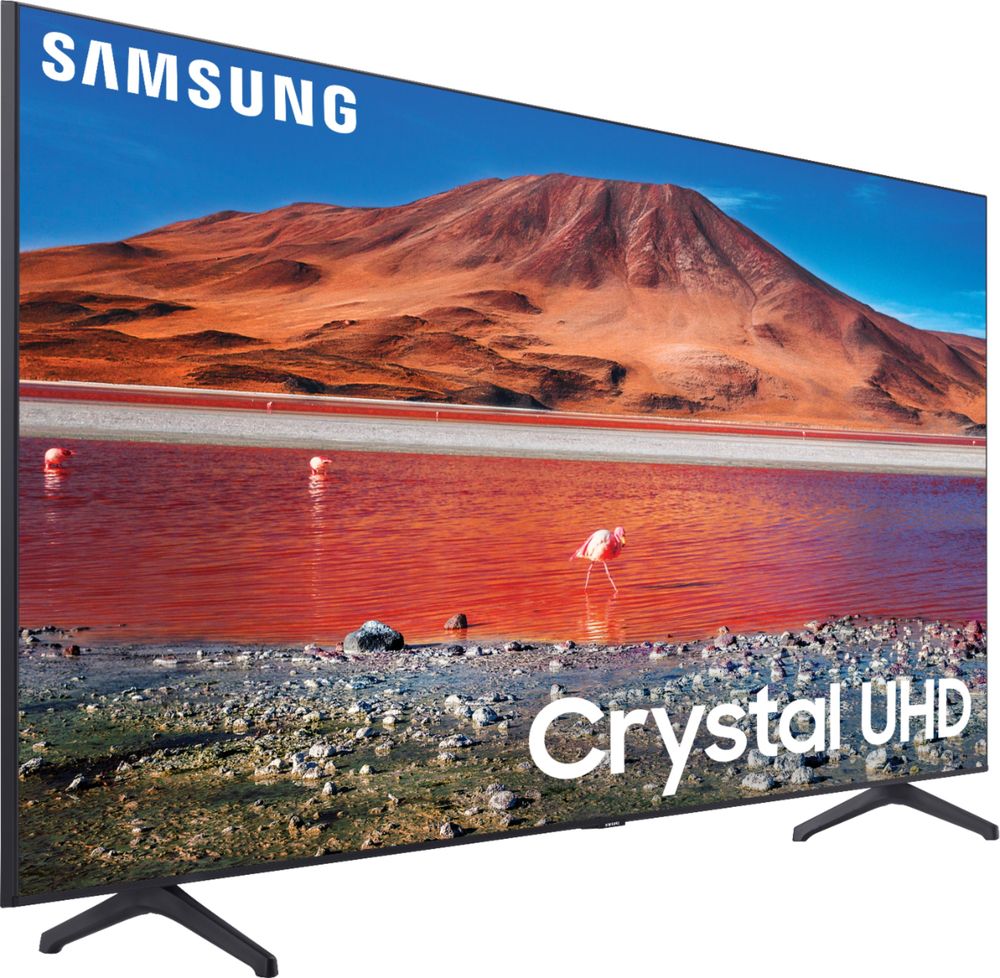
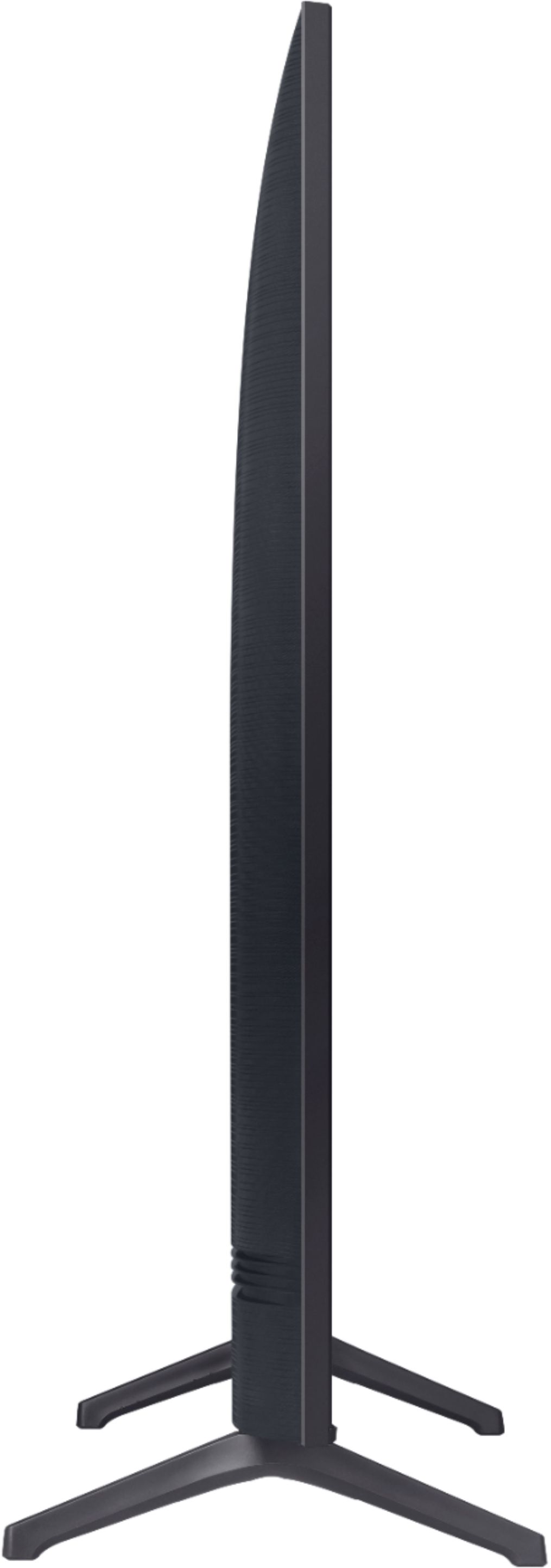
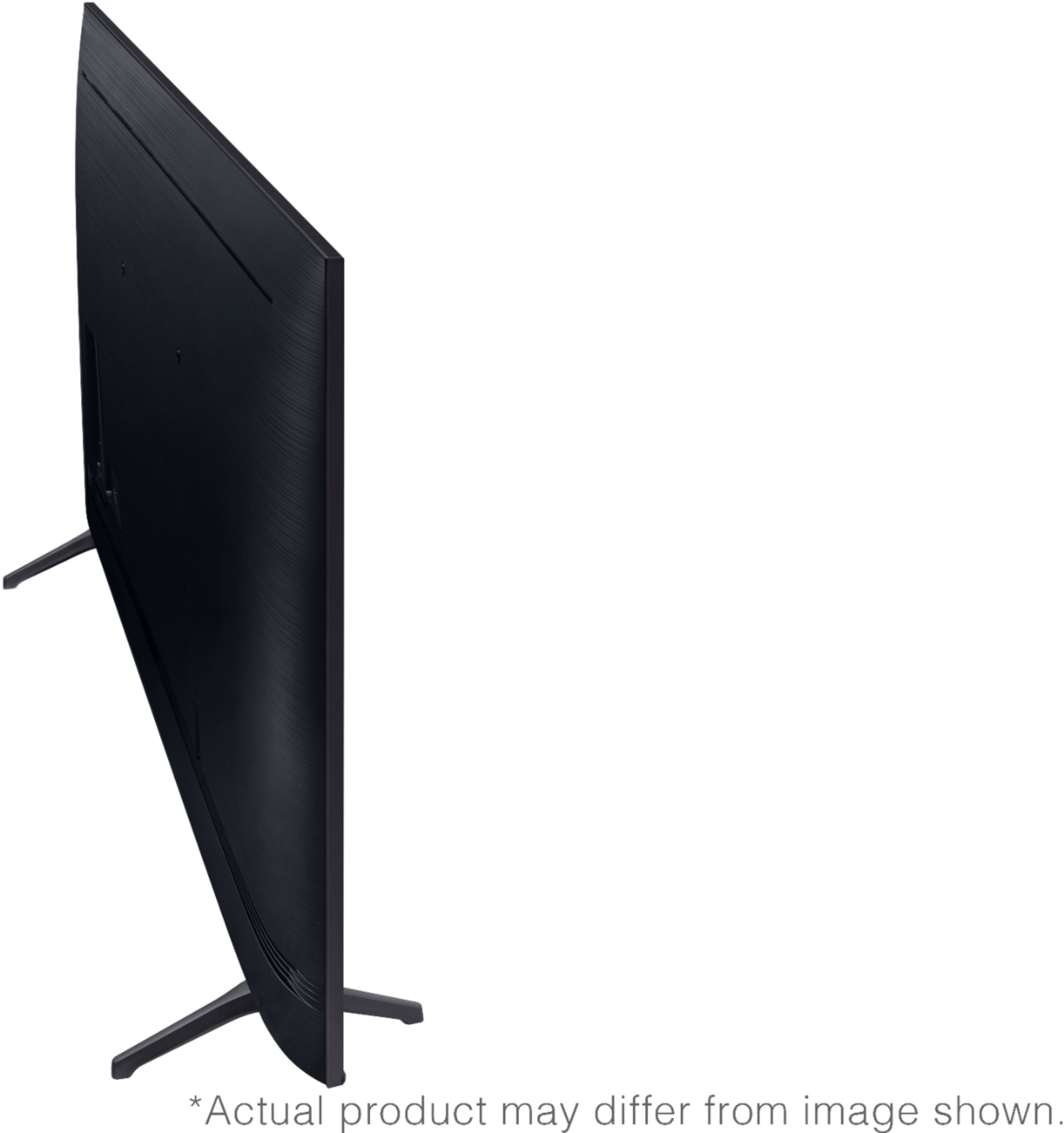
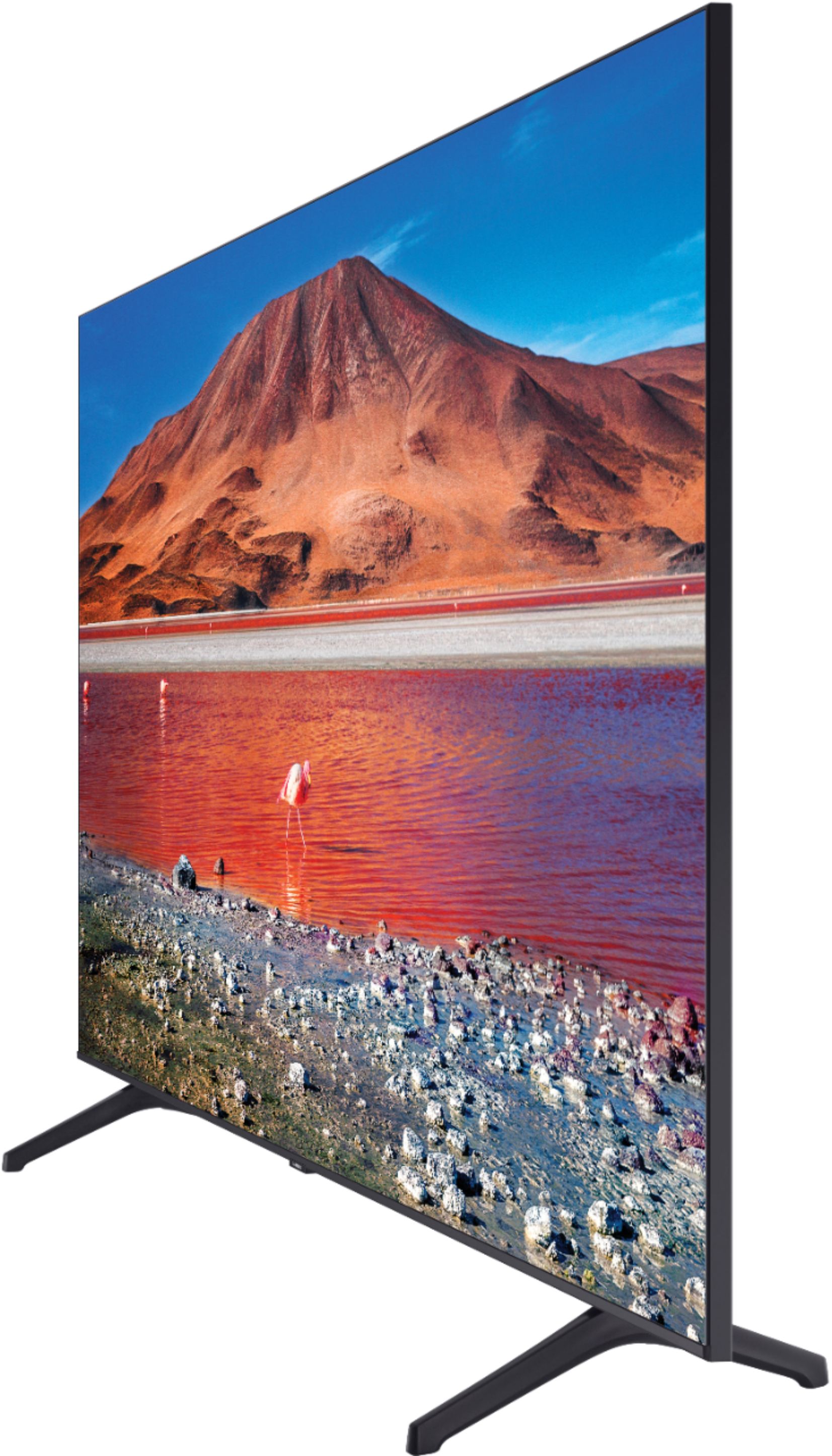
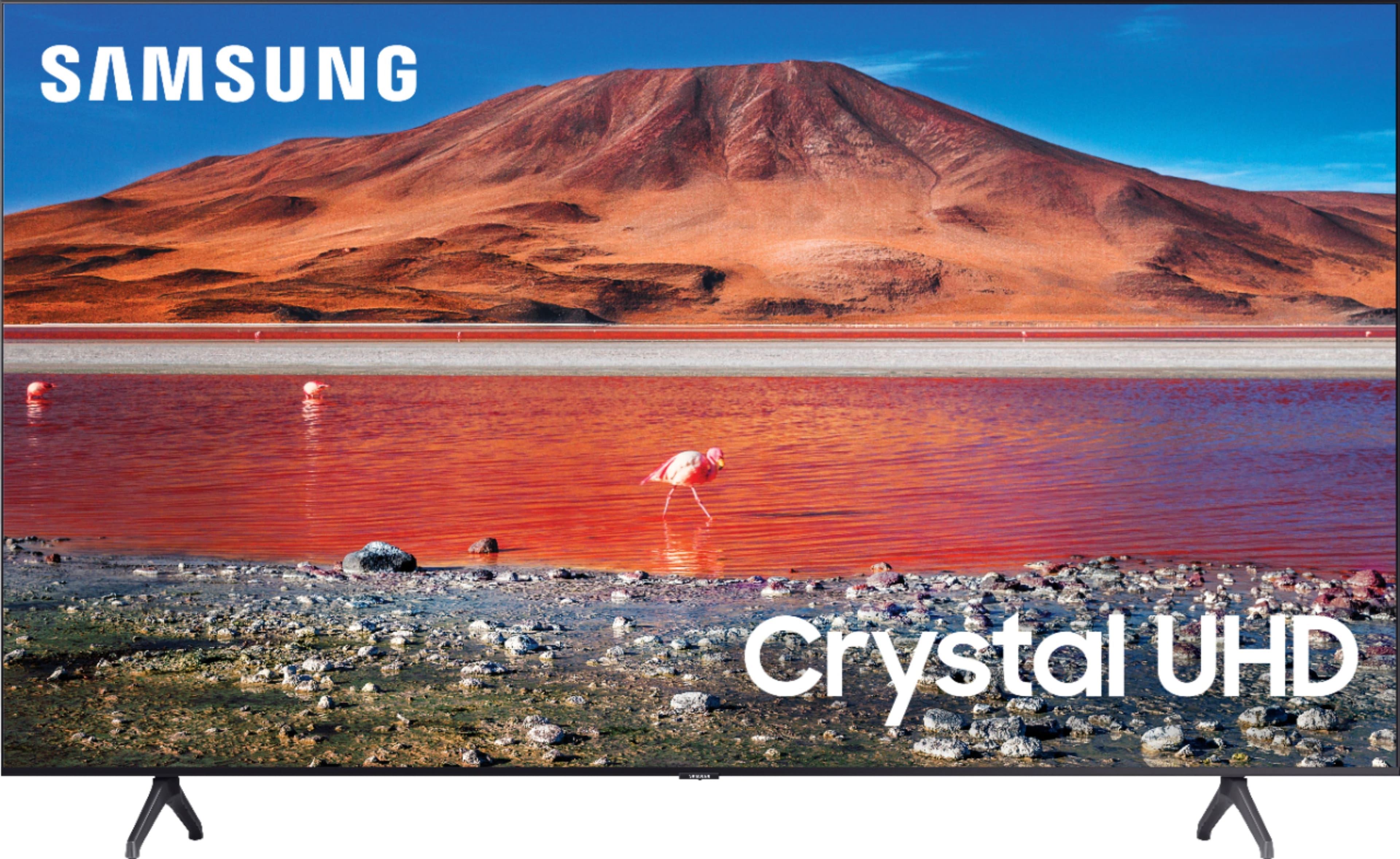
A:AnswerMy old TV was a 42" & was supported by an inverted-T shaped stand in the middle. The 58" Samsung is supported by 2 inverted-V shaped legs that are widely spaced. The whole TV is 50.80" wide, but the outside of the legs are only 40" apart, so that is the minimum width the table or cabinet it is going to sit on must be, and, for safety, 42" would be better.
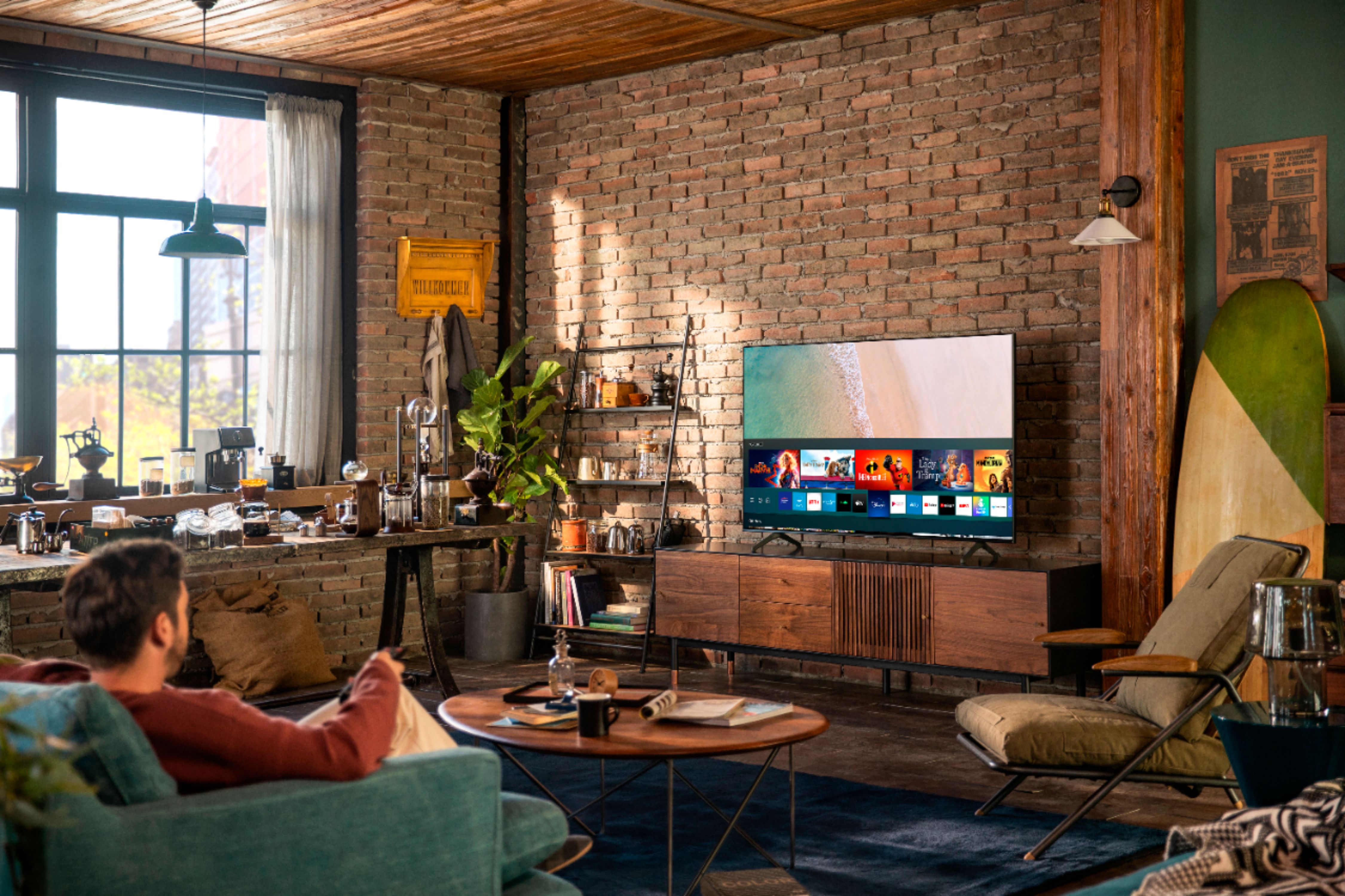
A:AnswerHi TT! The apps listed above, along with many others, are available through the Samsung smart platform with the built in app store. You can use the search feature to find and download the apps you are looking for. Content unavailable through the built in app store can be sent to the TV utilizing screen mirroring features from a mobile Android or Apple device, allowing even more of your favorite content on the big screen. ^Tim
A:AnswerHi Lollie! The TU7000 features two HDMI ports allowing you to connect devices such as a Roku. The TV also features the Roku Channel application available through the app store. ^Tim
A:AnswerHi Ronn! Samsung does not offer a center stand option for the TU7000. You can utilize the mounting adapter at the following link from Best Buy to add a center stand to the TV if needed. https://www.bestbuy.com/site/sanus-premium-swivel-tv-base-for-most-32-60-tvs-black/5463304.p?skuId=5463304
^Tim
A:AnswerYes, the tv is equipped with 1 optical outjack for a sound bar or surround sound. However, I would recommend using a wireless sound bar to avoid all the wires.
A:AnswerHi
About your question
for further information, you can Call customer service ,Samsung and Best Buy
I give you
Brief explanation about this TV,more then five stars TV
Smart TV that contains all the modern technology
Clear picture and stereo sound
One of the finest and most beautiful TV
We are very pleased with this great product
I appreciate Samsung and Best Buy on this TV
sincerely
Customer
A:AnswerHi E! Samsung 2020 TVs such as the TU7000 feature Multi View, allowing you to watch TV and mirror your phone at the same time. You can use a different combination of sources depending on what kind of Samsung TV you have.
QLED TVs:
On the left screen: You can play Samsung TV Plus, TV apps, HDMI devices, Antenna or Cable, or USB devices.
On the right screen: You can screen mirror, use AirPlay, cast from an app, or cast from an IoT camera.
UHD TVs:
On the left screen: You can play HDMI devices, Antenna or Cable, or USB devices.
On the right screen: You can screen mirror your phone.
^Tim
A:AnswerHello TonyMast,
Yes, the 58TU7000 can be hardwired via Cat-6 Ethernet cable for Internet access to the TV. No other cables required. For Cat-6 Ethernet cables please check out at Best Buy.
https://www.bestbuy.com/site/searchpage.jsp?st=cat+6&_dyncharset=UTF-8&_dynSessConf=&id=pcat17071&type=page&sc=Global&cp=1&nrp=&sp=&qp=&list=n&af=true&iht=y&usc=All+Categories&ks=960&keys=keys
^Cristian
A:AnswerHi Lroy! The TV will include legs and is compatible with a VESA mounting pattern of 400x300mm allowing a range of universal stand solutions to work with the TV. Check out the universal Sanus swivel base at the following link from Best Buy for a great option. https://www.bestbuy.com/site/sanus-premium-swivel-tv-base-for-most-32-60-tvs-black/5463304.p?skuId=5463304 ^Tim