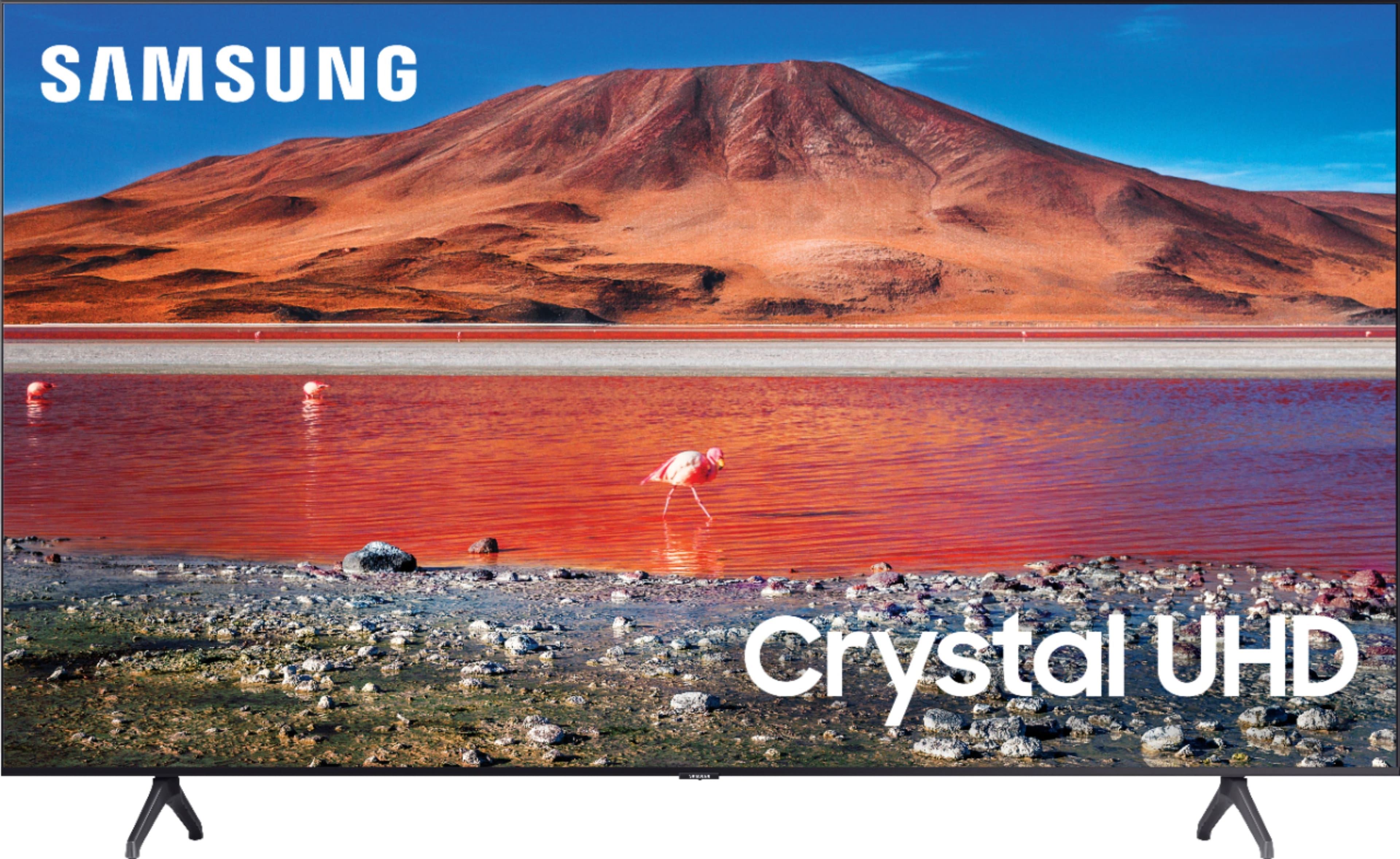
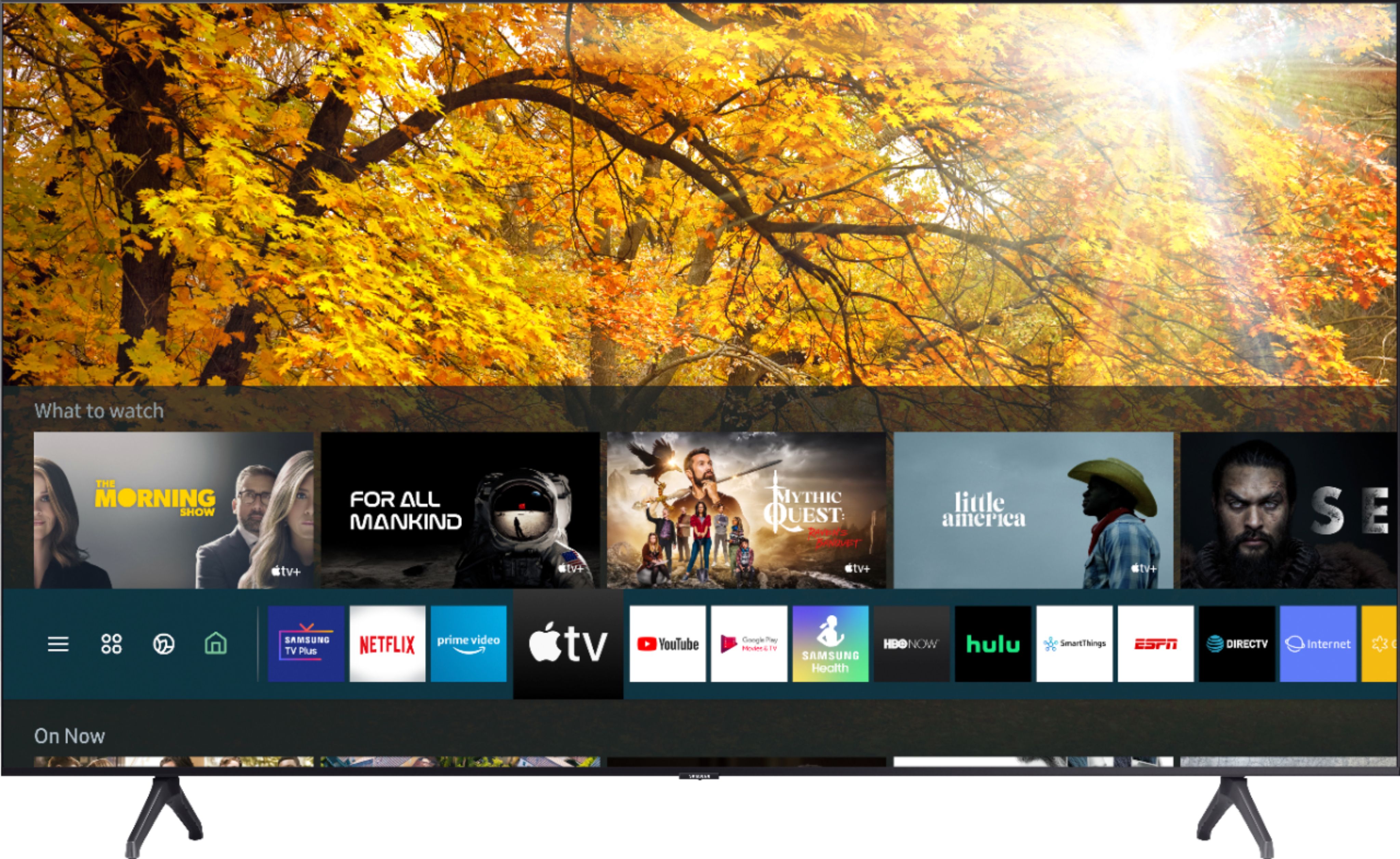
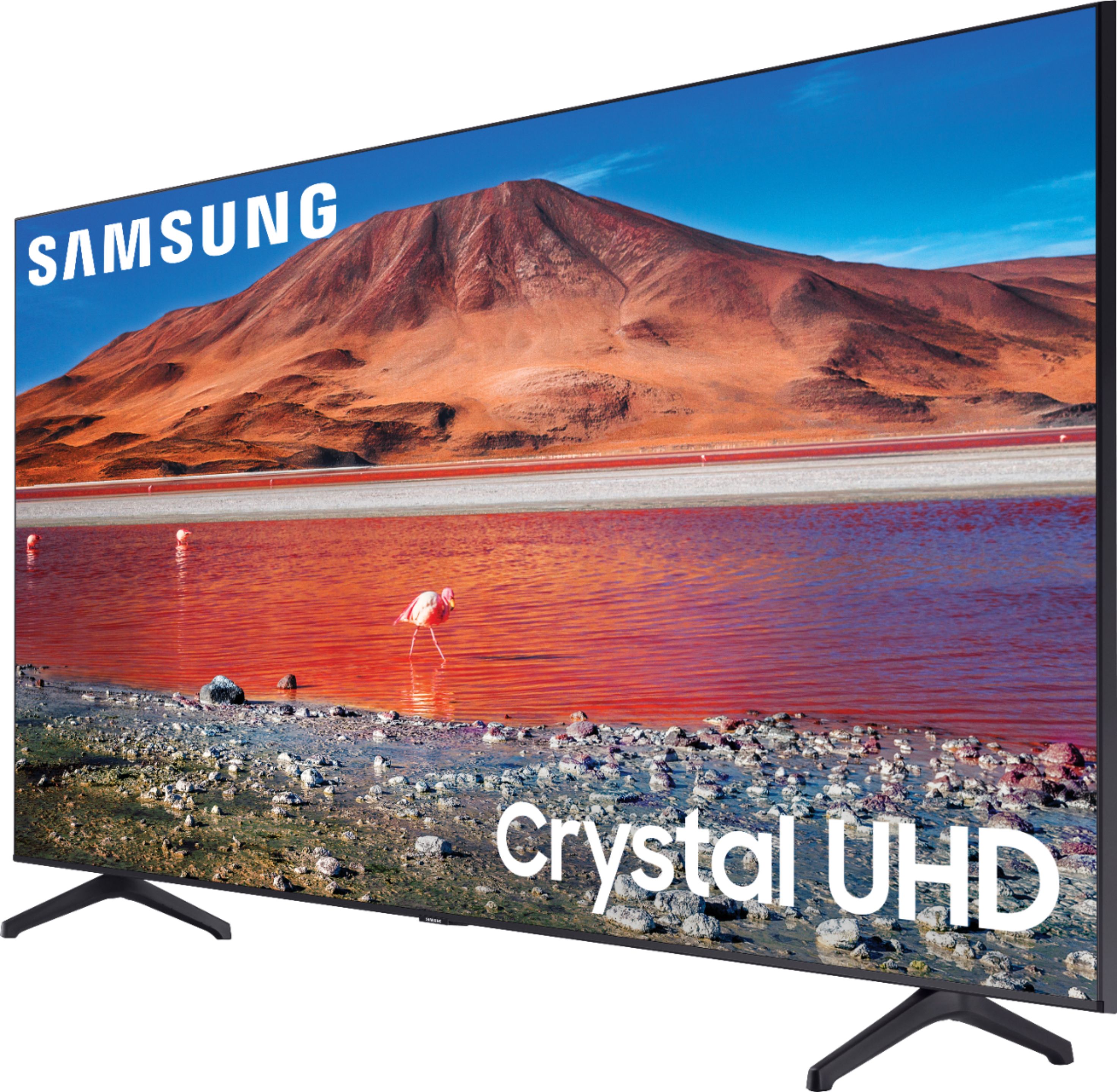
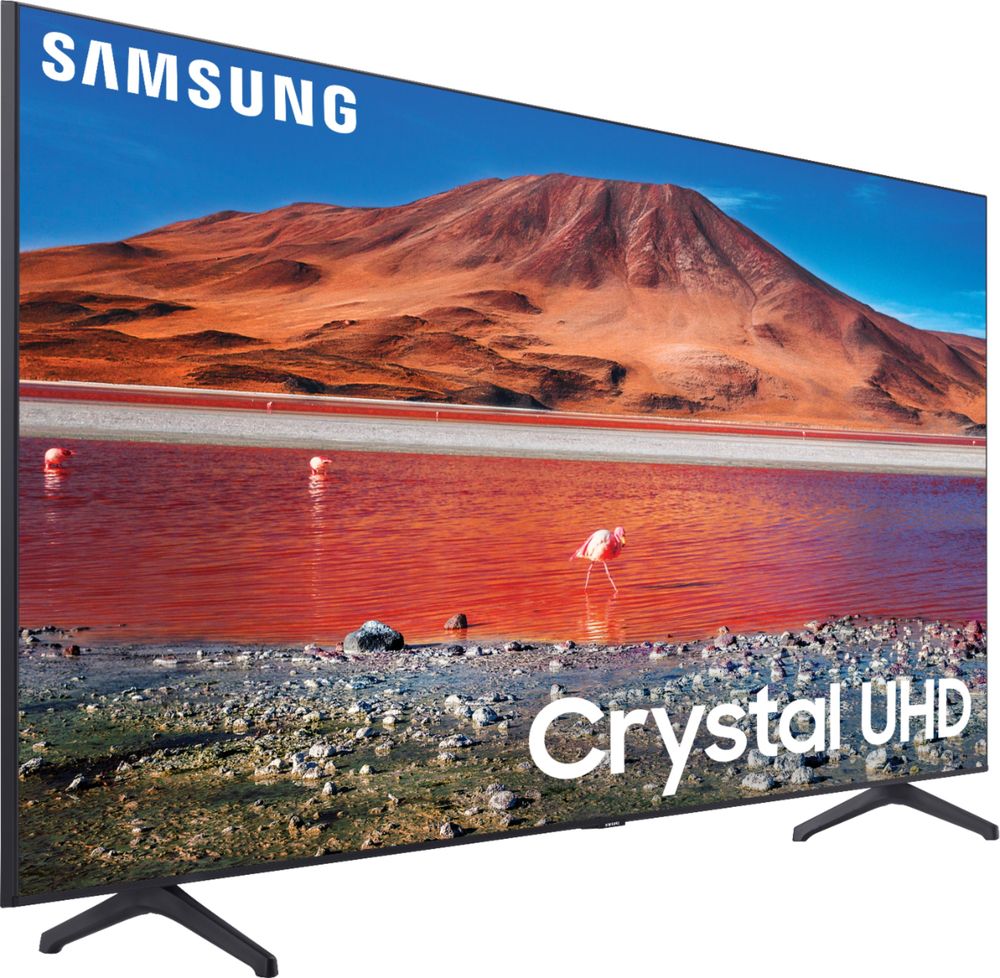
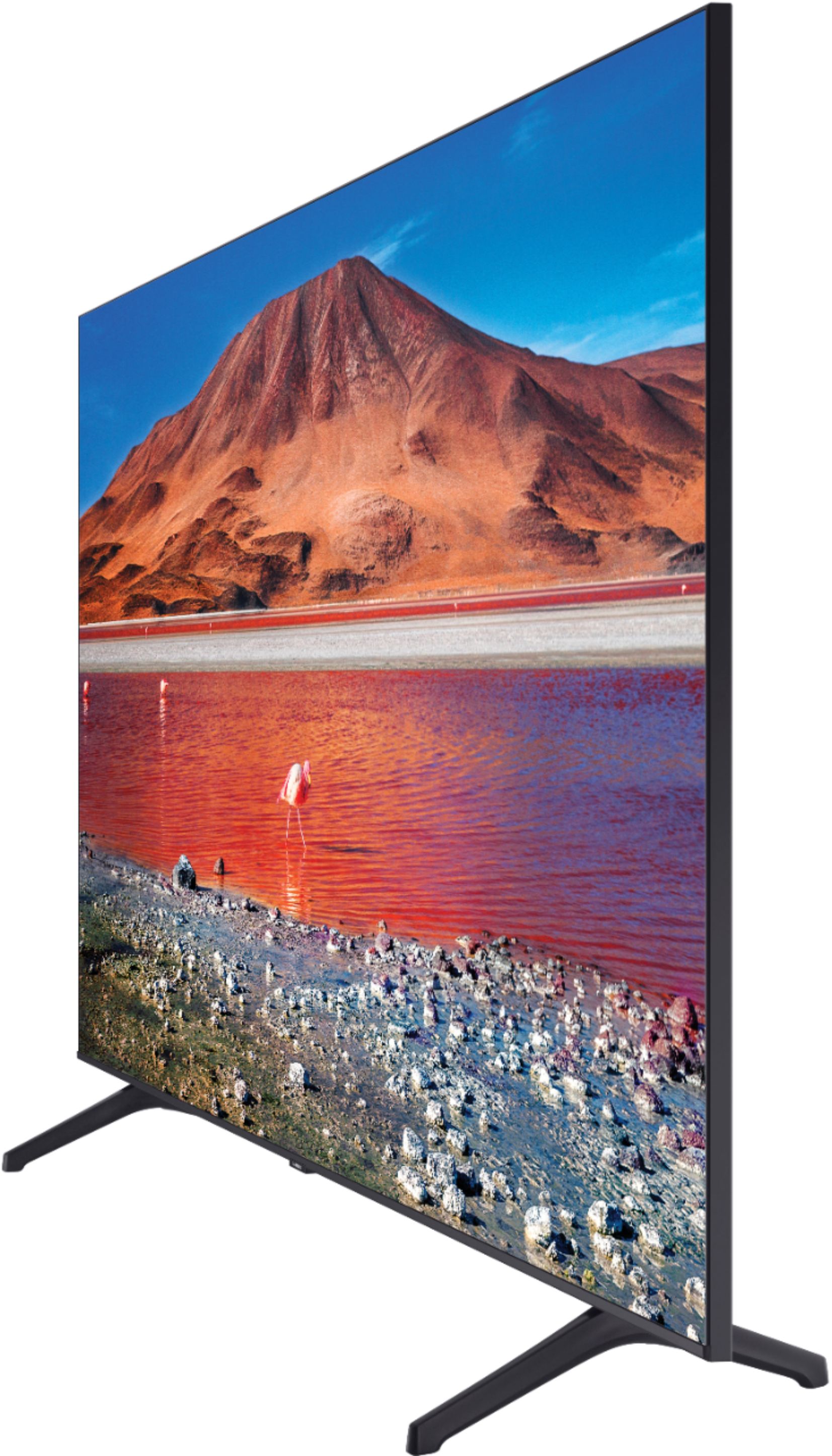
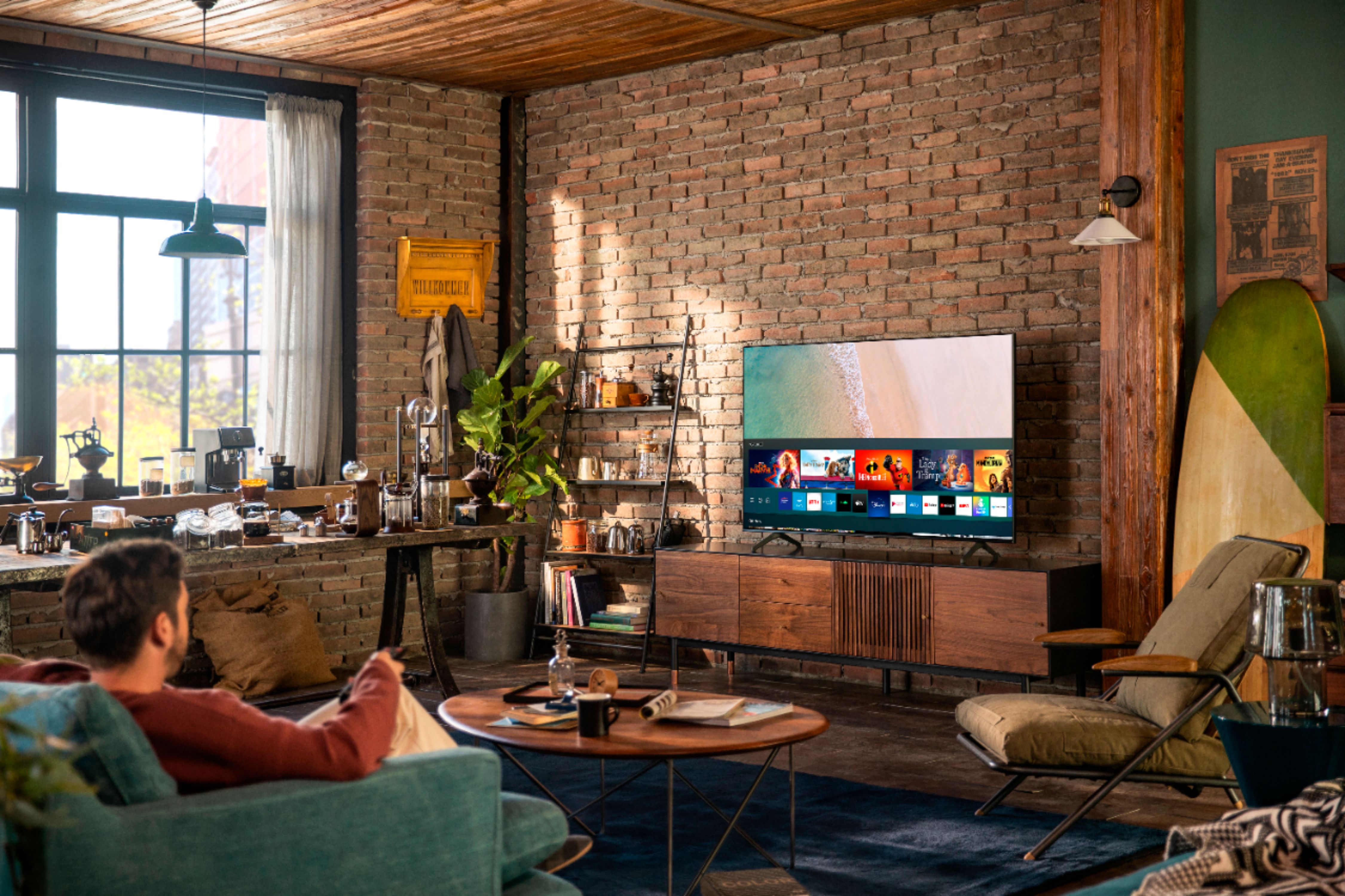
A:Answer First, connect the supplied USB cord to the Fire TV Stick's micro-USB port. Plug the other end of the cable into the power adapter. Next, connect the power adapter to a power outlet. Plug the Fire Stick into an “HDMI port” on your Samsung TV, or to an adapter like S-Video to HDMI, SVGA to HDMI, or DVI to HDMI. Change the source and then it should populate.