A:AnswerAre you using the bolt in WiFi ? I changed mint to being hard wired ( Ethernet cable) and now it works perfectly and no more flicker as most WiFi’s can not support this tv.
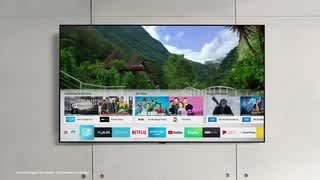
A:AnswerI believe it just gives your TV a background while its idle so you can see a mountain landscape or something. It's pointless honestly. I'm sure it put the TV in a low power state but you're still using more electricity than if it were off and I can't help but think its burning into the life of the TV if only minimally. Also, during setup it didn't close correctly so I had a faint grey box around my screen when out of ambient mode. It just didn't close correctly. Opened ambient mode again, closed it, and it went away. Point is that's just ok software that's pointless.
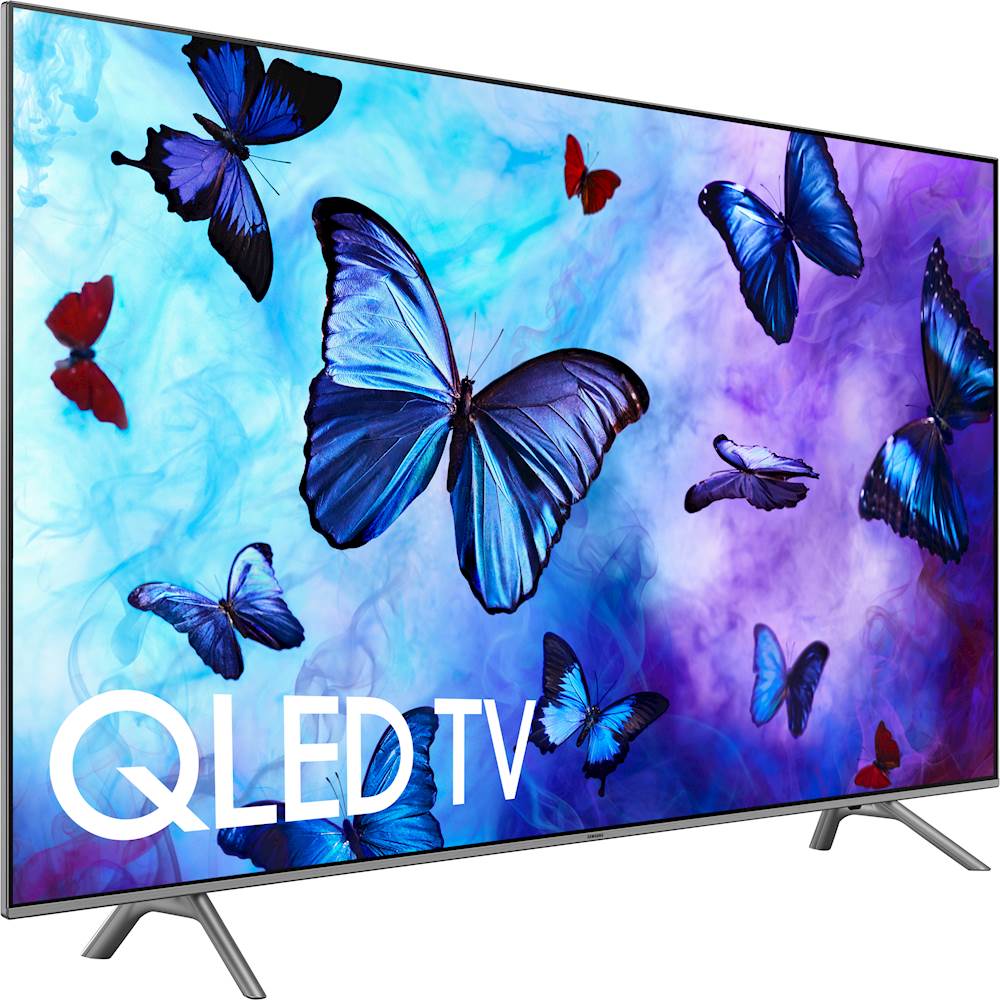
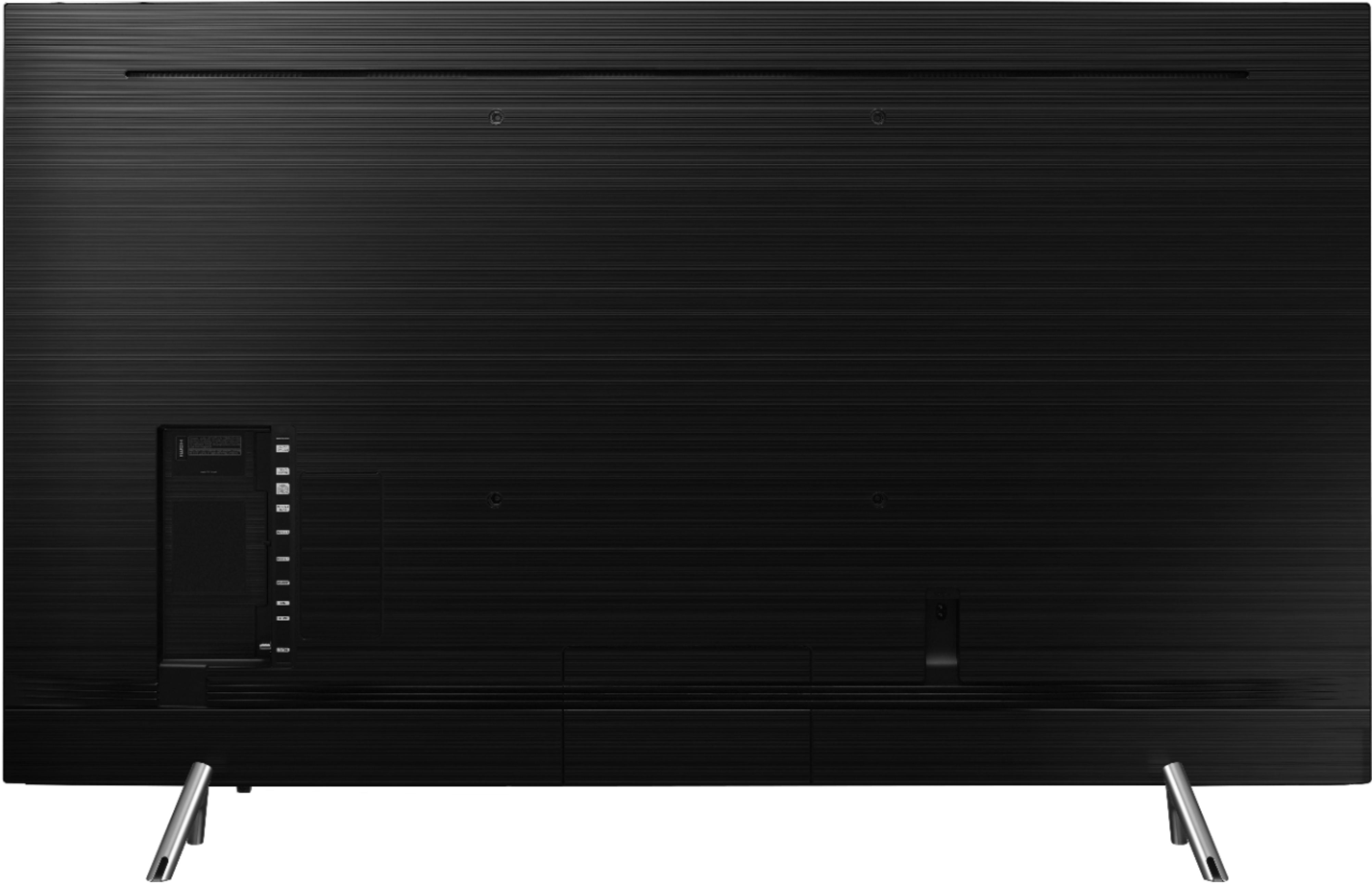
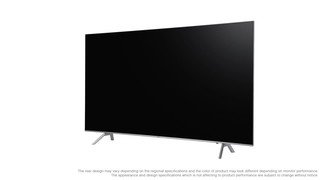
A:AnswerIt depends on which legs you use. If you use the legs utilized by the box, they are exactly 42.173” wide from center-point to center-point. Make sure tv is thoroughly balanced on,legs to prevent accidental tip over
A:AnswerDid you get an answer for this?
What are you connecting to the Converter. IE VCR, Camcorder etc
The RCA port is an input from one of the devices I mentioned above and the output is HDMI which will connect to the TV.
I have not used one of these but it should be fairly straight forward.
Make sure that your connections are correct and you have power to the converter.
A:AnswerI’m able to use my dish network remote to change the screen. The*on the bottom of the left hand of the remote is how you change the screen size on the dish remote. We use stretch
Otherwise you will have to use your remote look in your book and it will tell you how to change it unless you have a dish remote.