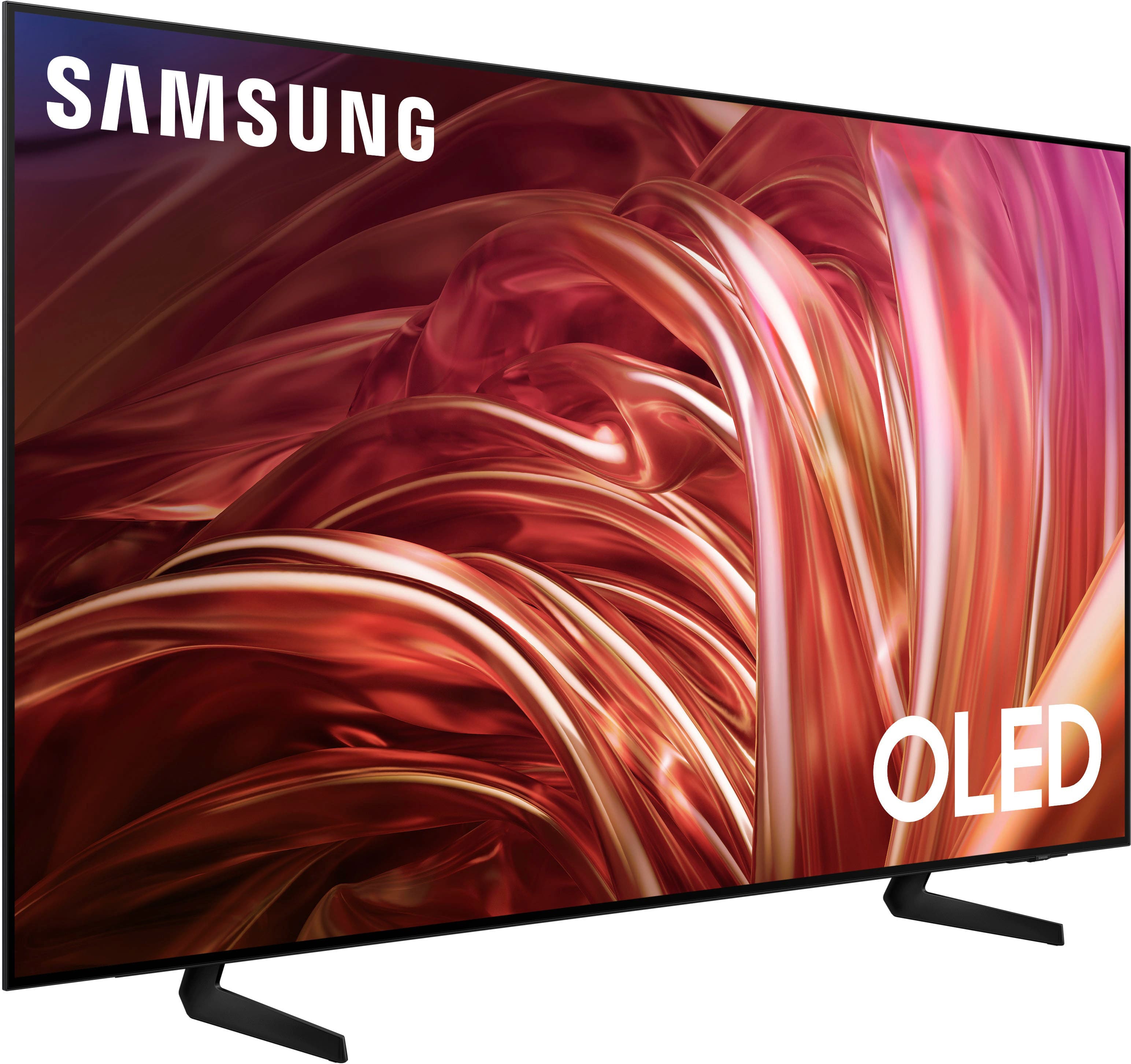
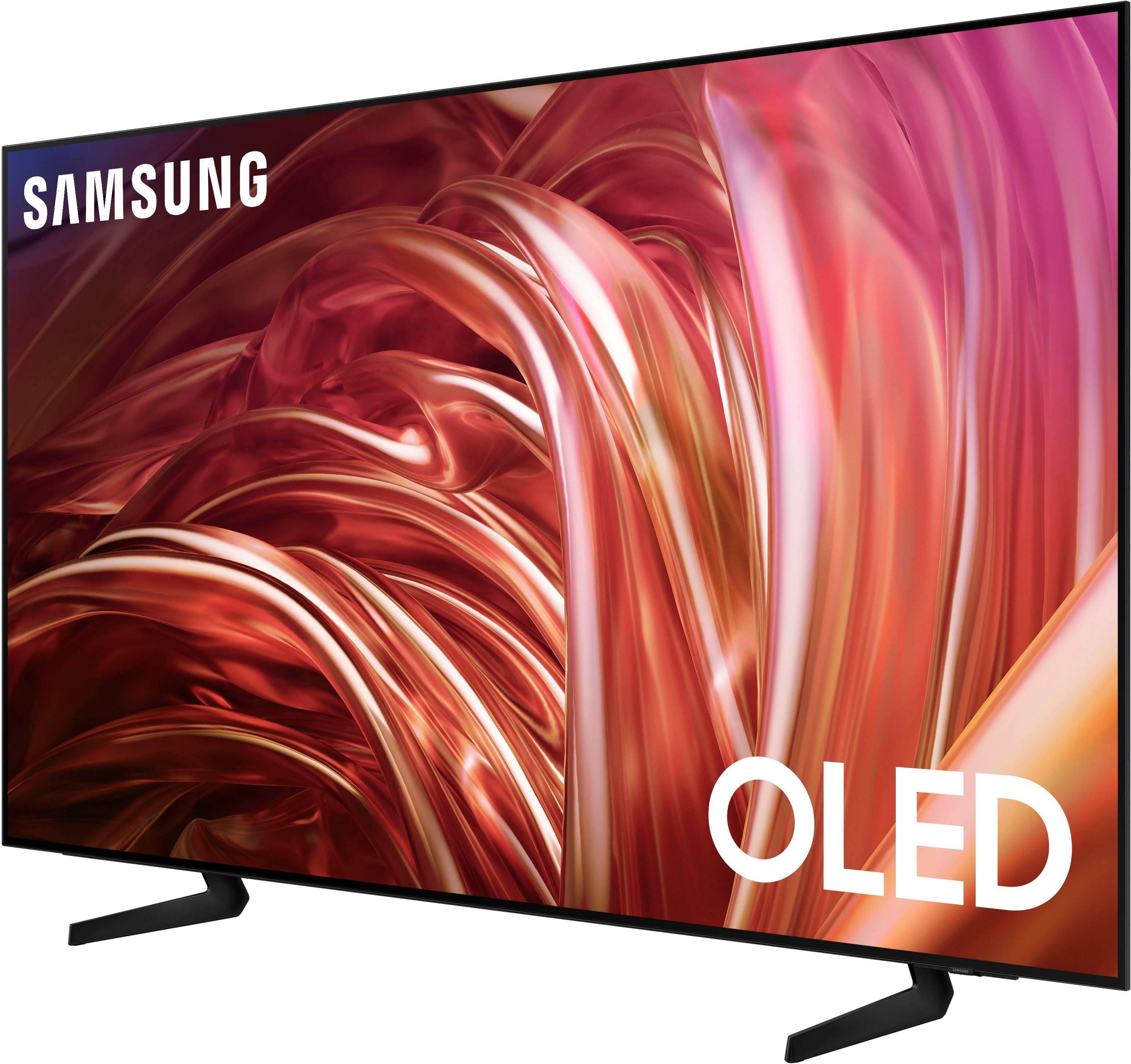
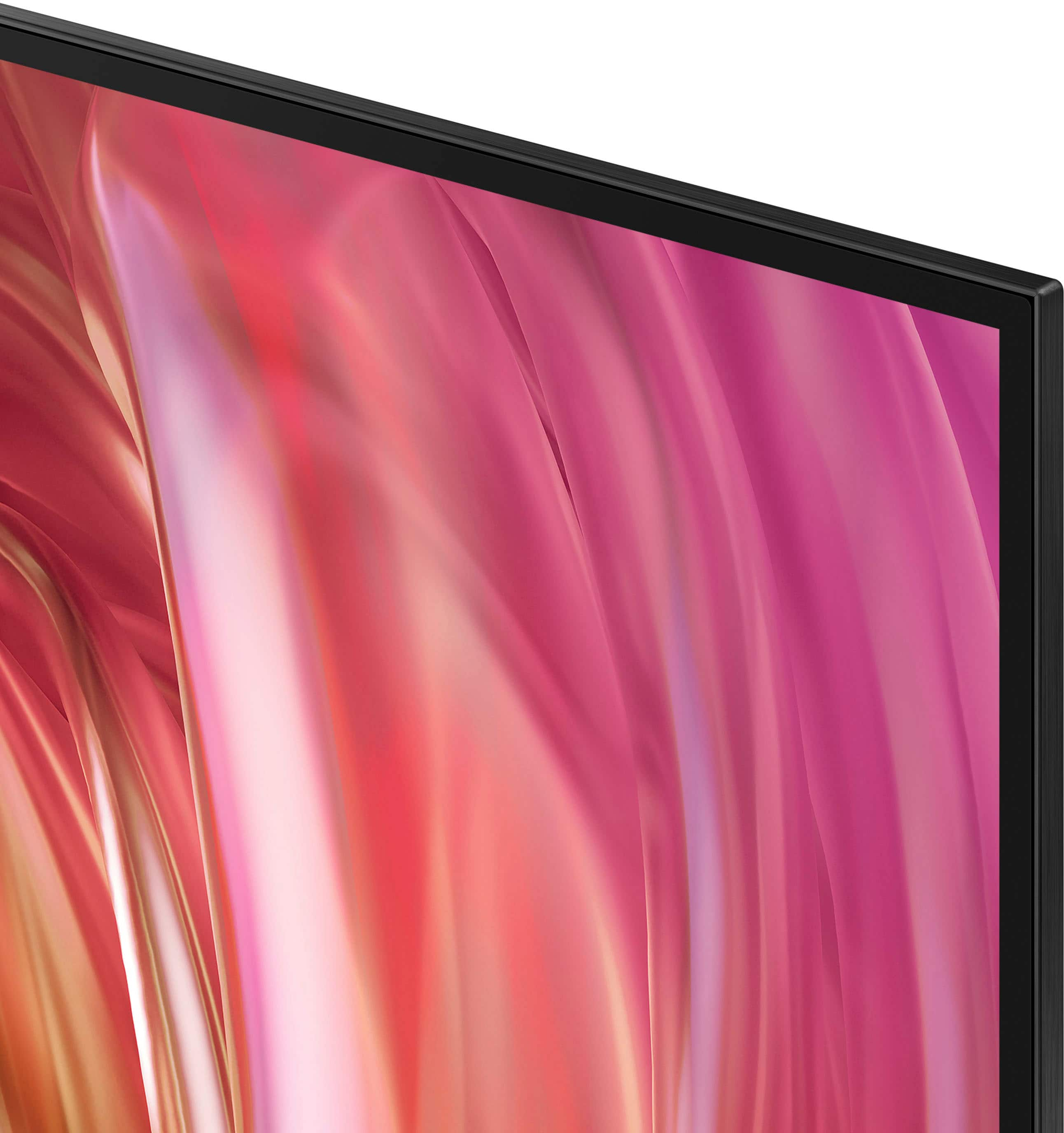
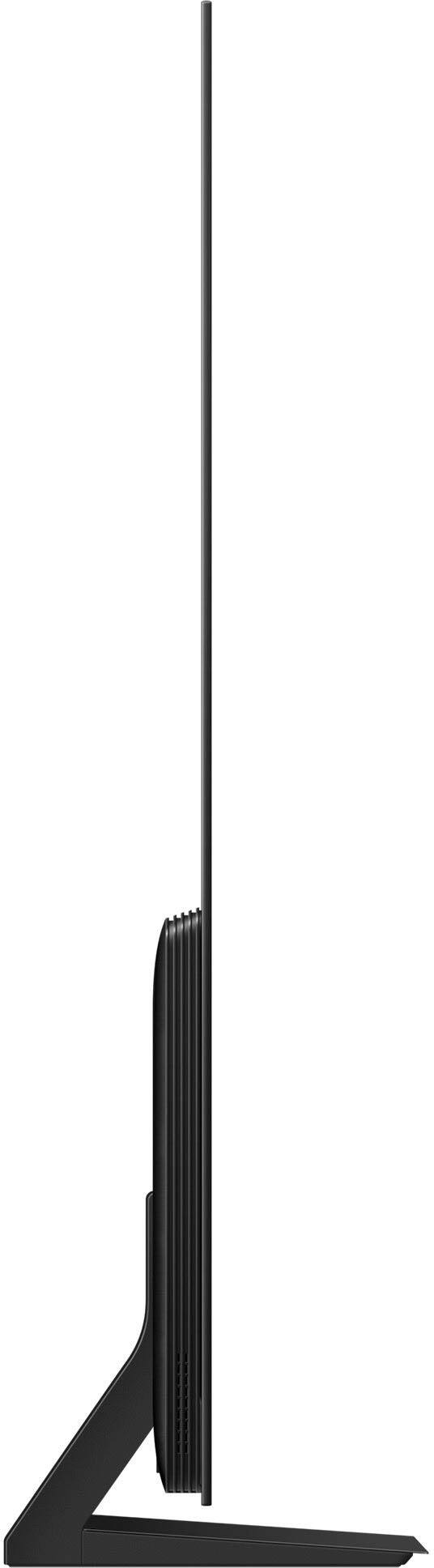
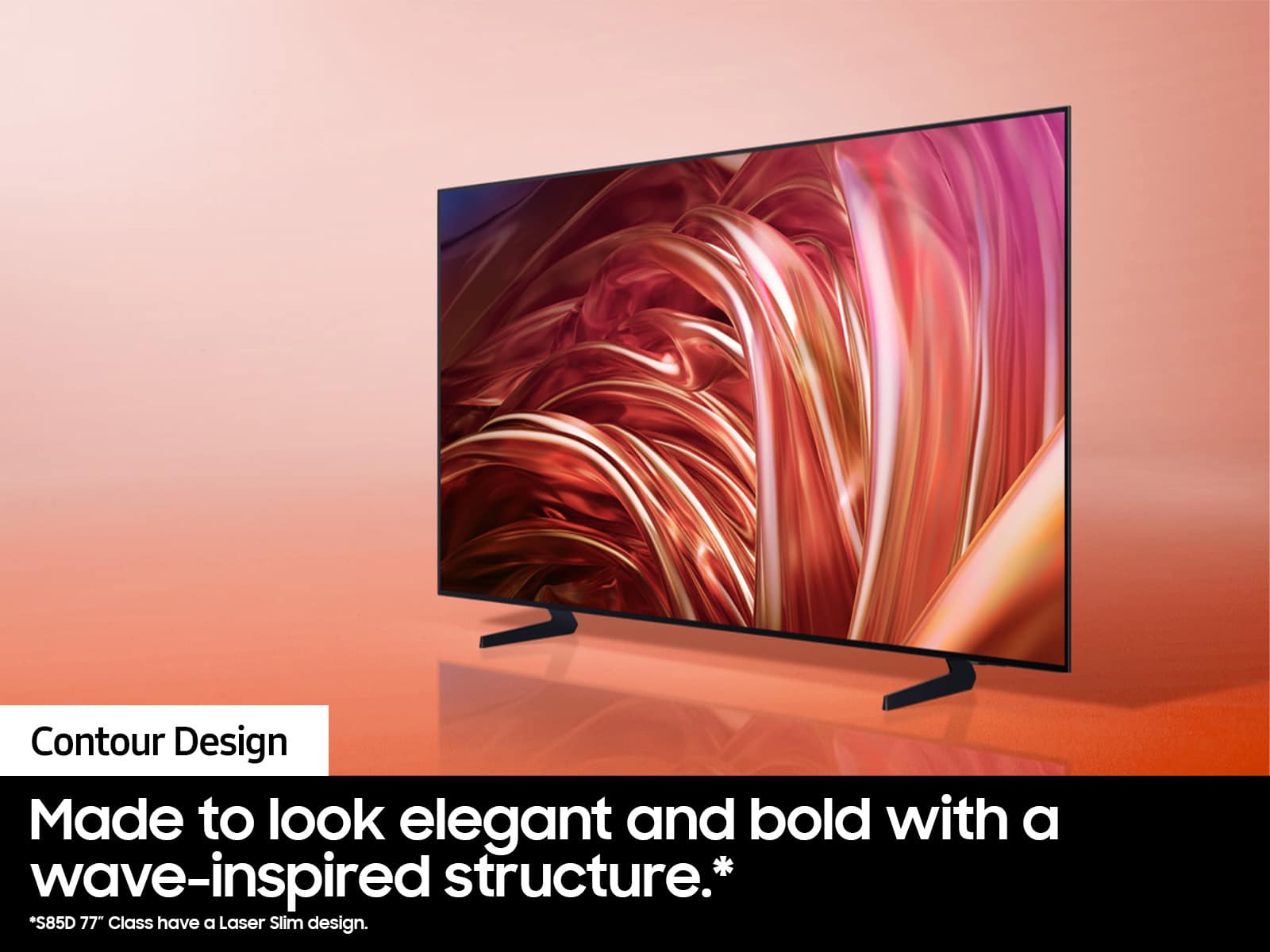
A:AnswerThe Contour Design on the 65-inch and 55-inch class models features a wave-inspired structure, creating a continuous and elegant look that blends seamlessly into your home.
This question and answer was generated by AI based on customer and product data.
A:AnswerIf you watch this video and follow the instructions, you'll avoid common mistakes, like pinching the screen, which can easily cause it to crack.
This question and answer was generated by AI based on customer and product data.
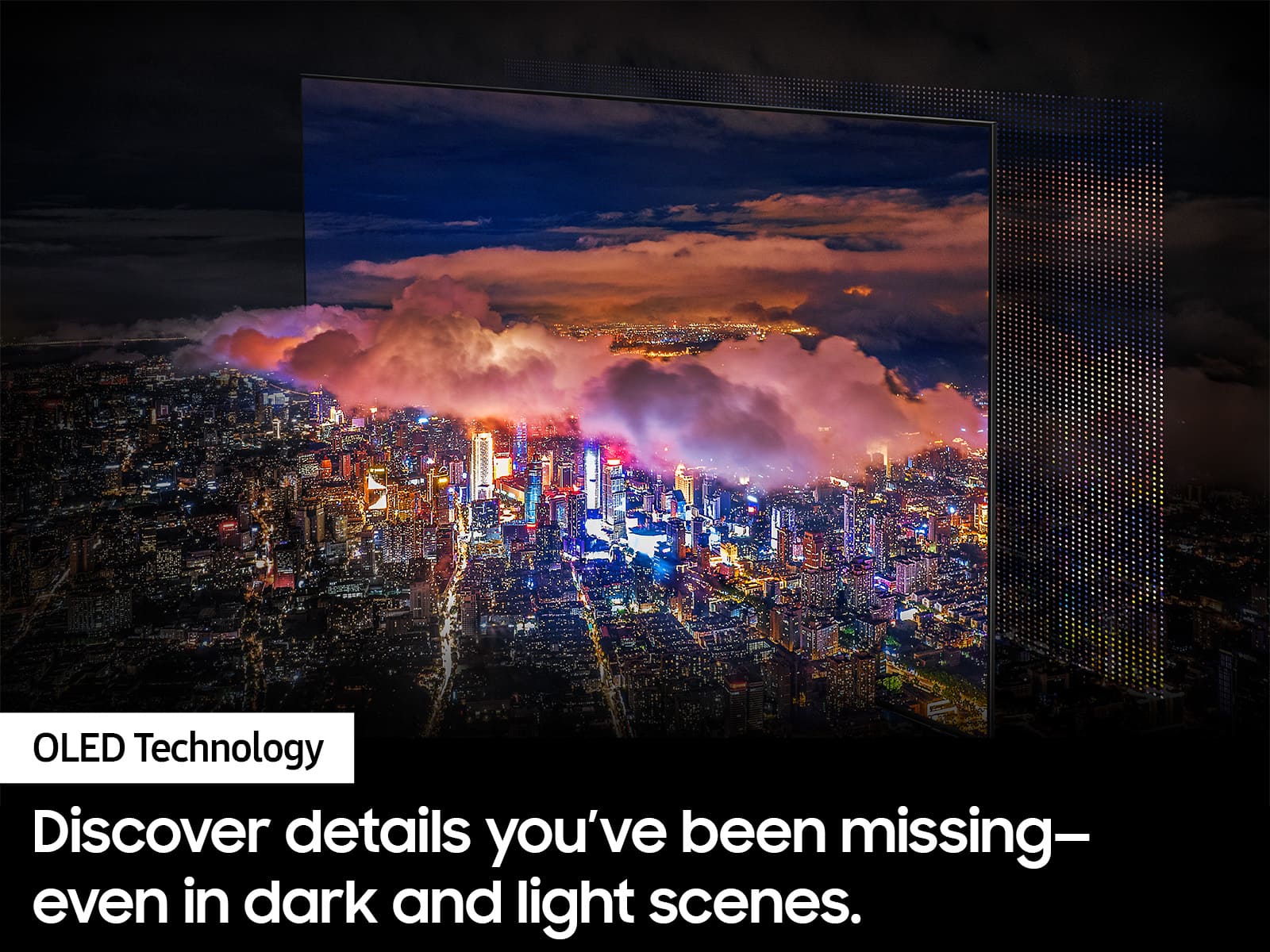
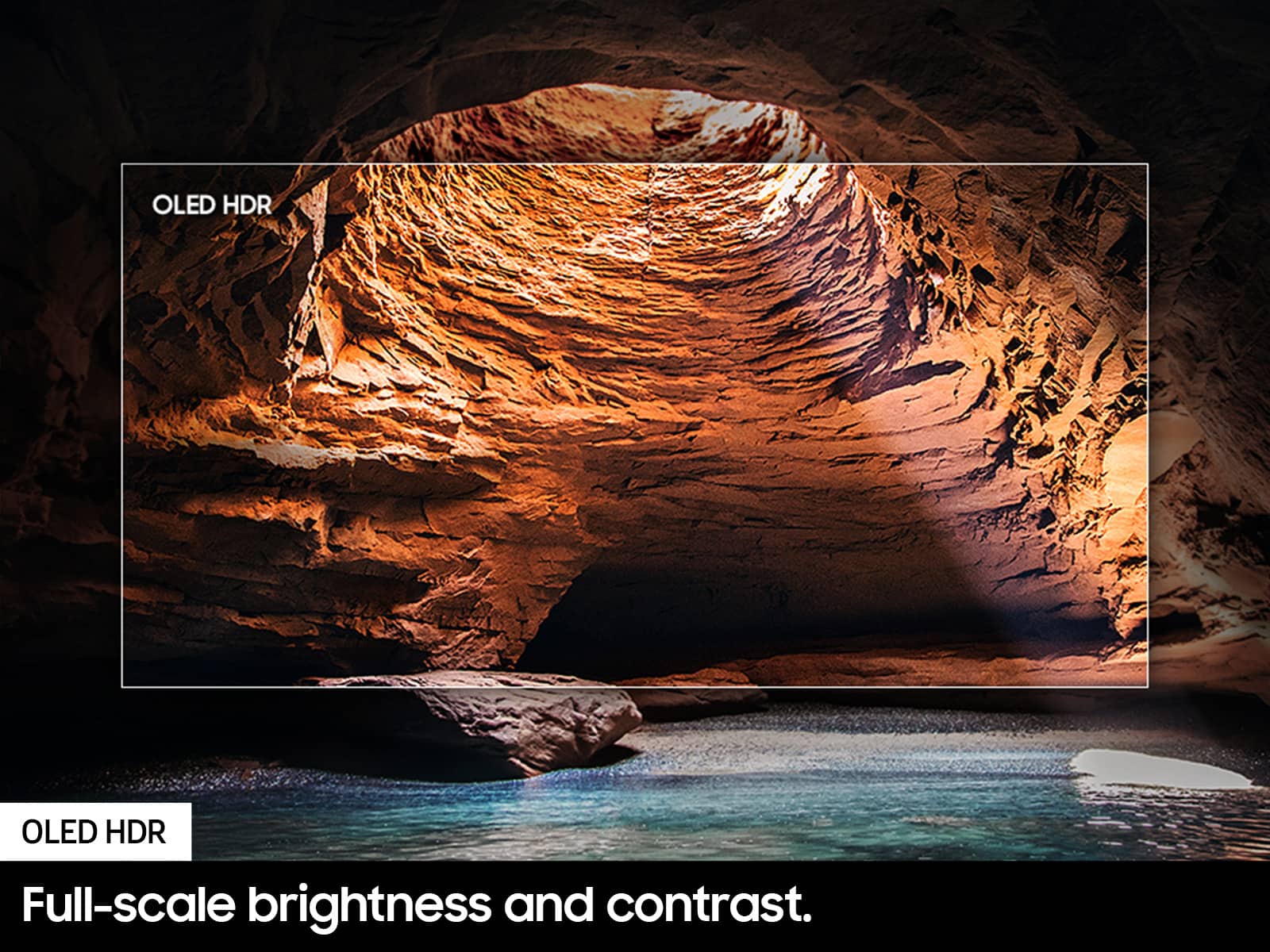
A:AnswerThanks for asking! The Picture: The S85D & S90D both use our OLED technology for pure blacks, bright whites, and fine-tuned detail, and OLED HDR for enhanced brightness and rich contrast. Design: The S85D features our bold & elegant Contour design. With the S90D, you’ll get a super slim, sleek profile with our Laser Slim design. Sound: Both models feature built-in Dolby Atmos, as well as Object Tracking Sound Lite to provide you with 3D surround sound that follows the movement on screen by using our incredible virtual top channel audio. Gaming: While the S85D offers 4K@120Hz, the S90D adds additional enhanced gaming capabilities by supporting up to 4K@144Hz for PCs.
~ Samsung Specialist
A:AnswerAlex - Intelligent Mode can be enabled. You can access Pixel Refresh (as well as other functions) under: Home > Menu > Settings > All Settings > General & Privacy > Panel Care

~ Samsung Specialist
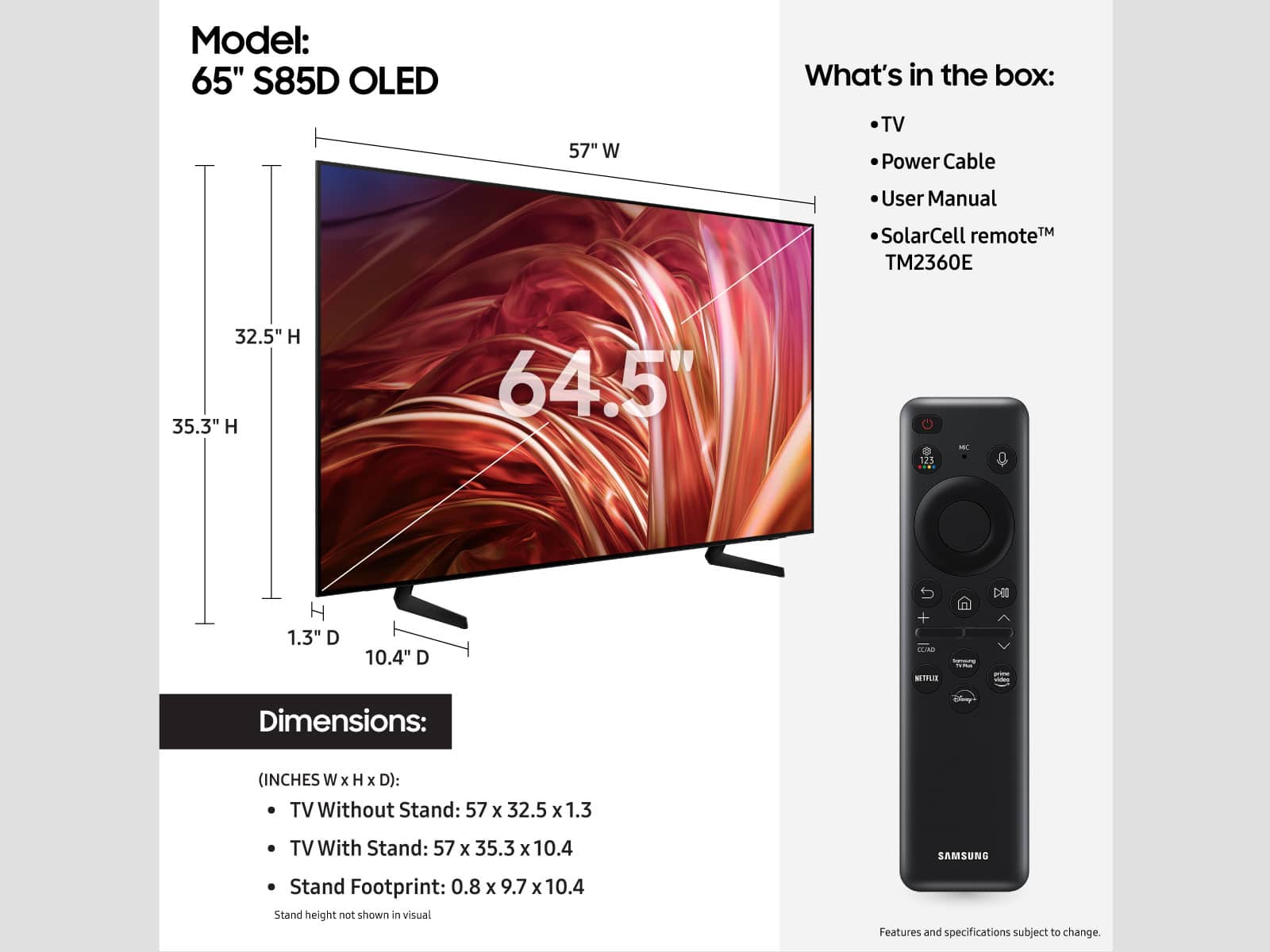
A:AnswerDK - On the 65" S85D, the distance from the top VESA mounting holes to the top of the TV is 17.4". The distance from the bottom holes to the bottom of the TV is 7.4".
~ Samsung Specialist
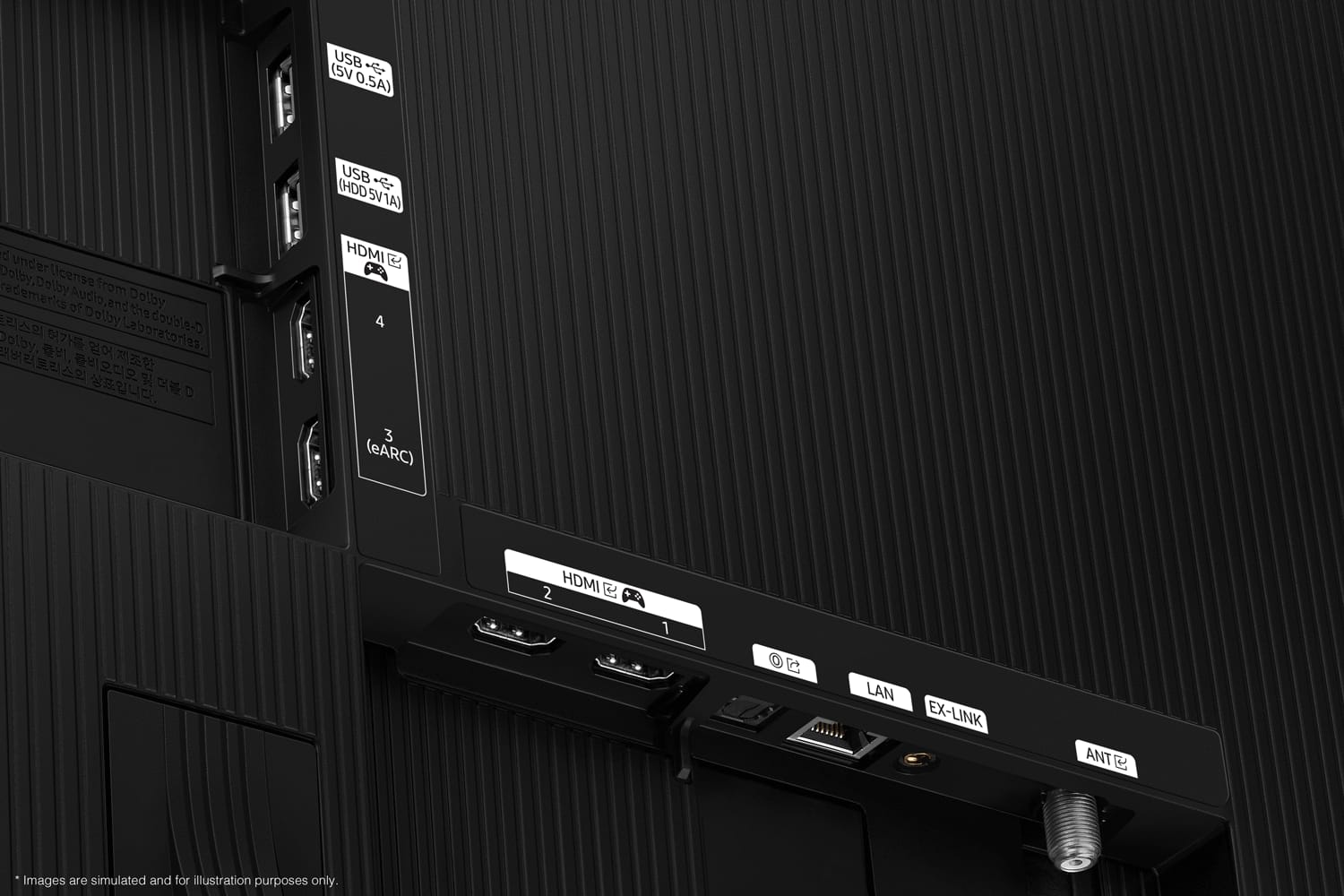
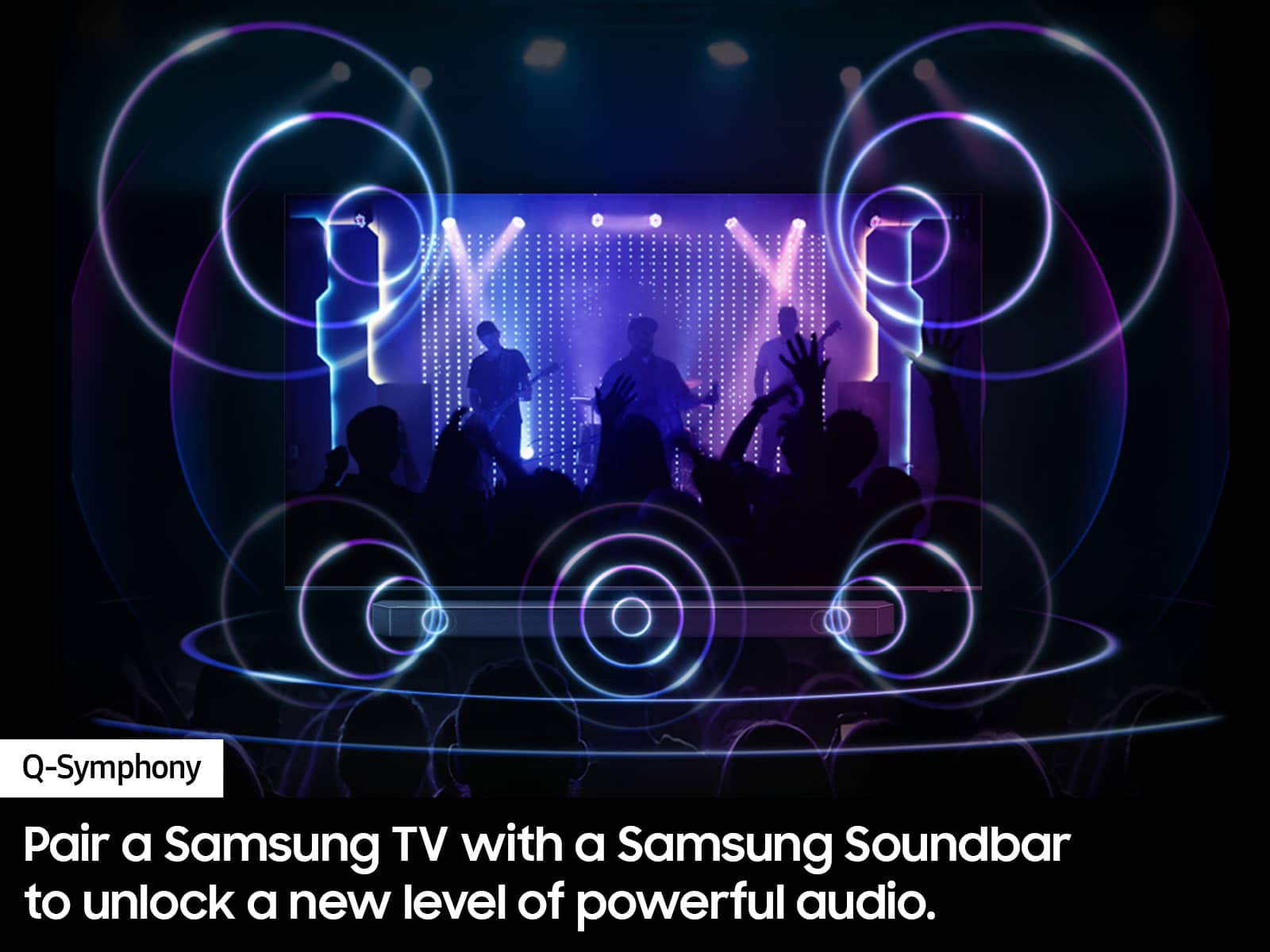
A:AnswerAustinGal - The S85D can connect to external audio devices via a wired (HDMI, Optical) or wireless (Bluetooth, Wi-Fi) connection.
~ Samsung Specialist
A:Answeroled tv's do not have a backlight the light is local to each pixel Qled is Quantum dots with a backlight generally they are brighter have less black to white contrast. If you can get either at the same price I would get the s85d unless I had an extremely bright room. The q80d also does not have local dimming which would make it a closer call
A:AnswerHi KF - To assist you in the learning the various features, functions, and settings of the remote, we recommend referring to the Remote Control Guide embedded into your TV under: Menu > Settings > Support. You can also download the guide on Samsung's website under Support > Manuals & Software > TVs & Home Theater. You can search for and select the S85D TV to download this guide as well as others. If you need more help, please reach out to Samsung Support at: 1-800-SAMSUNG, 8AM - 12AM EST, 7 days a week, or Chat with us on Samsung.com: https://www.samsung.com/us/support/contact/
~ Samsung Specialist
A:AnswerYou can find these measurements on this model’s product page – just click Show Full Specs and scroll down to Dimensions: https://www.bestbuy.com/site/samsung-65-class-s85d-series-oled-4k-smart-tizen-tv-2024/6578059.p?skuId=6578059
~ Samsung Specialist