A:AnswerI have AT&T. Have had no problem with AT&T channels nor problems with streaming services. I do not play video games. My grand kids have yet to visit and pay games.
A:AnswerCarpenter - You can use a Fios remote with the S95B TV; however, additional programming may be needed, and we recommend contacting Verizon to best assist with this.
~ Samsung Specialist
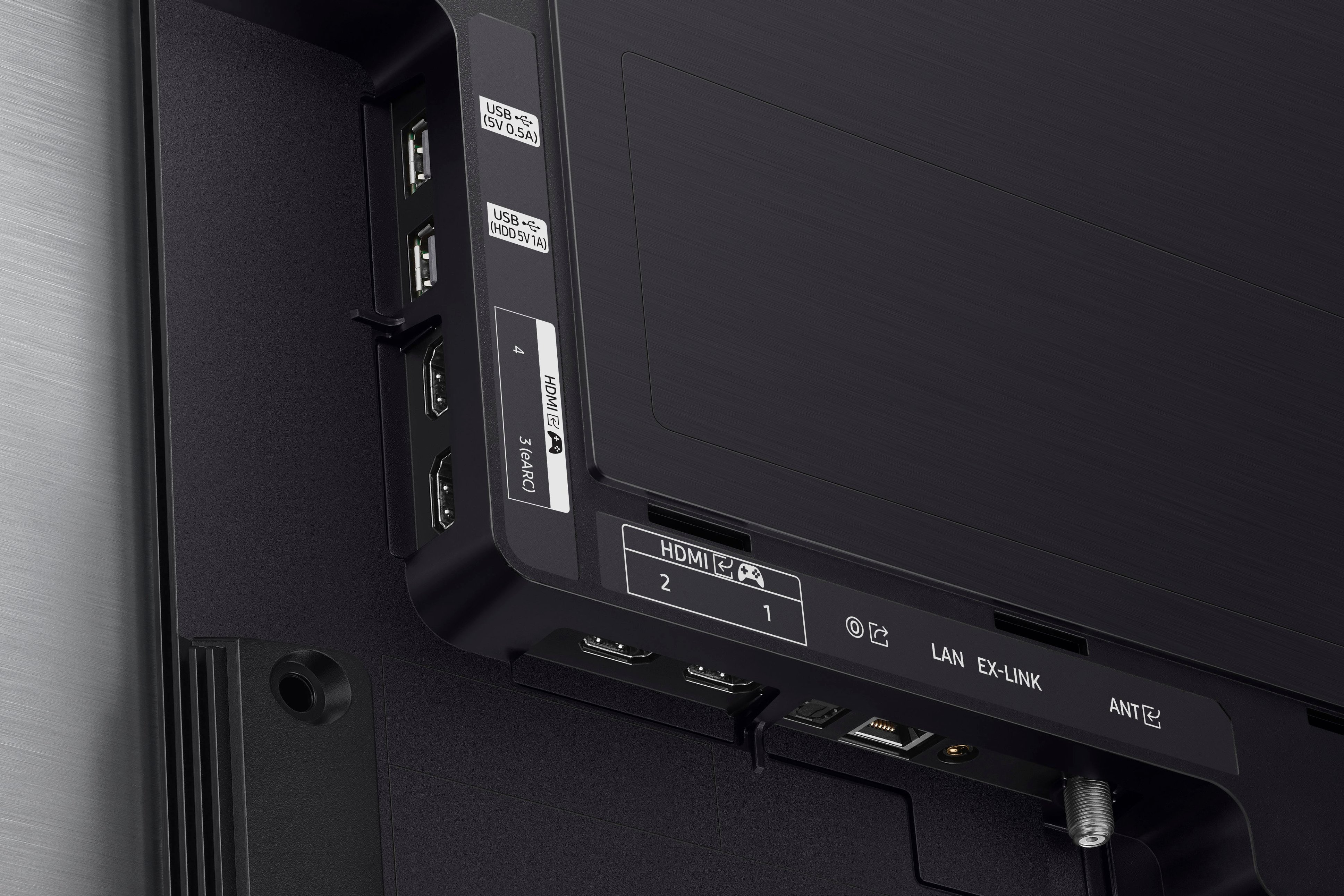
A:AnswerDDon - EX-LINK (RS-232) is an advanced and specialized form of custom installation that allows the TV to be controlled through a cable connected directly to the TV.
~ Samsung Specialist
A:AnswerIf your provider has an app, use that and save yourself from relocating the cable box. We use the remote that came with the TV to navigate between apps and to change channels.
A:AnswerIt has Samsung tv integrated. It also has the hub to download multiple applications and supports Apple TV as well. I have all my streaming apps on there with no need for an additional item like chrome cast, google tv hub or firestick.
A:AnswerYou have to create an account in tizen to be able to use the smart features via mobile phone. Nothing caught my attention with the privacy part though that couldn’t be disabled in the privacy section of the menu
A:AnswerMy login is saved for every service we have and I have not had to login after my initial login. Perhaps you are missing an option during set up or with the streaming service?
A:AnswerYes. It has 4 HDMI ports, and 2 USB ports so you can plug in whatever streaming device you like, and you can set the TV to go to the last input that you used so once you've switched to the HDMI port input for your Roku stick it will go back to that HDMI port unless you change the input.