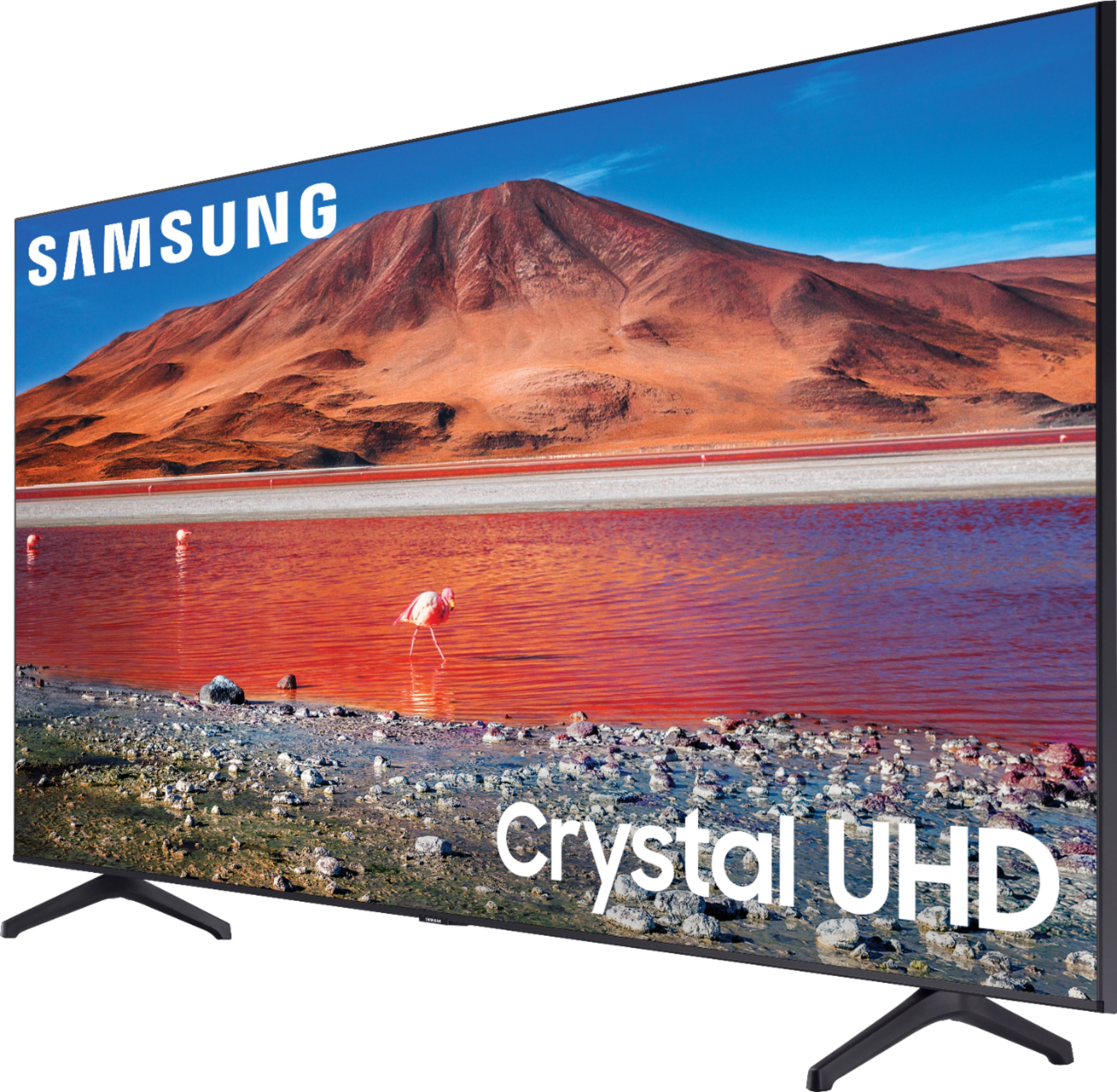
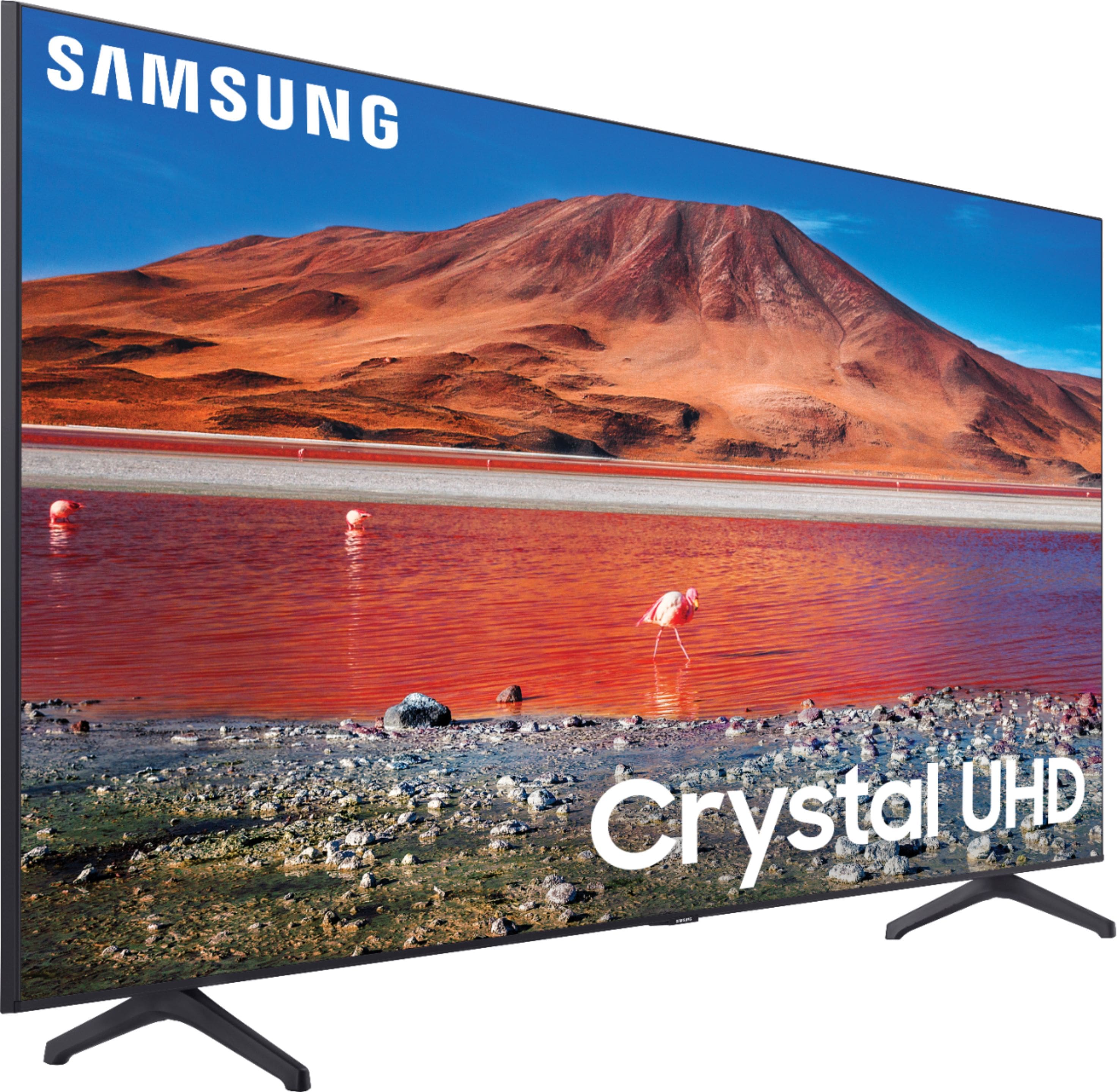
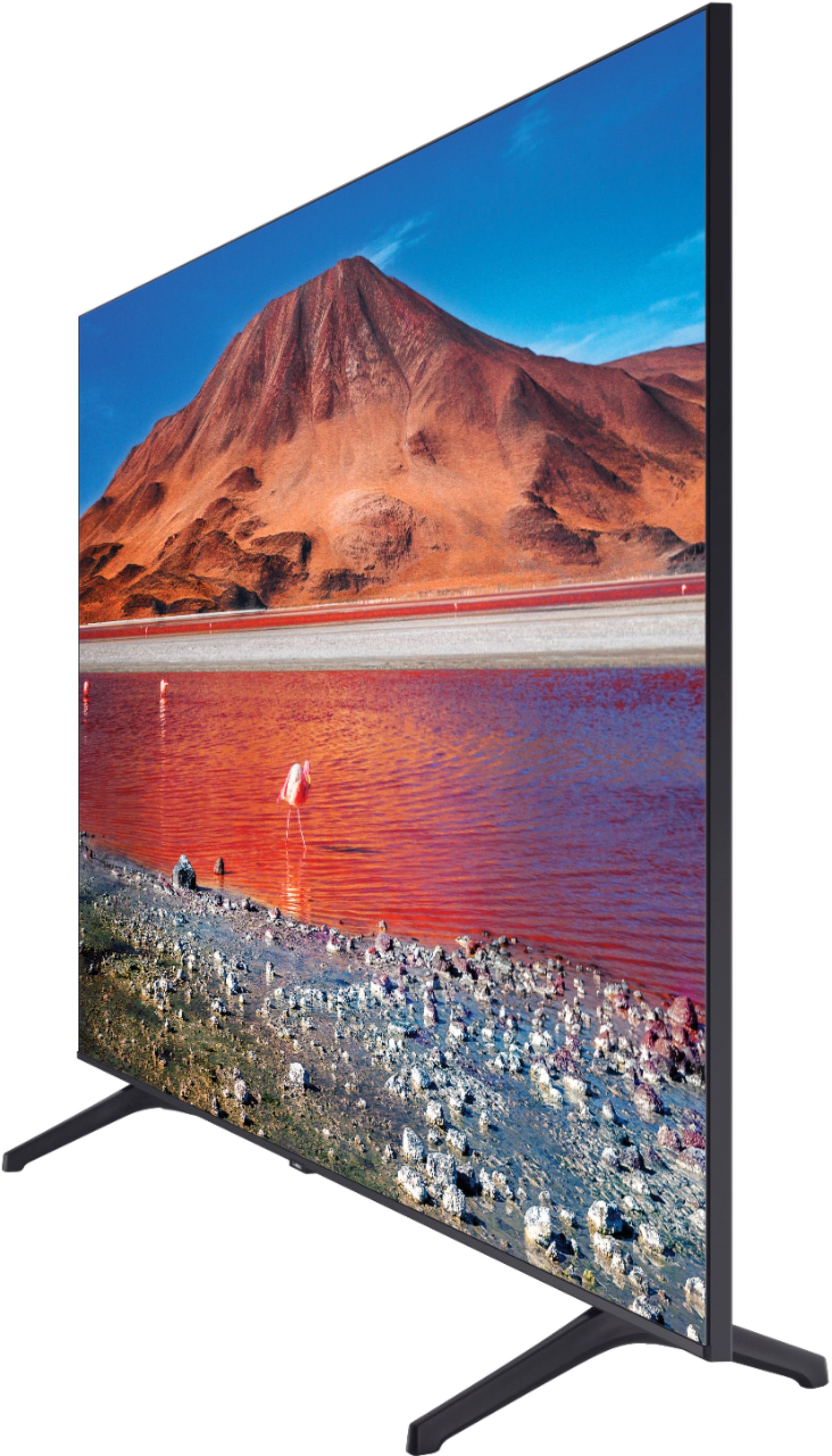
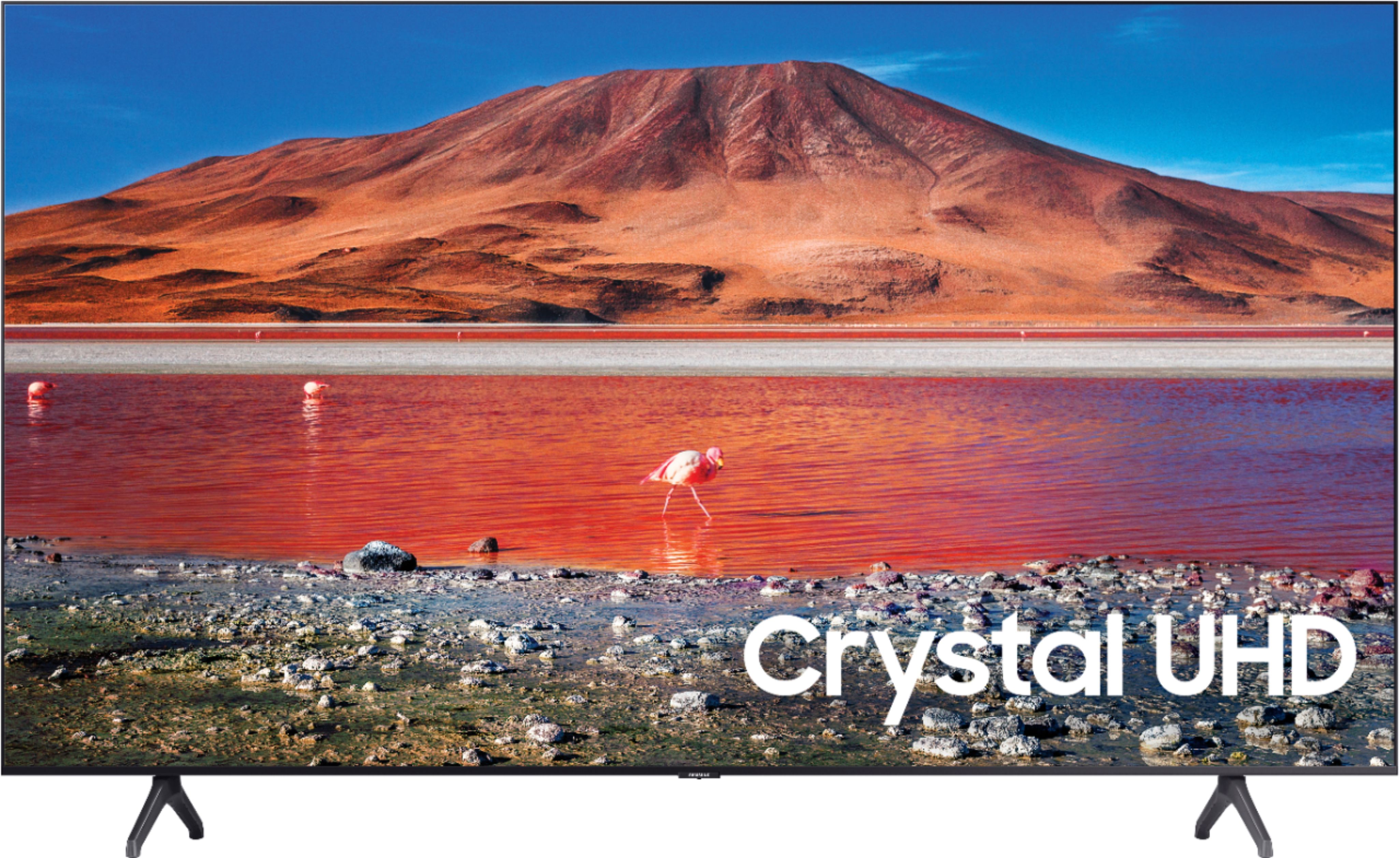
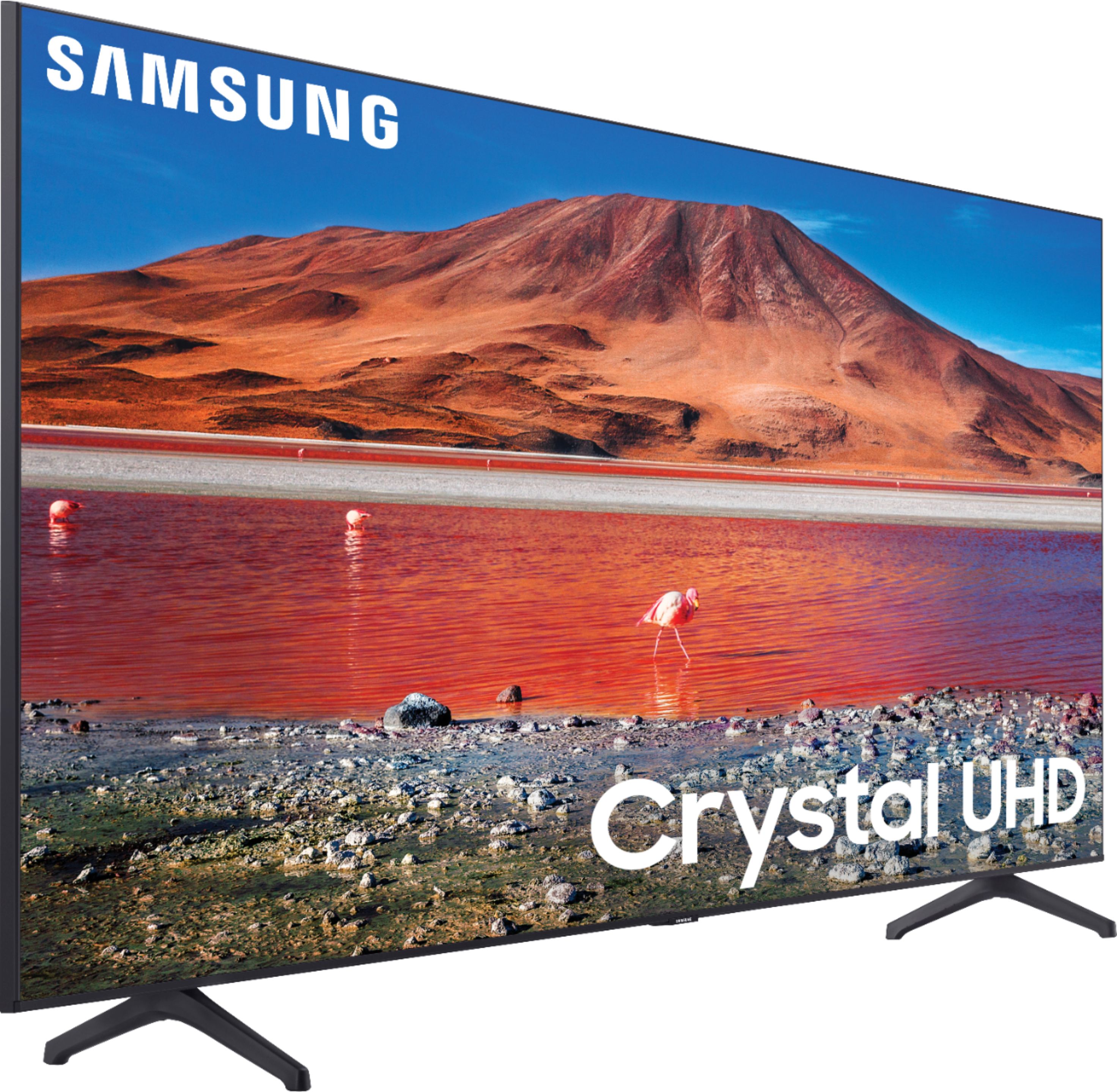
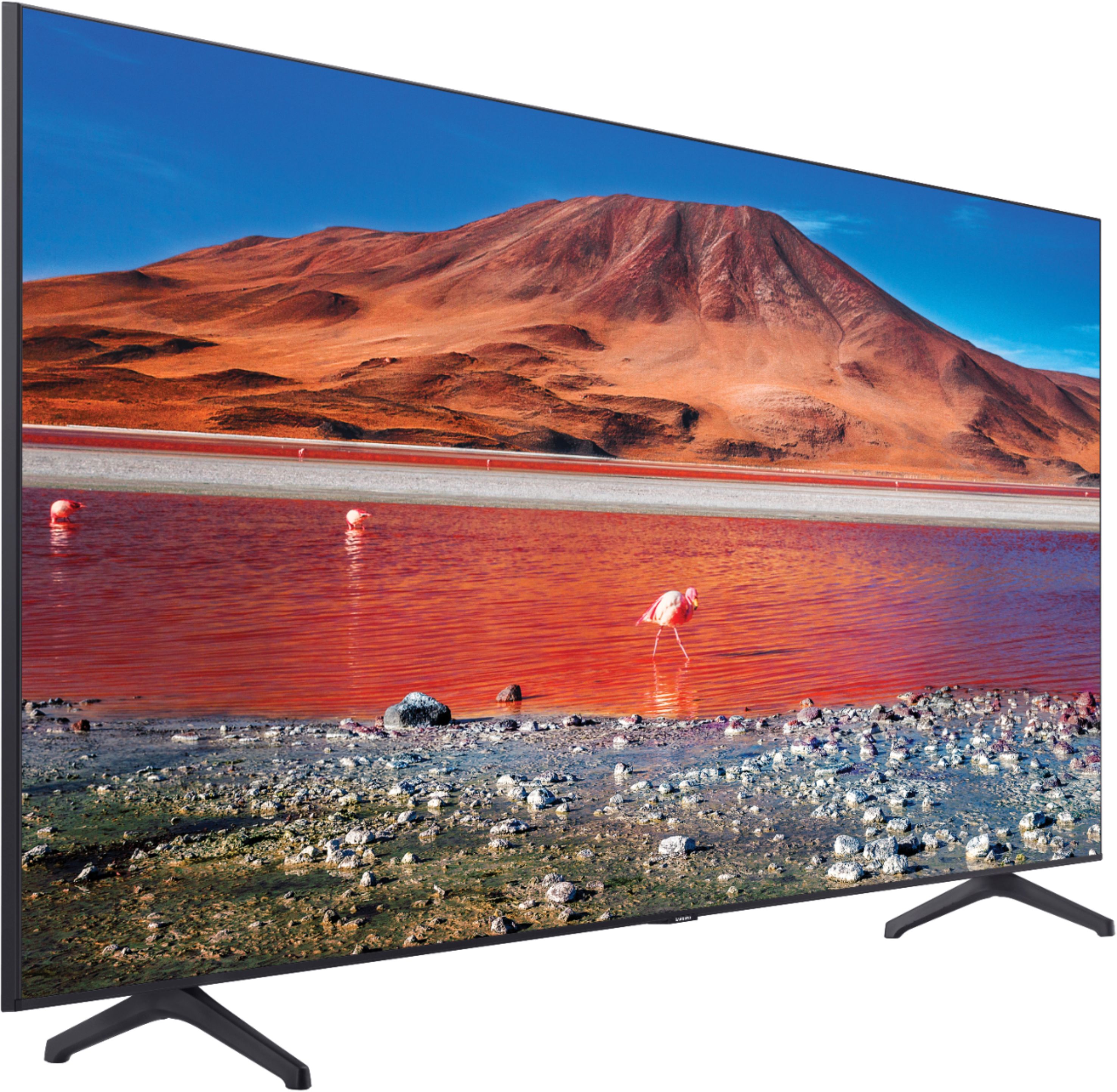
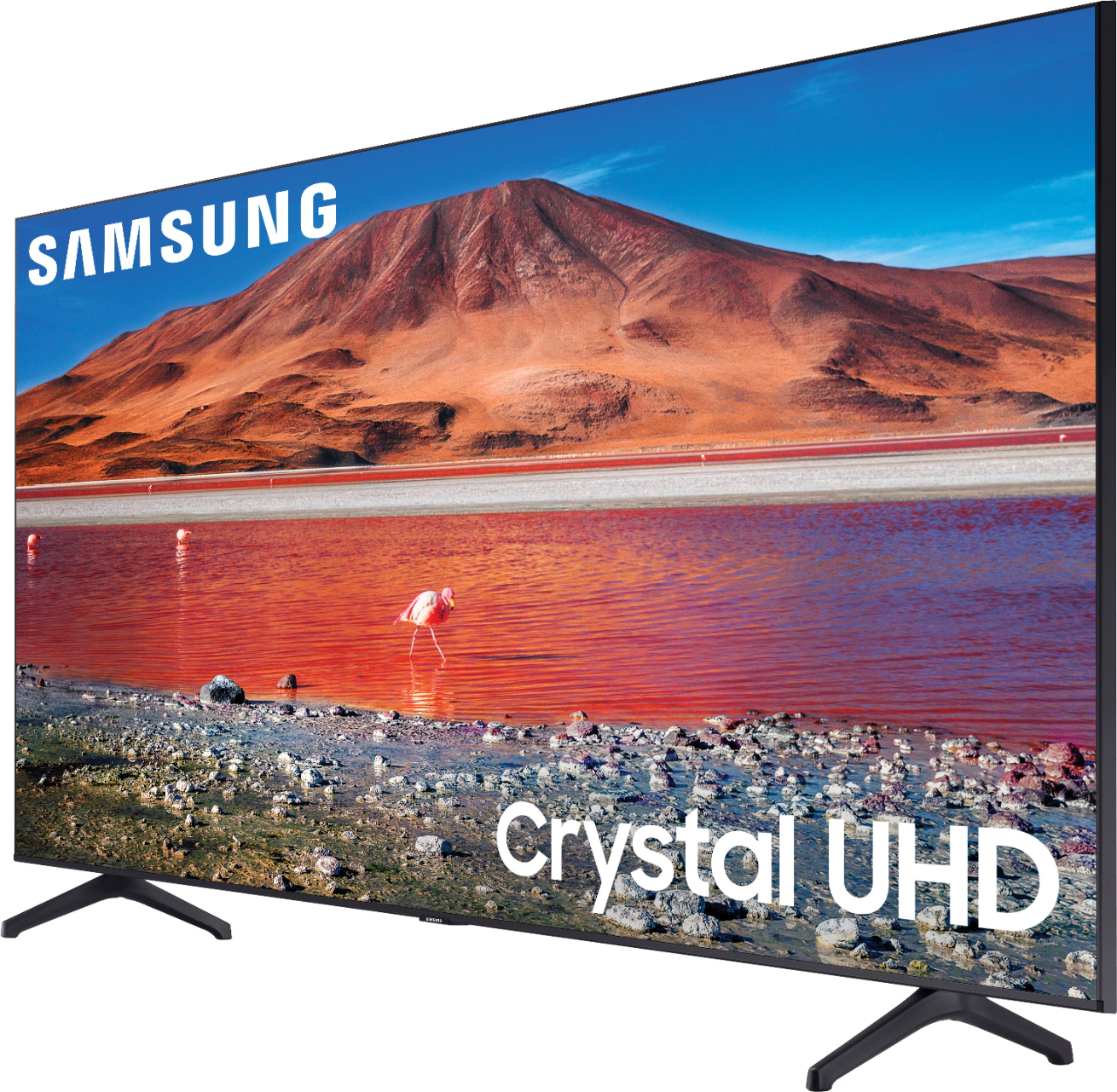
A:AnswerHi! Here are the dimensions of the 70TU7000 in box: 68.7" x 40.7" x 7.5" (W x H x D). For information on delivery/installation services, please contact your local Best Buy or visit https://www.bestbuy.com/site/help-topics/home-and-business-delivery/pcmcat204400050032.c?id=pcmcat204400050032 ^Tim
A:AnswerHi Benjamin! The size of your TV should depend on how far you sit from the screen and how immersive you want your viewing experience to be. 4K TVs, such as the TU7000, offer more detail, so you can sit closer without seeing the pixels. ^Tim
A:AnswerHi Jake! The TU7000 works with Voice Assistants. However, you will need to have a standalone Google/Alexa device to perform limited commands such as changing channels, swapping input selections and launching partner apps. You can activate these commands handsfree; you will need a separate Smart Hub for this feature to work. When stepping up to the TU8000, you will gain built-in voice assistants (Amazon Alexa, Bixby, Google Assistant) and a dedicated voice assistant button on your remote for a much wider list of commands such as weather, music, and getting questions answered with your voice. With the TU8000, you will not need a standalone Voice Assistant device, nor will you need a Smart Hub, but you will need to press the the dedicated voice assistant button to activate the commands. ^Gina
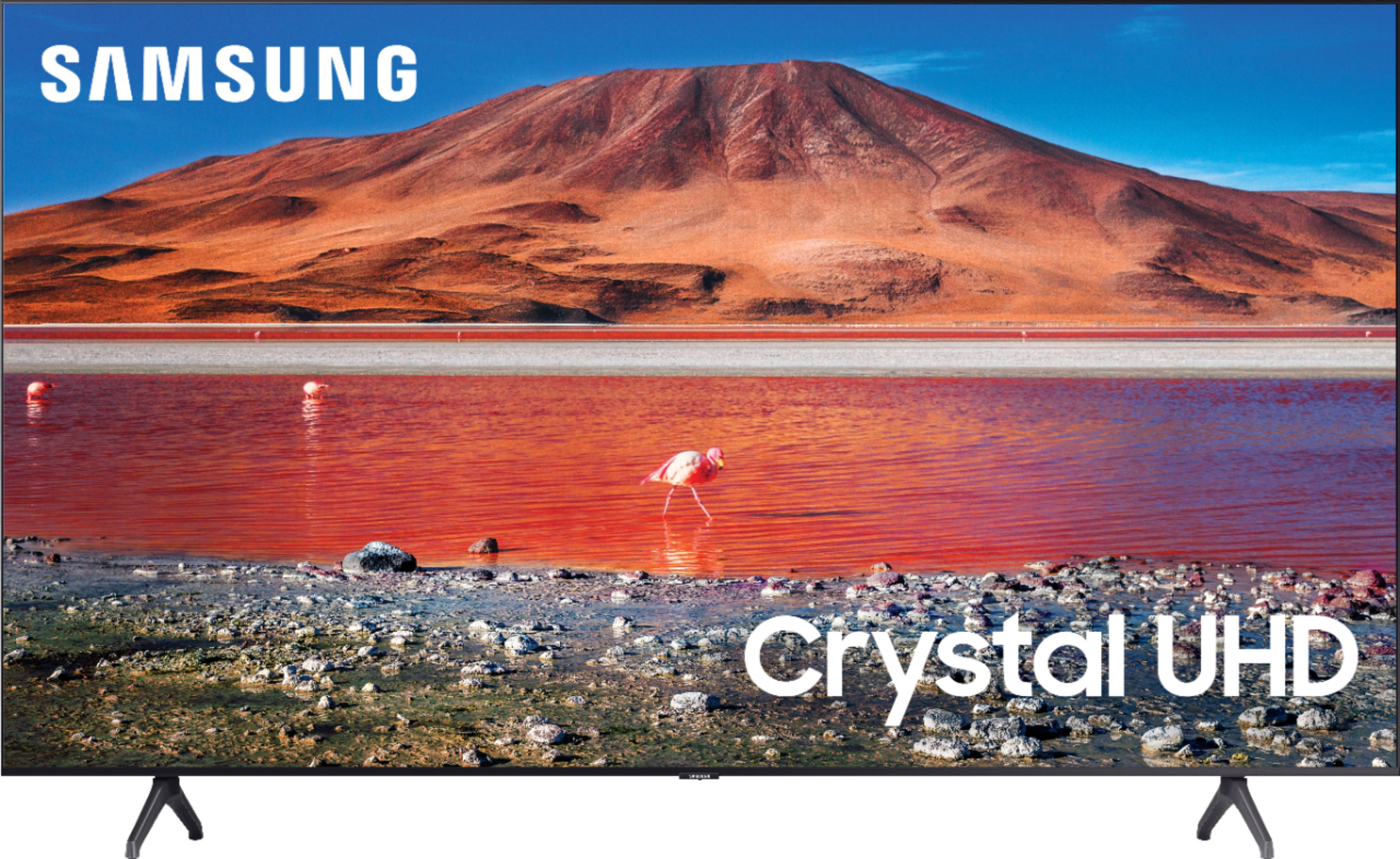
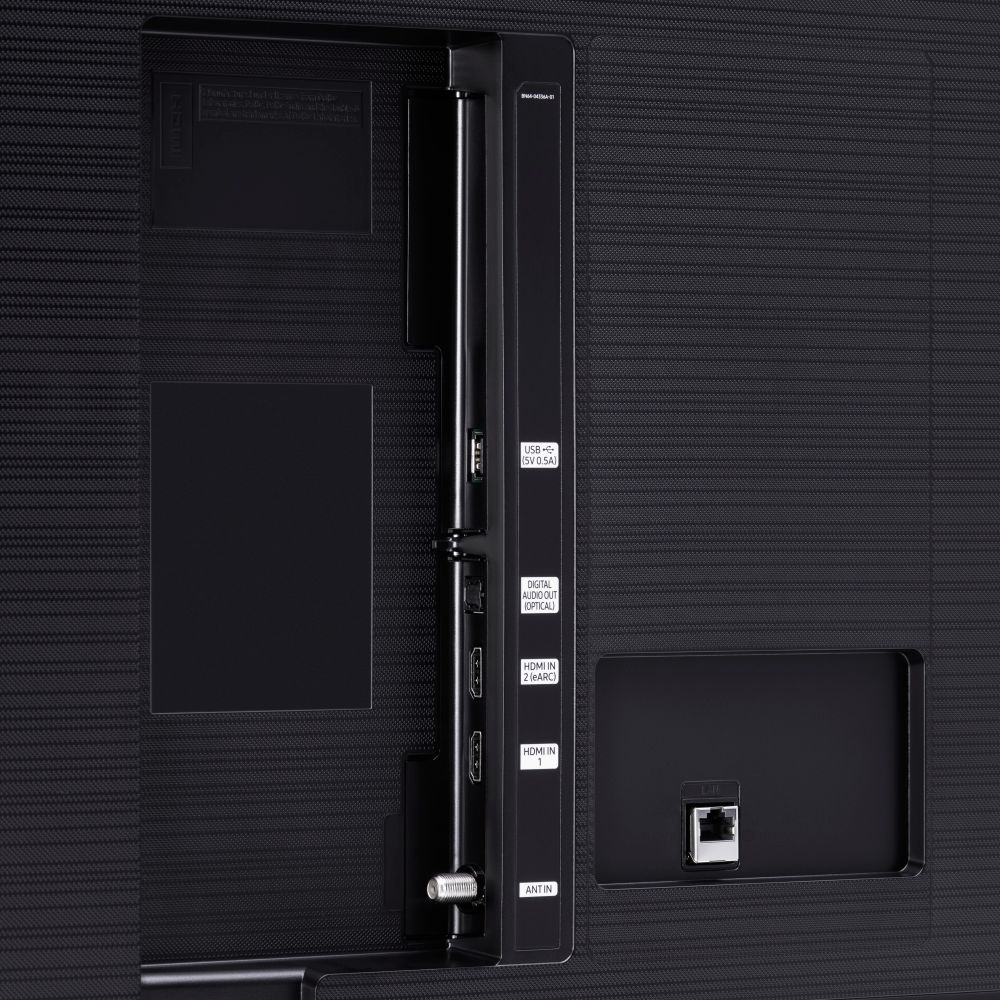
A:AnswerHi CoolHandCruz! Thank you for considering the TU7000. Because HDMI 2.1 is a complicated spec, we hope that focusing on TV features will be more helpful to you when deciding on the best model for your usage scenario. Our TU7000 has 2 HDMI ports, both of which support Auto Low Latency Mode (ALLM/Auto Game Mode). The “HDMI In 2” port also supports eARC.
If you are looking for a model that also offers 4K@120fps (FRL), please consider our QLED Q70T Series, which has FRL on HDMI 4. All Samsung 2020 model year QLED TVs 55” and bigger starting from the Q70T Series are capable of 4K@120fps, as well as offer Variable Refresh Rate (VRR) and FreeSync. ^Gina

A:AnswerHi RA! Yes, the TU7000 features built in Bluetooth technology allowing you to take advantage of wireless Bluetooth audio solutions or improve your smart experience by connecting a keyboard or mouse for browsing. ^Tim

A:AnswerHello,
Navigate to the Bluetooth audio device list on your TV and select the headphones to pair with: Home > Settings > Sound > Sound Output > Bluetooth Speaker List
^Cristian
A:AnswerHello Elvis,
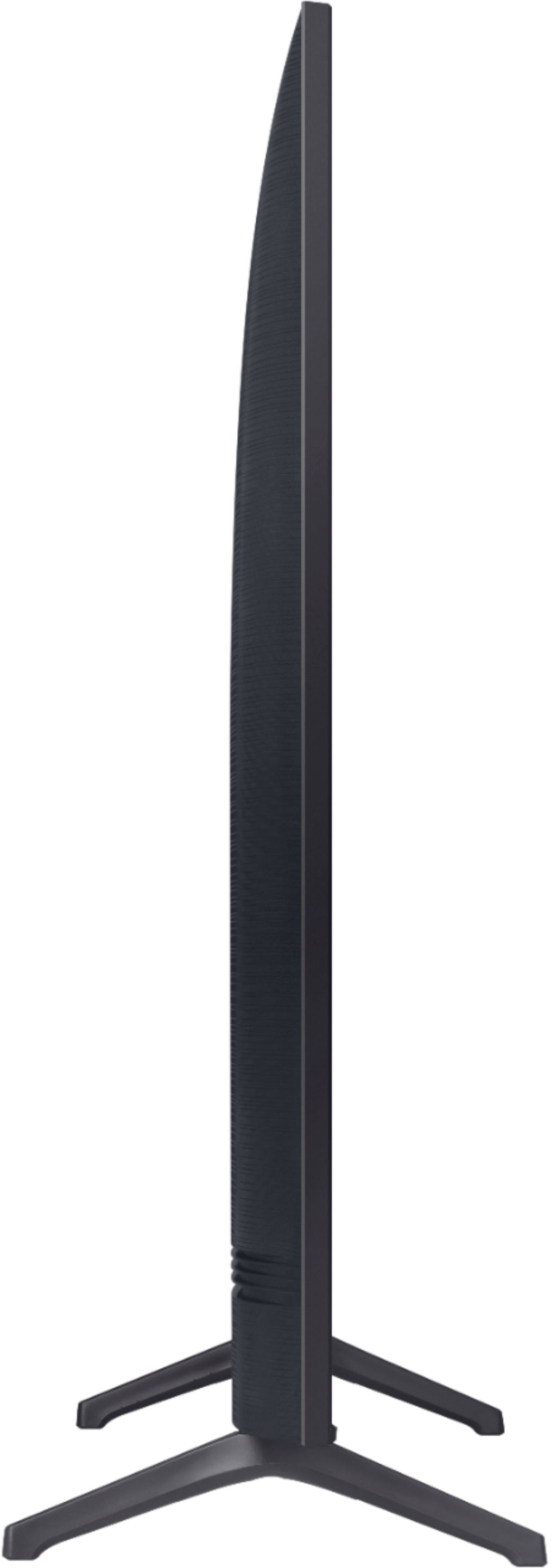
Here are the dimensions for the 70TU7000
DIMENSIONS (INCHES W x H x D):
• TV WITHOUT STAND: 61.9 x 34.4 x 2.4
• TV WITH STAND: 61.9 x 37.8 x 13.4
• SHIPPING: 68.7 x 40.7 x 7.5
• STAND FOOTPRINT: 2.2 x 6.9 x 13.4
^Cristian
A:AnswerHi there, Any Samsung soundbar should work great for you! Check this one out: https://www.bestbuy.com/site/samsung-hw-q60t-5-1ch-soundbar-with-3d-surround-sound-and-acoustic-beam-2020-black/6400661.p?skuId=6400661. Cheers! ^Scott