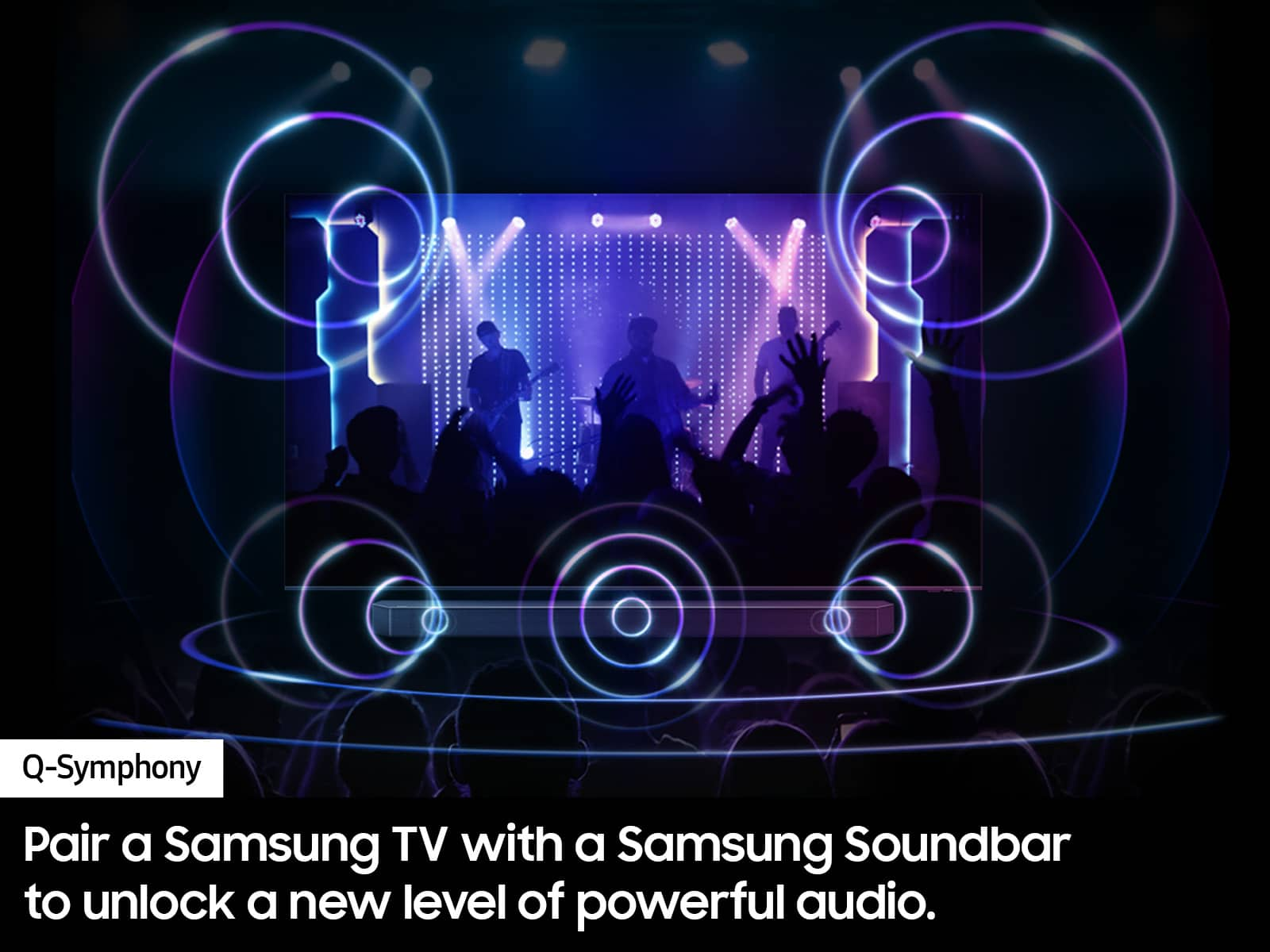
A:AnswerPut the headphones into Bluetooth pairing mode and make sure they are discoverable. See the product's user manual for how to do this, if needed.
Navigate to the Bluetooth audio device list on your TV and select the headphones to pair with. .
A:AnswerHi CuriousInTheSouth,
To best assist you, please reach out to Samsung Support at: 1-800-SAMSUNG, 8AM - 12AM EST, 7 days a week, or Chat with us on Samsung.com: https://www.samsung.com/us/support/contact/
~Samsung Advisor
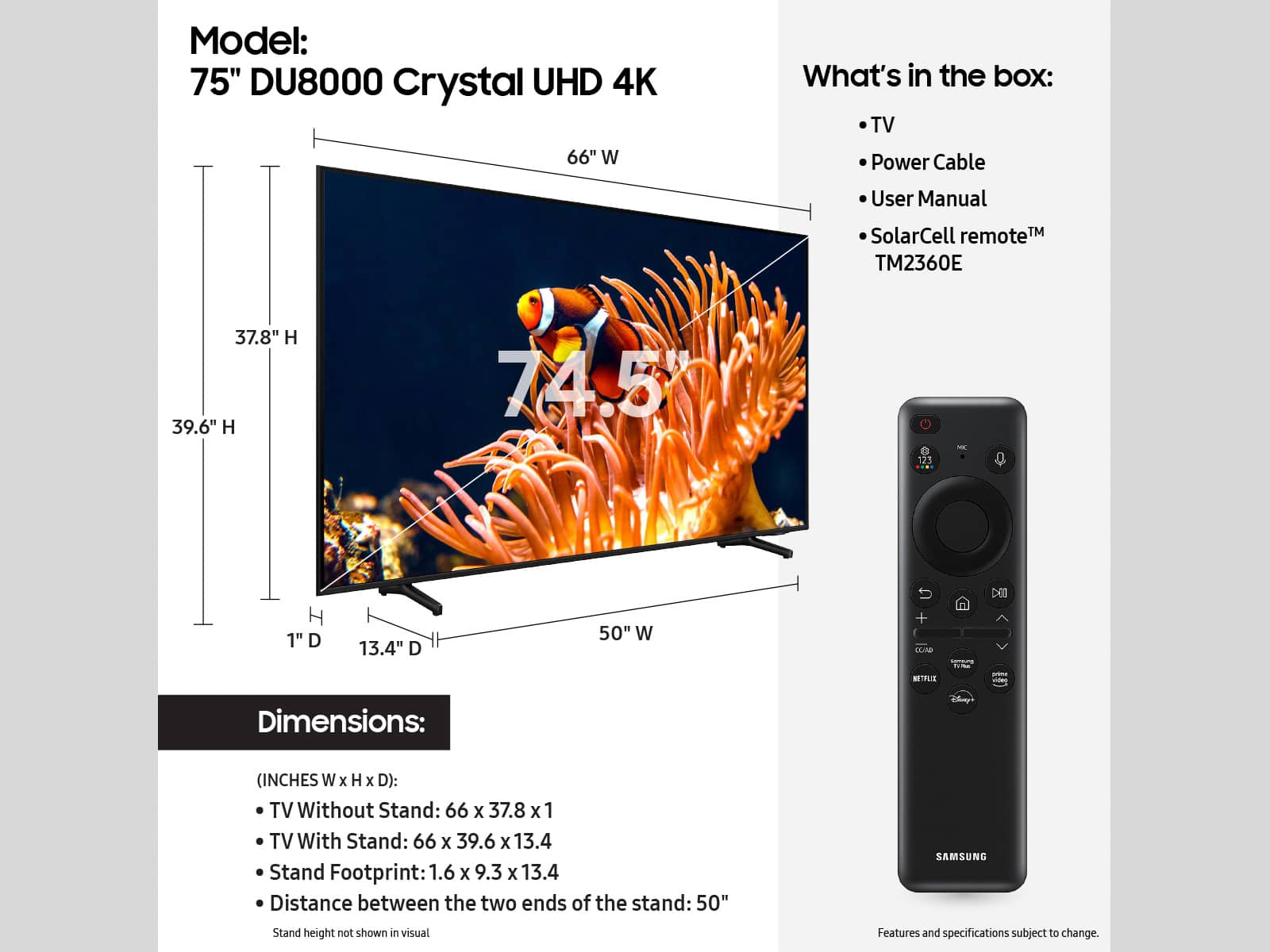
A:AnswerNot sure what you mean by adjustable, but the legs attach and they stay there. I hung my tv b/c it take up too much counter space on furniture.
A:AnswerHi jbenj,
The built-in app store has hundreds of apps to choose from. For more information and app availability: https://www.samsung.com/us/tvs/smart-tv/samsung-tv-plus-and-smart-hub/
~Samsung Advisor
A:AnswerHi Rosie,
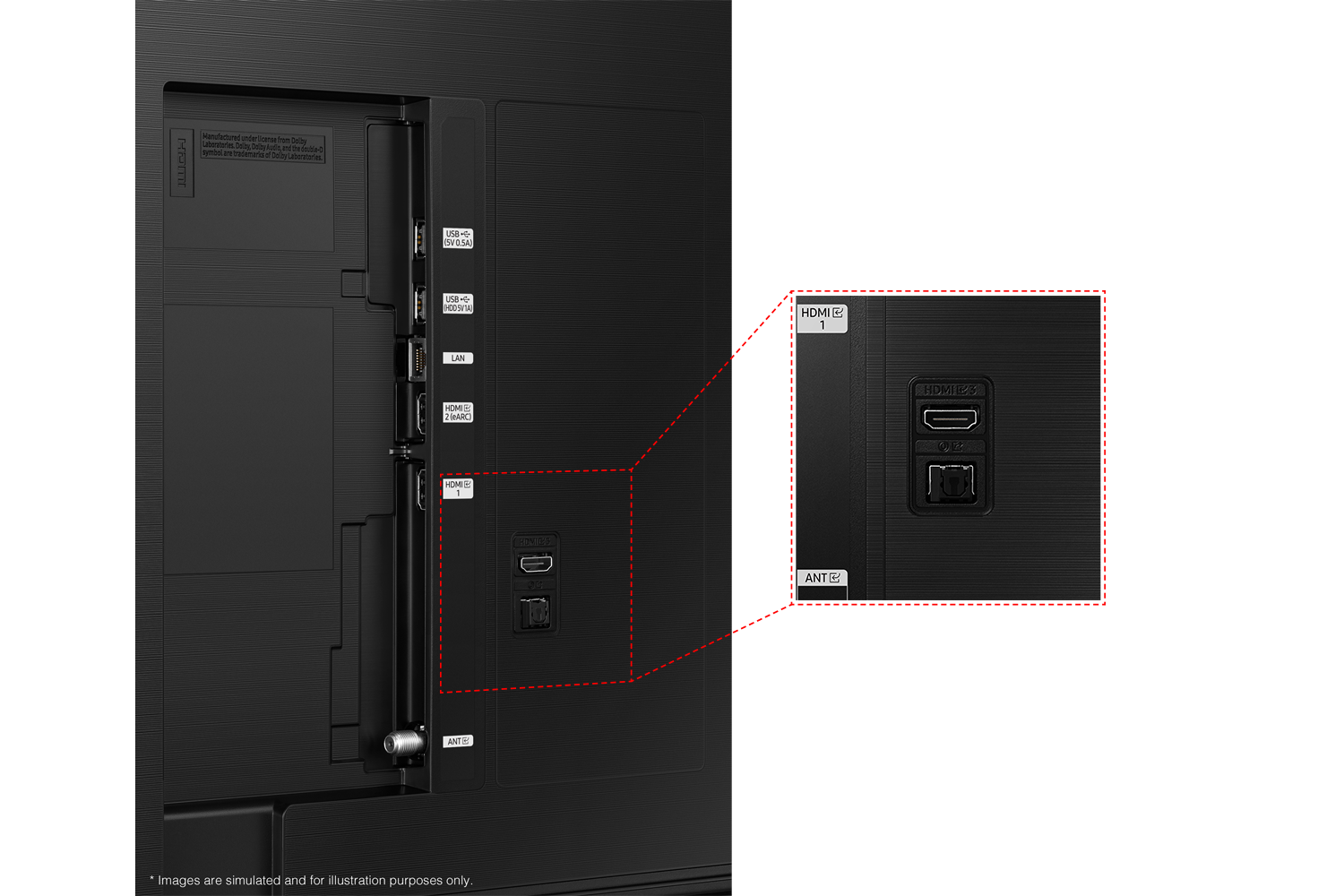
The DU8000 TV does not feature RCA inputs; you'll need to utilize an RCA to HDMI converter like this item found at Best Buy: https://www.bestbuy.com/site/insignia-rca-to-hdmi-converter-black/6134312.p?skuId=6134312
~Samsung Advisor
A:AnswerHi Nic,
Hi, The Samsung DU8000 TV has a built-in app store with hundreds of apps available for download. You cannot download third-party apps that are not available in the app store.
~Samsung Advisor
A:AnswerHi,
The Samsung DU8000 TV has a built-in app store with hundreds of apps available for download. You cannot download third-party apps that are not available in the app store.
~Samsung Advisor
A:AnswerHi Jae,
The Samsung DU8000 TV comes with Tizen, our smart system with built-in apps, so you do not need to use an external device like the Firestick.
~Samsung Advisor