





Main Content

Questions & Answers

Your price for this item is $1,999.99
The comparable value price is $3,199.99
Page Showing 1-20 of 31 questions
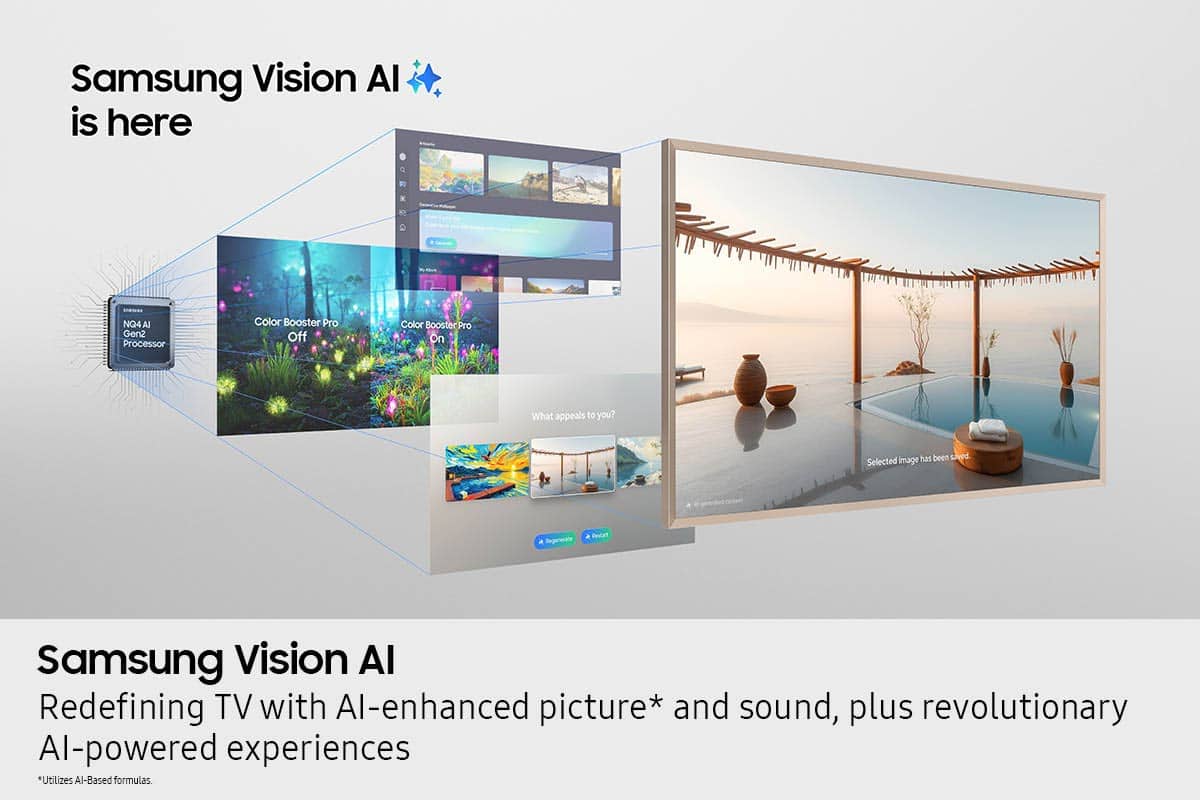
  • QuestionWhat is Samsung Vision AI?

    • Answer Samsung Vision AI is an AI processor that enhances picture and sound quality, upscales content to stunning resolution, and allows for interactive features like real-time subtitle translations and control with hand motions while wearing a Galaxy Watch.
    This question and answer was generated by AI based on customer and product data.

  • QuestionWhat kind of processor does this Samsung TV use?

    • Answer It uses the NQ4 AI Gen3 Processor, powered by 128 neural networks, to enhance picture and sound quality and upscale content to 4K resolution.
    This question and answer was generated by AI based on customer and product data.
  • QuestionHow does the motion sensor work on this TV?

    • Answer The motion + brightness sensor detects when someone enters the room and turns the screen on, displaying artwork. It turns off when the room is empty to save energy, and adjusts brightness and color temperature based on ambient light.
    This question and answer was generated by AI based on customer and product data.

  • QuestionHow many HDMI inputs does this TV have?

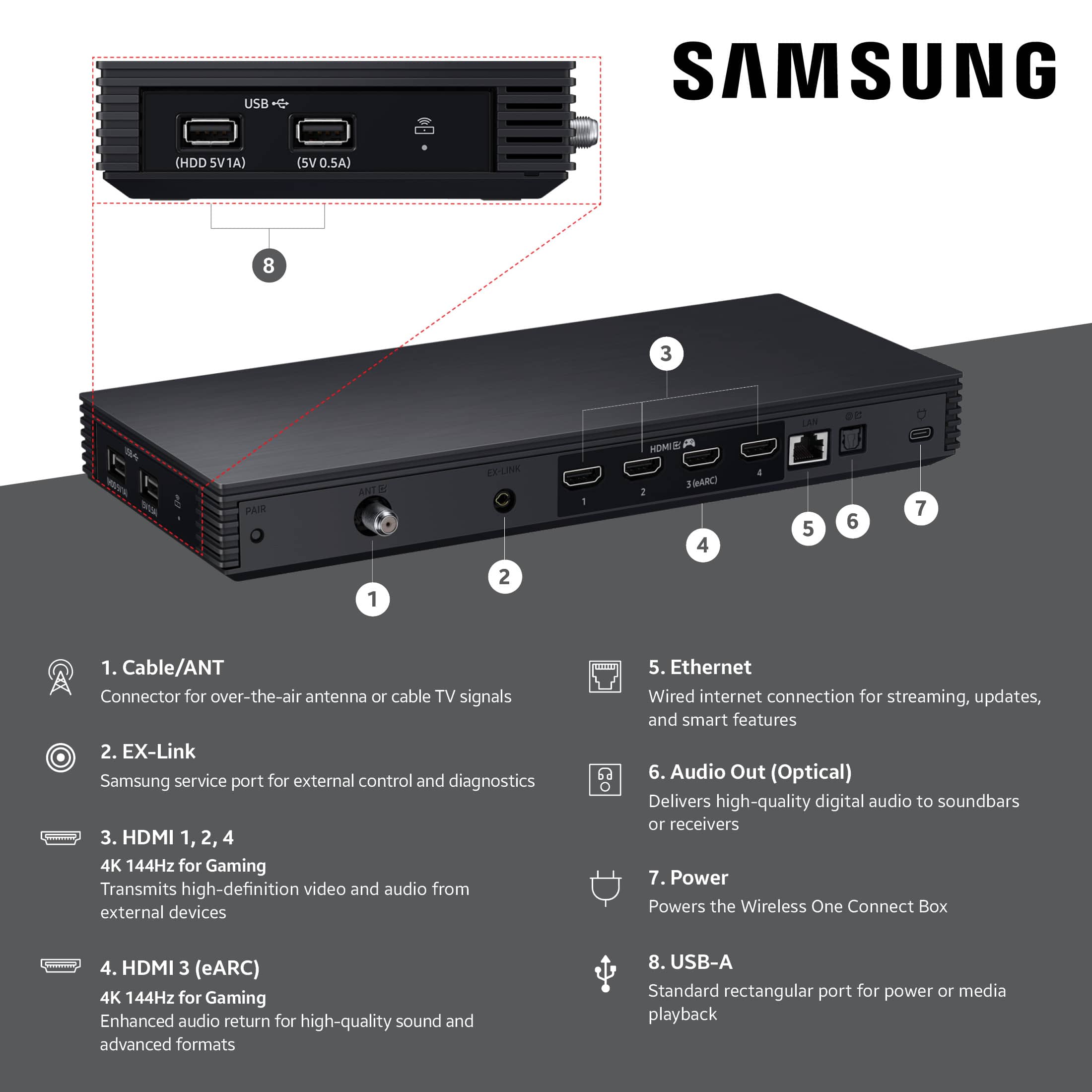
    • Answer This Samsung TV has 5 HDMI inputs.
    This question and answer was generated by AI based on customer and product data.
  • QuestionDoes this Samsung TV come with a wall mount?

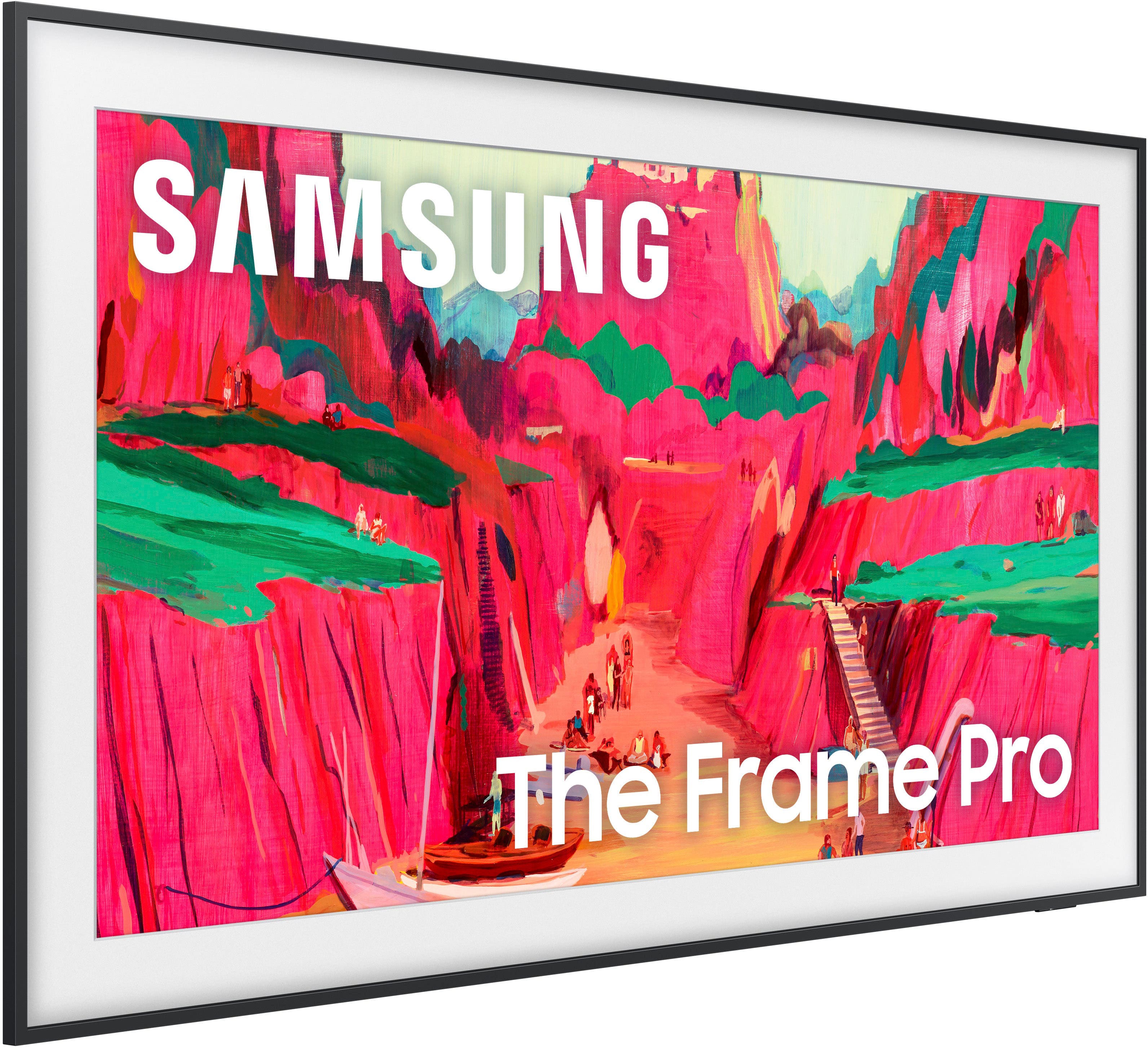
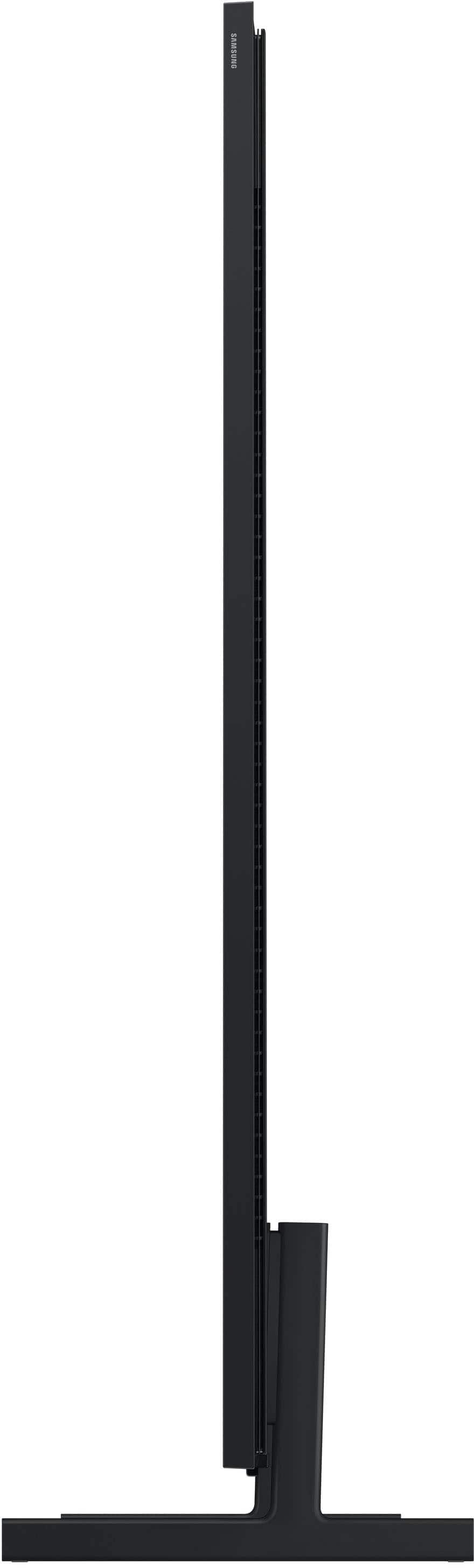
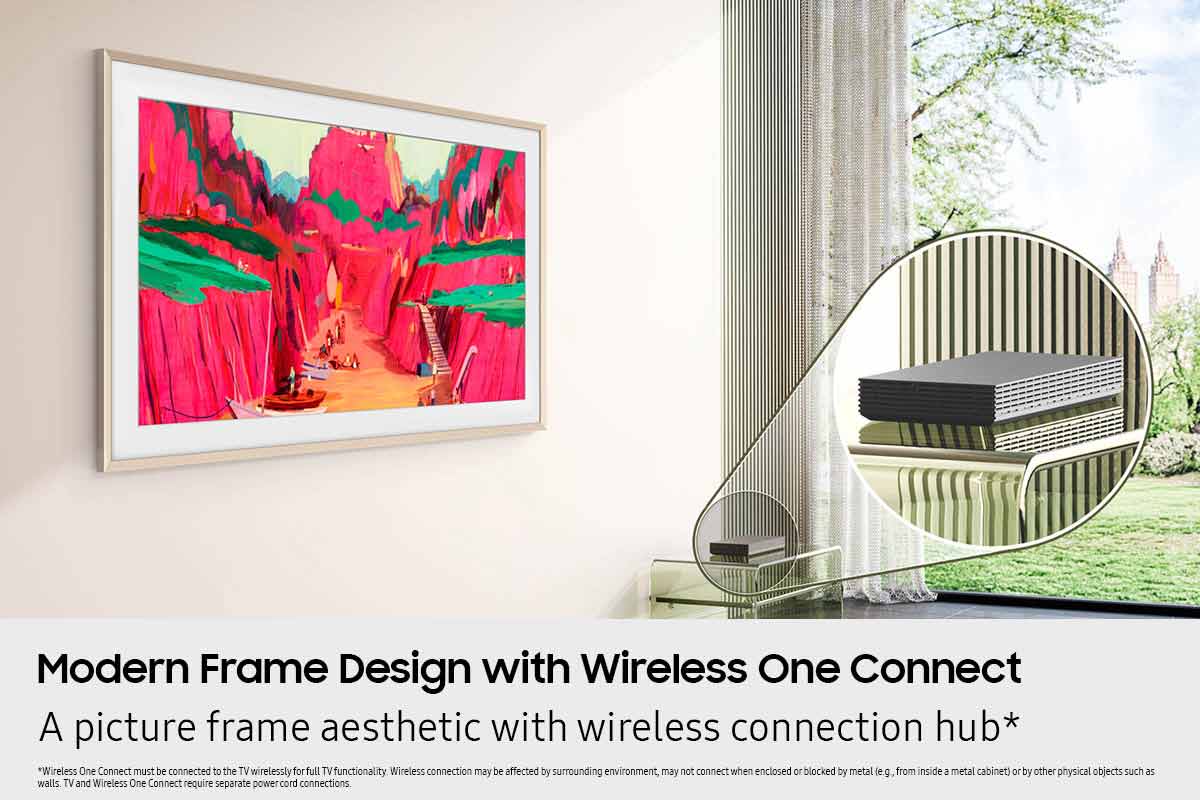
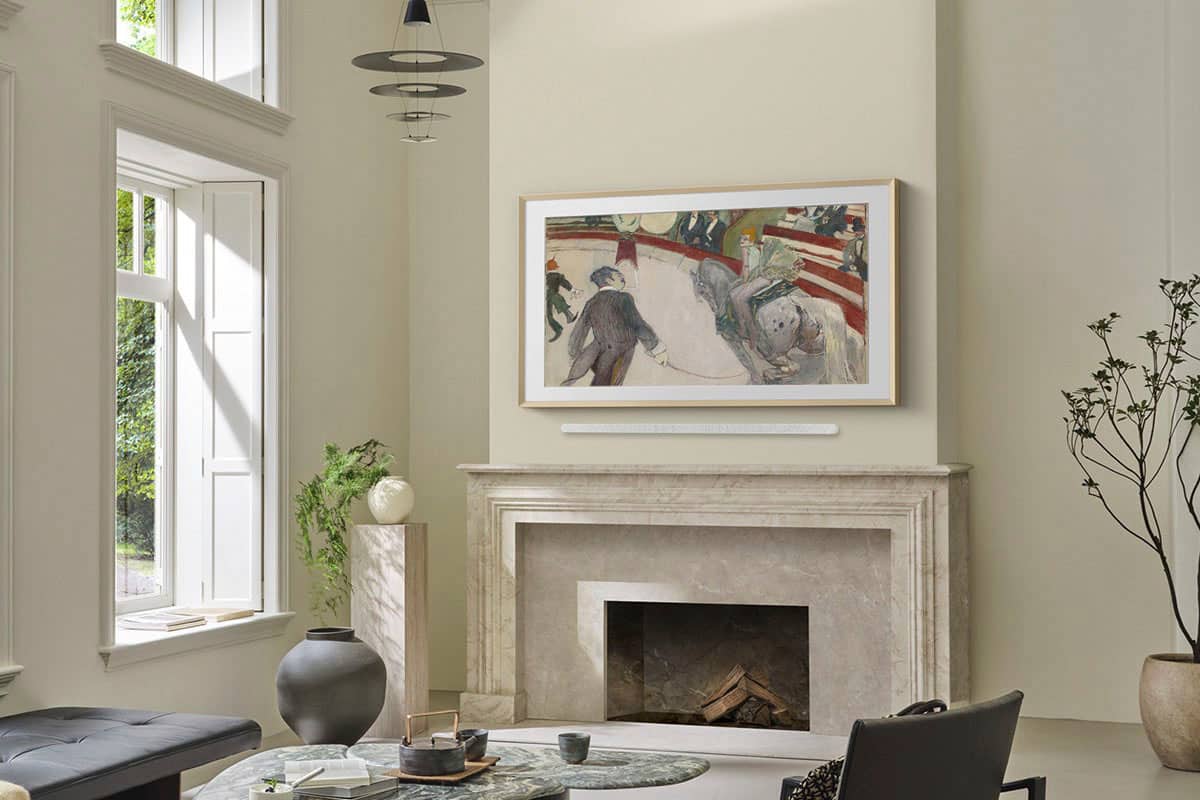
    • Answer Yes, a Slim Fit Wall Mount is included with the TV, allowing you to mount it flush against the wall like a piece of art.
    This question and answer was generated by AI based on customer and product data.
  • QuestionWhat is special about the display on this Samsung TV?

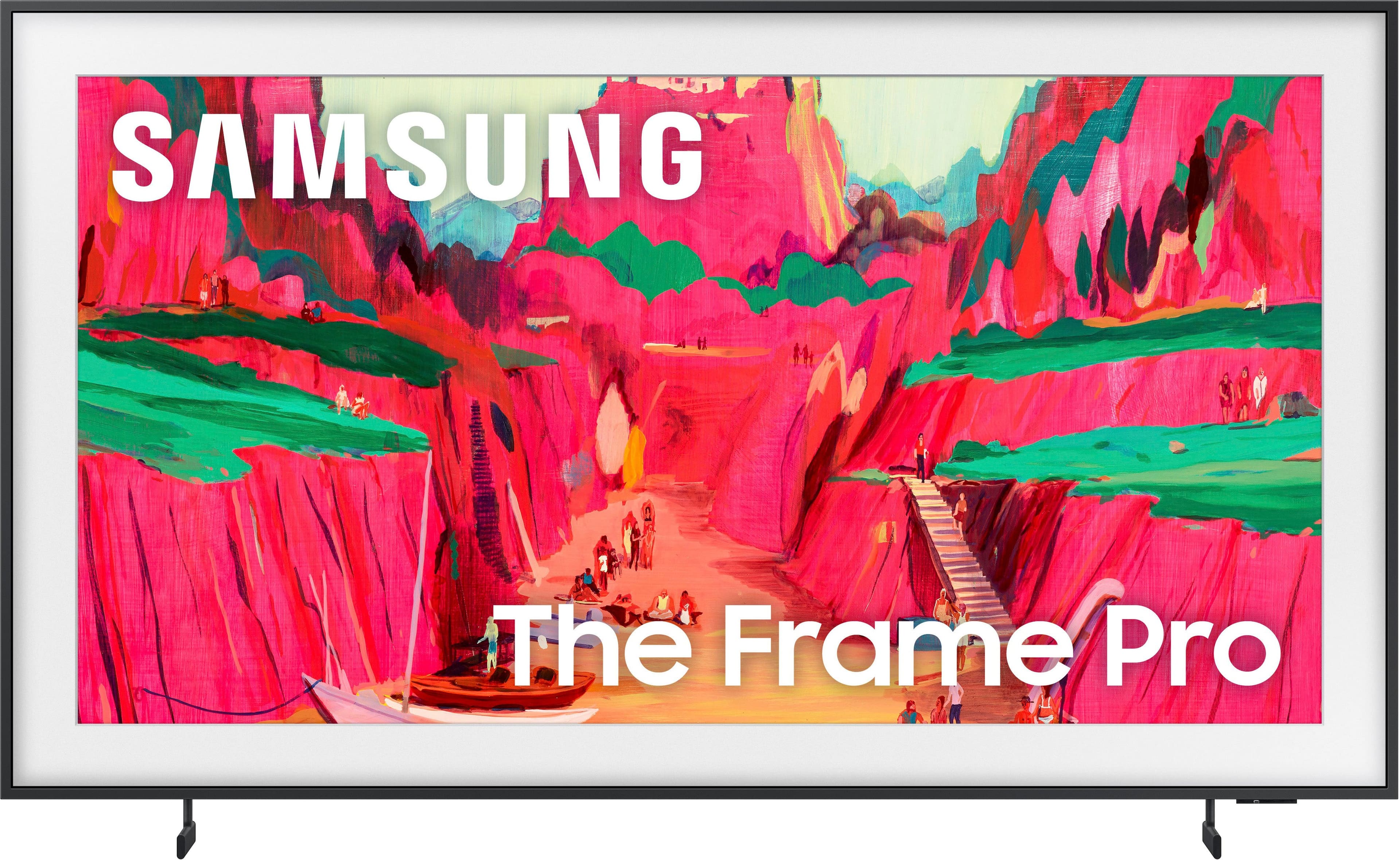
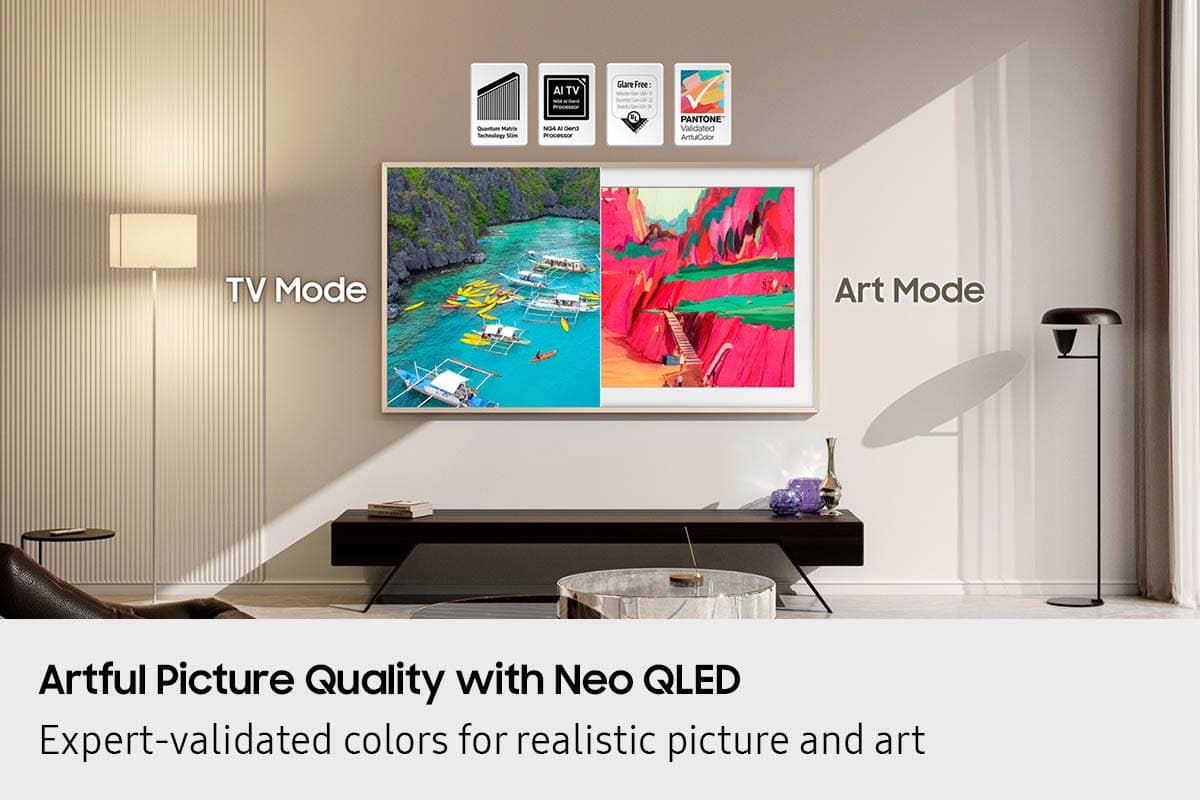
    • Answer This TV features a matte display that enhances the texture of artwork and minimizes reflections, making it ideal for displaying art and watching movies in bright rooms.
    This question and answer was generated by AI based on customer and product data.

  • QuestionWhat is the refresh rate of this Samsung TV?

    • Answer The refresh rate is 120Hz.
    This question and answer was generated by AI based on customer and product data.
  • Questionwhat are the outlet requirements for this? I assume it has to have a recessed outlet for the plug? Where should you position the electrical for minimum projection?

    Asked by Jason.

    • Answer Hi Jason - The Frame Pro uses two cables – one connects to the Wireless One Connect Box, and one directly powers the TV. Both must be plugged in for power. The Wireless One Connect uses a USB-C to USB-C cable with a power adapter and should be placed in the same room as the TV (10m range). The TV uses a 2-pin, non-polarized power cord, like most Samsung TVs. If your outlet is directly behind the TV, consider using a recessed outlet box, as the Slim Fit Wall Mount is designed to sit flush. Please note that the included cables are not in-wall rated, so they should not be routed through the wall. If your outlet is located elsewhere, you can plug in the TV like any standard setup. You may also want to check out the Installation Guide, which walks through setup and mounting tips: https://downloadcenter.samsung.com/content/EM/202504/20250407034616001/BN68-21917B-00_IG_LS03FW%20Round%20Feet%2065inch_ZA%20ZC_L02_250224.0.pdf If you have any other questions, Samsung Support is happy to help. You can reach us at 1-800-SAMSUNG (available daily from 8 AM to 12 AM EST) or connect with us via live chat at Samsung Support: https://www.samsung.com/us/support/contact/ ~ Samsung Specialist

      Answered by Samsung

  • QuestionCan the 2025 Frame Pro 75" TV be mounted on a 2024 Frame 75" TV mount (the mount that came with the 2024 Frame 75" TV) we already have on the wall for our 2024 TV ?

    Asked by DonM.

    • Answer DonM - Yes, The Frame Pro and Frame TV (2025 - LS03FA / 2024 - LS03D) all utilize the same SlimFit Wall Mount. ~ Samsung Specialist

      Answered by Samsung

  • QuestionCan this TV be used with an extended mount?

    Asked by Anonymous.

    • Answer The 75" Frame Pro can utilize any type of universal wall mount that supports a VESA pattern of 400mm x 400mm. ~ Samsung Specialist

      Answered by Samsung

  • QuestionCan this be mounted on a require tv mount

    Asked by Anonymous.

    • Answer The 75" Frame Pro can utilize universal wall mounts that support a 400mm x 400mm VESA pattern. ~ Samsung Specialist

      Answered by Samsung

  • QuestionIf I install two tv's right next to each other. Can I control them separately with the same remote. One tv will be installed on each side of the fireplace mantel.

    Asked by Hydro.

    • Answer Hydro - Since this remote uses infrared (IR) signals, it may unintentionally control other Samsung TVs in close range – especially if they’re in the same room or line of sight. While the IR function cannot be paired to a specific TV, there is a helpful workaround. If both TVs have been added to the SmartThings app on your mobile device or tablet, you can use the app’s remote control feature to control each TV individually. This method uses a direct Wi-Fi connection and helps avoid interference with other devices. ~ Samsung Specialist

      Answered by Samsung

  • QuestionTo connect to the smart box do I need a cable or just to keep it within 15 feet?

    Asked by Chandler.

    • Answer ChanMan - Please give us the opportunity to better assist with this by reaching Samsung Support at: 1-800-SAMSUNG, 8AM - 12AM EST, 7 days a week, or Chat with us on Samsung.com: https://www.samsung.com/us/support/contact/ ~ Samsung Specialist

      Answered by Samsung

  • QuestionDoes this TV come with feet to sit on a cabinet?

    Asked by Dave.

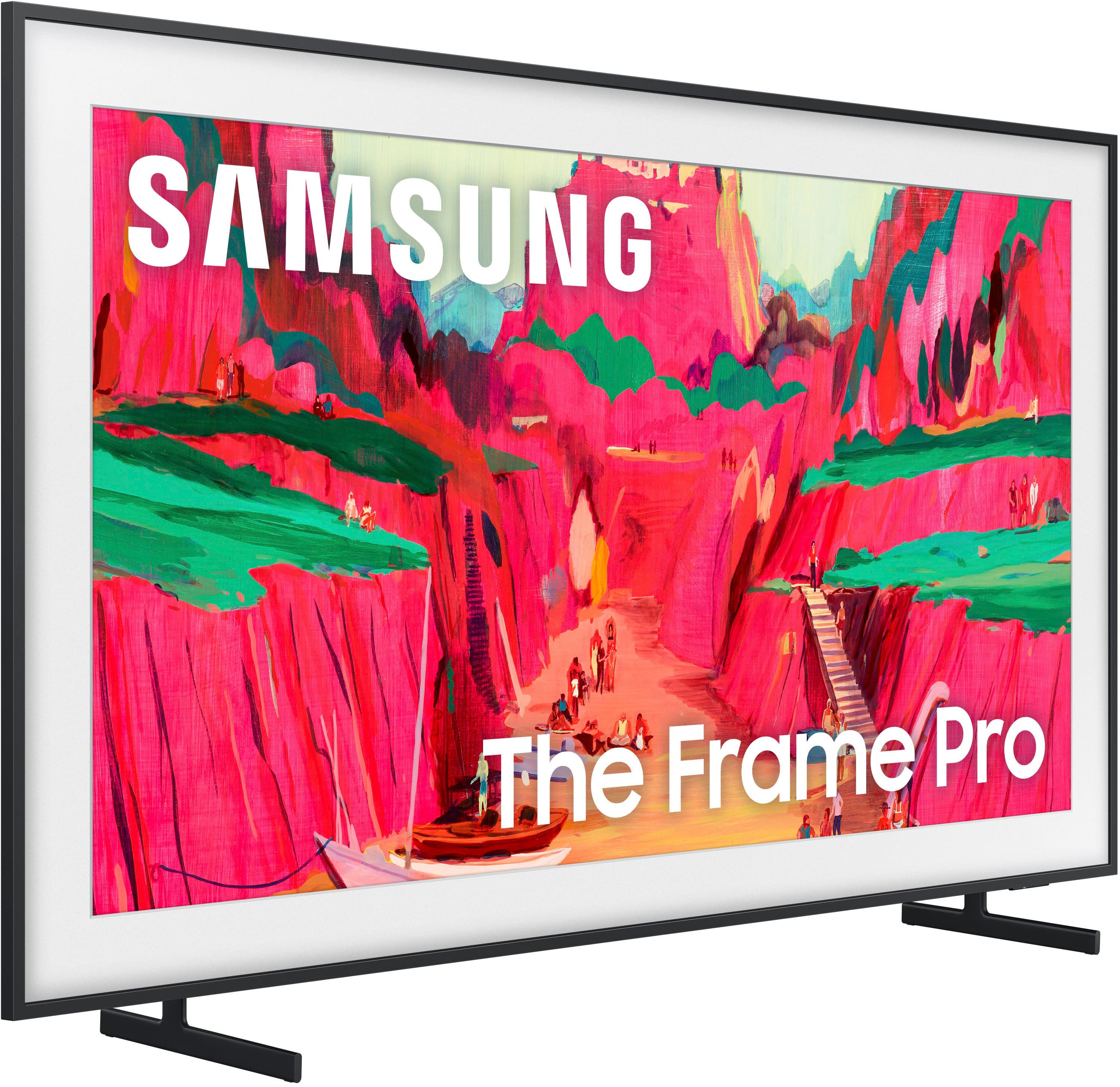
    • Answer Hi Dave - Yes, The Frame Pro comes with a Slim Fit Wall Mount as well as a 2-legged stand. ~ Samsung Specialist

      Answered by Samsung

  • QuestionIs a soundbar needed with this TV?

    Asked by Marla.

    • Answer No but for enhanced sound, a soundbar would be a good addition. However, since it is flush/wall mounted for the Frame TV to look like art, we chose not to add a soundbar. Sound has been decent but not great I would say.

      Answered by HarrisonBP

  • QuestionWhat power /cable is needed & need installation instructions

    Asked by Pb.

    • Answer Pb - So that we can better understand and assist with this, please reach out to Samsung Support at: 1-800-SAMSUNG, 8AM - 12AM EST, 7 days a week, or Chat with us on Samsung.com: https://www.samsung.com/us/support/contact/ ~ Samsung Specialist

      Answered by Samsung

  • QuestionSo the only hole behind the TV needs to be a recessed outlet? I keep wondering why when I look at this TV it suggests a Sanus - TV Media In-Wall Box W/ Power Supply Kit - 9" ??? if the wireless One Connect Box can be placed anywhere in the room?

    Asked by SusanV.

    • Answer Yes, technically and it says you can place One Connect box within 33 ft however that isn't always the case apparently. It all depends on location of box relative to tv and whether it is inside of anything or blocked by anything. Mine is less than 5 ft from center of tv and has problems keeping the One Connect box connected. Unfortunately, that box is the only way to connect and use my AppleTV or any HDMI ports bc they are all in the One Connect box.

      Answered by HarrisonBP

  • Questionwhat are the dimensions of the Wireless One Connect Box (H x W x D)

    Asked by Livingstone.

    • Answer Livingstone - The Wireless One Connect Box dimensions for The Frame Pro TV are 11.6” x 1.5” x 5” (WxHxD). ~ Samsung Specialist

      Answered by Samsung

  • QuestionDoes this model also have the anti-reflection matte finish?

    Asked by RJM440.

    • Answer RJM440 - Yes, The Frame and The Frame Pro both feature our Anti-Reflection with Matte Display. ~ Samsung Specialist

      Answered by Samsung

  • QuestionHow does this plug in behind the TV w/o making the TV stick out off the wall. Do I need to change out the outlet? Too bad this still requires a One Box. That's disappointing.

    Asked by SusanV.

    • Answer Hi Susiev - The Frame Pro uses a 2-pin, non-polarized power cord, like most Samsung TVs. If your outlet is directly behind the TV, consider using a recessed outlet box, as the included Slim Fit Wall Mount is designed to sit flush to your wall. Please note that the included cables are not in-wall rated, so they should not be routed through the wall. If your outlet is located elsewhere, you can plug in the TV like any standard setup. You may also want to check out the Installation Guide, which walks through setup and mounting tips: https://downloadcenter.samsung.com/content/EM/202504/20250407034616001/BN68-21917B-00_IG_LS03FW%20Round%20Feet%2065inch_ZA%20ZC_L02_250224.0.pdf If you have any other questions, Samsung Support is happy to help. You can reach us at 1-800-SAMSUNG (available daily from 8 AM to 12 AM EST) or connect with us via live chat at Samsung Support: https://www.samsung.com/us/support/contact/ ~ Samsung Specialist

      Answered by Samsung