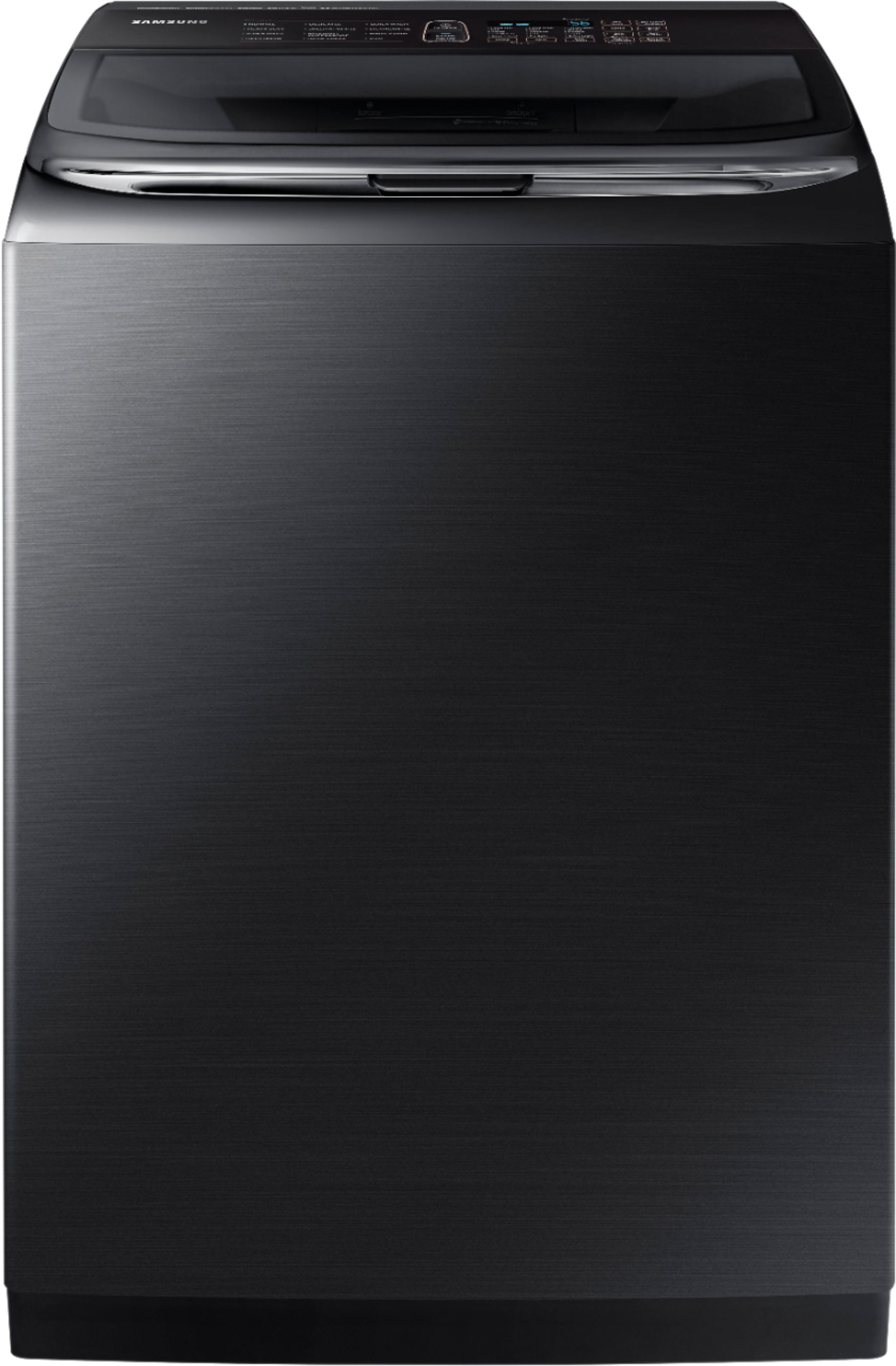
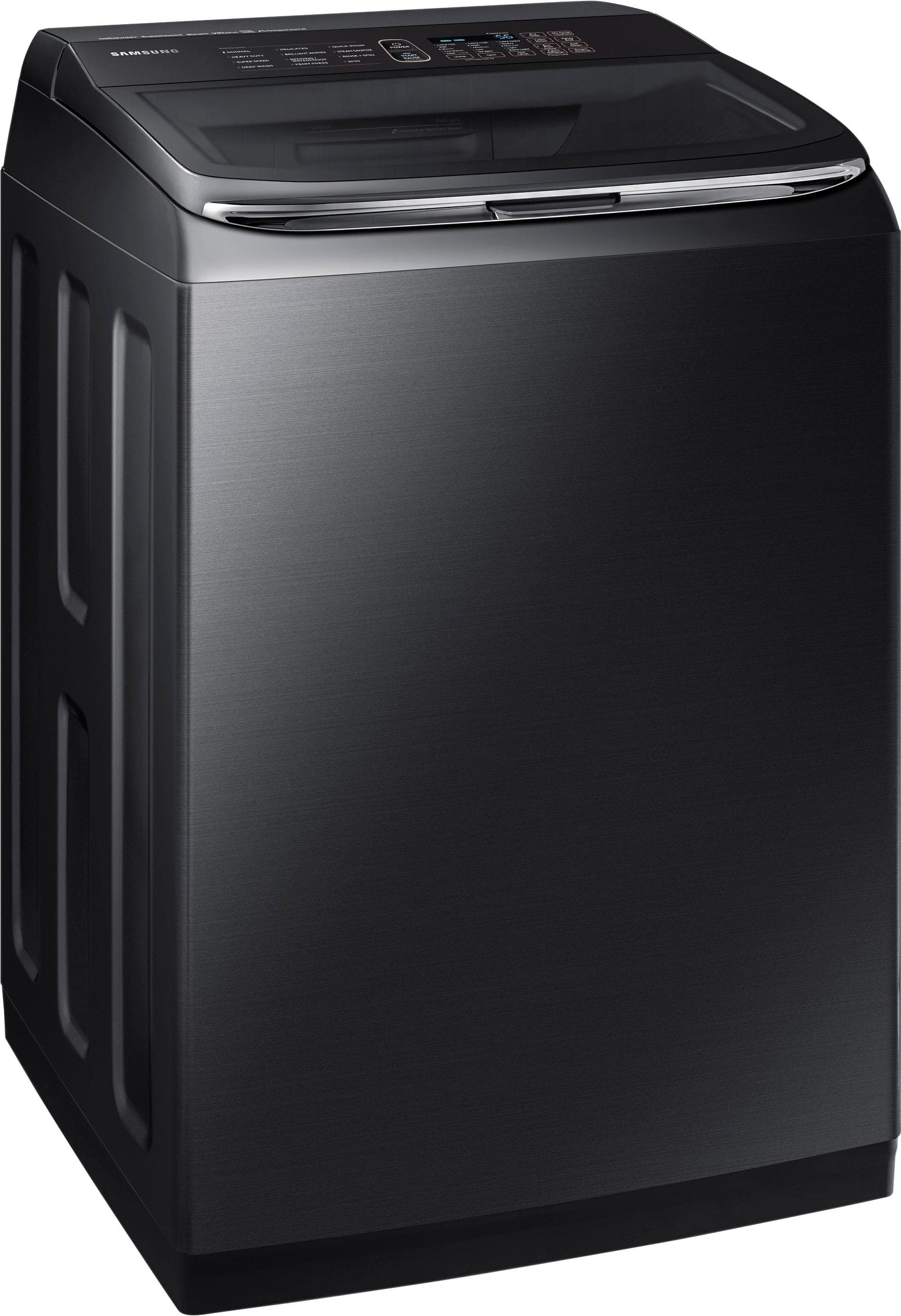
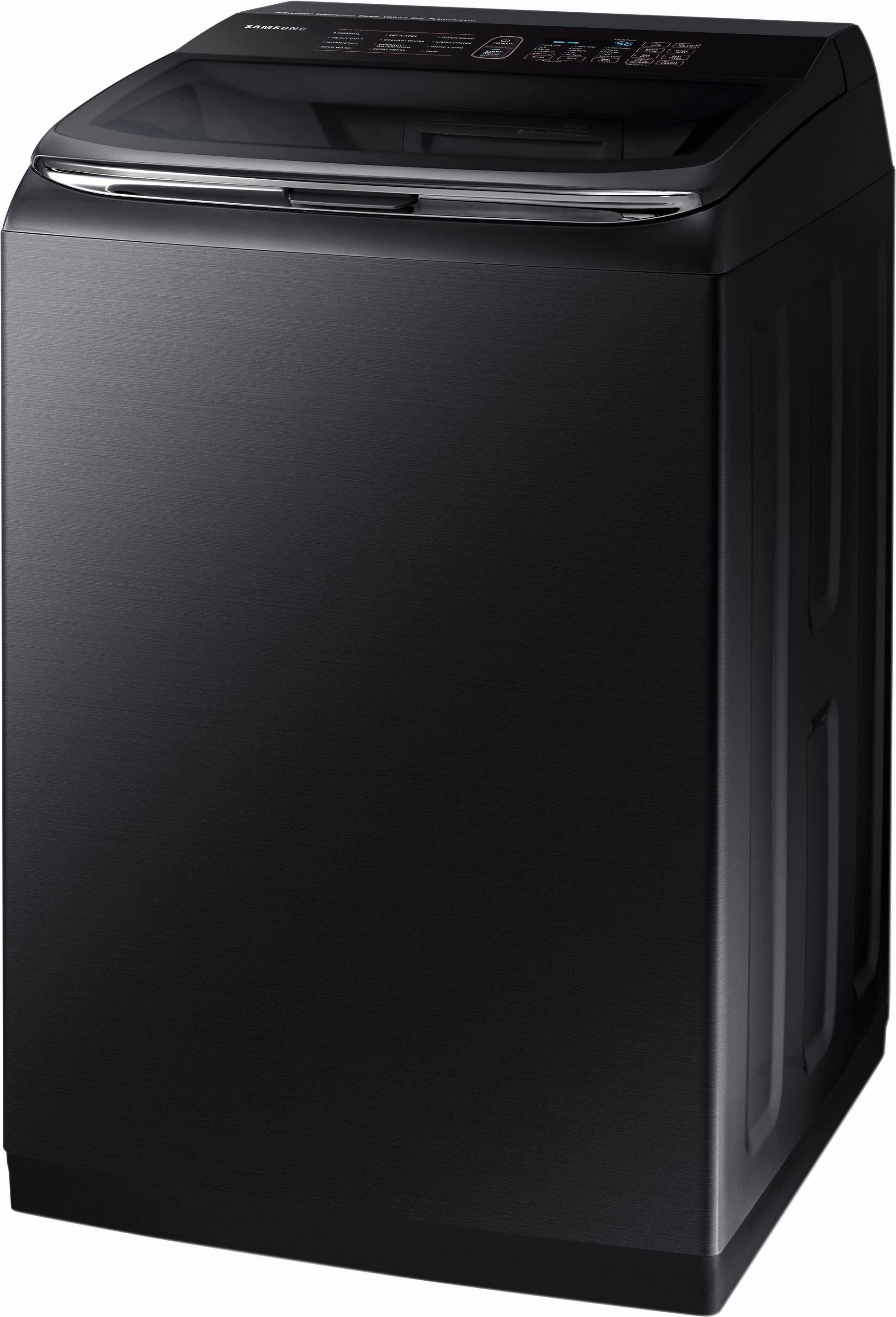
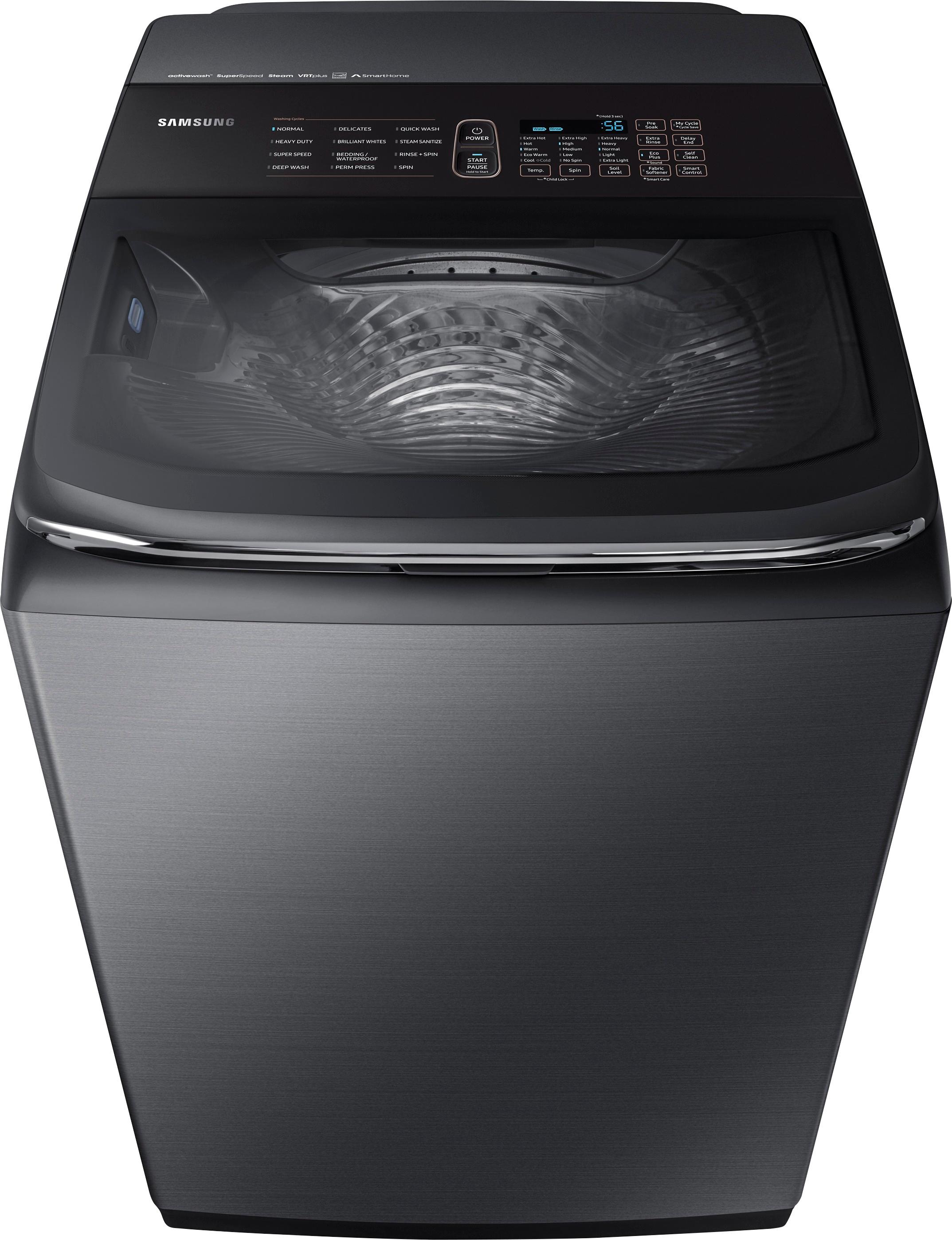
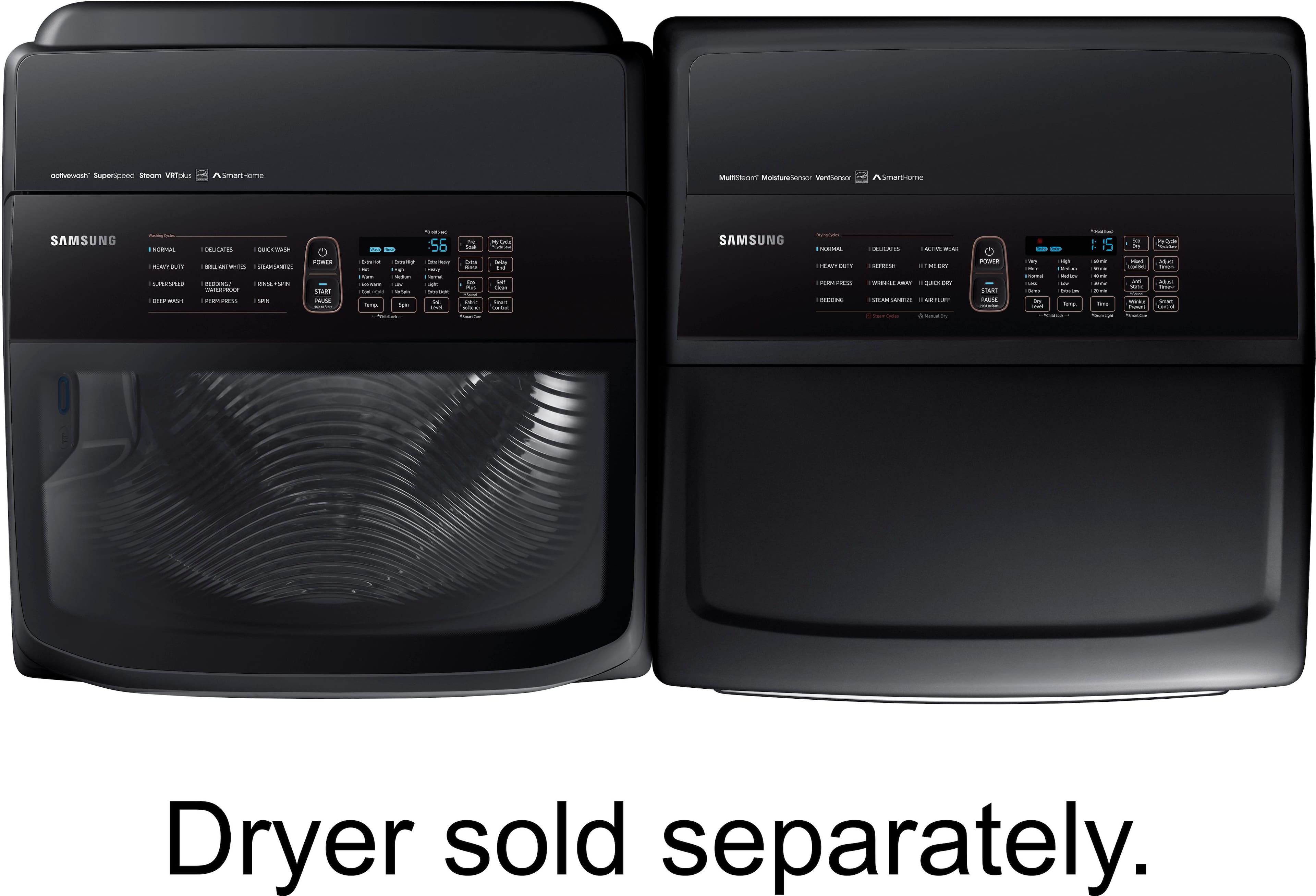
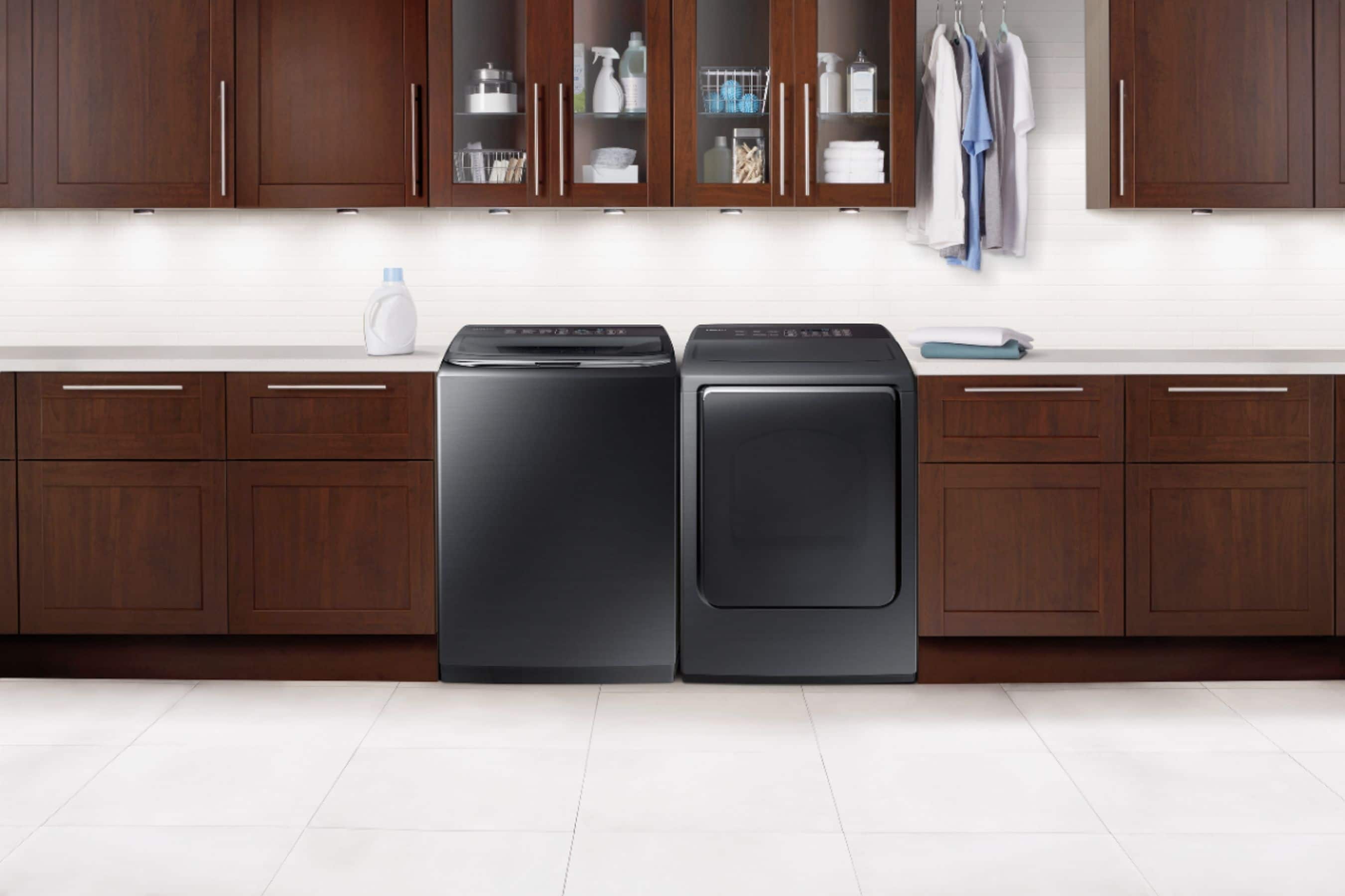
A:AnswerTap the power button and the machine should come alive............then select which settings you'd like on the control panel..............then hold down the start button for 3 seconds..............this is how ours works............it also took us a few tries to figure out how to start it!!
A:AnswerI downloaded the smart home application and then held down the "smart control" button on the washing machine until AP showed on the screen of the washing machine. You need to connect your cell phone wifi to a 2.4ghz network vs a 5.0 ghz. From there on the app, search for your wifi network. Input the wifi password and wait for the app to finish connecting it.
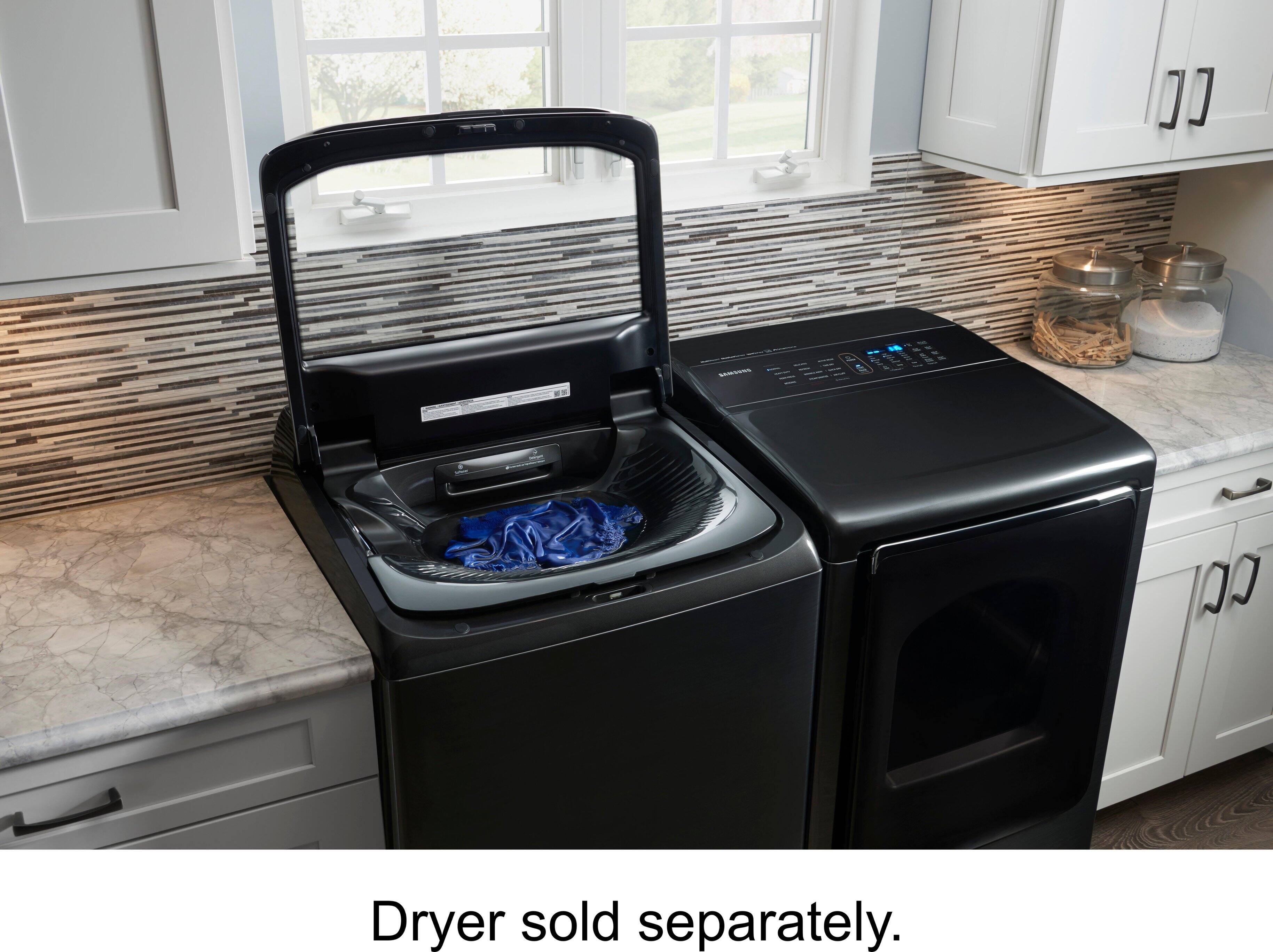
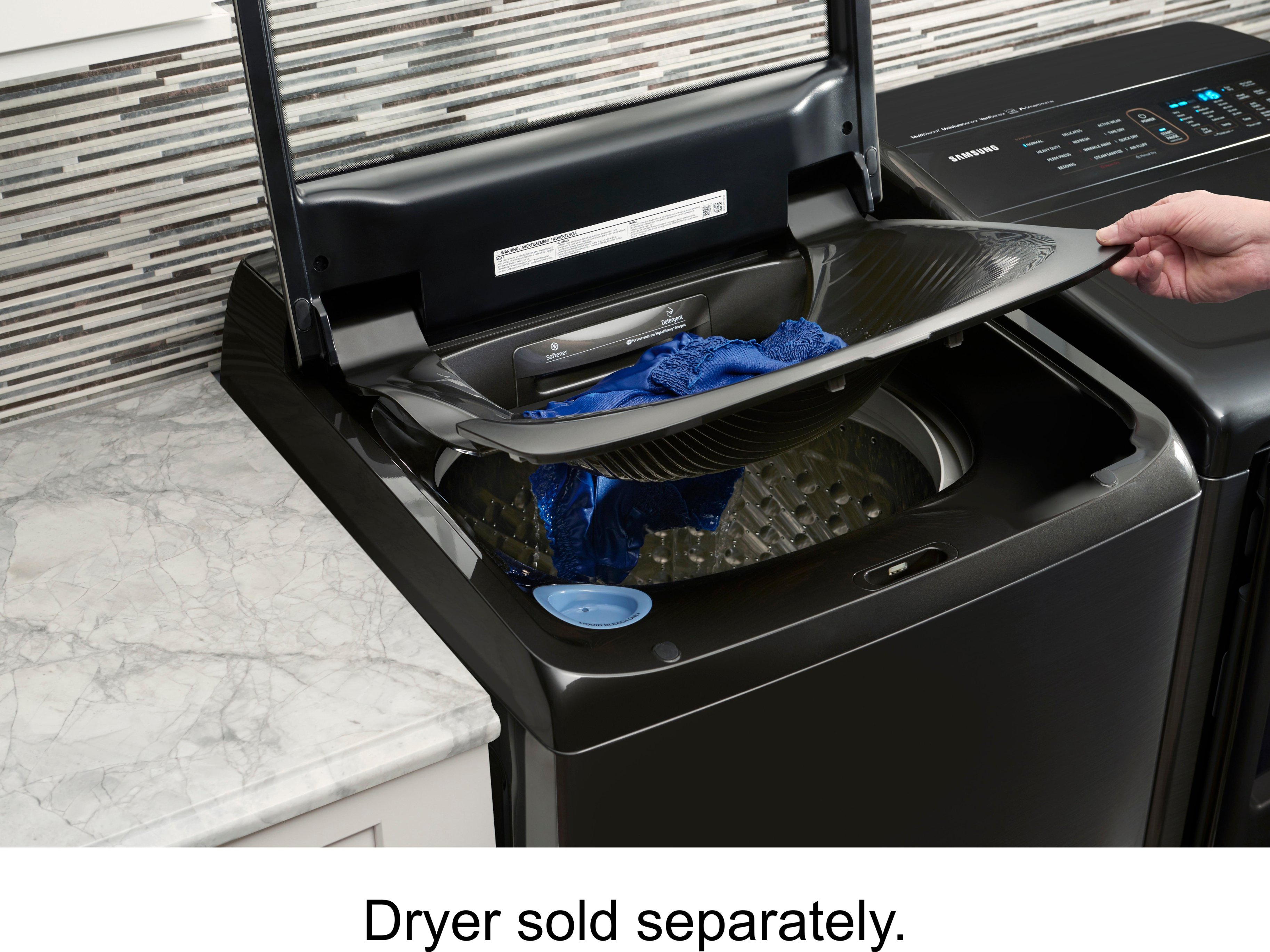
A:AnswerHello SS, this unit does have an add garment option. I have attached a link below to the icon glossary.
http://support-us.samsung.com/cyber/popup/iframe/pop_troubleshooting_fr.jsp?idx=430739&modelname=WA54M8750AW/A4&modelcode=WA54M8750AW/A4
^Britt
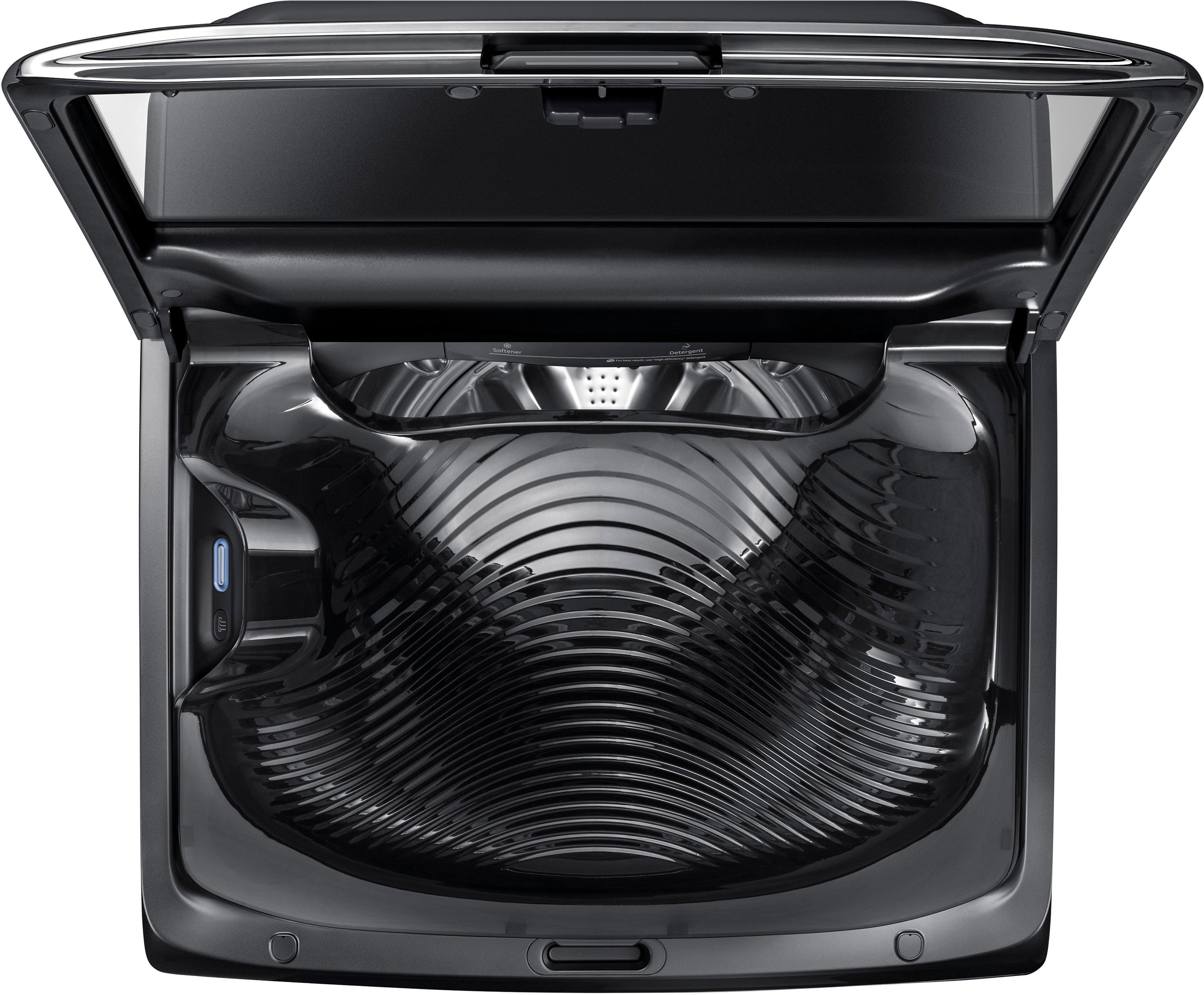
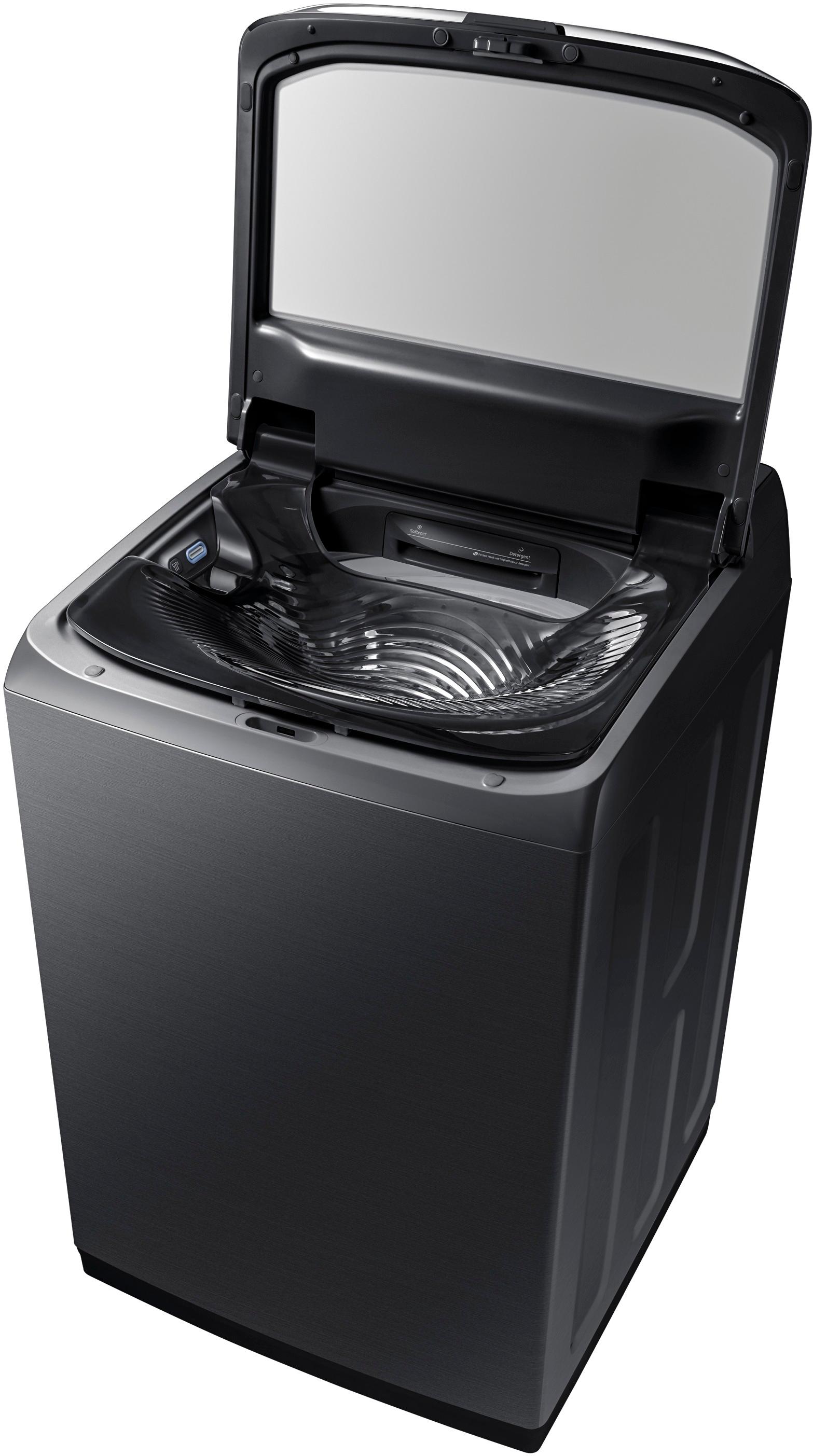
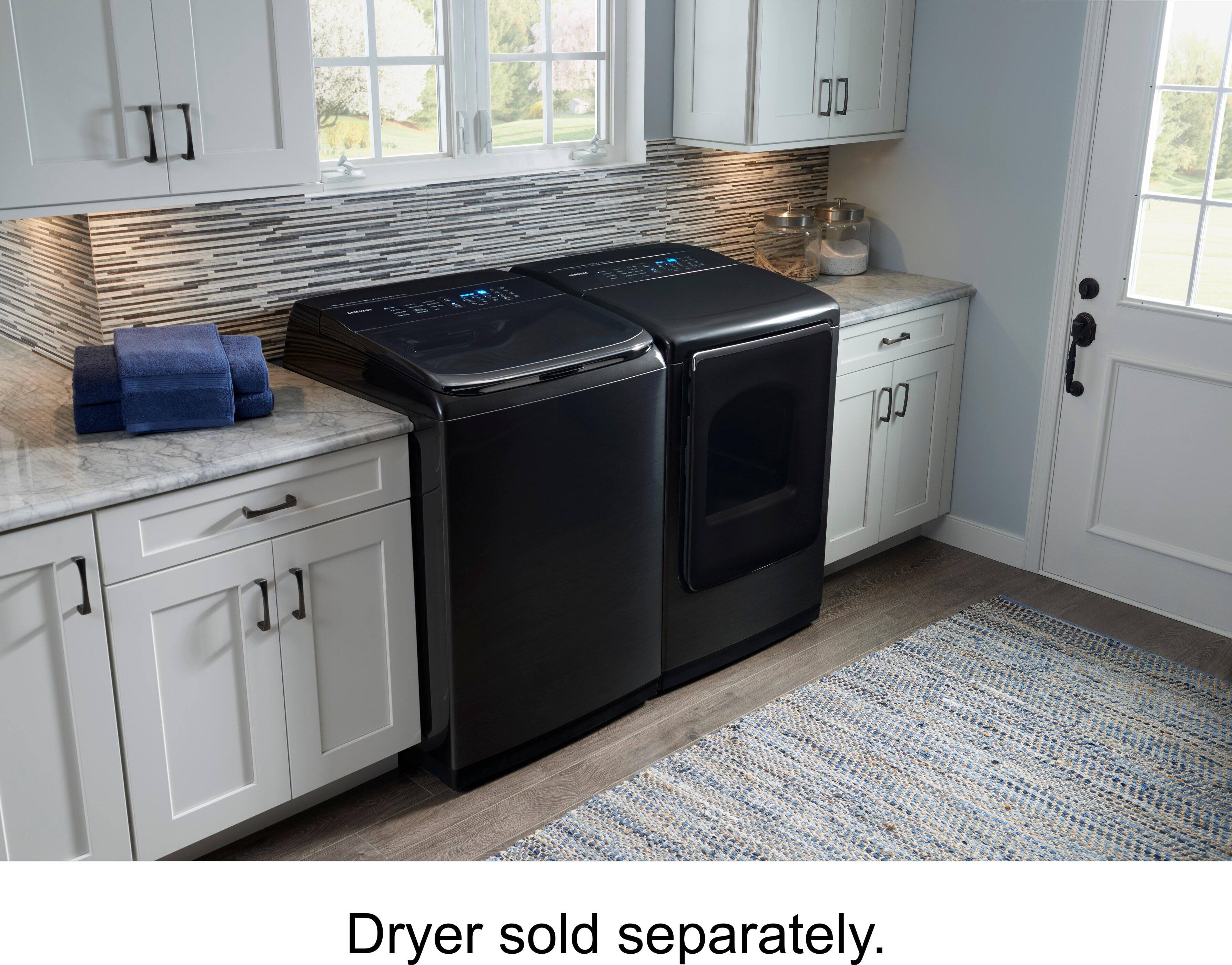
A:AnswerThis does not require a foot pedestal. To be honest, it would probably be hard to grab clothes from the bottom of the drum if it were any higher..
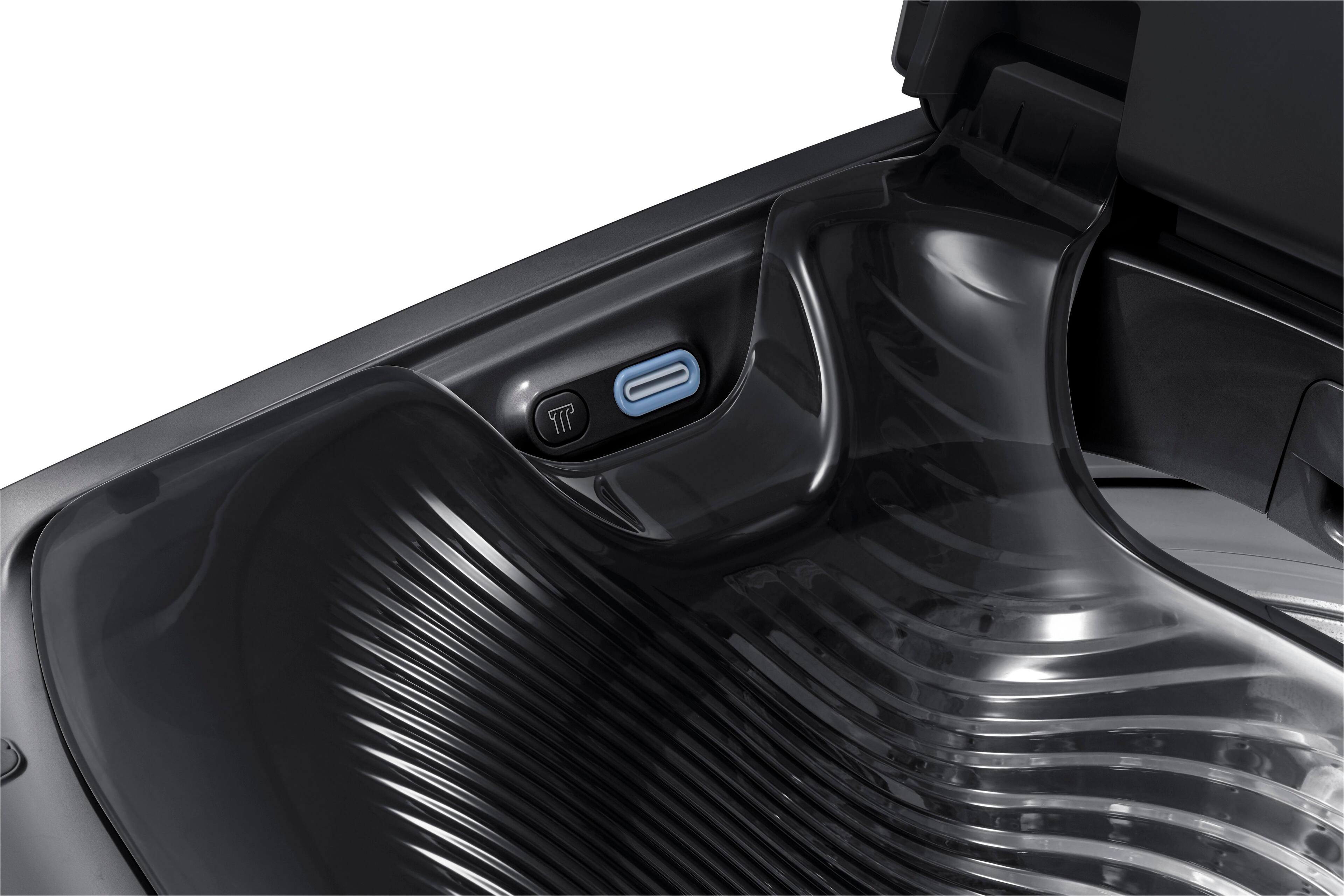
A:AnswerHello leahcandice! I am including a link to the user manual on page 45 to support your concerns on the water jet (https://bit.ly/2yesdOy). We thank you for choosing to be a part of Samsung! ^Lena
A:AnswerYes, I can prewash small clothes (baby ones and tops) and leave it in water. Since the basin is small, we cant expect to have more than a shirt.