A:AnswerI have heard and read that the S4, along with most other samsung mobile devices (S3, Note 2, Tab etc.) will be receiving an update by December making the compatible with Gear.
A:AnswerRain and splash like ok, showers are not recommended but might work. Swimming or other no way! This is based on their rating think it was ip55. Reviews say shower might be ok but I wouldn't even try that.
A:AnswerThe word is compatible. It means you need the "Note 3" in order for this product to work. Soon the S3 and S4 will work with this too. Rumor has it the next Gear Watch will work with many phones.
A:AnswerThe Gear relies on a bluetooth connection to your phone for message/call notifications. If the Gear moves out of range from your device, you will lose any ability to recieve notifications until you are back in range.
It will still function as a watch, camera, and several apps that don't require notification delivery.
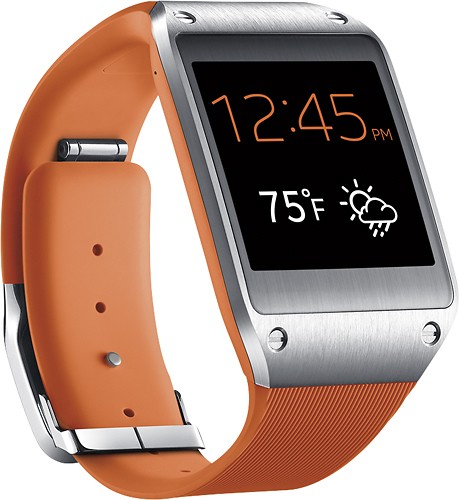
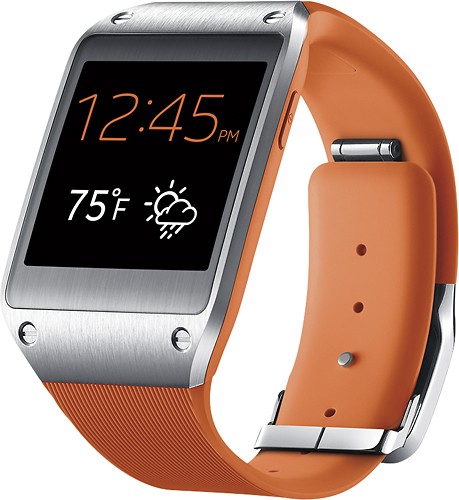
A:AnswerThe Gear is not water resistant. It is IP55 rated which technically states it can withstand short exposure to a water jet. In another words, it can withstand a splash/ rain drops. No showers, washing hands with it.
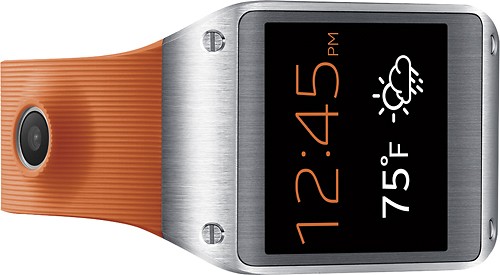
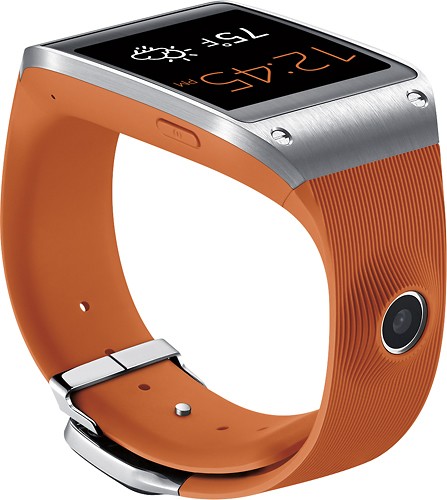
It does not get hot. Adding a camera flash would add additional bulk to the device.
A:AnswerYes, the Samsung Galaxy Gear Smart Watch connects to your compatible phone via bluetooth, it allows you to read texts, as well as compose and send messages via voice command.
A:AnswerThe Samsung gear (watch) is connected to the Note 3 via Bluetooth so it must be within 30 to 50 feet to connect to the Note 3. However, the gear does have apps / features for runners built into it. I do use the step counter and calorie burn counter on it. It will track that without the phone being near it. So it very well may do what you want. I do use my gear daily and am very happy with it. You do have 15 days to return it to Best Buy if it does not meet your needs. So buy it and try it. You have nothing to loose! If it doesn't do what you want return it, but I think you will love the watch. I also own the note 3 so I understand your concern on size. It is a bit large but I think you can get an arm band that will fit the note 3 as well. Then use it as your health tracker as well as your music player. Which the watch will do as well, though the speaker on the watch isn't as good as using a set of earbuds with the note 3.
A:AnswerAll phone that use Bluetooth LE or Bluetooth 4.0 will work. As long as your S2 is updated past Gingerbread (If you've downloaded an update to your phone in the last year or 2 you're fine) your phone is supported.
A:AnswerSwipe right to logs and once you get in the list tap the garbage can and touch the log entry that you want to delete. If you want to delete the list just tap the icon on the top right corner then confirm.