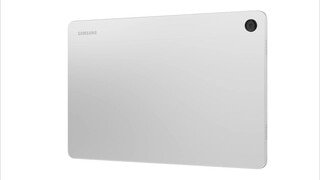
A:AnswerHello, thank you for asking us your question about the Samsung Galaxy Tab A9+. You can achieve mobile continuity between your device and other connected devices. Here's how: From Settings, tap Connected devices for the following features: > Smart View: Show your device's screen or play videos on a nearby TV. If you have additional questions for us, please let us know by reaching out to Support. Thanks for being a dedicated Samsung customer. - Debra
A:AnswerHello there Rich, thanks for asking us your question about the Samsung Galaxy Tab A9+. Yes, the Galaxy Tab A9+ allows you to expand your storage up to 1TB more when you add on a microSD card. If yo9u have any other questions, please feel free to contact Support. Thanks for being a valued Samsung customer. - Debra
A:AnswerHowdy Jr, thank you for taking the time to ask us your question about the Samsung Galaxy Tab A9+. The Galaxy Tab A9+ is compatible with the Zoom app. Please feel free to download this app and any other favorite apps by visiting the Google Play Store. If you have any other questions for us, please feel free to reach out to Support. Thanks for being a faithful Samsung customer. - Debra
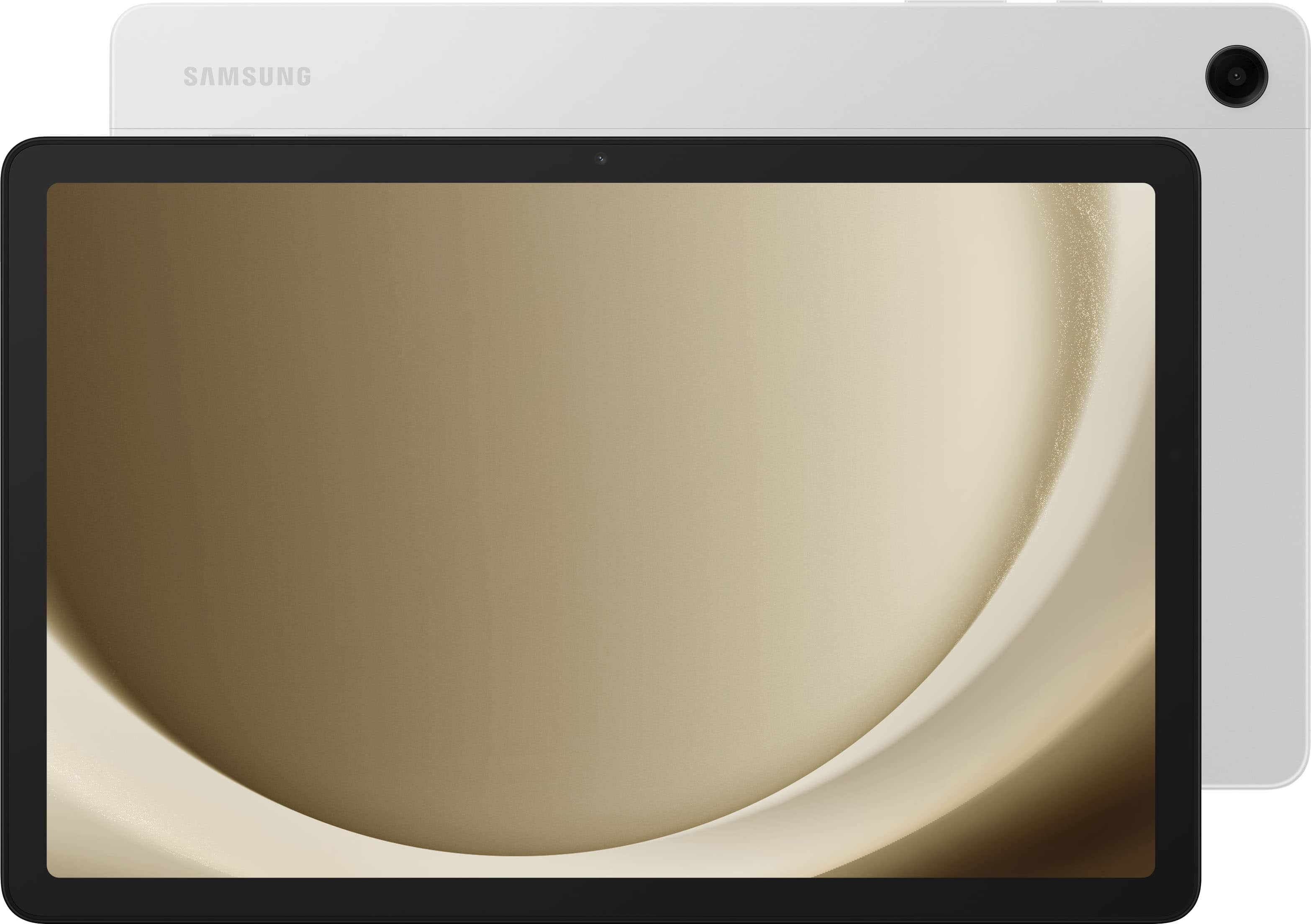
A:AnswerAloha Can, thank you for asking us your question about the Samsung Galaxy Tab A9+. You can rip your CD from your computer and then transfer the file to your Galaxy Tab A9+ via USB cable or via cloud storage. If you have any other questions, feel free to reach out to Support. Thanks for being a valued Samsung customer. - Debra

A:AnswerAsk your local Geek Squad or go directly to Samsung Support. They will need to know the printer you wish the tablet to connect to and will give you the help you seek.