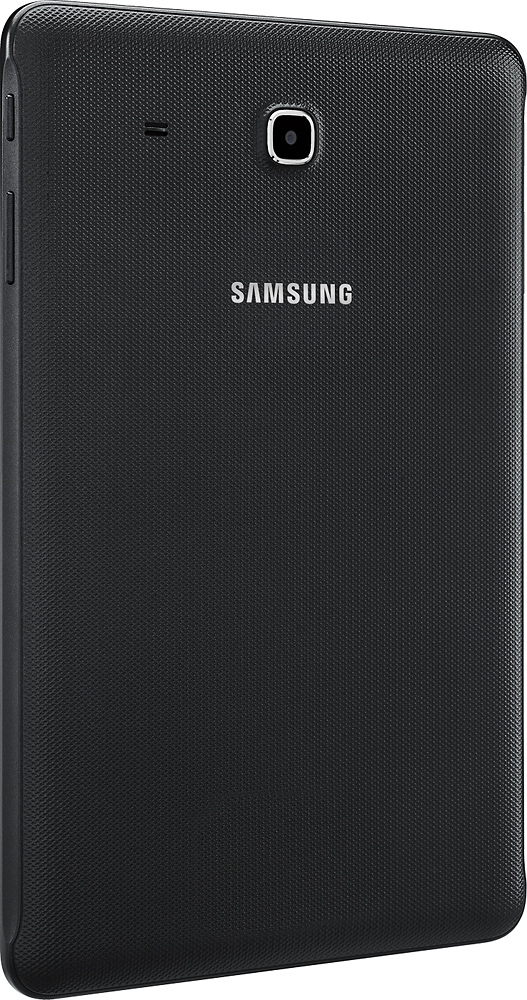
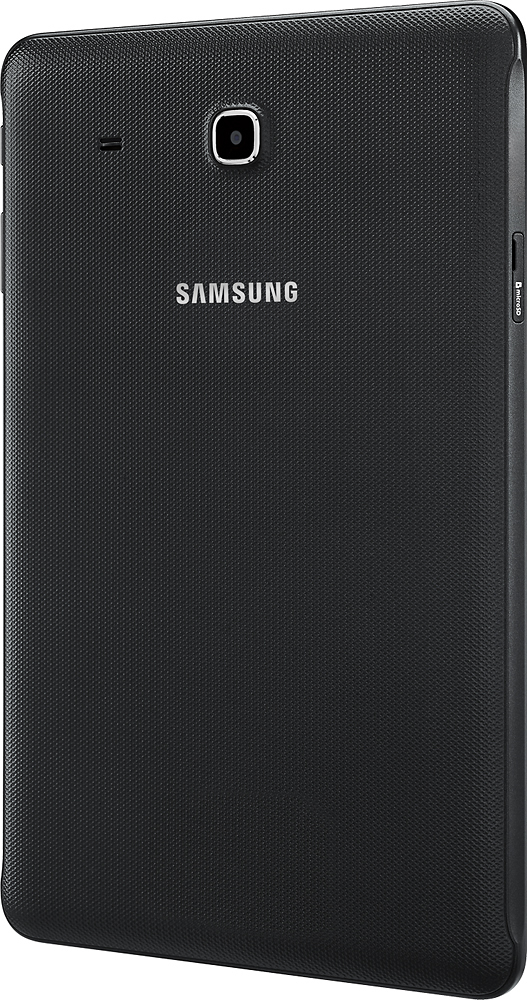
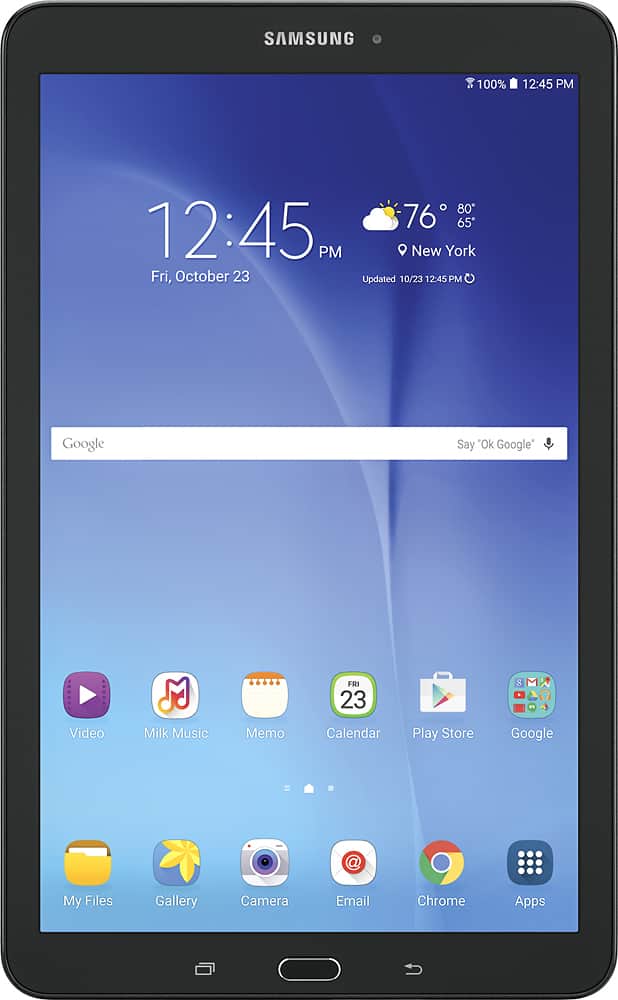
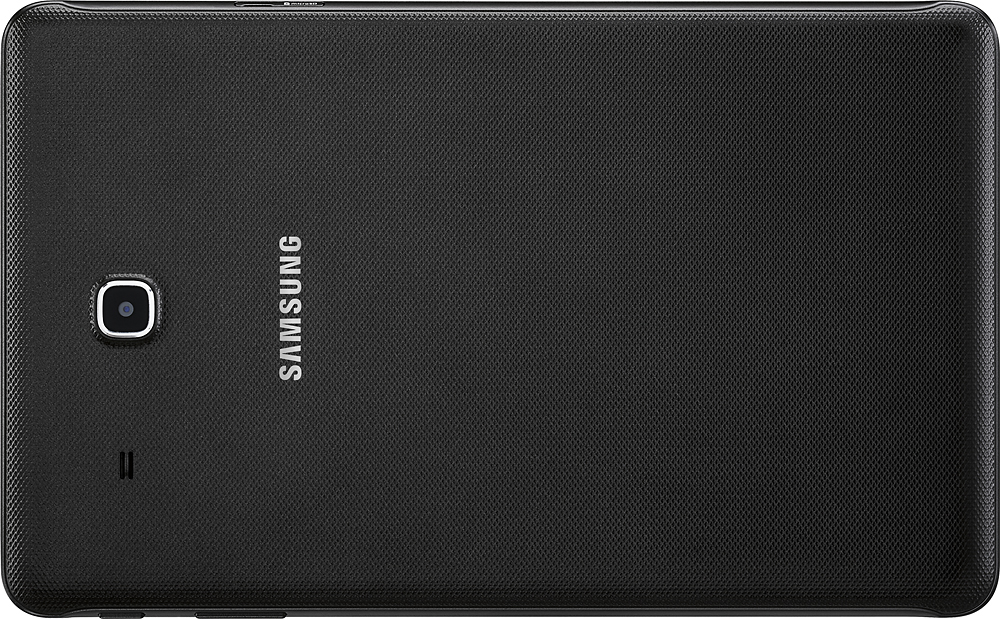
A:AnswerMost cell phone providers have the option of adding tablets to your account for data usage etc. Verizon and ATT do- but you will need to call Sprint. They will ask you for the device Mac Address and add it to your account. Anytime you use wireless data on the tablet , you will incur charges the same as you would on your cellular data.
A:AnswerI believe it is free for life. I have not read/heard any such expiration condition. I have been using it for 3 weeks now and did not come across any such warning etc.
A:AnswerIf you're transferring books or apps you bought on Amazon, yes. You'll need to install the Amazon Kindle reader (available in the Google Play Store) and the Amazon App Store (available on the Amazon website). Then you should have access to any books or apps that you've purchased.
A:AnswerYes it will. I'm using it with a Phantom 3 Pro, and the new Spark. Works well. There is same delay (latency), but is acceptable to me. If you use both DJI GO and Litchi, there my be a problem with the tablet connecting to both. It wants to default to one USB device . You can change the default when you need to switch apps in settings/apps, but it takes time. I can see the screen well outside in the shade. All tablets have difficulty with bright display in bright sunlight. This one is one of the brighter screens I've seen.
The USB device select problem is its only fault to great drone flying.
A:AnswerApps can be moved to the SD Card, But when the Apps get updated they fall back onto the base from the SD, then all you have to do is move them back to the SD again.
Sounds stupid but it still works for me.