Skip to contentGo to Product Search
Main Content

Questions & Answers

$1,699.99
Page Showing 1-13 of 13 questions
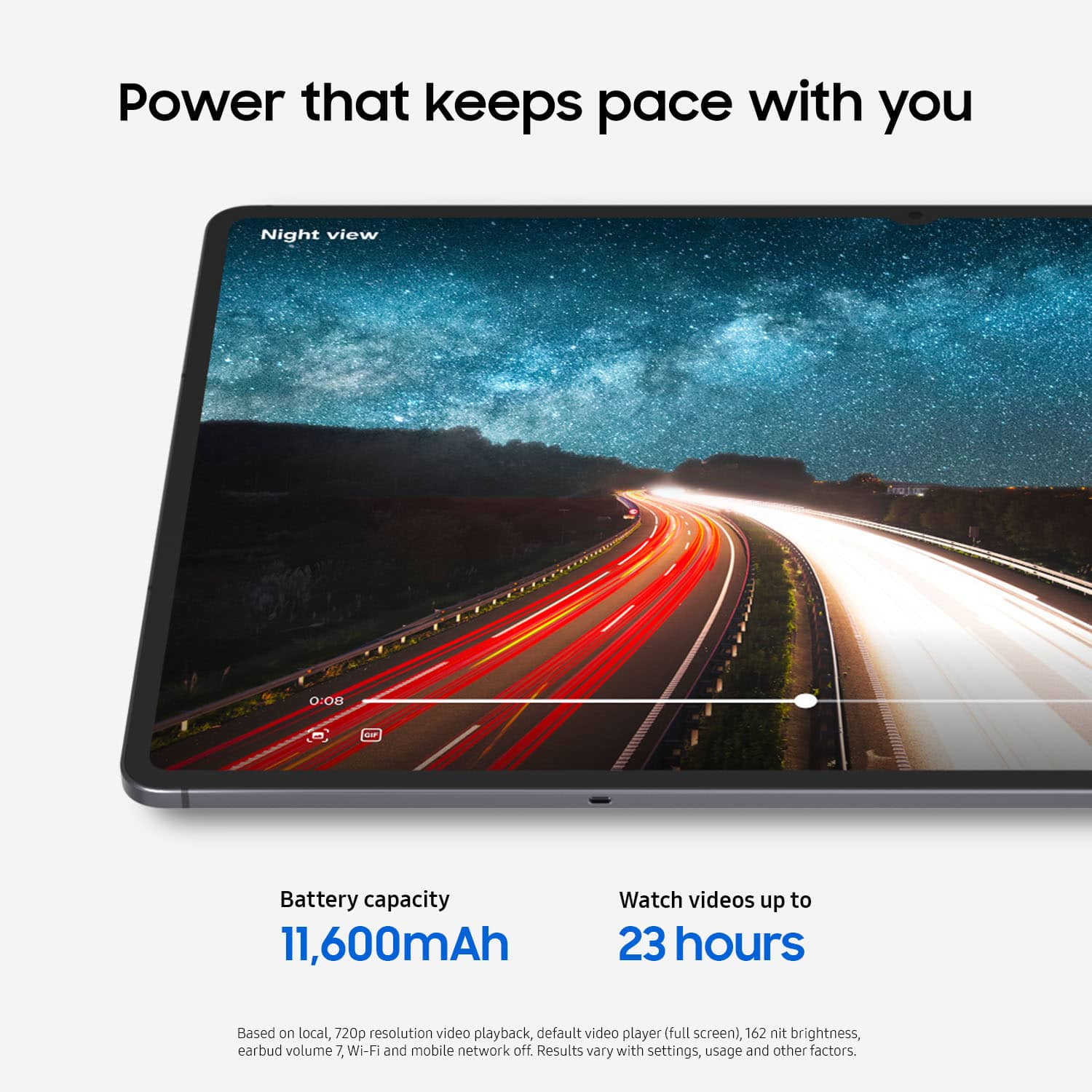
  • QuestionWhat is the battery capacity of this tablet?

    • Answer The battery capacity of this tablet is 11600 milliampere hours.
    This question and answer was generated by AI based on customer and product data.

  • QuestionCan the storage capacity of this tablet be expanded?

    • Answer Yes, the storage capacity of this tablet can be expanded using a microSD card.
    This question and answer was generated by AI based on customer and product data.
  • QuestionHow many megapixels does the front-facing camera have?

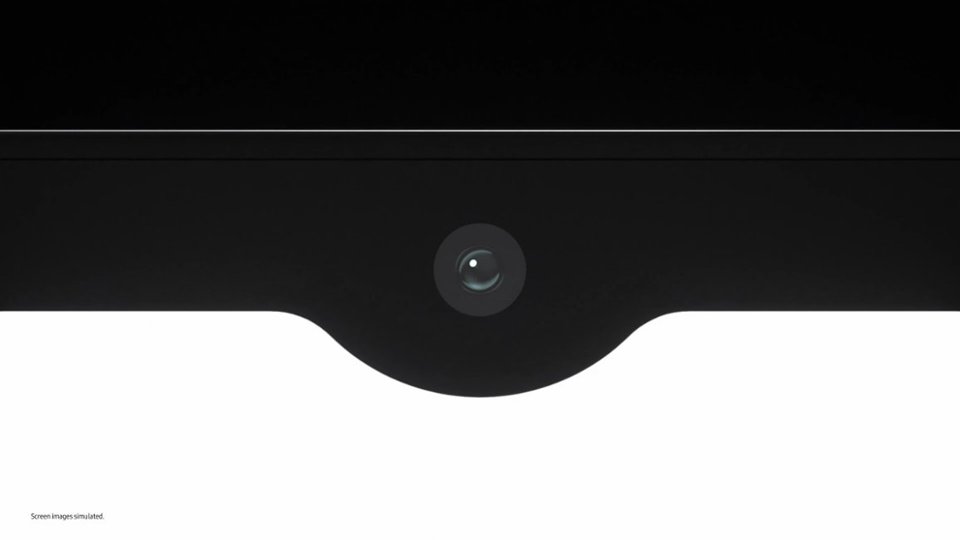
    • Answer The front-facing camera has 12 megapixels.
    This question and answer was generated by AI based on customer and product data.
  • QuestionIs facial recognition supported by this tablet?

    • Answer Yes, this tablet supports facial recognition for security.
    This question and answer was generated by AI based on customer and product data.
  • QuestionWhat operating system does this tablet use?

    • Answer This tablet uses the Android 16 operating system.
    This question and answer was generated by AI based on customer and product data.
  • QuestionHow much system memory does this tablet have?

    • Answer This tablet has 16 gigabytes of system memory.
    This question and answer was generated by AI based on customer and product data.
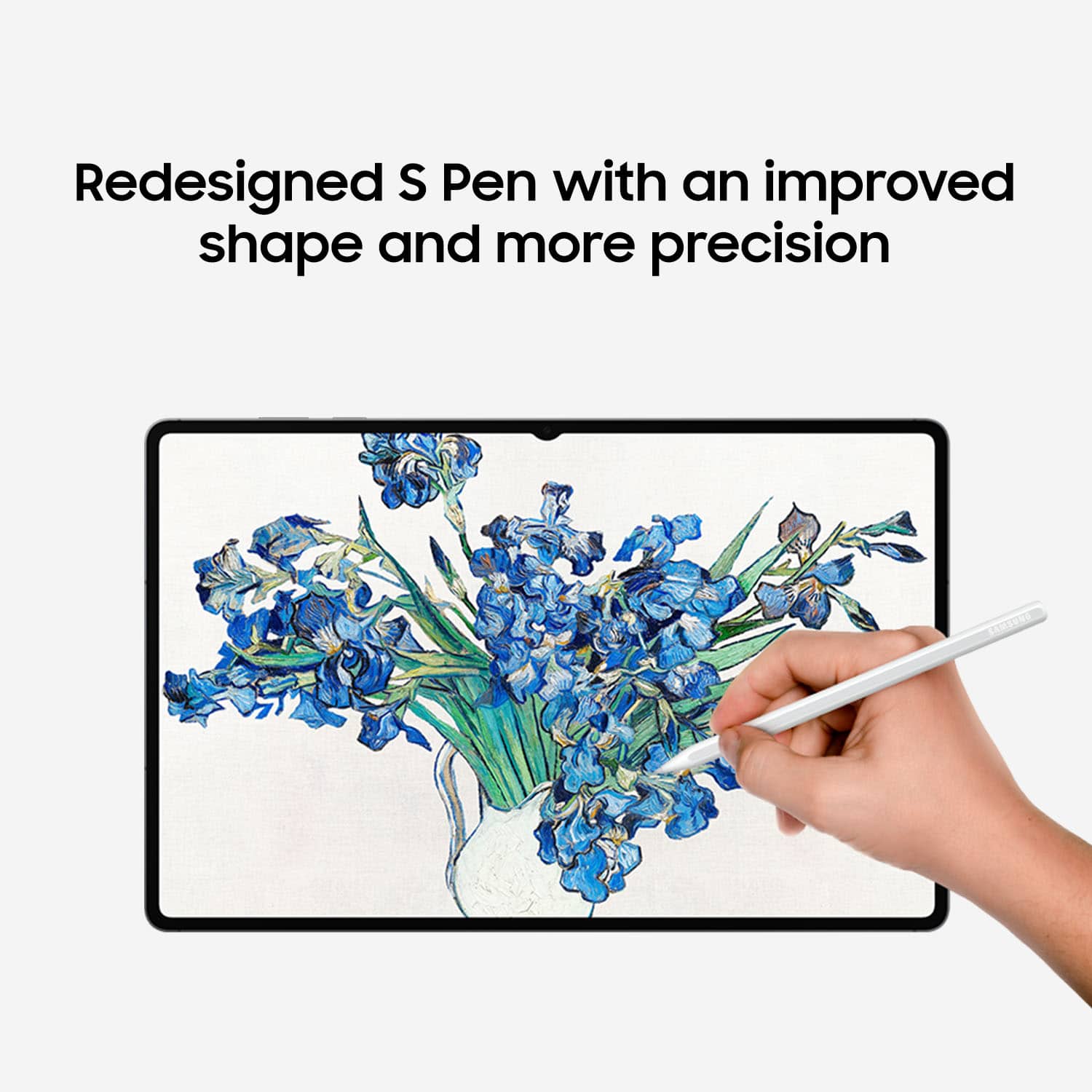
  • QuestionDoes this tablet come with a stylus?

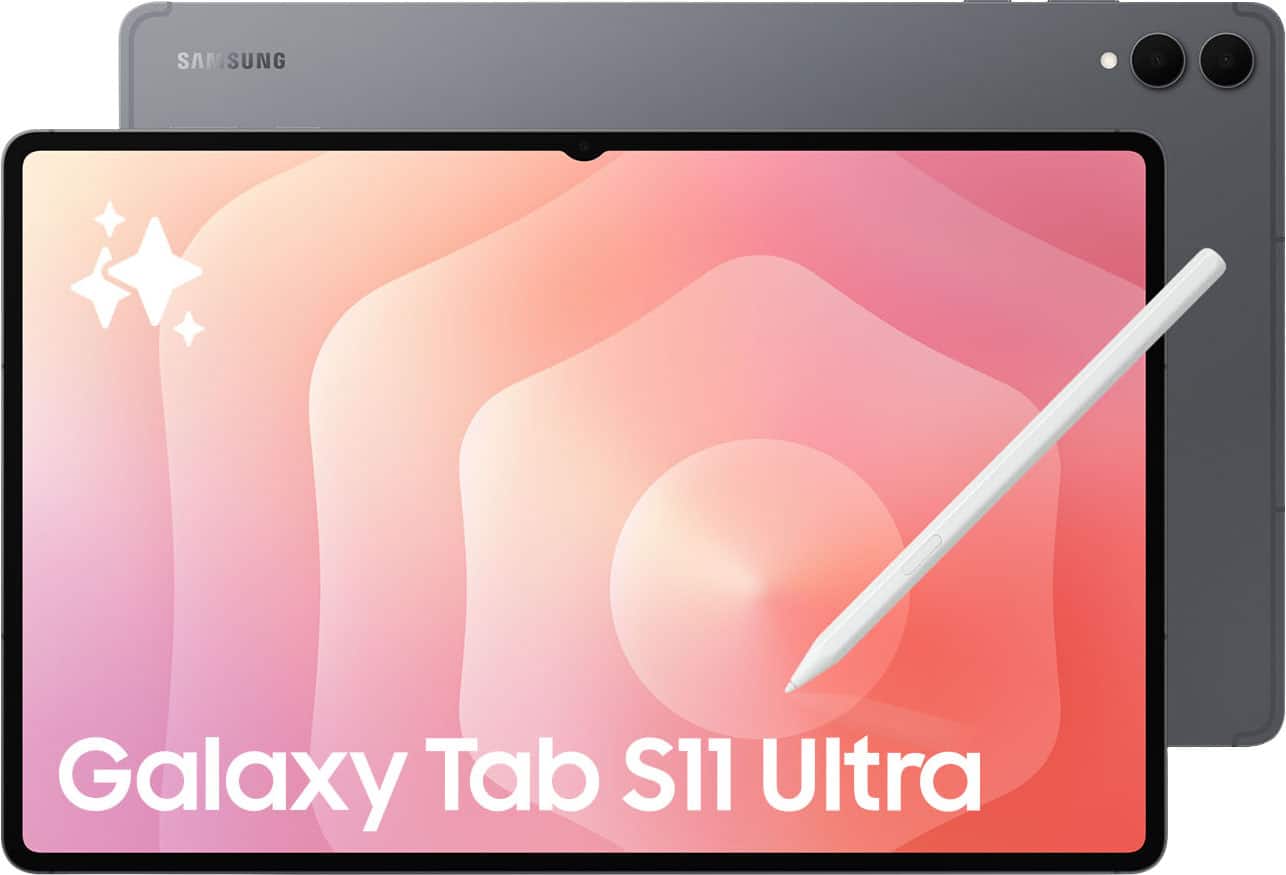
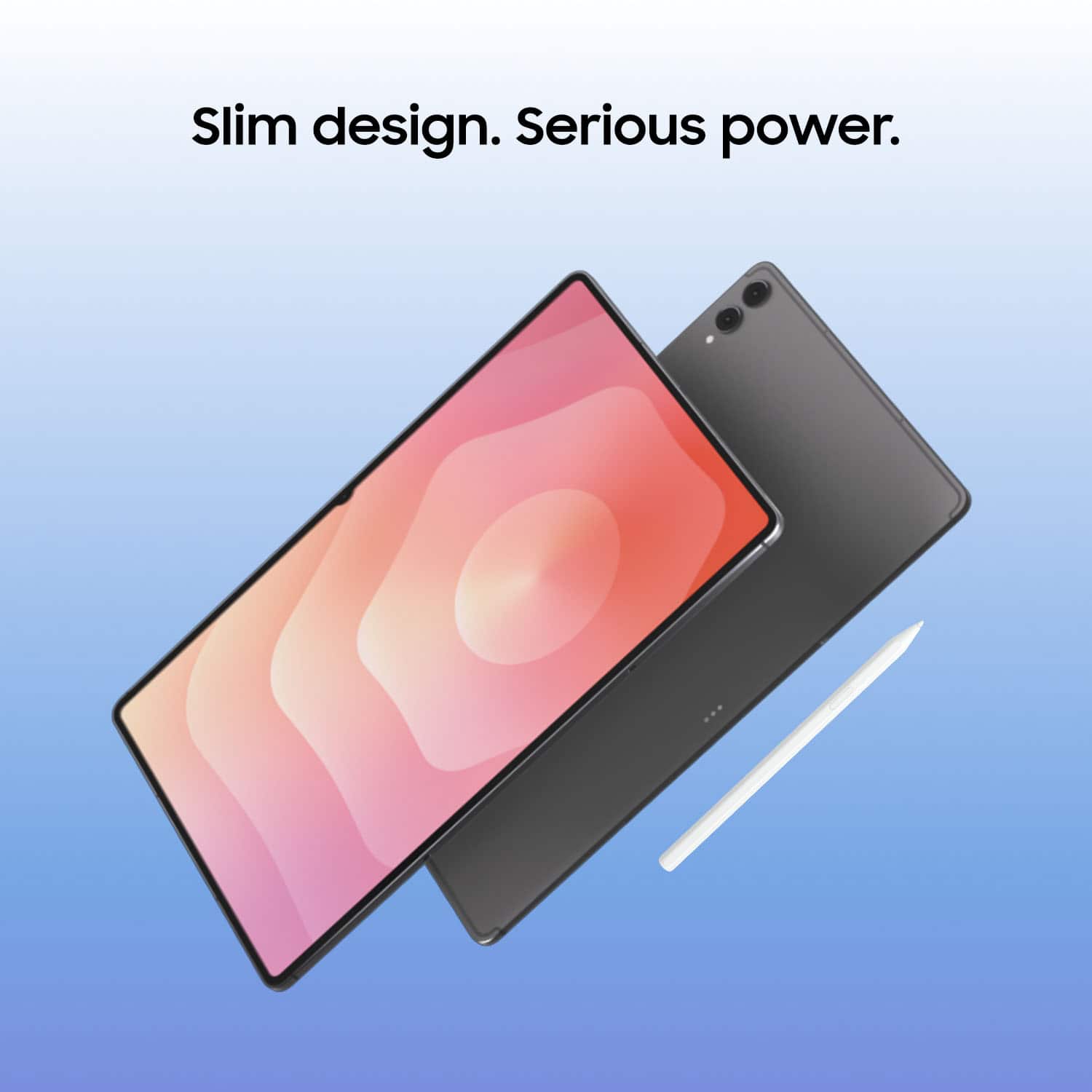
    • Answer Yes, this tablet comes with a S Pen stylus.
    This question and answer was generated by AI based on customer and product data.
  • Questioncan i make mirror from mi cell samsung ultra s24 to the Tab S11 ultra samsung

    Asked by carlosc.

    • Answer Howdy Carlosc1959, thank you for taking the opportunity to ask us your question about the Samsung Galaxy Tab S11 Ultra. Yes, you can screen mirror from your Galaxy S24 Ultra to your Tab S11 Ultra using official Samsung tools. The most effective way is by using Samsung Flow. It allows you to link the two devices over Wi-Fi or Bluetooth to view and control your phone's screen directly from the tablet. Steps to set it up: 1 - Ensure both devices are connected to the same Wi-Fi network and have Bluetooth enabled. 2 - Download and open the Samsung Flow app on both your S24 Ultra and your Tab S11 Ultra. 3 - Select your phone from the device list on your tablet and follow the on-screen pairing prompts. 4 - Once connected, tap the Smart View (screen mirroring) icon within the Samsung Flow app on your tablet to start displaying your phone's screen. Please feel free to contact Support if you have any other questions for us or if you would like further assistance. Thank you for being a loyal Samsung customer. - Debra

      Answered by Samsung

  • QuestionDoes it come with a charger?

    Asked by Data.

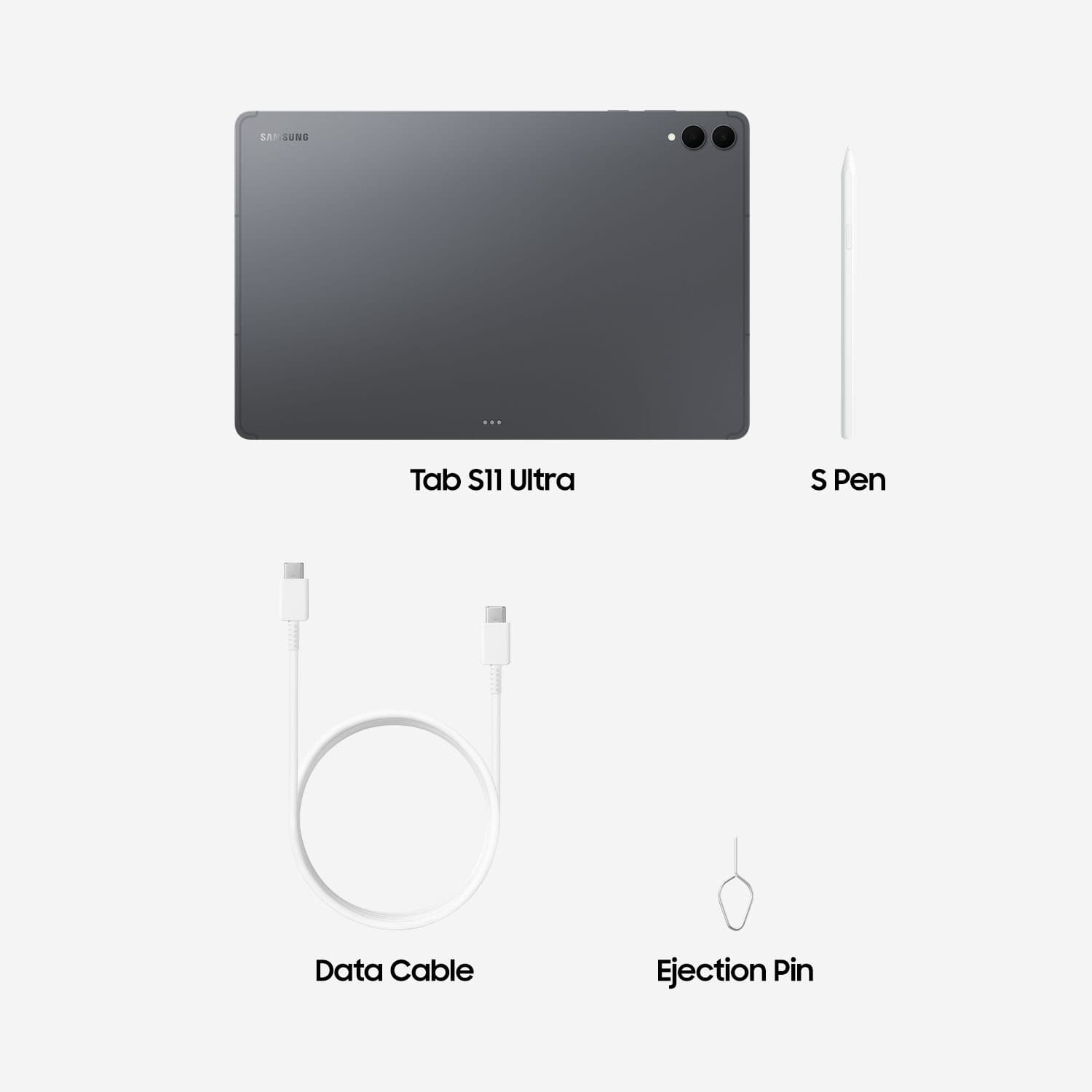
    • Answer Hey there Data, thank you for asking us your question about the Samsung Galaxy Tab S11 Ultra. The Galaxy Tab S11 Ultra box includes: 1. Galaxy Tab S11 Ultra | 2. S Pen | 3. USB-C to C Cable | 4. Ejection Pin. Wall chargers and/or adapters are sold separately. Let us know if you have additional questions for us by contacting Support at your earliest convenience. Thanks for being a treasured Samsung customer. - Debra

      Answered by Samsung

  • QuestionIs it easy to transfer photos from my Android cell phone to the Samsung Galaxy S11 Ultra?

    Asked by Ray.

    • Answer Hello Ray, thank you for asking us your question about the Samsung Galaxy Tab S11 Ultra. Yes, you can easily transfer photos from any Android phone to the advertised Galaxy S11 Ultra by utilizing the Samsung Smart Switch app. It allows for a fast wireless transfer or a more stable cable connection, enabling you to move photos, videos, and other data by placing the devices close together. If you have any other questions for us, please do not hesitate to reach out to Support. Thank you for being a cherished Samsung customer. - Debra

      Answered by Samsung

  • QuestionAre we able to add external storage like a sd card or mini SD card.

    Asked by Great.

    • Answer Good day DJNESS, thanks for asking us your question about the Samsung Galaxy S11 Ultra. Yes, the advertised Galaxy Tab S11 Ultra supports expandable storage up to 2TB when you add a microSD card to this device. Let us know if you have any other questions for us by contacting Support. Thank you for being a loyal Samsung customer. - Debra

      Answered by Samsung

  • Questioncan this handle playing games online? especially those games that require constant screen touching? is their a screen protector available/protective case?

    Asked by roleplayingjunkie.

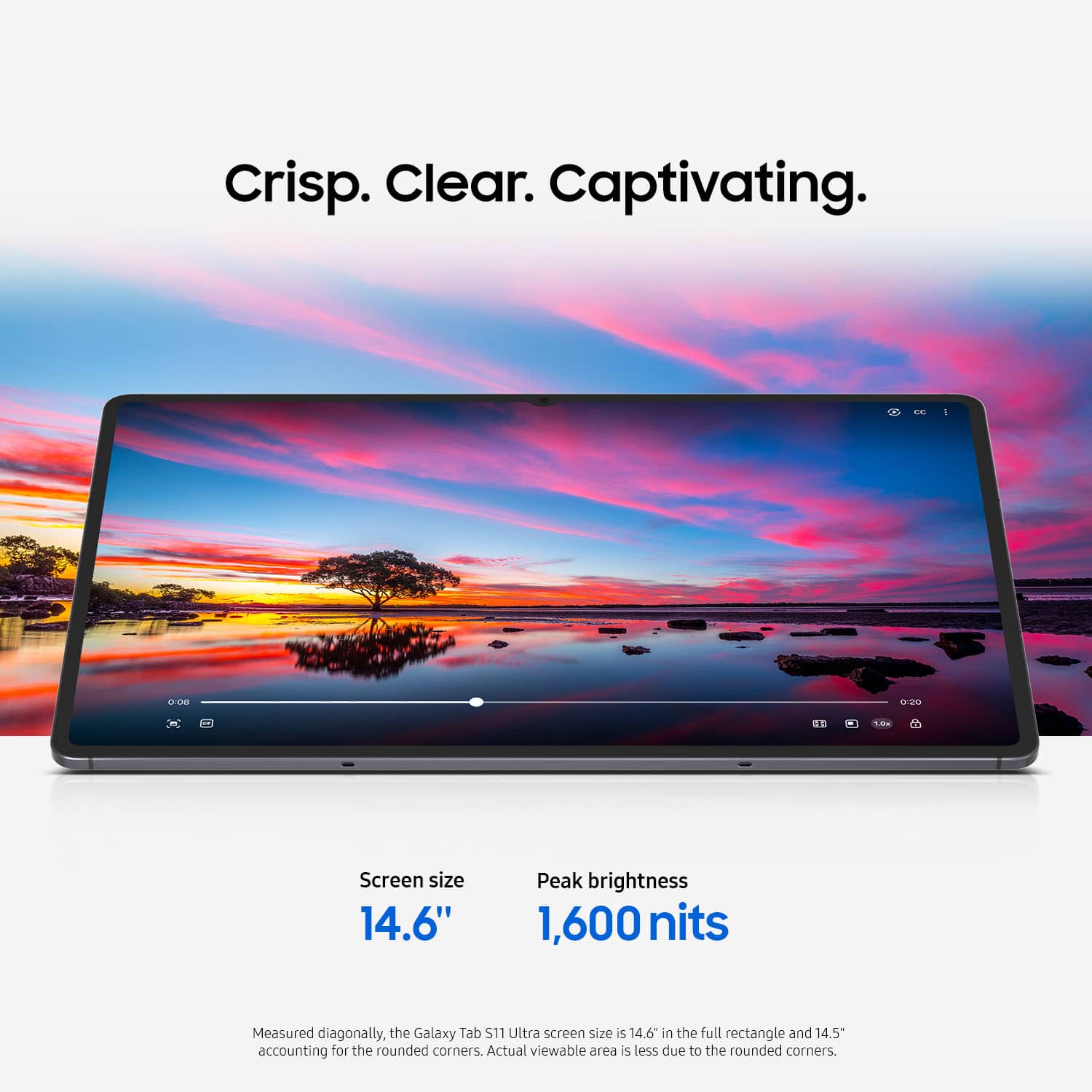
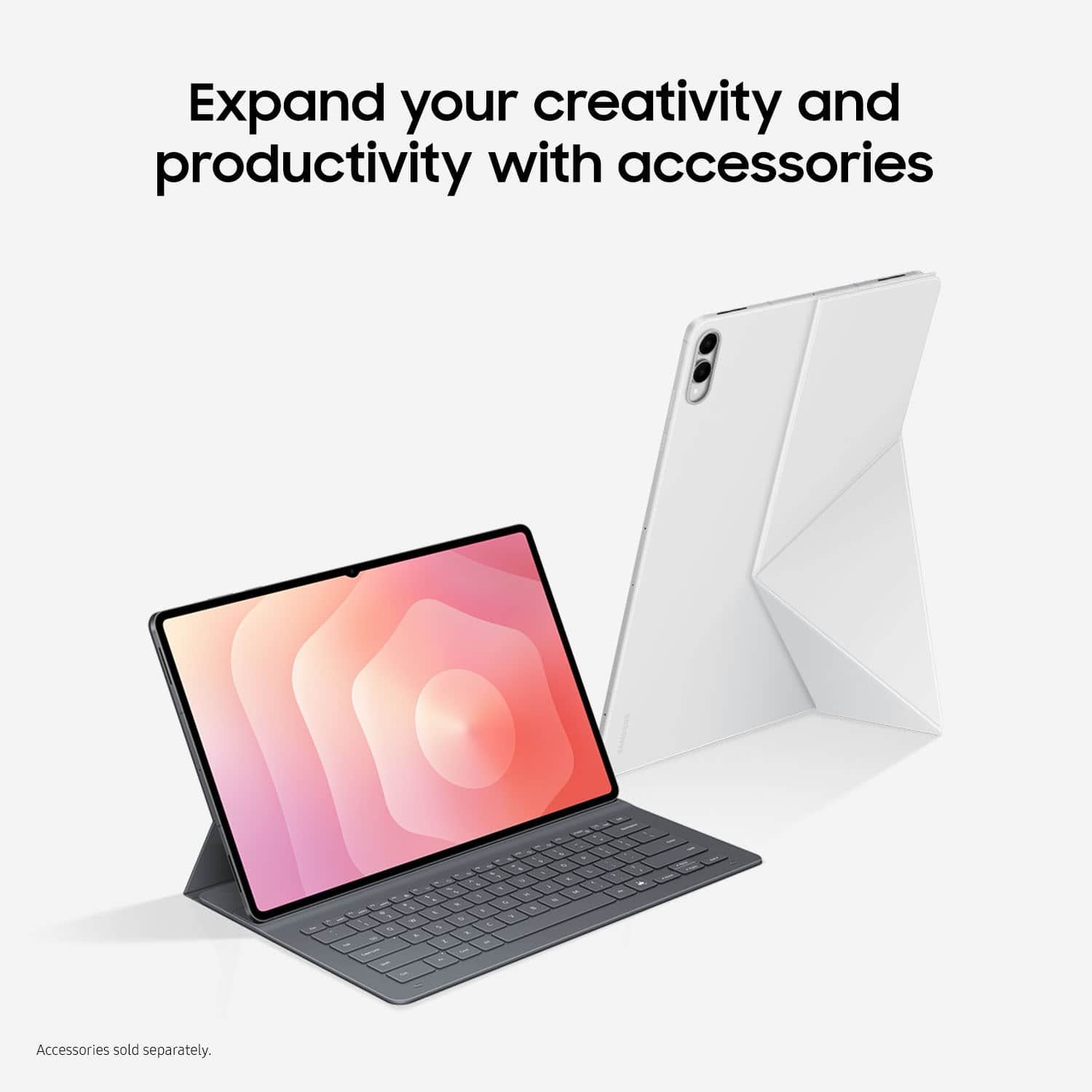
    • Answer Howdy Gamer, thanks for asking us your questions about the Samsung Galaxy Tab S11 Ultra. The Galaxy Tab S11 Ultra offers a powerful MediaTek Dimensity 9400+ processor and a 16GB RAM which allows games to run smoothly. Along with a 120Hz refresh rate and a 11,600mAh battery, you can enjoy your gaming experience with high definition visuals with a long playtime. The Anti-Reflecting Screen Protector Galaxy Tab S11 Ultra is available to protect your display. You have several options available when it comes to cases. The Book Cover Keyboard Slim Galaxy - Tab S11 Ultra and Book Cover Keyboard Slim - Galaxy Tab S11 Ultra are available to protect your investment. If you have additional questions or if you would like any further assistance, please feel free to reach out to Support. Thanks for being a devoted Samsung customer. - Debra

      Answered by Samsung

  • QuestionCan the keyboard and cover for the Tab S 9 Ultra be used for the Tab 11 Ultra?

    Asked by CavonH.

    • Answer Hey YoHicks, thank you for asking us your question about the Samsung Galaxy Tab S11 Ultra. The Galaxy S11 Ultra's dimensions vary from the Galaxy Tab S9 Ultra so you would not be able to utilize the keyboard you may have that is compatible with your Tab S9 Ultra. If you have additional questions for us, please feel free to reach out to Support. Thank you for being a dedicated Samsung customer. - Debra

      Answered by Samsung