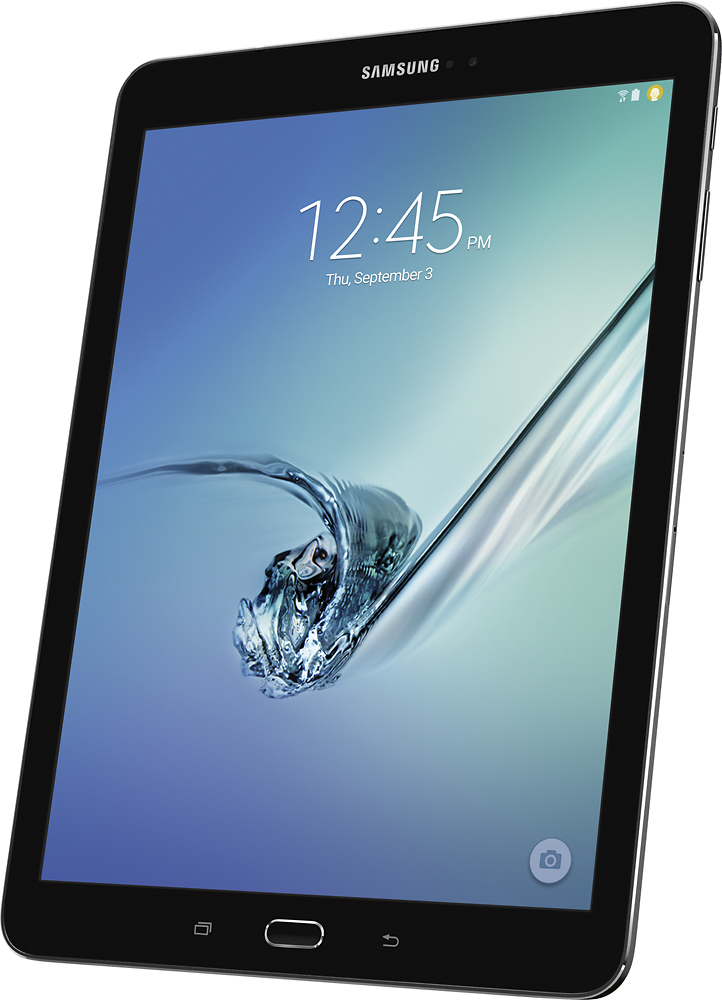
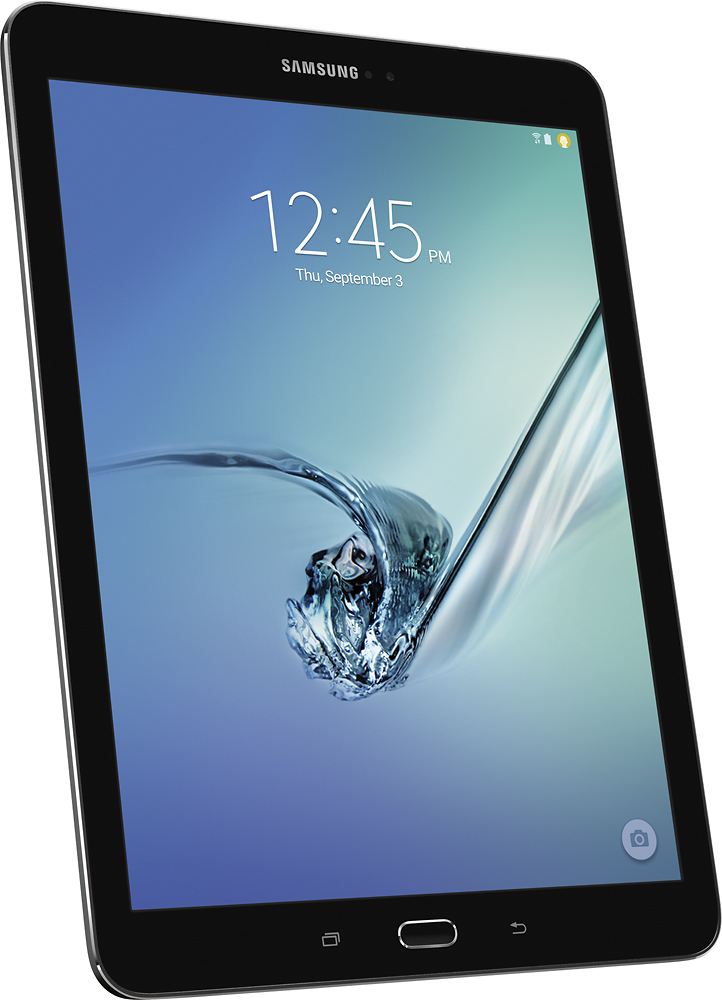
A:AnswerI am an old ( 77 yr ) retired grandma. I bought myself the Samsung Galaxy Tab S2 9.7 Black - 32GB because it seemed like a good value. I knew I needed the extra memory and the fast processor because I wanted instant answers when I searched Google. OOPs that even tags me as a little bit of a techie. Actually I was a Microsoft dot Net programmer in my former life. I really cannot see why an Apple product would be easy to use. Any tablet is going to present a learning curve to a non-technical person. But Android has a very simple interface, and seems to be more "intuitive" to learn. The new user just has to have a patient teacher / mentor to help them get started. In my former life, the company "big-wigs" decided they wanted to use Ipads. I think the lure of the IPad is that it is a status symbol, not that it is easier to use. It was very hard to get the IPads to do any useful productive work. And besides, Ipads cost at least twice as much as Android tablets. Good Luck.
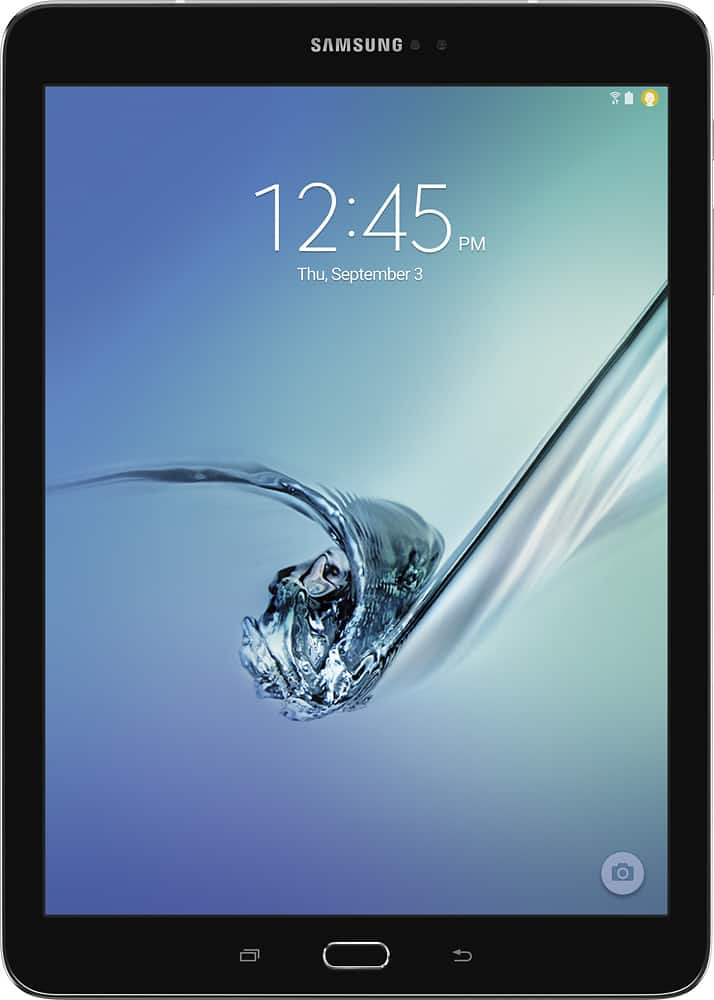
A:AnswerI use Apple products in school. They perform well enough. My personal tablet is a Samsung. I love it! I added the case/keyboard and that has been great! This tablet is easy to use, Internet speed is great, and it's easy to take along. For my money, I go Samsung!!
A:AnswerIf you are streaming any kind of video or doing any heavy browsing/downloading...the battery dies around the 2 hour mark. Setting the brightness lower can extend that a little bit.
A:AnswerRegardless of the memory space, tablets of similar models run on the same Android operating system. I purchased the 32gb and added a micro sd card. The tablet can support up to 128 GB Micro SD cards (http://www.samsung.com/us/support/owners/product/SM-T810NZWEXAR). If you get a USB dongle you can use a USB jumpdrive to transfer files from tablet to computer such as music, photos, videos, etc.
A:AnswerJust install the Amazon Kindle app to your Samsung and you should be fine for books. Regarding the movies, you should be able to either got directly to the Amazon website and watch from there or download their app. I don't think you will be able to download movies to your tablet as Amazon has gotten rid of that function. I know, it sucks.
A:AnswerYes, but it depends on if the 2 apps you want to use support that option. Not all of them do. You tap on the split screen option from an open app and then choose another app to open. There's a menu button between the 2 open apps that allows you to expand, reduce or move the apps. When apps won't support the split screen option I toggle between the 2 windows. Or, if you want to use one while looking at the other:
Open the app, touch and hold top left corner of screen and slide down to reduce window size. Then you can open another app and still see the 1st open app. It will stay small but visible. It has a menu button at top of app to expand or close app.
A:AnswerYes its super easy to setup and its more than easy enough to setup facebook. Samsung is one of the brands that are much easier to setup than others.
A:Answeryes...you will need a $5 otg(on the go) cable and you can hook up a regular usb thumb drive to this tablet. I do it all the time with this tablet and my Samsung phone. Works great.
A:AnswerI have a tab 2, but it is working great, although not very old yet. I used to have a 2014 note 10.1 that I had a lot of problems with. The company told me to send it in for service. I ended up taking it out of the black leather case I had purchased for it and it started charging just fine! Funny they didn't know a case would affect it's ability to charge.
I hope your problems are that simple!