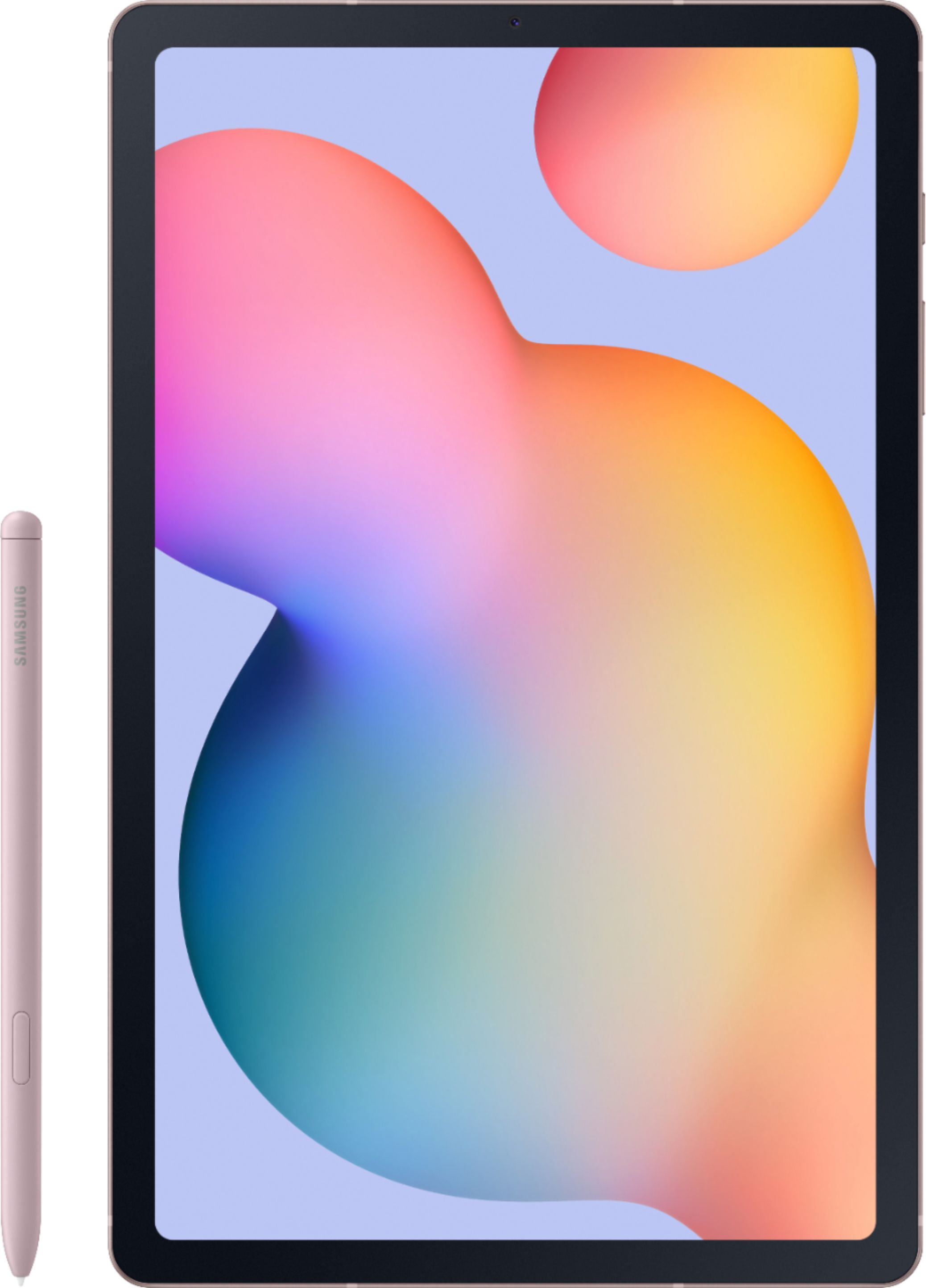
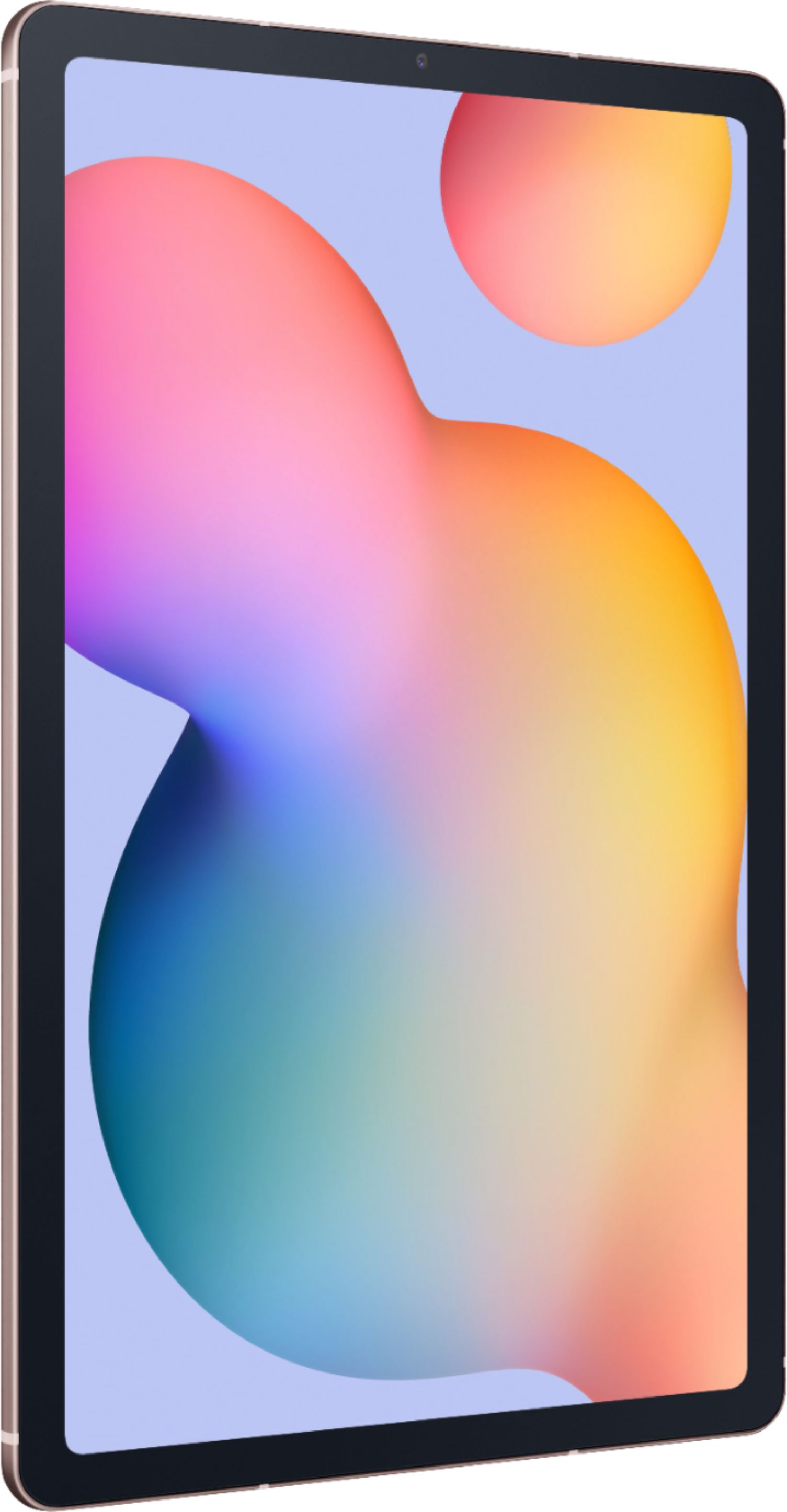
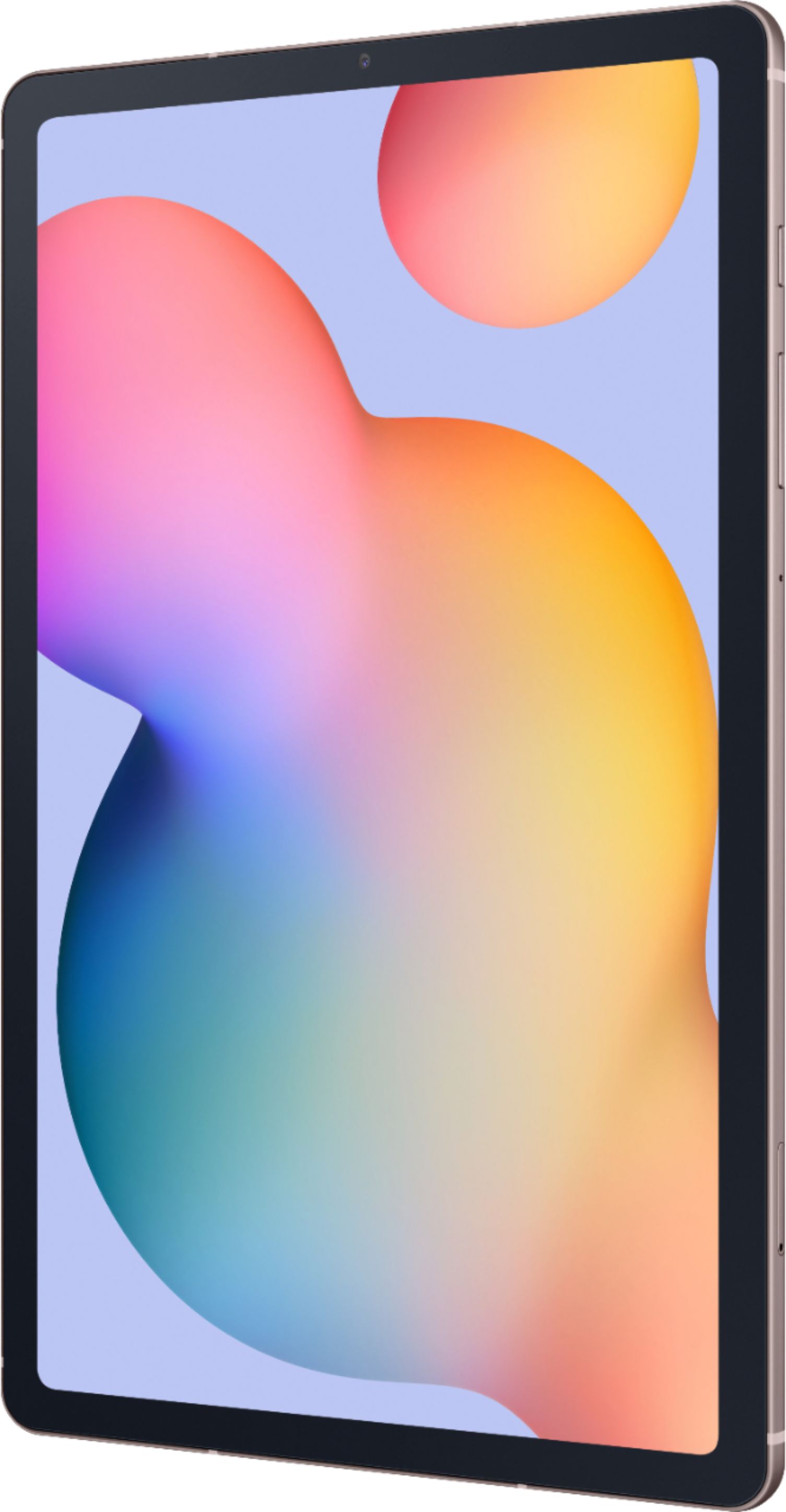
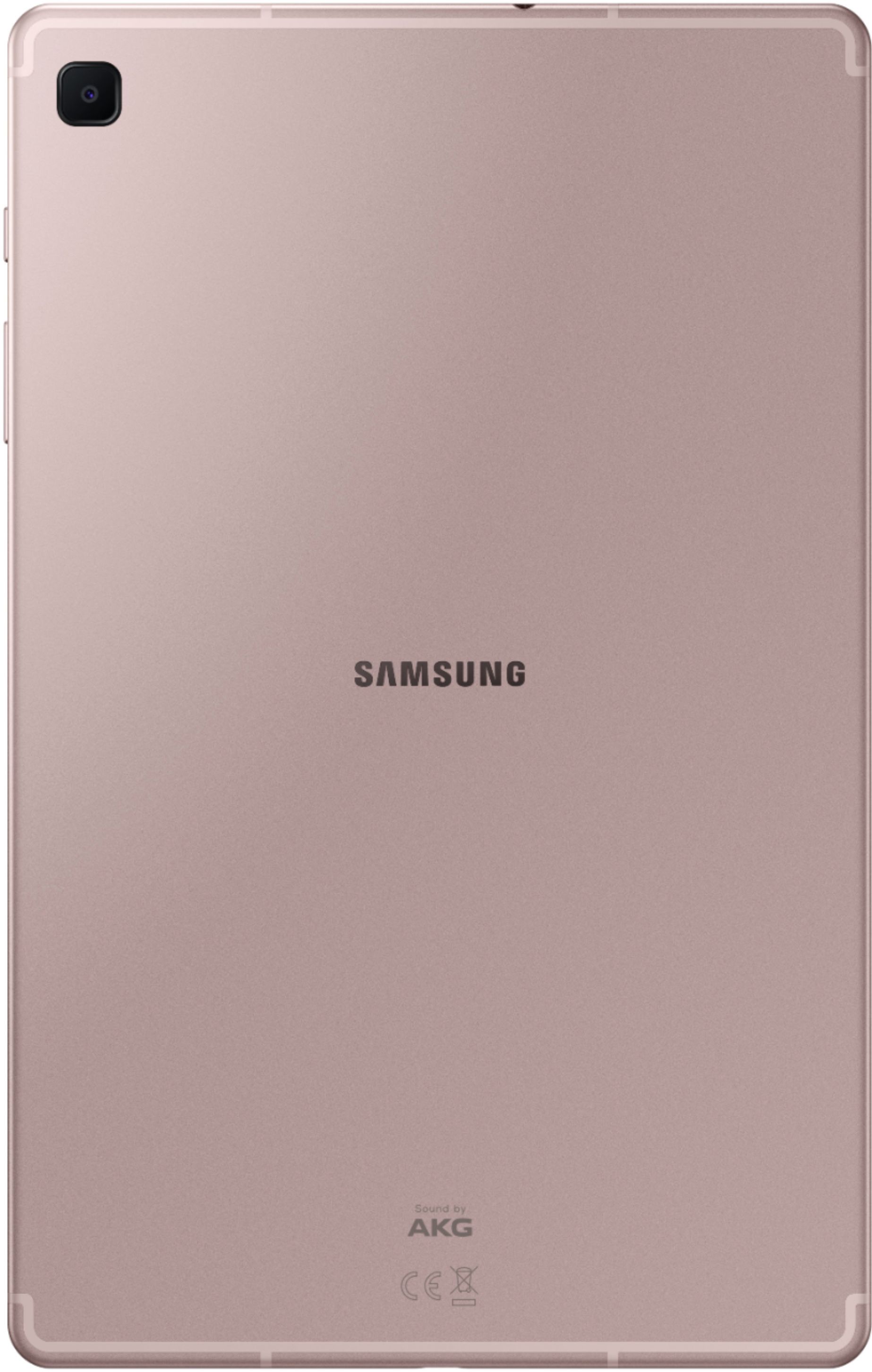
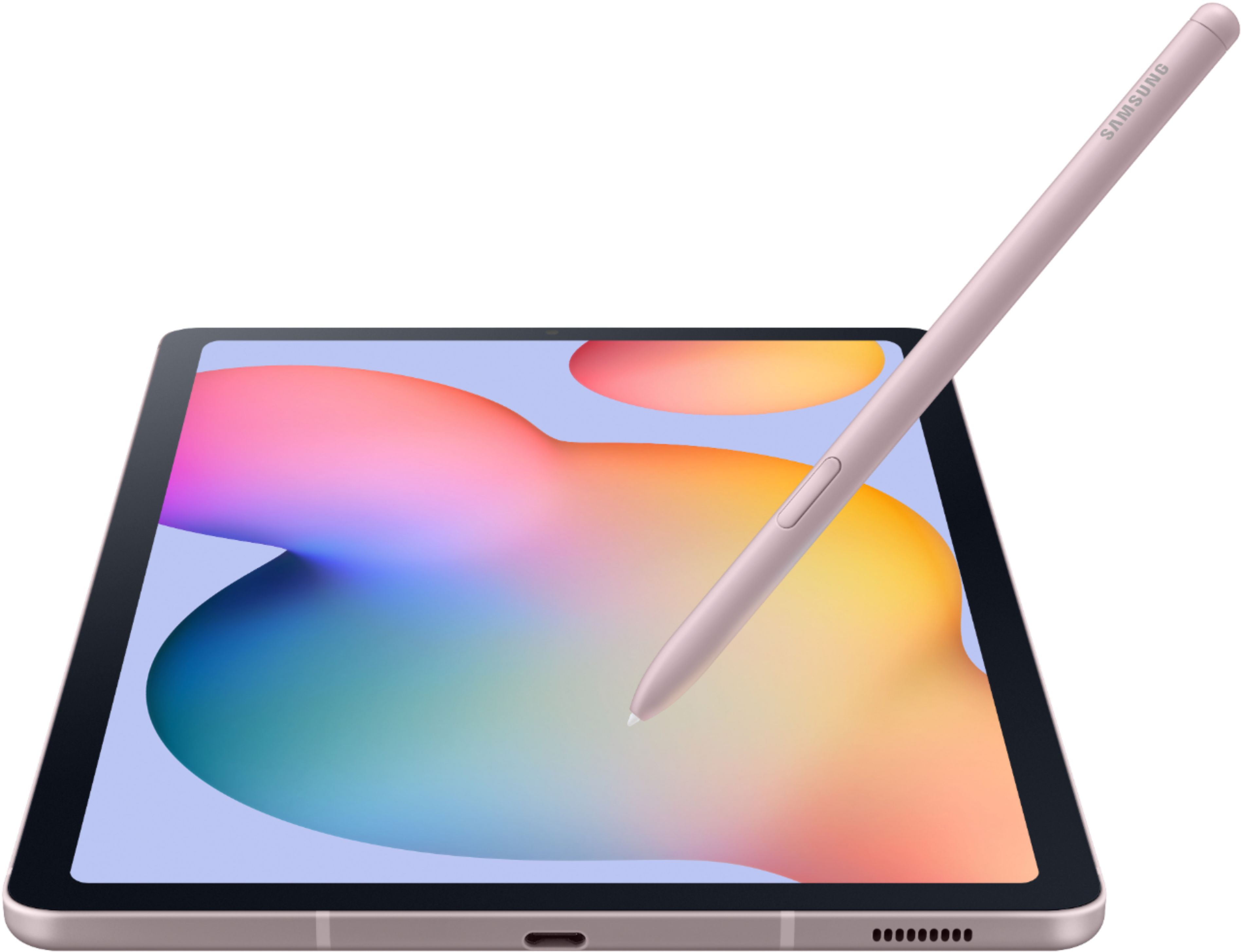
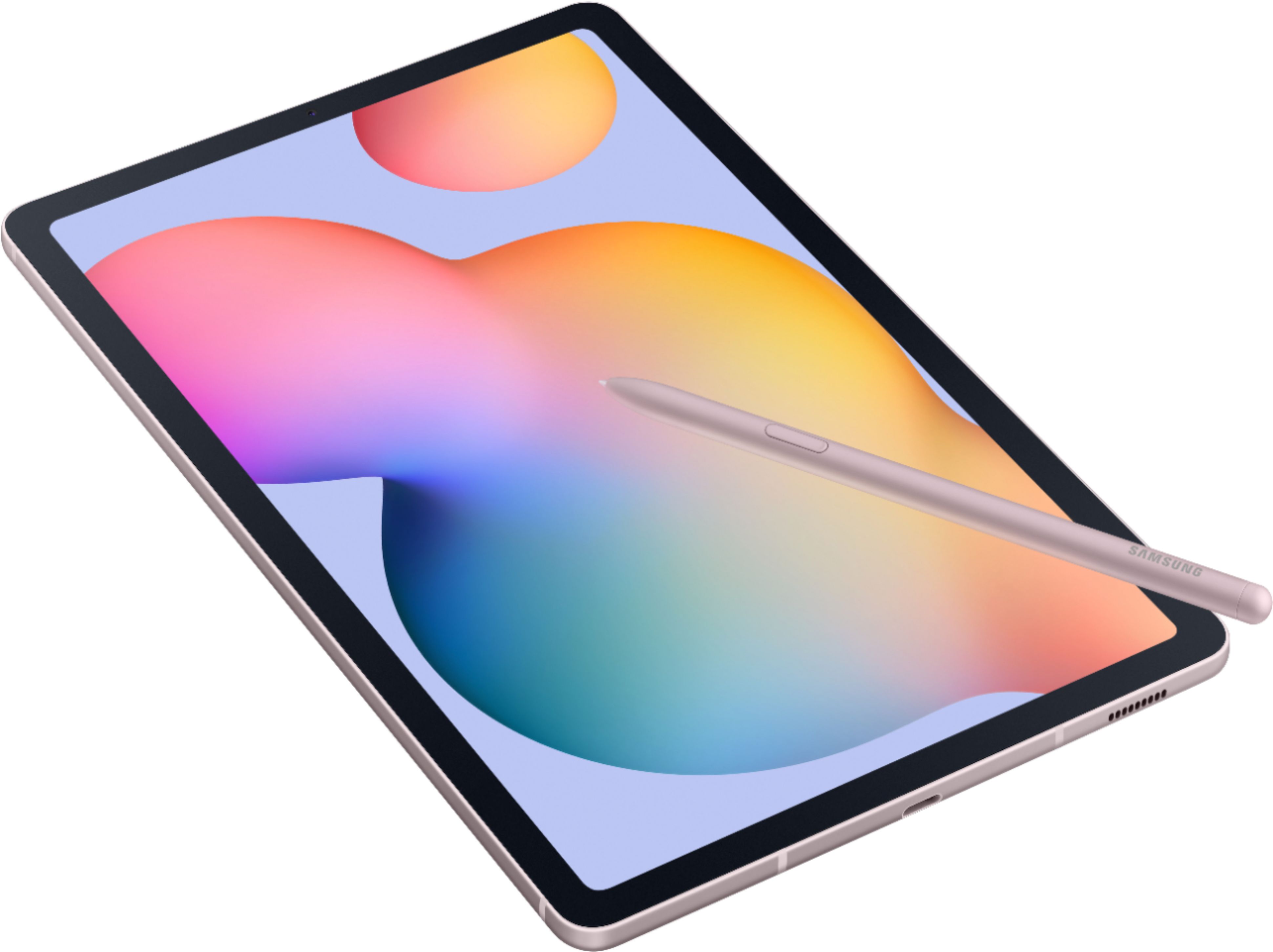
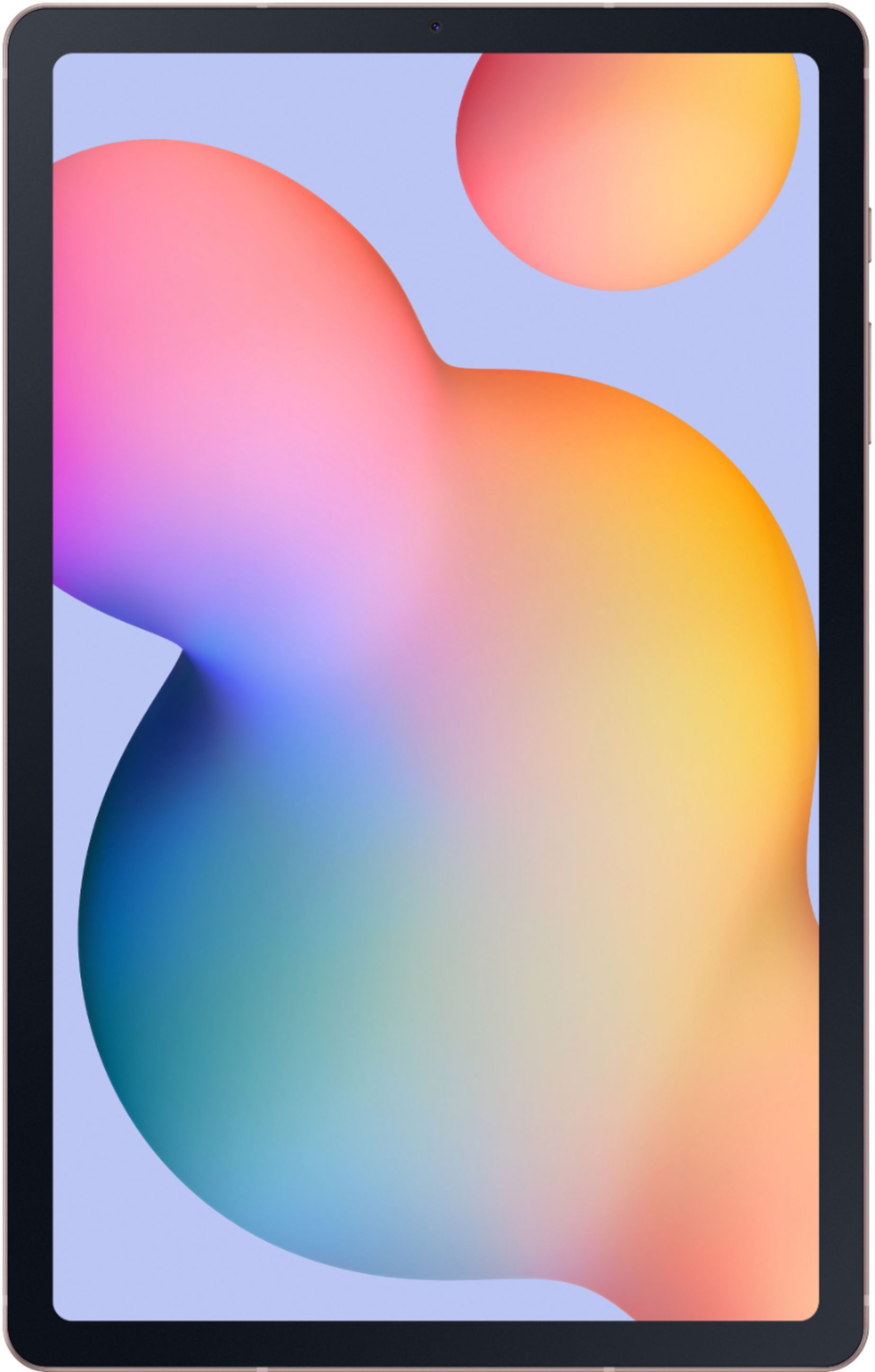
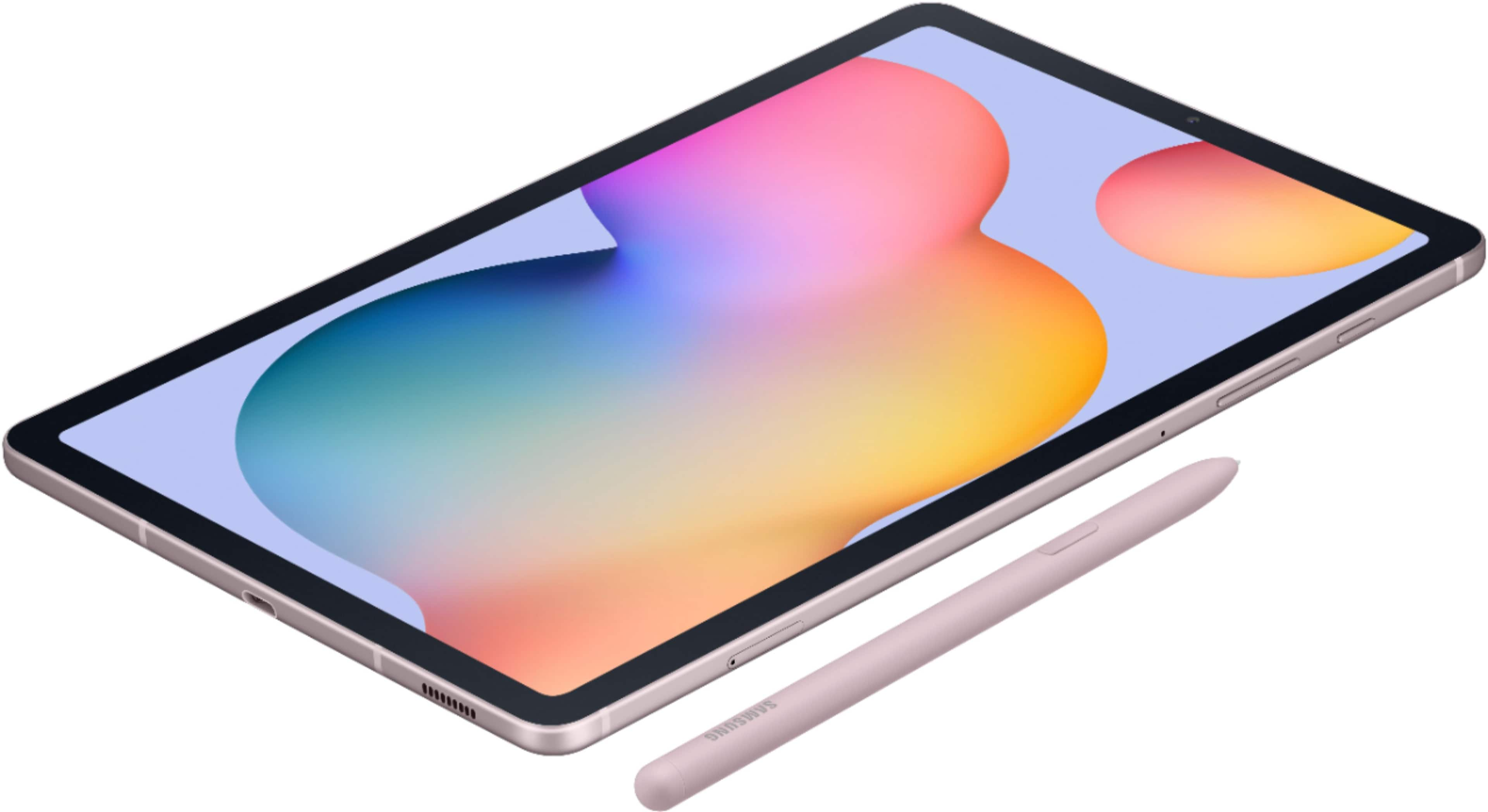
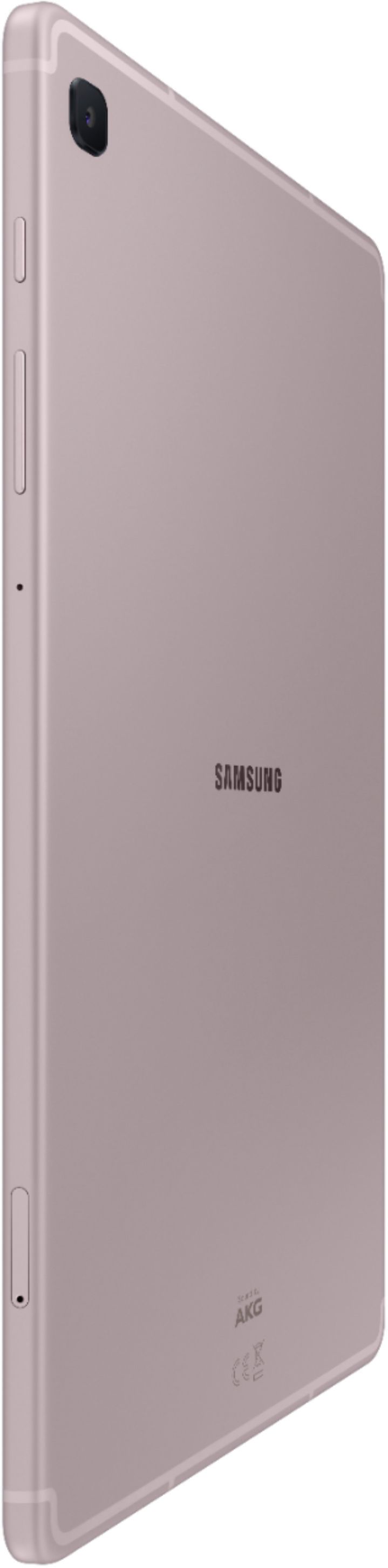
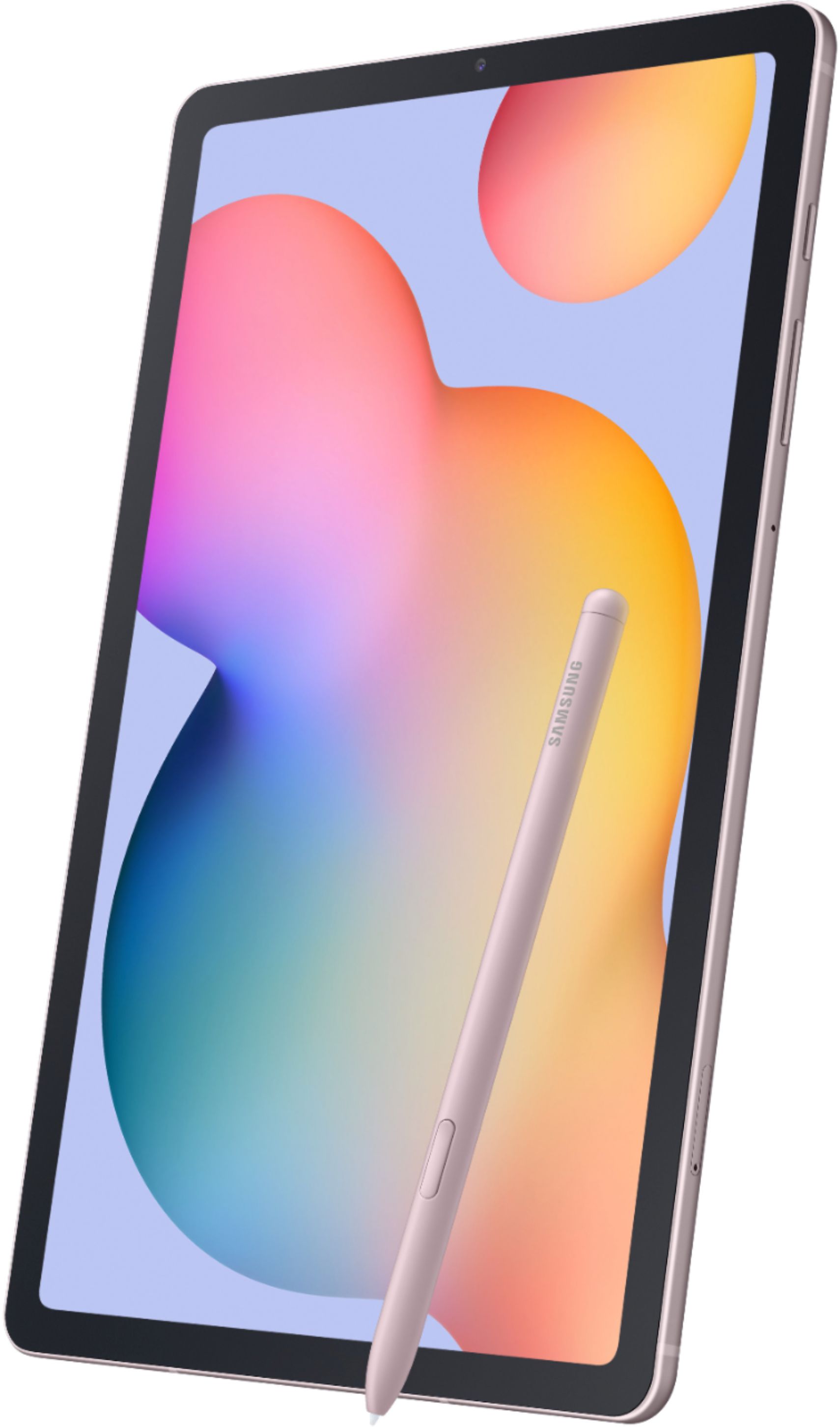
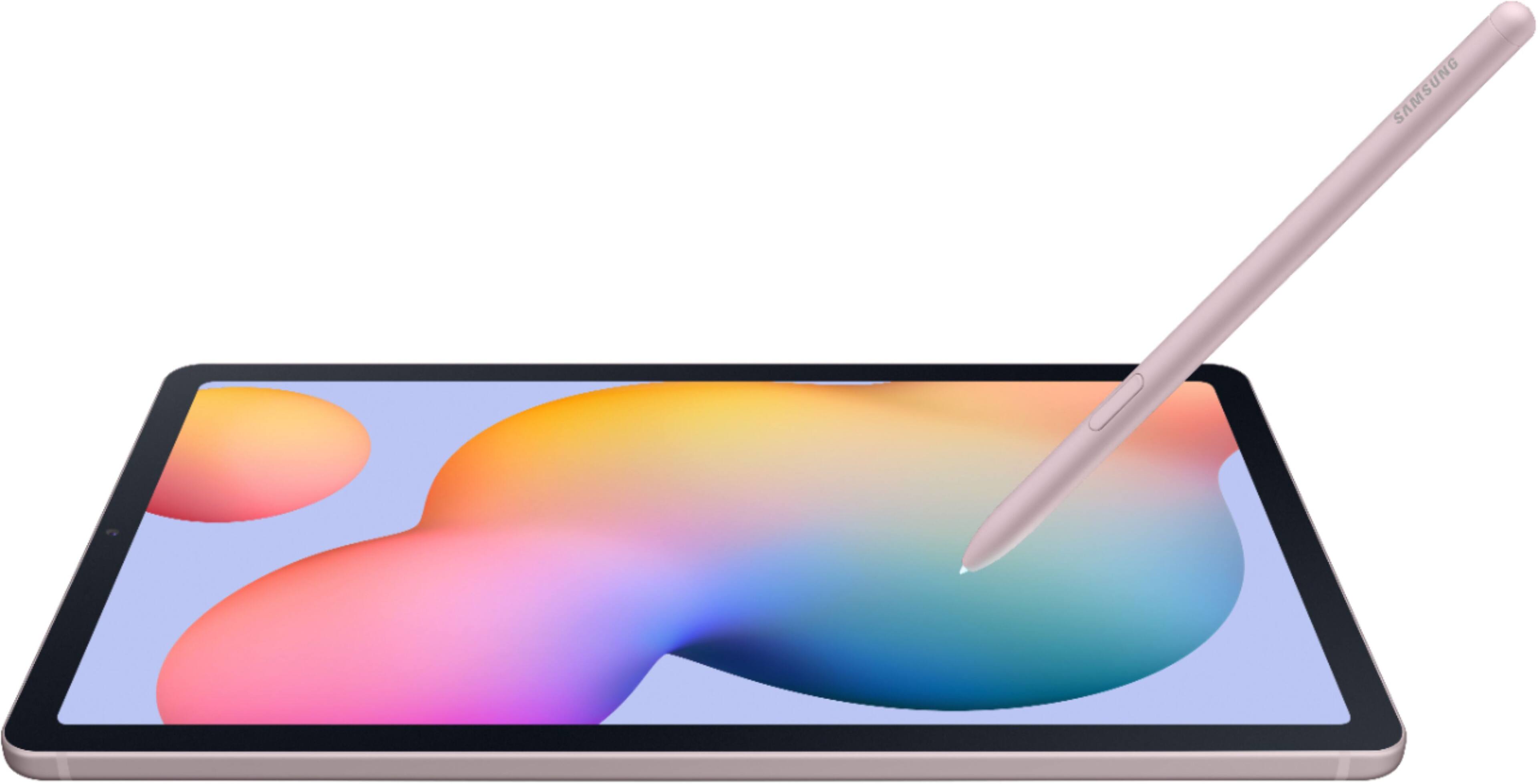
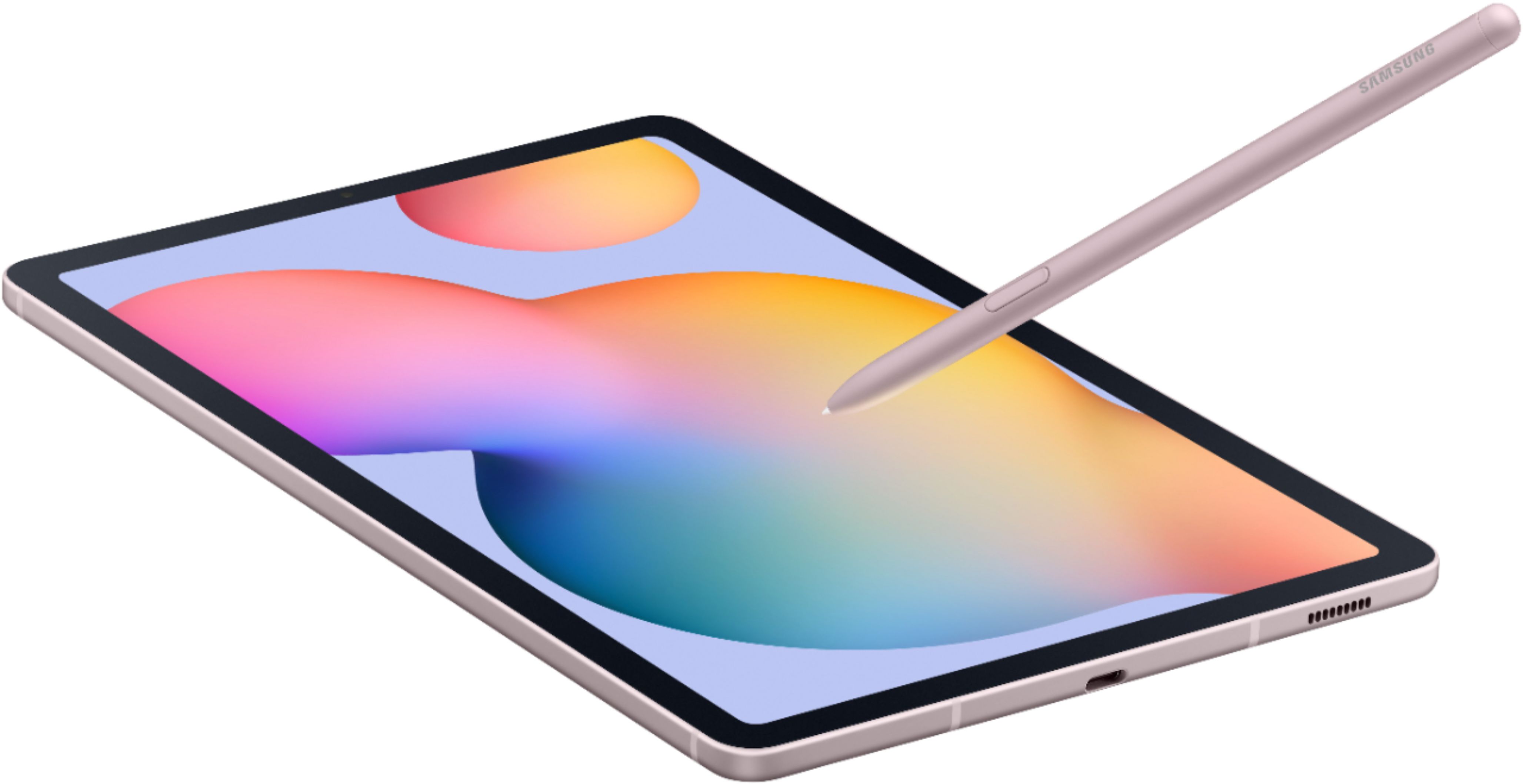
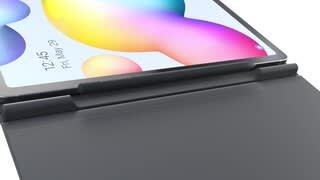
A:AnswerThis tablet should work for you. The large screen will be better than a phone. The camera is pretty good on this device. You can open photos and edit (draw) with the pen.
A:AnswerYou will need to refer to your printer manufacturer's documentation but android tablets (such as this galaxy tab s6) generally will work with wireless printers that are on the same wireless network. For example, I can use my tablet with my HP printer but I needed to download an app(HP Print Service Plugin) made by HP to make it work. Other brands of printers will likely have their own app to download.
A:AnswerThe pen is called "Samsung S-Pen" and it can be purchased separately here : https://www.bestbuy.com/site/samsung-s-pen-stylus-cloud-blue/6361882.p?skuId=6361882
Best buy does price match just keep that in mind.
A:Answer1) This IS NOT an iPad. This IS NOT even made by Apple.
2) This IS an Android tablet. This IS made by Samsung.
3) As far as being "compatible" with Windows 10, would really depend on what exactly you're trying to do.
4) This Samsung Galaxy Tab S6 Lite tablet comes with the Samsung S Pen.
5) This Samsung Galaxy Tab S6 Lite DOES NOT have Samsung Dex desktop mode. But, you can find & download the app "Sentio Desktop" in the Google Play store.
I hope this helps. If more info is needed, don't hesitate to ask.