A:AnswerHi There,
Thank you for reaching out to us. I appreciate your inquiry regarding making calls on the Galaxy Tab S6 Lite. Yes, you can make and receive calls on this tablet to answer your question.
Please see the user manual on Page 38, 74, 85 - 88 for more information:
https://downloadcenter.samsung.com/content/UM/202006/20200620063528230/WIF_SM-P610_Galaxy_Tab_S6_Lite_EN_UM_061020_FINAL_AC.pdf
Should you need more assistance, you may reach us via the following for immediate support:
1. Samsung Community: https://us.community.samsung.com/t5/Samsung-Community/ct-p/us
2. Facebook Messenger: http://m.me/samsungsupport
3. Twitter: https://twitter.com/messages/compose?recepient_ id=18768513
Reference Number: 1144268995
Thank you for choosing Samsung. Have a great day!
^Chrystel
A:AnswerDepending on the type of file, the easiest way to transfer files to this tablet from a windows product would be to upload it to something like Google Drive from the windows product. You can then access it from the tablet, and edit, revise, or otherwise share it as you see fit
A:AnswerHi DreamofJeanie!
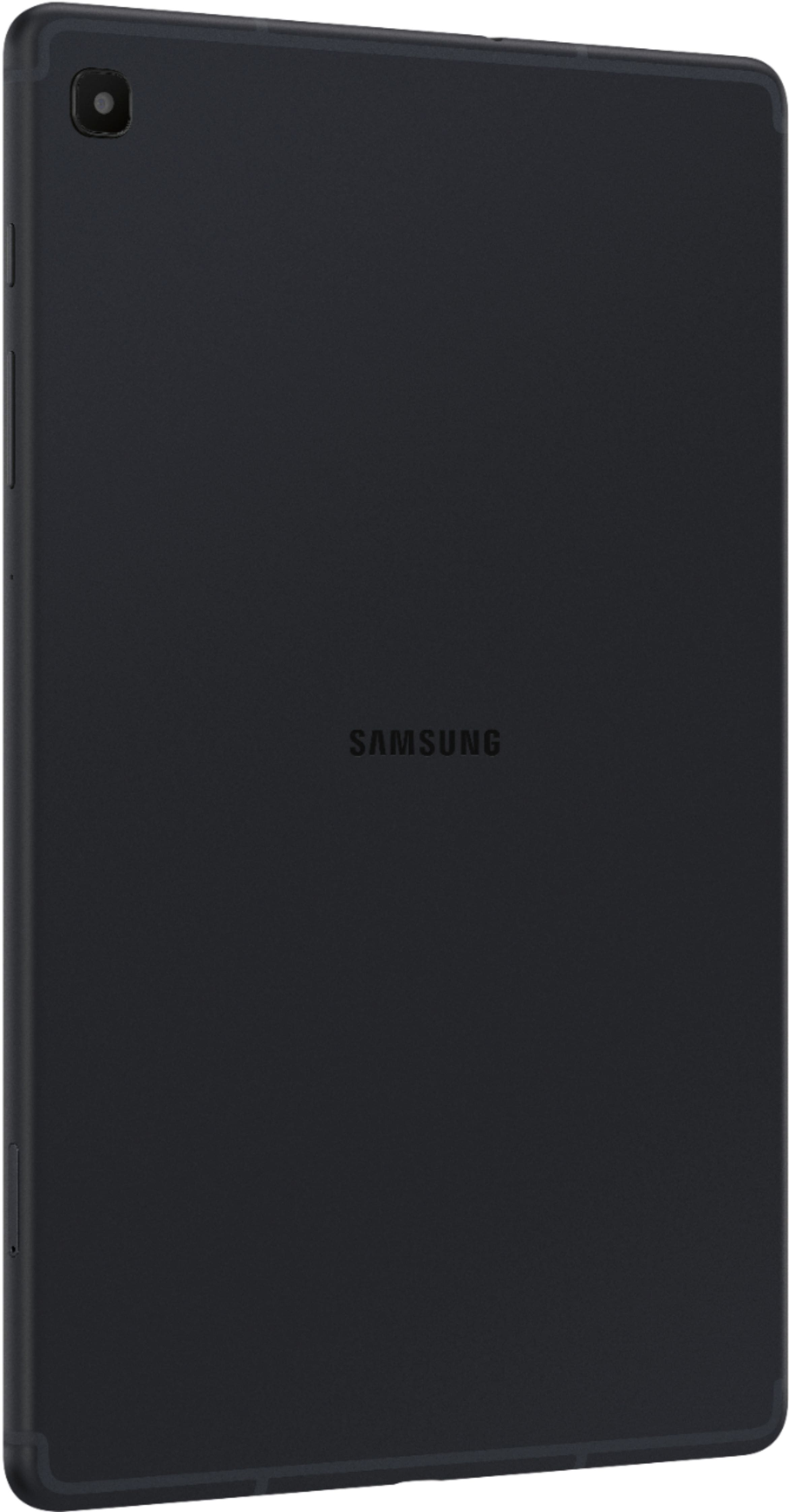
Thank you for reaching out to us and taking an interest in knowing whether the Galaxy Tab S6 Lite comes with a Cellular Card. Unfortunately, the device doesn't cater to a SIM card slot as the device's connectivity type is Wi-Fi only.
You may visit the user manual on Page 6 for your reference:
https://downloadcenter.samsung.com/content/UM/202006/20200620063528230/WIF_SM-P610_Galaxy_Tab_S6_Lite_EN_UM_061020_FINAL_AC.pdf
Here's another link under the "Specs" section for more information:
https://www.samsung.com/us/mobile/tablets/galaxy-tab-s/galaxy-tab-s6-lite-64gb-chiffon-rose-wi-fi-sm-p610nziaxar/
Should you need more assistance, you may reach us via the following for immediate support:
1. Samsung Community: https://us.community.samsung.com/t5/Samsung-Community/ct-p/us
2. Facebook Messenger: http://m.me/samsungsupport
3. Twitter: https://twitter.com/messages/compose?recepient_ id=18768513
Reference Number: 1144296721
Thank you for choosing Samsung. Have a great day!
^Chrystel
A:AnswerShort answer is no. This particular tablet is wifi only. Now in some cases of you know the right person... Anything can be "unlocked"
If you need cellular, check out the Tab 7 from Samsung. Keep in mind anything with cellular is always going to be more expensive. Might even be in your best interest to talk to you current cell phone provider. Best buys is a 3rd party cellular dealer. Meaning if you want the opportunity to talk to all three or I guess now two major cellular companies, then Best Buy has the staff to answer any of those questions.
Good luck! :)
A:AnswerHi Jeep22,
Thank you for reaching out and being interested in the connection type of the Galaxy Tab S6 Lite. Unfortunately, the device's network connectivity is Wi-Fi only.
You may visit our website under the 'Specs" section for your reference:
https://www.samsung.com/us/mobile/tablets/galaxy-tab-s/galaxy-tab-s6-lite-64gb-oxford-gray-wi-fi-sm-p610nzaaxar/
Should you need more assistance, you may reach us via the following for immediate support:
1. Samsung Community: https://us.community.samsung.com/t5/Samsung-Community/ct-p/us
2. Facebook Messenger: http://m.me/samsungsupport
3. Twitter: https://twitter.com/messages/compose?recepient_ id=18768513
Reference Number: 1144299099
Thank you for choosing Samsung. Have a great day!
^Chrystel
A:AnswerHi Bapp,
Thank you for bringing this to our attention. I appreciate your query if the Galaxy Tab S6 Lite caters to a SIM card slot. Unfortunately, it doesn't, as the device's carrier network is Wi-Fi only.
You may visit the user manual on Page 6 for your reference:
https://downloadcenter.samsung.com/content/UM/202006/20200620063528230/WIF_SM-P610_Galaxy_Tab_S6_Lite_EN_UM_061020_FINAL_AC.pdf
Here's another link under the "Specs" section for more information:
https://www.samsung.com/us/mobile/tablets/galaxy-tab-s/galaxy-tab-s6-lite-64gb-oxford-gray-wi-fi-sm-p610nzaaxar/#specs
Should you need more assistance, you may reach us via the following for immediate support:
1. Samsung Community: https://us.community.samsung.com/t5/Samsung-Community/ct-p/us
2. Facebook Messenger: http://m.me/samsungsupport
3. Twitter: https://twitter.com/messages/compose?recepient_ id=18768513
Reference Number: 1144292018
Thank you for choosing Samsung. Have a great day!
^Chrystel
A:AnswerHi There!
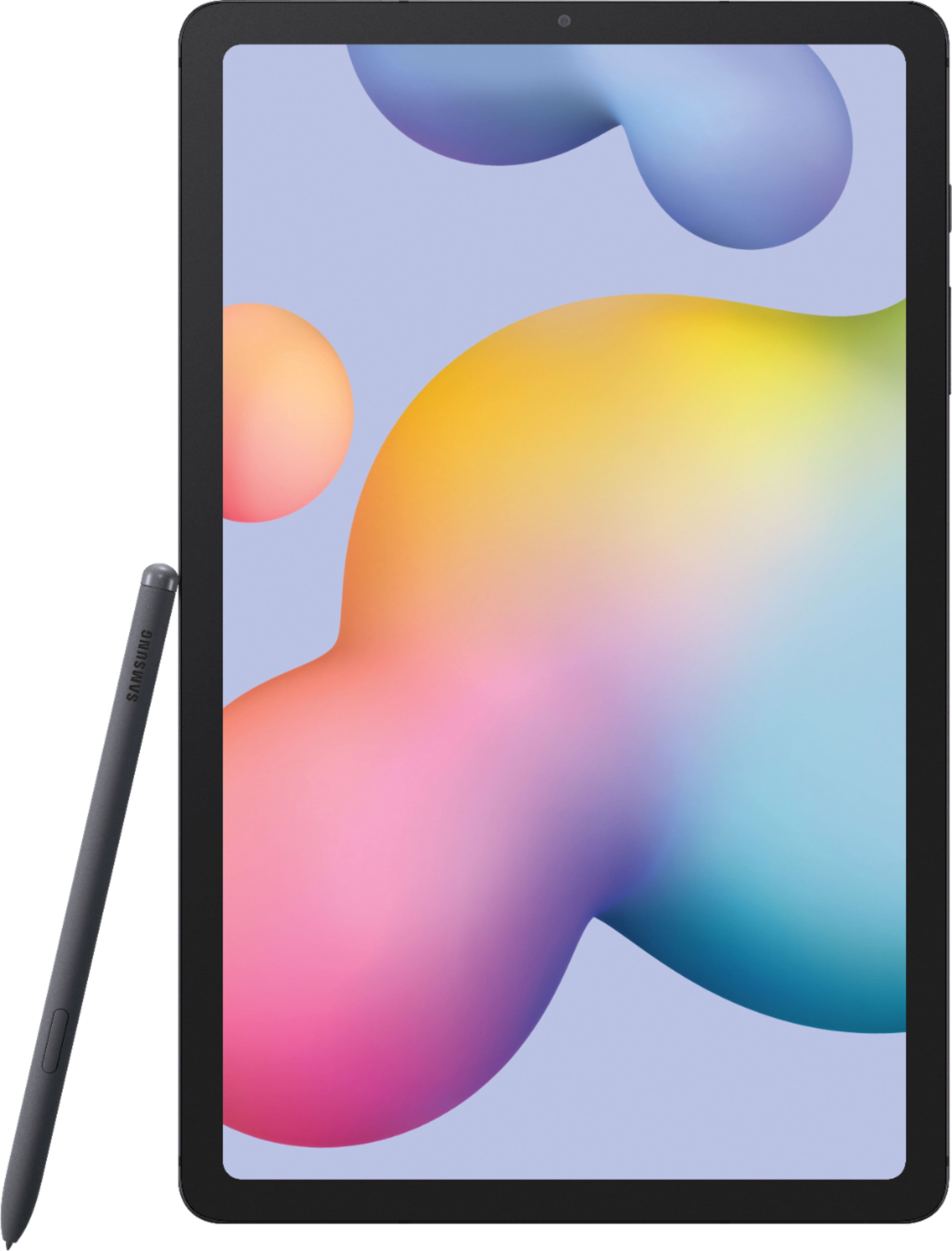
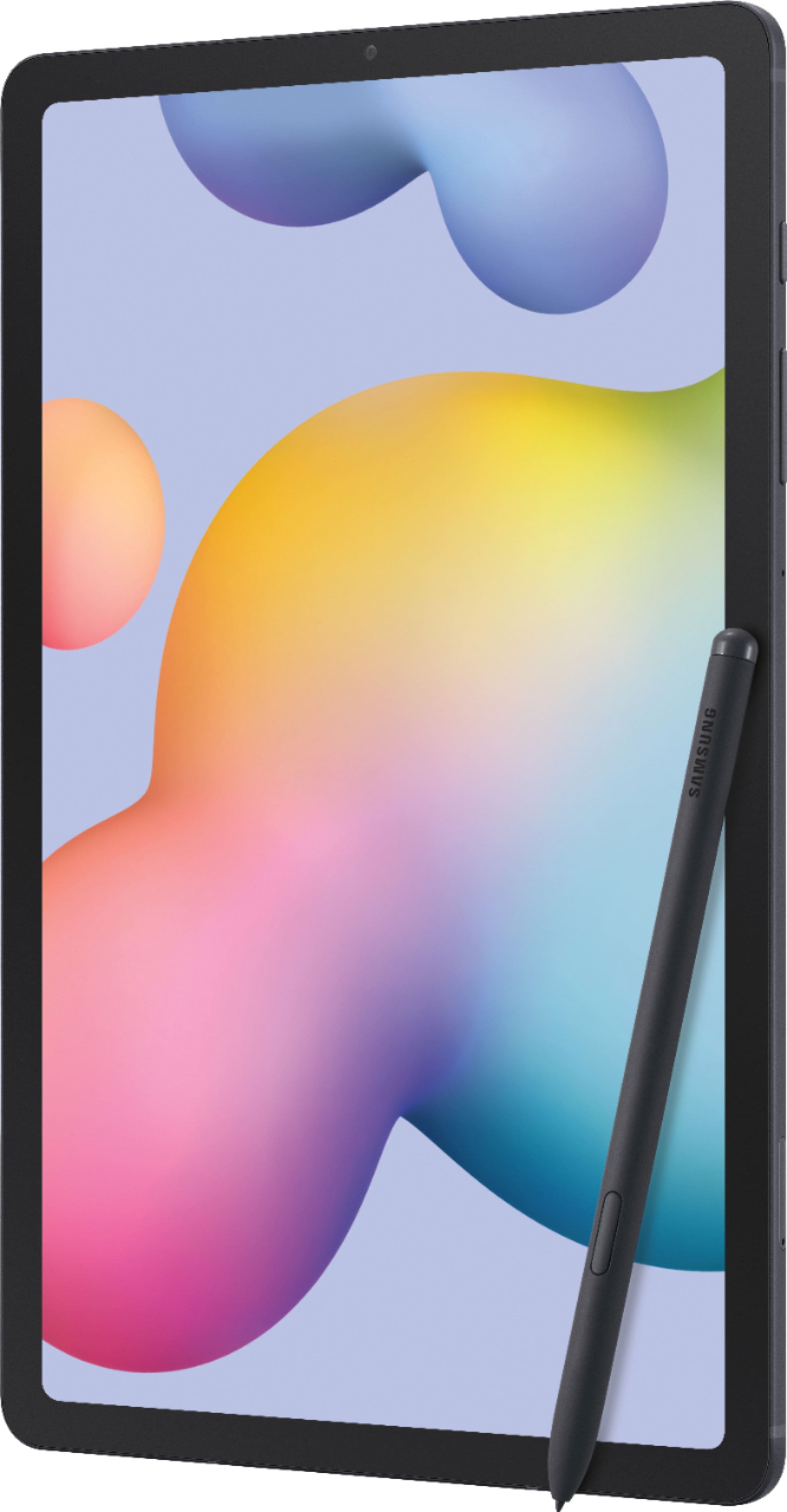
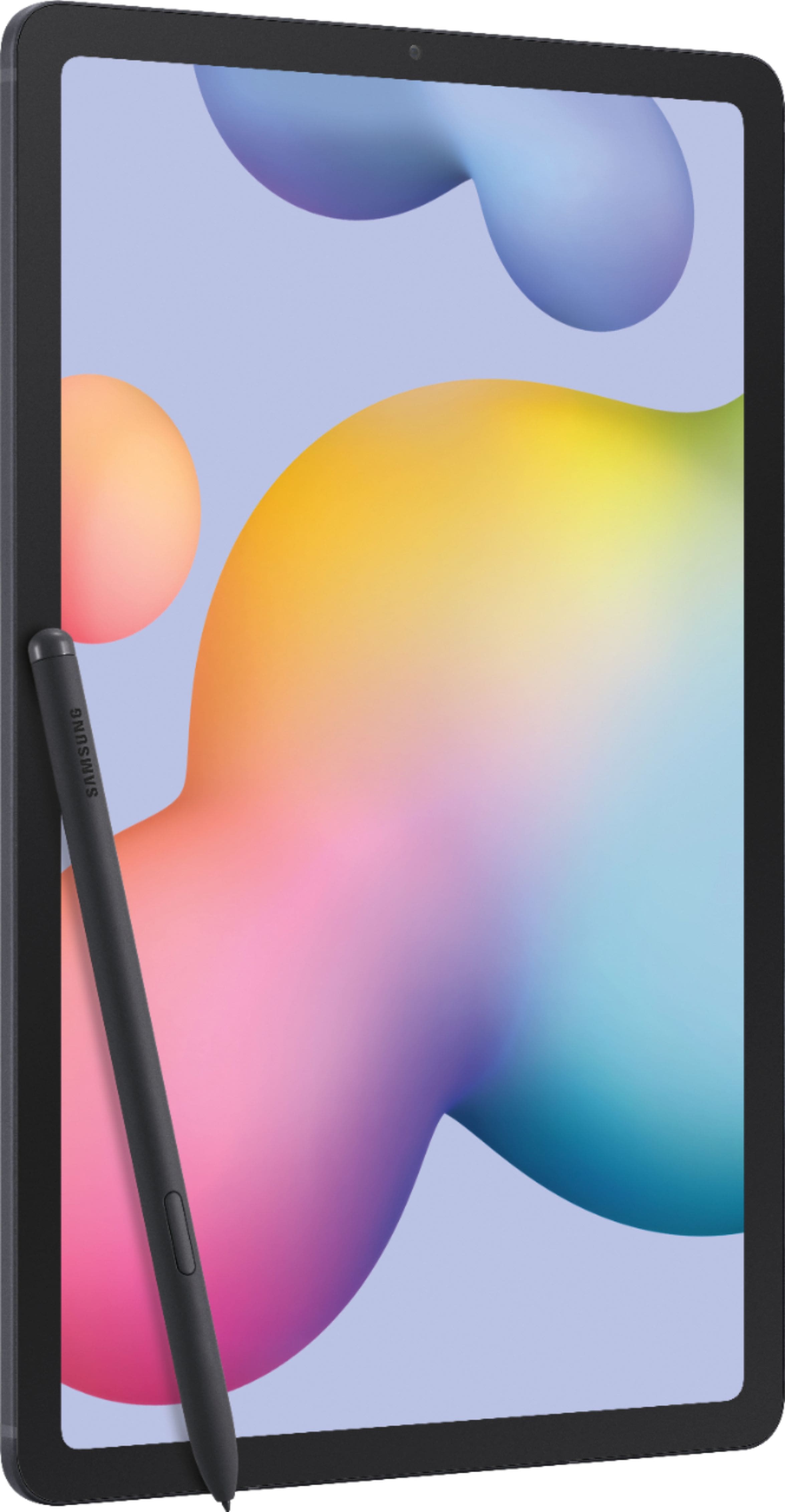
Thank you for reaching out to us. We value your query in whether the Galaxy Tab S6 Lite has a touch screen feature. The device's navigation is by touching the screen, and it responds best to a light touch from the pad of your finger or a capacitive stylus.
You may visit the user manual on Page 12 for your reference:
https://downloadcenter.samsung.com/content/UM/202006/20200620063528230/WIF_SM-P610_Galaxy_Tab_S6_Lite_EN_UM_061020_FINAL_AC.pdf
Should you need more assistance, you may reach us via the following for immediate support:
1. Samsung Community: https://us.community.samsung.com/t5/Samsung-Community/ct-p/us
2. Facebook Messenger: http://m.me/samsungsupport
3. Twitter: https://twitter.com/messages/compose?recepient_ id=18768513
Reference Number: 1144301677
Thank you for choosing Samsung. Have a great day!
^Chrystel
A:AnswerHi Monique,
Thank you for reaching out to us. I appreciate your query if the Galaxy Tab S6 Lite has an installed Web Browser. To answer your question, it has a pre-installed Chrome on the device.
For your reference, you may visit the user manual on Page 91:
https://downloadcenter.samsung.com/content/UM/202006/20200620063528230/WIF_SM-P610_Galaxy_Tab_S6_Lite_EN_UM_061020_FINAL_AC.pdf
Should you need more assistance, you may reach us via the following for immediate support:
1. Samsung Community: https://us.community.samsung.com/t5/Samsung-Community/ct-p/us
2. Facebook Messenger: http://m.me/samsungsupport
3. Twitter: https://twitter.com/messages/compose?recepient_ id=18768513
Reference Number: 1144297361
Thank you for choosing Samsung. Have a great day!
^Chrystel
A:AnswerDex makes it so you can use your tablet similar to a computer. with a computer monitor, keyboard and mouse. You will need a DeX dock to put your Samsung on or plug into. This is where you plug in the monitor mouse and keyboard.
Samsung DeX is a feature included on some high-end Samsung handheld devices that enable users to extend their device into a desktop-like experience by connecting a keyboard, mouse, and monitor. The name "DeX" is a contraction of "Desktop eXperience"
Weight: 16.2 ounces