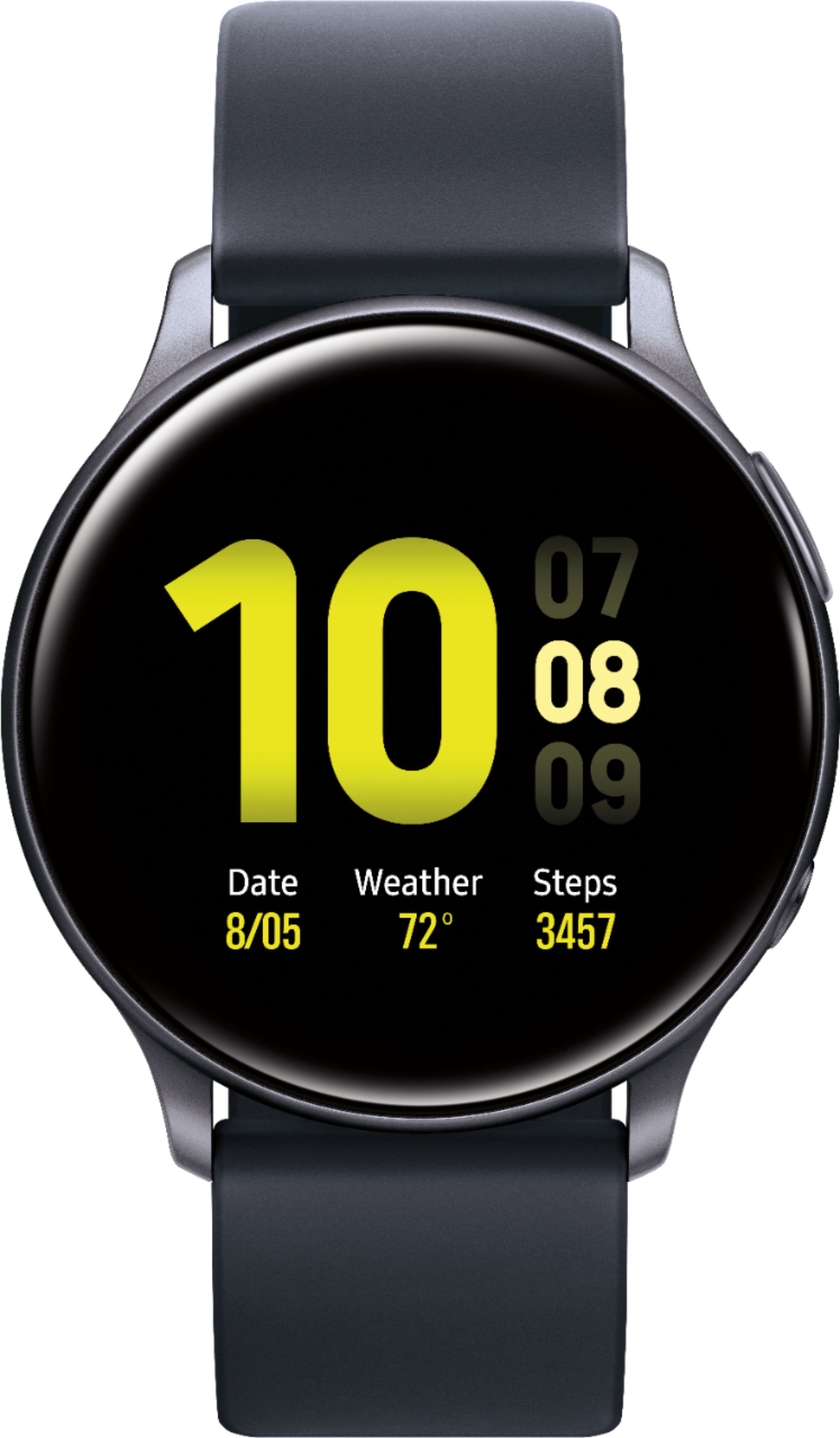
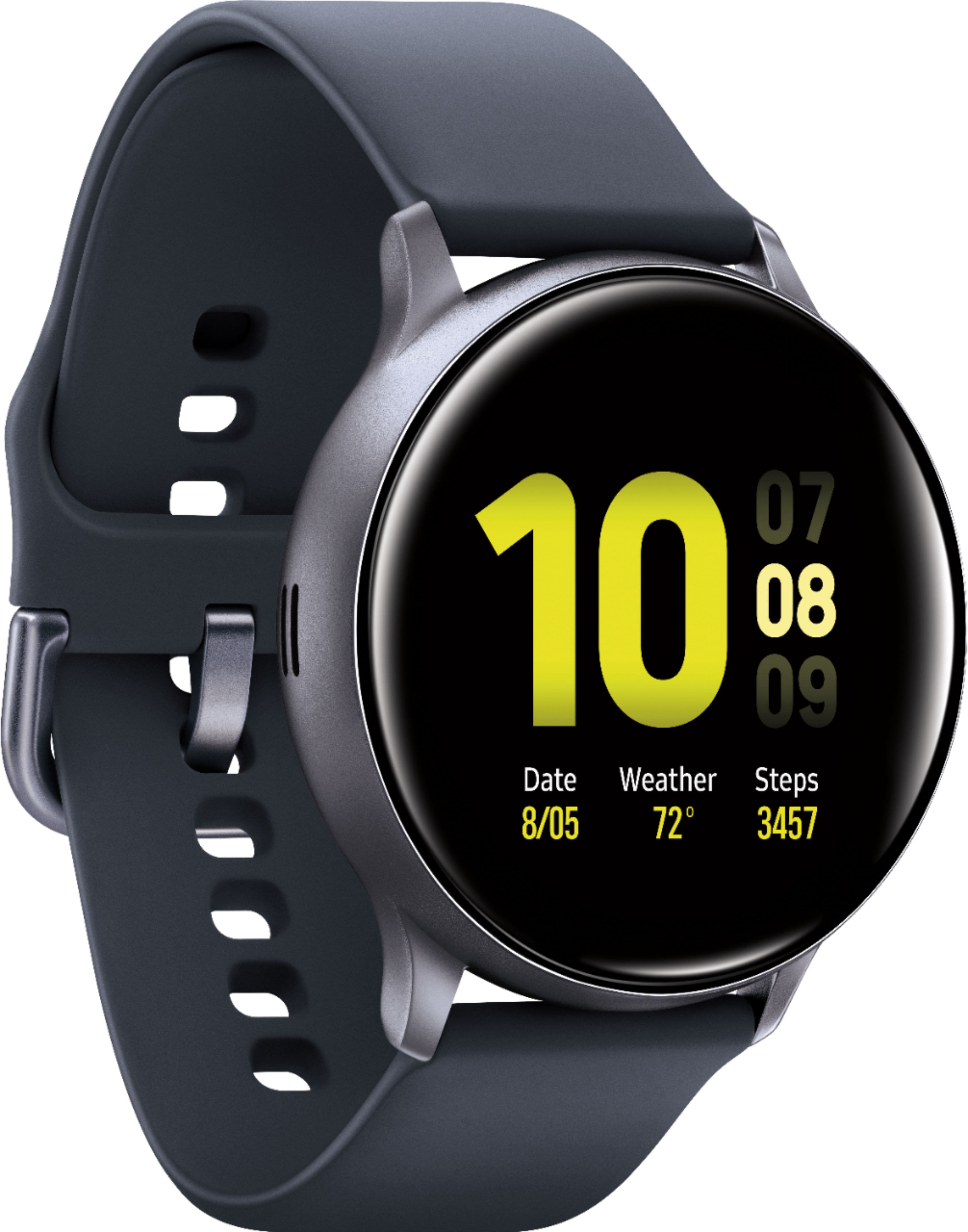
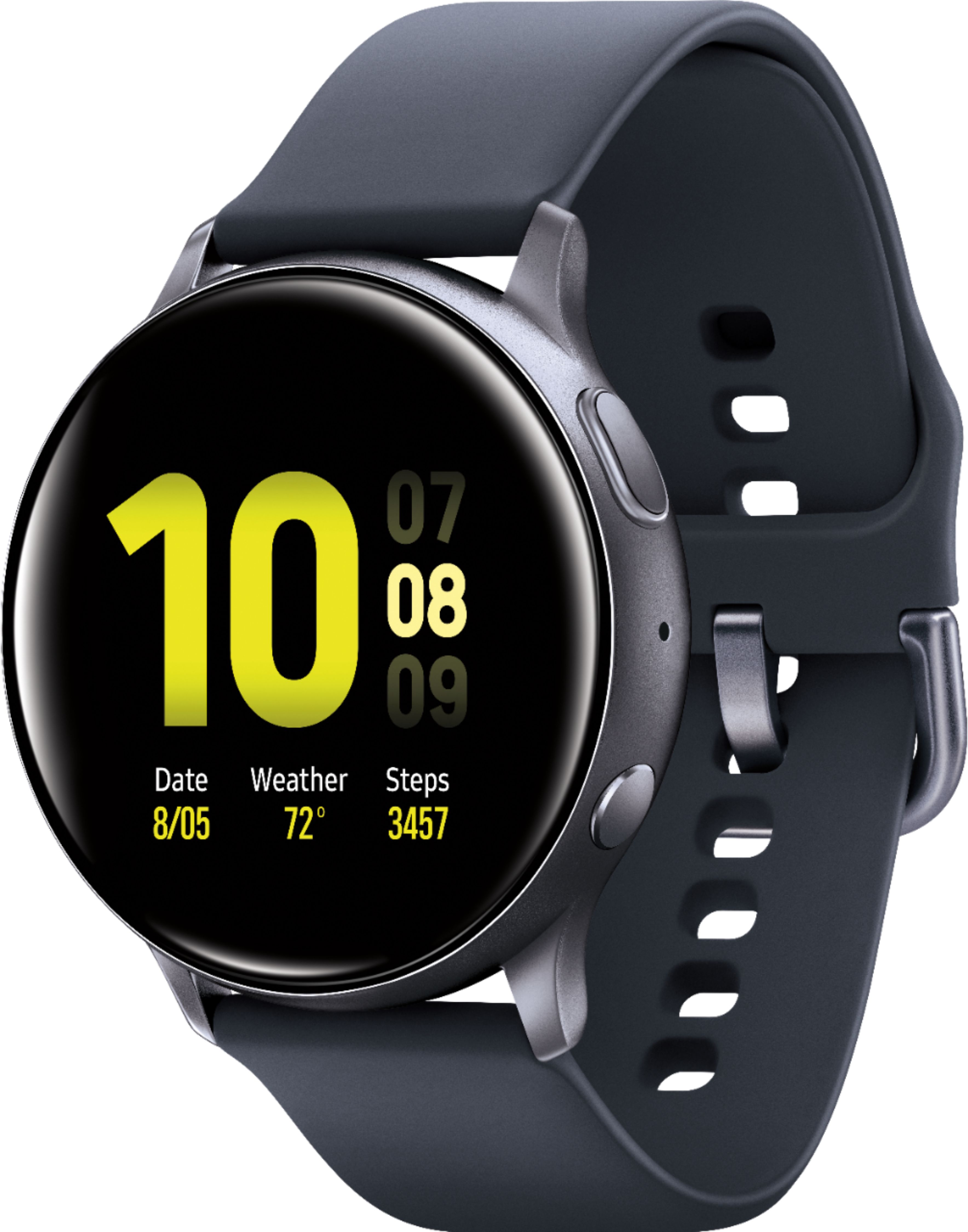
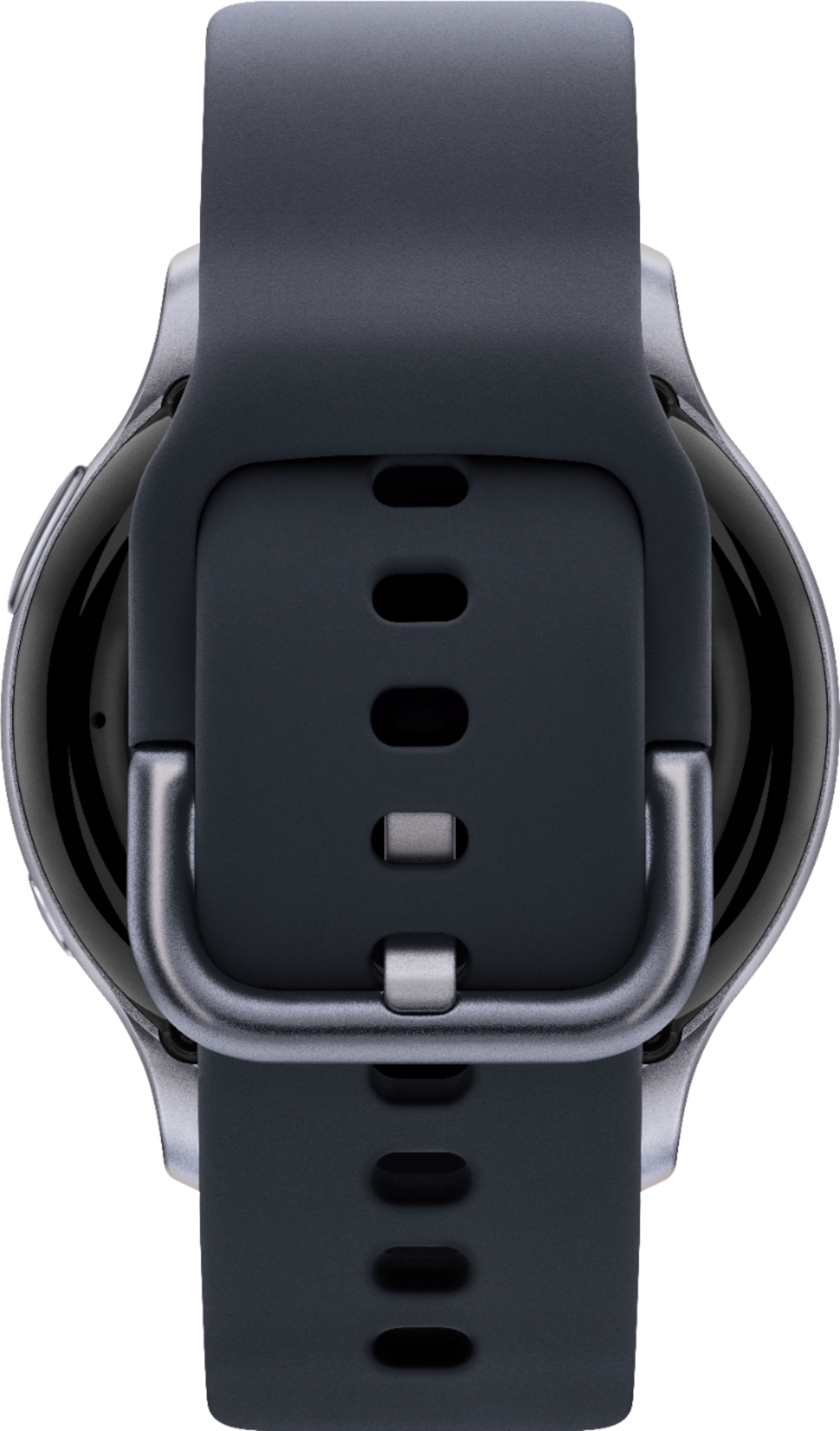
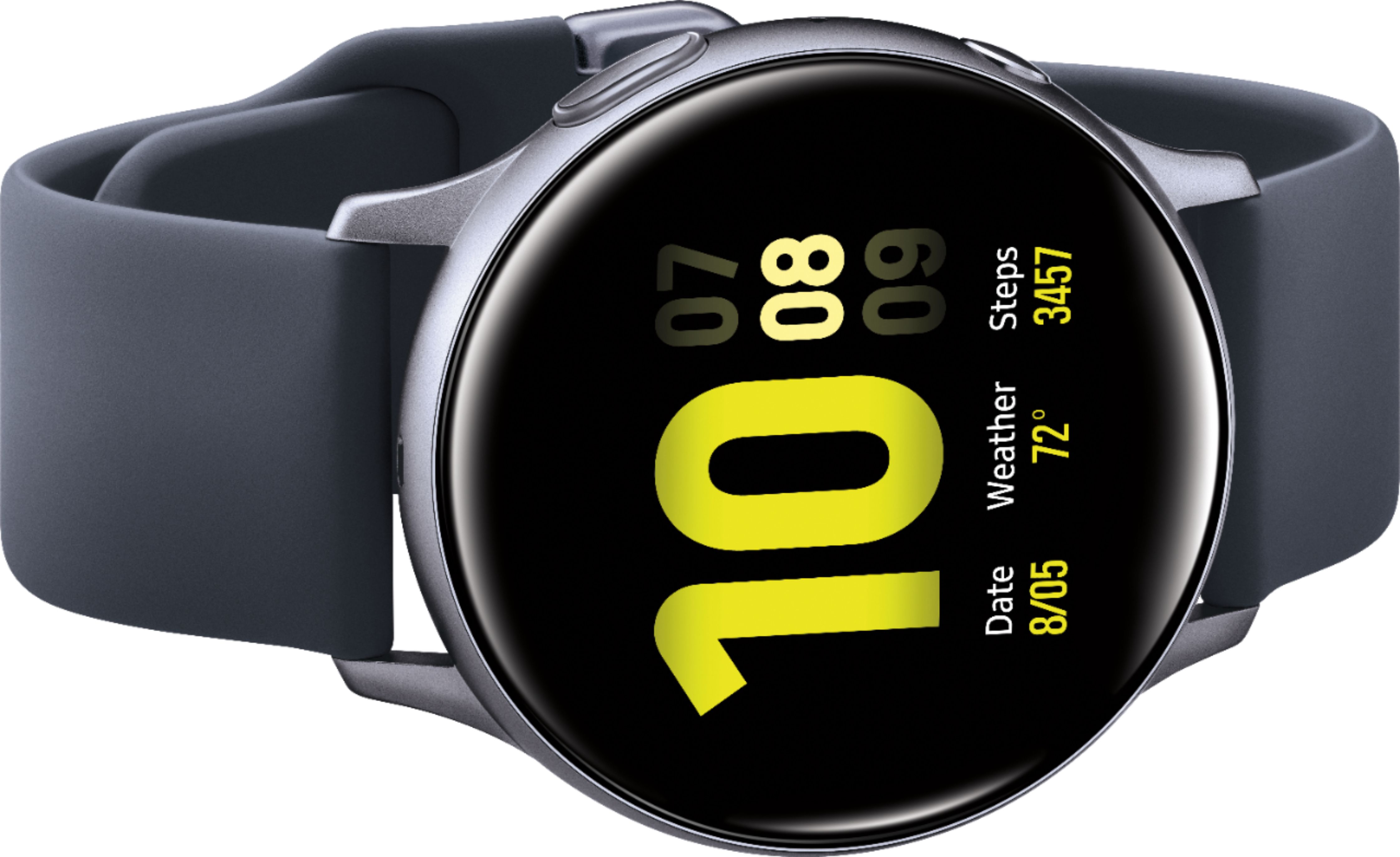
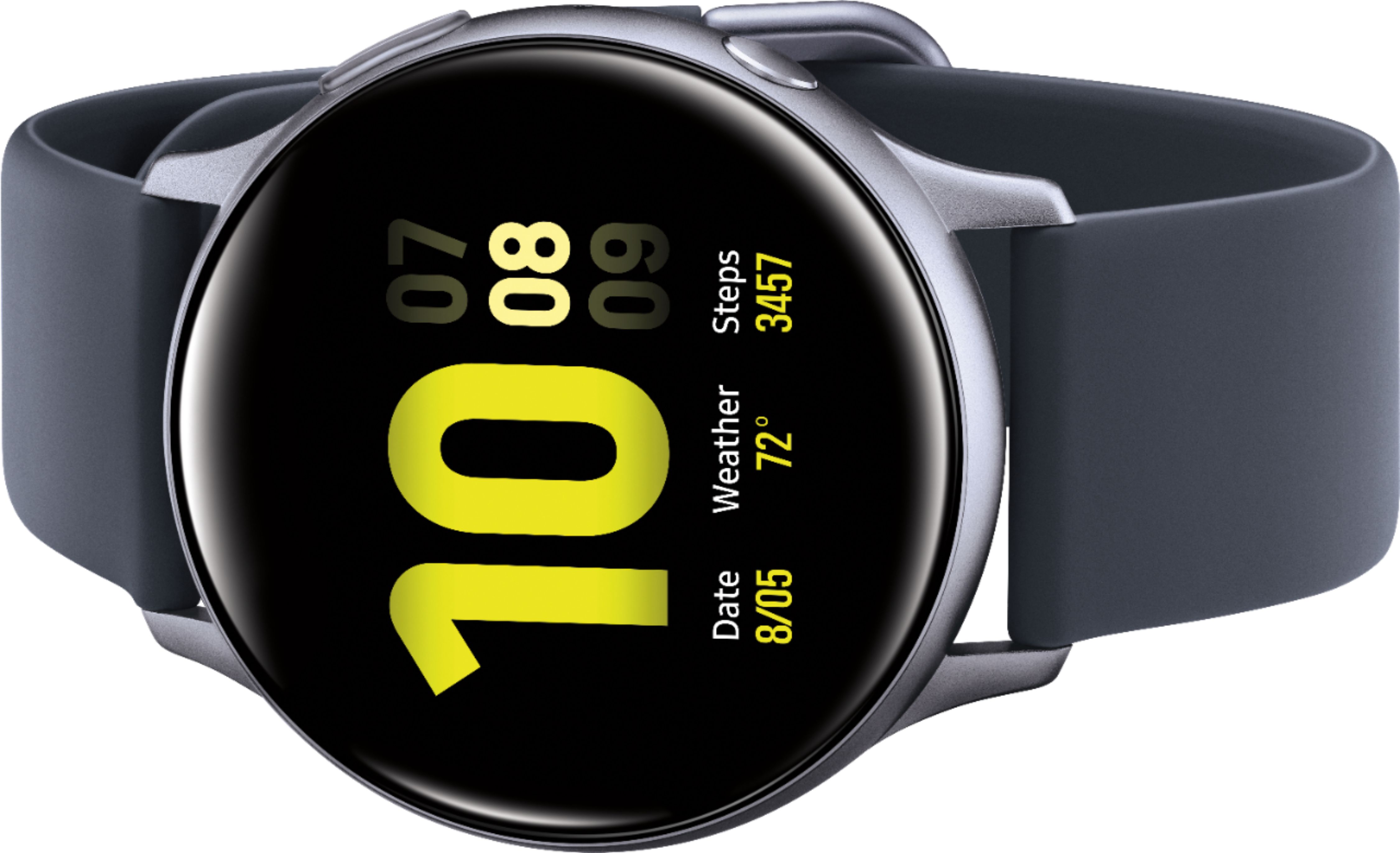
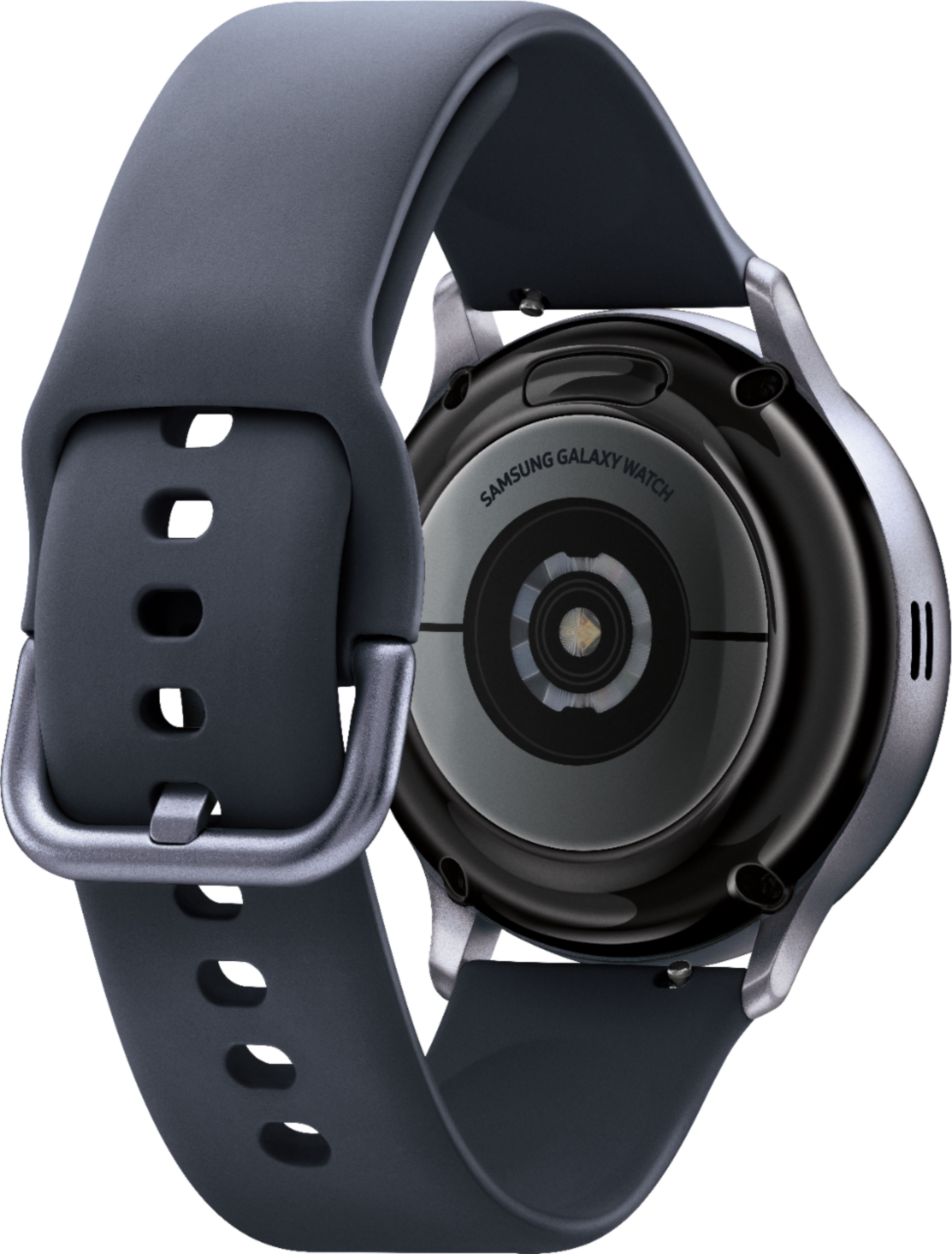
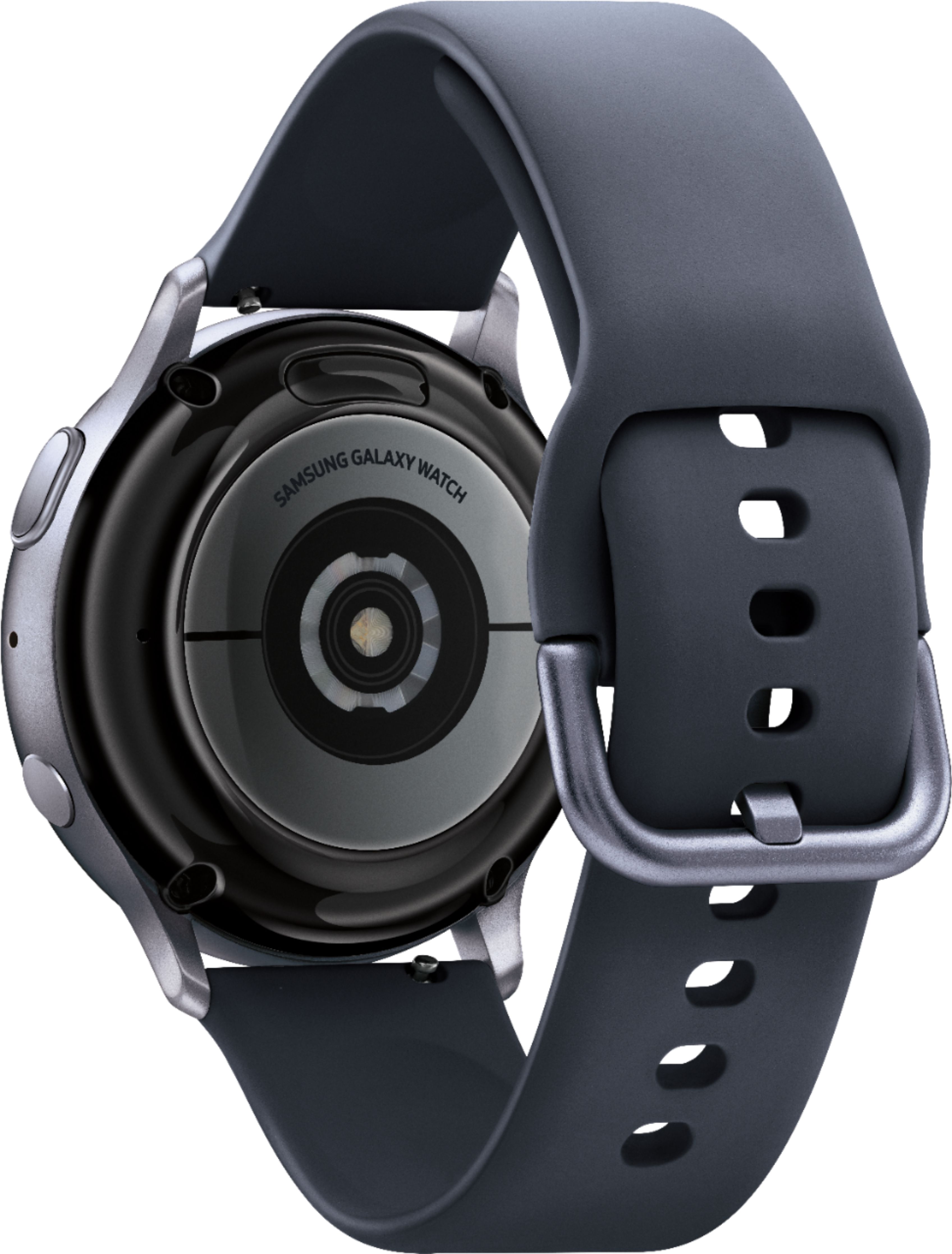
A:AnswerI talked to a Samsung employee and they told me that the only way to see all text messaging history is if you have a Samsung phonewith your Samsung watch. So if you have a different phone brand you can go into contacts send a message that way on your watch. You just won’t be able to see all old messages.
A:AnswerHey there, Travis. The Galaxy Watch Active2 is not a waterproof device. Being that it is a water- resistant device, it is able to be damaged by water. Thank you for asking this question. ^Kayla
A:AnswerMine does not. Connected to Samsung S20 FE 5G. It shows the option on the app for SP02, but not the watch. Does show heart rate while exercising on mine. You can change watch face to show whatever you want. Mine is set to show heart rate during all exercise. If you are doing an exercise from the app, it even keeps track and shows you on the watch how far into the exercise you are and your heart rate history during.
A:AnswerAll you have to do is double click the power button (the one on the bottom ) and Bixby should activate. Then all you have to do is give the voice command (CALL 911) emergency responders should show up after your call
A:AnswerGreat question, Dawna03! The Galaxy Watch Activ2 comes with a short and a long band for the best fit. Thank you for asking this question. ^Kayla
A:AnswerHi Leslie!
Thank you for reaching out to us. We appreciate your interest in knowing if Galaxy Watch Active2 works with iPhone. Yes, iPhones (iPhone5 or later) are compatible with iOS 9 and above.
For your reference, you may use this link about "Samsung Smart Watch and Phone Compatibility" and look for "iOS Phone Compatibility": https://www.samsung.com/us/support/answer/ANS00082502/.
Should you need more assistance, please feel free to get back to us via the following options:
1. Facebook Messenger: http://m.me/samsungsupport
2. Twitter: https://twitter.com/messages/compose?recipient_id=18768513
3. Samsung Community: https://us.community.samsung.com/t5/Samsung-Community/ct-p/us
Reference #: 1144305654
Have a great day.
Melardo
A:AnswerHi there. If the Galaxy Watch Active2 is listed as the GPS version, it is the Bluetooth version of the device. The Bluetooth version requires your mobile device be within 30 FT of your watch to remain fully functional. The LTE version allows you to have full function without your mobile phone near. Thank you for asking this question. ^Kayla
A:AnswerHello there. We would love to look into this for you. Please reach out to us on Facebook at (http://m.me/samsungsupport) or Twitter at (https://twitter.com/messages/compose?recipient_id=18768513). We look forward to speaking with you. ^Kayla
A:AnswerYes, Tabby! The Galaxy Watch Active2 is able to be used as a speakerphone. This link (https://www.samsung.com/us/support/answer/ANS00061408/) has more information. Thank you for asking this question. ^Kayla
A:AnswerHi, Rosemary. I understand how frustrating this may be and apologize for the less than ideal experience. We would love to look into this further. You can reach us on Facebook at (http://m.me/samsungsupport) or Twitter at (https://twitter.com/messages/compose?recipient_id=18768513). We look forward to speaking with you. ^Kayla
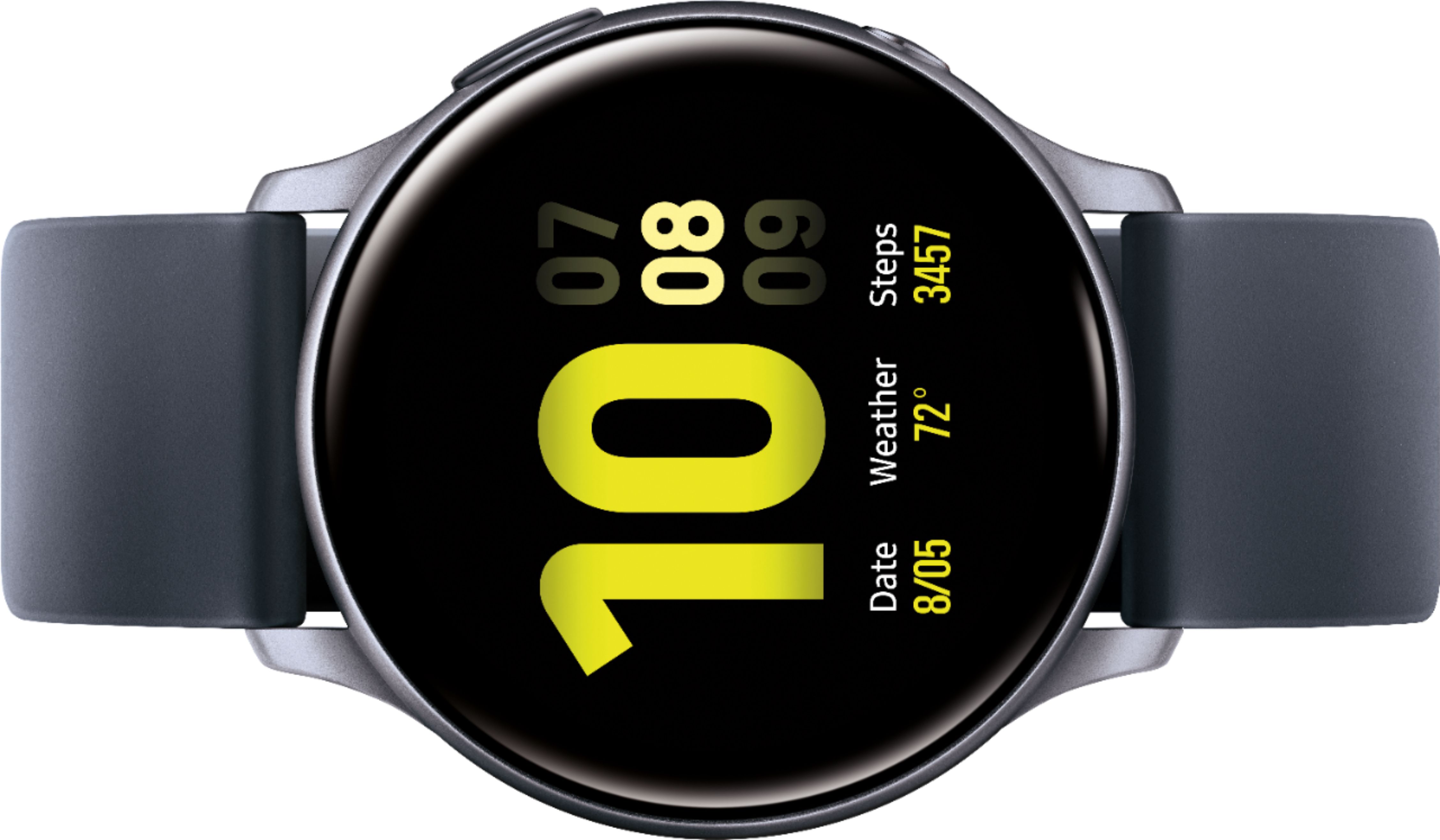
A:AnswerYes you can change to digital, I am not sure if you can get minutes and seconds however there are tons of faces you can download from Samsung Wearable App or Galaxy Store.