A:AnswerHey there, thank you for taking the time to ask us your question about the Samsung Galaxy Watch Ultra. Galaxy devices have built-in safeguards to alert you and protect themselves if their temperature exceeds the normal operating range. Factors that can affect your device's temperature: * Using your device outside of normal operating conditions, which are ambient temperatures between 32 and 95 degrees Fahrenheit. * Placing your device on or near a heat source, leaving it in a parked car on a hot day, or continual use in direct sunlight. * Using multiple apps for an extended period of time, or using processor-intensive apps such as gaming or GPS tracking. * Charging the device with a non-Samsung, incompatible, or defective charger (and USB cable). * Initial setup and data transfer from a previous device. * System or firmware updates. Check out, "Keep your Galaxy device at its normal operating temperature" if you would like to learn more. If you have any other questions for us, feel free to contact Support. Thank you for being a valued Samsung customer. - Debra
A:AnswerYes, but a certain depths. It is made so you can swim with it and measure your laps and it also has a way to seal it from moisture when you know your are going for a splash wear moment.
A:AnswerAloha Donmega, thanks for taking the time to ask us your question about the Samsung Galaxy Watch Ultra. The advertised Galaxy Watch Ultra is the U.S. version of this device. If you have any other questions for us or if you would like further assistance, please feel free to reach out to Support. Thanks for choosing Samsung! - Debra
A:AnswerHowdy Justcurious, thanks for reaching out with your question about the Samsung Galaxy Watch Ultra. The advertised Galaxy Watch Ultra is a new device. If you have any other questions, please feel free to contact Support. Thanks for being a loyal Samsung customer. - Debra
A:AnswerHello Helen, thanks for your question about the Samsung Galaxy Watch Ultra LTE. Yes, the advertised Galaxy Watch LTE model can be used independently of your phone, allowing you to make and receive calls, send texts, and use data while leaving your phone at home. It requires an active LTE service plan with a carrier, enabling it to connect directly to the mobile network. If you have any other questions, feel free to contact Support. Thank you for being a cherished Samsung customer. - Debra

A:AnswerHowdy Helen, thanks for your asking us your question about the Samsung Galaxy Watch Ultra LTE. Yes, the advertised Galaxy Watch LTE model can be used independently of your phone, allowing you to make and receive calls, send texts, and use data while leaving your phone at home. Ensure that your device has an active LTE service plan with a carrier. If you have any other questions, feel free to contact Support. Thank you for being a valued Samsung customer. - Debra
A:AnswerHello Helen, thanks for asking us your question about the Samsung Galaxy Watch Ultra. Yes, the Galaxy Watch Ultra bands can be easily removed and changed using a quick-release button mechanism. By pressing the button on the back of the watch, the strap pin retracts, allowing the band to be pulled out and swapped for a new one. If you have additional questions for us, please feel free to reach out to Support. Thanks for being a loyal Samsung customer. - Debra
A:AnswerNo, you do not need to be close to your phone. You can make and receive calls directly on the watch over the cellular network, just like a phone, even if your phone is at home.
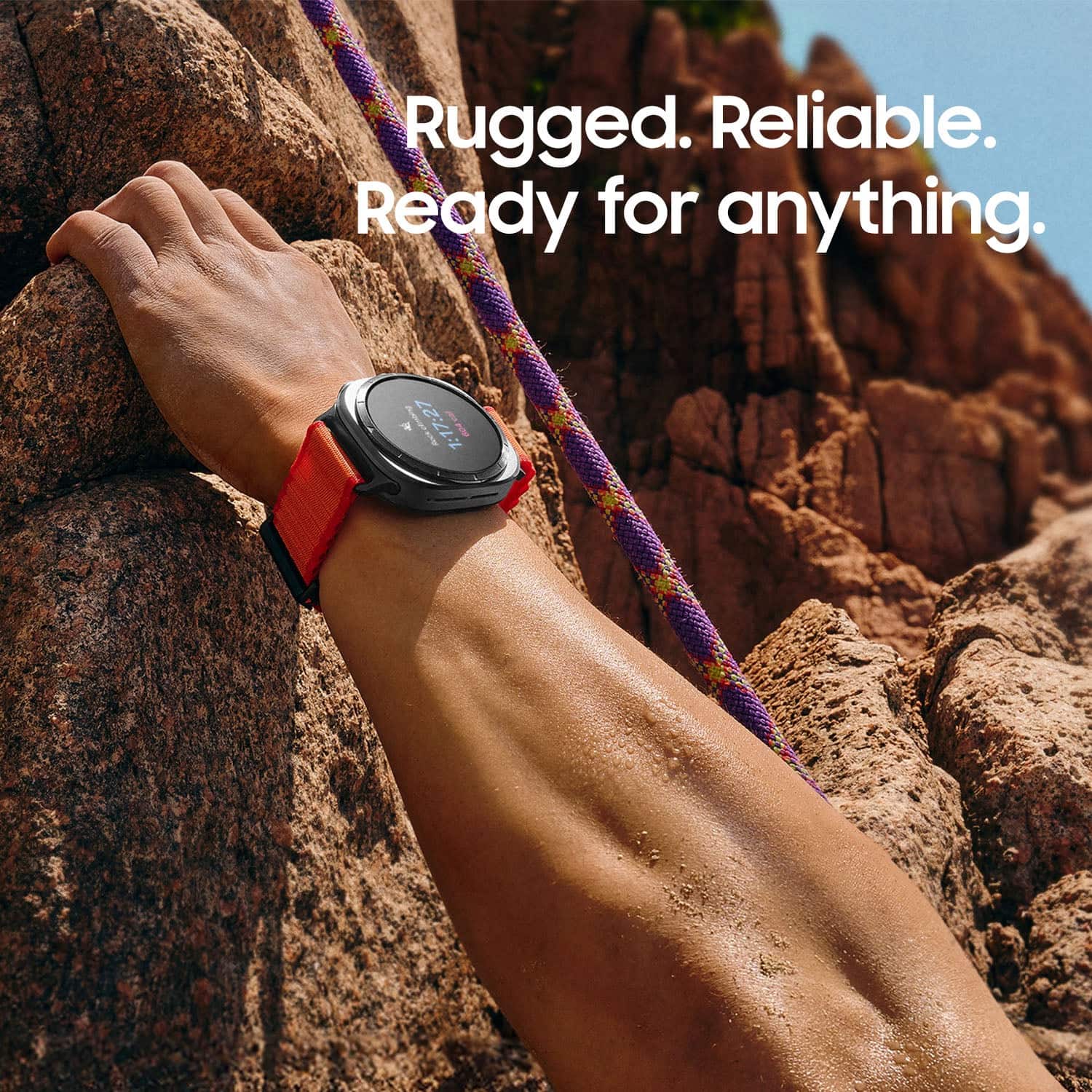
A:AnswerHi there SSS, thanks for reaching out with your question about the Samsung Galaxy Watch Ultra. No, the Galaxy Watch Ultra is not waterproof, however, it is water resistant with a 10 ATM rating (up to 100 meters for 10 mins) and an IP68 rating (up to 1.5m for 30 mins). If you have additional questions for us, please do not hesitate to contact Support. Thanks for being a valued Samsung customer. - Debra
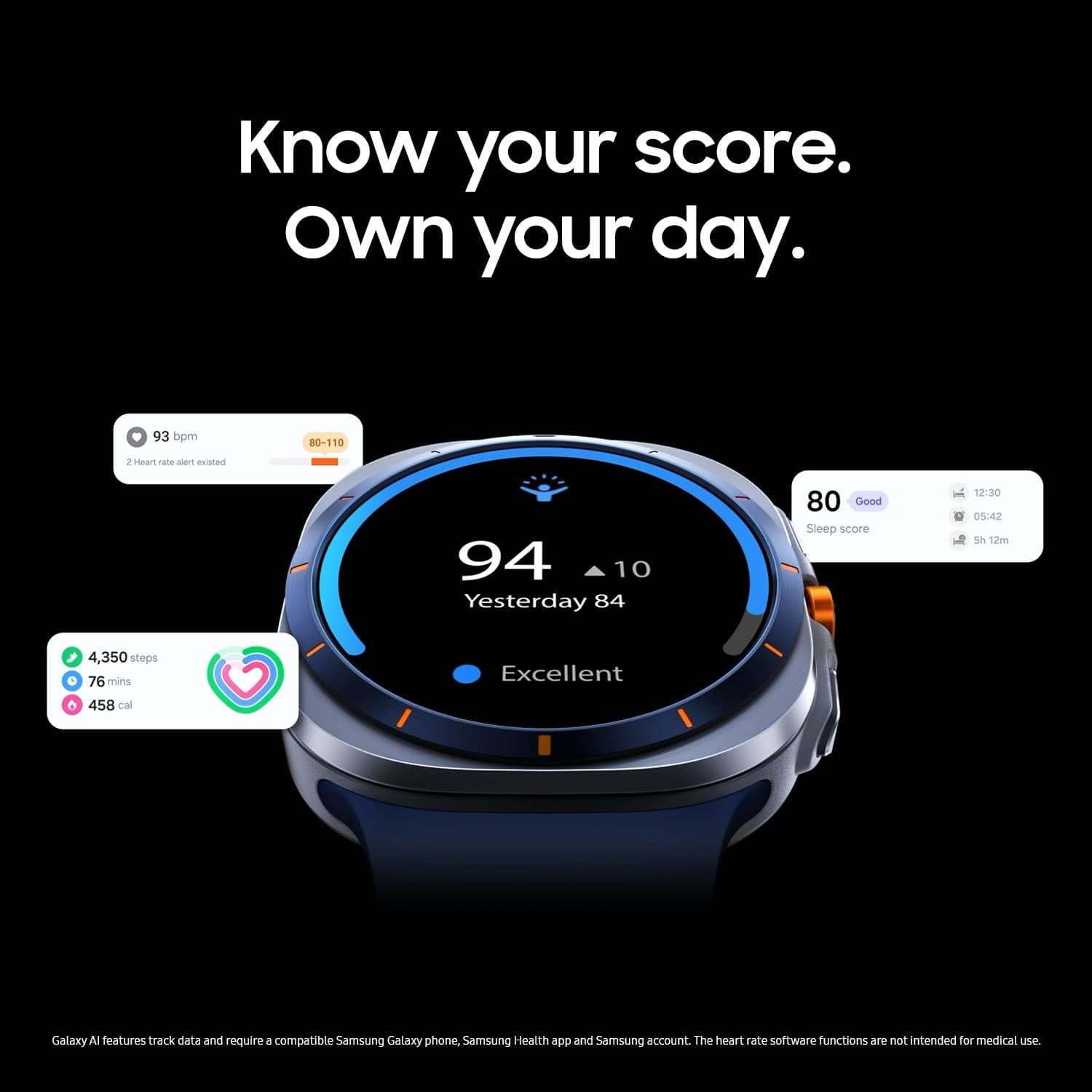
A:AnswerGreetings Cliff, thank you for asking us your question about the Samsung Galaxy Watch Ultra. Yes, the advertised Galaxy Watch Ultra is FDA-approved for sleep apnea detection and for its irregular heart rhythm notification feature. Please keep in mind that the sleep apnea detection feature is not intended to replace a formal diagnosis or treatment by a clinician. It is also not for users who have already been diagnosed with sleep apnea. If you have any other questions for us, please feel free to reach out to Support. Thanks for choosing Samsung! - Debra
A:AnswerIts probably manufacturer warranty if its open-box but when you're a member at best buy anything you buy from them will get a 2 year warranty attached to it.
A:AnswerI didn't think this watch can perform this function, there's no metric on Samsung health on the watch. I use the Withings monitor to get this data into Samsung health.
A:AnswerGreetings Athena, thank you for taking the time to ask us your question about the Samsung Galaxy Watch Ultra. Yes, the Galaxy Watch Ultra indeed features Blood Oxygen monitoring and an ECG function, which can be enabled and used via the Samsung Health Monitor app. This device also includes a "Hard Fall Detection" feature that can send an SOS message to your emergency contacts if it detects a hard fall, though you must ensure the feature is enabled on your watch and that the watch has a network connection to function. Please feel free to reach out to Support if you have additional questions or if you would like any further assistance. Thanks for being a devoted Samsung customer. - Debra