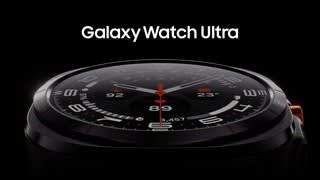
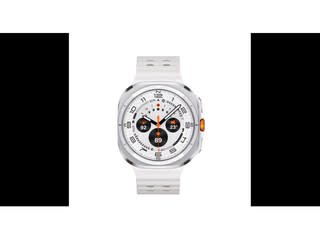
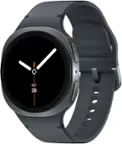
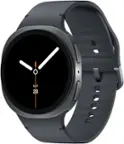
A:AnswerHello Helen, thanks for your question about the Samsung Galaxy Watch Ultra LTE. Yes, the advertised Galaxy Watch LTE model can be used independently of your phone, allowing you to make and receive calls, send texts, and use data while leaving your phone at home. It requires an active LTE service plan with a carrier, enabling it to connect directly to the mobile network. If you have any other questions, feel free to contact Support. Thank you for being a cherished Samsung customer. - Debra
A:AnswerHowdy Helen, thanks for your asking us your question about the Samsung Galaxy Watch Ultra LTE. Yes, the advertised Galaxy Watch LTE model can be used independently of your phone, allowing you to make and receive calls, send texts, and use data while leaving your phone at home. Ensure that your device has an active LTE service plan with a carrier. If you have any other questions, feel free to contact Support. Thank you for being a valued Samsung customer. - Debra
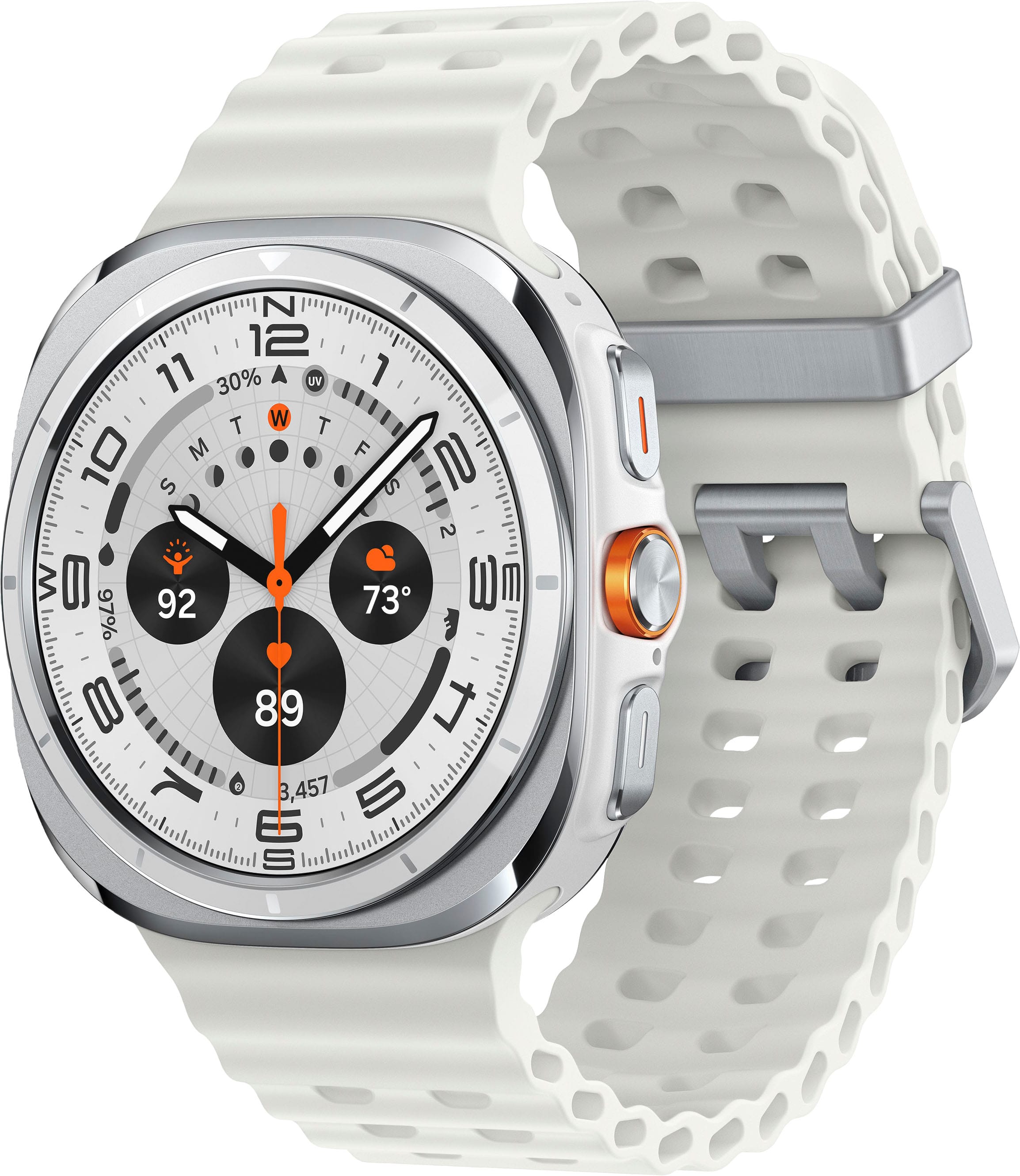
A:AnswerHello Helen, thanks for asking us your question about the Samsung Galaxy Watch Ultra. Yes, the Galaxy Watch Ultra bands can be easily removed and changed using a quick-release button mechanism. By pressing the button on the back of the watch, the strap pin retracts, allowing the band to be pulled out and swapped for a new one. If you have additional questions for us, please feel free to reach out to Support. Thanks for being a loyal Samsung customer. - Debra
A:AnswerNo, you do not need to be close to your phone. You can make and receive calls directly on the watch over the cellular network, just like a phone, even if your phone is at home.
A:AnswerGreetings Athena, thank you for taking the time to ask us your question about the Samsung Galaxy Watch Ultra. Yes, the Galaxy Watch Ultra indeed features Blood Oxygen monitoring and an ECG function, which can be enabled and used via the Samsung Health Monitor app. This device also includes a "Hard Fall Detection" feature that can send an SOS message to your emergency contacts if it detects a hard fall, though you must ensure the feature is enabled on your watch and that the watch has a network connection to function. Please feel free to reach out to Support if you have additional questions or if you would like any further assistance. Thanks for being a devoted Samsung customer. - Debra
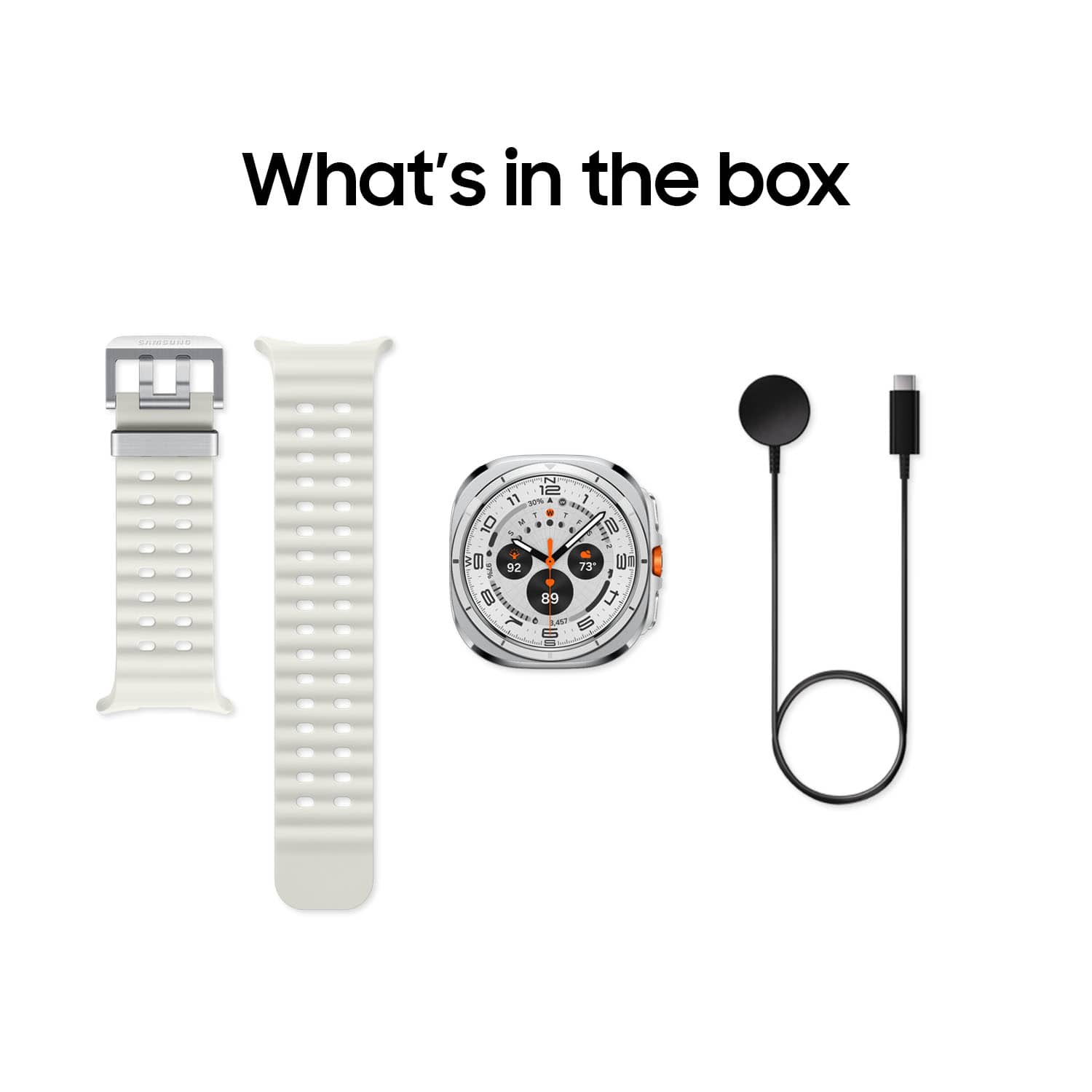
A:AnswerHey Paula, thanks for taking the time to ask us your question about the Samsung Galaxy Watch Ultra. Yes, the Galaxy S24 Ultra is compatible with the Galaxy Watch Ultra. If you have additional questions, please do not hesitate to reach out to Support. Thank you for being a devoted Samsung customer. - Debra
A:AnswerAloha MimiC, thank you for taking the time to ask us your question about the Samsung Galaxy Watch Ultra. Yes, the Galaxy Watch Ultra allows you to make calls and send messages using voice assistant features like Google Assistant or Bixby. If you have any other questions or if you would like any further assistance, let us know by contacting Support. Thank you for being a loyal Samsung customer. - Debra