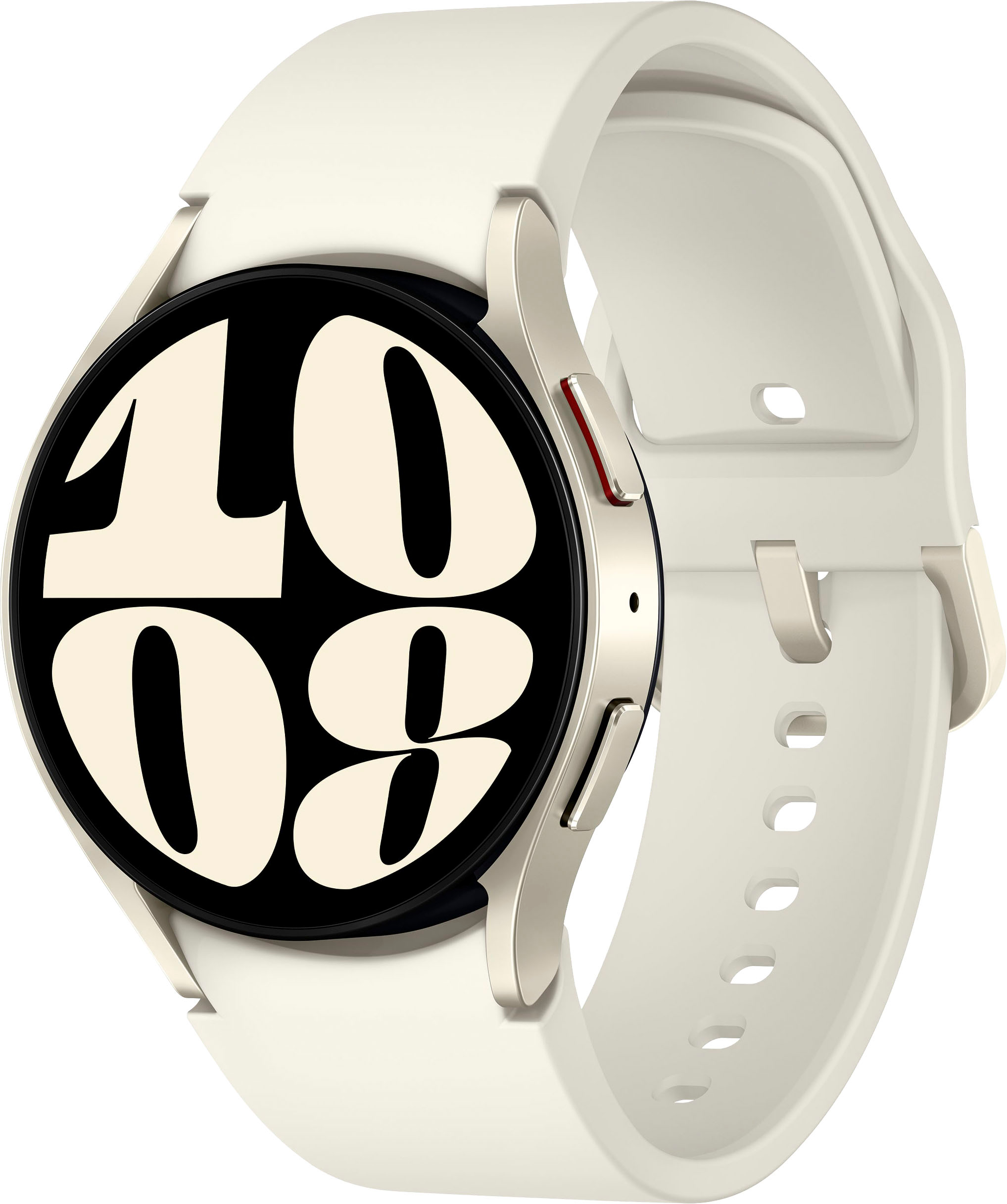
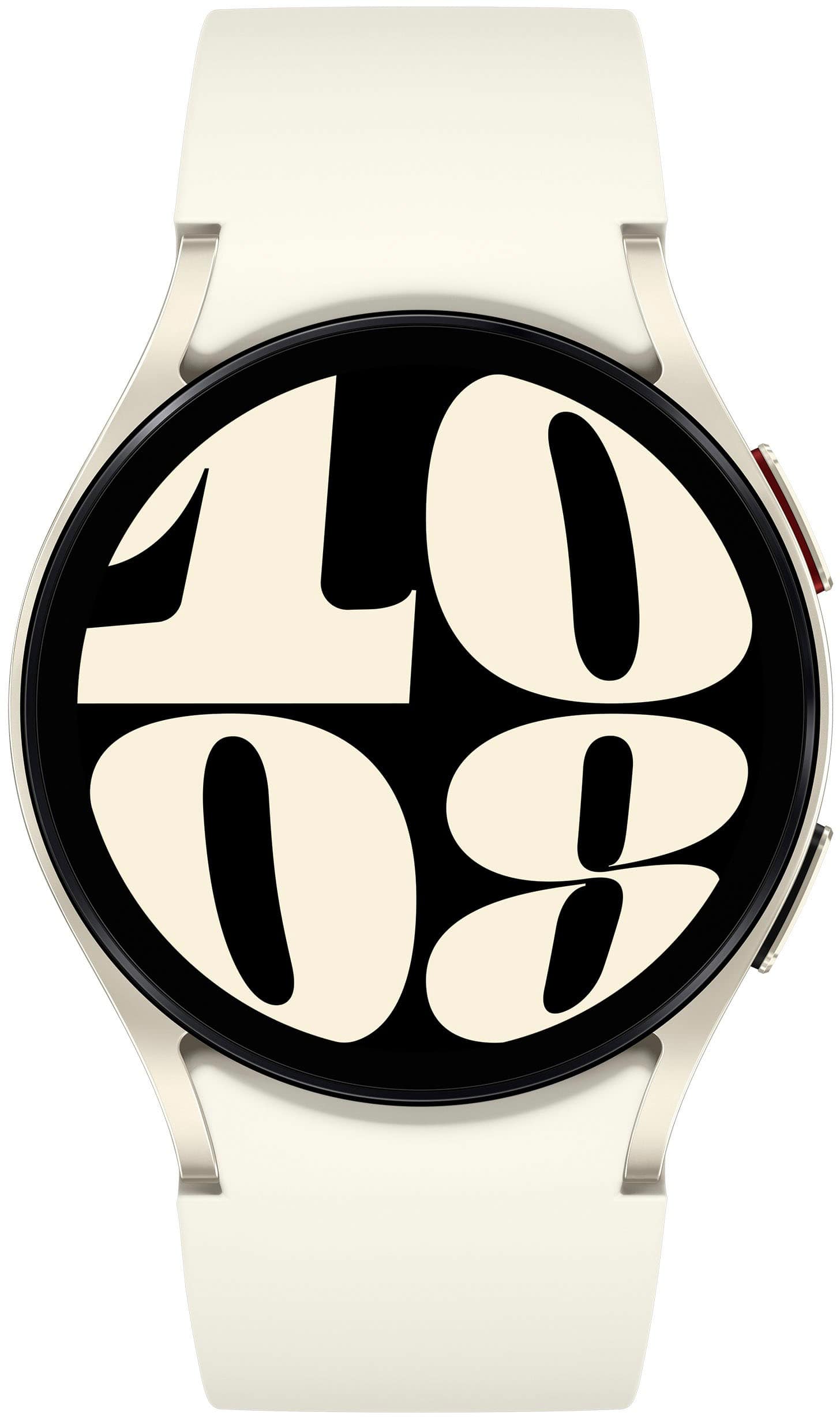
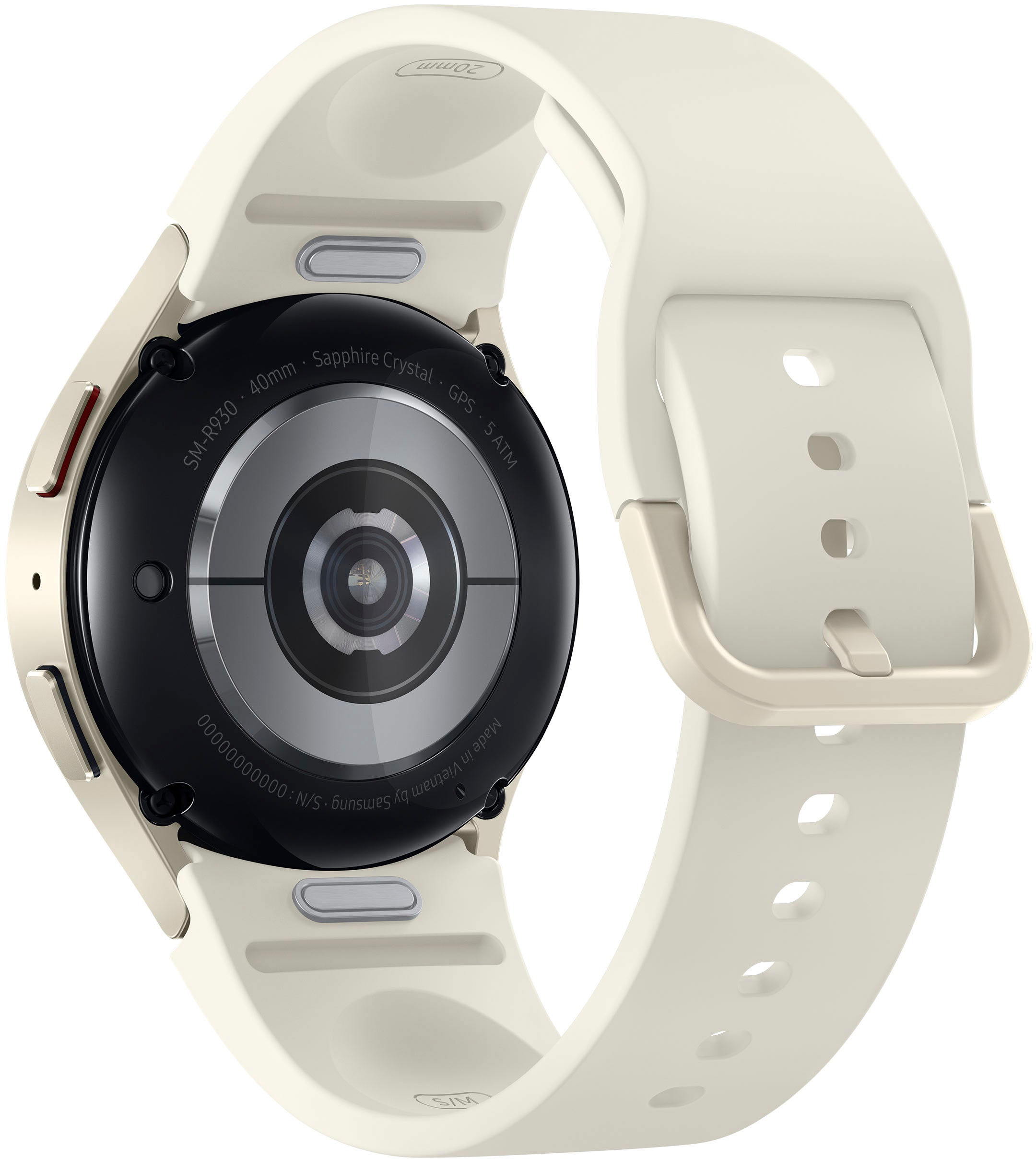
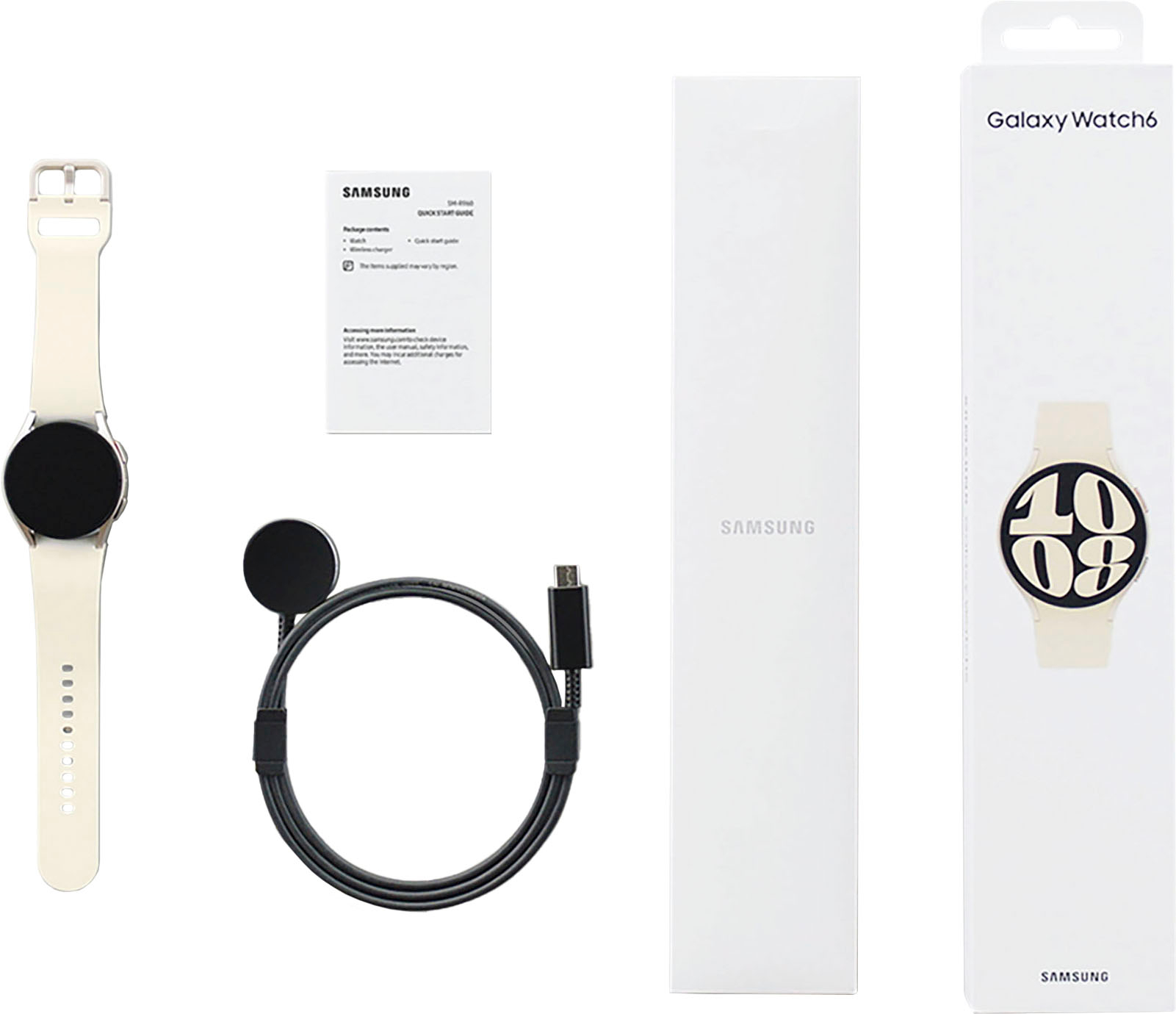
A:AnswerHey Lj57, thank you for finding the time out of your bustling day to ask us your question about the Samsung Galaxy Watch6. We recommend reaching out to Dexcom to inquire if their app would be compatible with the Galaxy Watch6. Feel free to contact Support if you have any other questions for us. Thank you for being a trustworthy Samsung customer. - Debra
A:AnswerHi there, we appreciate your question about the Samsung Galaxy Watch6. Typical Bluetooth range is about 30 feet from your device. There are factors that can interfere with the connection such as walls in your home or other physical barriers. This device does have the ability to use voice to text to help send messages, but third party apps may have different functionality with the watch itself to send messages directly from the deivce. Thank you for being a Samsung customer. -Elizabeth
A:AnswerHey Jazzy, thank you for finding the unobstructed time out of your bustling day to ask us your question about the Samsung Galaxy Watch6. Samsung provides a 12-month warranty on our products for manufacturing defects in materials and workmanship. Please do not hesitate to reach out to Samsung Support if you have any other questions for us. Thank you for being a trustworthy Samsung customer. - Debra
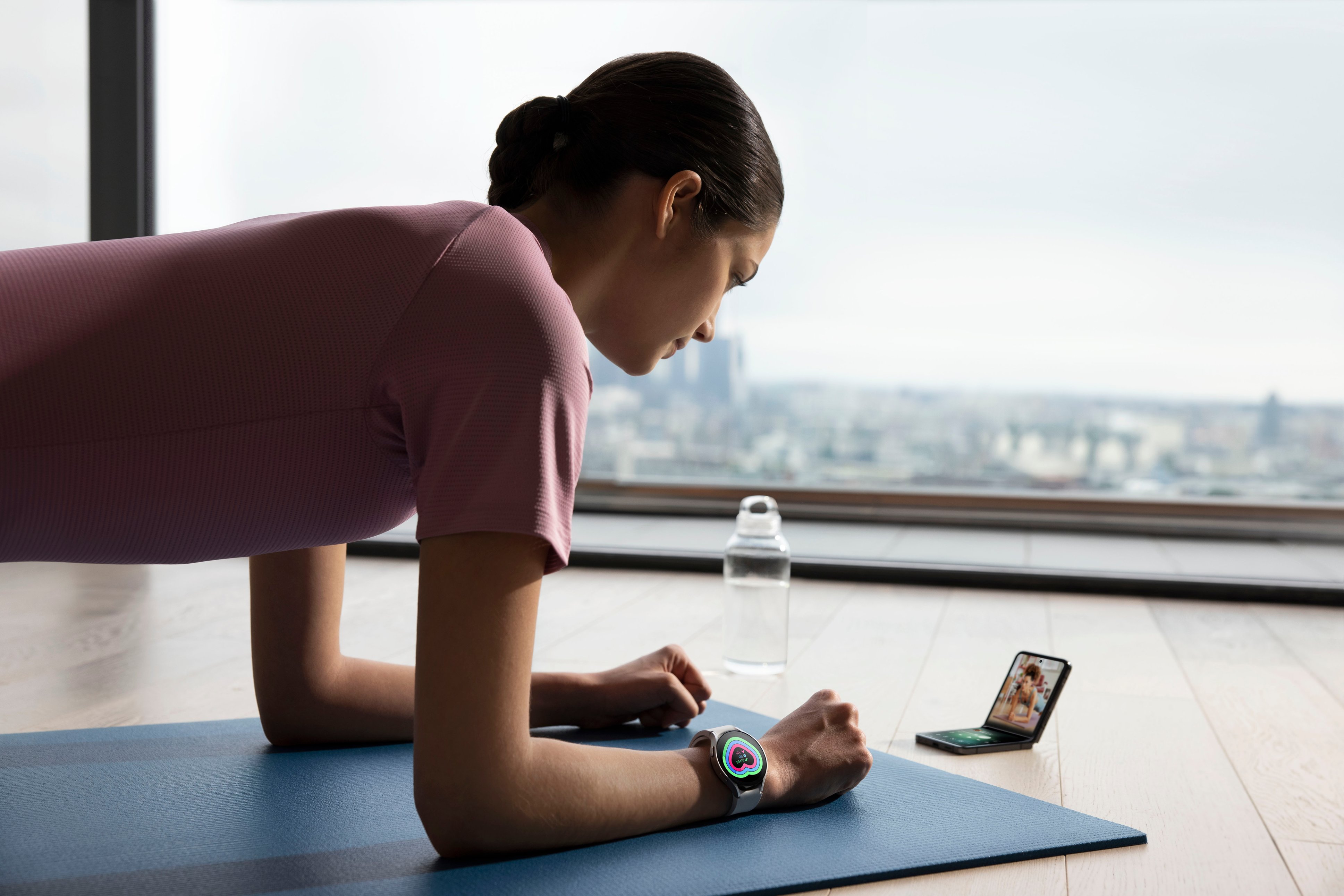
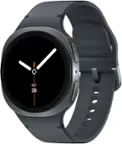
A:AnswerYes, the Samsung Galaxy Watch6 Aluminum Smartwatch 40mm BT can connect to the Galaxy Fold4. Both devices use Bluetooth to connect to each other. To connect the watch to the phone, follow these steps:
Make sure that both devices are turned on and Bluetooth is enabled.
On the watch, open the Settings app.
Tap Connections > Bluetooth.
Tap the name of the phone to connect to it.
Once the watch is connected to the phone, you can use it to control the phone, receive notifications, and make and answer calls.
Here are some of the features that you can use with the Galaxy Watch6 Aluminum Smartwatch 40mm BT - Cream and the Galaxy Fold4:
Make and answer calls: You can use the watch to make and answer calls if the phone is nearby.
Control the phone: You can use the watch to control the phone's music playback, volume, and settings.
Receive notifications: You can receive notifications from the phone on the watch, such as text messages, emails, and social media updates.
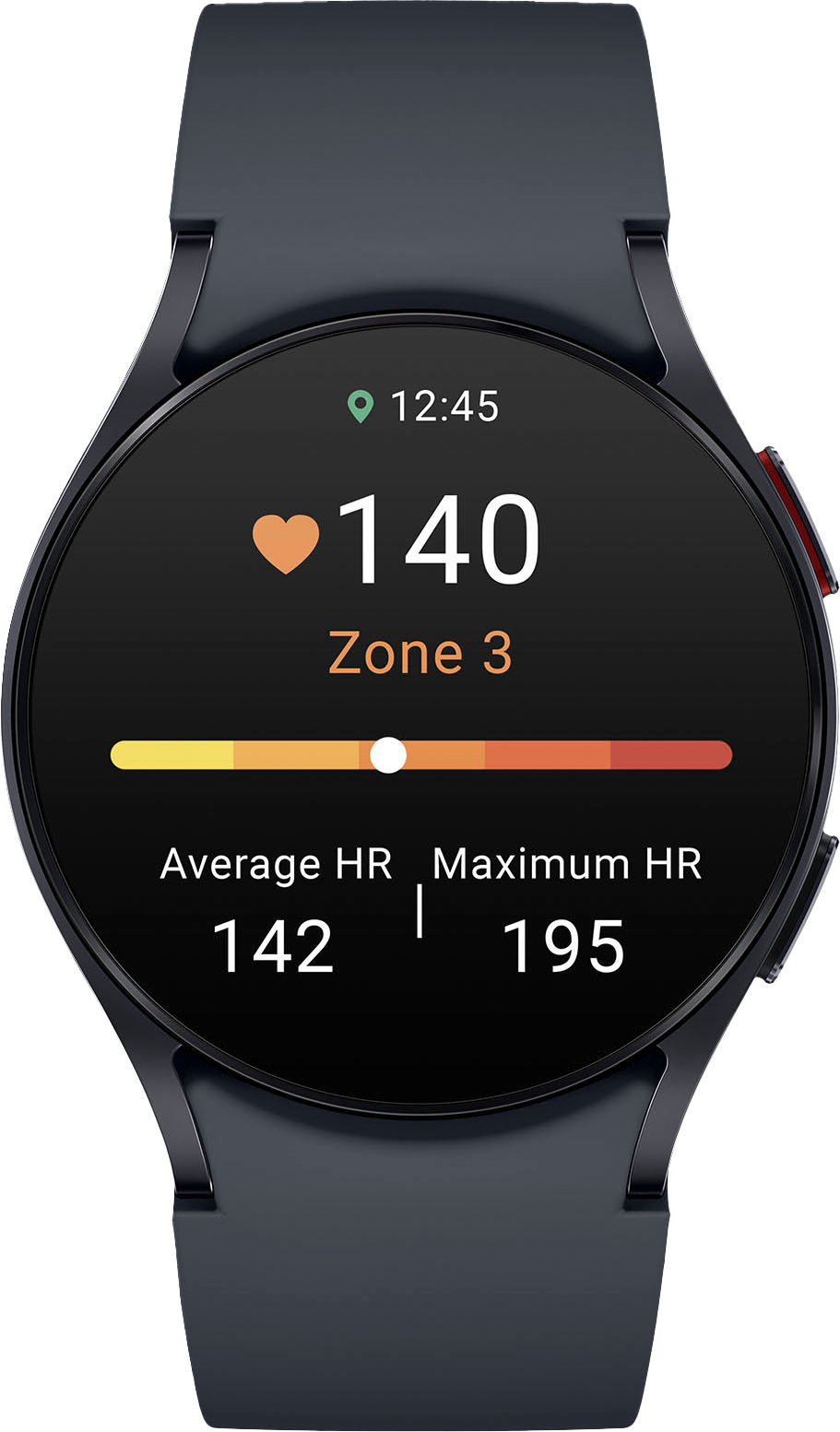
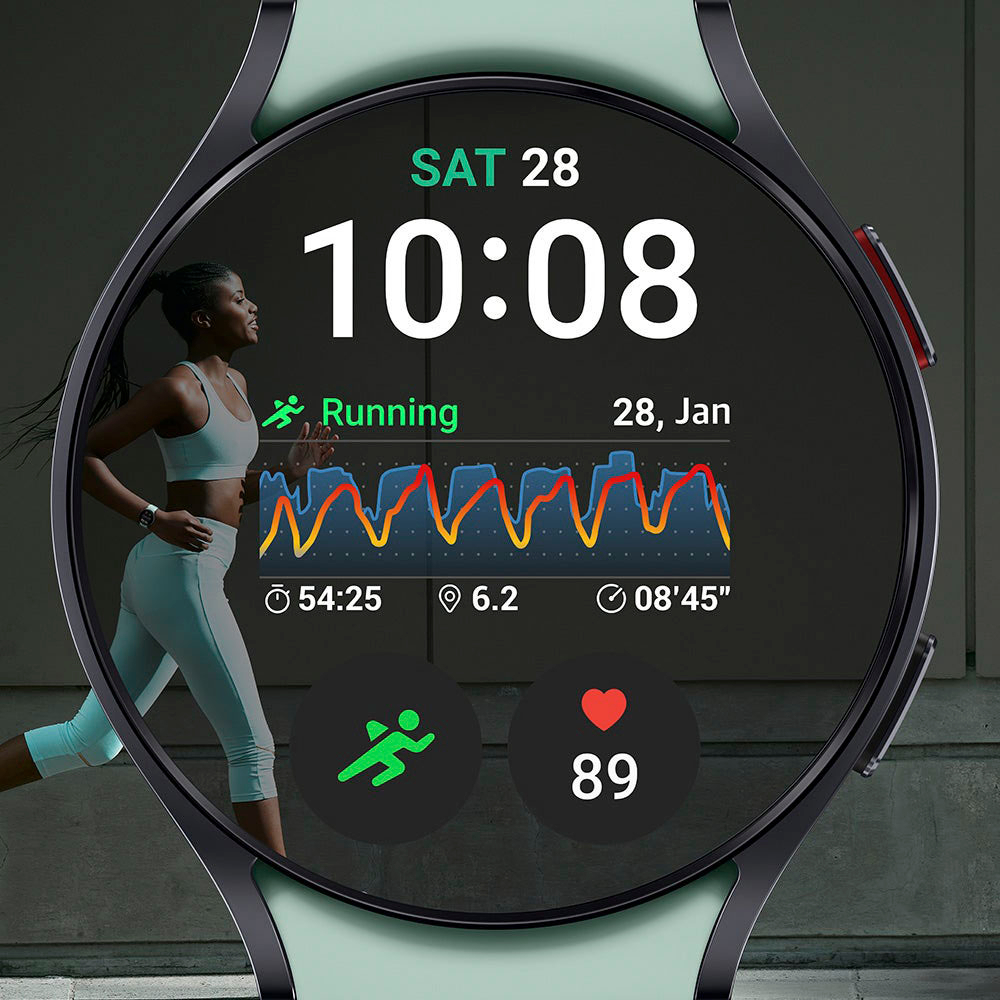
Track your fitness: You can use the watch to track your steps, calories burned, and heart rate.
Pay for things: You can use the watch to pay for things with Samsung Pay if the phone is nearby.
I hope this helps!