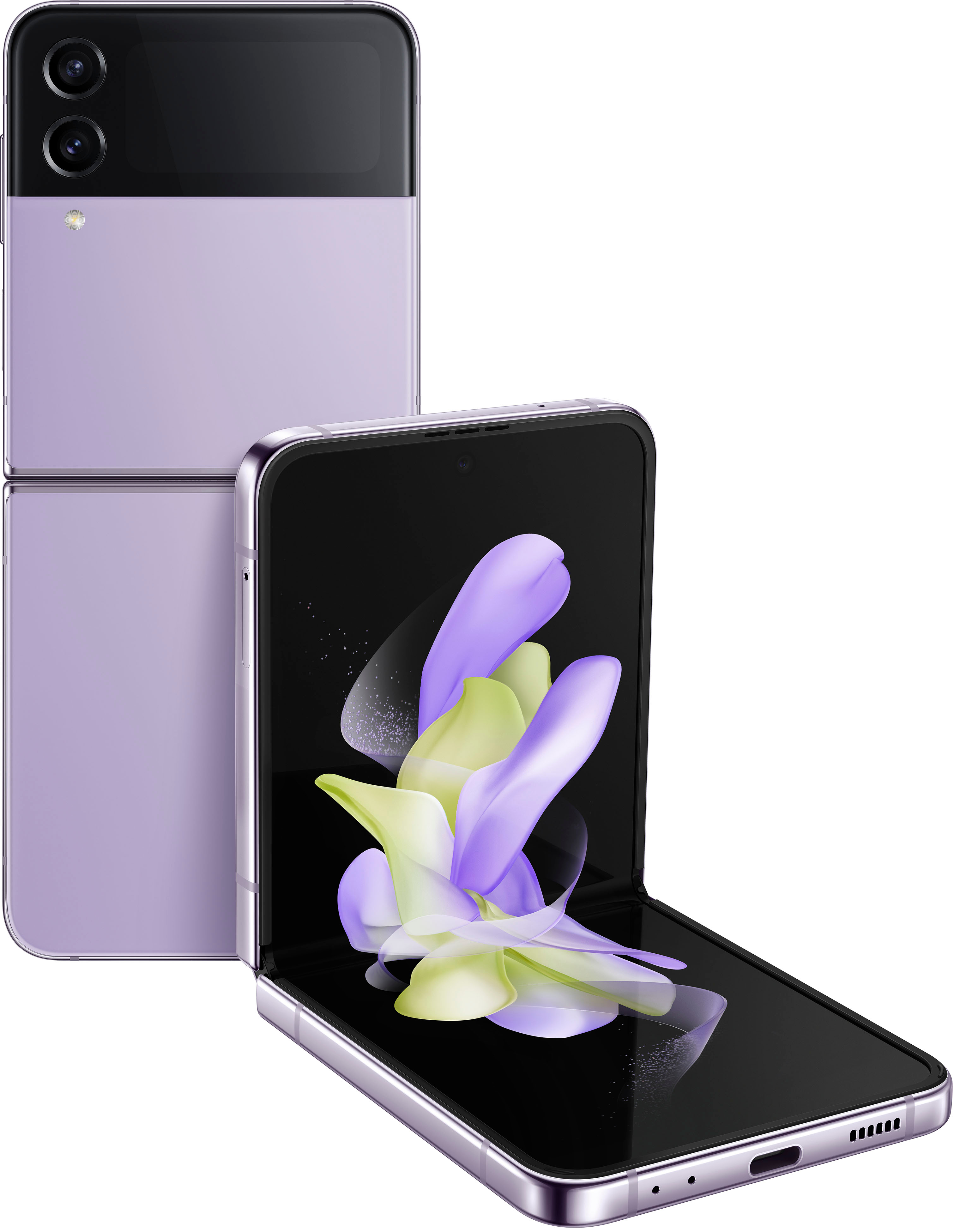
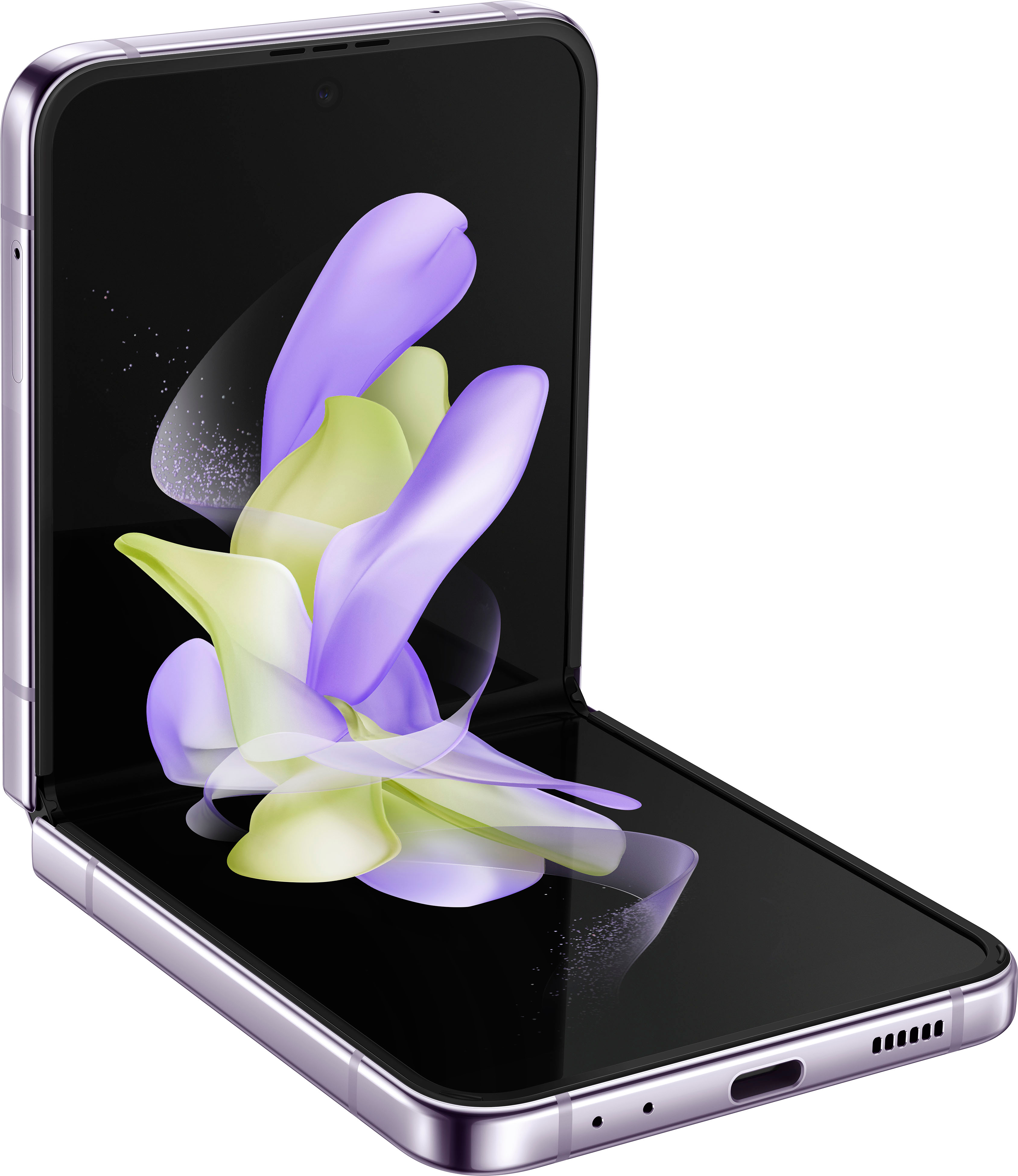
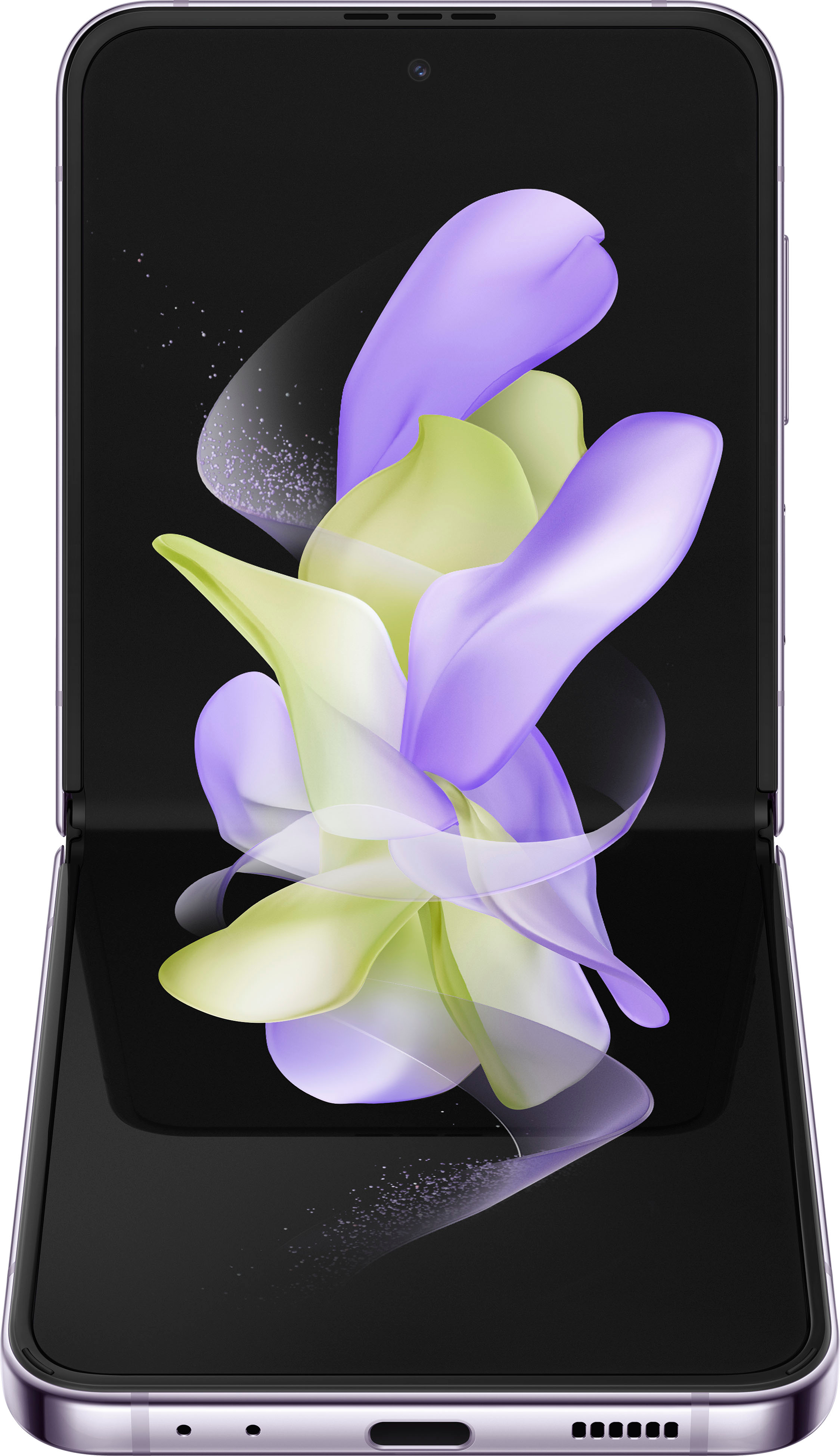
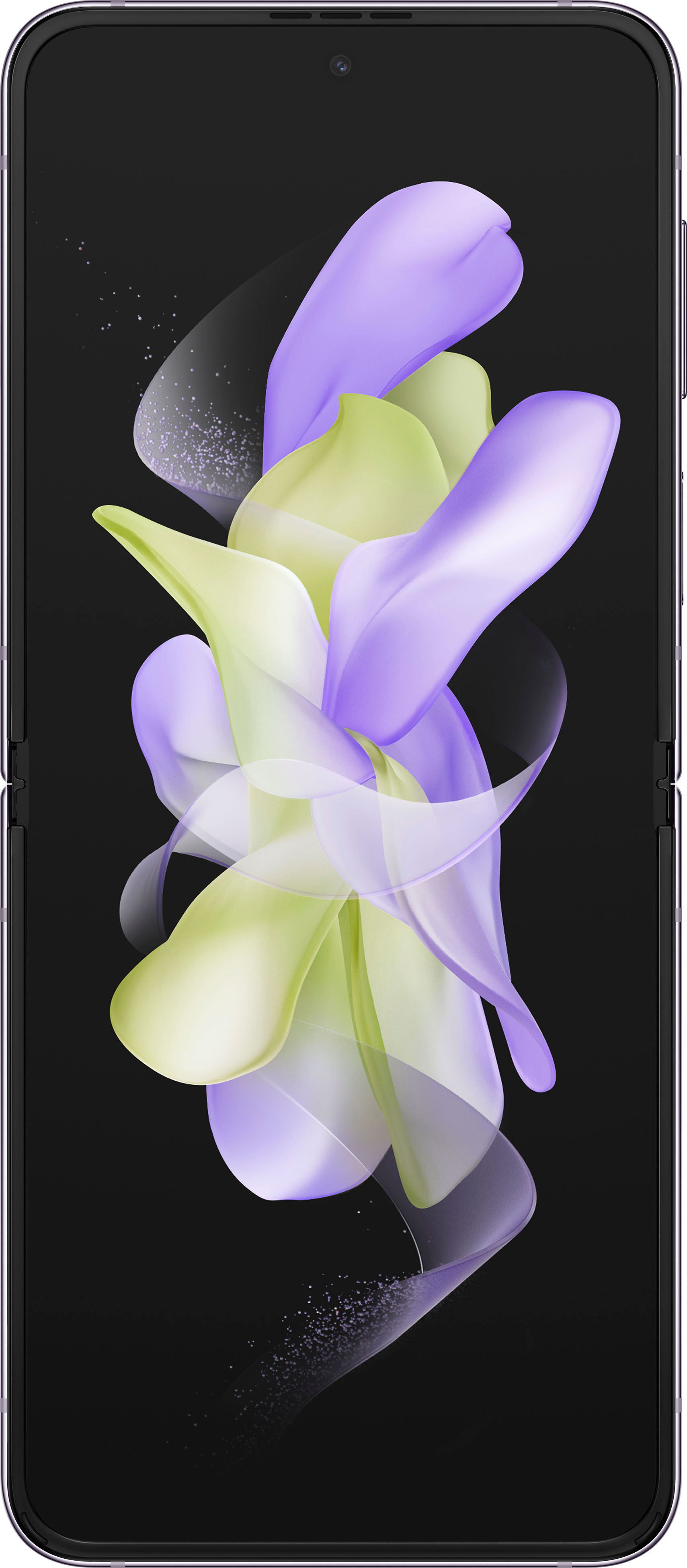
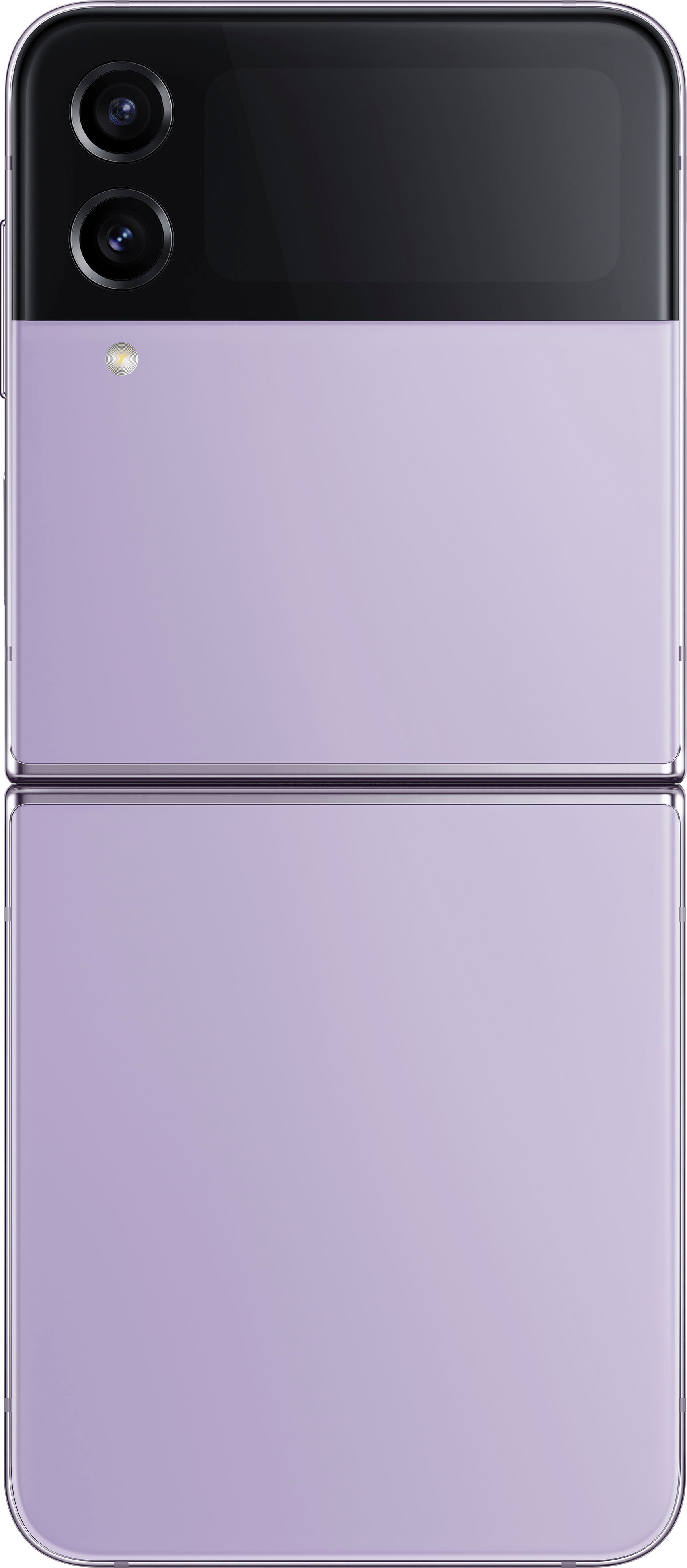
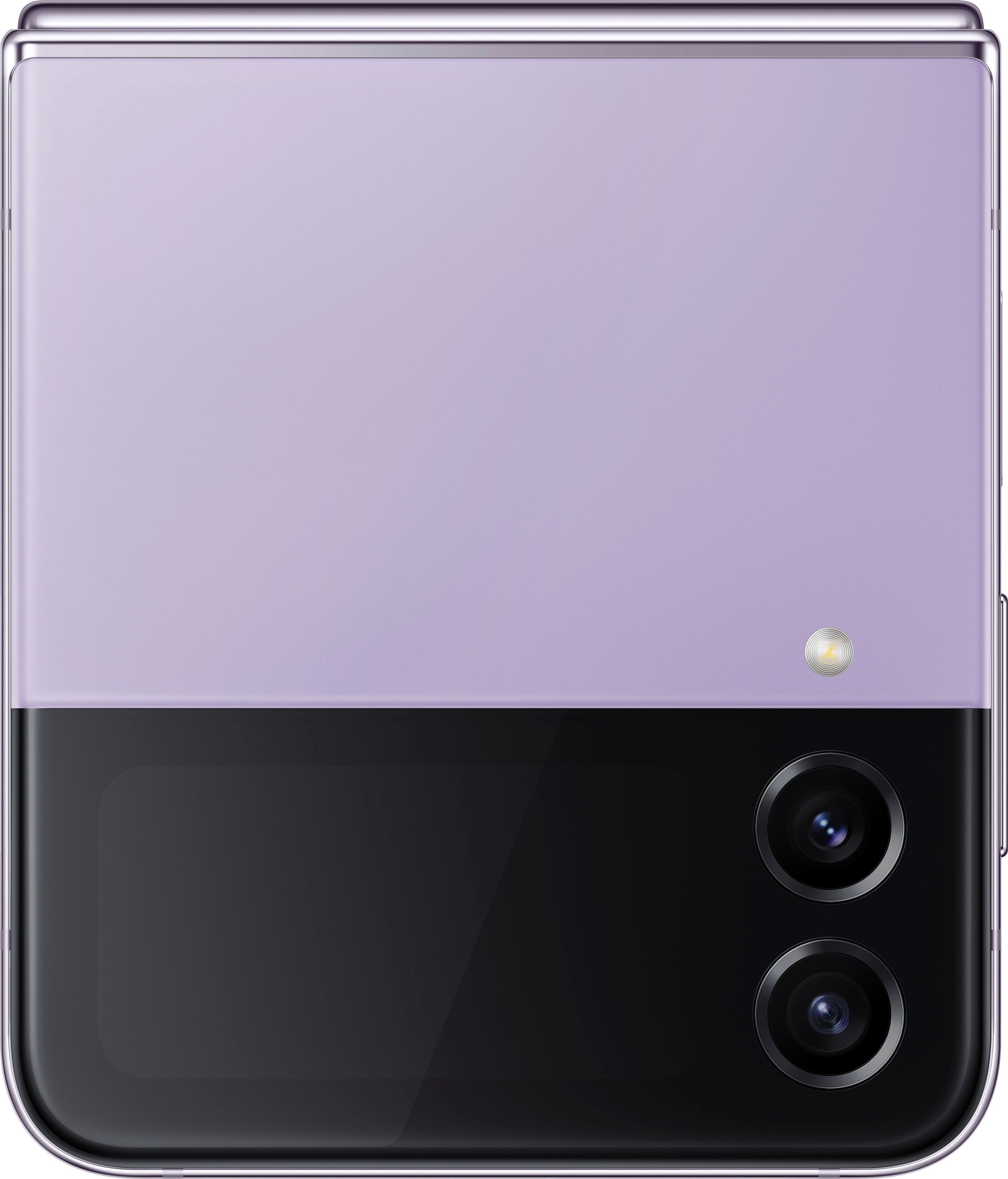
A:AnswerHey Apple, thank you for finding the unobstructed time out of your bustling day to ask us your question about the Samsung Galaxy Z Flip4. The advertised Galaxy Z Flip4 is new. Samsung provides a 12-month warranty on our products for manufacturing defects in materials and workmanship. Let us know if you think of any additional questions for us by contacting Samsung Support at your leisure. Thank you for being a trustworthy Samsung customer. - Debra
A:AnswerYes, as with any other cell phone, you can purchase insurance -- most likely through your cell carrier. I recommend insurance, because if you sit on it, it will affect the folding mechanism.
A:AnswerGood day Alesia, thanks for taking the available time out of your busy day to ask us your question about the Samsung Galaxy Z Flip4. The advertised Galaxy Z Flip4 is locked to the Verizon network and works with Amazon Alexa, Arlo, Bixby, Cortana, Google Assistant, Hue, Nest, Ring, SmartThings, and Wink smart devices. Let us know if you have any additional questions by reaching out to Samsung Support. Thank you for being an unwavering Samsung customer. - Debra
A:AnswerI had the same concern with my android. All I can tell you is that all my apps were transferred from my old phone to my new flip phone by a wonderful Best Buy employee before I even left the store. I really appreciated that service!
A:AnswerHello... Thank you for your question. To access a digital user manual on your phone, navigate to Settings, then swipe up.
The section may be named User manual, Tips and user manual, Help, or Tips and help, depending on your specific device, carrier, and software version.
There may be one more step once you're in the right section; just tap User manual.
The user manual will open via your internet browser. Tap the different options to learn more, or use the search bar to find something specific.
If you'd like to access your manual via the web, select your device model from the following list, and then select your carrier.
If your model is not listed, navigate to the Download Center. From there you can select your device or enter your device's model code. If your carrier is not listed, navigate to your carrier's support website to find the manual.