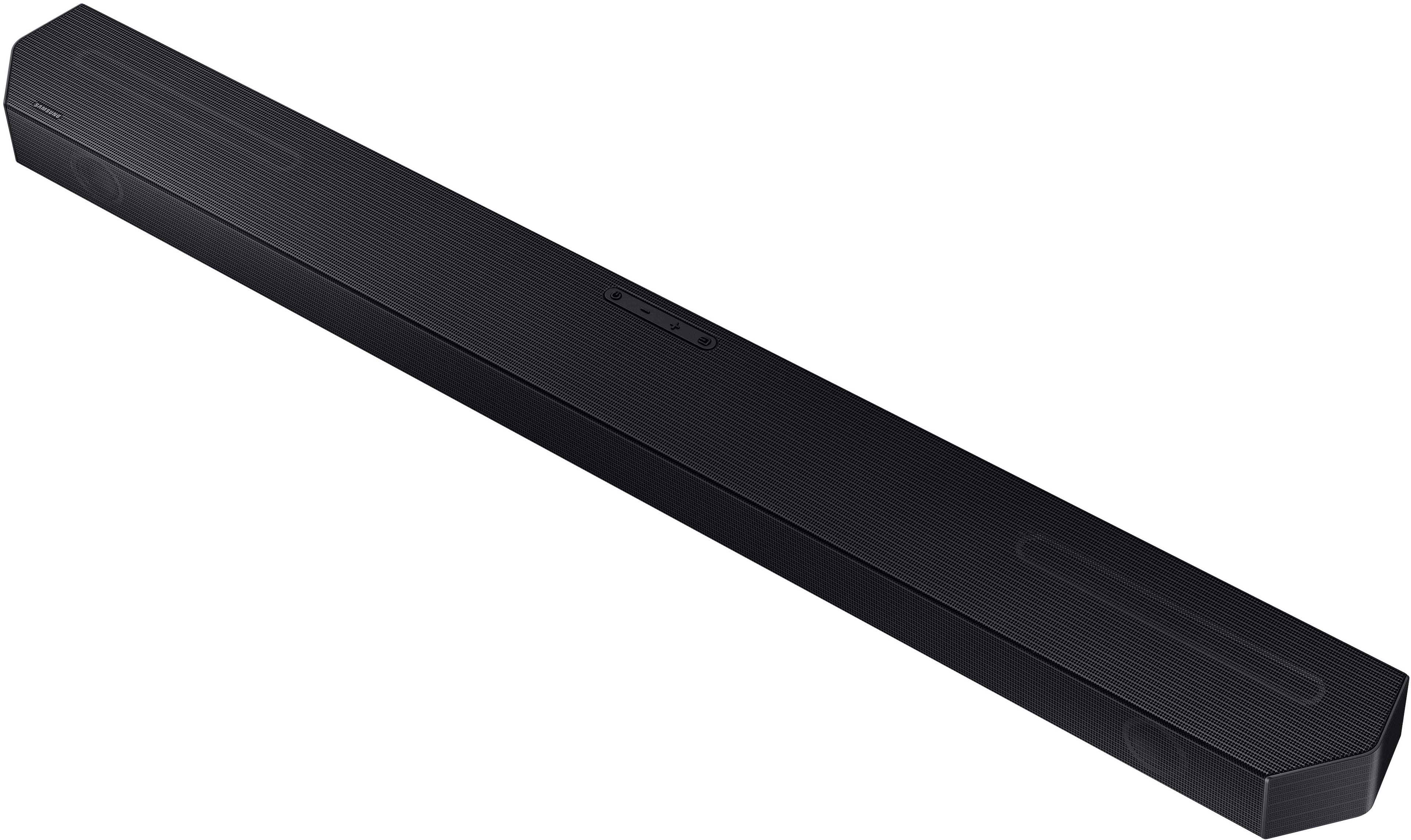
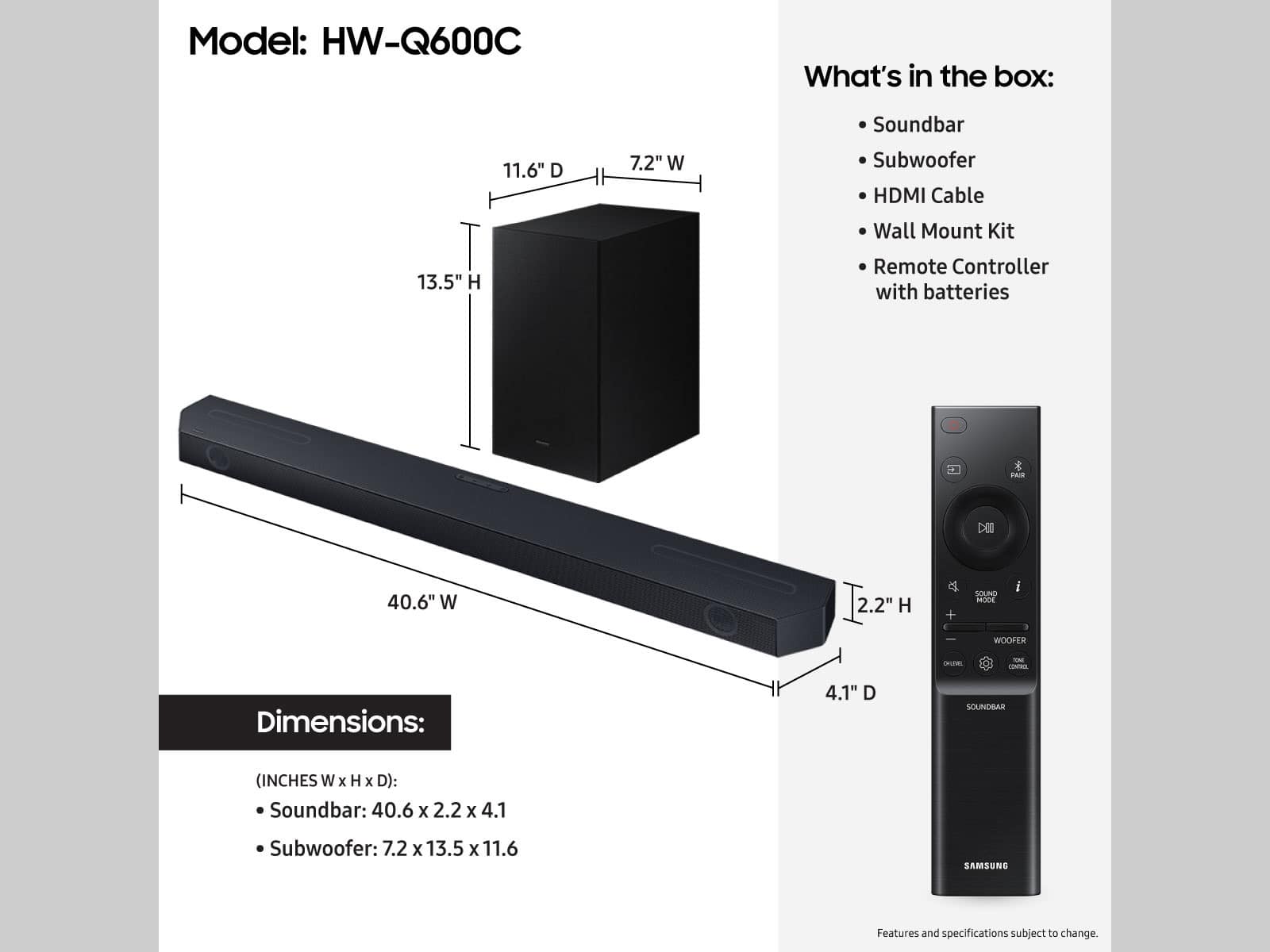
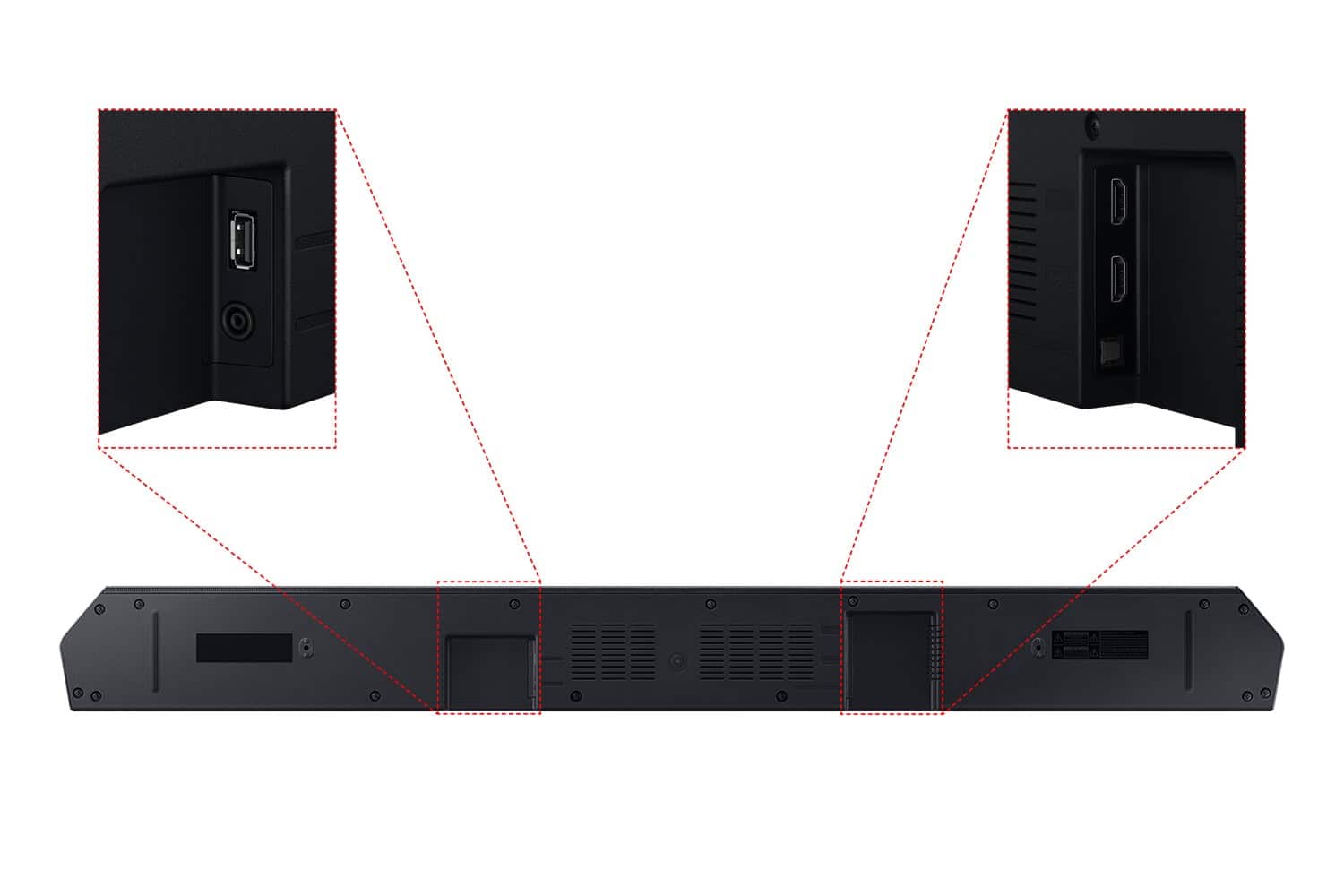
A:AnswerCoreyF, By pressing and holding the Sound Control (gear icon) button on the remote for 6 seconds until the unit is off, then check the display for the firmware version. You can download the current firmware directly from Samsung’s website by clicking “Support” in the top right corner. Then go to “Manuals & Software” > “TVs & Home Theater” > “Home Theater” > “Sound Bars”. From there, you can select the HW-Q600C under Q Series.
Download the update and install it via USB thumb stick to your soundbar. If you need additional help, there are how-to instructions on this page. Please know that Samsung Customer Service is here to assist as well.
If you need more help, Samsung is here for you. Please call us at 1-800-SAMSUNG, 8AM - 12AM EST (Ask for Soundbars), 7 days a week. Our Live Chat agents are also available by clicking on the ‘Support’ link on our website.
~ Samsung Solutions
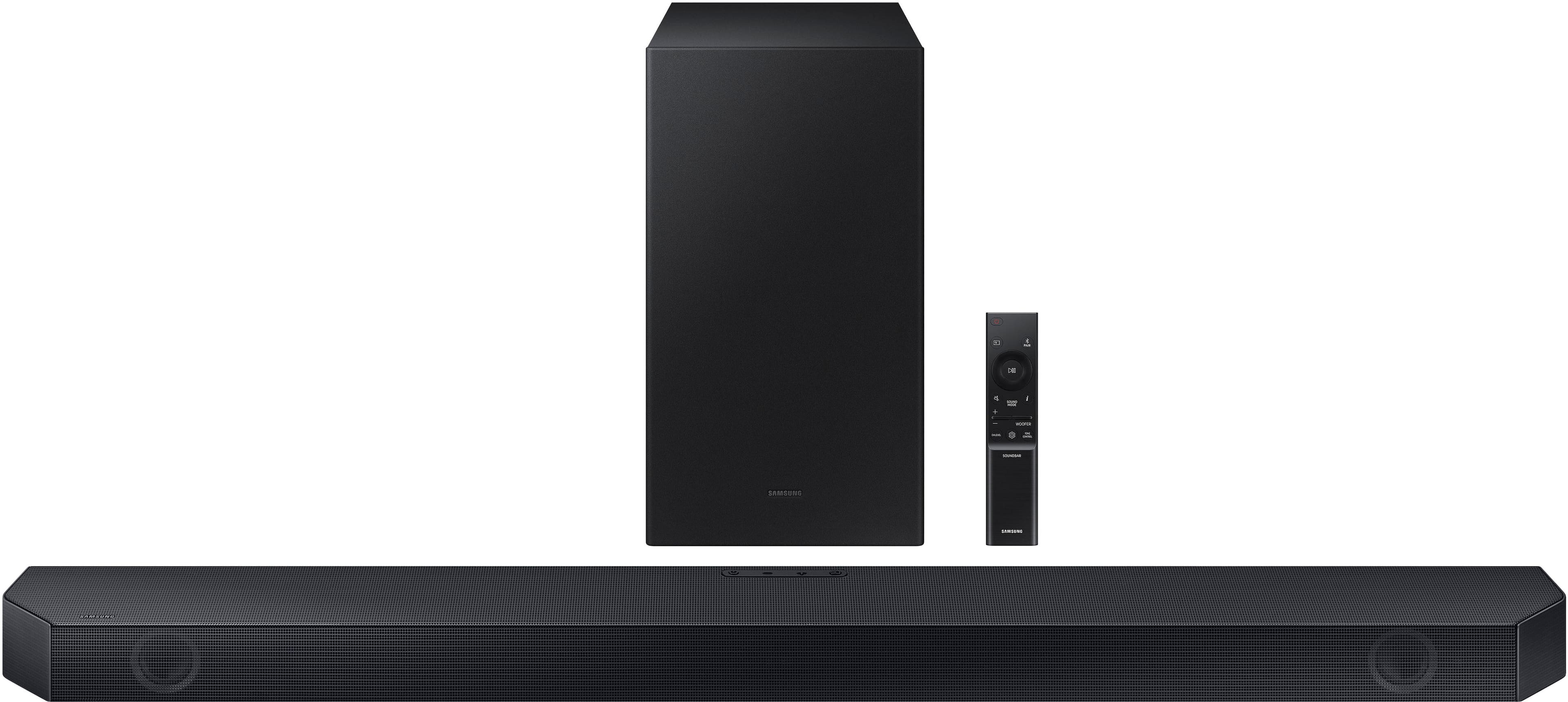
A:AnswerHo CoreyF, The current Firmware for the HW-Q600C Soundbar is Version 1014 and can be found in: https://www.samsung.com/us/support/downloads/?model=N0060699&modelCode=HW-Q600C/ZA ~ Samsung Solutions
A:AnswerHello CoreyF, Try deleting the older update and only keep the most current one and try it again. Here are some other steps to try.
Unzip the file to create a folder with the file name.
- Store the created folder in a USB and then connect it to the Soundbar.
- A sequence of “UPDATE” > “BYE” > “ON” will appear on the display 3 times. This will take around 6 minutes.
- During update, do not turn it off or remove the USB.
- If “UPDATE” does not appear on the display window, remove the power cord from the Soundbar and then reconnect it.
- When the latest Version is installed, no update is performed.
- Depending on the USB type, update may not be supported.
- After the 3 cycles are complete, the Soundbar will restart and last source used will appear on the display for about 20 seconds and then it will go off (“UPDATE” > “BYE” > “ON”) 3 times “D.IN” > off
If you need more help, Samsung is here for you. Please call us at 1-800-SAMSUNG, 8AM - 12AM EST (Ask for Soundbars), 7 days a week. Our Live Chat agents are also available by clicking on the ‘Support’ link on our website.
~ Samsung Solutions
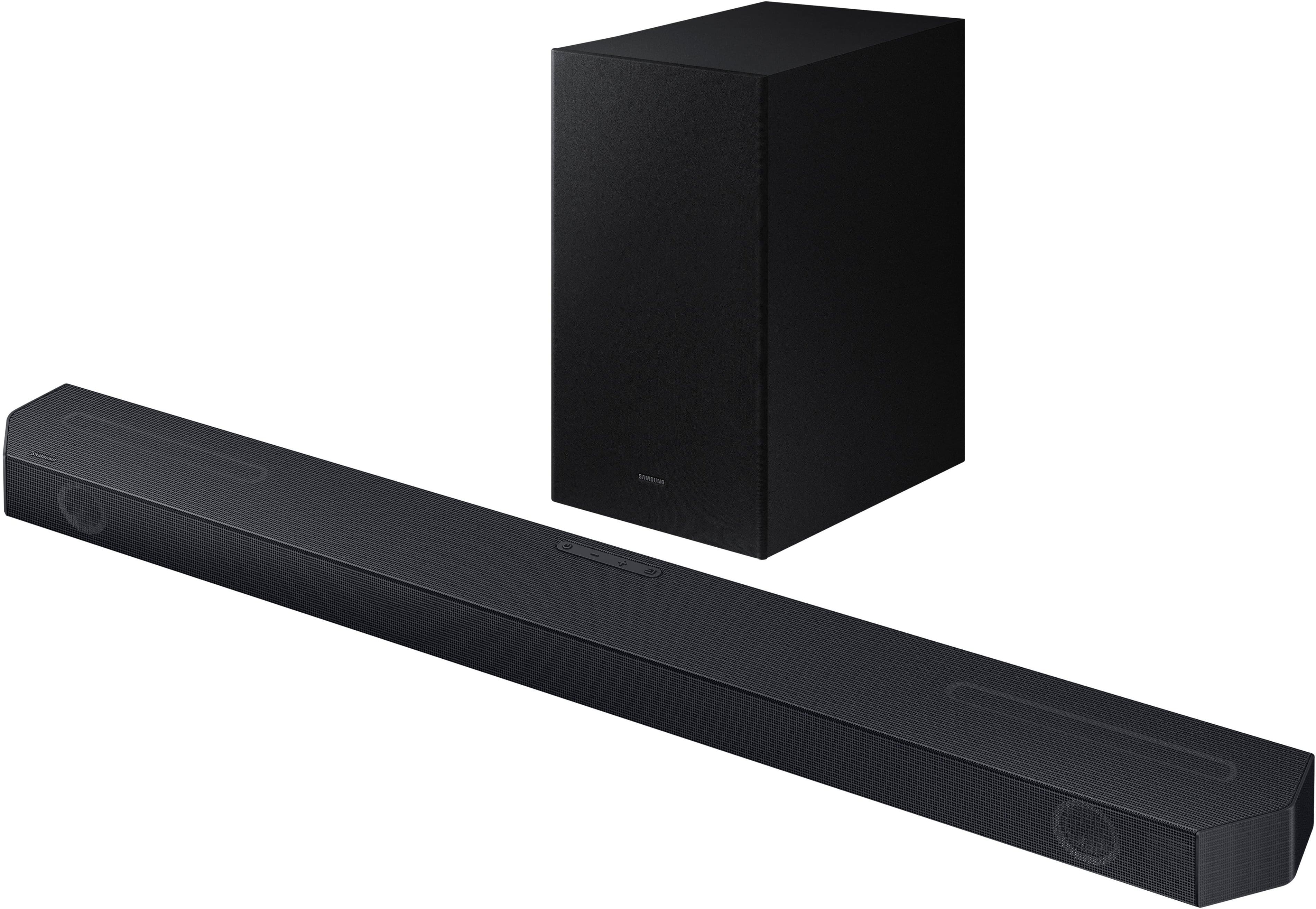
A:AnswerYou would have to purchase a RCA to HDMI conversion cable.
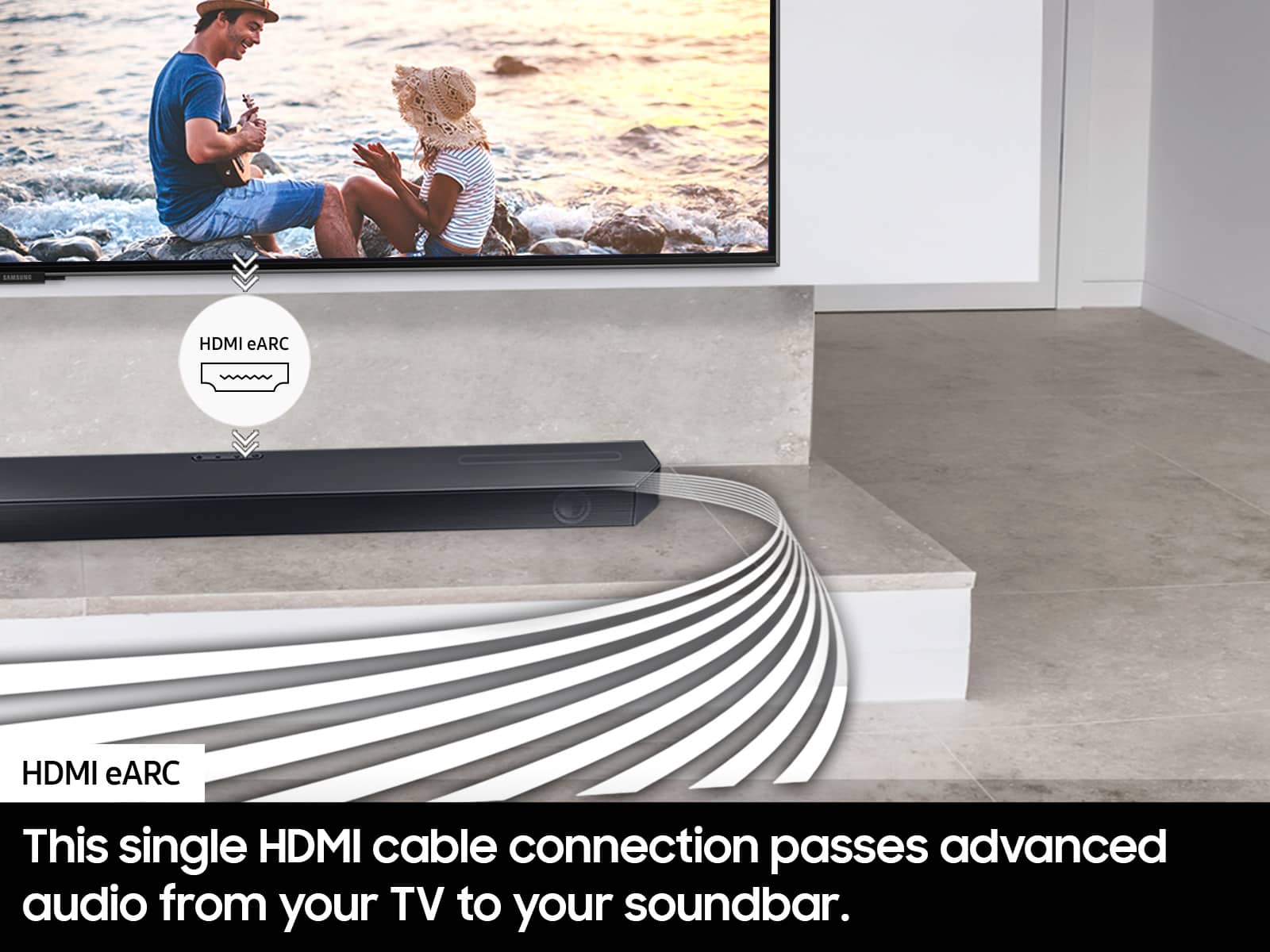
Remember, the only inputs that this sound bar offers is One HDMI-in, and One Optical.
A:AnswerHi JFlores. Please see page 35 of the HW-Q600C User Manual found here: https://downloadcenter.samsung.com/content/UM/202305/20230512141057118/HW-Q600C_ZA_FM_00_ENG_221216.1.pdf
~ Samsung Solutions