Questions & Answers
- Model:
- NP740U3M-K01US
- |
- SKU:
- 5712023
Highly rated by customers for: Touch Screen, Speed, Ease of use
Page Showing 41-46 of 46 questions
Q: QuestionIs the Samsung Notebook 7 Spin 2-in-1 compatible with Ink/Bamboo pen?
Asked by LordFrench.
- A:Answer No, I purchased that exact pen and ended up returning it. The laptop does not have the technology that the pen has.
Answered by Iansmama
Q: QuestionDoes the S Pen work with this computer? If so, how?
Asked by Morgan.
- A:Answer No
Answered by Rene
Q: QuestionI thought that this was able to be charged by EITHER the included standard brick charger OR by the USB C port? I have tried and it doesn't seem to work using the USB-C port. IS there a setting I need to do or is it just not able to do that?
Asked by TonyFLa.
- A:Answer I had the same issue. Maybe you can find the answer in the manual: https://www.samsung.com/us/support/owners/product/series-7-spin. Good luck.
Answered by stoked
Q: QuestionIs there a way to turn off the keyboard backlight when not needed?
Asked by Henry.
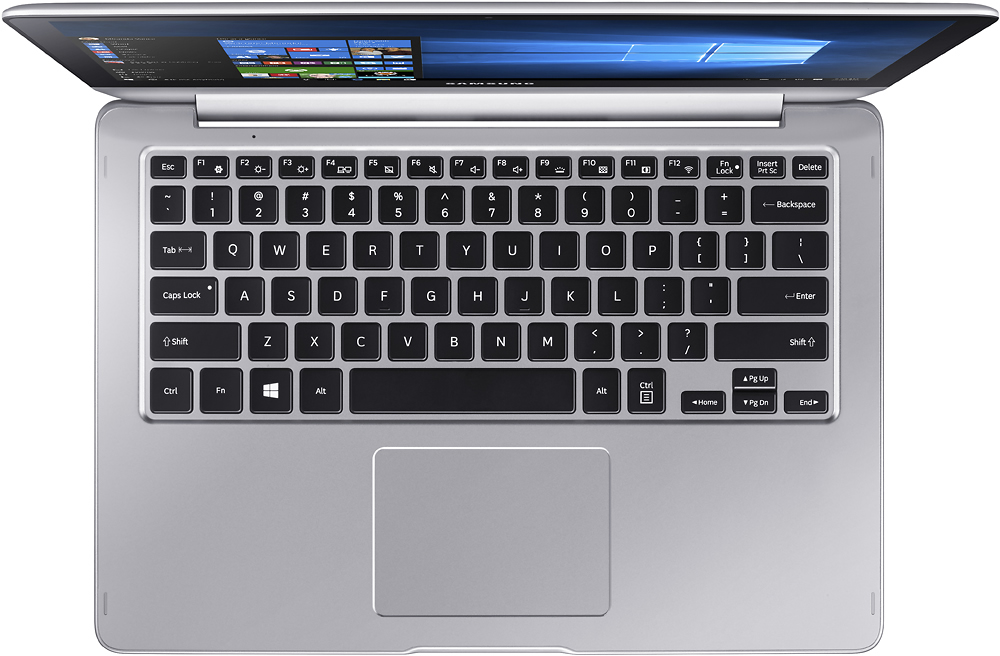
- A:Answer For my 15.6 model (NP7405L-Y2US) ; hold down the Fn key + tap F9 to adjust the keyboard brightness. Even shows an on screen display for the levels.
Answered by JimmyTomorrow
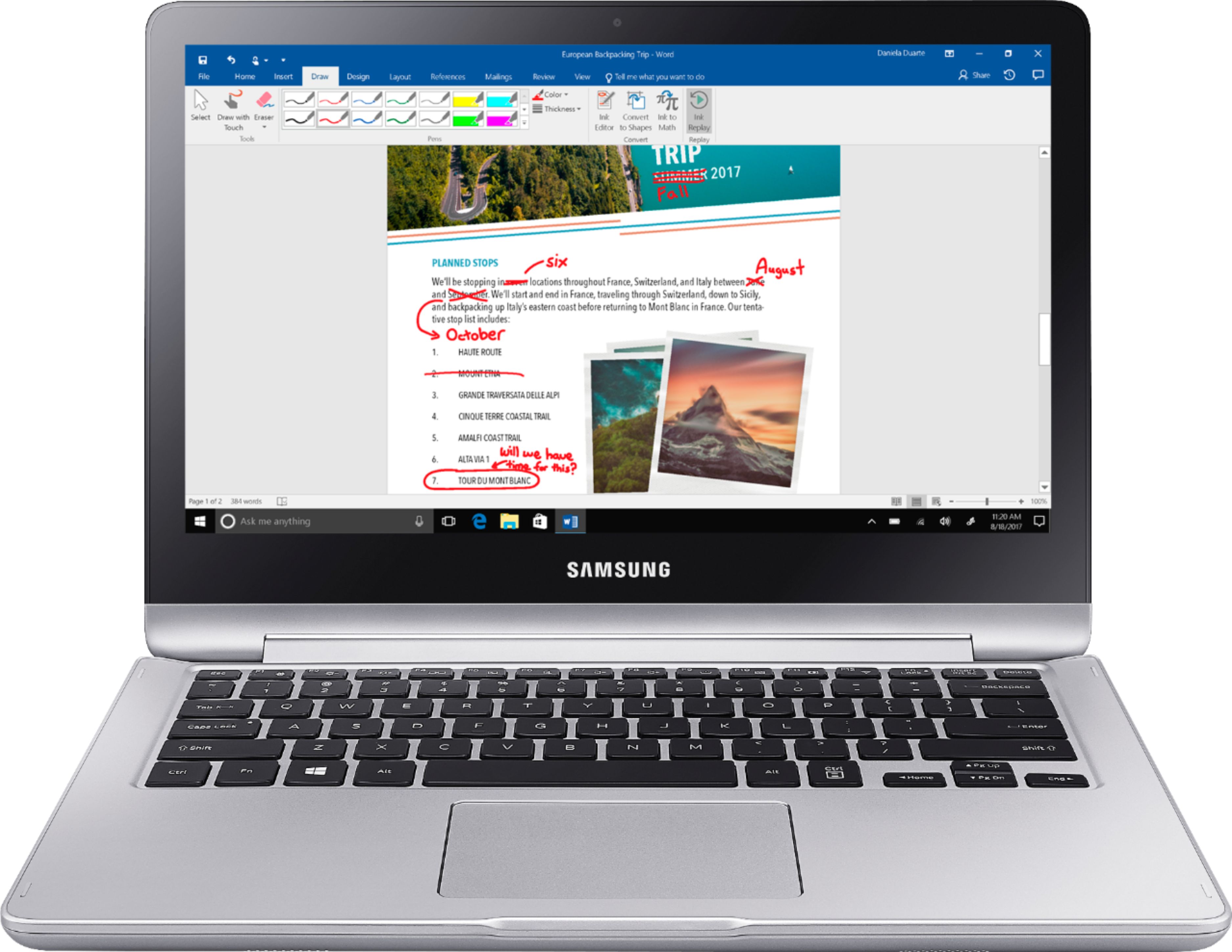
Q: Questioncan i buy a pen to use the touch screen ?
Asked by michell.
- A:Answer The real answer is NOT ANY PEN WILL WORK. There are several pens that work differently with touch screens and devices. In the case of this laptop which I own. The wacom bamboo does not work since it's not compatible. The only thing that works is the button on the top of the pen that starts some of the drawing applications but besides that, it does not write in this device. There are active pens and capacitive pens, the capacitive pens are the ones that should work with any touch screen or at least the majority of the touch screens and devices since it does not require a special software. However I just tried one of the adonit pens and it just doesn't work. This is actually interesting since the capacitive pens should work like a normal finger does however this machine seems to have a really incredible capacity to not read any smart pens. I have contacted samsung and the answer that they have is that the samsung notebook 7 spln is not compatible with any of the smart pens that they know or have at their disposal. I will continue searching for options but in the mean time I will only use one of my fingers to use the touch screen.
Answered by Dante
Q: QuestionIs there any kind of pen/stylus that will work with this touch-screen laptop?
Asked by Talaya.
- A:Answer I have used the dollar store stylys so i know that any should work
Answered by Joseavj
Page 3, Showing 41-46 of 46 questions
Top Rated
- $329.99$329.99The price was $469.99
- $299.99$299.99The price was $349.99
- $149.00$149.00The price was $399.00
- $139.99$139.99The price was $149.99
- $59.99$59.99The price was $99.00