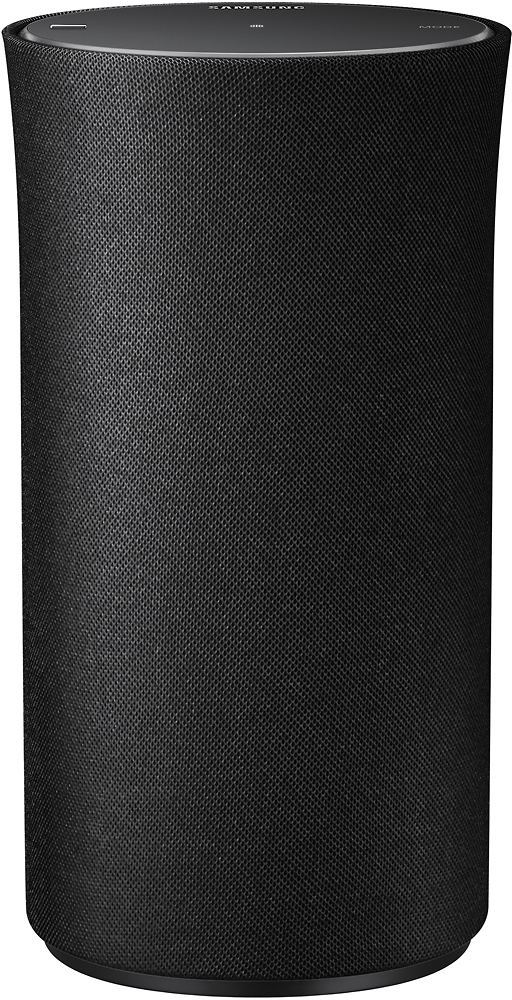
A:AnswerIf the sound bar is compatible you can pair them either through the Samsung Multiroom app or set up both with compatible Samsung smart TV for surround sound speaker designation. These options use the WiFi connection to pair speakers.
A:AnswerIt appears according to the instructions that you can tie more than one of these speakers together using blue tooth. I only have on speaker., But, that option is a nice one to have to fill rooms with life like concert type sound
A:AnswerIf it's a smartphone, you can download the Samsung Multiroom App and use your phone to control the speaker. You can pair/connect the speaker to WiFi and Bluetooth devices to stream music. For example, you can use your phone to connect the speaker to music accounts you have.
A:AnswerIf you have your speakers connected wifi then screen mirroring will interfere with the connection because it is using WiFi direct. You have to use another method of screen mirroring that does not use your tvs wifi signal. I use a separate Android box.
A:AnswerTouch and hold the touch area for 10 seconds to turn off the unit and tap the touch area to turn on as,well.
Please see attached link ( page 4)
http://www.google.com/url?sa=t&source=web&cd=1&ved=0ahUKEwjYkrTcyPbQAhXnr1QKHai8A9MQFggaMAA&url=http%3A%2F%2Fmedia.datatail.com%2Fdocs%2Fmanual%2F297029_en.pdf&usg=AFQjCNHZjQwxhC5gur74T3d8ycEfdR952Q